Ottawa County Easement Deed (Entity Easement Holder) Form
Last validated October 29, 2026 by our Forms Development TeamFormatted for recording in Ottawa County, for property anywhere in the county: rural and unincorporated areas as well as Clay Center, Curtice, Elmore, Genoa, Graytown, Gypsum, Isle Saint George, Lacarne and 8 more.
- 3 documents included
- Immediate PDF download
- Formatting guarantee
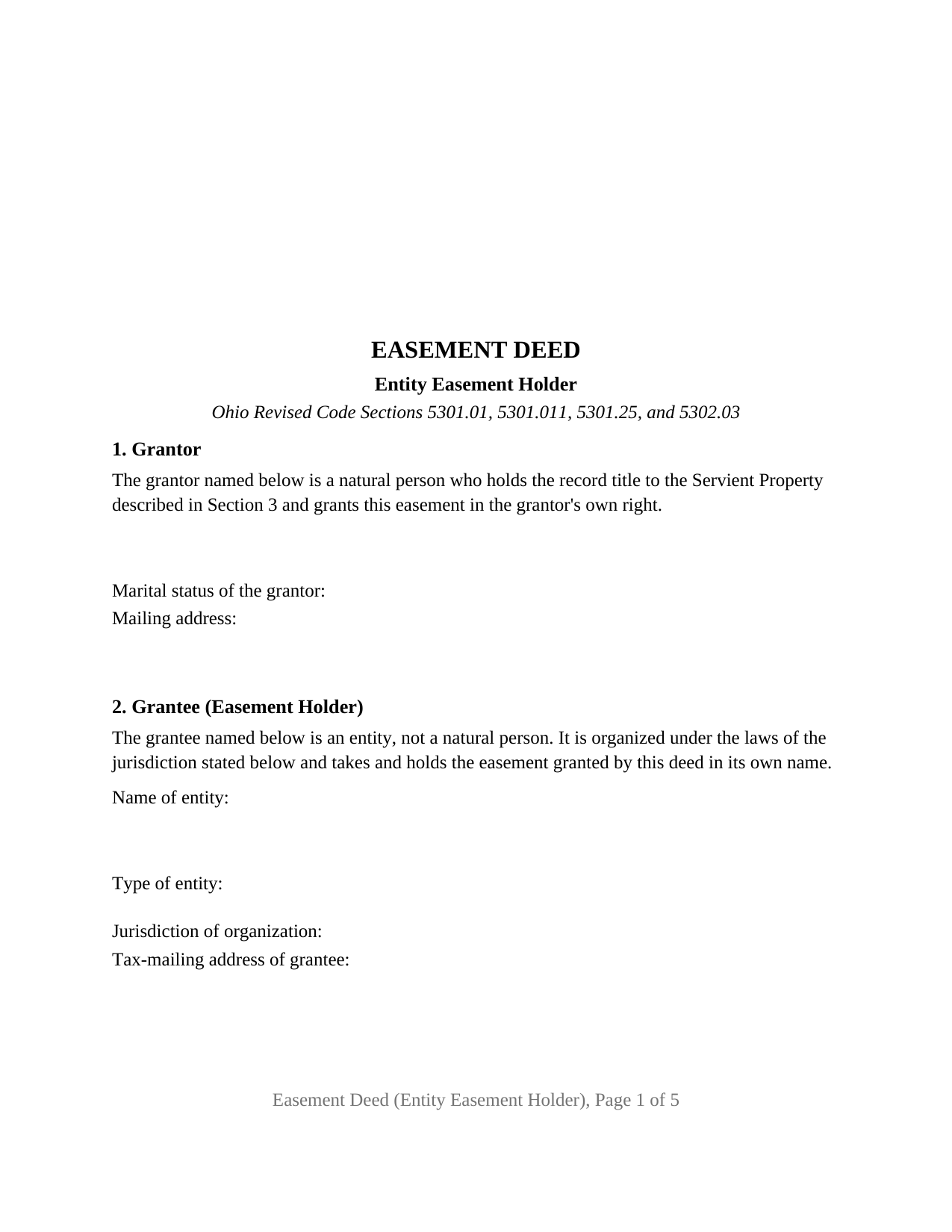
Ottawa County Easement Deed (Entity Easement Holder) Form
Fill in the blank Easement Deed (Entity Easement Holder) form formatted to comply with all Ohio recording and content requirements.
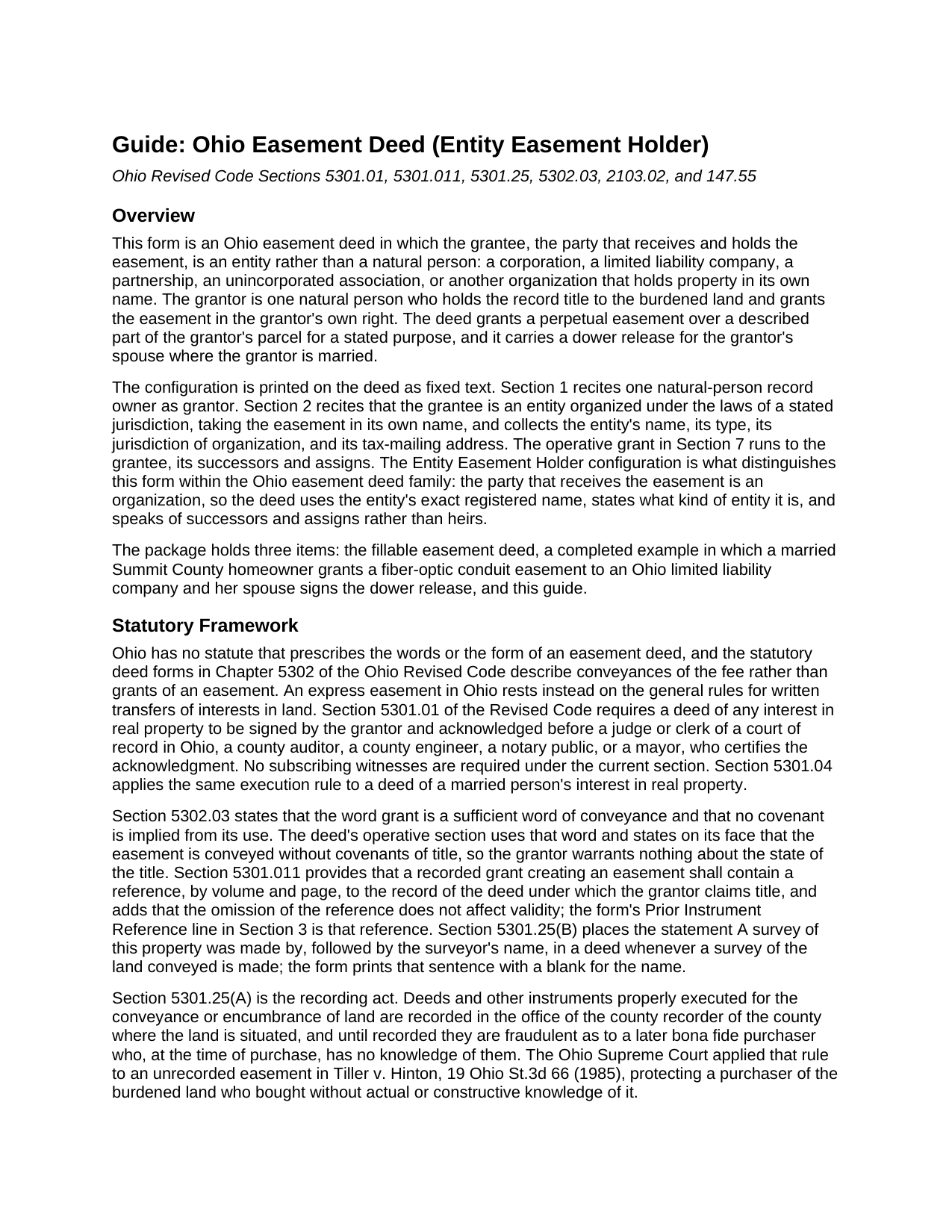
Ottawa County Easement Deed (Entity Easement Holder) Guide
Line by line guide explaining every blank on the Easement Deed (Entity Easement Holder) form.
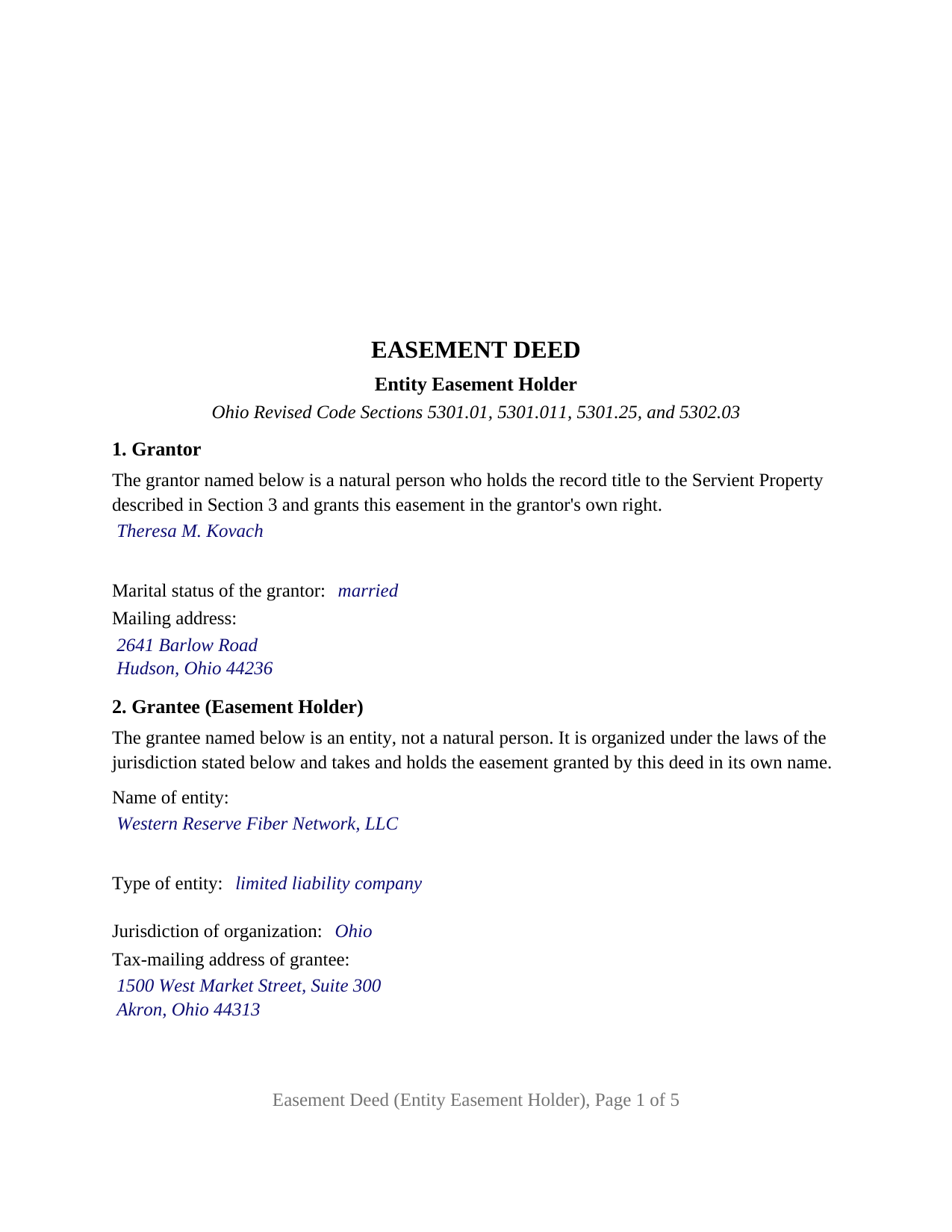
Ottawa County Completed Example of the Easement Deed (Entity Easement Holder) Document
Example of a properly completed Ohio Easement Deed (Entity Easement Holder) document for reference.
All 3 documents above included • One-time purchase • No recurring fees
Immediate Download • Secure Checkout
Additional Ohio and Ottawa County documents included at no extra charge:
Where to Record Your Documents
Ottawa County Recorder
Port Clinton, Ohio 43452
Hours: 8:30am to 4:30pm Monday through Friday
Phone: 419-734-6730
Recording Tips for Ottawa County:
- Bring your driver's license or state-issued photo ID
- Ensure all signatures are in blue or black ink
- Recorded documents become public record - avoid including SSNs
- Recording fees may differ from what's posted online - verify current rates
- Request a receipt showing your recording numbers
Cities and Jurisdictions in Ottawa County
Properties in any of these areas use Ottawa County forms:
- Clay Center
- Curtice
- Elmore
- Genoa
- Graytown
- Gypsum
- Isle Saint George
- Lacarne
- Lakeside Marblehead
- Martin
- Middle Bass
- Oak Harbor
- Port Clinton
- Put In Bay
- Rocky Ridge
- Williston
Hours, fees, requirements, and more for Ottawa County
How do I get my forms?
Forms are available for immediate download after payment. The Ottawa County forms will be in your account ready to download to your computer. An account is created for you during checkout if you don't have one. Forms are NOT emailed.
Are these forms guaranteed to be recordable in Ottawa County?
Yes. Our form blanks are guaranteed to meet or exceed the applicable formatting requirements used for recording in Ottawa County, including margin requirements, font requirements, and other layout standards. This guarantee applies to formatting, not to the legal sufficiency of information entered by the user or the suitability of a form for a particular transaction.
Can I reuse these forms?
Yes. You can reuse the forms for your personal use. For example, if you have multiple properties in Ottawa County you only need to order once.
What do I need to use these forms?
The forms are PDFs that you fill out on your computer. The free Adobe Acrobat Reader is recommended, and most PDF apps also work. You do NOT enter your property information online - you download the blank forms and complete them privately on your own computer.
Are there any recurring fees?
No. This is a one-time purchase. Nothing to cancel, no memberships, no recurring fees.
How much does it cost to record in Ottawa County?
Recording fees in Ottawa County vary. Contact the recorder's office at 419-734-6730 for current fees.
Questions answered? Let's get started!
When the party taking an Ohio easement is a company rather than a person, the deed has to name an organization exactly, say what kind of organization it is, and speak of successors and assigns instead of heirs. This Ohio Easement Deed (Entity Easement Holder) is drawn for that grantee: a corporation, limited liability company, partnership, association, or other entity receiving a perpetual easement over part of a parcel and holding it in its own name. One natural-person owner of record is the grantor, and the deed carries a dower release for the grantor's spouse.
A grantee that is an organization
Section 2 of the deed prints, as fixed text, that the grantee is an entity and not a natural person, organized under the laws of the jurisdiction stated and taking the easement in its own name. Four entries follow: the entity's exact registered name, its type, its jurisdiction of organization, and the tax-mailing address Section 319.20 of the Ohio Revised Code asks the county auditor to carry for a grantee. Section 1706.04 makes a limited liability company a separate legal entity, and Section 1701.13(F)(1) lets a corporation acquire and hold any interest in property. The grantee does not sign; under Section 5301.01 the grantor signs and acknowledges.
Successors and assigns, appurtenant or in gross
The operative section grants to the grantee, its successors and assigns, a perpetual easement over, under, and across the described Easement Area for the stated purpose, with the right of entry reasonably necessary to exercise it. Where Section 5 names a Benefited Property, the easement is appurtenant to that land and runs with it; where Section 5 reads None, the easement is in gross, held by the entity in its own name, its rights extending to successors and assigns. In Stone Collector, Inc. v. N.E. Ohio Natural Gas Corp., 2023-Ohio-2650, the Eleventh District observed that easements of a commercial character, like a gas pipeline, are easements in gross, while repeating the description of an easement in gross as personal to its grantee; the deed's successors-and-assigns language is the parties' written statement on that point. The word grant carries no covenant of title under Section 5302.03, and the deed says so.
What the configuration recites, and what it does not
Section 1 recites exactly one grantor, a natural person holding the record title to the burdened land and granting in that person's own right; marital status is a factual entry because dower under Section 2103.02 reaches a married grantor's real property, and Section 8 has the spouse release all rights of dower in the Easement Area, with its own signature block and acknowledgment certificate, left empty for an unmarried grantor. A homeowner granting an underground fiber-optic corridor to a telecommunications company, a farm owner granting a pipeline right-of-way to a gas company, and a lot owner granting an access strip to an incorporated homeowners association present the pattern this deed recites. The form is not set up as a deed by two record owners, by an entity or trustee grantor, by an attorney-in-fact, or to a natural-person grantee.
The conveyance fee follows the price of the strip
Because an easement is often bought rather than given, the consideration entry sits inside the granting sentence, and that figure drives the auditor's paperwork. Section 322.01(D) defines a deed for county transfer-tax purposes as any instrument granting an interest in real property, which reaches a grant of easement. Section 319.54(G)(3)(p) exempts an easement or right-of-way whose value does not exceed one thousand dollars from the state conveyance fee; above that figure the grantor pays ten cents per hundred dollars of value, plus any county tax of up to thirty cents per hundred under Section 322.02, on a DTE 100 statement filed under Section 319.202. The deed is then recorded with the county recorder where the parcel lies, on pages laid out to Section 317.114 and carrying the Section 5301.011 prior instrument reference; under Section 5301.25 an unrecorded easement is fraudulent as to a later bona fide purchaser without knowledge of it.
The package contains the fillable easement deed form, a completed example in which a married Summit County homeowner grants a fiber-optic conduit easement to an Ohio limited liability company and her spouse signs the dower release, and the guide that walks through every numbered section, the dower release, notarization, and the auditor and recorder steps. The form, the example, and the guide describe the instrument and Ohio law in general terms; they are not legal advice.
Important: Your property must be located in Ottawa County to use these forms. Documents should be recorded at the county recording office listed above.
This Easement Deed (Entity Easement Holder) meets all recording requirements specific to Ottawa County.
Our Promise
The documents you receive here are guaranteed to meet or exceed the applicable Ottawa County recording format requirements. If there is a rejection caused by our formatting, we will correct the issue or refund your payment. This guarantee applies to document formatting only and does not extend to information entered by the user, the selection of the form, or the legal effect of the completed document.
Save Time and Money
Get your Ottawa County Easement Deed (Entity Easement Holder) form done right the first time with Deeds.com Uniform Conveyancing Blanks. At Deeds.com, we understand that your time and money are valuable resources, and we don't want you to face a penalty fee or rejection imposed by a county recorder for submitting nonstandard documents. We constantly review and update our forms to meet rapidly changing state and county recording requirements for roughly 3,500 counties and local jurisdictions.
4.8 out of 5 - ( 4,859 Reviews )
Thomas D. 2 out of 5 stars
The documents themselves are fine and the information provided with them is helpful. I find the actual processing of the documents, however, to be difficult particularly once the document has been saved. First, I note that the box for the date only allows entry of the last 2 digits of the year. Unfortunately, my download only allows me to enter one of the 2 digits required. When I delete it repeatedly, it eventually allows both digits to be entered but puts them in extremely small text and in superscrypt. I have not found a solution to this problem and am not sure the deed can even be recorded with this problem. Another problem is that if you try to revise the document after you have saved it the curser goes to the end of the line after each key entry. This means that there basically is no way to efficiently save the document for reworking later since you will have to delete everything you have entered in the text box unless you only need to make a single keystroke change or are willing to replace the curser after each entry. Try that with a long property description! Please note that I am using a Mac to prepare my documents and perhaps this is part of an "incompatibility problem". However, I didn't see a disclaimer regarding Mac use and so would expect the documents to perform correctly. Overall, I give the program a "2 star" rating because I am experiencing significant difficulties in entering dates in the documents even before saving them and because saving your work for later revision appears to be basically unworkable.
Thank you for your feedback Thomas, we appreciate you being specific about the issues you encountered. Adobe and Mac have a fairly long history of issues working together.
Victor K. 3 out of 5 stars
The form I needed was correct and paginated as required. It was accepted w/o penalties. I was not happy about the information which I found way too scant. One sample form does not cover enough possibilities, more would be helpful. The instruction page is a bit better but sometimes it is not clear enough - sometimes it is not clear what the numbered items in the form correspond to. There is no guidance about the process and it would take very little to provide it. Example about "description", say where to find. There is a bunch of "free forms" attached but no guide on which are needed and when. Example: at the counter I was given a paper "conveyance" form and asked to fill it - I did not know it was needed and what it did and so I had not d
Thank you for your feedback. We really appreciate it. Have a great day!
Benjamin A. 4 out of 5 stars
This method seems simple for me to complete. Wish me luck.
Thank you for your feedback. We really appreciate it. Have a great day!
Kathleen H. 2 out of 5 stars
Very disappointed that the Recording Information section did not state where to get the information required.
Sorry to hear that we failed you Kathleen.
Katherine D. 5 out of 5 stars
Once I found your site it was very easy to understand, order and copy the forms. It is very helpful that you included an example of a completed form. Thank you. This form helps hundreds of seniors avoid lawyers, probate and the fear of losing their homes.
We appreciate your business and value your feedback. Thank you. Have a wonderful day!
Sherilynne P. 3 out of 5 stars
I am delighted with the form. I just had to go through so much time and expense in order to use it. First, from your site I downloaded Adobe Acrobat. It totally compromised my computer. I had to get a computer expert to walk me through deleting adobe, and put a substitute on in order to use the form. That was an expense of $60.00. Then after that I still had a hard time getting the program to work, as the substitute program would not accept my e-mail address and I finally had to get someone on line to help me access that. I found it was a $$30.00 charge for the substitute. After fighting these lovely roadblocks, I was finally able to fill in the only form I needed and print it off. Took me two days to accomplish that. Why on earth do you offer adobe when it can compromise a computer so badly? Dealing with my husbands death and then having to deal with this, just one of many deterrents, well let's put it this way, it did not make my two days.
Thank you for your feedback. Sorry to hear of your experience. Our documents are Adobe PDFs because PDF is the standard for digital documents, most computers have Adobe Reader installed, and it (Adobe Reader) is free.
Thomas S. 1 out of 5 stars
Not good. The blanks on the form, supposedly especially tailored for the specific county, didn't have enough space for a document name or the doc #. I had to retype the whole doc myself.
Thank you for your feedback. We’re sorry the form did not provide enough room for the prior document information you needed to enter. We have canceled the order and reversed the payment. We are also reviewing the field spacing for the prior document title and recording number so we can improve the form. No further action is needed from you.
Timothy L. 5 out of 5 stars
It was very simple and easy to fill out the information need to do the warranty deed.
Thank you for your feedback. We really appreciate it. Have a great day!
Allan S. 5 out of 5 stars
Using this sofftware was a piece of cake! Donload was fast and simple. Using the guide supplied I did the Beneficiary Deed in no time. Would certainly use this service again without hesitation.
Your feedback is greatly appreciated. Thank you for taking the time to share your experience!
COURTNEY K. 5 out of 5 stars
I could not be happier with this service! It was so easy and fast!
Thank you!
Daniel S. 5 out of 5 stars
It was easy to find the forms I was looking for and the guided steps and examples of how to use the form were beneficial.
Thank you for your feedback. We really appreciate it. Have a great day!
Allison M. 5 out of 5 stars
Completely painless process! Great customer service! Thank you for everything!
Your words of encouragement and feedback are greatly appreciated. They motivate us to maintain high standards in our service.
Diane J. 5 out of 5 stars
Worked great very quick and easy without the sample model for my state would have been difficult for me thank's
Thank you for your feedback. We really appreciate it. Have a great day!
Zerrin M. 5 out of 5 stars
I’m in Clearwater, FL and needed to record a something in Palm Beach County. Deeds.com made the entire process incredibly simple. I submitted the documents, they sent it back once (same day) for a small correction, I fixed it and returned them, and everything was completed within the same day. It was even much faster and more convenient than going to my local recorder’s office. In-person usually means planning when to go, driving across town, paying for parking, and waiting in line — all of which I avoid with Deeds.com. Highly recommended!
Thank you, Zerrin! Glad we could save you the trip across town. We appreciate you taking the time to share your experience.
sara g. 5 out of 5 stars
THIS WAS A USER FRIENDLY FORM, WAS ABLE TO COMPLETE WITHIN A SHORT TIME. THANK YOU
We appreciate your business and value your feedback. Thank you. Have a wonderful day!