Brown County Fiduciary Deed (Trustee) Form
Last validated October 24, 2026 by our Forms Development TeamFormatted for recording in Brown County, for property anywhere in the county: rural and unincorporated areas as well as Aberdeen, Decatur, Fayetteville, Feesburg, Georgetown, Hamersville, Higginsport, Mount Orab and 3 more.
- 3 documents included
- Immediate PDF download
- Formatting guarantee
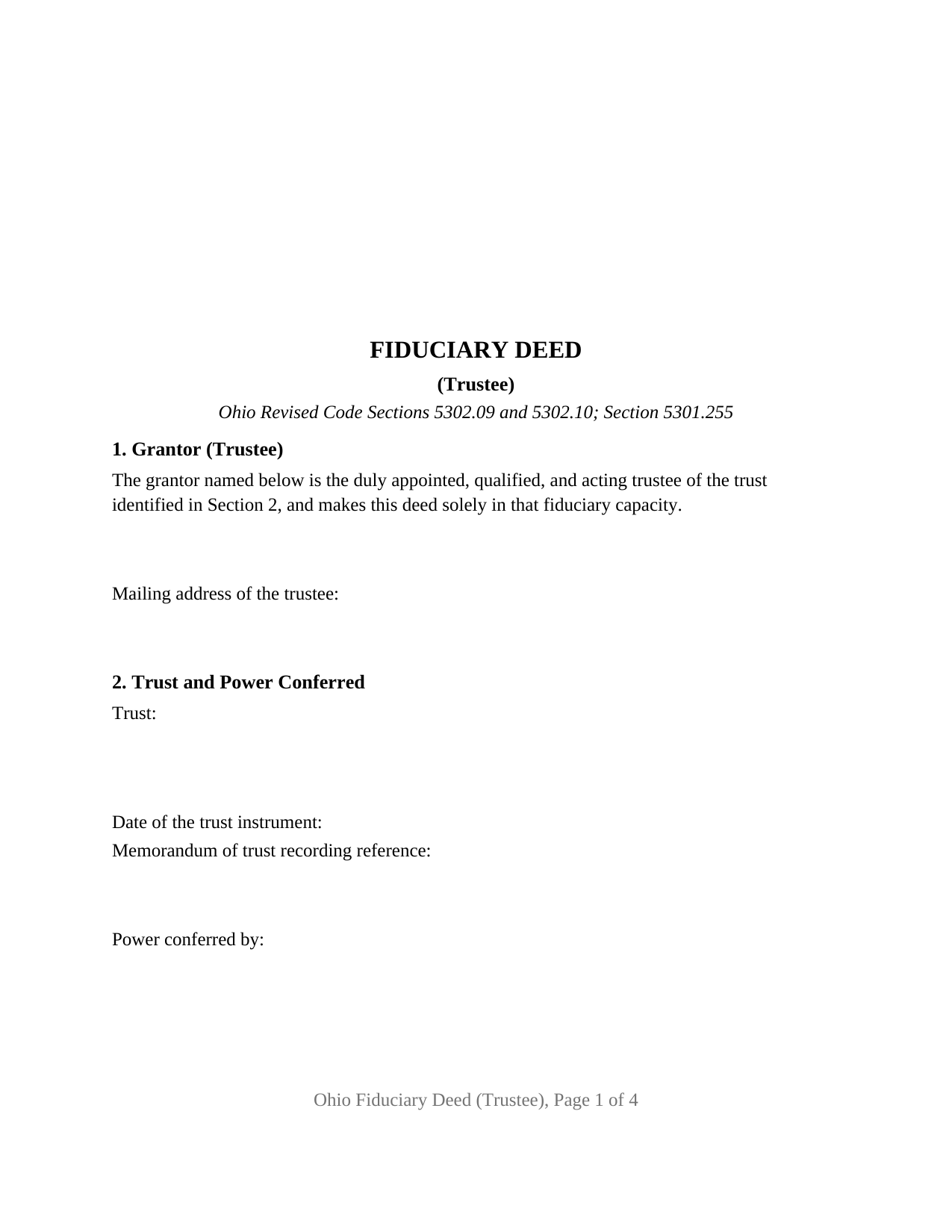
Brown County Fiduciary Deed (Trustee) Form
Fill in the blank Fiduciary Deed (Trustee) form formatted to comply with all Ohio recording and content requirements.
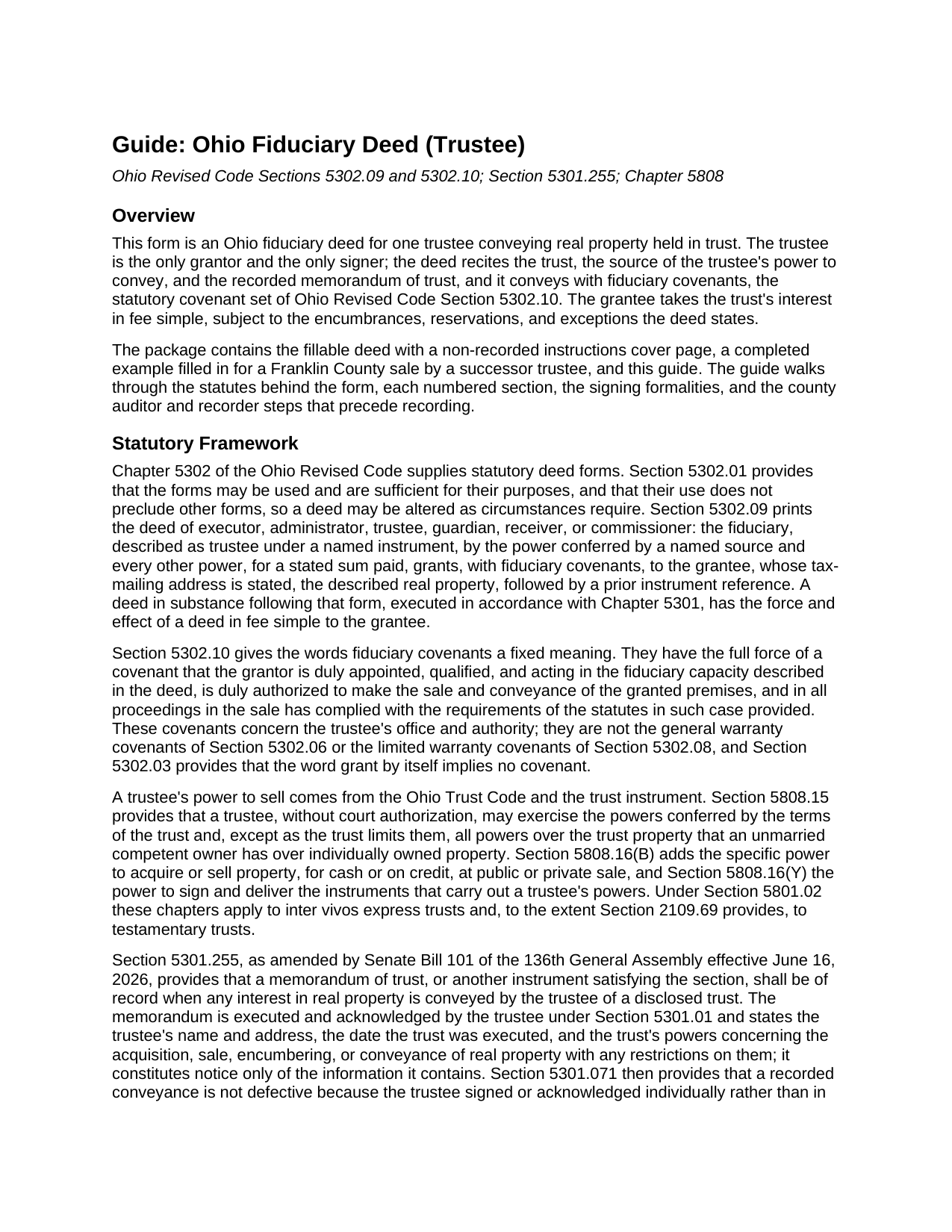
Brown County Fiduciary Deed (Trustee) Guide
Line by line guide explaining every blank on the Fiduciary Deed (Trustee) form.
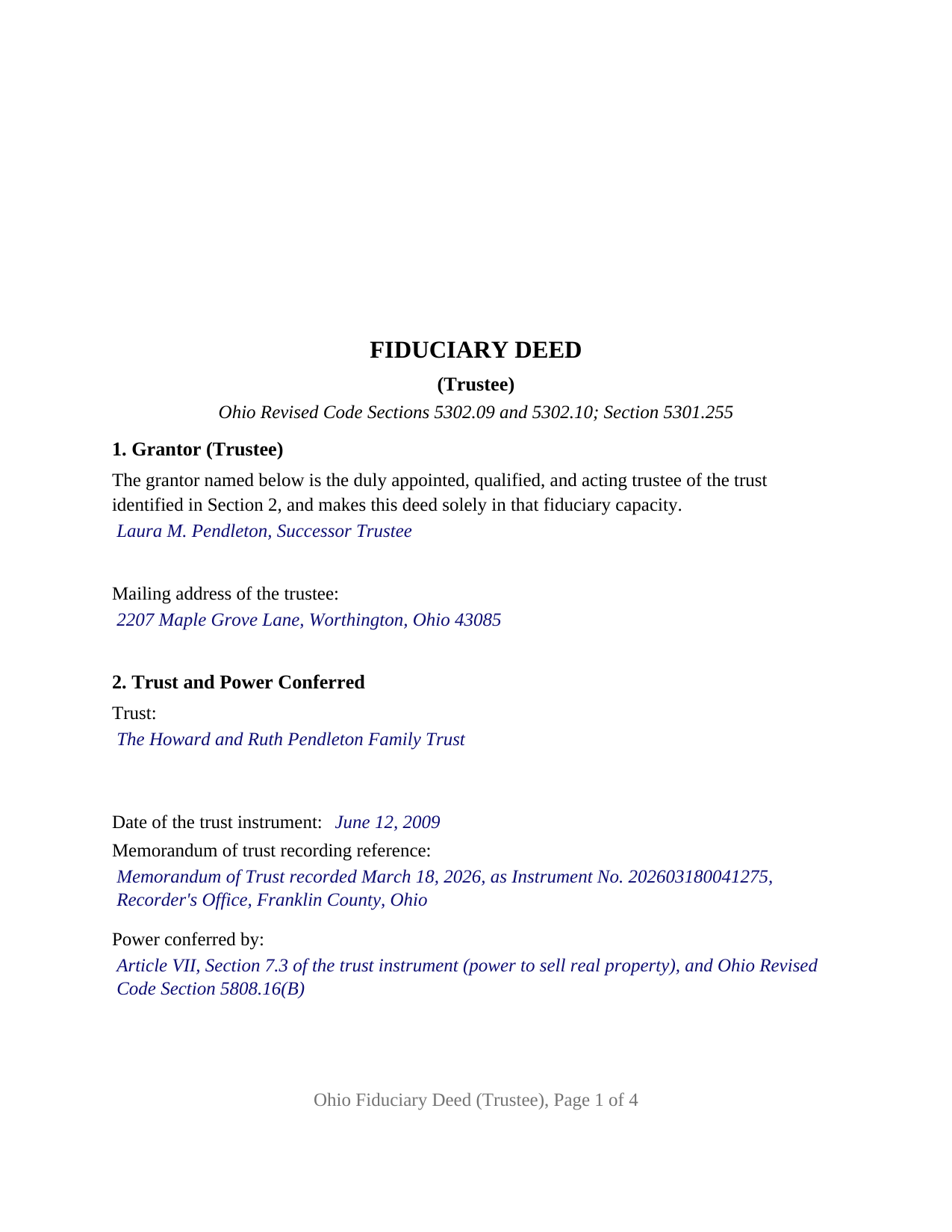
Brown County Completed Example of the Fiduciary Deed (Trustee) Document
Example of a properly completed Ohio Fiduciary Deed (Trustee) document for reference.
All 3 documents above included • One-time purchase • No recurring fees
Immediate Download • Secure Checkout
Additional Ohio and Brown County documents included at no extra charge:
Where to Record Your Documents
Brown County Recorder
Georgetown, Ohio 45121
Hours: 8:00 to 4:00 Monday-Friday
Phone: (937) 378-6478
Recording Tips for Brown County:
- Bring your driver's license or state-issued photo ID
- Ensure all signatures are in blue or black ink
- Request a receipt showing your recording numbers
- Ask about accepted payment methods when you call ahead
- Ask for certified copies if you need them for other transactions
Cities and Jurisdictions in Brown County
Properties in any of these areas use Brown County forms:
- Aberdeen
- Decatur
- Fayetteville
- Feesburg
- Georgetown
- Hamersville
- Higginsport
- Mount Orab
- Ripley
- Russellville
- Sardinia
Hours, fees, requirements, and more for Brown County
How do I get my forms?
Forms are available for immediate download after payment. The Brown County forms will be in your account ready to download to your computer. An account is created for you during checkout if you don't have one. Forms are NOT emailed.
Are these forms guaranteed to be recordable in Brown County?
Yes. Our form blanks are guaranteed to meet or exceed the applicable formatting requirements used for recording in Brown County, including margin requirements, font requirements, and other layout standards. This guarantee applies to formatting, not to the legal sufficiency of information entered by the user or the suitability of a form for a particular transaction.
Can I reuse these forms?
Yes. You can reuse the forms for your personal use. For example, if you have multiple properties in Brown County you only need to order once.
What do I need to use these forms?
The forms are PDFs that you fill out on your computer. The free Adobe Acrobat Reader is recommended, and most PDF apps also work. You do NOT enter your property information online - you download the blank forms and complete them privately on your own computer.
Are there any recurring fees?
No. This is a one-time purchase. Nothing to cancel, no memberships, no recurring fees.
How much does it cost to record in Brown County?
Recording fees in Brown County vary. Contact the recorder's office at (937) 378-6478 for current fees.
Questions answered? Let's get started!
When the trustee of an Ohio trust sells real property the trust holds, the deed that closes the sale names the trust, states where the trustee's power to convey comes from, and points to a memorandum of trust already on the county record. This Ohio Fiduciary Deed (Trustee) is that deed: the statutory deed of trustee in Ohio Revised Code Section 5302.09, set up for one trustee of one trust.
Authority that lives on the record, not only in the deed
A trustee's power to sell is private law until it is recorded. The trust instrument confers it and the Ohio Trust Code backs it: Section 5808.15 lets a trustee exercise, without court authorization, every power the trust confers, and Section 5808.16(B) names the power to sell property at public or private sale. The county record sees none of that unless a memorandum of trust is filed, and since June 16, 2026, Section 5301.255 provides that a memorandum of trust shall be of record when a trustee of a disclosed trust conveys real property. The memorandum, signed and acknowledged by the trustee, states the trustee's name and address, the trust's date, and its powers over the conveyance of real property. Section 2 of this form carries the memorandum's recording reference beside the trust's name and date, so a title examiner finds the recorded instrument behind the trustee's signature; Section 5301.071(F) cures a missing memorandum once the deed has been of record for more than four years.
Fiduciary covenants are promises about the trustee
The operative words, grants, with fiduciary covenants, are the statute's. Under Section 5302.10 they carry a covenant that the grantor holds the fiduciary office the deed describes, is duly authorized to make the sale and conveyance, and has complied with the statutes governing the sale. The promise runs to the trustee's standing and procedure, not to the chain of title. Liens and prior defects are a title examination's work, and Section 5810.12 protects a person who deals with a trustee in good faith and for value, without knowledge that the trustee is exceeding the trustee's powers, from any duty to inquire into those powers.
What this configuration recites
The form recites exactly one grantor, an individual who is the duly appointed, qualified, and acting trustee of the trust identified in Section 2 and who conveys solely in that capacity. Section 2 holds the trust's name, the date of the trust instrument, the memorandum of trust reference, and the power conferred, in the words of the statutory form. One signature block headed GRANTOR (TRUSTEE) and one acknowledgment certificate follow, the certificate in the Section 147.55(F) short form for a trustee. No marital status and no dower release appear: the trustee conveys the trust's title, not the trustee's own. A successor trustee selling the settlor's former residence after the settlor's death, and the trustee of an irrevocable trust selling a rental parcel to an outside buyer, present the one-trustee pattern this deed recites. Two cotrustees signing together, a distribution to the trust's beneficiaries, a settlor funding the trust, and a bank trustee signing through an officer each present a pattern the form is not set up as. The grantee section is open to one or two grantees with any vesting designation Ohio recognizes; the completed example conveys to two purchasers as tenants in common, the Section 5302.19 default.
A sale pays the conveyance fee; the auditor stamps first
An Ohio deed is recorded only after the county auditor has transferred it. The conveyance fee statement, form DTE 100, goes to the auditor under Section 319.202 with the grantee's tax-mailing address and the prior instrument reference Section 319.20 requires, both printed on this form, and the grantor pays the state fee of ten cents per hundred dollars of value under Section 319.54(G)(3). That section's trust exemptions, a transfer into a revocable trust, a transfer back to the settlor, and a distribution to beneficiaries, do not reach a trustee's sale to a purchaser for value. The form is built to the Section 317.114 recording standard, with a three inch blank first-page top margin for the county stamps and the Section 317.111 preparer statement.
The package includes the fillable trustee deed, a completed example filled in for a Franklin County sale by a successor trustee, and the guide covering each numbered section, the trustee's authority, and the auditor and recorder steps. The description and guide describe the form and Ohio's statutes in general terms and are not legal advice.
Important: Your property must be located in Brown County to use these forms. Documents should be recorded at the county recording office listed above.
This Fiduciary Deed (Trustee) meets all recording requirements specific to Brown County.
Our Promise
The documents you receive here are guaranteed to meet or exceed the applicable Brown County recording format requirements. If there is a rejection caused by our formatting, we will correct the issue or refund your payment. This guarantee applies to document formatting only and does not extend to information entered by the user, the selection of the form, or the legal effect of the completed document.
Save Time and Money
Get your Brown County Fiduciary Deed (Trustee) form done right the first time with Deeds.com Uniform Conveyancing Blanks. At Deeds.com, we understand that your time and money are valuable resources, and we don't want you to face a penalty fee or rejection imposed by a county recorder for submitting nonstandard documents. We constantly review and update our forms to meet rapidly changing state and county recording requirements for roughly 3,500 counties and local jurisdictions.
4.8 out of 5 - ( 4,831 Reviews )
Trace A. 5 out of 5 stars
Deeds.com had much better and fuller information than any other help i found (90% complete vs 60 % complete); they tout how up-to-date they are on all the counties in the country and the idiosyncrasies of each county's forms and procedures; but some minor points of the info i needed were missing or confusing. Including that they sold me on e-Recording my deed through them, only to find out after i had done all the prep for that, that they had failed to tell me upfront (or i missed it somehow) that the county i was dealing with did not yet accept online recording. So, they were by far the best i found, but not 100%.
Thank you for your honest and thorough feedback Trace. We will review your concerns carefully in an effort to improve our services. Hope you have an amazing day.
Maday G. 5 out of 5 stars
The service was easy and fast. Definitely much better than the regular process directly at the County's office.
We appreciate your business and value your feedback. Thank you. Have a wonderful day!
Deborah Anne C. 5 out of 5 stars
Easy, Comprehensive and most importantly Easy!
We appreciate your business and value your feedback. Thank you. Have a wonderful day!
Scott W. 5 out of 5 stars
World class forms and service! Wish I had known about this site years ago, woulda saved me lots of headaches. Thank you.
Thanks for the kinds words Scott, have an amazing day!
Bernice L. 5 out of 5 stars
Finally able to print out the forms after a few tries. Honestly, I think it could have been designed a little better. I am almost 80; however, very computer savvy, but finally managed to get what I needed.
Thank you for your feedback. We really appreciate it. Have a great day!
DAVID K. 5 out of 5 stars
You are definitely the place to go for forms and other things which I need to solve my problems. Thanks for your help.
Thank you!
Matilde A. 5 out of 5 stars
Very easy to navigate... will be back to use!
Thank you for your feedback. We really appreciate it. Have a great day!
Craig J. 5 out of 5 stars
Package downloaded without any problems. Help sheet was fair. Maybe they could cross reference the help number on the help sheet to the form better - somehow. Overall, I was pleased. I was able to download, fill in the blanks and do what edits I thought it needed with ease. Cost was very reasonable. I'll give it a 5.
Thank you for your feedback. We really appreciate it. Have a great day!
Michael B. 4 out of 5 stars
I'm very pleased with the service provided by Deeds.com. After a format issue caused my scanner, it was a very smooth and speedy process. Highly recommended.
Thank you for your feedback. We really appreciate it. Have a great day!
David P. 5 out of 5 stars
You make the recording/registration process easy to follow - the value to price ratio is awesome!
We appreciate your business and value your feedback. Thank you. Have a wonderful day!
Bennie W. 5 out of 5 stars
I used the Quitclaim form. The form was easy to complete without using the example or guide. $21 was a fair price compared to paying a lawyer.
Thank you for your feedback. We really appreciate it. Have a great day!
Linda D. 5 out of 5 stars
This is a very nice service. Easy to use and reasonable. I especially appreciated the helpful explanations of each of the fields on the form. I will positively use this service again.
Thank you for your feedback. We really appreciate it. Have a great day!
Sara M. 5 out of 5 stars
Love these docs, and so does the recorder's office. Recording always goes so smooth, no issues ever. THANKS!!!
Awesome! Thanks for the kind words Sara.
Mary B. 5 out of 5 stars
I was very pleased with my experience on Deeds.com. I hand purchased the wrong papers and they credited my account so I could purchase the correct papers. I will use them again
We appreciate your business and value your feedback. Thank you. Have a wonderful day!
Margaret T. 5 out of 5 stars
Had a difficult time finding my download after purchase. Thankfully I had printed the form and had. However it was read only and I'm not experienced enough to be able to change that. So I went into my word program and typed in the form. I should be able to use it for my purpose. Just glad I was finally able to find it after hours of searching online. I'm in my 70's and not real computer intelligent which may have been part of the problem
Sorry to hear of your struggle Margaret, we will try harder to make our forms easier for everyone.