Vinton County Fiduciary Deed Form
Last validated October 14, 2026 by our Forms Development TeamFormatted for recording in Vinton County, for property anywhere in the county: rural and unincorporated areas as well as Creola, Hamden, Mc Arthur, New Plymouth, Ray, Wilkesville, Zaleski.
- 3 documents included
- Immediate PDF download
- Formatting guarantee
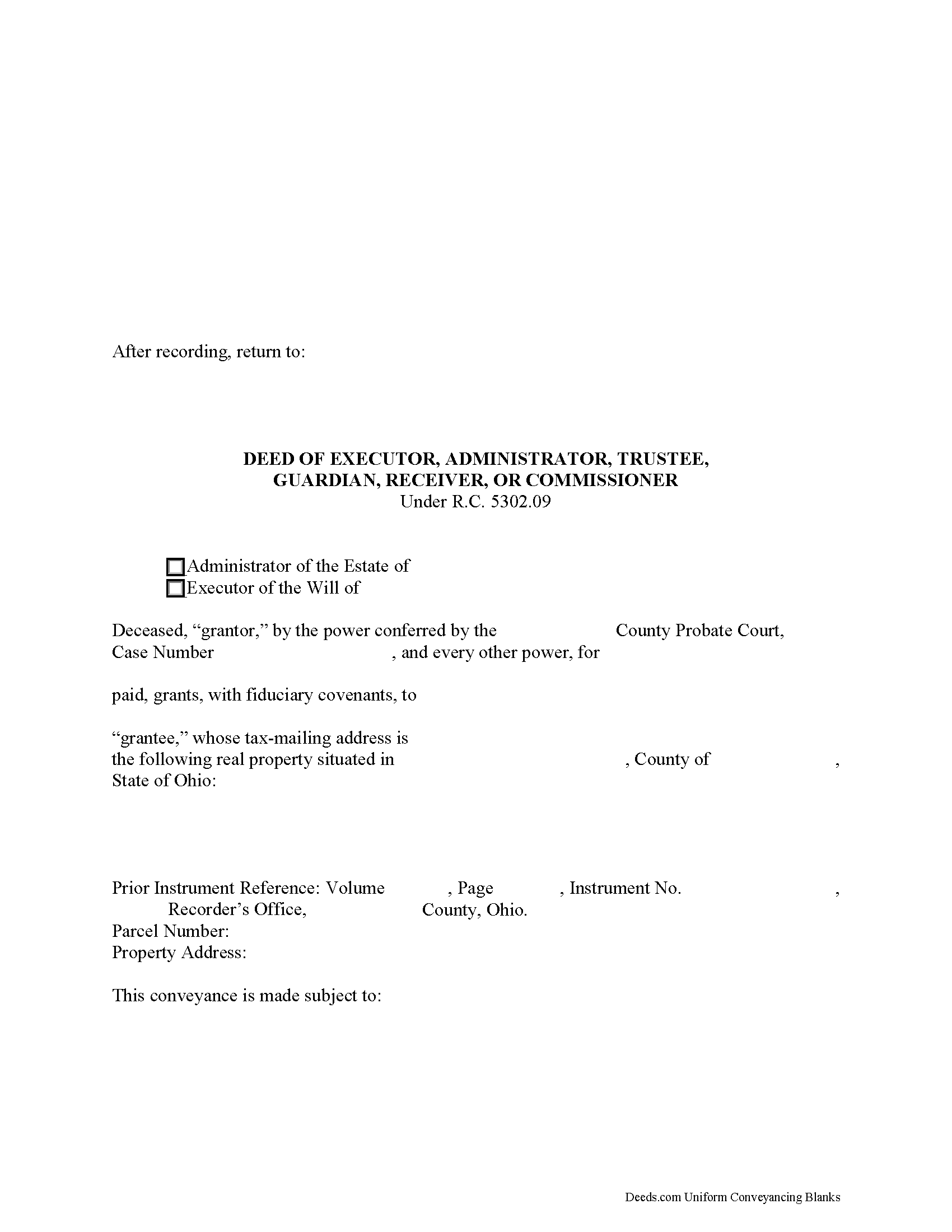
Vinton County Fiduciary Deed Form
Fill in the blank form formatted to comply with all recording and content requirements.
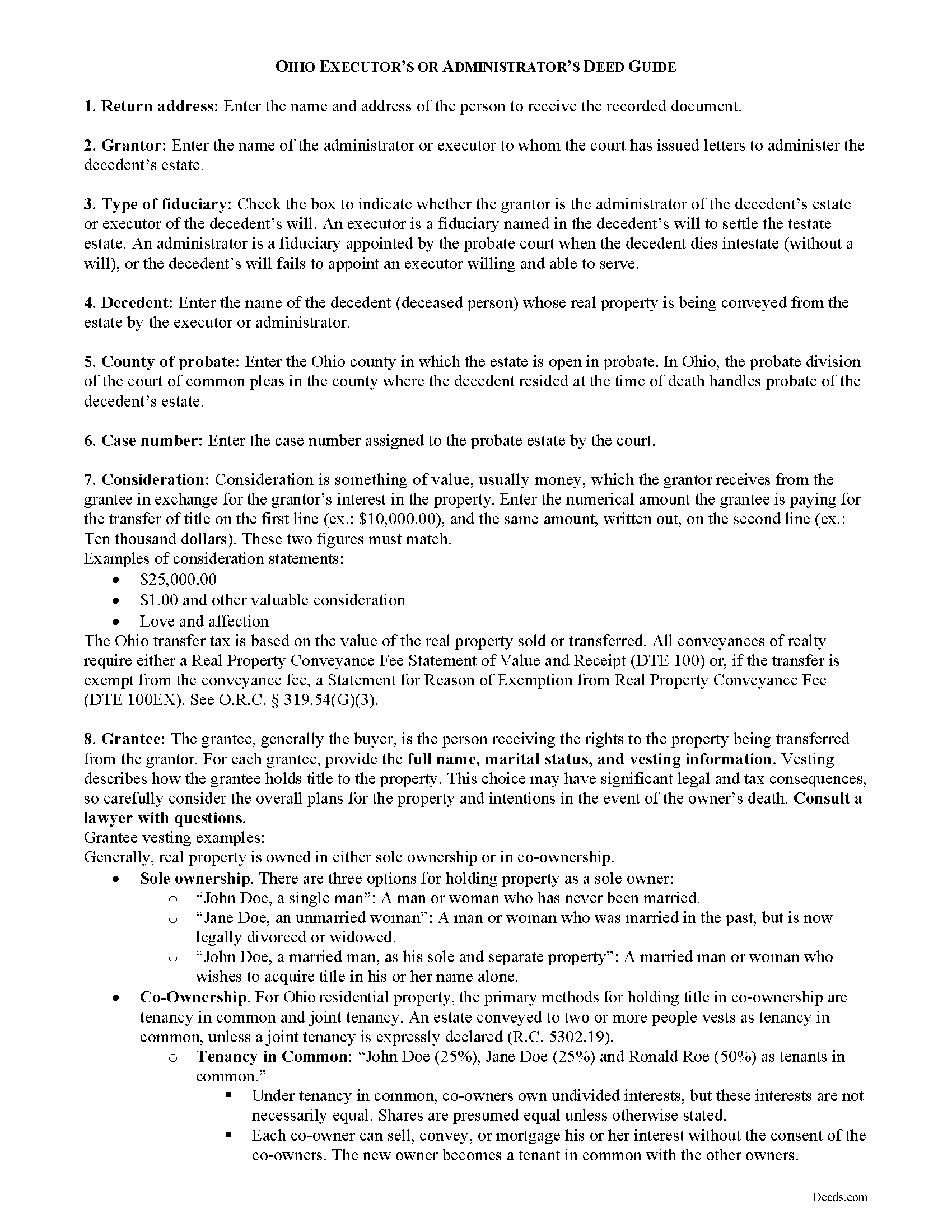
Vinton County Fiduciary Deed Guide
Line by line guide explaining every blank on the form.
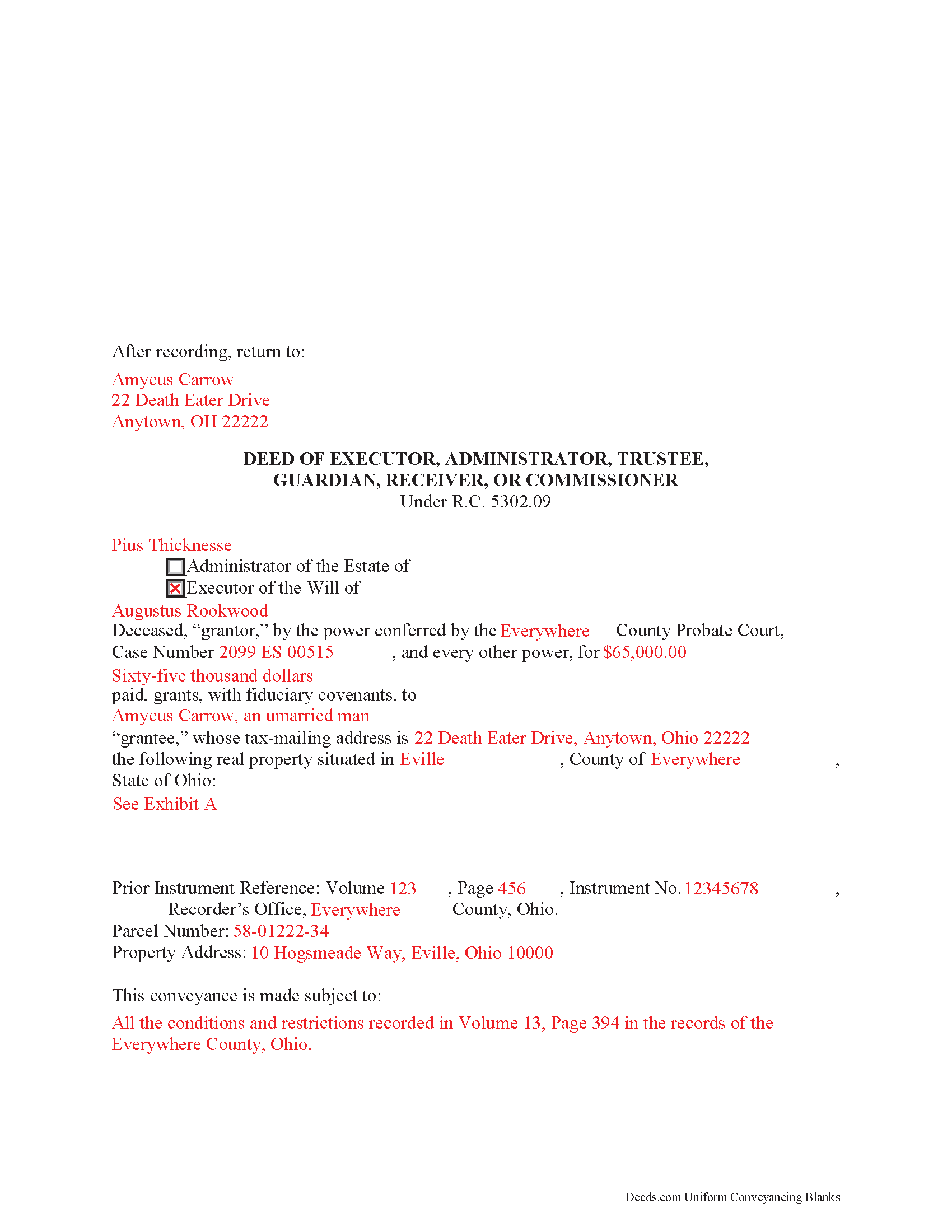
Vinton County Completed Example of the Fiduciary Deed Document
Example of a properly completed form for reference.
All 3 documents above included • One-time purchase • No recurring fees
Immediate Download • Secure Checkout
Additional Ohio and Vinton County documents included at no extra charge:
Where to Record Your Documents
Vinton County Recorder
McArthur, Ohio 45651
Hours: 8:30 - 12:00 & 1:00 - 4:00 Monday through Friday
Phone: 740-596-4314
Recording Tips for Vinton County:
- Bring your driver's license or state-issued photo ID
- Ensure all signatures are in blue or black ink
- Ask if they accept credit cards - many offices are cash/check only
- Check that your notary's commission hasn't expired
- Documents must be on 8.5 x 11 inch white paper
Cities and Jurisdictions in Vinton County
Properties in any of these areas use Vinton County forms:
- Creola
- Hamden
- Mc Arthur
- New Plymouth
- Ray
- Wilkesville
- Zaleski
Hours, fees, requirements, and more for Vinton County
How do I get my forms?
Forms are available for immediate download after payment. The Vinton County forms will be in your account ready to download to your computer. An account is created for you during checkout if you don't have one. Forms are NOT emailed.
Are these forms guaranteed to be recordable in Vinton County?
Yes. Our form blanks are guaranteed to meet or exceed the applicable formatting requirements used for recording in Vinton County, including margin requirements, font requirements, and other layout standards. This guarantee applies to formatting, not to the legal sufficiency of information entered by the user or the suitability of a form for a particular transaction.
Can I reuse these forms?
Yes. You can reuse the forms for your personal use. For example, if you have multiple properties in Vinton County you only need to order once.
What do I need to use these forms?
The forms are PDFs that you fill out on your computer. The free Adobe Acrobat Reader is recommended, and most PDF apps also work. You do NOT enter your property information online - you download the blank forms and complete them privately on your own computer.
Are there any recurring fees?
No. This is a one-time purchase. Nothing to cancel, no memberships, no recurring fees.
How much does it cost to record in Vinton County?
Recording fees in Vinton County vary. Contact the recorder's office at 740-596-4314 for current fees.
Questions answered? Let's get started!
Ohio Fiduciary Deed for Executors and Administrators
Probate is the legal process of settling and distributing a decedent's estate according to the terms of a probated will or laws of intestate succession. In the context of estate administration, a fiduciary is either an executor (when named in a will) or an administrator (when the decedent dies without a will or does not name an executor) assigned by the court of common pleas to administer the decedent's estate.
If the estate's assets are insufficient to pay debts, the fiduciary may need to sell the decedent's property. Fiduciaries must obtain the court's permission to sell assets from the estate, unless authorized or directed by the decedent's will.
In Ohio, executors and administrators use fiduciary deeds to convey real property from an estate to a purchaser pursuant to a court order. A fiduciary deed is a statutory form (R.C. 5302.09) containing fiduciary covenants that the grantor is the duly appointed, qualified, and acting fiduciary, and that he or she is authorized to make the sale and conveyance of the within described real property. Additionally, the grantor covenants with the grantee that in the proceedings of the sale, he or she has complied with statutory requirements (5302.10).
A fiduciary deed names the executing fiduciary's as grantor, and identifies the county and case number in which the decedent's estate is opened in probate. The deed states the amount of consideration the grantee is paying for the transfer of title, and titles the property in the name and manner of vesting of the grantee.
Deeds in Ohio require a recital of the grantor's source of title, including the prior instrument volume and page numbers. A full legal description of the subject parcel is required. Any restrictions on the property should also be noted. The executing fiduciary must sign the deed in the presence of a notary public before recording in the county where the subject property is located.
The information provided here is not a substitute for legal advice. Consult an attorney licensed in the State of Ohio with questions regarding fiduciary deeds, as each situation is unique.
(Ohio Fiduciary Deed Package includes form, guidelines, and completed example)
Important: Your property must be located in Vinton County to use these forms. Documents should be recorded at the county recording office listed above.
This Fiduciary Deed meets all recording requirements specific to Vinton County.
Our Promise
The documents you receive here are guaranteed to meet or exceed the applicable Vinton County recording format requirements. If there is a rejection caused by our formatting, we will correct the issue or refund your payment. This guarantee applies to document formatting only and does not extend to information entered by the user, the selection of the form, or the legal effect of the completed document.
Save Time and Money
Get your Vinton County Fiduciary Deed form done right the first time with Deeds.com Uniform Conveyancing Blanks. At Deeds.com, we understand that your time and money are valuable resources, and we don't want you to face a penalty fee or rejection imposed by a county recorder for submitting nonstandard documents. We constantly review and update our forms to meet rapidly changing state and county recording requirements for roughly 3,500 counties and local jurisdictions.
4.8 out of 5 - ( 4,829 Reviews )
Carlin L. 5 out of 5 stars
I have yet to have my Certification of Trust notarized nor have I gone to my bank to see if it's acceptable I hope it will be it was rather easy to do thank you so much.
Thank you for your feedback Carlin.
Rebekah T. 5 out of 5 stars
Easy to use especially with instruction page and examples. Thank you!
Thank you for your feedback. We really appreciate it. Have a great day!
April K. 5 out of 5 stars
Thank you so much! Quick and easy. Received it in under 5 minutes.
We appreciate your business and value your feedback. Thank you. Have a wonderful day!
Angela T. 5 out of 5 stars
I love this website .. it has been very helpful in so many ways.. thank you so much..
Thank you!
Billy A. 5 out of 5 stars
Documents were as described, Will not be able to tell if it works or not.. Will be Dead, but easy enough to fill out.
Thank you for taking a moment to share your thoughts.
Paul R. A. 5 out of 5 stars
Great and prompt service. Thank you for your assistance. Paul R. Ashe, Esq.
Thank you!
Geoffrey M. 5 out of 5 stars
Very convenient online document recording with great and quick service. Thank you!
Thank you!
Helen H. 5 out of 5 stars
I had a notary to read over my quitclaim deed and she said it looked good. So I am pleased.
Thank you!
Gene J. 4 out of 5 stars
Easy to pay for, hard to download. A zip file containing all the forms would be a great addition. Your warning under the Review box needs help: see Your review may displayed publicly so please do not include any personal information.
Thank you for your feedback. We really appreciate it. Have a great day!
Charles F. 5 out of 5 stars
Fantastic service. I purchased the form one day, had it filled out, notarized and e-filed the next day. The following day I received the recorded document back. It was really overnight service!
We appreciate your business and value your feedback. Thank you. Have a wonderful day!
Imari E. 5 out of 5 stars
QUICK SERVICE
Thank you!
Gina I. 5 out of 5 stars
Found the forms I needed with no problem and easy to fill out thanks to the guide that is with it. Big help!
Thank you for your feedback. We really appreciate it. Have a great day!
Fernando B. 5 out of 5 stars
It works
Thank you!
Tracy M. 3 out of 5 stars
The form is easy to use. However, the quit claim deed form seems to be for parcel of land, because the word "real property" is not in the form.
Thank you for your feedback. We really appreciate it. Have a great day!
SHARON R. 5 out of 5 stars
Excellent Service! Please note that form Realty Transfer Tax Statement of Value does not print completely. Part of the pages are cut off. Otherwise, excellent service.
Thank you for your feedback. We really appreciate it. Have a great day!