Auglaize County Limited Warranty Deed (LLC Grantor) Form
Last validated October 21, 2026 by our Forms Development TeamFormatted for recording in Auglaize County, for property anywhere in the county: rural and unincorporated areas as well as Buckland, Lima, Minster, New Bremen, New Hampshire, New Knoxville, Saint Johns, Saint Marys and 3 more.
- 3 documents included
- Immediate PDF download
- Formatting guarantee
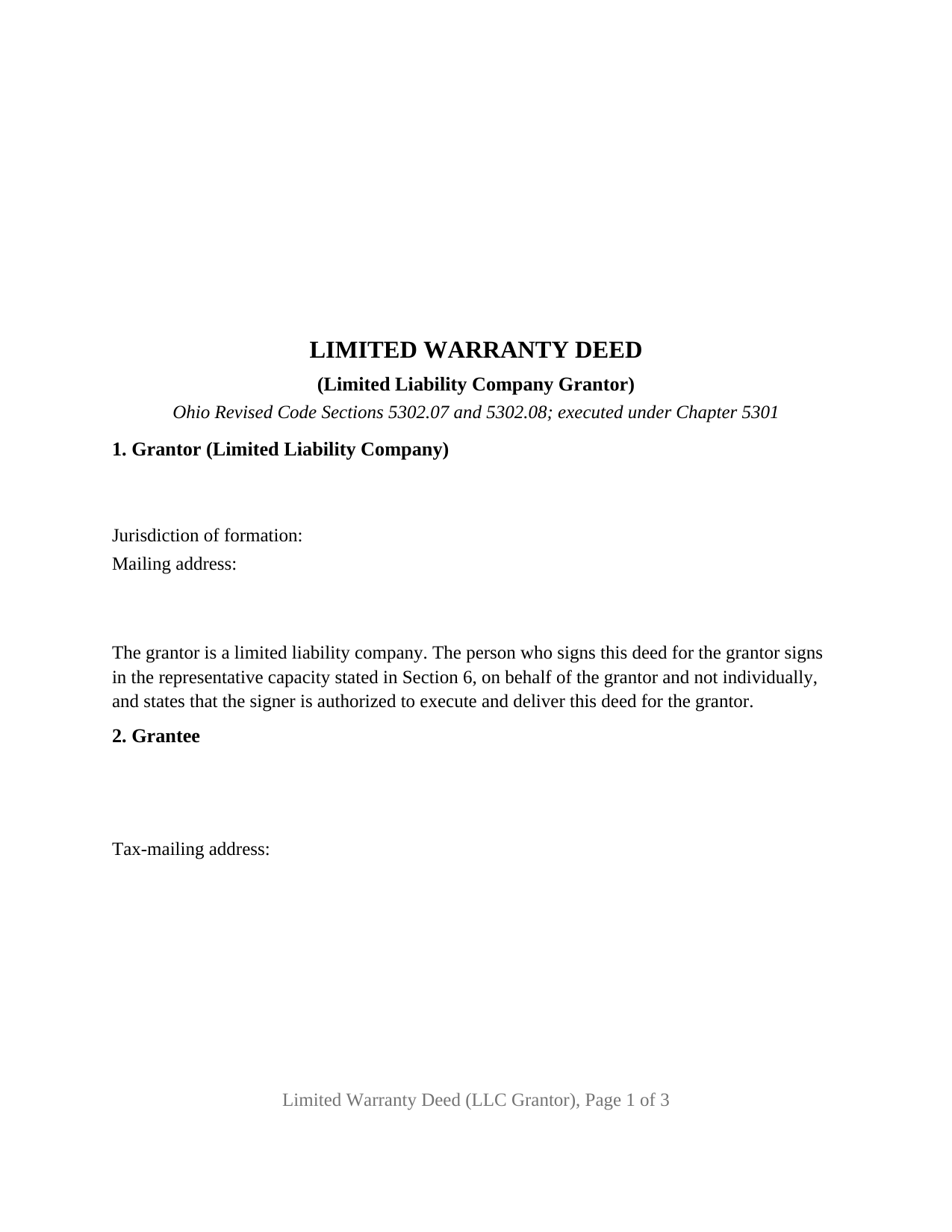
Auglaize County Limited Warranty Deed (LLC Grantor) Form
Fill in the blank Limited Warranty Deed (LLC Grantor) form formatted to comply with all Ohio recording and content requirements.
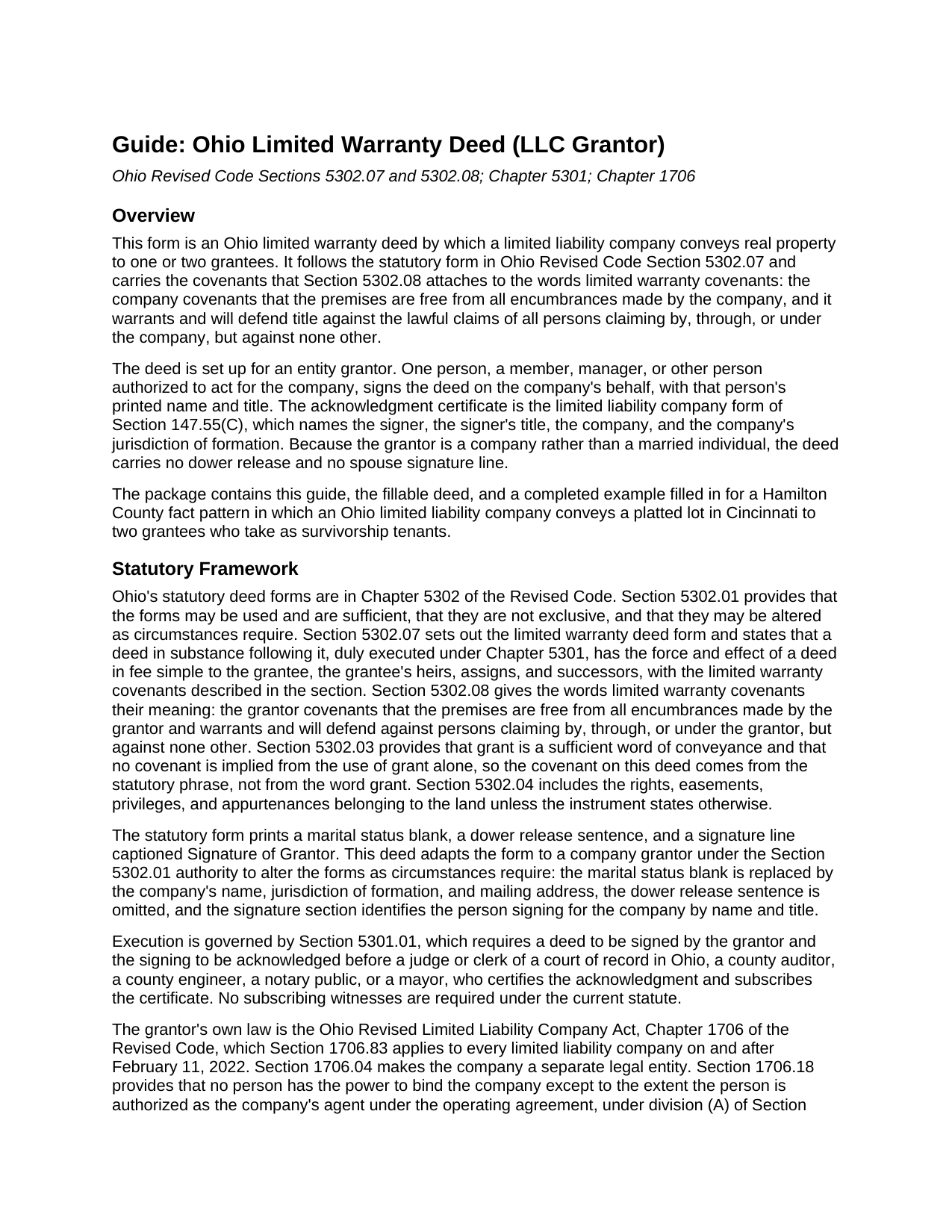
Auglaize County Limited Warranty Deed (LLC Grantor) Guide
Line by line guide explaining every blank on the Limited Warranty Deed (LLC Grantor) form.
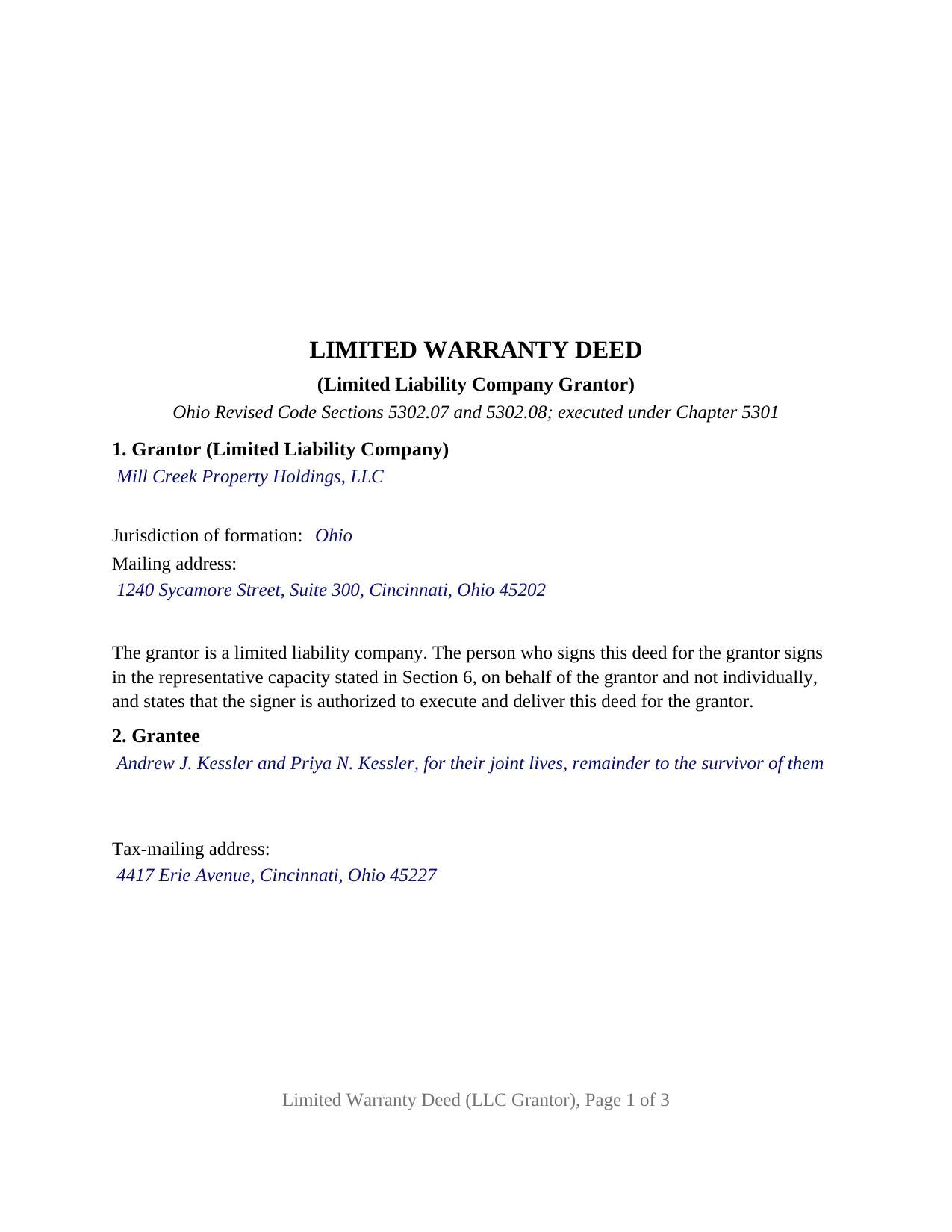
Auglaize County Completed Example of the Limited Warranty Deed (LLC Grantor) Document
Example of a properly completed Ohio Limited Warranty Deed (LLC Grantor) document for reference.
All 3 documents above included • One-time purchase • No recurring fees
Immediate Download • Secure Checkout
Additional Ohio and Auglaize County documents included at no extra charge:
Where to Record Your Documents
Auglaize County Recorder
Wapakoneta, Ohio 45895
Hours: 8:00 to 4:30 M-F
Phone: (419) 739-6735
Recording Tips for Auglaize County:
- Bring your driver's license or state-issued photo ID
- Ensure all signatures are in blue or black ink
- Leave recording info boxes blank - the office fills these
- Make copies of your documents before recording - keep originals safe
- Recorded documents become public record - avoid including SSNs
Cities and Jurisdictions in Auglaize County
Properties in any of these areas use Auglaize County forms:
- Buckland
- Lima
- Minster
- New Bremen
- New Hampshire
- New Knoxville
- Saint Johns
- Saint Marys
- Uniopolis
- Wapakoneta
- Waynesfield
Hours, fees, requirements, and more for Auglaize County
How do I get my forms?
Forms are available for immediate download after payment. The Auglaize County forms will be in your account ready to download to your computer. An account is created for you during checkout if you don't have one. Forms are NOT emailed.
Are these forms guaranteed to be recordable in Auglaize County?
Yes. Our form blanks are guaranteed to meet or exceed the applicable formatting requirements used for recording in Auglaize County, including margin requirements, font requirements, and other layout standards. This guarantee applies to formatting, not to the legal sufficiency of information entered by the user or the suitability of a form for a particular transaction.
Can I reuse these forms?
Yes. You can reuse the forms for your personal use. For example, if you have multiple properties in Auglaize County you only need to order once.
What do I need to use these forms?
The forms are PDFs that you fill out on your computer. The free Adobe Acrobat Reader is recommended, and most PDF apps also work. You do NOT enter your property information online - you download the blank forms and complete them privately on your own computer.
Are there any recurring fees?
No. This is a one-time purchase. Nothing to cancel, no memberships, no recurring fees.
How much does it cost to record in Auglaize County?
Recording fees in Auglaize County vary. Contact the recorder's office at (419) 739-6735 for current fees.
Questions answered? Let's get started!
When an Ohio limited liability company conveys real property, the person who signs the deed owns nothing that is being conveyed: a member, manager, or officer signs for it. This fillable Ohio limited warranty deed is built around that signature, under Ohio Revised Code Sections 5302.07 and 5302.08, for one LLC grantor conveying to one or two grantees, with a single representative signature block and the limited liability company acknowledgment certificate of Section 147.55(C).
One signature, made on behalf of the company
Section 1706.18 of the Ohio Revised Limited Liability Company Act provides that no person has the power to bind a company except as authorized under the operating agreement, under the members' direction of its affairs under Section 1706.30(A), under a statement of authority filed under Section 1706.19, or under other law. The signature section is written for that signer: a heading reading SIGNED ON BEHALF OF THE GRANTOR BY, the signature line, and blanks for the printed name, the date, and the signer's title. Section 1 identifies the company by name, jurisdiction of formation, and mailing address, and carries a fixed sentence stating that the signer acts in a representative capacity, not individually, and is authorized to execute and deliver the deed for the company. The operating agreement, a resolution, or a filed statement of authority, which Section 1706.19(C) makes conclusive in favor of a person giving value in reliance on it, stays outside the deed itself.
The certificate a company signer acknowledges under
Ohio prints distinct statutory acknowledgment short forms for an individual and for a limited liability company. This deed carries the company form, Section 147.55(C), which names the signer and title, the company, and its jurisdiction of formation, and closes on behalf of the limited liability company. The venue, date, signature, printed name, seal, and commission expiration lines Section 147.542(F) calls for are all there, and an acknowledgment taken in another state before an officer Section 147.51(B) recognizes has the same effect in Ohio.
No dower release, because the grantor is a company
The statutory form in Section 5302.07 prints a marital status blank and a sentence by which the grantor's spouse releases dower. Neither appears on this deed. Dower under Section 2103.02 is a life estate in real property of which a spouse was seized; under Section 1706.04 the company is a separate legal entity, and under Section 1706.34 a member's interest in it is personal property. The signer's marital status is not entered anywhere, and there is no spouse signature line. Section 5302.01 provides that the statutory forms may be altered as circumstances require, and those are the alterations here.
What the company promises
The operative words are the statute's own: the grantor grants, with limited warranty covenants, a phrase Section 5302.08 reads as a covenant against encumbrances made by the grantor and a warranty against persons claiming by, through, or under the grantor, but against none other. The grantee section receives one or two grantees with any designation of how they take title, such as the Section 5302.17 survivorship words the completed example uses.
Configuration
The form recites exactly one grantor, a limited liability company, domestic or foreign, acting through one signer, with one signature block and one acknowledgment certificate. A company selling a rental house, a single-member company distributing a parcel to its member, and a developer conveying a finished lot present the pattern this deed recites. The form is not set up as a conveyance by an individual, a corporation, a partnership, a trustee, or an attorney-in-fact, nor for two companies or two signers on one deed, nor for three or more grantees.
Auditor first, then recorder
The deed carries the grantee's tax-mailing address and prior instrument reference Section 319.20 calls for before the county auditor transfers the parcel, and the preparer's name Section 317.111 requires. The grantee submits the DTE 100 conveyance fee statement, or the DTE 100EX where a Section 319.54(G)(3) exemption applies, and the auditor's stamp and transfer endorsement under Section 317.22 precede recording. The deed is three recorded pages in the Section 317.114 format and records at the statewide base fee of forty-two dollars under Sections 317.32 and 317.36 before any county surcharge.
The package contains the fillable deed, a completed example for a Hamilton County fact pattern, and a guide covering each section, the signer's authority under Chapter 1706, and the recording process. This description and the guide describe the form and the governing Ohio statutes in general terms and are not legal advice.
Important: Your property must be located in Auglaize County to use these forms. Documents should be recorded at the county recording office listed above.
This Limited Warranty Deed (LLC Grantor) meets all recording requirements specific to Auglaize County.
Our Promise
The documents you receive here are guaranteed to meet or exceed the applicable Auglaize County recording format requirements. If there is a rejection caused by our formatting, we will correct the issue or refund your payment. This guarantee applies to document formatting only and does not extend to information entered by the user, the selection of the form, or the legal effect of the completed document.
Save Time and Money
Get your Auglaize County Limited Warranty Deed (LLC Grantor) form done right the first time with Deeds.com Uniform Conveyancing Blanks. At Deeds.com, we understand that your time and money are valuable resources, and we don't want you to face a penalty fee or rejection imposed by a county recorder for submitting nonstandard documents. We constantly review and update our forms to meet rapidly changing state and county recording requirements for roughly 3,500 counties and local jurisdictions.
4.8 out of 5 - ( 4,849 Reviews )
Benjamin A. 4 out of 5 stars
This method seems simple for me to complete. Wish me luck.
Thank you for your feedback. We really appreciate it. Have a great day!
ARTHEMEASE B. 5 out of 5 stars
You made a very confusing process very easy. Your response was timely. I will definitely use you again.
We appreciate your business and value your feedback. Thank you. Have a wonderful day!
Willard V. 3 out of 5 stars
While it's nice to get all the forms and info in one package for a reasonable cost, the fixed format of the form does not allow for a lengthy meet and bounds property description for real property. Also, the Cover Sheet has big fillable sections with no instructions about what's supposed to go there. I tried the "Contact Us" link, but all it does is spin saying it's trying verify the security of my connection. Looks like I;m going to have to create my own deed in MS Word instead of just filling in the blacks of the PDF file that I downloaded. Bummer!
Your feedback is a crucial part of our dedication to ongoing improvement. Thank you for your insightful comments.
Thomas D. 2 out of 5 stars
The documents themselves are fine and the information provided with them is helpful. I find the actual processing of the documents, however, to be difficult particularly once the document has been saved. First, I note that the box for the date only allows entry of the last 2 digits of the year. Unfortunately, my download only allows me to enter one of the 2 digits required. When I delete it repeatedly, it eventually allows both digits to be entered but puts them in extremely small text and in superscrypt. I have not found a solution to this problem and am not sure the deed can even be recorded with this problem. Another problem is that if you try to revise the document after you have saved it the curser goes to the end of the line after each key entry. This means that there basically is no way to efficiently save the document for reworking later since you will have to delete everything you have entered in the text box unless you only need to make a single keystroke change or are willing to replace the curser after each entry. Try that with a long property description! Please note that I am using a Mac to prepare my documents and perhaps this is part of an "incompatibility problem". However, I didn't see a disclaimer regarding Mac use and so would expect the documents to perform correctly. Overall, I give the program a "2 star" rating because I am experiencing significant difficulties in entering dates in the documents even before saving them and because saving your work for later revision appears to be basically unworkable.
Thank you for your feedback Thomas, we appreciate you being specific about the issues you encountered. Adobe and Mac have a fairly long history of issues working together.
Shannon y. 5 out of 5 stars
Awesome , easy-to-use and find exactly what I was needing and saved me alot of headache and money. Will definitely recommend to anyone
Your review means a lot to us. Thank you for taking the time.
Dennis E. 5 out of 5 stars
Easy to complete form. Examples were very helpful in using correct verbiage for form. Also way less expensive than the $500 an attorney wanted to charge me for doing the very same thing!!!
Thanks Dennis, we appreciate you taking the time to leave your feedback.
Lutz P. 5 out of 5 stars
Your forms are great but I couldn’t use them with my computer and acrobats reader didn’t work. And then my thermal printer would only print 1/3 size pages with no way to fix it. I ordered a new color printer and we’ll see what happens.
Thank you, Lutz. We're glad you like the forms, and we're sorry getting them working turned into such a hassle. That shrunken page is typical of thermal printers: most use narrow receipt or label paper, so a full page gets scaled down to fit, and no setting can change that. Thermal paper also fades over time, which you don't want on a document you're recording, so the new printer is the right call. When it arrives, print on plain white paper with “Actual size” selected in the print settings so the page comes out full size with its margins intact. If Acrobat Reader gives you trouble again, save the form to your computer first and open the saved file in Acrobat Reader rather than in your web browser. Still stuck? Contact our support team and we'll walk you through it.
Vicki G. 5 out of 5 stars
Thank you for this service, saved me from driving down town. It was quick and very easy to navigate. Have a great Thanksgiving break.
We appreciate your business and value your feedback. Thank you. Have a wonderful day!
Michael D. 5 out of 5 stars
Great service
Thank you!
Constance F. 5 out of 5 stars
Quick and easy download with instructions and a sample document to ensure conformity to the different jurisdictions.
Thank you!
Donald B. 5 out of 5 stars
Pretty good forms, they would probably be better if I read the directions but...
Thank you!
Jenine E. 5 out of 5 stars
The information seems complete and accurate. The form was easy to use and save. I'll let you know if we encounter problems getting the deed processed.
Thank you for your feedback. We really appreciate it. Have a great day!
Rebecca C. 5 out of 5 stars
Great service ! Hawaii is not a "forms state" so unfortunately the public has no way to get templates on our local gov site but deeds.com to the rescue. The template was affordable and easy to use and successfully recorded. Great to use when you don't need to involve title or attorneys for simple deed changes, thank you
Thank you for your feedback. We really appreciate it. Have a great day!
Samuel M. 4 out of 5 stars
it was convenient to have a starting place, however, though the property is in Colorado, the probate is in Iowa, so I had to create my own document because you locked my capacity to edit the form I paid for. If I pay for it, I should be able to edit everything including non fill in text. I could not open it in word, as I normally could.
Thank you for your feedback. We really appreciate it. Have a great day!
SHARON D. 5 out of 5 stars
This is one of the easiest sites to purchase and download needed forms. I would highly recommend this site.
Thank you Sharon. We really appreciate you. Enjoy your holidays.