Ashland County Memorandum of Trust Form
Last validated October 22, 2026 by our Forms Development TeamFormatted for recording in Ashland County, for property anywhere in the county: rural and unincorporated areas as well as Ashland, Hayesville, Jeromesville, Loudonville, Nankin, Nova, Perrysville, Polk and 2 more.
- 3 documents included
- Immediate PDF download
- Formatting guarantee
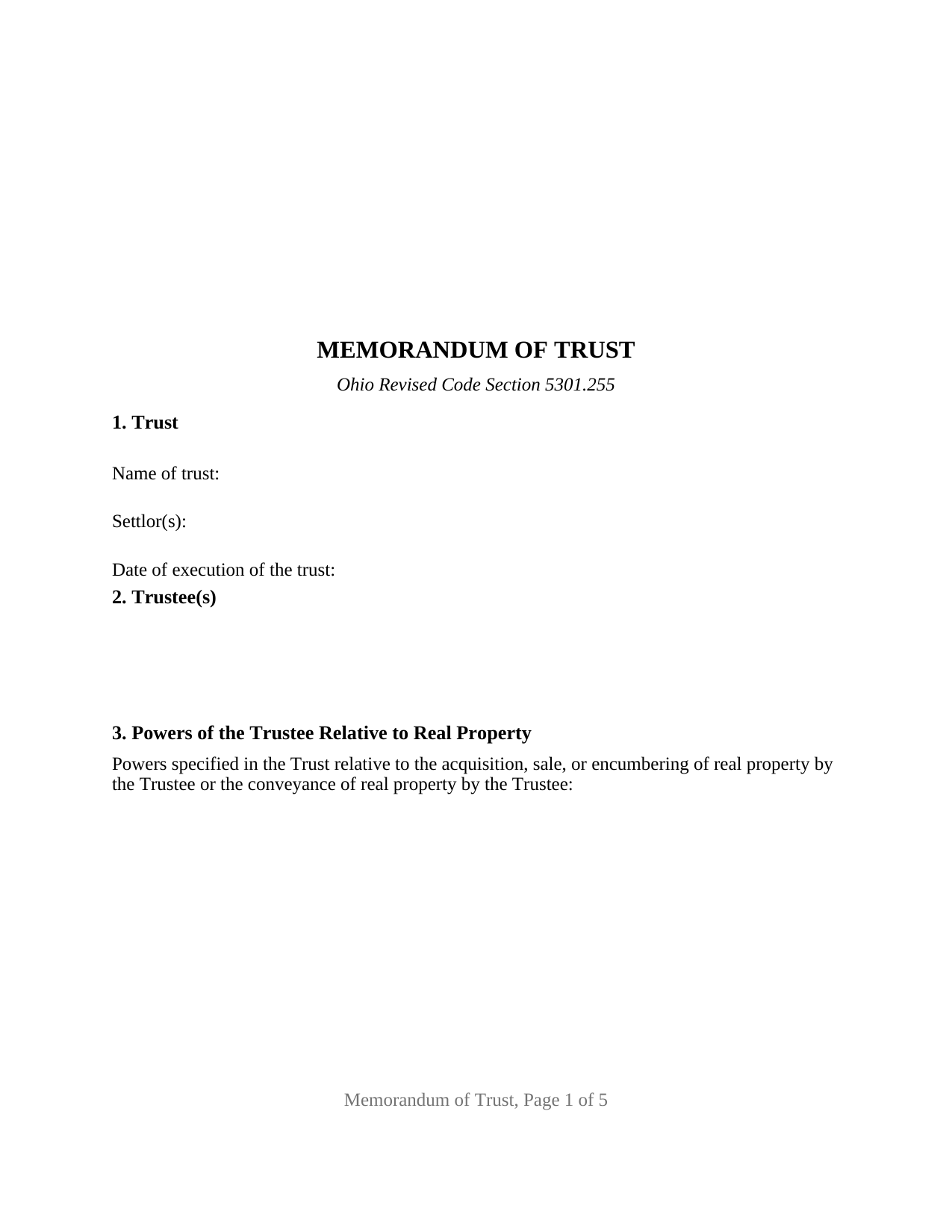
Ashland County Memorandum of Trust Form
Fill in the blank Memorandum of Trust form formatted to comply with all Ohio recording and content requirements.
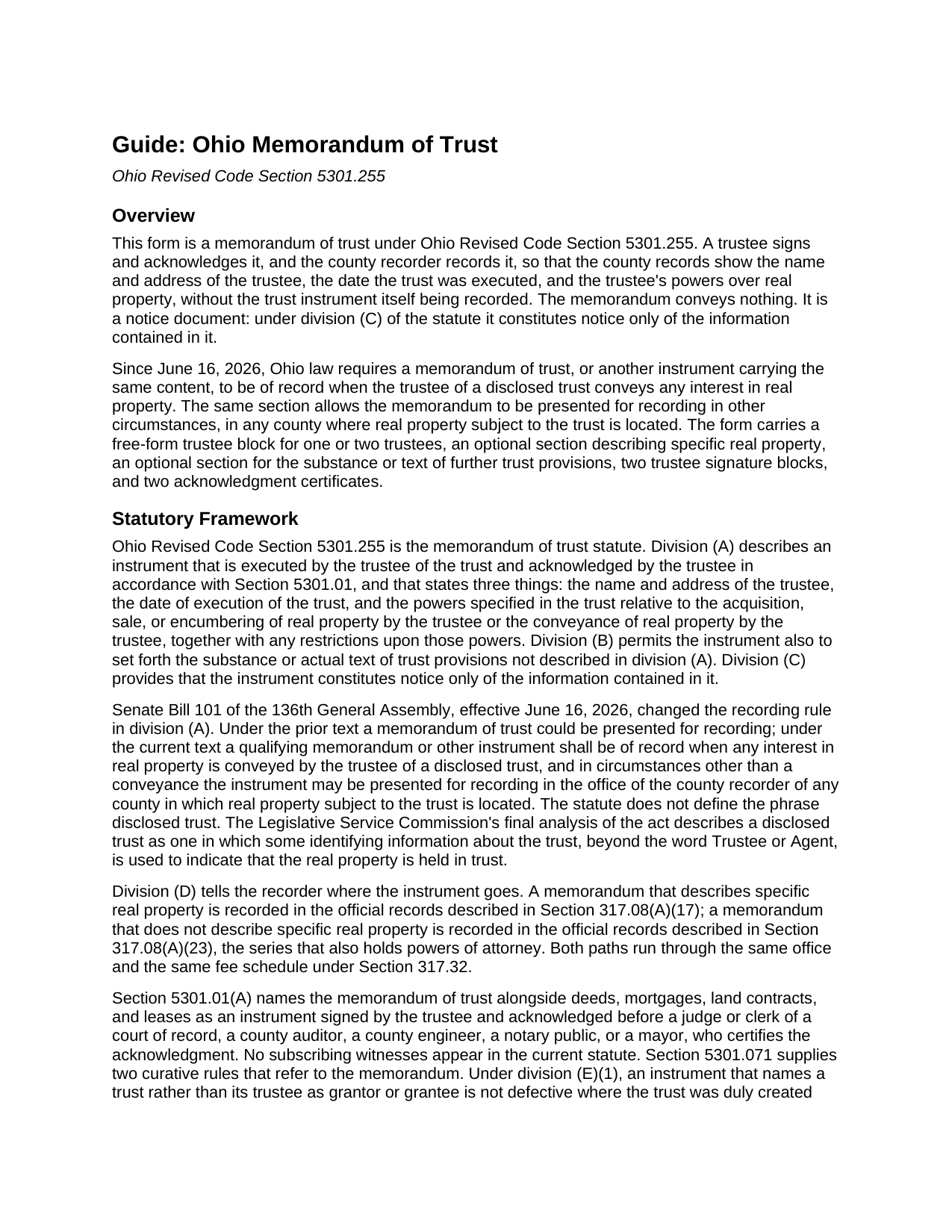
Ashland County Memorandum of Trust Guide
Line by line guide explaining every blank on the Memorandum of Trust form.
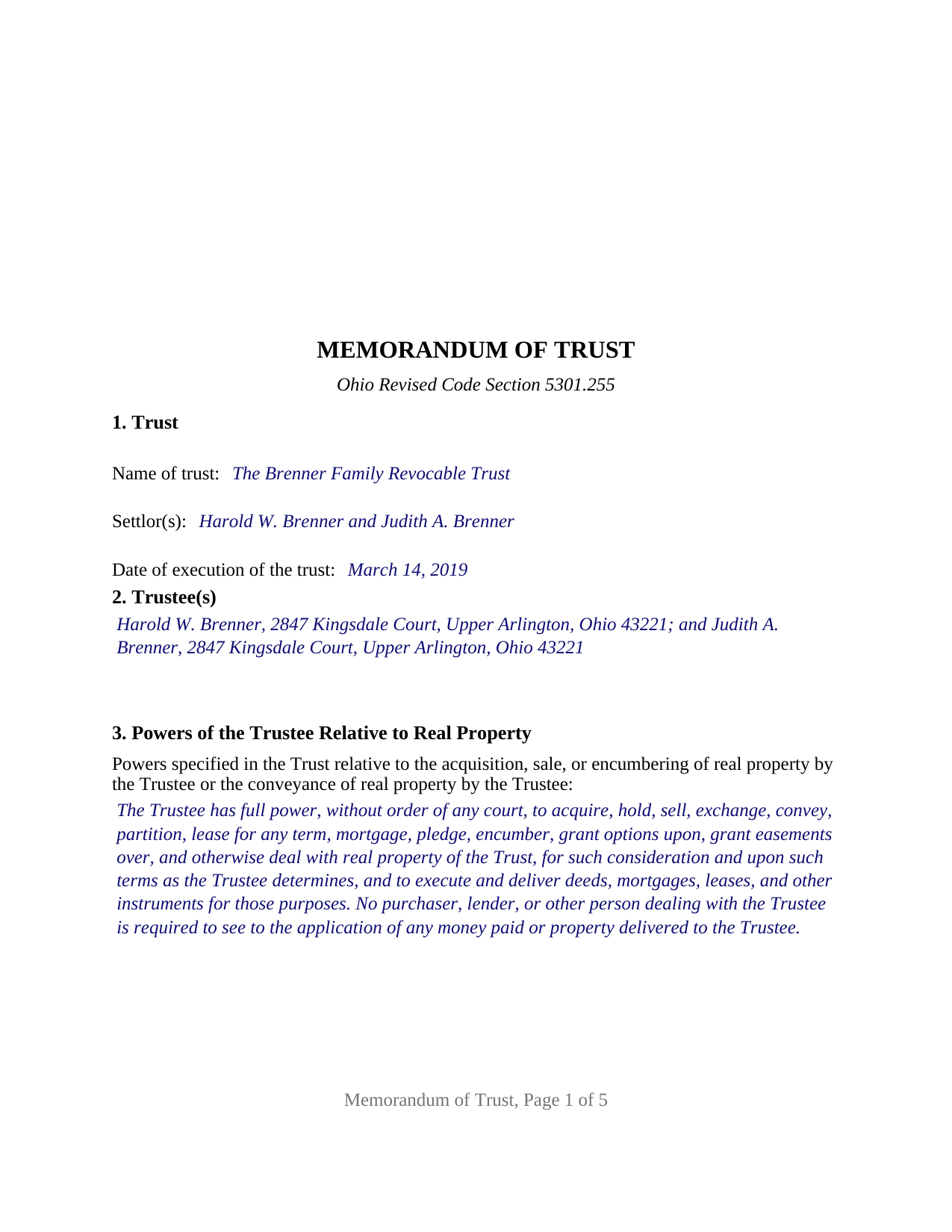
Ashland County Completed Example of the Memorandum of Trust Document
Example of a properly completed Ohio Memorandum of Trust document for reference.
All 3 documents above included • One-time purchase • No recurring fees
Immediate Download • Secure Checkout
Additional Ohio and Ashland County documents included at no extra charge:
Where to Record Your Documents
Recorder
Ashland, Ohio 44805
Hours: Monday-Friday 8:00 to 4:00 (may close 12:00 to 1:00) / Recording until 3:50
Phone: (419) 282-4238
Recording Tips for Ashland County:
- Bring your driver's license or state-issued photo ID
- Ensure all signatures are in blue or black ink
- Ask for certified copies if you need them for other transactions
- Ask if they accept credit cards - many offices are cash/check only
- Check that your notary's commission hasn't expired
Cities and Jurisdictions in Ashland County
Properties in any of these areas use Ashland County forms:
- Ashland
- Hayesville
- Jeromesville
- Loudonville
- Nankin
- Nova
- Perrysville
- Polk
- Savannah
- Sullivan
Hours, fees, requirements, and more for Ashland County
How do I get my forms?
Forms are available for immediate download after payment. The Ashland County forms will be in your account ready to download to your computer. An account is created for you during checkout if you don't have one. Forms are NOT emailed.
Are these forms guaranteed to be recordable in Ashland County?
Yes. Our form blanks are guaranteed to meet or exceed the applicable formatting requirements used for recording in Ashland County, including margin requirements, font requirements, and other layout standards. This guarantee applies to formatting, not to the legal sufficiency of information entered by the user or the suitability of a form for a particular transaction.
Can I reuse these forms?
Yes. You can reuse the forms for your personal use. For example, if you have multiple properties in Ashland County you only need to order once.
What do I need to use these forms?
The forms are PDFs that you fill out on your computer. The free Adobe Acrobat Reader is recommended, and most PDF apps also work. You do NOT enter your property information online - you download the blank forms and complete them privately on your own computer.
Are there any recurring fees?
No. This is a one-time purchase. Nothing to cancel, no memberships, no recurring fees.
How much does it cost to record in Ashland County?
Recording fees in Ashland County vary. Contact the recorder's office at (419) 282-4238 for current fees.
Questions answered? Let's get started!
Since June 16, 2026, an Ohio trustee who conveys real property held in a disclosed trust must have a memorandum of trust, or an instrument carrying the same content, of record in the county. This form prepares that memorandum under Ohio Revised Code Section 5301.255: the short, acknowledged instrument that puts the trustee's name and address, the date the trust was executed, and the trustee's powers over real property into the county records without recording the trust itself.
A memorandum that stands in for the trust instrument
A recorded Ohio deed into a trust usually says only that the grantee is a named Trustee of a named trust. Section 5301.255 answers the questions that deed leaves open. Division (A) fixes three required contents: the name and address of the trustee, the date of execution of the trust, and the powers specified in the trust relative to the acquisition, sale, or encumbering of real property by the trustee or the conveyance of real property by the trustee, with any restrictions upon those powers. Division (B) lets it also set forth the substance or text of other trust provisions, such as a successor trustee designation. Division (C) limits its reach: the memorandum constitutes notice only of the information contained in it.
Now required of record when a trustee conveys
Senate Bill 101 of the 136th General Assembly rewrote the recording sentence. Under the prior text the memorandum could be recorded; under the current text it shall be of record when any interest in real property is conveyed by the trustee of a disclosed trust, and in other circumstances it may be presented for recording in any county where real property subject to the trust is located. The Legislative Service Commission's analysis describes a disclosed trust as one identified in the record by more than the bare word Trustee or Agent. The same act added a four-year cure to Section 5301.071 for a trustee's deed recorded without a qualifying memorandum.
Describing the property, or not
Section 4 of the form is optional, and the choice changes the filing. A memorandum that describes specific real property, with the legal description copied from the deed into the trustee, the parcel number, and the prior deed reference, is recorded in the official records series Section 317.08(A)(17) names and travels with that parcel in the index. A memorandum that describes no property is recorded in the series Section 317.08(A)(23) names, alongside powers of attorney. A memorandum describing the property is also the one Section 5301.071(E)(1) looks for when an earlier deed named the trust itself as a party.
One or two trustees sign
The form recites nothing about the number of trustees or how they act. Section 2 is an open four-line block that receives one trustee, or two trustees, each with a mailing address, and the signature area carries a TRUSTEE block and a SECOND TRUSTEE block, each followed by its own acknowledgment certificate. A sole trustee's memorandum completes the first block and leaves the second blank; a memorandum of two cotrustees, two spouses serving together being the common pattern, completes both. The certificate is the Section 147.55(F) short form for a trustee, and the two certificates let cotrustees acknowledge on different days or before different officers. The form is not set up as a three-trustee instrument, a corporate trustee's officer execution, or an attorney-in-fact execution. The memorandum conveys nothing, so it carries no dower release and no spouse signature block.
Recording a notice instrument in Ohio
The memorandum is signed by the trustee and acknowledged under Section 5301.01, the execution rule that governs an Ohio deed, with no subscribing witnesses. It is not a deed of absolute conveyance, so the auditor stamps of Section 317.22 and the conveyance fee statement do not attach to it. The form is laid out to the Section 317.114 standard format, with the three-inch blank first-page margin, so the recorder's standardization surcharge does not apply. The certification of trust under Section 5810.13, furnished to a bank or title company in place of the trust, is a different instrument; the memorandum is the recorded one.
The package includes the fillable memorandum of trust form, a completed example filled in for a realistic Franklin County fact pattern with two cotrustees, and the guide that walks through every numbered section and the recording process. This description and the guide describe the form and the governing Ohio statutes in general terms; they are not legal advice.
Important: Your property must be located in Ashland County to use these forms. Documents should be recorded at the county recording office listed above.
This Memorandum of Trust meets all recording requirements specific to Ashland County.
Our Promise
The documents you receive here are guaranteed to meet or exceed the applicable Ashland County recording format requirements. If there is a rejection caused by our formatting, we will correct the issue or refund your payment. This guarantee applies to document formatting only and does not extend to information entered by the user, the selection of the form, or the legal effect of the completed document.
Save Time and Money
Get your Ashland County Memorandum of Trust form done right the first time with Deeds.com Uniform Conveyancing Blanks. At Deeds.com, we understand that your time and money are valuable resources, and we don't want you to face a penalty fee or rejection imposed by a county recorder for submitting nonstandard documents. We constantly review and update our forms to meet rapidly changing state and county recording requirements for roughly 3,500 counties and local jurisdictions.
4.8 out of 5 - ( 4,832 Reviews )
Rob F. 5 out of 5 stars
They are fantastic. I am a little technically challenged, but very helpful and respectful. Highly recommended. Thank you
We appreciate your business and value your feedback. Thank you. Have a wonderful day!
Kristie B. 1 out of 5 stars
Horrible. As an agent, trying to find a simple answer was never accomplished.
Sorry to hear that Kristie. We do hope that you found what you were looking for elsewhere.
Bobby V. 5 out of 5 stars
Great
Thank you!
Barbara M. 5 out of 5 stars
Easy to do.
We appreciate your business and value your feedback. Thank you. Have a wonderful day!
Robert R. 5 out of 5 stars
I found the form I needed. I ordered the wrong ones the first time. I didn't know if I could get refund or not. The information with the forms is very helpful Thank you
Thank you for your feedback. We’re pleased to hear you found the forms and supporting information helpful. Your initial order has been canceled and refunded, and we’re glad you now have the correct forms in hand. We appreciate your business and are here if you need further assistance.
Donnajean L. 5 out of 5 stars
The site is user friendly and uncomplicated.
Thank you!
Debra K. 5 out of 5 stars
Very happy with forms downloaded. Well worth the price. Could not find them anywhere else on the web. Also had easy to understand instructions and a demo form as a guide
Thank you Debra, we appreciate your feedback. Have a wonderful day!
Robert E. 2 out of 5 stars
The deed forms seem to be what I need but I am unable to save anything that I do with them. I ask for some assistance in this matter but did not get any.
Thank you for your feedback. We really appreciate it. Have a great day!
Ruth R. 5 out of 5 stars
Very pleased with the service, solved an immediate problem for me and at good price.
We appreciate your business and value your feedback. Thank you. Have a wonderful day!
Maribel I. 5 out of 5 stars
It would be helpful to be able to edit verbiage on the form. I was preparing a Deed of Distribution; therefore, there was no consideration paid. I had to type the language into a Word document instead.
Thank you for your feedback. We really appreciate it. Have a great day!
Samuel C. 5 out of 5 stars
Awesome!!
Thank you!
Ernest E. 5 out of 5 stars
No problem whatsoever navigating the forms. I hope the filing is this easy.
Thanks, Ernest! We’re glad the forms were easy to navigate. Recording in Virginia Beach City is typically straightforward, but it’s always a good idea to confirm any local requirements with the clerk before filing.
ALFRED B. 5 out of 5 stars
The product was just what I needed. Not being the sharpest computer user I stumbled a little but after reading more carefully I navigated the process and I am very satisfied with my experience. deeds certainly saved me a lot of time.
Thank you!
Joyce S. 5 out of 5 stars
The site was very easy to understand and to download the required documents I need to prepare a release. Response of the documents ready for my use was very efficient.
We appreciate your business and value your feedback. Thank you. Have a wonderful day!
Tom B. 4 out of 5 stars
I ended up loading the same file twice and was unable to delete one of them. I did send e request in to have one deleted and I did get a response back that only one file was processed. This was done in a timely manner but required more additional time. It would have been nice to be able to delete the file myself and finish the process at the same time. Other than this every thing did go very well. Thank you
Thank you for your feedback. We really appreciate it. Have a great day!