Franklin County Mineral Deed (Individual to Trust) Form
Last validated October 27, 2026 by our Forms Development TeamFormatted for recording in Franklin County, for property anywhere in the county: rural and unincorporated areas as well as Amlin, Blacklick, Brice, Canal Winchester, Columbus, Dublin, Galloway, Grove City and 7 more.
- 3 documents included
- Immediate PDF download
- Formatting guarantee
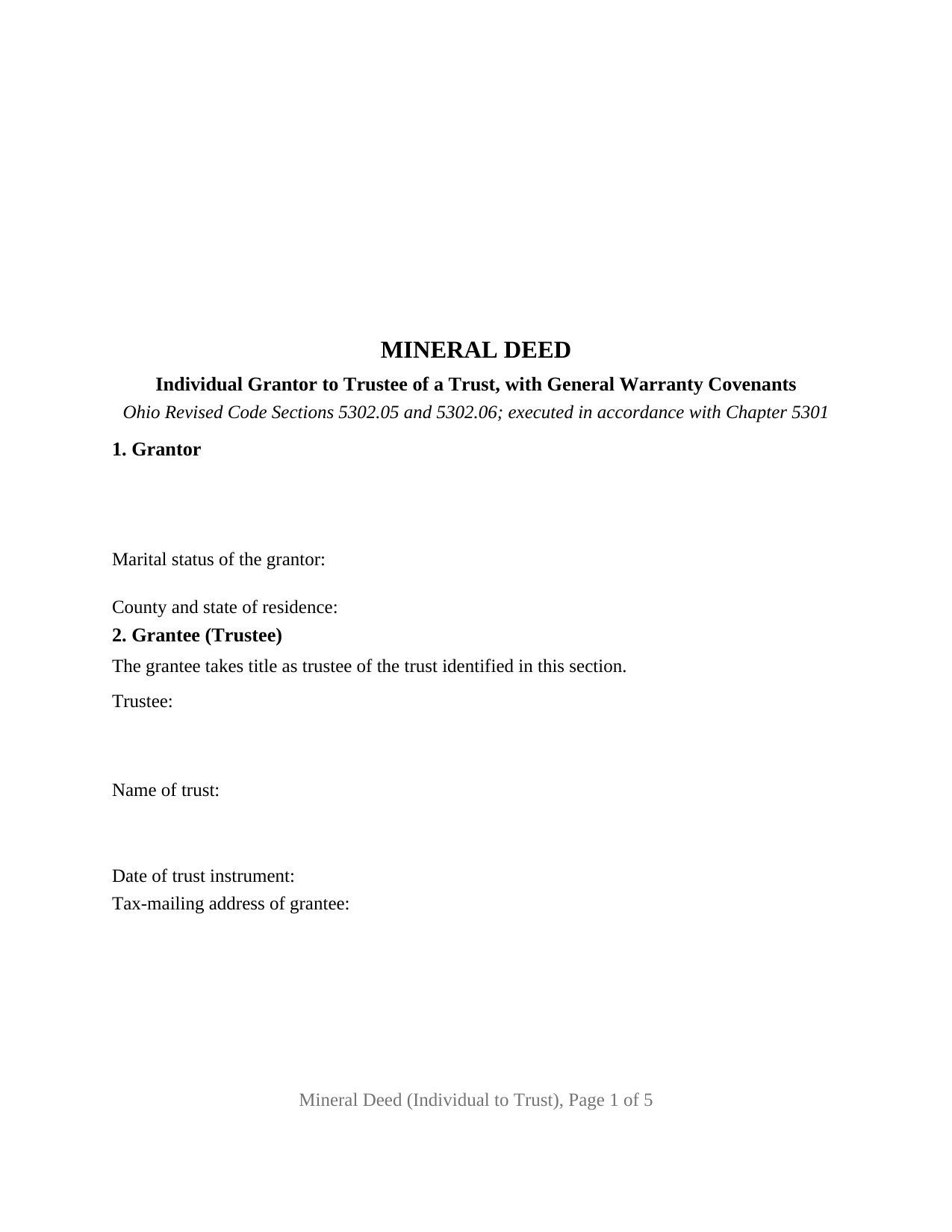
Franklin County Mineral Deed (Individual to Trust) Form
Fill in the blank Mineral Deed (Individual to Trust) form formatted to comply with all Ohio recording and content requirements.
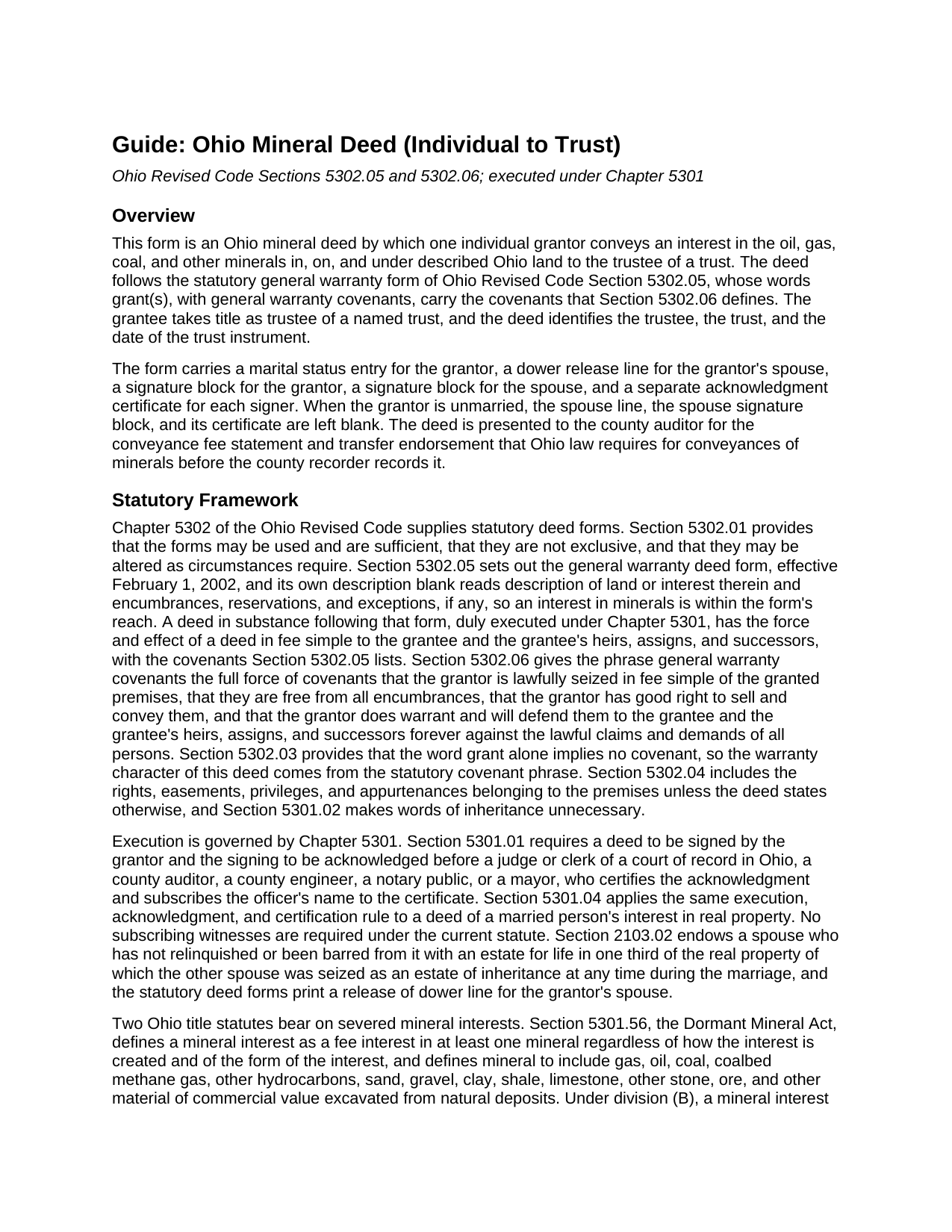
Franklin County Mineral Deed (Individual to Trust) Guide
Line by line guide explaining every blank on the Mineral Deed (Individual to Trust) form.
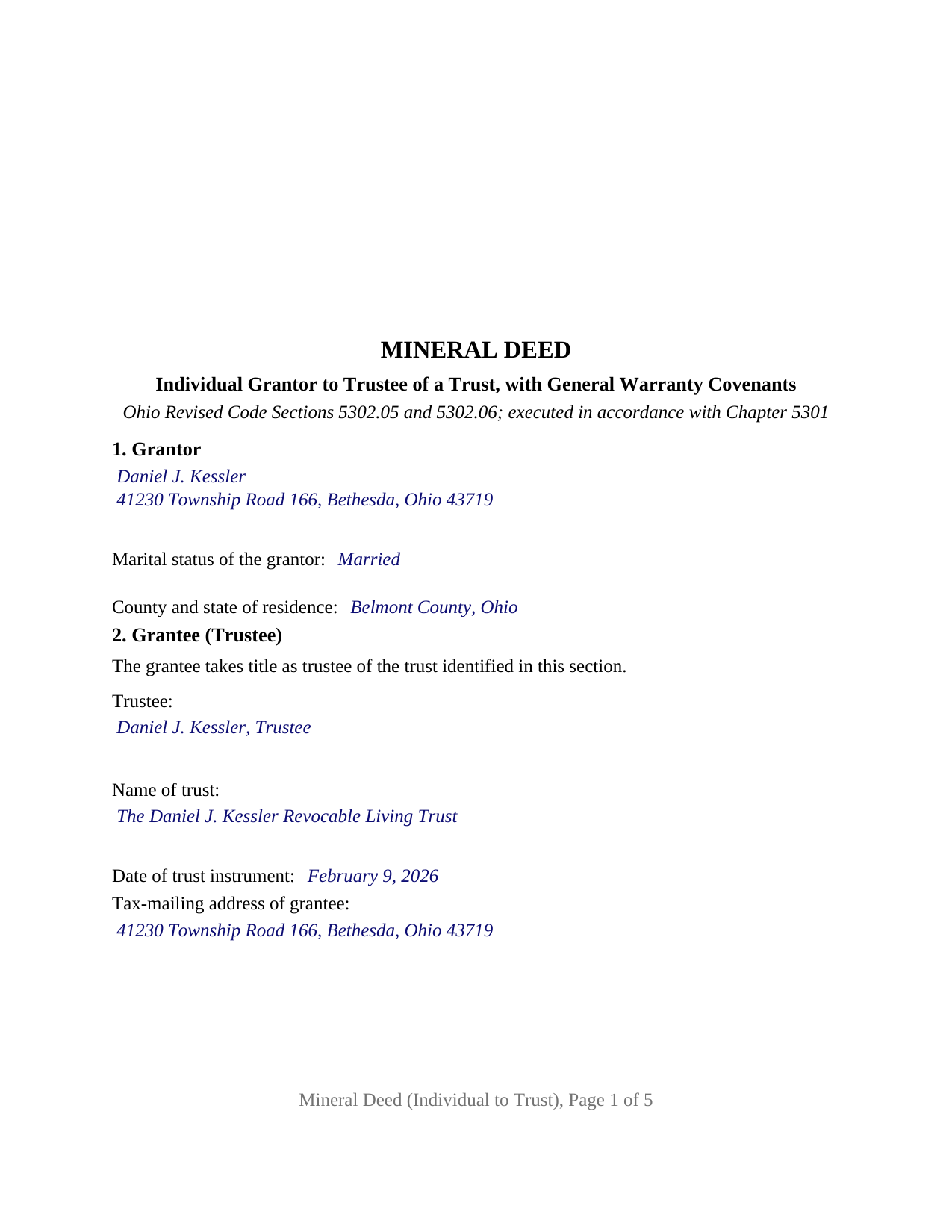
Franklin County Completed Example of the Mineral Deed (Individual to Trust) Document
Example of a properly completed Ohio Mineral Deed (Individual to Trust) document for reference.
All 3 documents above included • One-time purchase • No recurring fees
Immediate Download • Secure Checkout
Additional Ohio and Franklin County documents included at no extra charge:
Where to Record Your Documents
Franklin County Recorder
Columbus, Ohio 43215
Hours: 8:00 to 5:00 M-F
Phone: 614-525-3930
Recording Tips for Franklin County:
- Bring your driver's license or state-issued photo ID
- Ensure all signatures are in blue or black ink
- Check margin requirements - usually 1-2 inches at top
- Leave recording info boxes blank - the office fills these
- Make copies of your documents before recording - keep originals safe
Cities and Jurisdictions in Franklin County
Properties in any of these areas use Franklin County forms:
- Amlin
- Blacklick
- Brice
- Canal Winchester
- Columbus
- Dublin
- Galloway
- Grove City
- Groveport
- Harrisburg
- Hilliard
- Lockbourne
- New Albany
- Reynoldsburg
- Westerville
Hours, fees, requirements, and more for Franklin County
How do I get my forms?
Forms are available for immediate download after payment. The Franklin County forms will be in your account ready to download to your computer. An account is created for you during checkout if you don't have one. Forms are NOT emailed.
Are these forms guaranteed to be recordable in Franklin County?
Yes. Our form blanks are guaranteed to meet or exceed the applicable formatting requirements used for recording in Franklin County, including margin requirements, font requirements, and other layout standards. This guarantee applies to formatting, not to the legal sufficiency of information entered by the user or the suitability of a form for a particular transaction.
Can I reuse these forms?
Yes. You can reuse the forms for your personal use. For example, if you have multiple properties in Franklin County you only need to order once.
What do I need to use these forms?
The forms are PDFs that you fill out on your computer. The free Adobe Acrobat Reader is recommended, and most PDF apps also work. You do NOT enter your property information online - you download the blank forms and complete them privately on your own computer.
Are there any recurring fees?
No. This is a one-time purchase. Nothing to cancel, no memberships, no recurring fees.
How much does it cost to record in Franklin County?
Recording fees in Franklin County vary. Contact the recorder's office at 614-525-3930 for current fees.
Questions answered? Let's get started!
This Ohio mineral deed moves an interest in oil, gas, coal, and other minerals from one individual owner into a trust. One grantor conveys, the trustee of a named trust takes title, and the deed carries the general warranty covenants of Ohio Revised Code Section 5302.05, formatted for recording in any Ohio county. A spouse signs only to release dower, and each signer has a separate certificate.
A deed that names the trustee, the trust, and its date
Ohio title to trust property is held by the trustee, so the grantee clause identifies the trustee by name, the trust by its full name, and the date of the trust instrument, with the tax-mailing address the county auditor enters under Section 319.20. Those identifiers match the ones a memorandum of trust states under Section 5301.255, the recorded notice of the trustee's powers that, under the amendment effective June 16, 2026, must be of record before a trustee conveys Ohio real property. The memorandum is a separate instrument the trustee signs; it is not included in this package.
Why a recorded mineral deed matters in Ohio
Severed mineral rights in Ohio live under two title statutes at once. The Dormant Mineral Act, Section 5301.56, lets a surface owner have a severed mineral interest deemed abandoned when no saving event has occurred in the preceding twenty years, and the Marketable Title Act can extinguish an old interest after forty years; West v. Bode, 2020-Ohio-5473, holds that both apply independently. A title transaction concerning the mineral interest, recorded in the county where the land lies, is a saving event under Section 5301.56(B)(3)(a), and a separately listed mineral tax parcel is another under division (B)(3)(f). Recording this deed places a current title transaction of record for the trust. The deed describes the interest conveyed in its own section, so an undivided fraction, the whole mineral estate, or a stated subset of the minerals is set out beside the land description, with ingress, egress, and the other appurtenant rights carried by fixed text.
Six statutory words and what they promise
Ohio compresses the general warranty into the phrase grant(s), with general warranty covenants. Section 5302.06 gives those words the force of covenants that the grantor is lawfully seized in fee simple, that the premises are free from all encumbrances, that the grantor has good right to sell and convey them, and that the grantor warrants and will defend them against the lawful claims of all persons. The statutory form's description blank reads land or interest therein, which is how a mineral interest fits the form. The encumbrances section lists the lease, easements, and prior reservations the conveyance is subject to, which the covenant against encumbrances then excepts.
The individual to trust configuration
The form recites exactly one grantor, a natural person conveying in the grantor's own right, and one grantee, the trustee of a trust. The grantor's marital status is a factual entry, and the dower release of Section 2103.02 appears as a named line and a SPOUSE OF GRANTOR signature block, left blank when the grantor is unmarried. An owner placing inherited Utica shale minerals into a revocable living trust, and a parent conveying a fractional mineral interest to an irrevocable trust, present the pattern this deed recites. The form is not set up as a conveyance by co-owners, by a company, by an attorney-in-fact, or by a trustee out of a trust, and it does not convey the surface.
Auditor first, then recorder
Section 317.22 bars an Ohio recorder from recording a conveyance of minerals until the county auditor has stamped and endorsed it. The grantee files the conveyance fee statement, DTE 100, or the exemption statement, DTE 100EX; Section 319.54(G)(3)(t) exempts a transfer to a trustee when the grantor of the trust has reserved an unlimited power to revoke it, and other transfers pay the fee on value plus any county permissive tax. The deed then records under the format rules of Section 317.114, which this form meets: a three inch blank margin atop the first page, one and one half inches atop each later page, one inch sides and bottom, and twelve point type.
The package includes the fillable mineral deed, a completed example for a Belmont County fact pattern, and a guide that walks through every numbered section and the auditor and recorder steps. This description and the guide describe the form and the governing Ohio statutes in general terms; they are not legal advice.
Important: Your property must be located in Franklin County to use these forms. Documents should be recorded at the county recording office listed above.
This Mineral Deed (Individual to Trust) meets all recording requirements specific to Franklin County.
Our Promise
The documents you receive here are guaranteed to meet or exceed the applicable Franklin County recording format requirements. If there is a rejection caused by our formatting, we will correct the issue or refund your payment. This guarantee applies to document formatting only and does not extend to information entered by the user, the selection of the form, or the legal effect of the completed document.
Save Time and Money
Get your Franklin County Mineral Deed (Individual to Trust) form done right the first time with Deeds.com Uniform Conveyancing Blanks. At Deeds.com, we understand that your time and money are valuable resources, and we don't want you to face a penalty fee or rejection imposed by a county recorder for submitting nonstandard documents. We constantly review and update our forms to meet rapidly changing state and county recording requirements for roughly 3,500 counties and local jurisdictions.
4.8 out of 5 - ( 4,836 Reviews )
Hugh B R. 5 out of 5 stars
Very user friendly and fast. Pleasure using this site.
Thank you for your feedback. We really appreciate it. Have a great day!
Morgan K. 5 out of 5 stars
When I brought this deed to the county assessor, they were so impressed that I had done it correctly on my first try, and said they wished everyone would do such a good job on their paperwork.
Thank you for your feedback. We really appreciate it. Have a great day!
Rick H. 5 out of 5 stars
Great service... patient with me through the process.
We appreciate your business and value your feedback. Thank you. Have a wonderful day!
Marcus F. 5 out of 5 stars
Great resource! I was in a bind being out of state and deeds.com came through in a pinch for a very good price! If I need esigning again this is where I'll be coming.
Your words of encouragement and feedback are greatly appreciated. They motivate us to maintain high standards in our service.
Leslie S. 5 out of 5 stars
The site was quick and easy to find information I needed. It also provided extra paperwork that would assist me.
We appreciate your business and value your feedback. Thank you. Have a wonderful day!
Linda K C. 5 out of 5 stars
I wanted to do an Enhancement Life Quitclaim deed and the county government lady didn’t know what I was even talking about. I ordered the deed from Deeds.com and filled it all in,submitted to the county clerk who took 10 minutes to study it before she accepted the deed. This was the easiest transaction I’ve ever made! I actually felt smarter than the clerk who worked at the count office over 20 years.
Thank you, Linda! We’re glad the process went smoothly and that our forms helped you complete your recording with confidence. We appreciate you taking the time to share your experience!
Patricia M. 5 out of 5 stars
Very easy site to navigate and very helpful information
We appreciate your business and value your feedback. Thank you. Have a wonderful day!
Leon S. 5 out of 5 stars
I am happy that I found Deeds.com. It provided me with all the information I needed to prepare a quit claim deed, and at a reasonable cost.
We appreciate your business and value your feedback. Thank you. Have a wonderful day!
Ruth R. 5 out of 5 stars
Very pleased with the service, solved an immediate problem for me and at good price.
We appreciate your business and value your feedback. Thank you. Have a wonderful day!
Charles C. 5 out of 5 stars
Using an I pad and cannot type on form that was downloaded. I do not have a computer Charles
Thank you for your feedback Charles. You might want to make sure you have the Adobe app on your Ipad: https://itunes.apple.com/us/app/adobe-fill-sign/id950099951?mt=8
Ronald T H. 5 out of 5 stars
Wow ! Easy to use. Thanks Ron Holt
We appreciate your business and value your feedback. Thank you. Have a wonderful day!
Barbara H. 5 out of 5 stars
So far so good. Thanks for making this easy and affordable.
Thank you for your feedback. We really appreciate it. Have a great day!
Gerald C. 2 out of 5 stars
Pros, quick purchase and document availability including instructions and examples. Cons, For the cert. of trust, the form would not accept the length of our trust name with no way to get around. The pdf file printing did not meet the requirements for 2.5" top margin and .5" other margins as well as the 10pt font size as the form information was shrunk down even when normal printing.
Thank you for your feedback. We really appreciate it. Have a great day!
Gary B. 5 out of 5 stars
The whole experience was amazing. Your site was easy to work with and the staff was supper responsive. We were in and out in a flash!
We appreciate your business and value your feedback. Thank you. Have a wonderful day!
lorali V. 3 out of 5 stars
Not easy to fill in and the finished product looked awful when printed.
Thank you for your feedback. We really appreciate it. Have a great day!