Huron County Mineral Deed (Quitclaim) (Individual to Entity) Form
Last validated October 27, 2026 by our Forms Development TeamFormatted for recording in Huron County, for property anywhere in the county: rural and unincorporated areas as well as Bellevue, Collins, Greenwich, Monroeville, New Haven, New London, North Fairfield, Norwalk and 3 more.
- 3 documents included
- Immediate PDF download
- Formatting guarantee
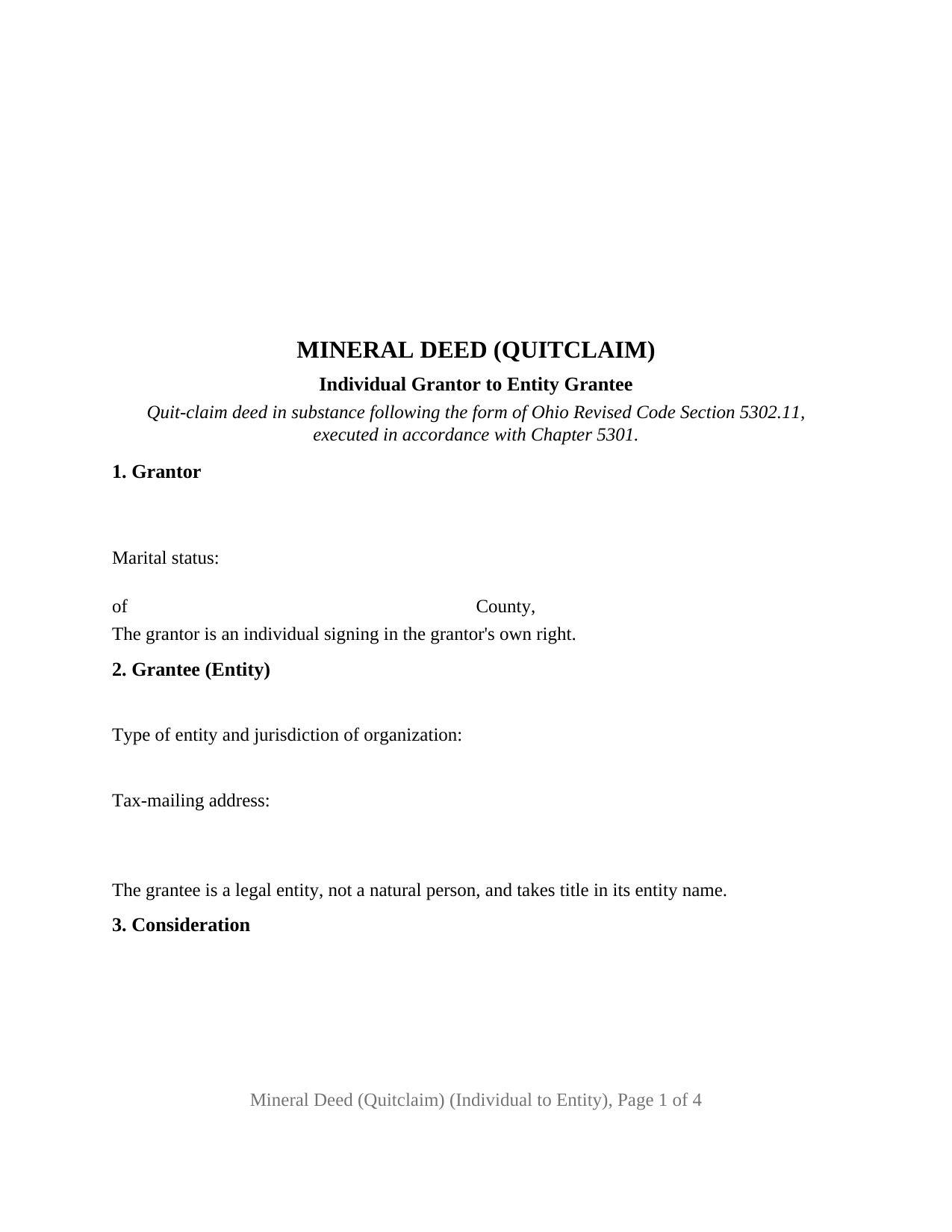
Huron County Mineral Deed (Quitclaim) (Individual to Entity) Form
Fill in the blank Mineral Deed (Quitclaim) (Individual to Entity) form formatted to comply with all Ohio recording and content requirements.
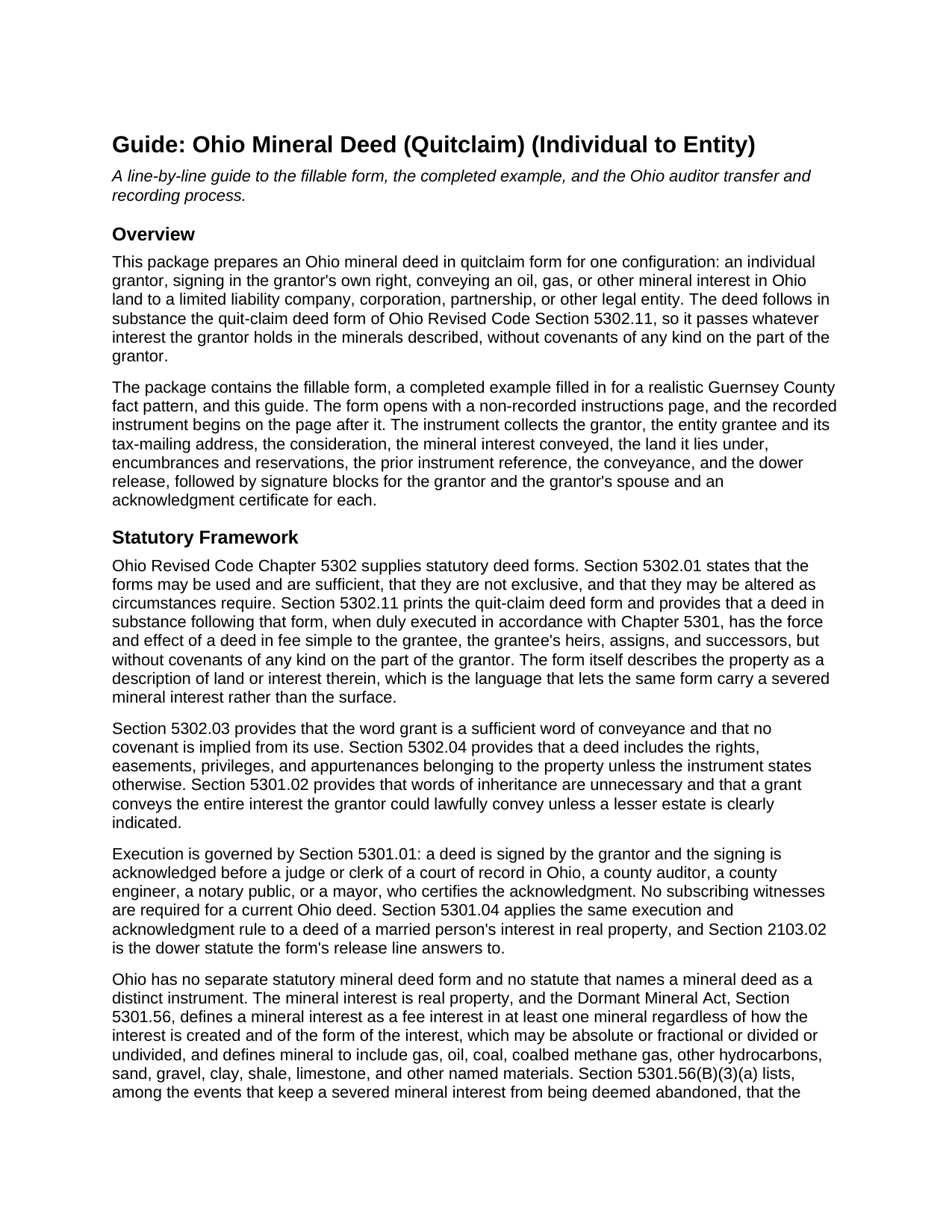
Huron County Mineral Deed (Quitclaim) (Individual to Entity) Guide
Line by line guide explaining every blank on the Mineral Deed (Quitclaim) (Individual to Entity) form.
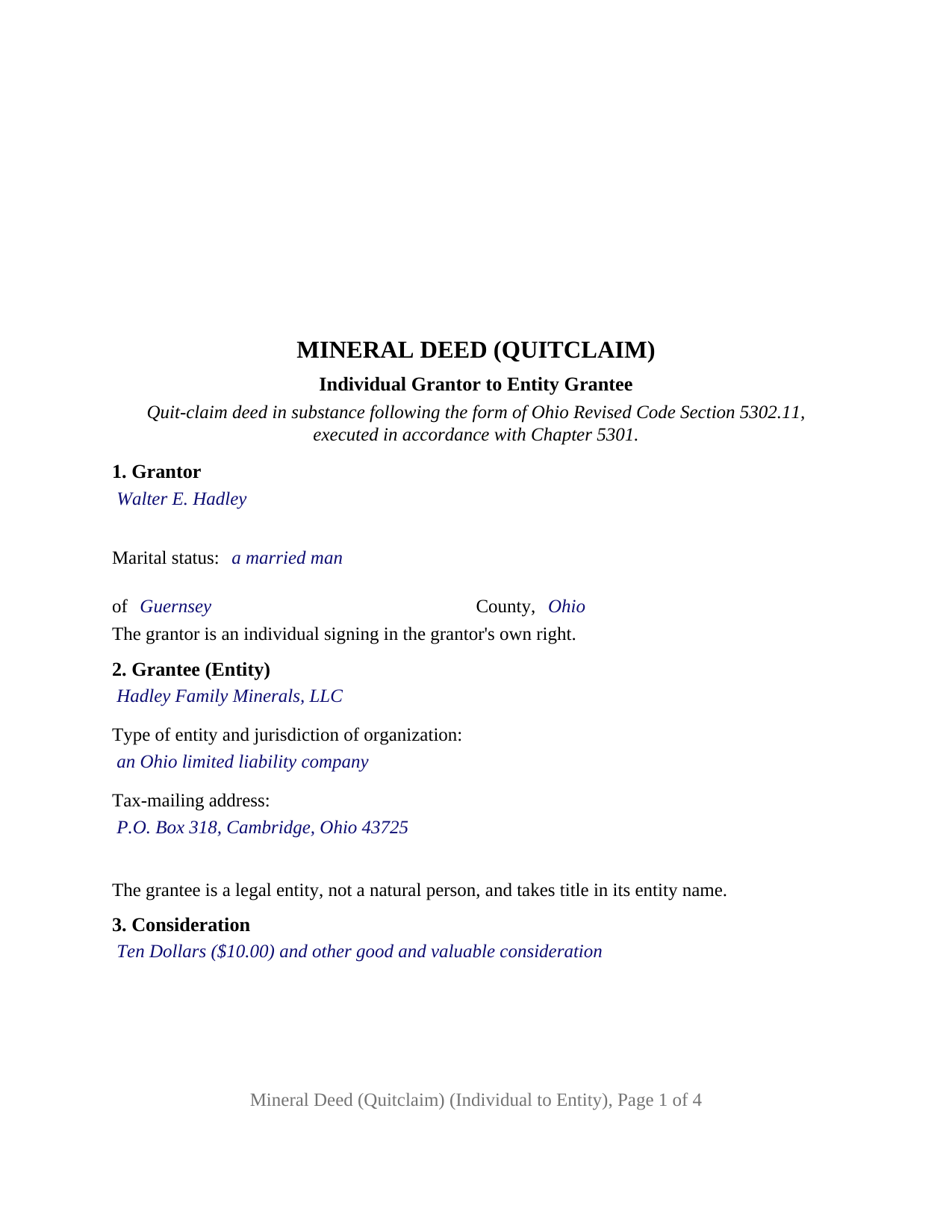
Huron County Completed Example of the Mineral Deed (Quitclaim) (Individual to Entity) Document
Example of a properly completed Ohio Mineral Deed (Quitclaim) (Individual to Entity) document for reference.
All 3 documents above included • One-time purchase • No recurring fees
Immediate Download • Secure Checkout
Additional Ohio and Huron County documents included at no extra charge:
Where to Record Your Documents
Huron County Recorder
Norwalk, Ohio 44857
Hours: 8:00 a.m. - 4:30 p.m. Monday - Friday / Same-day recording until 4:20 p.m.
Phone: (419) 668-1916
Recording Tips for Huron County:
- Bring your driver's license or state-issued photo ID
- Ensure all signatures are in blue or black ink
- Both spouses typically need to sign if property is jointly owned
- Bring extra funds - fees can vary by document type and page count
- Check margin requirements - usually 1-2 inches at top
Cities and Jurisdictions in Huron County
Properties in any of these areas use Huron County forms:
- Bellevue
- Collins
- Greenwich
- Monroeville
- New Haven
- New London
- North Fairfield
- Norwalk
- Plymouth
- Wakeman
- Willard
Hours, fees, requirements, and more for Huron County
How do I get my forms?
Forms are available for immediate download after payment. The Huron County forms will be in your account ready to download to your computer. An account is created for you during checkout if you don't have one. Forms are NOT emailed.
Are these forms guaranteed to be recordable in Huron County?
Yes. Our form blanks are guaranteed to meet or exceed the applicable formatting requirements used for recording in Huron County, including margin requirements, font requirements, and other layout standards. This guarantee applies to formatting, not to the legal sufficiency of information entered by the user or the suitability of a form for a particular transaction.
Can I reuse these forms?
Yes. You can reuse the forms for your personal use. For example, if you have multiple properties in Huron County you only need to order once.
What do I need to use these forms?
The forms are PDFs that you fill out on your computer. The free Adobe Acrobat Reader is recommended, and most PDF apps also work. You do NOT enter your property information online - you download the blank forms and complete them privately on your own computer.
Are there any recurring fees?
No. This is a one-time purchase. Nothing to cancel, no memberships, no recurring fees.
How much does it cost to record in Huron County?
Recording fees in Huron County vary. Contact the recorder's office at (419) 668-1916 for current fees.
Questions answered? Let's get started!
This Ohio mineral deed carries a severed oil, gas, or other mineral interest from one individual owner into a limited liability company, corporation, or other legal entity, in the quit-claim form that Ohio Revised Code Section 5302.11 prints. One natural person signs as grantor, the entity takes title in its own name, and the statutory dower release line stands ready for the grantor's spouse; the form recites that configuration as fixed deed text.
One signer, one entity, and the dower line between them
The deed identifies the grantor by name, marital status, and county of residence in the order the Section 5302.11 form prints them, and recites that the grantor is an individual signing in the grantor's own right. The grantee section takes the entity's exact registered name, its type and jurisdiction of organization, and its tax-mailing address. Above the signature blocks stands the statutory sentence naming the spouse, wife (husband) of the grantor, releasing all rights of dower therein. Ohio dower under Section 2103.02 reaches a severed mineral estate held in fee, so a married grantor's spouse signs the release and acknowledges it in a certificate of the spouse's own; an unmarried grantor leaves those lines blank.
A family placing inherited gas rights into a holding company and an individual selling a mineral share to an acquisition company each present the pattern this deed recites: a natural person on the signing side and an entity on the receiving side. A deed from two spouses, a conveyance out of a trust, or a transfer to another individual follows a different pattern, and the form is not set up as any of them.
What a quitclaim mineral deed passes in Ohio
Section 5302.11 gives a deed in substance following its form the effect of a deed in fee simple to the grantee and its successors, without covenants of any kind on the part of the grantor. The form's description line reads land or interest therein, which is what lets the statutory form carry minerals alone, and the deed passes whatever the grantor holds in the described minerals, subject to the lease, reservation, or easement listed in its encumbrances section.
A recorded title transaction under the Dormant Mineral Act
Severed minerals in Ohio live under Section 5301.56, which deems a mineral interest held by someone other than the surface owner abandoned and vested in the surface owner when the statute's notice and affidavit steps are completed and no saving event has occurred in the preceding twenty years. The first saving event listed is that the mineral interest has been the subject of a title transaction recorded with the county recorder, and Section 5301.47(F) defines a title transaction to include a quit claim deed. A recorded mineral deed to an entity is such a transaction as to the interest it conveys, and the auditor's separate listing of the mineral parcel under Section 5713.04 is another saving event.
Auditor first, then recorder
A conveyance of minerals or mineral rights is not admitted to record in Ohio until the county auditor has stamped it. Section 317.22 holds the deed back from the recorder until it bears the auditor's conveyance-fee stamp and a transferred or transfer not necessary endorsement, and Section 319.202 makes the DTE 100 conveyance fee statement, or the DTE 100EX exemption statement, the filing that earns the stamp. The state conveyance fee under Section 319.54(G)(3) is ten cents per hundred dollars of value, with listed exemptions, and a county may add a Chapter 322 transfer tax. The deed carries the prior instrument reference and grantee tax-mailing address Section 319.20 requires and the preparer statement of Section 317.111, inside the margins of Section 317.114.
Signing and certificates
Section 5301.01 requires the grantor's signing to be acknowledged before a judge or clerk of a court of record, a county auditor, a county engineer, a notary public, or a mayor; no witnesses are required. The form carries two acknowledgment certificates, one captioned for the grantor and one for the spouse, each printing the Section 147.55(A) short form, so the two signers may appear on different dates or before different officers; that separation is the form's architecture, not a rule of Ohio law.
The package includes the fillable mineral deed form, a completed example filled in for a Guernsey County fact pattern, and a guide to every section, the auditor transfer, and recording. This description and the guide describe the form and the governing Ohio statutes in general terms; they are not legal advice.
Important: Your property must be located in Huron County to use these forms. Documents should be recorded at the county recording office listed above.
This Mineral Deed (Quitclaim) (Individual to Entity) meets all recording requirements specific to Huron County.
Our Promise
The documents you receive here are guaranteed to meet or exceed the applicable Huron County recording format requirements. If there is a rejection caused by our formatting, we will correct the issue or refund your payment. This guarantee applies to document formatting only and does not extend to information entered by the user, the selection of the form, or the legal effect of the completed document.
Save Time and Money
Get your Huron County Mineral Deed (Quitclaim) (Individual to Entity) form done right the first time with Deeds.com Uniform Conveyancing Blanks. At Deeds.com, we understand that your time and money are valuable resources, and we don't want you to face a penalty fee or rejection imposed by a county recorder for submitting nonstandard documents. We constantly review and update our forms to meet rapidly changing state and county recording requirements for roughly 3,500 counties and local jurisdictions.
4.8 out of 5 - ( 4,836 Reviews )
Charlotte F. 5 out of 5 stars
Great follow up and consideration
Thank you for your feedback. We really appreciate it. Have a great day!
John M. 5 out of 5 stars
I found just what I needed at a very good price.
We appreciate your business and value your feedback. Thank you. Have a wonderful day!
Darrell P. 5 out of 5 stars
My legal description exceeds the avaiable space in the one page Exhibit A...any way to add a second page as 'Exhibit A (continued)'?
It is not required to use the included exhibit page. Simply label your printed legal description as the appropriate exhibit.
Scott H. 5 out of 5 stars
Very helpful
Thank you!
Denise B. 5 out of 5 stars
Quick and easy!
Thank you Denise. We appreciate you.
Rajesh S. 5 out of 5 stars
It was a wonderful and less time-consuming experience. Got my job done in a timely manner.
Thank you, Rajesh. We appreciate you taking the time to share your experience. Glad everything came together quickly and got the job done.
JOANN S. 5 out of 5 stars
easy to use and understand forms. saved completed on my computer with no issues, even emailed them to my son for printing. recommend.
Thank you for the kind words Joann, have an amazing day!
Bill M. 4 out of 5 stars
PROS: Quick communication. Completed the task expediently. CONS: Deciphering what was being referred to on the website when needing the proper classification wasn't clear. Had to delve through your unfamiliar territory. But managed. OVERALL: Got the job done swiftly and the end result was satisfactory. Will use again.
Thank you!
Jane D. 5 out of 5 stars
Very easy to navigate and we get exactly what we need, when we need it! Also, they keep Tra k of previous purchases, so you don't have to repurchase! It's great!
We appreciate your business and value your feedback. Thank you. Have a wonderful day!
Cheryl M. 5 out of 5 stars
Easy.
Thank you!
Dennis M. 3 out of 5 stars
Deeds was responsive and got back to me right away suggesting I go to the county and retrieve copies of the deed there. It's a couple of hundred miles away so was hoping I could do it online. A pretty good website though. Sorry we couldn't do business.
Thank you for your feedback. We really appreciate it. Have a great day!
Christine L. 5 out of 5 stars
User friendly!
Thank you!
John S. 5 out of 5 stars
Easy to use website and reasonably priced forms. I recommend it.
Thank you for the kind words John.
Deloris L. 5 out of 5 stars
I downloaded documents easy. But haven't started work on them yet. Seems to be ok.
We appreciate your business and value your feedback. Thank you. Have a wonderful day!
Craig L. 5 out of 5 stars
Fast and easy and saved me $240. What's not to like? Five stars.
We appreciate your business and value your feedback. Thank you. Have a wonderful day!