Fulton County Quitclaim Deed (Corporation Grantor) Form
Last validated September 28, 2026 by our Forms Development TeamFormatted for recording in Fulton County, for property anywhere in the county: rural and unincorporated areas as well as Archbold, Delta, Fayette, Lyons, Metamora, Pettisville, Swanton, Wauseon.
- 3 documents included
- Immediate PDF download
- Formatting guarantee
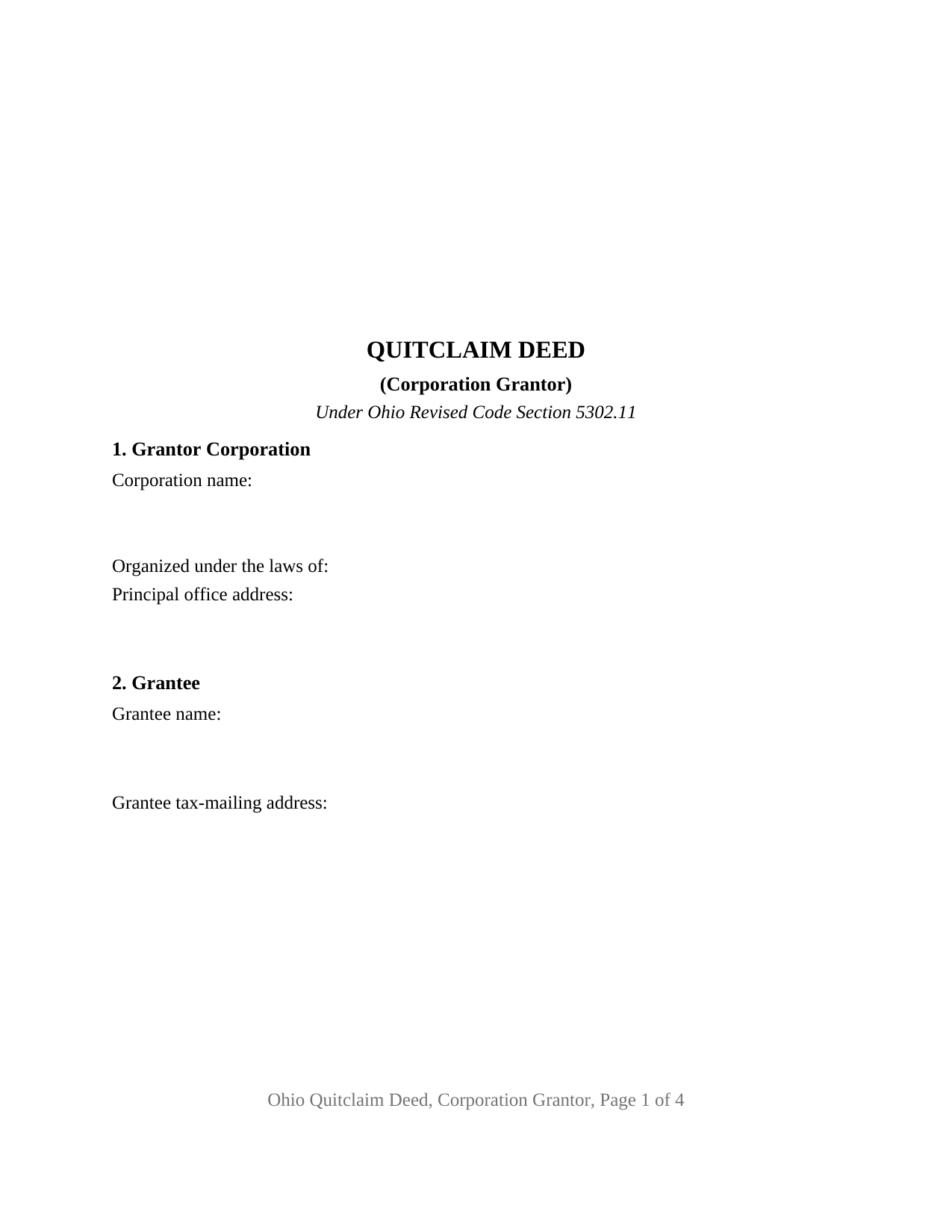
Fulton County Quitclaim Deed (Corporation Grantor) Form
Fill in the blank Quitclaim Deed (Corporation Grantor) form formatted to comply with all Ohio recording and content requirements.
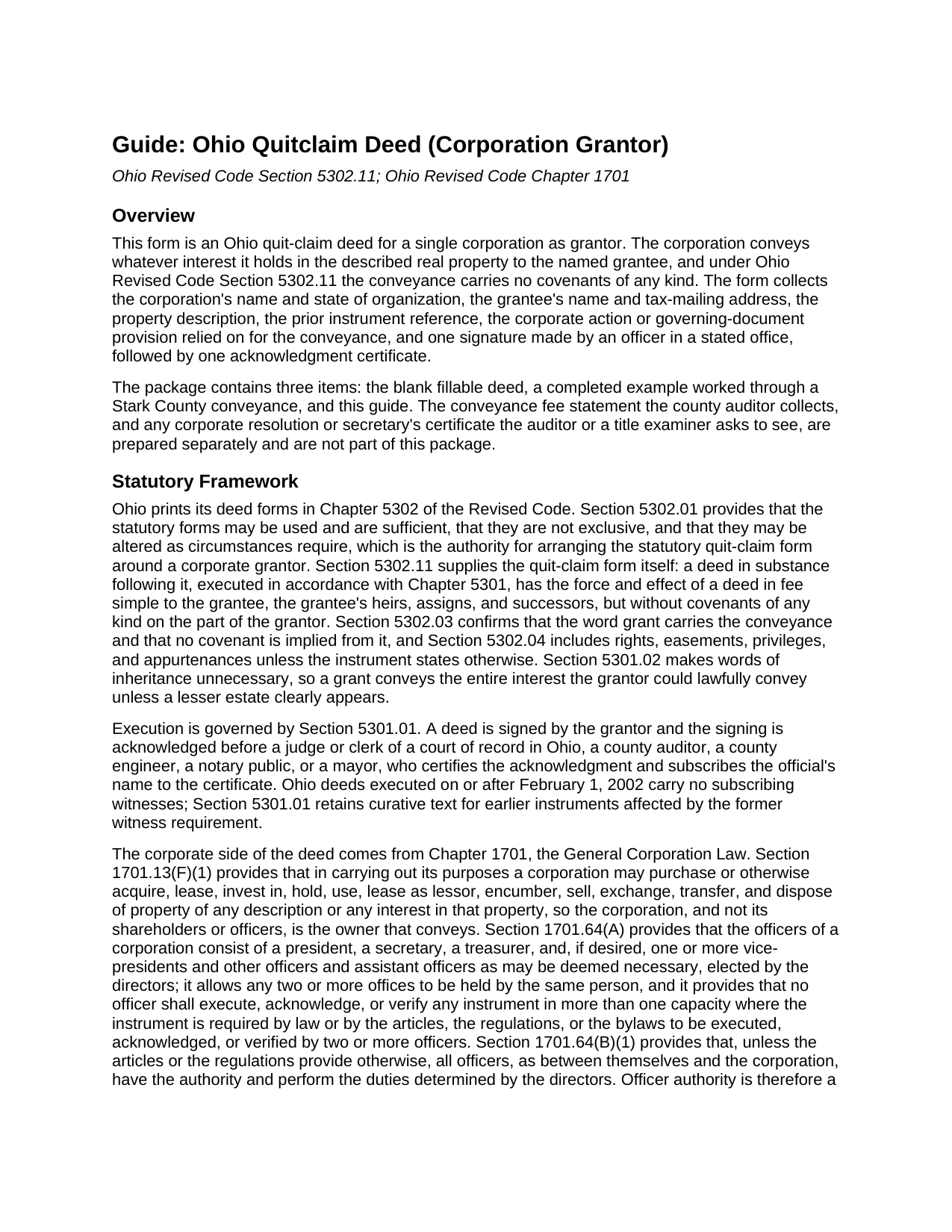
Fulton County Quitclaim Deed (Corporation Grantor) Guide
Line by line guide explaining every blank on the Quitclaim Deed (Corporation Grantor) form.
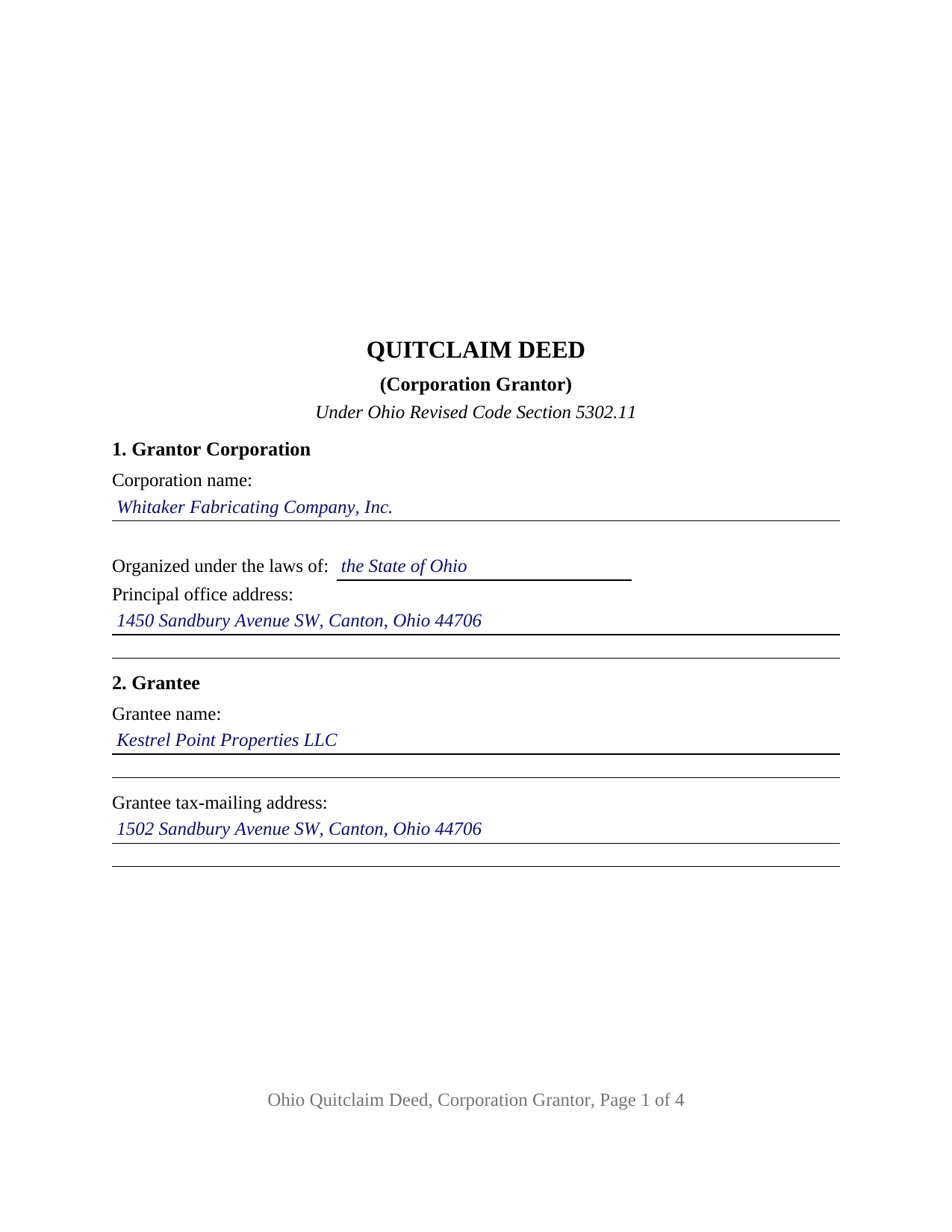
Fulton County Completed Example of the Quitclaim Deed (Corporation Grantor) Document
Example of a properly completed Ohio Quitclaim Deed (Corporation Grantor) document for reference.
All 3 documents above included • One-time purchase • No recurring fees
Immediate Download • Secure Checkout
Additional Ohio and Fulton County documents included at no extra charge:
Where to Record Your Documents
Fulton County Recorder
Wauseon, Ohio 43567
Hours: 8:30 to 4:30 M-F
Phone: 419-337-9232
Recording Tips for Fulton County:
- Bring your driver's license or state-issued photo ID
- Ensure all signatures are in blue or black ink
- Bring extra funds - fees can vary by document type and page count
- Check margin requirements - usually 1-2 inches at top
- Leave recording info boxes blank - the office fills these
Cities and Jurisdictions in Fulton County
Properties in any of these areas use Fulton County forms:
- Archbold
- Delta
- Fayette
- Lyons
- Metamora
- Pettisville
- Swanton
- Wauseon
Hours, fees, requirements, and more for Fulton County
How do I get my forms?
Forms are available for immediate download after payment. The Fulton County forms will be in your account ready to download to your computer. An account is created for you during checkout if you don't have one. Forms are NOT emailed.
Are these forms guaranteed to be recordable in Fulton County?
Yes. Our form blanks are guaranteed to meet or exceed the applicable formatting requirements used for recording in Fulton County, including margin requirements, font requirements, and other layout standards. This guarantee applies to formatting, not to the legal sufficiency of information entered by the user or the suitability of a form for a particular transaction.
Can I reuse these forms?
Yes. You can reuse the forms for your personal use. For example, if you have multiple properties in Fulton County you only need to order once.
What do I need to use these forms?
The forms are PDFs that you fill out on your computer. The free Adobe Acrobat Reader is recommended, and most PDF apps also work. You do NOT enter your property information online - you download the blank forms and complete them privately on your own computer.
Are there any recurring fees?
No. This is a one-time purchase. Nothing to cancel, no memberships, no recurring fees.
How much does it cost to record in Fulton County?
Recording fees in Fulton County vary. Contact the recorder's office at 419-337-9232 for current fees.
Questions answered? Let's get started!
An Ohio corporation conveys real property through a signature its directors stand behind, and the deed records the office it came from. One corporation stands as grantor on this form, which follows the statutory quit-claim language of Ohio Revised Code Section 5302.11 and adds what a corporate conveyance needs: the corporate name and state of organization, a numbered section for the corporate action, and a signature block for the officer's name and office.
Which office signed, and what the directors decided
Chapter 1701 of the Revised Code answers both. Section 1701.13(F)(1) places the power to hold, encumber, sell, exchange, transfer, and dispose of property of any description in the corporation itself, so the entity conveys and no shareholder joins the deed. Section 1701.64 supplies the offices, a president, a secretary, a treasurer, and any vice-presidents the corporation elects, and makes an officer's authority what the directors determined, unless the articles or the regulations provide otherwise. Ohio Title Standard 3.11 reads a corporate deed the same way: an examiner does not question a signing officer's authority absent known facts creating doubt.
The corporate action the record shows
Section 8 takes that action: a directors' resolution with its date, or the governing-document provision an office relies on. Where the conveyance forms part of a disposition of all, or substantially all, of the corporation's assets outside the usual and regular course of business, Section 1701.76(A)(1) calls for authorization by the directors and by holders of two-thirds of the voting power at a meeting held for that purpose, or another proportion the articles permit. Section 1701.76(E) drops the shareholder step once a resolution of dissolution is adopted under Section 1701.86. One parcel sold in the ordinary course sits outside the section altogether, so the deed names its authority rather than assuming it.
No dower line, no seal line
Two entries Ohio deeds often carry are absent. Dower under Section 2103.02 is a life estate in one third of real property a spouse was seized of as an estate of inheritance during a marriage, an interest arising through a married individual owner, so a corporate grantor states no marital status and releases nothing. Section 1701.13(B) lets a corporation adopt and use a corporate seal while providing that failure to affix it does not affect the validity of any instrument, so no seal notation sits on the signature page. Capacity does appear: Section 10 recites that the officer signs for the corporation in the stated office, not individually.
What a quit-claim moves out of a corporation
The operative words belong to the statute. A deed in substance following Section 5302.11 carries the force and effect of a fee simple conveyance without covenants of any kind, and Section 5302.03 confirms that the word grant implies none, so a grantee takes the corporate interest exactly as the record leaves it, recorded mortgage and easement attached. A manufacturer conveying a surveyed remnant strip to its industrial neighbor after a plant sale, and a corporation releasing whatever interest an old deed left in its name, present the corporate grantor record this deed recites. It answers searches for a quit claim deed, for the hyphenated quit-claim spelling Ohio's code prints, and for a corporate property transfer. One corporation and one signing officer appear on its face; where governing documents call for two officers, Section 1701.64 bars an individual holding two offices from acting in both capacities.
Two counters, in order
The auditor sees an Ohio deed before the recorder does. Form DTE 100, or DTE 100EX where an exemption applies, travels with it under Section 319.202; the auditor charges ten cents per hundred dollars of value under Section 319.54(G)(3), collects any county transfer tax levied under Chapter 322, reads the two entries Section 319.20 requires, and endorses the transfer, which Section 317.22 makes a condition of recording. The recorder's charge runs thirty-four dollars covering two pages and eight for each page after, under Sections 317.32 and 317.36, and the layout tracks Section 317.114 so the twenty dollar nonstandard charge stays out.
Three files arrive with the purchase: the Ohio quitclaim deed for a corporation grantor as a fillable PDF, a completed example built on a Stark County conveyance by an Ohio manufacturer, and a plain language guide to the numbered entries, the Chapter 1701 authority rules, the ways an Ohio grantee may hold title, and the county steps. The package describes Ohio law and this form generally rather than applying it to a particular corporation, and it is not legal advice.
Important: Your property must be located in Fulton County to use these forms. Documents should be recorded at the county recording office listed above.
This Quitclaim Deed (Corporation Grantor) meets all recording requirements specific to Fulton County.
Our Promise
The documents you receive here are guaranteed to meet or exceed the applicable Fulton County recording format requirements. If there is a rejection caused by our formatting, we will correct the issue or refund your payment. This guarantee applies to document formatting only and does not extend to information entered by the user, the selection of the form, or the legal effect of the completed document.
Save Time and Money
Get your Fulton County Quitclaim Deed (Corporation Grantor) form done right the first time with Deeds.com Uniform Conveyancing Blanks. At Deeds.com, we understand that your time and money are valuable resources, and we don't want you to face a penalty fee or rejection imposed by a county recorder for submitting nonstandard documents. We constantly review and update our forms to meet rapidly changing state and county recording requirements for roughly 3,500 counties and local jurisdictions.
4.8 out of 5 - ( 4,836 Reviews )
DAVID K. 5 out of 5 stars
Good so far could use more examples for each section of info. needed. ex. (parcel and alt.ID info where to find and etc. #2 more examples. If it was not for the red print examples helping to fill the form out I could have downloaded free forms, the examples are what made me choose your form !
We appreciate your business and value your feedback. Thank you. Have a wonderful day!
Monte J. 5 out of 5 stars
Very helpful.
Thank you!
Cynthia E. 5 out of 5 stars
good source
Thank you!
Scott P. 5 out of 5 stars
So far so good
Thank you!
Wesley R T. 5 out of 5 stars
Great service and easy use
We appreciate your business and value your feedback. Thank you. Have a wonderful day!
Sol B. 5 out of 5 stars
Got me all the info I was looking for Thanks you deeds.com
Thank you!
Tracy H. 5 out of 5 stars
Deeds.com was an amazing experience. They made it so easy and stress free. The agent I worked with was fantastic and communicated quickly to make it a very positive experience. I will be using them from now on. Thank you!
We appreciate your business and value your feedback. Thank you. Have a wonderful day!
Jenni R. 5 out of 5 stars
Dry convenient and had just the form I needed and included directions, filled out sample form and other resources. Will recommend and use again if needed.
Thank you for your feedback. We really appreciate it. Have a great day!
Heidi G. 5 out of 5 stars
Very happy with the service that you offer. My office will use you again.
Great to hear Heidi, glad we could help. Have an amazing day!
Craig L. 5 out of 5 stars
So far so good. I will let you know after a successful recordation of the deed.
Thank you!
FLORIN D. 5 out of 5 stars
Excellent service, will use in the future and will recommend to anyone that needs to record documents.
We appreciate your business and value your feedback. Thank you. Have a wonderful day!
Thomas W. 5 out of 5 stars
Found what I needed, thanks.
Thank you!
GLENN A M. 5 out of 5 stars
I loved the easy to understand and use system, very user friendly.
Thank you!
Steven S. 5 out of 5 stars
Accurate and informative, great site for deed forms.
Thank you for your feedback. We really appreciate it. Have a great day!
Ma Luisa R. 5 out of 5 stars
Great service and fast
We appreciate your business and value your feedback. Thank you. Have a wonderful day!