Highland County Quitclaim Deed (Corrective) Form
Last validated September 30, 2026 by our Forms Development TeamFormatted for recording in Highland County, for property anywhere in the county: rural and unincorporated areas as well as Buford, Greenfield, Highland, Hillsboro, Leesburg, Lynchburg, Mowrystown, Sinking Spring.
- 3 documents included
- Immediate PDF download
- Formatting guarantee
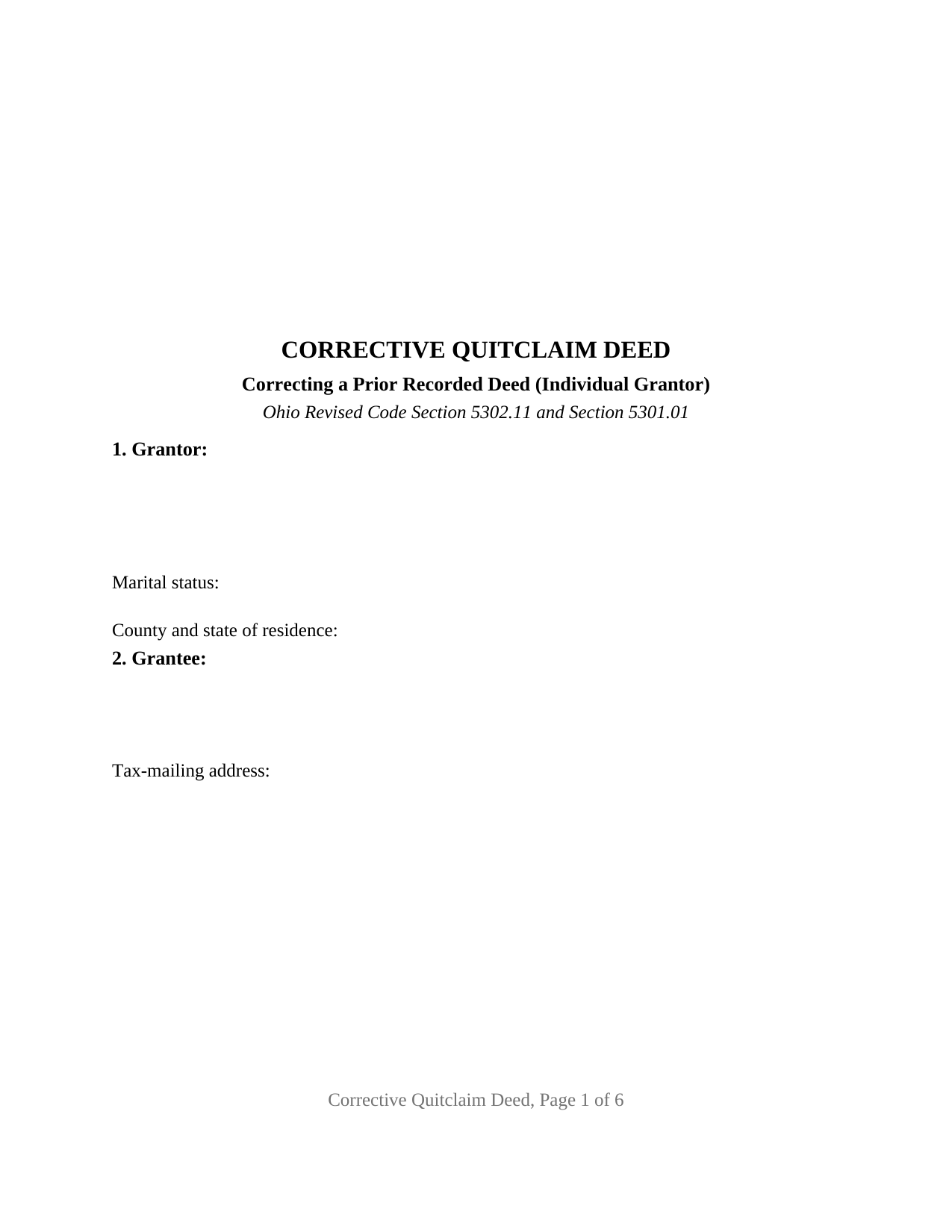
Highland County Quitclaim Deed (Corrective) Form
Fill in the blank Quitclaim Deed (Corrective) form formatted to comply with all Ohio recording and content requirements.
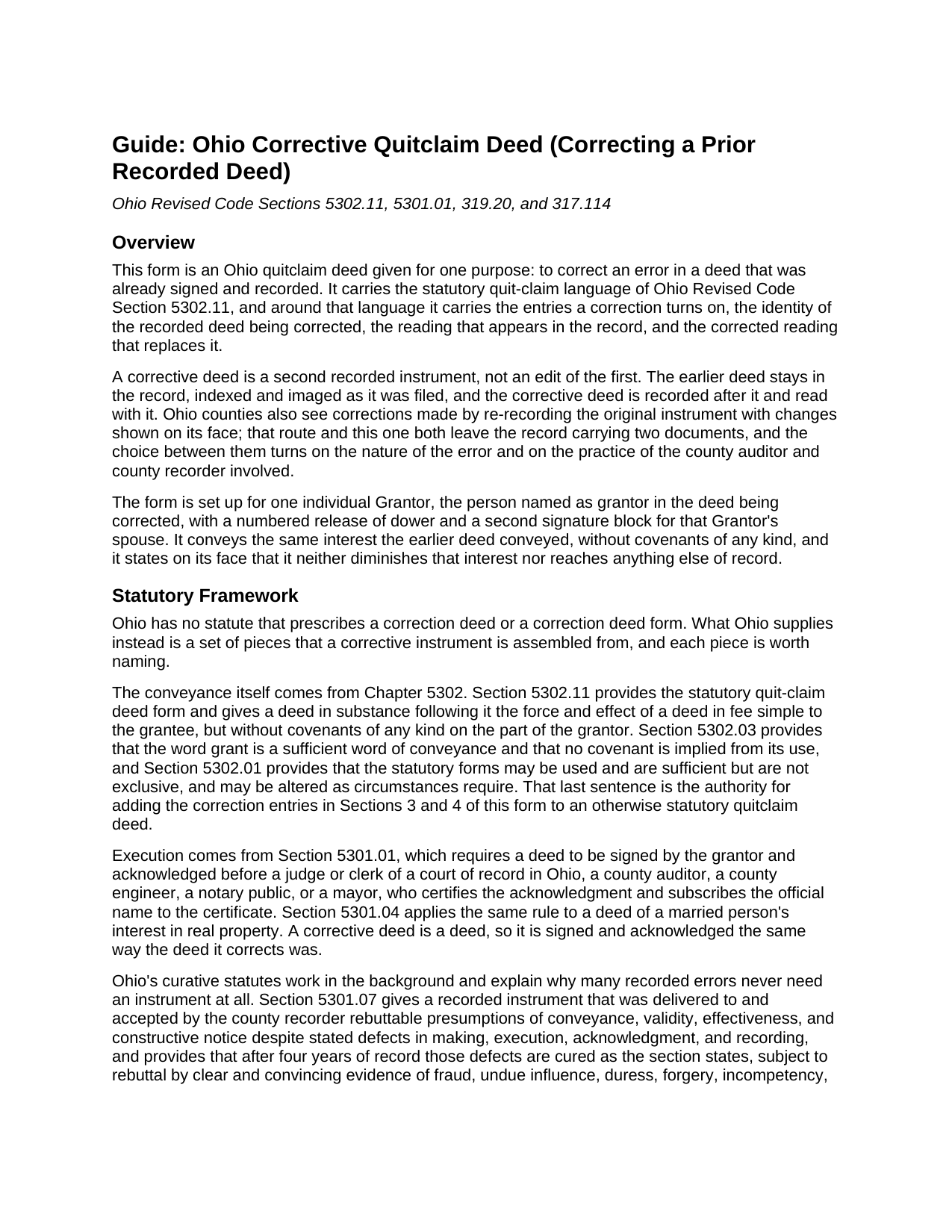
Highland County Quitclaim Deed (Corrective) Guide
Line by line guide explaining every blank on the Quitclaim Deed (Corrective) form.
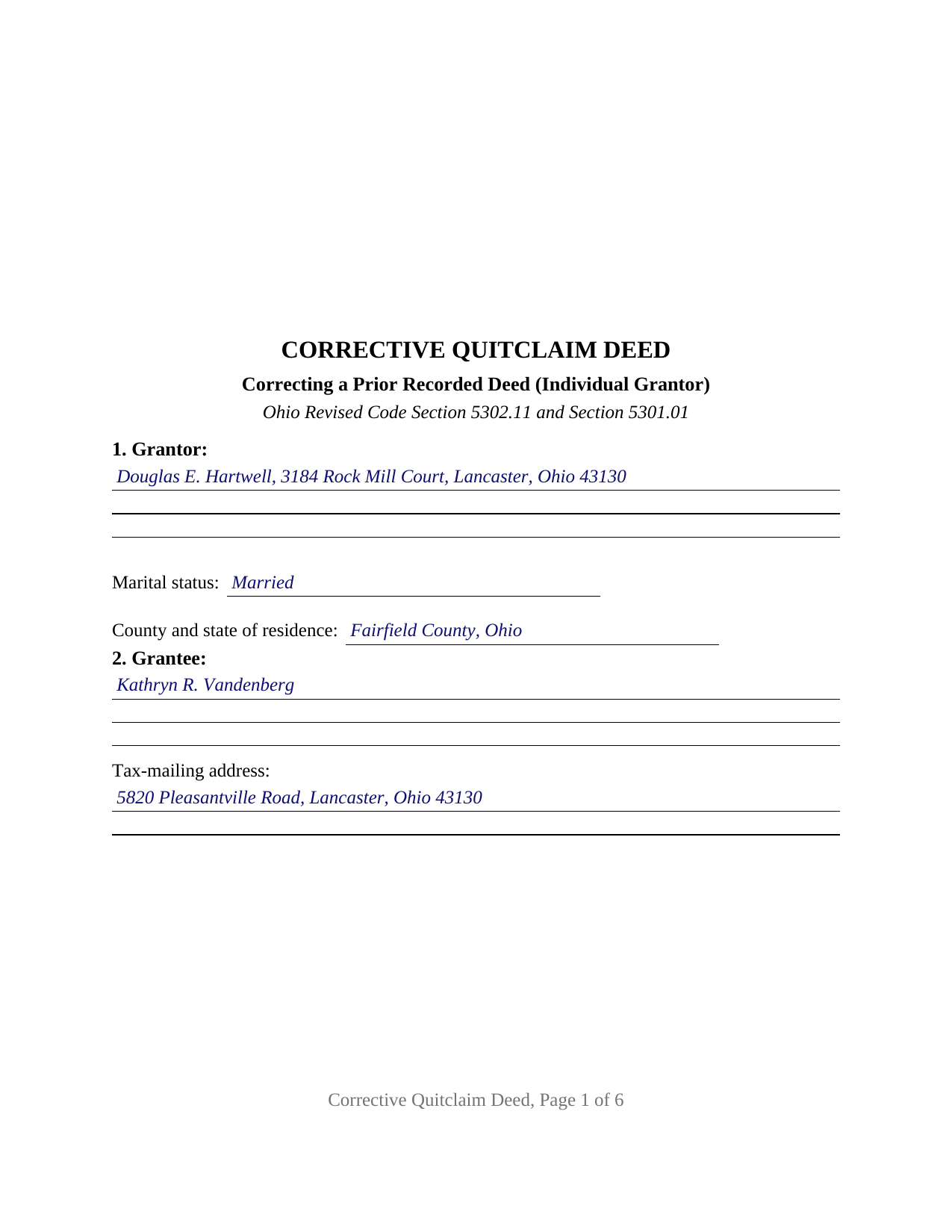
Highland County Completed Example of the Quitclaim Deed (Corrective) Document
Example of a properly completed Ohio Quitclaim Deed (Corrective) document for reference.
All 3 documents above included • One-time purchase • No recurring fees
Immediate Download • Secure Checkout
Additional Ohio and Highland County documents included at no extra charge:
Where to Record Your Documents
Highland County Recorder
Hillsboro, Ohio 45133
Hours: 8:30 a.m. - 4:00 p.m. Monday - Friday / Recording until 3:30
Phone: (937) 393-9954
Recording Tips for Highland County:
- Bring your driver's license or state-issued photo ID
- Ensure all signatures are in blue or black ink
- Ask if they accept credit cards - many offices are cash/check only
- Check that your notary's commission hasn't expired
- Documents must be on 8.5 x 11 inch white paper
Cities and Jurisdictions in Highland County
Properties in any of these areas use Highland County forms:
- Buford
- Greenfield
- Highland
- Hillsboro
- Leesburg
- Lynchburg
- Mowrystown
- Sinking Spring
Hours, fees, requirements, and more for Highland County
How do I get my forms?
Forms are available for immediate download after payment. The Highland County forms will be in your account ready to download to your computer. An account is created for you during checkout if you don't have one. Forms are NOT emailed.
Are these forms guaranteed to be recordable in Highland County?
Yes. Our form blanks are guaranteed to meet or exceed the applicable formatting requirements used for recording in Highland County, including margin requirements, font requirements, and other layout standards. This guarantee applies to formatting, not to the legal sufficiency of information entered by the user or the suitability of a form for a particular transaction.
Can I reuse these forms?
Yes. You can reuse the forms for your personal use. For example, if you have multiple properties in Highland County you only need to order once.
What do I need to use these forms?
The forms are PDFs that you fill out on your computer. The free Adobe Acrobat Reader is recommended, and most PDF apps also work. You do NOT enter your property information online - you download the blank forms and complete them privately on your own computer.
Are there any recurring fees?
No. This is a one-time purchase. Nothing to cancel, no memberships, no recurring fees.
How much does it cost to record in Highland County?
Recording fees in Highland County vary. Contact the recorder's office at (937) 393-9954 for current fees.
Questions answered? Let's get started!
A deed already sitting in an Ohio county's records cannot be edited. What answers a mistake in one is a second instrument, filed behind the first and read with it, and this form is that instrument: a quitclaim deed given under Ohio Revised Code Section 5302.11 to correct a deed previously signed and recorded. It carries the identity of the earlier deed, the reading standing in the record, and the corrected reading beside it.
Two instruments, read together
Ohio prints no statutory correction deed form, so a corrective instrument is assembled from pieces the Revised Code supplies elsewhere. Section 5302.01 makes the statutory forms alterable as circumstances require, the authority for adding correction entries to an otherwise statutory quit-claim deed, and Section 5302.11 supplies the conveyance. Where the parties disagree or a grantor cannot be found, Chapter 2719 sends the question to the common pleas court. In Delfino v. Paul Davies Chevrolet, Inc., decided in 1965, the Supreme Court of Ohio read that chapter's curative section as reaching technical defects of content, not as excusing the execution formalities of Section 5301.01. A corrective deed is signed and acknowledged afresh, never treated as an amendment.
The reading of record, and the reading that replaces it
Two numbered sections do the correcting work. One identifies the deed being corrected by type, signing date, recording date, and recording reference. The other sets the reading as it appears in the record above the corrected reading, quoted rather than described, so a title examiner can match this deed to the index entry. A further section takes the prior instrument reference Section 319.20 calls for, which on a correction is a different document from the one being corrected. A grantee's surname misspelled, a grantee tax-mailing address left off, a permanent parcel number that does not match the legal description: these present the corrective record this deed states.
The form recites exactly one individual Grantor, named as the grantor stood named in the earlier deed, with a marital status line and a numbered release of dower for that Grantor's spouse under Section 2103.02. Two signature blocks is the ceiling, the Grantor and a releasing spouse, each with an acknowledgment certificate of its own, so the signatures may be taken on different days or before different officers. Ohio law does not require separate certificates; the per-signer layout is this form's own accommodation.
Augment, but not diminish
The outer limit of a correction is a title question, and the Ohio Standards of Title Examination state it. Standard 3.19, on re-recording a defective deed after corrections, lists what it carries: a misspelled or incomplete name, the grantee's correct tax-mailing address, an address or parcel number conformed to the legal description, a minor defect in the attestation. Then it draws the boundary: a grantor may not diminish, although he or she may augment, a title previously conveyed. The operative language here tracks that sentence, granting the property while stating that this deed diminishes no interest the earlier deed conveyed and creates, releases, and extinguishes no easement, restriction, condition, or reservation of record. Adding or removing an owner, moving the land to a different lot, and adding or deleting covenants sit outside a correction. Searches for a correction deed, a quit claim deed, the hyphenated quit-claim spelling Ohio's code prints, or a scrivener's error in a deed arrive at this one.
Exemption (c) at the auditor's window
An Ohio deed clears the county auditor before the recorder, and a correction has its own line waiting. Section 319.54(G)(3) charges the state conveyance fee and lists the exemptions, item (c) being a conveyance to confirm or correct a deed previously executed and recorded; form DTE 100EX carries that item, and Section 322.01 keeps an exempt instrument outside the county permissive transfer tax. Several counties add that a deed correcting a prior deed may come with an affidavit of the facts supporting the correction, at the auditor's discretion; those filings are prepared apart from the deed. Section 317.22 then holds the instrument out of the record until the auditor's stamp and transfer endorsement appear.
Three files arrive with the purchase: the Ohio corrective quitclaim deed as a fillable PDF, a completed example worked through a Fairfield County name correction, and a plain language guide covering the numbered sections, the correction and dower statutes, the ways an Ohio grantee may hold title, and the county steps in order. The materials describe Ohio law and this form in general terms; they are not legal advice.
Important: Your property must be located in Highland County to use these forms. Documents should be recorded at the county recording office listed above.
This Quitclaim Deed (Corrective) meets all recording requirements specific to Highland County.
Our Promise
The documents you receive here are guaranteed to meet or exceed the applicable Highland County recording format requirements. If there is a rejection caused by our formatting, we will correct the issue or refund your payment. This guarantee applies to document formatting only and does not extend to information entered by the user, the selection of the form, or the legal effect of the completed document.
Save Time and Money
Get your Highland County Quitclaim Deed (Corrective) form done right the first time with Deeds.com Uniform Conveyancing Blanks. At Deeds.com, we understand that your time and money are valuable resources, and we don't want you to face a penalty fee or rejection imposed by a county recorder for submitting nonstandard documents. We constantly review and update our forms to meet rapidly changing state and county recording requirements for roughly 3,500 counties and local jurisdictions.
4.8 out of 5 - ( 4,832 Reviews )
Leonard N. 5 out of 5 stars
Nice and clear. Can't wait to process the completed documents at the Recorder's Office
Thank you!
Roger G. 4 out of 5 stars
was difficult to find the location on the website to actually download the form I needed. Initially was directed only to information pages related to the form I needed
Thank you for your feedback. We really appreciate it. Have a great day!
Deborah C. 5 out of 5 stars
I just printed out my documents and they are so helpful. Now I will sit and fill out my documents and submit them to the PG County deed Office. Thanks for having this infomation online. Regards,
Thank you!
Lillian F. 5 out of 5 stars
Very well satisfy with my results. I could not ask for better service d
Thank you for your feedback. We really appreciate it. Have a great day!
Brian S. 5 out of 5 stars
Easy, fast, and a they even check your work before submitting it. Very convenient service.
Happy we could assist. Thank you for sharing your experience.
Claudia S. 5 out of 5 stars
The site is very user friendly. Where can I get a copy of all the invoices that were paid? Thank you. Claudia
Thank you for your feedback. We really appreciate it. Have a great day!
Michael C. 5 out of 5 stars
I would appreciate being able to increase the size of the blocks such as the Grantor block and the legal description block where information is enter on the form and to adjust the font. Otherwise great product,
Thank you for your feedback Michael. We do wish we could make that an option. Unfortunately, adhering to formatting requirements (specifically margin requirements) leaves a finite amount of space available on the page.
Zachary F. 3 out of 5 stars
I am a lawyer and purchased a specialized type of deed for a special scenario. The product received was functional, but not great. Wording is slightly clunky and the form layout was not convenient for making a professional final product. The wording also didn't contemplate a remote-state probate, which is a common scenario. Something about the PDF prevented me from doing cut and paste, so I had to do OCR to get the relevant text for inserting in my existing draft deed. Finally, while the site claims it is customized for the exact state and county, it does not appear to be well-customized for that purpose and I had to use other language (not sourced from the deeds.com document) to meet local norms.
Thank you for your feedback. We really appreciate it. Have a great day!
Norma C. 5 out of 5 stars
Great service and process for recording deeds quickly and easily. Also impressed with prompt replies to messages providing clear and specific instructions/guidance.
We appreciate your business and value your feedback. Thank you. Have a wonderful day!
Morgan K. 5 out of 5 stars
When I brought this deed to the county assessor, they were so impressed that I had done it correctly on my first try, and said they wished everyone would do such a good job on their paperwork.
Thank you for your feedback. We really appreciate it. Have a great day!
Donna L. 5 out of 5 stars
Documents were easy to complete!
Thank you for your feedback. We really appreciate it. Have a great day!
William W. 5 out of 5 stars
No fuss-No muss. Very easy!
Thank you!
Robert R. 5 out of 5 stars
I found the form I needed. I ordered the wrong ones the first time. I didn't know if I could get refund or not. The information with the forms is very helpful Thank you
Thank you for your feedback. We’re pleased to hear you found the forms and supporting information helpful. Your initial order has been canceled and refunded, and we’re glad you now have the correct forms in hand. We appreciate your business and are here if you need further assistance.
Sarah C. 5 out of 5 stars
Great, but I'd like to see the actual filings/documents in my account, PDF, not only the blank forms. Thank you.
Thank you for your feedback. We really appreciate it. Have a great day!
Elaine S. 4 out of 5 stars
Being new at this, the system was somewhat difficult to understand at first. It took a couple of tries before I got it. It seems to be somewhat slow as well. However, it's a wonderful idea to have documents recorded from the comfort of your home, especially in the times that we are in with COVID19. I definitely don't mind paying the fee which I thought was reasonable.
Thank you!