Huron County Quitclaim Deed (LLC Grantor) Form
Last validated October 13, 2026 by our Forms Development TeamFormatted for recording in Huron County, for property anywhere in the county: rural and unincorporated areas as well as Bellevue, Collins, Greenwich, Monroeville, New Haven, New London, North Fairfield, Norwalk and 3 more.
- 3 documents included
- Immediate PDF download
- Formatting guarantee
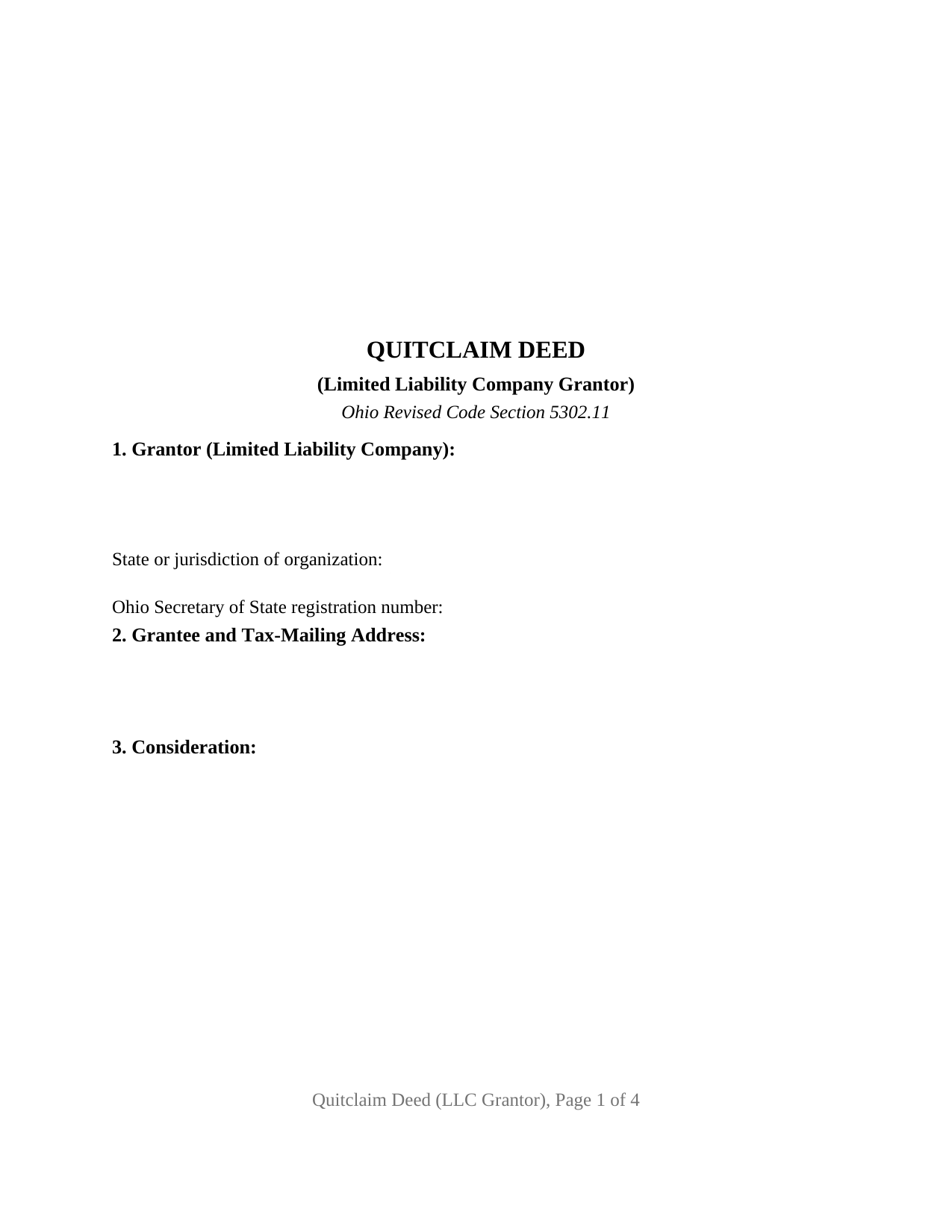
Huron County Quitclaim Deed (LLC Grantor) Form
Fill in the blank Quitclaim Deed (LLC Grantor) form formatted to comply with all Ohio recording and content requirements.
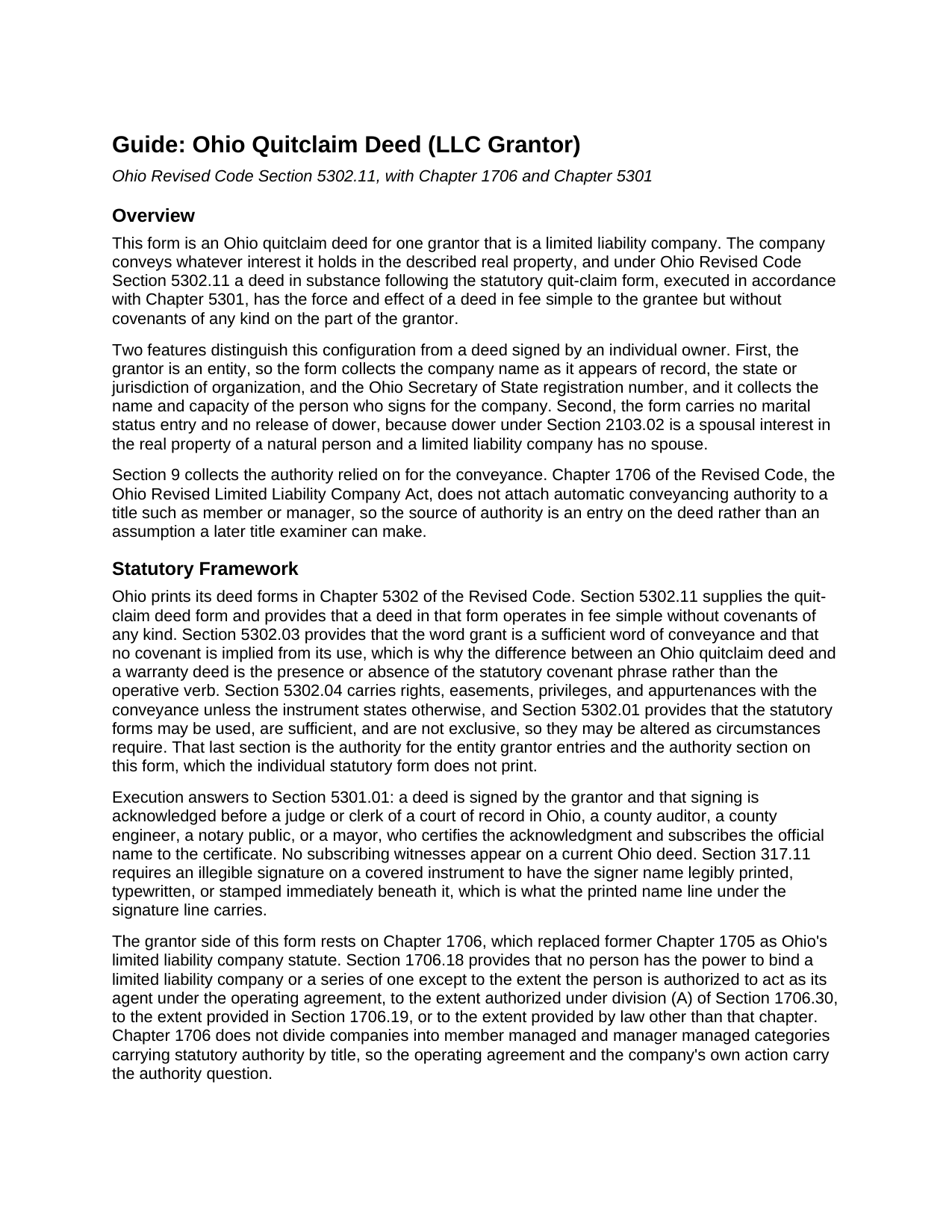
Huron County Quitclaim Deed (LLC Grantor) Guide
Line by line guide explaining every blank on the Quitclaim Deed (LLC Grantor) form.
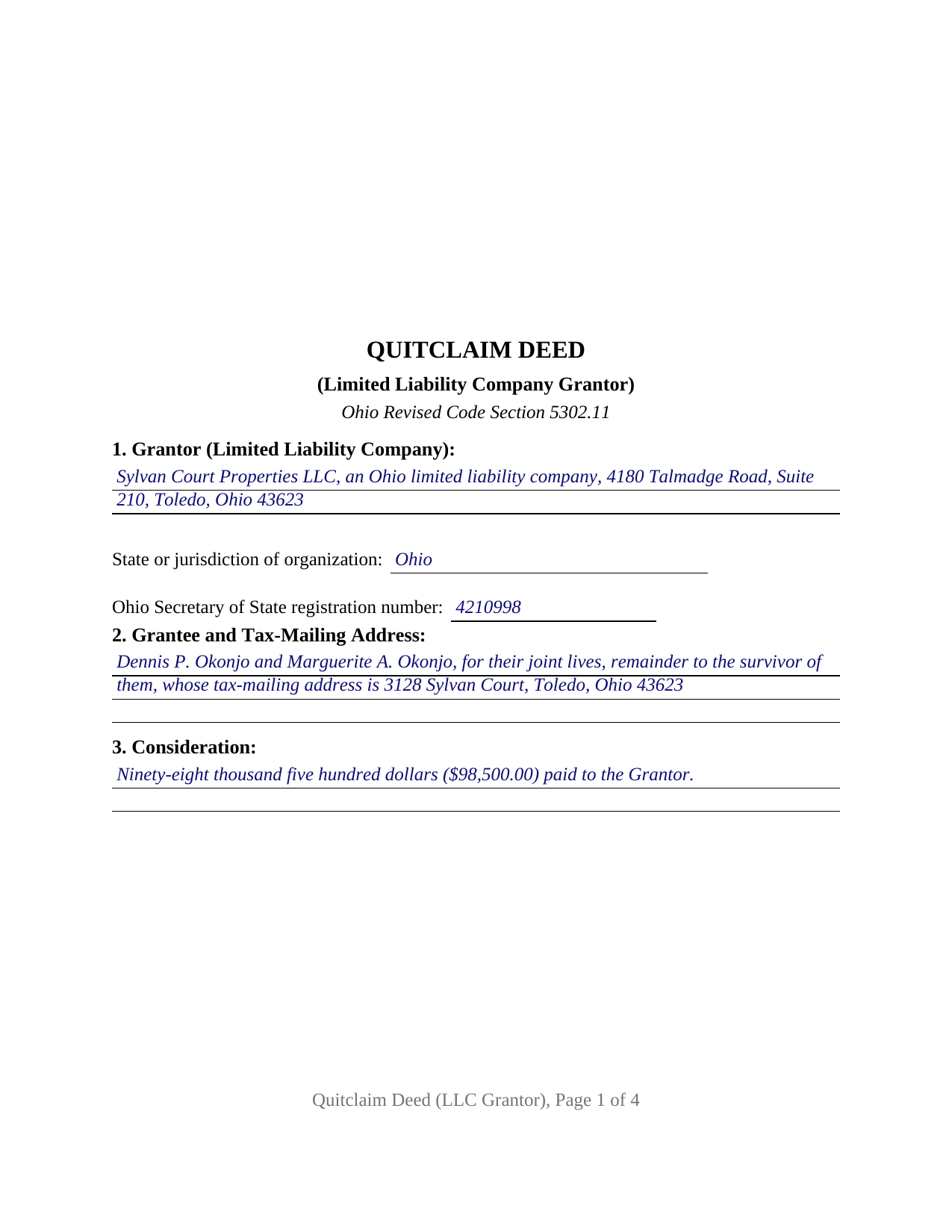
Huron County Completed Example of the Quitclaim Deed (LLC Grantor) Document
Example of a properly completed Ohio Quitclaim Deed (LLC Grantor) document for reference.
All 3 documents above included • One-time purchase • No recurring fees
Immediate Download • Secure Checkout
Additional Ohio and Huron County documents included at no extra charge:
Where to Record Your Documents
Huron County Recorder
Norwalk, Ohio 44857
Hours: 8:00 a.m. - 4:30 p.m. Monday - Friday / Same-day recording until 4:20 p.m.
Phone: (419) 668-1916
Recording Tips for Huron County:
- Bring your driver's license or state-issued photo ID
- Ensure all signatures are in blue or black ink
- Bring extra funds - fees can vary by document type and page count
- Check margin requirements - usually 1-2 inches at top
- Leave recording info boxes blank - the office fills these
Cities and Jurisdictions in Huron County
Properties in any of these areas use Huron County forms:
- Bellevue
- Collins
- Greenwich
- Monroeville
- New Haven
- New London
- North Fairfield
- Norwalk
- Plymouth
- Wakeman
- Willard
Hours, fees, requirements, and more for Huron County
How do I get my forms?
Forms are available for immediate download after payment. The Huron County forms will be in your account ready to download to your computer. An account is created for you during checkout if you don't have one. Forms are NOT emailed.
Are these forms guaranteed to be recordable in Huron County?
Yes. Our form blanks are guaranteed to meet or exceed the applicable formatting requirements used for recording in Huron County, including margin requirements, font requirements, and other layout standards. This guarantee applies to formatting, not to the legal sufficiency of information entered by the user or the suitability of a form for a particular transaction.
Can I reuse these forms?
Yes. You can reuse the forms for your personal use. For example, if you have multiple properties in Huron County you only need to order once.
What do I need to use these forms?
The forms are PDFs that you fill out on your computer. The free Adobe Acrobat Reader is recommended, and most PDF apps also work. You do NOT enter your property information online - you download the blank forms and complete them privately on your own computer.
Are there any recurring fees?
No. This is a one-time purchase. Nothing to cancel, no memberships, no recurring fees.
How much does it cost to record in Huron County?
Recording fees in Huron County vary. Contact the recorder's office at (419) 668-1916 for current fees.
Questions answered? Let's get started!
A deed from an Ohio company does not ask who the grantor is married to. It asks who may sign for the company. This form sets up that record: a single limited liability company as grantor, its name and organization details on the deed, the authority relied on in its own numbered section, and one signature made in a stated capacity. The conveyance itself follows the statutory quit-claim form of Ohio Revised Code Section 5302.11.
Who may sign for the company
Chapter 1706 of the Revised Code answers that, and the answer is not a job title. Section 1706.18 provides that no person has power to bind a limited liability company except as the operating agreement, division (A) of Section 1706.30, Section 1706.19, or law outside the chapter authorizes, and the chapter no longer sorts companies into member managed and manager managed categories whose titles carry authority by themselves. Section 1706.30 fills a silent operating agreement: a majority of the members decides an ordinary course matter, and all of them consent to an act outside that course. Section 1706.19 adds a statement of authority filed with the Secretary of State, conclusive in favor of a person who gives value in reliance on it. Section 9 of this form puts that source on the deed, where the Ohio Title Standards send an examiner when a manager rather than every member signs.
The dower line an entity deed does not draw
Ohio kept dower, and the statutory quit-claim form prints a release sentence for the grantor spouse to sign. None of it appears here. Section 2103.02 endows a spouse with a life estate in one third of the real property of which the consort was seized during the marriage, an interest running through a natural person, while Section 1706.04 makes the company a separate legal entity. So the form carries no marital status entry, no release of dower, and no second signature line.
What a quitclaim carries out of a company
The operative words stay statutory: for valuable consideration paid, the Grantor grants to the Grantee. A deed following Section 5302.11 takes effect in fee simple without covenants of any kind, and Section 5302.03 confirms that no covenant is implied from the word grant, so the grantee takes the company interest as the record leaves it, mortgage lien and easement included. A company selling one of its rental houses, a company winding up and passing a parcel to its members, and a single member company deeding a lot back to its member present the company grantor record this deed recites. Searches for a quit claim deed, the hyphenated quit-claim spelling the Revised Code prints, or an LLC property transfer arrive here. Conveyances by individuals, by corporations under Chapter 1701, and by trustees follow other patterns.
Company entries the transfer counter reads
Ohio deeds meet the county auditor before the county recorder, and a company transfer meets its own lines on the auditor's exemption list: a conveyance pursuant to a corporate reorganization or dissolution, one from a subsidiary corporation to its parent, and item (m), a transfer for no valuable and tangible consideration that is not a gift, which pairs with a separate affidavit of facts. Form DTE 100, or the DTE 100EX exemption statement, travels with the deed under Section 319.202, and Section 317.22 holds the instrument out of the record until the auditor stamp and endorsement appear. Section 317.111 asks for the preparer statement, which county standards ask to carry an individual name and title where a company name appears.
One signer, in a capacity
Section 5301.01 asks for the grantor signature and its acknowledgment before a notary public or another officer it names, and no subscribing witnesses. Section 11 takes the company name with the signer title, the signature block carries the printed name Section 317.11 wants beneath it, and one certificate follows with the content Section 147.542 lists. Sections 147.60 through 147.66 reach this deed through online notarization, and Section 10 recites that the signer acts for the company and not individually.
The download holds three files: the Ohio quitclaim deed for a limited liability company grantor as a fillable PDF, a completed example worked through a Lucas County sale by a property company, and a guide covering the numbered sections, the Chapter 1706 authority rules, the ownership forms an Ohio grantee may take, and the auditor and recorder steps. Everything here describes Ohio law and this form generally and is not legal advice.
Important: Your property must be located in Huron County to use these forms. Documents should be recorded at the county recording office listed above.
This Quitclaim Deed (LLC Grantor) meets all recording requirements specific to Huron County.
Our Promise
The documents you receive here are guaranteed to meet or exceed the applicable Huron County recording format requirements. If there is a rejection caused by our formatting, we will correct the issue or refund your payment. This guarantee applies to document formatting only and does not extend to information entered by the user, the selection of the form, or the legal effect of the completed document.
Save Time and Money
Get your Huron County Quitclaim Deed (LLC Grantor) form done right the first time with Deeds.com Uniform Conveyancing Blanks. At Deeds.com, we understand that your time and money are valuable resources, and we don't want you to face a penalty fee or rejection imposed by a county recorder for submitting nonstandard documents. We constantly review and update our forms to meet rapidly changing state and county recording requirements for roughly 3,500 counties and local jurisdictions.
4.8 out of 5 - ( 4,836 Reviews )
Yolanda S. 5 out of 5 stars
very professional
Thank you!
Stan P. 5 out of 5 stars
Great, covered all the legal area I needed to identify.
Thank you!
Alisha B. 5 out of 5 stars
I think you all are great keep it going
Thank you!
April C. 5 out of 5 stars
Great service fast and patience great team their staff kvh was very great part of team .I need it filed the same day . I will recommend them to others
Thank you for your feedback. We really appreciate it. Have a great day!
Chad S. 5 out of 5 stars
GREAT SERVICE. A MUST HAVE FOR EVERY REAL ESTATE TRANSACTION!!THANK YOU FOR PROVIDING SUCH A CONVIENIENT EASY TO UNDERSTAND SERVICE.
We appreciate your business and value your feedback. Thank you. Have a wonderful day!
DAVID S. 5 out of 5 stars
I was very impressed with the speed at which information was retrieved on my very first search. Unfortunately, the county we were looking for is behind times and has not digitized its information. I will be using Deeds.Com again and appreciate that I was not charged for no information being returned back. Thank You David S
Thank you for your feedback. We really appreciate it. Have a great day!
Eldridge S. 5 out of 5 stars
very pleased to attain this important document
We appreciate your business and value your feedback. Thank you. Have a wonderful day!
Robert D. 5 out of 5 stars
I was trying to register a financial statement (non real estate document). There was no link or statement on the home page to indicate that this could be done. All I had to do was to create an account, name and then upload the document. It took me over a day and several phone calls to the local deed recording office to try to figure this out. A simple link or statement to this effect would have saved me a lot of time
Thank you for your feedback. We really appreciate it. Have a great day!
Laurence D. 5 out of 5 stars
Quick and easy, and a good value for the money. Thanks, Deeds.com!
Thank you!
Joy M. 5 out of 5 stars
Great down load.
Thank you for your kind words and for choosing us.
Kathleen Z. 5 out of 5 stars
Very simple. By creating the deed and filing it myself, I am saving a legal fee of $300!
We appreciate your business and value your feedback. Thank you. Have a wonderful day!
Barbara C. 5 out of 5 stars
I have used these forms now at least 3 times in order to sell the same parcel of land. The forms are great and I'm happy that I could use them more than once. To no fault of Deeds.com I used them many times to sell the same land. First the man died that was buying, before it got recorded. Then his wife was going to finish it, but then decided it should be sold to another party who was a friend of hers.
We appreciate your business and value your feedback. Thank you. Have a wonderful day!
Jay B. 5 out of 5 stars
Fantastic!
Thank you!
Barbara K. 5 out of 5 stars
Very impressive...Thank you
Thank you for your feedback. We really appreciate it. Have a great day!
Timothy C. 5 out of 5 stars
Very easy to use, guides are also nice to have. thank you.
Thank you for your feedback. We really appreciate it. Have a great day!