Stark County Termination of Easement Form
Last validated October 28, 2026 by our Forms Development TeamFormatted for recording in Stark County, for property anywhere in the county: rural and unincorporated areas as well as Alliance, Beach City, Brewster, Canal Fulton, Canton, East Canton, East Sparta, Greentown and 16 more.
- 3 documents included
- Immediate PDF download
- Formatting guarantee
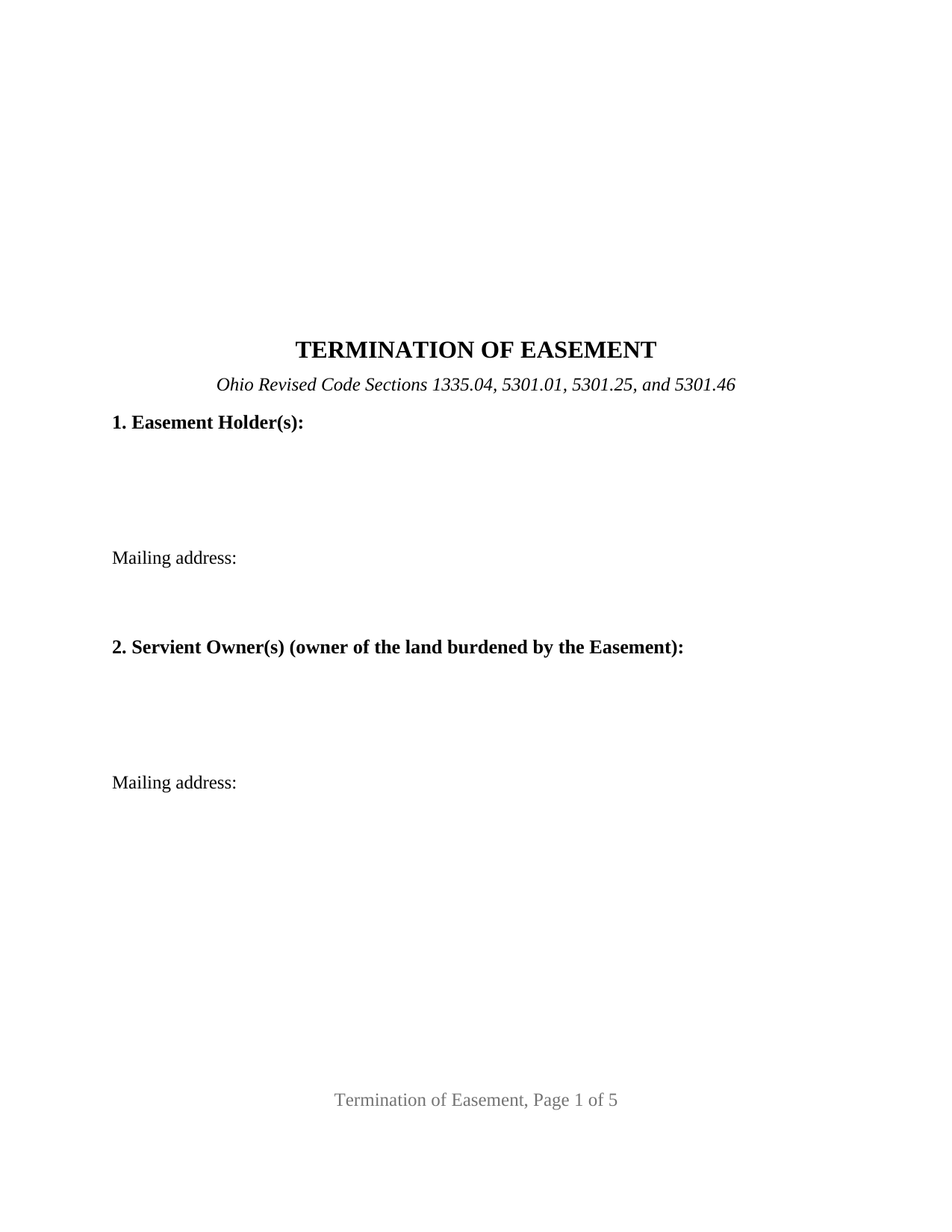
Stark County Termination of Easement Form
Fill in the blank Termination of Easement form formatted to comply with all Ohio recording and content requirements.
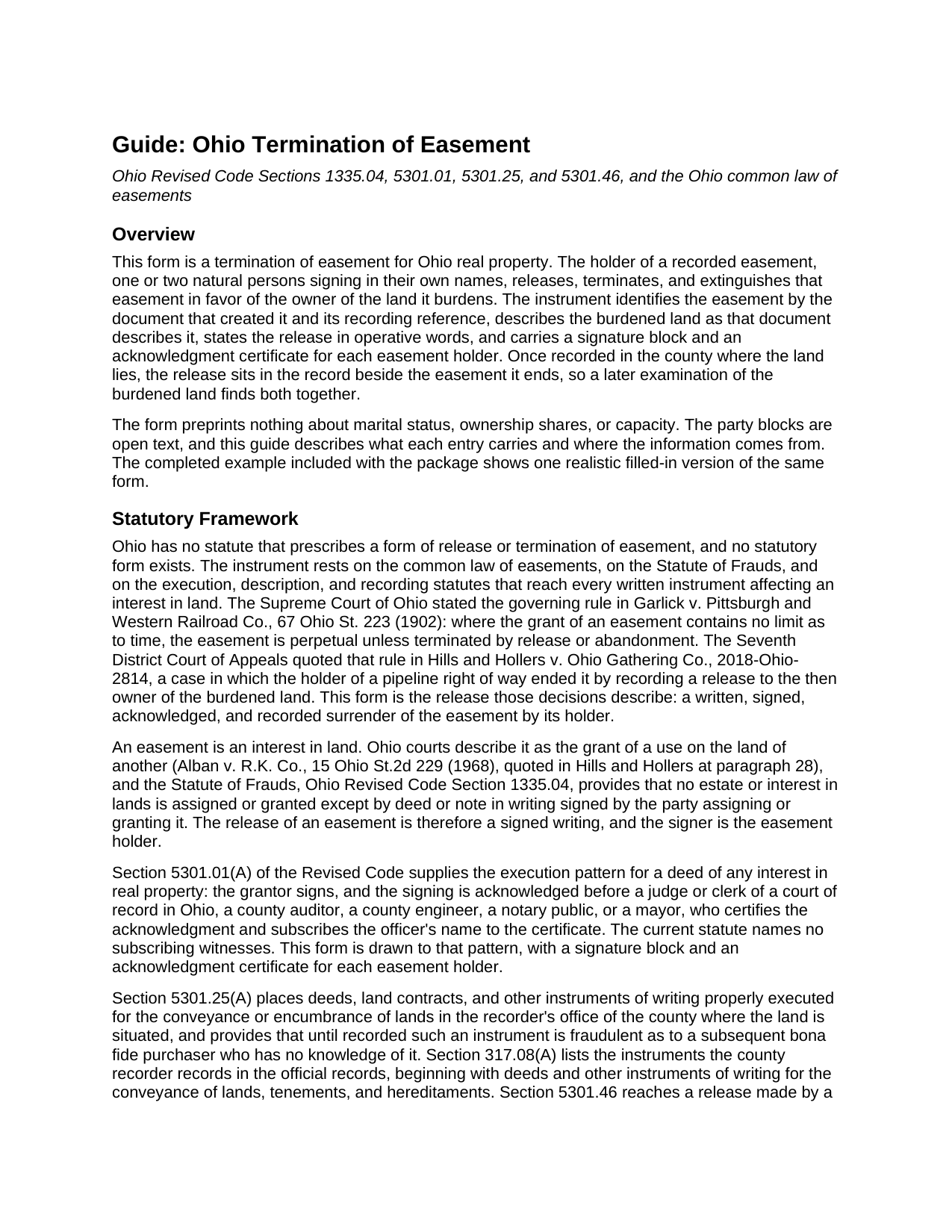
Stark County Termination of Easement Guide
Line by line guide explaining every blank on the Termination of Easement form.
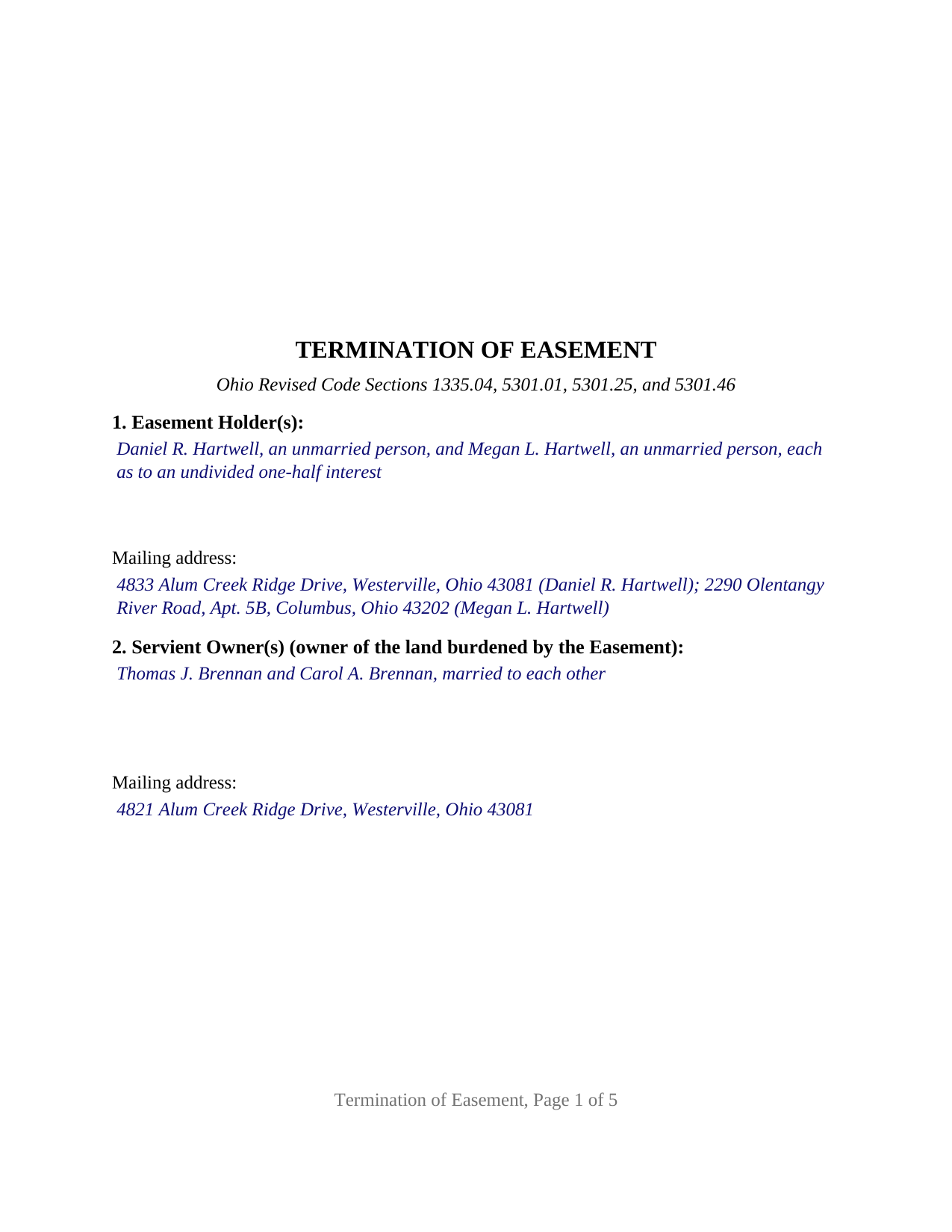
Stark County Completed Example of the Termination of Easement Document
Example of a properly completed Ohio Termination of Easement document for reference.
All 3 documents above included • One-time purchase • No recurring fees
Immediate Download • Secure Checkout
Additional Ohio and Stark County documents included at no extra charge:
Where to Record Your Documents
Stark County Recorder
Canton, Ohio 44702-1409
Hours: 8:00 to 4:30 M-F
Phone: 330-451-7443
Recording Tips for Stark County:
- Bring your driver's license or state-issued photo ID
- Ensure all signatures are in blue or black ink
- White-out or correction fluid may cause rejection
- Ask about their eRecording option for future transactions
- Avoid the last business day of the month when possible
Cities and Jurisdictions in Stark County
Properties in any of these areas use Stark County forms:
- Alliance
- Beach City
- Brewster
- Canal Fulton
- Canton
- East Canton
- East Sparta
- Greentown
- Hartville
- Limaville
- Louisville
- Magnolia
- Massillon
- Maximo
- Middlebranch
- Minerva
- Navarre
- North Canton
- North Lawrence
- Paris
- Robertsville
- Uniontown
- Waynesburg
- Wilmot
Hours, fees, requirements, and more for Stark County
How do I get my forms?
Forms are available for immediate download after payment. The Stark County forms will be in your account ready to download to your computer. An account is created for you during checkout if you don't have one. Forms are NOT emailed.
Are these forms guaranteed to be recordable in Stark County?
Yes. Our form blanks are guaranteed to meet or exceed the applicable formatting requirements used for recording in Stark County, including margin requirements, font requirements, and other layout standards. This guarantee applies to formatting, not to the legal sufficiency of information entered by the user or the suitability of a form for a particular transaction.
Can I reuse these forms?
Yes. You can reuse the forms for your personal use. For example, if you have multiple properties in Stark County you only need to order once.
What do I need to use these forms?
The forms are PDFs that you fill out on your computer. The free Adobe Acrobat Reader is recommended, and most PDF apps also work. You do NOT enter your property information online - you download the blank forms and complete them privately on your own computer.
Are there any recurring fees?
No. This is a one-time purchase. Nothing to cancel, no memberships, no recurring fees.
How much does it cost to record in Stark County?
Recording fees in Stark County vary. Contact the recorder's office at 330-451-7443 for current fees.
Questions answered? Let's get started!
An Ohio easement with no stated end date does not simply expire. The Supreme Court of Ohio put the rule plainly in Garlick v. Pittsburgh and Western Railroad Co., 67 Ohio St. 223 (1902): where the grant contains no limit as to time, the easement is perpetual unless terminated by release or abandonment. Abandonment has to be proved; a release is written, signed, and recorded. This Ohio Termination of Easement form prepares that release: the holder of a recorded easement releases, terminates, and extinguishes it in favor of the owner of the land it burdens.
Perpetual until released
Ohio has no statute that prescribes a form of easement release, so the instrument is built from the rules that reach every written transfer of an interest in land. The Statute of Frauds, Revised Code Section 1335.04, requires an interest in land to be granted or assigned by a deed or note in writing signed by the party granting it, and Section 5301.01 supplies the execution pattern: the signer acknowledges the instrument before a notary public or another officer the section names. In Hills and Hollers v. Ohio Gathering Co., 2018-Ohio-2814, a pipeline right-of-way holder ended its easement exactly this way, by recording a release to the current owner of the burdened land, and the court quoted Garlick for the rule.
What the release identifies
This form identifies the easement by the document that created it, its date, its original grantor and grantee, its recording reference, the county of recording, and its purpose. It then describes the burdened land as the easement instrument or the current deed describes it, with the permanent parcel number and the municipal corporation or township; Section 5301.46 asks a release made by separate instrument, in a county that keeps sectional indexes, to carry those items so the recorder can index it. A further section records the land the easement benefited, or states that the easement was in gross.
The termination is stated in full: the easement holder releases, terminates, and extinguishes the easement in its entirety, and remises, releases, and forever quitclaims to the servient owner all right, title, and interest in the easement and in the burdened land under it. The same paragraph says what the instrument does not do: it terminates only the identified easement, conveys no land, and touches no other easement, restriction, lien, or interest of record.
One or two easement holders, and no signature from the servient owner
The form recites one or two natural persons who hold the easement in their own names. The easement holder block and the servient owner block are open text with no preprinted status, ownership, or capacity language, so the entries carry the names and status recitals as the record shows them. Two signature blocks and two acknowledgment certificates let two holders acknowledge on different dates or before different officers, and the second block simply stays blank when one holder signs. The servient owner receives the release and has no signature line, because the writing Section 1335.04 describes is signed by the party granting the interest. Two siblings releasing a driveway easement across the neighbor's land, and a single owner releasing an easement in gross, present the pattern this form recites. An easement held by a company, a utility, a trust, or a public body, a holder signing through a power of attorney or as a fiduciary, three or more holders, and a partial release or relocation are not configurations this form is set up as.
Recording it where the burden lives
The instrument is recorded with the county recorder where the burdened land is situated. Section 5301.25 makes recording the notice mechanism: an unrecorded instrument is fraudulent as to a later bona fide purchaser without knowledge of it. The form is drawn to Section 317.114, with a three-inch blank top margin on the first page for the recorder's indorsement, and carries the preparer's name Section 317.111 requires. Whether a county auditor stamps a release of easement before the recorder takes it is a county question, and the guide walks through the practice the largest recorders publish.
The package includes the fillable Ohio Termination of Easement form, a completed example filled in for a Franklin County fact pattern, and the guide that walks through every section, the signing and notarization rules, and recording. The form, the example, and the guide describe the instrument and the governing Ohio law in general terms; they are not legal advice.
Important: Your property must be located in Stark County to use these forms. Documents should be recorded at the county recording office listed above.
This Termination of Easement meets all recording requirements specific to Stark County.
Our Promise
The documents you receive here are guaranteed to meet or exceed the applicable Stark County recording format requirements. If there is a rejection caused by our formatting, we will correct the issue or refund your payment. This guarantee applies to document formatting only and does not extend to information entered by the user, the selection of the form, or the legal effect of the completed document.
Save Time and Money
Get your Stark County Termination of Easement form done right the first time with Deeds.com Uniform Conveyancing Blanks. At Deeds.com, we understand that your time and money are valuable resources, and we don't want you to face a penalty fee or rejection imposed by a county recorder for submitting nonstandard documents. We constantly review and update our forms to meet rapidly changing state and county recording requirements for roughly 3,500 counties and local jurisdictions.
4.8 out of 5 - ( 4,842 Reviews )
Rob F. 5 out of 5 stars
They are fantastic. I am a little technically challenged, but very helpful and respectful. Highly recommended. Thank you
We appreciate your business and value your feedback. Thank you. Have a wonderful day!
John M. 5 out of 5 stars
Very satisfied with your service. Considering how complicated real estate titles are, this could not have been simpler. Your website worked perfectly.
Thank you!
Amber H. 3 out of 5 stars
after typing in the information, the printing is not in alignment - looks disorganized on the page and hard to read
Thank you for your feedback. We will flag the document for review.
Kendrick S. 5 out of 5 stars
Really solid system for determining what may prevent your documents from being accepted. I love the comments section allowing for fluid communication. I only wish there were automated emails for all those communications and once documents were accepted, but I did receive a couple personally-generated emails regarding the progress instructing me to check the site.
Thank you for your feedback. We really appreciate it. Have a great day!
Denise G. 5 out of 5 stars
It was so easy to locate and download all the forms I needed. Saved so much time.
We appreciate your business and value your feedback. Thank you. Have a wonderful day!
Angela T. 5 out of 5 stars
I love this website .. it has been very helpful in so many ways.. thank you so much..
Thank you!
Patricia D. 5 out of 5 stars
I looked around for forms and came to this site. I had to do 15 deeds and this form was very useful to completing that. Very impressed. Thanks
Thank you for your feedback. We really appreciate it. Have a great day!
GLENN A M. 5 out of 5 stars
I loved the easy to understand and use system, very user friendly.
Thank you!
April L. 5 out of 5 stars
The warranty deed forms I received worked fine.
Thank you!
Charles S. 5 out of 5 stars
Quick and easy. Highly recommend. Thanks!
Thank you for your feedback. We really appreciate it. Have a great day!
Ida L. 5 out of 5 stars
The form was easy to complete and print. Best price found online.
Thank you!
Richard L. 5 out of 5 stars
very useful
Thank you!
Teresa T. 5 out of 5 stars
amazingly fast! Thank you!
We appreciate your business and value your feedback. Thank you. Have a wonderful day!
HELENA M. 5 out of 5 stars
Quick, super easy and very reasonable charge!!
Thank you for your feedback. We really appreciate it. Have a great day!
Catherine M. 5 out of 5 stars
Easy to use, loved the format, will use again
Thank you, Catherine! We’re so glad you found the process easy and liked the format. We appreciate your support and look forward to helping you again soon!