Lorain County Transfer on Death Designation Affidavit Form
Last validated September 29, 2026 by our Forms Development TeamFormatted for recording in Lorain County, for property anywhere in the county: rural and unincorporated areas as well as Amherst, Avon, Avon Lake, Columbia Station, Elyria, Grafton, Kipton, Lagrange and 5 more.
- 3 documents included
- Immediate PDF download
- Formatting guarantee
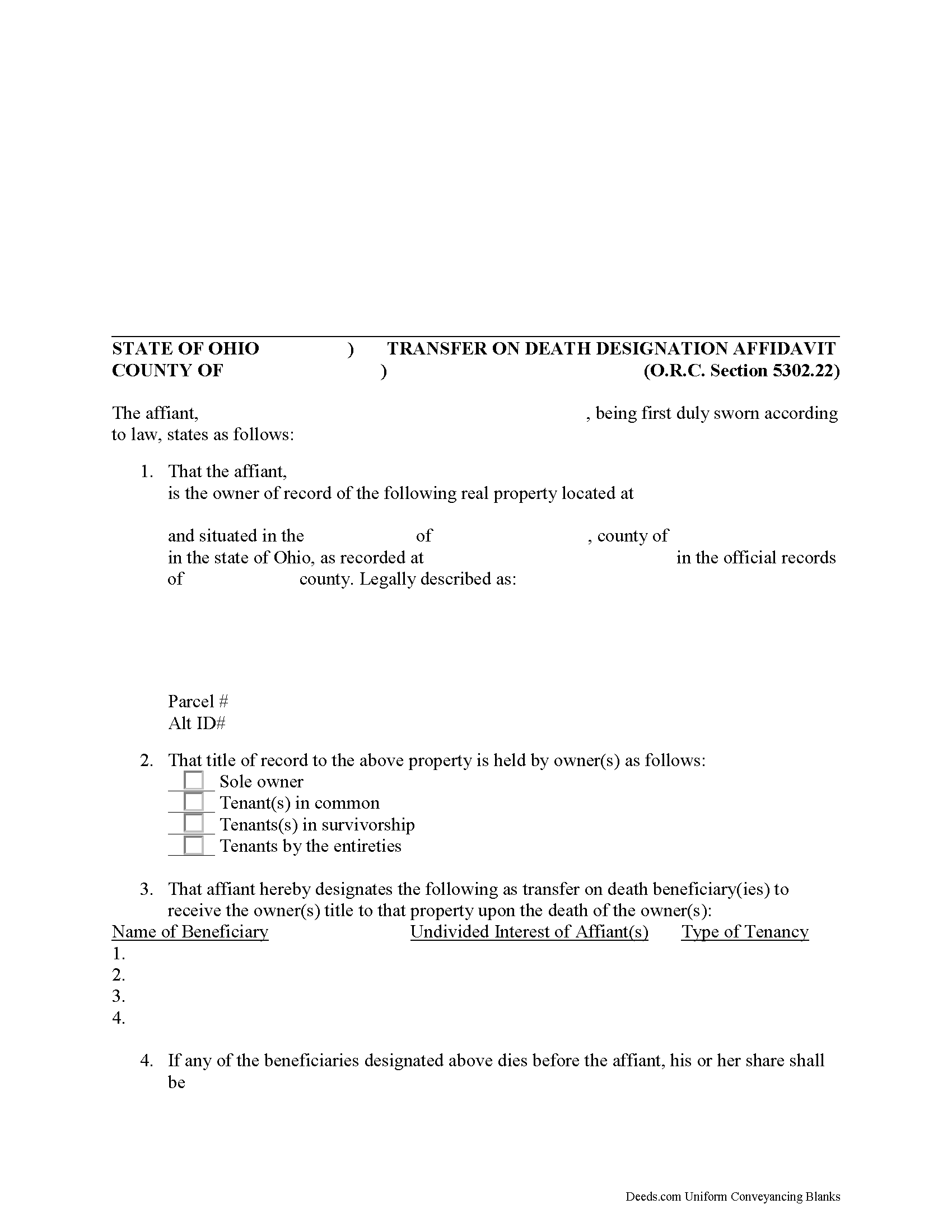
Lorain County Transfer on Death Designation Affidavit
Fill in the blank form formatted to comply with all recording and content requirements.
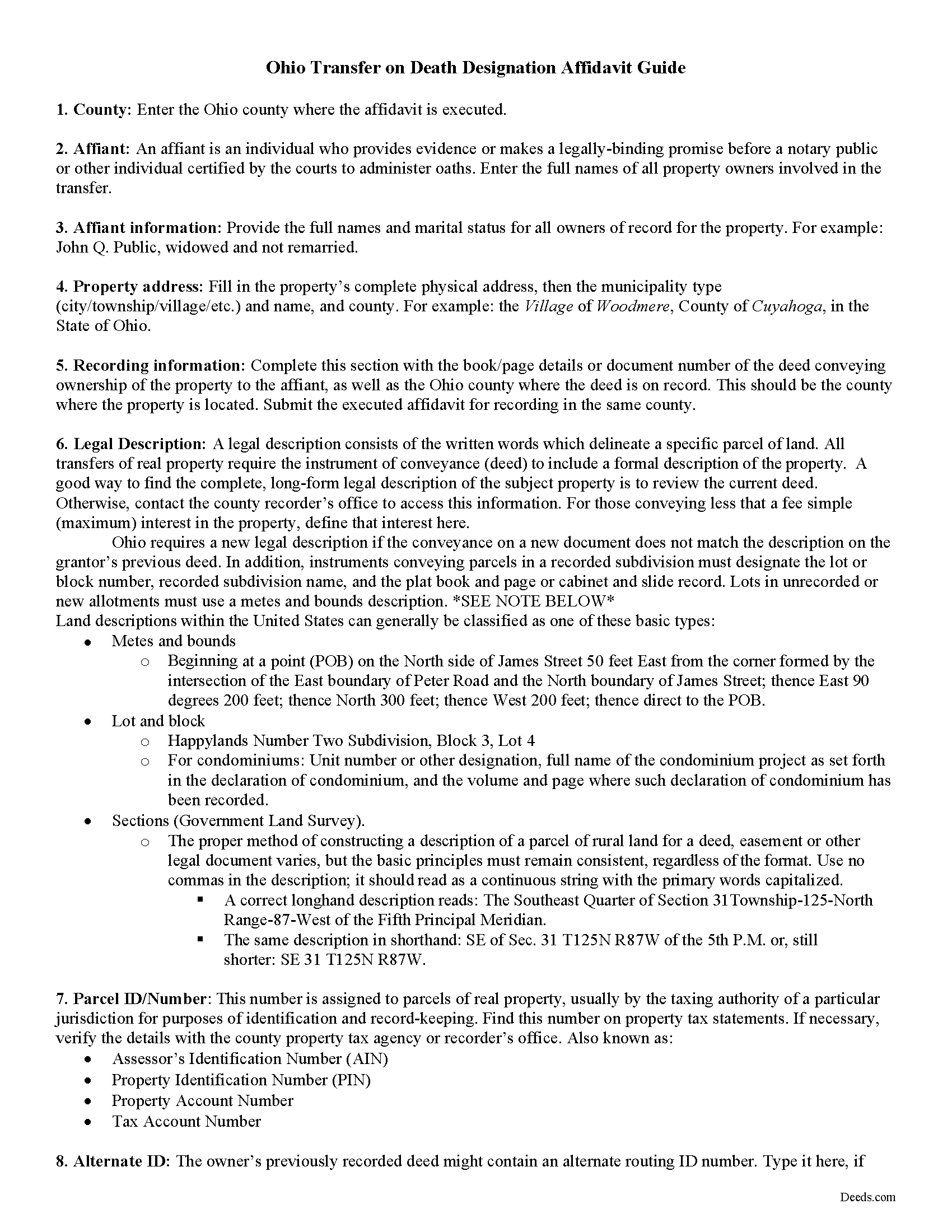
Lorain County Transfer on Death Designation Affidavit Guide
Line by line guide explaining every blank on the form.
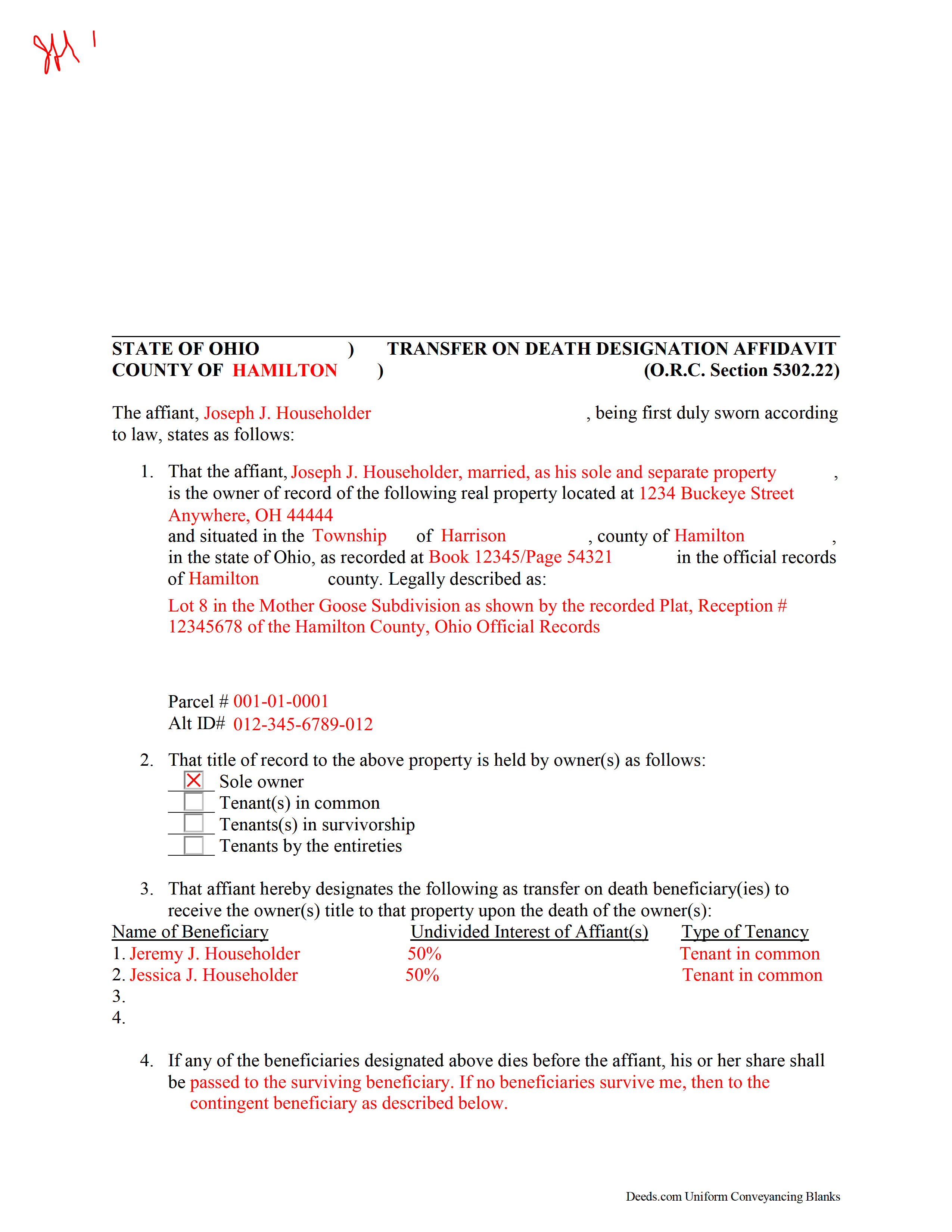
Lorain County Completed Example of the Transfer on Death Designation Affidavit Document
Example of a properly completed form for reference.
All 3 documents above included • One-time purchase • No recurring fees
Immediate Download • Secure Checkout
Additional Ohio and Lorain County documents included at no extra charge:
Where to Record Your Documents
Lorain County Recorder
Elyria, Ohio 44035
Hours: 8:00am to 4:30pm M-F
Phone: 440-329-5148
Recording Tips for Lorain County:
- Bring your driver's license or state-issued photo ID
- Ensure all signatures are in blue or black ink
- Ask for certified copies if you need them for other transactions
- Ask if they accept credit cards - many offices are cash/check only
- Check that your notary's commission hasn't expired
Cities and Jurisdictions in Lorain County
Properties in any of these areas use Lorain County forms:
- Amherst
- Avon
- Avon Lake
- Columbia Station
- Elyria
- Grafton
- Kipton
- Lagrange
- Lorain
- North Ridgeville
- Oberlin
- Sheffield Lake
- Wellington
Hours, fees, requirements, and more for Lorain County
How do I get my forms?
Forms are available for immediate download after payment. The Lorain County forms will be in your account ready to download to your computer. An account is created for you during checkout if you don't have one. Forms are NOT emailed.
Are these forms guaranteed to be recordable in Lorain County?
Yes. Our form blanks are guaranteed to meet or exceed the applicable formatting requirements used for recording in Lorain County, including margin requirements, font requirements, and other layout standards. This guarantee applies to formatting, not to the legal sufficiency of information entered by the user or the suitability of a form for a particular transaction.
Can I reuse these forms?
Yes. You can reuse the forms for your personal use. For example, if you have multiple properties in Lorain County you only need to order once.
What do I need to use these forms?
The forms are PDFs that you fill out on your computer. The free Adobe Acrobat Reader is recommended, and most PDF apps also work. You do NOT enter your property information online - you download the blank forms and complete them privately on your own computer.
Are there any recurring fees?
No. This is a one-time purchase. Nothing to cancel, no memberships, no recurring fees.
How much does it cost to record in Lorain County?
Recording fees in Lorain County vary. Contact the recorder's office at 440-329-5148 for current fees.
Questions answered? Let's get started!
Authorized under section 5302.22 of the Ohio Revised Code, the Transfer on Death Designation Affidavit (TDDA) allows owners of real estate situated in Ohio to plan the conveyance of their property to designated beneficiaries after their death. The conveyance occurs separately from a will and without the need for probate. These instruments are known in other states as transfer on death deeds, beneficiary deeds, or Lady Bird deeds, and all fall under the heading of Non-probate Transfers on Death.
TDDAs are useful estate planning tools, because unlike "regular" deeds (warranty, grant, quitclaim, etc.), which permanently transfer the owner's interest in the property, the grantor retains full ownership and control of the property while alive, and may change the beneficiaries, modify the terms, or even sell the property with no restriction or penalty. This flexibility is possible because the grantor accepts no consideration from any of the beneficiaries.
In addition to meeting all state and local standards for recorded documents, TDDAs must include a statement by "the individual executing the affidavit that the individual is the person appearing on the record of the real property as the owner of the real property or interest in the real property at the time of the recording of the affidavit and the marital status of that owner." Married owners must include a statement by "the owner's spouse stating that the spouse's dower rights are subordinate to the vesting of title to the real property or interest in the real property in the transfer on death beneficiary or beneficiaries designated in the affidavit" (RC 5302.22(D)(3)). It must also designate "one or more persons, identified by name, as transfer on death beneficiary or beneficiaries" ( 5302.22(D)(4)).
File the completed and notarized affidavit for recording in the county where the property is located. NOTE THAT THE AFFIDAVIT IS ONLY VALID WHEN SUBMITTED FOR RECORDING WHILE THE GRANTOR IS STILL ALIVE.
The transfer of property rights is completed when the owner dies and the beneficiary completes and records an affidavit of confirmation under R.C. 5302.222.
Using this instrument might affect tax obligations or eligibility for certain income or asset-dependent programs. Please contact an attorney with questions about this or any other issues related to estate planning or transferring real property in Ohio.
(Ohio Transfer on Death Designation Package includes form, guidelines, and completed example)
Important: Your property must be located in Lorain County to use these forms. Documents should be recorded at the county recording office listed above.
This Transfer on Death Designation Affidavit meets all recording requirements specific to Lorain County.
Our Promise
The documents you receive here are guaranteed to meet or exceed the applicable Lorain County recording format requirements. If there is a rejection caused by our formatting, we will correct the issue or refund your payment. This guarantee applies to document formatting only and does not extend to information entered by the user, the selection of the form, or the legal effect of the completed document.
Save Time and Money
Get your Lorain County Transfer on Death Designation Affidavit form done right the first time with Deeds.com Uniform Conveyancing Blanks. At Deeds.com, we understand that your time and money are valuable resources, and we don't want you to face a penalty fee or rejection imposed by a county recorder for submitting nonstandard documents. We constantly review and update our forms to meet rapidly changing state and county recording requirements for roughly 3,500 counties and local jurisdictions.
4.8 out of 5 - ( 4,833 Reviews )
Scott M. 5 out of 5 stars
Complete Package don't spend good money for a title co. to do this
Thank you for your feedback. We really appreciate it. Have a great day!
Dreama R. 5 out of 5 stars
Awesome! I had to correct a quit claim deed and the form on your site made it very easy. Thank you
We appreciate your business and value your feedback. Thank you. Have a wonderful day!
JoAnn T. 5 out of 5 stars
Very happy! This was a very easy to use web site, the form came with directions and an example, both were very helpful. I will absolutely use Deeds.com in the future.
Thank you for your feedback. We really appreciate it. Have a great day!
SANTTINA W. 5 out of 5 stars
IT WAS SO VERY HELPFUL AND EASY TO DO WILL RETUN TO THE SITE AGAIN.
Thank you for your feedback. We really appreciate it. Have a great day!
Mark M. 5 out of 5 stars
So nice to find the forms I was looking for. Great site!! Thanks
Thank you for your feedback. We really appreciate it. Have a great day!
Veronica F. 5 out of 5 stars
Fabulous service team. VERY responsive with any issue I encountered. Preparing forms out of state to record in another is never easy but this team assists expeditiously.
Your feedback is greatly appreciated. Thank you for taking the time to share your experience!
Roy B. 3 out of 5 stars
Convenient yes, expensive "big YES" and with what I paid to record a lien it cost me close to $50. That seems quite exorbitant in my estimation!!
Thank you for your feedback. We really appreciate it. Have a great day!
Shana D. 5 out of 5 stars
I ordered the wrong forms because I didn't do enough research to understand what I needed. Their customer service was more understanding than I deserved.
Thank you!
Judith F. 5 out of 5 stars
The form I needed was perfect!
Thank you!
Richard C. 5 out of 5 stars
There was not much info available but what you produced confirmed what I needed to know.
Thank you for your feedback. We really appreciate it. Have a great day!
Leatrice K. 5 out of 5 stars
I am how simple this site is to use. I am so thankful to be able to do this and not have to worry about traveling downtown. Thank you.
We appreciate your business and value your feedback. Thank you. Have a wonderful day!
Teresa H. 5 out of 5 stars
cost effective and quick!
Thank you!
Chris M. 5 out of 5 stars
simple, Clean, and easy, to retrieve the forms i needed, while on this site. and the Fee for the Fill-in forms is Remarkably inexpensive, to say the least!
Thank you!
Debra K. 5 out of 5 stars
Very happy with forms downloaded. Well worth the price. Could not find them anywhere else on the web. Also had easy to understand instructions and a demo form as a guide
Thank you Debra, we appreciate your feedback. Have a wonderful day!
Mike M. 5 out of 5 stars
Get Rid of the places to initial each page on the Trust Deed. The Co. Recorder (Davis) does not require that each page be initialled... If I and the "borrower" had initialed each page, then I would have to use US Mail to get the form from AZ to UT because scans of initials are not acceptable, but only a notarized signature from the borrower is...
Thank you for your feedback. We really appreciate it. Have a great day!