Medina County Trustee Deed Form
Last validated October 21, 2026 by our Forms Development TeamFormatted for recording in Medina County, for property anywhere in the county: rural and unincorporated areas as well as Brunswick, Chippewa Lake, Hinckley, Homerville, Litchfield, Lodi, Medina, Seville and 5 more.
- 3 documents included
- Immediate PDF download
- Formatting guarantee
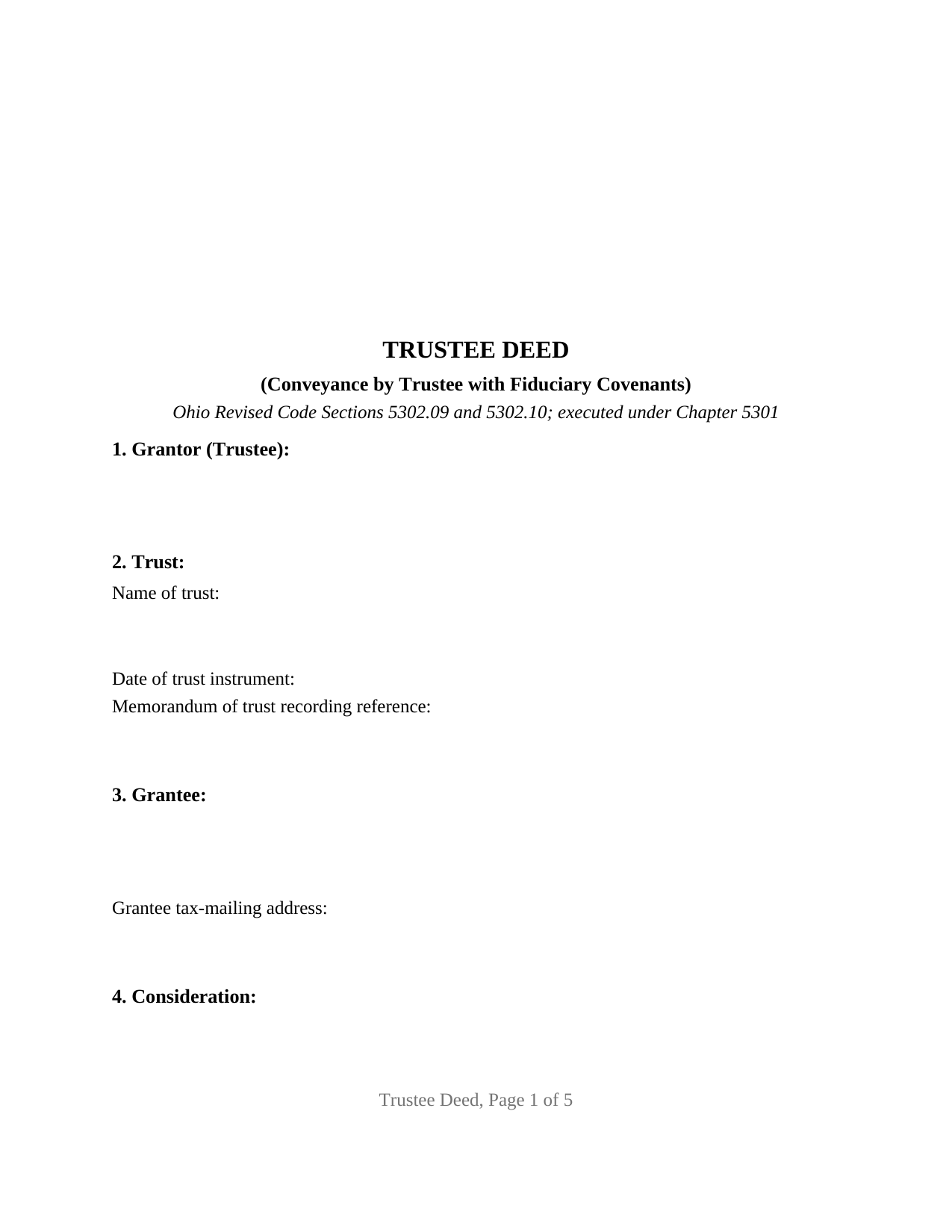
Medina County Trustee Deed Form
Fill in the blank Trustee Deed form formatted to comply with all Ohio recording and content requirements.
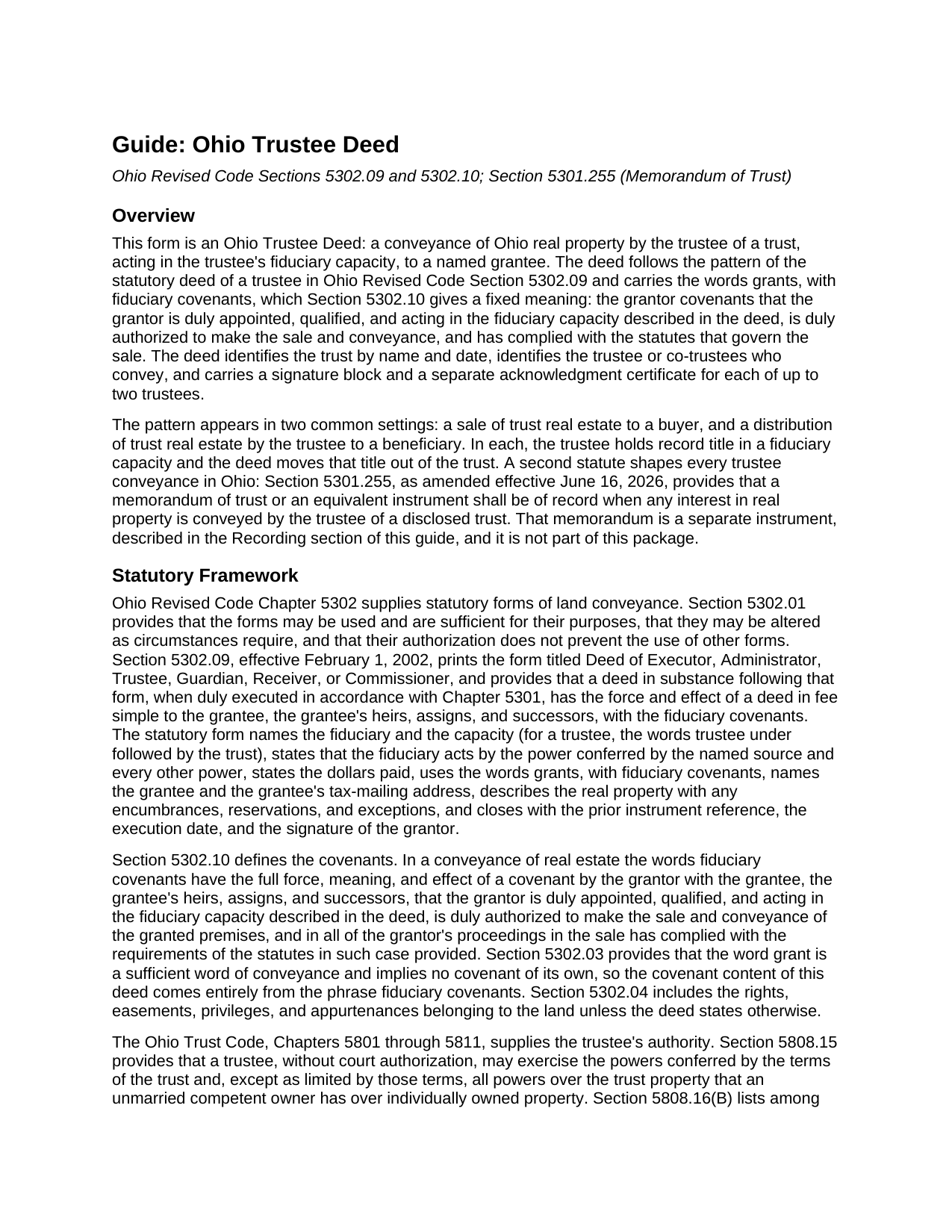
Medina County Trustee Deed Guide
Line by line guide explaining every blank on the Trustee Deed form.
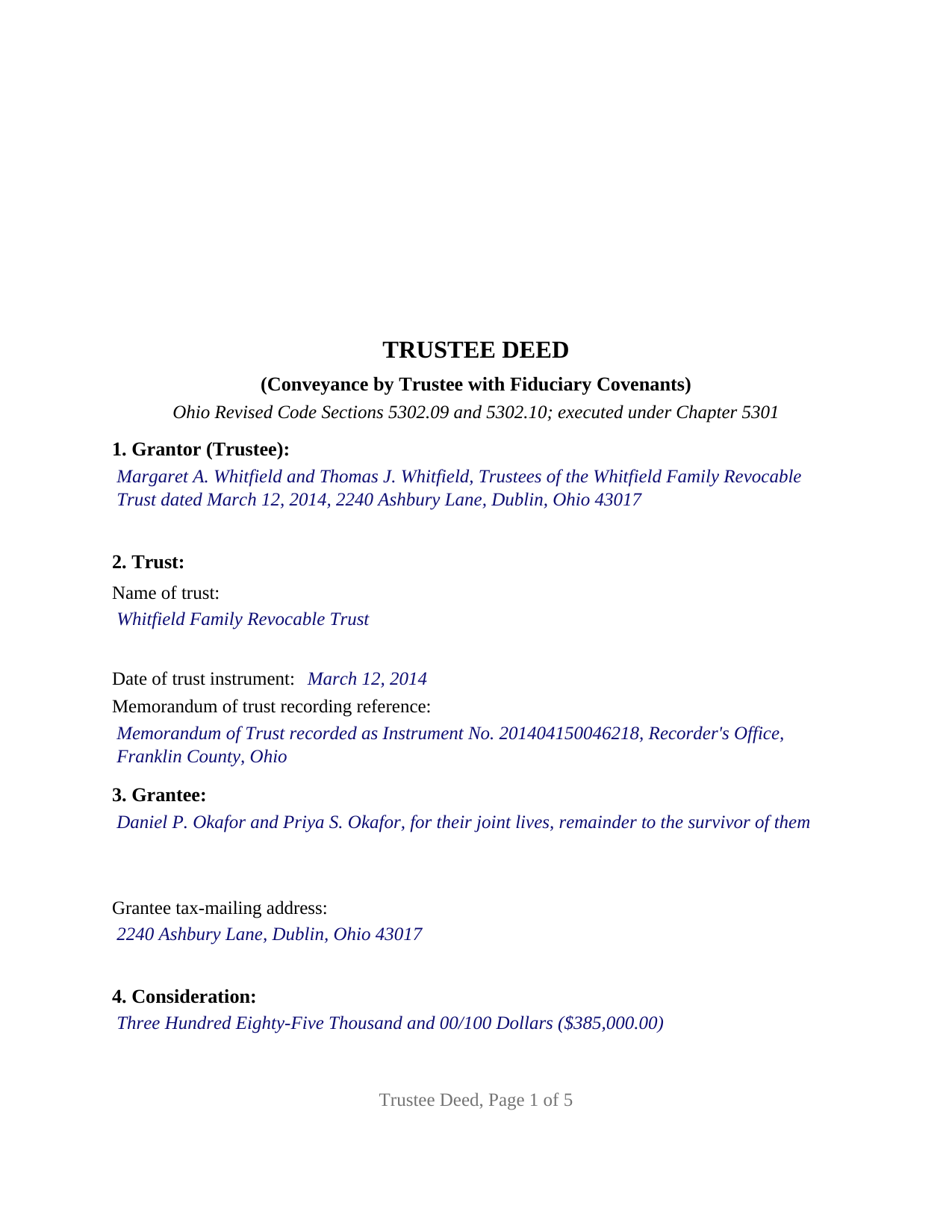
Medina County Completed Example of the Trustee Deed Document
Example of a properly completed Ohio Trustee Deed document for reference.
All 3 documents above included • One-time purchase • No recurring fees
Immediate Download • Secure Checkout
Additional Ohio and Medina County documents included at no extra charge:
Where to Record Your Documents
Medina County Recorder
Medina, Ohio 44256
Hours: 8:00 to 4:30 M-F
Phone: 330-725-9782
Recording Tips for Medina County:
- Bring your driver's license or state-issued photo ID
- Ensure all signatures are in blue or black ink
- Bring extra funds - fees can vary by document type and page count
- Check margin requirements - usually 1-2 inches at top
- Leave recording info boxes blank - the office fills these
Cities and Jurisdictions in Medina County
Properties in any of these areas use Medina County forms:
- Brunswick
- Chippewa Lake
- Hinckley
- Homerville
- Litchfield
- Lodi
- Medina
- Seville
- Sharon Center
- Spencer
- Valley City
- Wadsworth
- Westfield Center
Hours, fees, requirements, and more for Medina County
How do I get my forms?
Forms are available for immediate download after payment. The Medina County forms will be in your account ready to download to your computer. An account is created for you during checkout if you don't have one. Forms are NOT emailed.
Are these forms guaranteed to be recordable in Medina County?
Yes. Our form blanks are guaranteed to meet or exceed the applicable formatting requirements used for recording in Medina County, including margin requirements, font requirements, and other layout standards. This guarantee applies to formatting, not to the legal sufficiency of information entered by the user or the suitability of a form for a particular transaction.
Can I reuse these forms?
Yes. You can reuse the forms for your personal use. For example, if you have multiple properties in Medina County you only need to order once.
What do I need to use these forms?
The forms are PDFs that you fill out on your computer. The free Adobe Acrobat Reader is recommended, and most PDF apps also work. You do NOT enter your property information online - you download the blank forms and complete them privately on your own computer.
Are there any recurring fees?
No. This is a one-time purchase. Nothing to cancel, no memberships, no recurring fees.
How much does it cost to record in Medina County?
Recording fees in Medina County vary. Contact the recorder's office at 330-725-9782 for current fees.
Questions answered? Let's get started!
An Ohio trustee deed moves real property out of a trust. The trustee, acting in a fiduciary capacity rather than as an individual owner, conveys the parcel to a buyer or distributes it to a beneficiary. This form prepares that deed for Ohio real property held by the trustee of a disclosed trust, with room for one trustee or two co-trustees to sign.
A covenant about authority, not about the whole chain of title
The deed uses the words grants, with fiduciary covenants, the phrase Ohio Revised Code Section 5302.09 prints in its statutory deed of a trustee and Section 5302.10 defines. Those words carry a covenant that the grantor is duly appointed, qualified, and acting in the fiduciary capacity the deed describes, is duly authorized to make the sale and conveyance, and has complied with the statutes governing the sale. That is a different promise from the covenants of a general warranty deed: the trustee covenants about the trustee's own office and authority, and the grantee takes the title the trust held, with whatever history that title already carries. The deed names the trust instrument and the Ohio Trust Code as the source of the trustee's power.
The memorandum of trust the recorder expects to see
Since June 16, 2026, Section 5301.255 has provided that a memorandum of trust, or an instrument with the same content, shall be of record when any interest in real property is conveyed by the trustee of a disclosed trust. The memorandum is signed and acknowledged by the trustee and states the trustee's name and address, the date the trust was executed, and the trust's powers over buying, selling, encumbering, and conveying real property, with any limits on those powers. It gives notice only of what it contains. The deed asks for the memorandum's recording reference in its trust section; the memorandum itself is recorded separately and is not included in this package.
One trustee or two co-trustees
The form recites a single disclosed trust, identified by name and by the date of the trust instrument, and names the trustee or co-trustees who convey as its grantor. Two signature blocks follow, headed TRUSTEE and SECOND TRUSTEE (if applicable), each with its own acknowledgment certificate in the short form Section 147.55(F) prints for a trustee, so co-trustees can acknowledge on different days or before different officers; where a sole trustee conveys, the second block and its certificate stay blank. Spouses serving as co-trustees of a family revocable trust and selling the trust's house, and a successor trustee distributing a parcel to the beneficiaries, present the pattern this deed recites. The form prints no marital status and no spousal signature line for the trustee, who holds title for the trust rather than beneficially, and the guide walks through Section 2103.021, the Ohio statute on dower claims against a grantee named of record as trustee. A trust with three or more co-trustees who must all join, a conveyance into a trust by its settlor, and an executor or guardian conveying under a will or court order follow patterns this deed is not set up as.
From the auditor's counter to the recorder's
An Ohio deed is endorsed by the county auditor before the county recorder accepts it. The grantee's tax-mailing address and the prior instrument reference sit in the deed because Section 319.20 requires them for the auditor's transfer; a conveyance fee statement on form DTE 100, or the exemption form DTE 100EX, accompanies the deed, and the state conveyance fee of ten cents per hundred dollars, plus any county transfer tax, is paid at that step. Section 319.54 exempts several trust transfers, including a distribution to beneficiaries under trust provisions that became irrevocable at the grantor's death; a sale to an outside buyer pays the fee. The form is laid out to the Section 317.114 margins and carries the preparer statement Section 317.111 requires.
The package includes the fillable trustee deed form, a completed example filled in for a realistic Franklin County sale by two co-trustees, and the guide that describes every numbered section, the memorandum of trust, and the auditor and recorder steps. This description and the guide describe the form and the governing law in general terms; they are not legal advice.
Important: Your property must be located in Medina County to use these forms. Documents should be recorded at the county recording office listed above.
This Trustee Deed meets all recording requirements specific to Medina County.
Our Promise
The documents you receive here are guaranteed to meet or exceed the applicable Medina County recording format requirements. If there is a rejection caused by our formatting, we will correct the issue or refund your payment. This guarantee applies to document formatting only and does not extend to information entered by the user, the selection of the form, or the legal effect of the completed document.
Save Time and Money
Get your Medina County Trustee Deed form done right the first time with Deeds.com Uniform Conveyancing Blanks. At Deeds.com, we understand that your time and money are valuable resources, and we don't want you to face a penalty fee or rejection imposed by a county recorder for submitting nonstandard documents. We constantly review and update our forms to meet rapidly changing state and county recording requirements for roughly 3,500 counties and local jurisdictions.
4.8 out of 5 - ( 4,832 Reviews )
Elaine F. 5 out of 5 stars
Document was easy to use and edit. It was accurate in referring to the appropriate statutes. Would use deeds.com again.
Your satisfaction is important to us. Thank you for the feedback.
Richard O. 5 out of 5 stars
Thank you for providing this service. It was quick and easy.
Thank you for your feedback. We really appreciate it. Have a great day!
Lynette D. 5 out of 5 stars
I planned to use an attorney for this process but deeds.com made it so easy I was able to do it myself and I saved $330 in the process. I really appreciated the instructions and example provided on the site.
Thank you for your feedback. We really appreciate it. Have a great day!
Jo Ellen H. 5 out of 5 stars
So very easy to fill out, very satisfied.
Thank you, Jo Ellen! We’re glad the form was easy to complete and that you’re satisfied. We appreciate your business.
Kecia L. 5 out of 5 stars
Great place to find much needed documents. A huge thanks!
We appreciate your business and value your feedback. Thank you. Have a wonderful day!
Susan Mary S. 5 out of 5 stars
Thank you for the thorough assortment of forms!
Thank you for your feedback. We really appreciate it. Have a great day!
Charlene H. 5 out of 5 stars
Deeds.com is a wonderful website. I highly recommend them and would use them again in the future.
Thank you, Charlene! We're so glad to hear you had a great experience. We truly appreciate your recommendation and look forward to helping you again in the future.
Catherine S. 3 out of 5 stars
Description of document could have been better
Thank you!
Jeffrey W. 5 out of 5 stars
One of the most user-friendly services I have used. HIGHLY reccomended.
Thank you!
Margo M. 4 out of 5 stars
So far help has been good given some of the information you don't have as far as making corrections. This is my first time using your service so maybe I will be better at utilizing it if I have to again.
Thank you for your feedback. We really appreciate it. Have a great day!
Lisa D. 5 out of 5 stars
Great service, would be nice if it provided an address to send this to once completed!
Thank you for your feedback. We really appreciate it. Have a great day!
Rosa Leticia A. 5 out of 5 stars
Outstanding service, quick and efficient. Provides promptly updates of the process, highly recommended.
Thank you!
Tracey T. 5 out of 5 stars
Lots of great information. Might need to view it again but found it very helpful!
Thank you!
Christine K. 5 out of 5 stars
This site was fast and easy to use. I would highly recommend using them. Thank you Deeds.com!!!!
We appreciate your business and value your feedback. Thank you. Have a wonderful day!
Joel N. 5 out of 5 stars
Was helpful
Thank you for your feedback. We really appreciate it. Have a great day!