Mahoning County Unconditional Lien Waiver Form
Last validated October 8, 2026 by our Forms Development TeamFormatted for recording in Mahoning County, for property anywhere in the county: rural and unincorporated areas as well as Beloit, Berlin Center, Campbell, Canfield, Damascus, Ellsworth, Greenford, Lake Milton and 9 more.
- 3 documents included
- Immediate PDF download
- Formatting guarantee
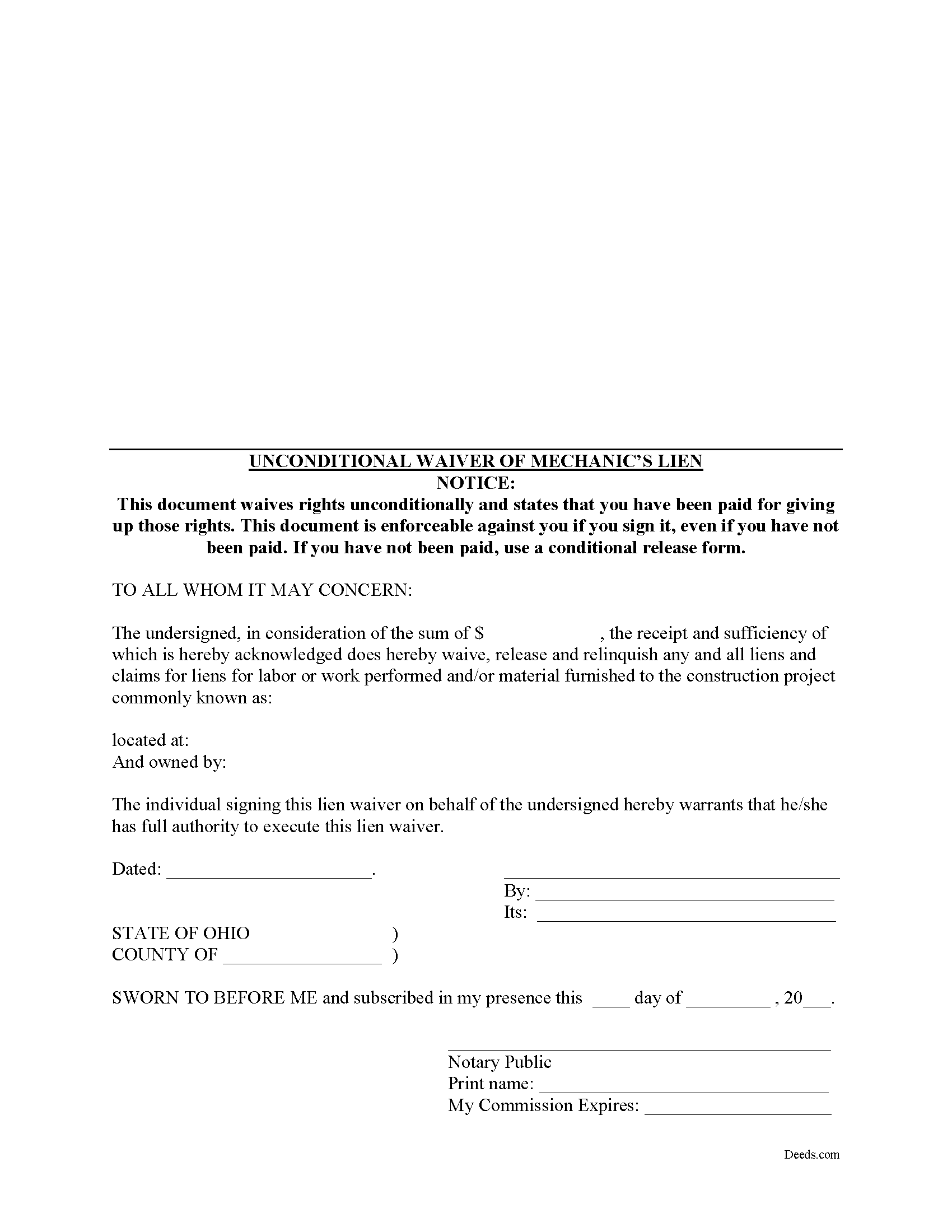
Mahoning County Unconditional Lien Waiver Form
Fill in the blank Unconditional Lien Waiver form formatted to comply with all Ohio recording and content requirements.
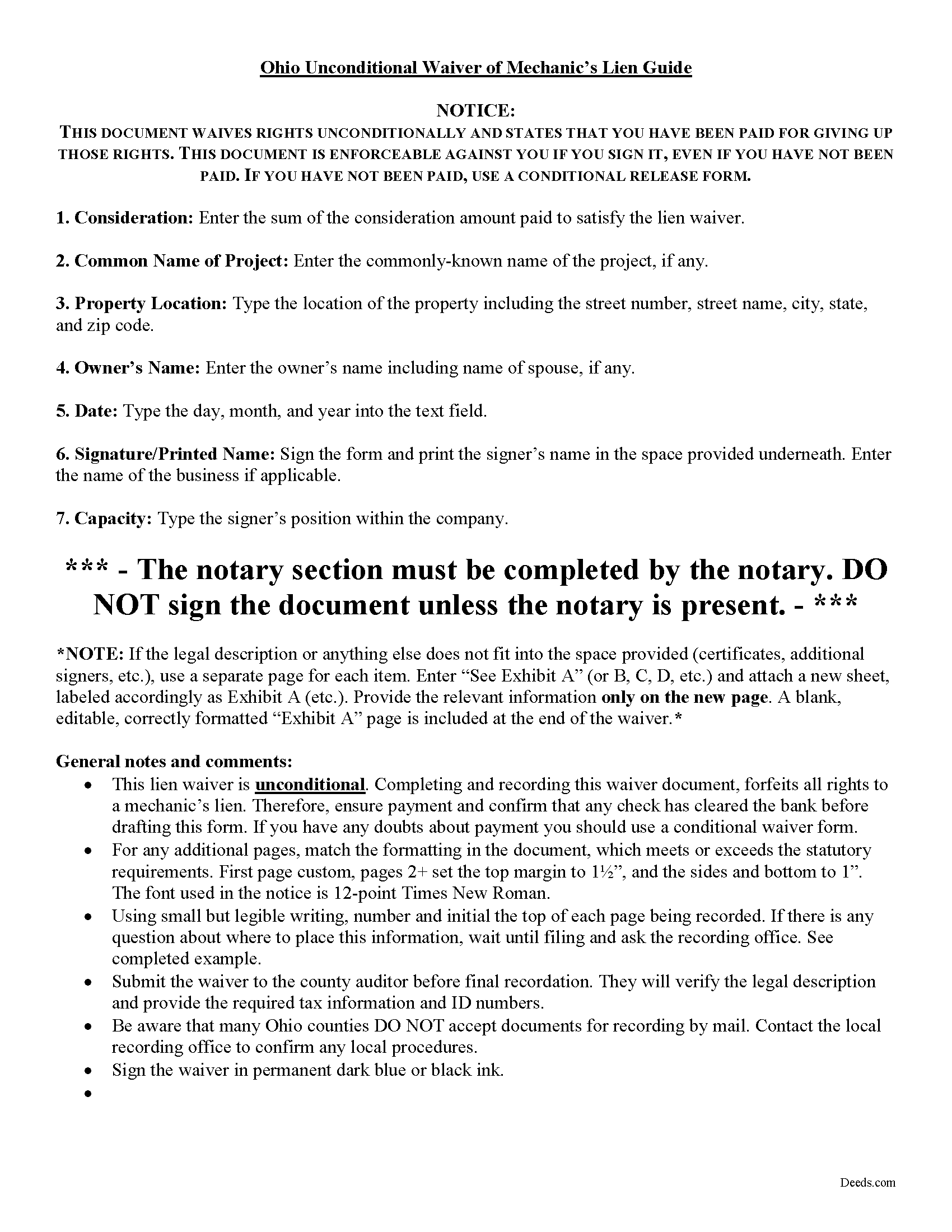
Mahoning County Unconditional Lien Waiver Guide
Line by line guide explaining every blank on the form.
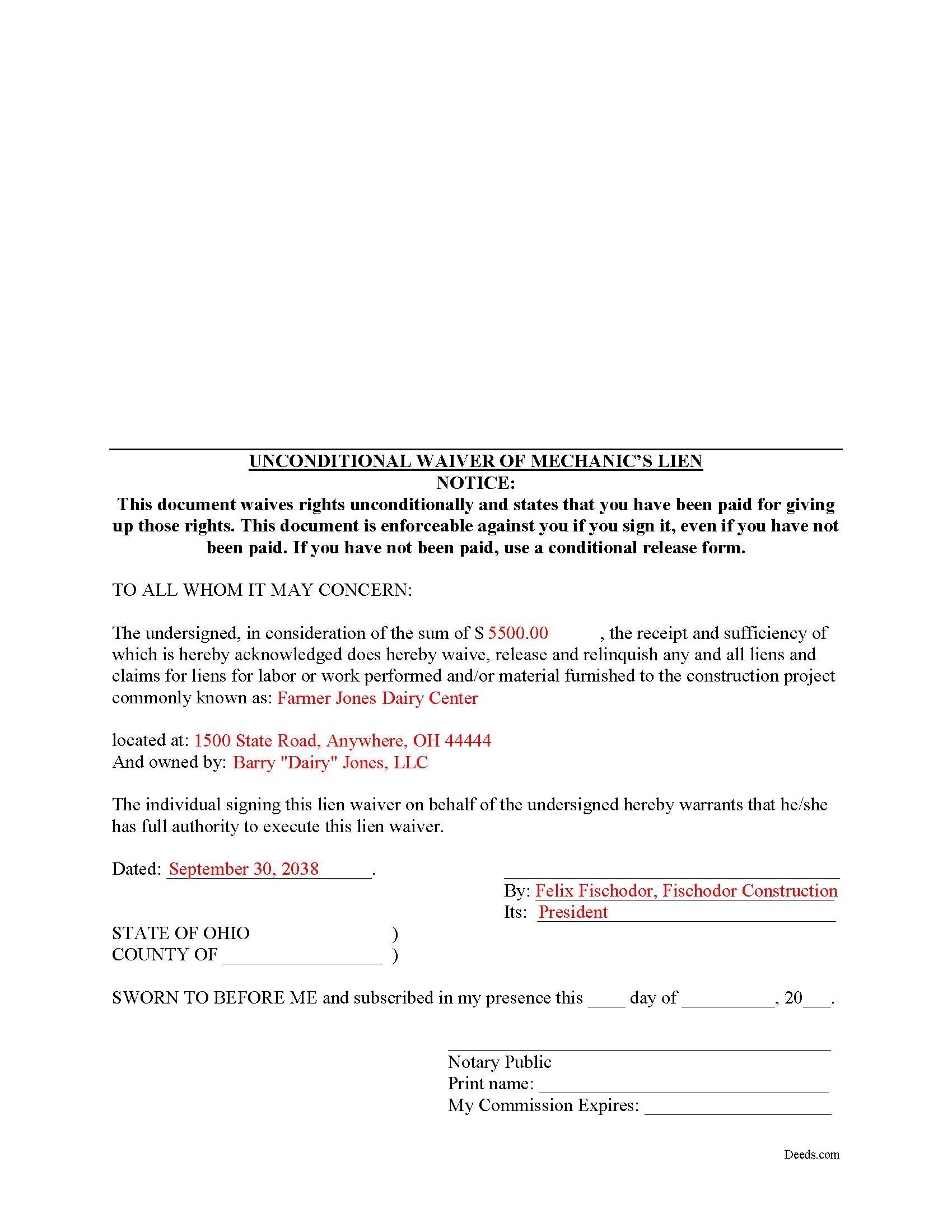
Mahoning County Completed Example of the Unconditional Lien Waiver Document
Example of a properly completed form for reference.
All 3 documents above included • One-time purchase • No recurring fees
Immediate Download • Secure Checkout
Additional Ohio and Mahoning County documents included at no extra charge:
Where to Record Your Documents
Mahoning County Recorder
Youngstown, Ohio 44503
Hours: 8:00 to 4:30 M-F
Phone: 330-740-2345
Recording Tips for Mahoning County:
- Bring your driver's license or state-issued photo ID
- Ensure all signatures are in blue or black ink
- Bring extra funds - fees can vary by document type and page count
- Check margin requirements - usually 1-2 inches at top
- Leave recording info boxes blank - the office fills these
Cities and Jurisdictions in Mahoning County
Properties in any of these areas use Mahoning County forms:
- Beloit
- Berlin Center
- Campbell
- Canfield
- Damascus
- Ellsworth
- Greenford
- Lake Milton
- Lowellville
- New Middletown
- New Springfield
- North Jackson
- North Lima
- Petersburg
- Sebring
- Struthers
- Youngstown
Hours, fees, requirements, and more for Mahoning County
How do I get my forms?
Forms are available for immediate download after payment. The Mahoning County forms will be in your account ready to download to your computer. An account is created for you during checkout if you don't have one. Forms are NOT emailed.
Are these forms guaranteed to be recordable in Mahoning County?
Yes. Our form blanks are guaranteed to meet or exceed the applicable formatting requirements used for recording in Mahoning County, including margin requirements, font requirements, and other layout standards. This guarantee applies to formatting, not to the legal sufficiency of information entered by the user or the suitability of a form for a particular transaction.
Can I reuse these forms?
Yes. You can reuse the forms for your personal use. For example, if you have multiple properties in Mahoning County you only need to order once.
What do I need to use these forms?
The forms are PDFs that you fill out on your computer. The free Adobe Acrobat Reader is recommended, and most PDF apps also work. You do NOT enter your property information online - you download the blank forms and complete them privately on your own computer.
Are there any recurring fees?
No. This is a one-time purchase. Nothing to cancel, no memberships, no recurring fees.
How much does it cost to record in Mahoning County?
Recording fees in Mahoning County vary. Contact the recorder's office at 330-740-2345 for current fees.
Questions answered? Let's get started!
Ohio's mechanic's lien law does not provide for a statutory lien waiver form, but Ohio courts recognize elective lien waivers under principles of contract law. The waivers identify the claimant, the party responsible for paying, the project, relevant dates, and the amount paid. Sign the completed waiver in front of a notary, then record it in the land records of the county where the project is located.
In general, a lien waiver is used to release an owner's property from a lien claim, either in full or in part, and either conditional, meaning the payment must clear the bank prior to waiving lien rights, or unconditional, meaning that the claimant waives the lien immediately, regardless of whether or not the payment clears the bank.
For instance, if the customer owes $5,000.00 on a construction job and remits a partial payment of $2,500.00, the payor may request a waiver that states he or she has paid that amount and in turn the claimant will give up the right to a lien for $2,500.00 of the total amount. If the check has not yet cleared the bank, use a conditional waiver that is only effective upon actual receipt of payment. If the payment is confirmed, use the unconditional waiver form.
Claimants should exercise extreme caution when using an unconditional waiver. Do not be intimidated by a demand for an unconditional waiver if there is any question about the payment. This is a common trick in the construction industry with devastating consequences, and may lead to forfeiting lien rights without ever being paid. If a claimant waives lien rights too early, the only remedy might be a time-consuming and expensive lawsuit.
Each case is unique, and the lien law is complicated, so contact an attorney familiar with Ohio mechanic's liens with specific questions or for complex situations.
Important: Your property must be located in Mahoning County to use these forms. Documents should be recorded at the county recording office listed above.
This Unconditional Lien Waiver meets all recording requirements specific to Mahoning County.
Our Promise
The documents you receive here are guaranteed to meet or exceed the applicable Mahoning County recording format requirements. If there is a rejection caused by our formatting, we will correct the issue or refund your payment. This guarantee applies to document formatting only and does not extend to information entered by the user, the selection of the form, or the legal effect of the completed document.
Save Time and Money
Get your Mahoning County Unconditional Lien Waiver form done right the first time with Deeds.com Uniform Conveyancing Blanks. At Deeds.com, we understand that your time and money are valuable resources, and we don't want you to face a penalty fee or rejection imposed by a county recorder for submitting nonstandard documents. We constantly review and update our forms to meet rapidly changing state and county recording requirements for roughly 3,500 counties and local jurisdictions.
4.8 out of 5 - ( 4,829 Reviews )
Lisa M. 5 out of 5 stars
This is super convenient however, I wish I knew which forms I needed for my Affidavit Death of Joint Tenant situation. That would help. Thank you
Thank you for your feedback. We really appreciate it. Have a great day!
Tamica D. 5 out of 5 stars
Exceptional service. Thank you for your assistance.
Thank you!
Michelle H. 5 out of 5 stars
Fast, easy and helpful. Highly recommend, my document was recorded within 24 hours.
Thank you!
Rebecca V. 5 out of 5 stars
The staff is Great to work with, Thank You
Thank you!
Mark M. 5 out of 5 stars
Deeds was easy to use and worked as specified; they got the recording I needed done finished in one day!
Thank you for your feedback. We really appreciate it. Have a great day!
Lance G. 5 out of 5 stars
Fast and dependable service, which is so critical in the real estate business. Excellent experience.
We appreciate your business and value your feedback. Thank you. Have a wonderful day!
William R. 5 out of 5 stars
Yes I received the forms downloaded them and the example is very helpful as I have not used this form before, Thank you
We’re glad the completed example helped make the process easier for you. Thanks for the review, William, and thank you for choosing us.
Linda W. 3 out of 5 stars
The Quitclaim deed form was fine. Unfortunately, all I wanted to accomplish was to transfer property held in my name into my trust, but I could not any wording on the information you provided on how to accomplish this. It was not a sale, just a transfer from me to me as trustee.
Thank you for your feedback. We really appreciate it. Have a great day!
Kim H. 5 out of 5 stars
Great site. quick turnaround and communication. I needed an exception that they told me I needed and where to get the info within hours. I returned warranty deed with exception and the deed was recorded the same day! Great turnaround!
Thank you for your feedback. We really appreciate it. Have a great day!
Michael H. 5 out of 5 stars
another exact match with what i needed, thank you! the recorded of deeds accepted it with no problem.
Thank you for your feedback. We really appreciate it. Have a great day!
Lois B. 5 out of 5 stars
It works pretty well, had trouble with the word December. It printed out Decedmber with weird spacing but I think it will be ok.
Thank you for the feedback. We will take a look at the date field to see if there are any issues. Have a great day!
George A. M. 5 out of 5 stars
User friendly and fast to use. I was pleased with experience.
We appreciate your business and value your feedback. Thank you. Have a wonderful day!
lisa c. 1 out of 5 stars
I didn't like your website. It was complicated for an elderly person to use.
Sorry to hear that we failed you Lisa. We do hope that you found something more suitable to your needs elsewhere. Have a wonderful day.
Susan S. 5 out of 5 stars
Very quick, easy and readily available forms. No wait, no advertisements, no pressure to purchase MORE. I expected to only get part of the information I needed, and for there to be a hidden cost to get the complete package, but surprisingly, I got immediate access to all the forms I ordered, AND THERE WERE NO ADDITIONAL HIDDEN COSTS! How refreshing!
Thank you Susan, we really appreciate your feedback.
Jonnie G. 5 out of 5 stars
I very much dreaded this whole endeavor but very pleasantly surprised. So far, so good. I feel much more confidant that the crucial form, when presented, will play well with the county.......
We appreciate your business and value your feedback. Thank you. Have a wonderful day!