Grady County Claim of Mechanics Lien Form
Last validated September 18, 2026 by our Forms Development TeamFormatted for recording in Grady County, for property anywhere in the county: rural and unincorporated areas as well as Alex, Amber, Bradley, Chickasha, Minco, Ninnekah, Pocasset, Rush Springs and 2 more.
- 3 documents included
- Immediate PDF download
- Formatting guarantee
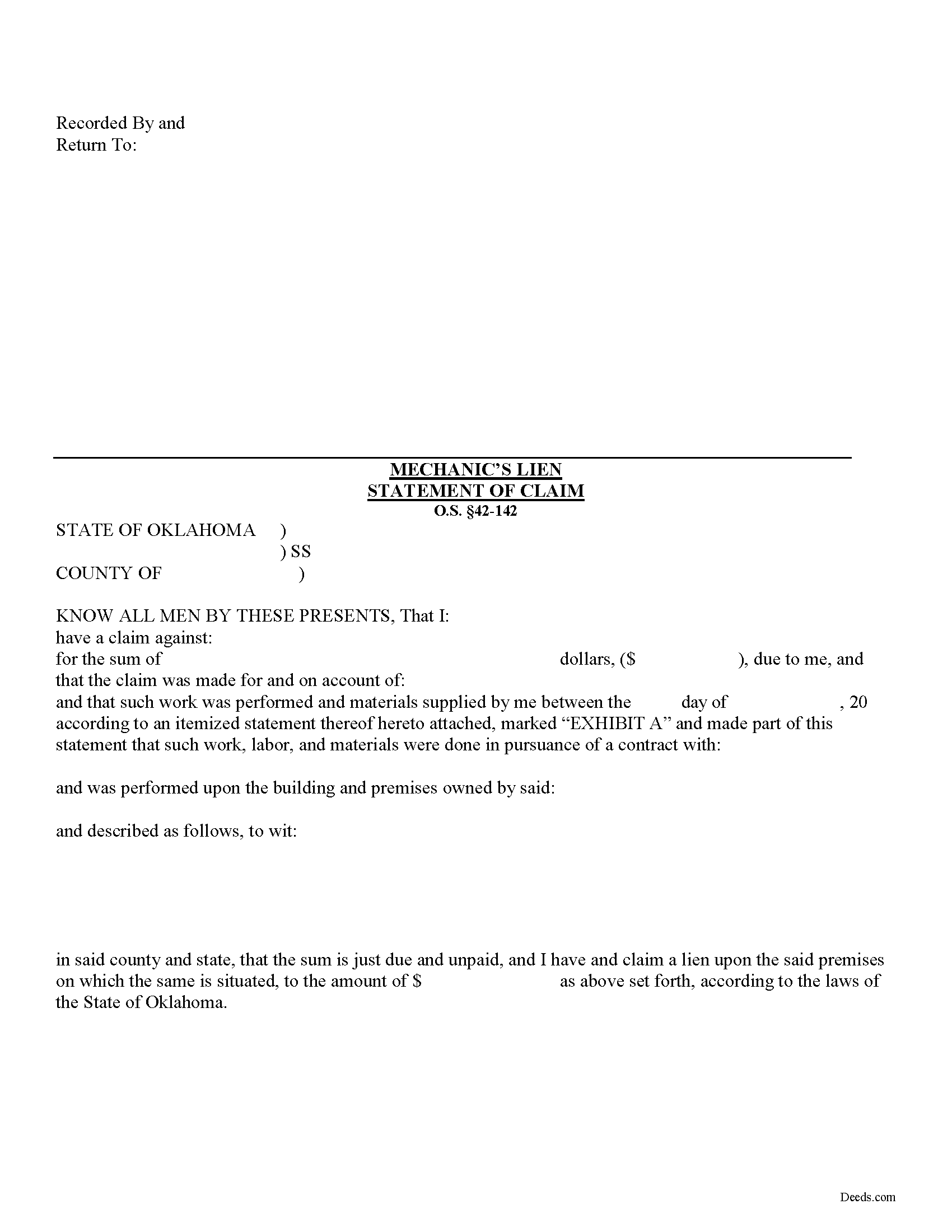
Grady County Claim of Mechanics Lien Form
Fill in the blank Claim of Mechanics Lien form formatted to comply with all Oklahoma recording and content requirements.
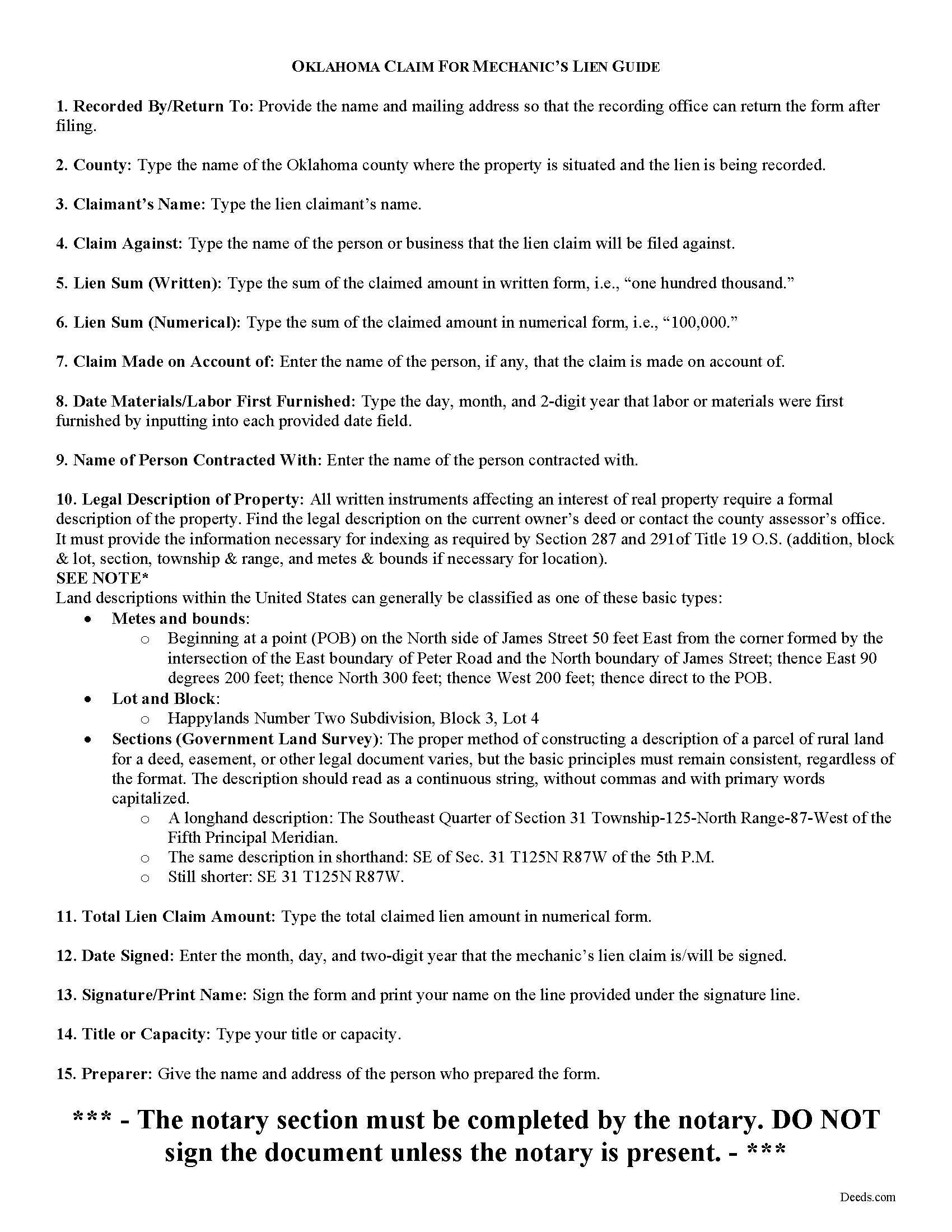
Grady County Claim of Mechanics Lien Guide
Line by line guide explaining every blank on the form.
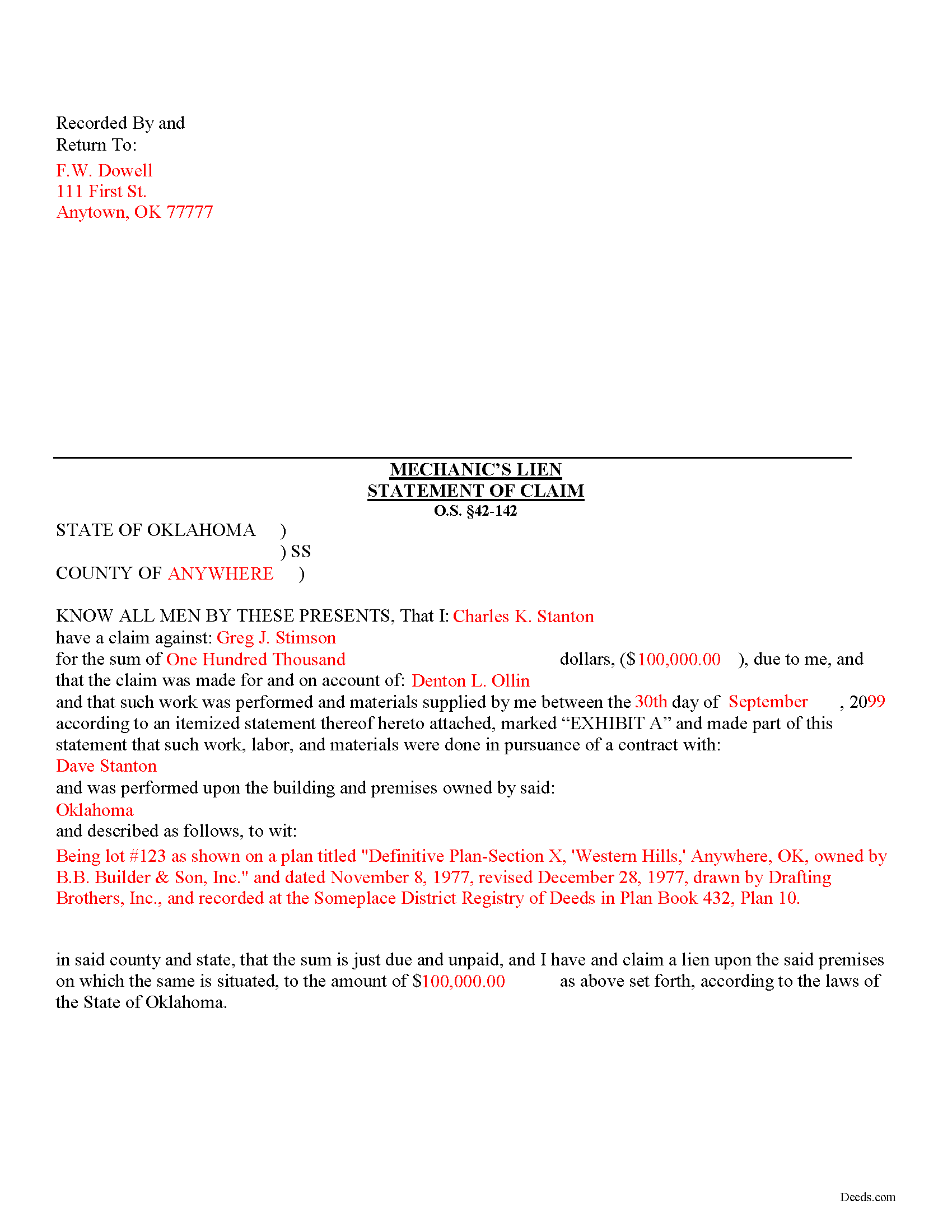
Grady County Completed Example of the Claim of Mechanics Lien Document
Example of a properly completed form for reference.
All 3 documents above included • One-time purchase • No recurring fees
Immediate Download • Secure Checkout
Additional Oklahoma and Grady County documents included at no extra charge:
Where to Record Your Documents
Grady County Clerk
Chickasha, Oklahoma 73023-1009
Hours: 8:00 to 4:30 Monday through Friday
Phone: (405) 224-7388
Recording Tips for Grady County:
- Bring your driver's license or state-issued photo ID
- Ensure all signatures are in blue or black ink
- Documents must be on 8.5 x 11 inch white paper
- Double-check legal descriptions match your existing deed
- Verify all names are spelled correctly before recording
Cities and Jurisdictions in Grady County
Properties in any of these areas use Grady County forms:
- Alex
- Amber
- Bradley
- Chickasha
- Minco
- Ninnekah
- Pocasset
- Rush Springs
- Tuttle
- Verden
Hours, fees, requirements, and more for Grady County
How do I get my forms?
Forms are available for immediate download after payment. The Grady County forms will be in your account ready to download to your computer. An account is created for you during checkout if you don't have one. Forms are NOT emailed.
Are these forms guaranteed to be recordable in Grady County?
Yes. Our form blanks are guaranteed to meet or exceed the applicable formatting requirements used for recording in Grady County, including margin requirements, font requirements, and other layout standards. This guarantee applies to formatting, not to the legal sufficiency of information entered by the user or the suitability of a form for a particular transaction.
Can I reuse these forms?
Yes. You can reuse the forms for your personal use. For example, if you have multiple properties in Grady County you only need to order once.
What do I need to use these forms?
The forms are PDFs that you fill out on your computer. The free Adobe Acrobat Reader is recommended, and most PDF apps also work. You do NOT enter your property information online - you download the blank forms and complete them privately on your own computer.
Are there any recurring fees?
No. This is a one-time purchase. Nothing to cancel, no memberships, no recurring fees.
How much does it cost to record in Grady County?
Recording fees in Grady County vary. Contact the recorder's office at (405) 224-7388 for current fees.
Questions answered? Let's get started!
Claiming an Oklahoma Mechanic's Lien
Mechanic's liens provide a form of security of payment to builders, contractors, and other parties working on a construction job. Suppliers of materials, subcontractors and persons delivering materials can also claim a lien. A mechanic's lien works by making it harder for the owner to sell or refinance the property without first paying off the underlying lien. It also gives the person holding the lien the right to foreclose, or force a sale of the property to recover the money owed.
In Oklahoma, any person claiming a lien must file in the county clerk's office of the county in which the land is situated a statement setting forth the amount claimed and the items claimed including the names of the owner, the contractor, the claimant, and a legal description of the property subject to the lien, verified by affidavit. O.S. 42-142.
The statement must be filed within four (4) months after the date upon which material or equipment used on the land was last furnished or labor was last performed under a contract. Id. If the claim is made for the planting of any trees, vines, plants, or hedge, then the statement must be filed within four (4) months from such planting. Id. Once the statement is filed, the county clerk will enter a record of the lien against the tract index and in a book called the mechanics' lien journal. Id.
Once filed, the statement must be served on the property owner within five (5) business days after the date of the filing by certified mail, return receipt requested. O.S. 42-143.1(A). The claimant must furnish the county clerk with the last-known mailing address of the person or persons against whom the claim is made and the owner of the property and then the notice shall be mailed by the county clerk. Id.
This article is provided for informational purposes only and should not be relied upon as a substitute for the advice of a legal professional. If you have questions about filing a statement of mechanic's lien, please contact an Oklahoma attorney.
Important: Your property must be located in Grady County to use these forms. Documents should be recorded at the county recording office listed above.
This Claim of Mechanics Lien meets all recording requirements specific to Grady County.
Our Promise
The documents you receive here are guaranteed to meet or exceed the applicable Grady County recording format requirements. If there is a rejection caused by our formatting, we will correct the issue or refund your payment. This guarantee applies to document formatting only and does not extend to information entered by the user, the selection of the form, or the legal effect of the completed document.
Save Time and Money
Get your Grady County Claim of Mechanics Lien form done right the first time with Deeds.com Uniform Conveyancing Blanks. At Deeds.com, we understand that your time and money are valuable resources, and we don't want you to face a penalty fee or rejection imposed by a county recorder for submitting nonstandard documents. We constantly review and update our forms to meet rapidly changing state and county recording requirements for roughly 3,500 counties and local jurisdictions.
4.8 out of 5 - ( 4,826 Reviews )
Nancy S. 5 out of 5 stars
Outstanding forms, thanks for making this easy.
Thank you!
Jane C. 5 out of 5 stars
I wasn't sure what I was looking for initially so I printed out the wrong thing. Had to pay again to get the right one but much less expensive than getting it from a lawyer. Our military lawyers will make the forms official but they don't have the forms. Hope this makes things easier for our children when we pass. Thank you for offering this service.
Thank you for taking the time to leave your feedback. We have canceled and refunded the payment for your first order. We don't want you to pay for something you're not going to use. Have an amazing day.
Hinz H. 4 out of 5 stars
Prompt accurate service
Thank you!
Elizabeth B. 5 out of 5 stars
Excellent product! Easy to fill out, complete directions. I highly recommend.
We appreciate your business and value your feedback. Thank you. Have a wonderful day!
Joe L. 5 out of 5 stars
Great service, and fast.
We appreciate your business and value your feedback. Thank you. Have a wonderful day!
Claudia S. 5 out of 5 stars
The site is very user friendly. Where can I get a copy of all the invoices that were paid? Thank you. Claudia
Thank you for your feedback. We really appreciate it. Have a great day!
Rose M. 5 out of 5 stars
Easy to understand and complete. Lower cost than many others who offer same. Thanks so much!
We appreciate your business and value your feedback. Thank you. Have a wonderful day!
Elizabeth S. 5 out of 5 stars
Easy to download. I like the fact that it gives me an example of how to fill it out and also the instructions. Thank you so much.
Thank you for your feedback. We really appreciate it. Have a great day!
joni e. 5 out of 5 stars
It was everything that I needed. The county clerk's office kept telling me to get a lawyer for this form, but I didn't need one. Saved myself hundreds of dollars. I've used them many times.
Thank you for your feedback. We really appreciate it. Have a great day!
Bonnie M. 5 out of 5 stars
I received what I requested. Then I didn't need it after all.
Thank you for your feedback. We really appreciate it. Have a great day!
Kevin T. 5 out of 5 stars
amazing customer service. thank you deeds.com. I just wish I knew about this company earlier. Kevin
We appreciate your business and value your feedback. Thank you. Have a wonderful day!
Suzanne M. 5 out of 5 stars
Easy to download this form. I will use it when the time comes to transfer title of my house.
Thank you for your feedback. We really appreciate it. Have a great day!
Kenneth C. 5 out of 5 stars
I am not done yet but so far this has worked very slick
Thank you for your feedback. We really appreciate it. Have a great day!
THOMAS P. 5 out of 5 stars
This site is excellent and makes everything so much easier. 5 star platform.
We appreciate your business and value your feedback. Thank you. Have a wonderful day!
Rox Ann S. 5 out of 5 stars
Very impressed with how fast the service was. Got what I needed within 20 to 30 minutes.
We appreciate your business and value your feedback. Thank you. Have a wonderful day!