Woodward County Quitclaim Deed (Trustee Grantee) Form
Last validated September 9, 2026 by our Forms Development TeamFormatted for recording in Woodward County, for property anywhere in the county: rural and unincorporated areas as well as Fort Supply, Mooreland, Mutual, Sharon, Woodward.
- 3 documents included
- Immediate PDF download
- Formatting guarantee
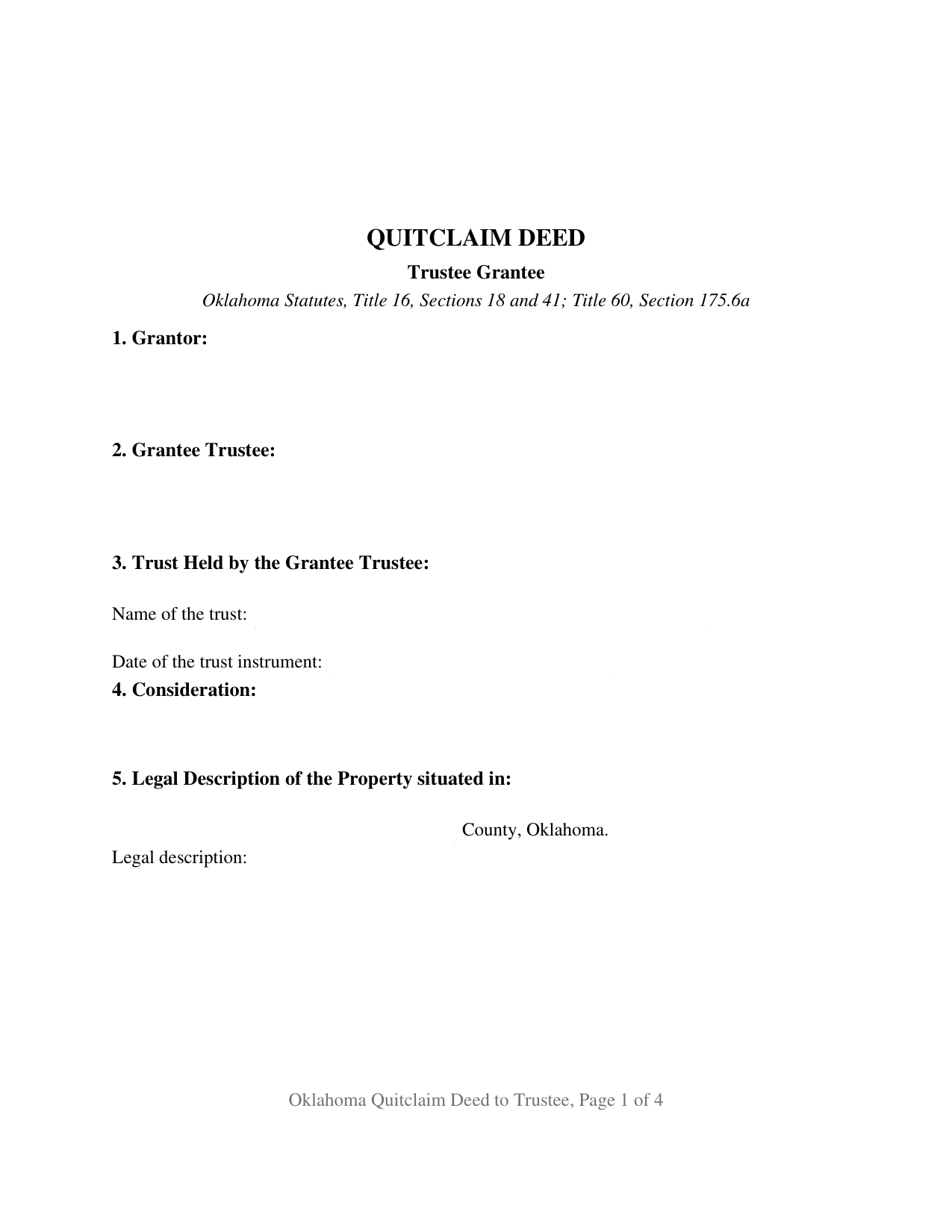
Woodward County Quitclaim Deed (Trustee Grantee) Form
Fill in the blank Quitclaim Deed (Trustee Grantee) form formatted to comply with all Oklahoma recording and content requirements.
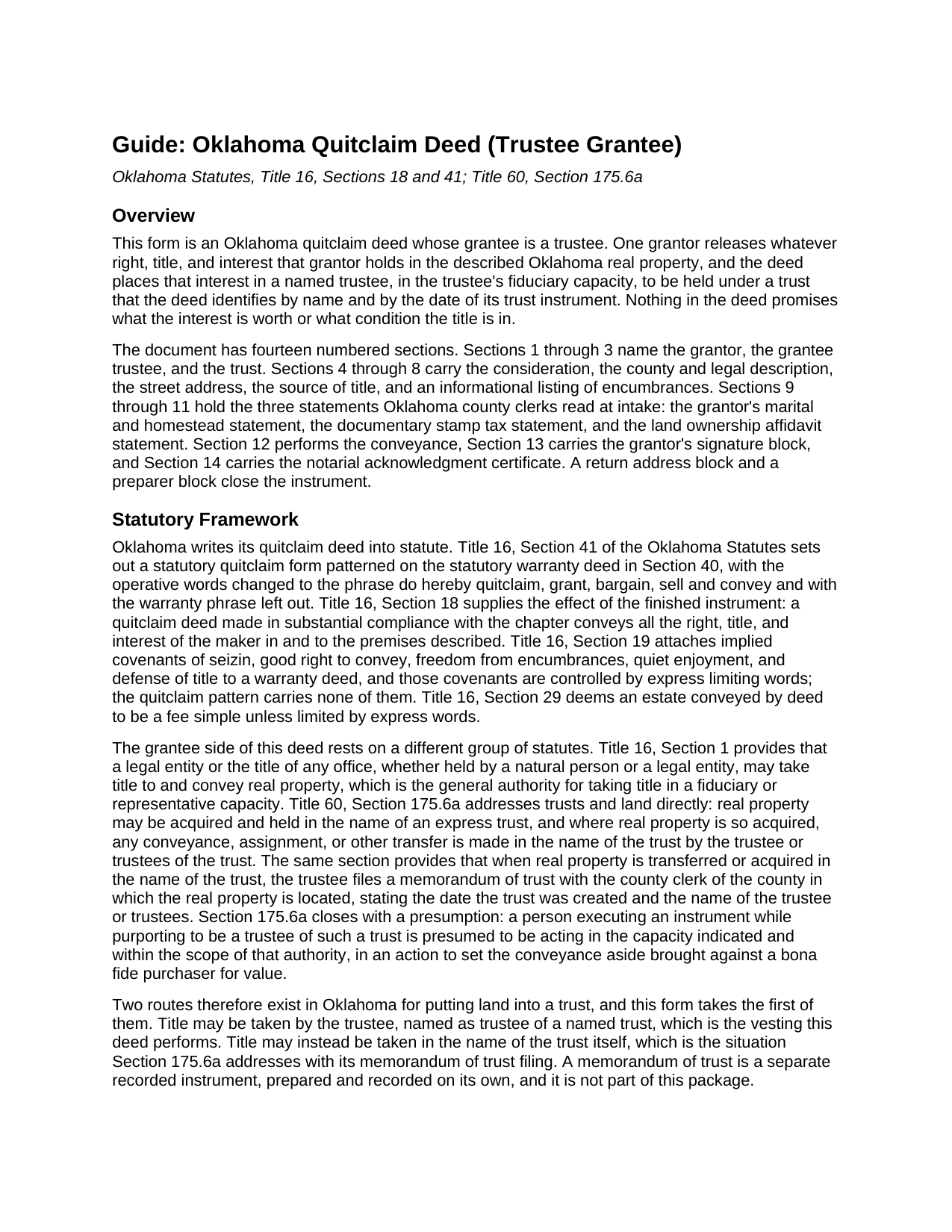
Woodward County Quitclaim Deed (Trustee Grantee) Guide
Line by line guide explaining every blank on the Quitclaim Deed (Trustee Grantee) form.
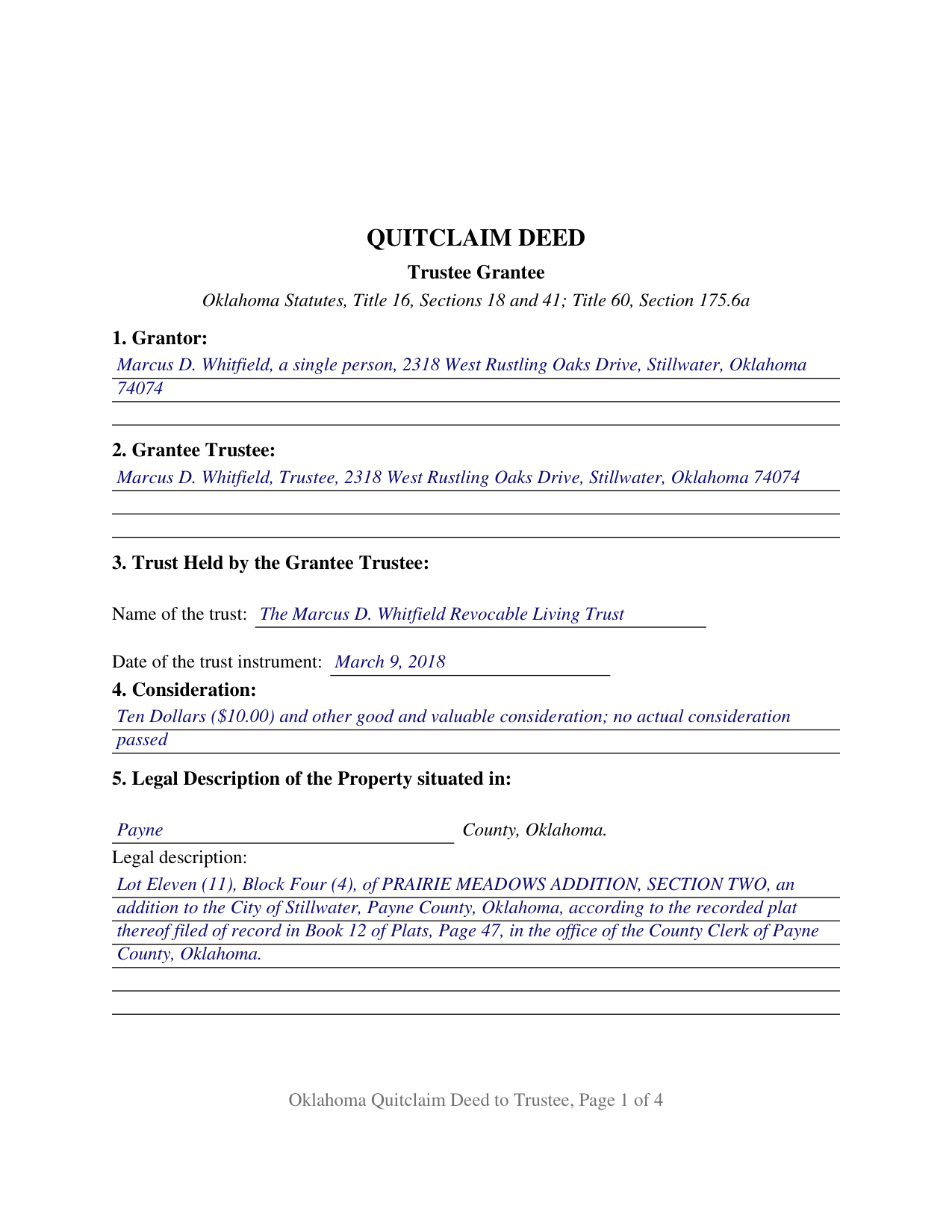
Woodward County Completed Example of the Quitclaim Deed (Trustee Grantee) Document
Example of a properly completed Oklahoma Quitclaim Deed (Trustee Grantee) document for reference.
All 3 documents above included • One-time purchase • No recurring fees
Immediate Download • Secure Checkout
Additional Oklahoma and Woodward County documents included at no extra charge:
Where to Record Your Documents
Woodward County Clerk
Woodward, Oklahoma 73801
Hours: 9:00am - 4:00pm Monday - Friday
Phone: (580) 256-3625
Recording Tips for Woodward County:
- Bring your driver's license or state-issued photo ID
- Ensure all signatures are in blue or black ink
- Request a receipt showing your recording numbers
- Ask about accepted payment methods when you call ahead
- Ask for certified copies if you need them for other transactions
Cities and Jurisdictions in Woodward County
Properties in any of these areas use Woodward County forms:
- Fort Supply
- Mooreland
- Mutual
- Sharon
- Woodward
Hours, fees, requirements, and more for Woodward County
How do I get my forms?
Forms are available for immediate download after payment. The Woodward County forms will be in your account ready to download to your computer. An account is created for you during checkout if you don't have one. Forms are NOT emailed.
Are these forms guaranteed to be recordable in Woodward County?
Yes. Our form blanks are guaranteed to meet or exceed the applicable formatting requirements used for recording in Woodward County, including margin requirements, font requirements, and other layout standards. This guarantee applies to formatting, not to the legal sufficiency of information entered by the user or the suitability of a form for a particular transaction.
Can I reuse these forms?
Yes. You can reuse the forms for your personal use. For example, if you have multiple properties in Woodward County you only need to order once.
What do I need to use these forms?
The forms are PDFs that you fill out on your computer. The free Adobe Acrobat Reader is recommended, and most PDF apps also work. You do NOT enter your property information online - you download the blank forms and complete them privately on your own computer.
Are there any recurring fees?
No. This is a one-time purchase. Nothing to cancel, no memberships, no recurring fees.
How much does it cost to record in Woodward County?
Recording fees in Woodward County vary. Contact the recorder's office at (580) 256-3625 for current fees.
Questions answered? Let's get started!
The receiving side of this Oklahoma quitclaim deed is a fiduciary. Section 2 names a trustee, Section 3 names the trust and the date of its trust instrument, and Section 12 places whatever the grantor holds in that trustee, in that capacity and no other, along with the successors in trust. One grantor signs, nothing about the title is warranted, and the statutory quitclaim pattern of 16 O.S. Sections 18 and 41 supplies the words that do the work.
A grantee who holds in a capacity
Most deeds name a grantee taking for their own account. This one names a grantee taking for someone else. The grantee block carries the trustee's name followed by the word Trustee, and the section beneath it carries the trust name and the date of the trust instrument, so the fiduciary character of the vesting sits on the face of the recorded document. The granting language runs to the successors in trust as well, so a later change of trustee leaves no gap in the record vesting. One signature closes the instrument and one notarial certificate follows it, because a trustee accepting a conveyance signs nothing here. A co-owner releasing an undivided share to the trustee of a trust that already holds the rest of a parcel, an heir passing an inherited interest to the trustee of the family trust that will administer it, and a parcel left out when a trust was funded and deeded over years later are the patterns this configuration is built around.
Two ways Oklahoma puts land into a trust
Oklahoma says out loud what many states leave to practice: a trust may hold land in its own name. Under 60 O.S. Section 175.6a real property may be acquired and held in the name of an express trust, a transfer of property so held is made in the name of the trust by its trustee, and when title moves in the trust's name the trustee files a memorandum of trust with the county clerk where the land lies. That memorandum is a separate recorded instrument, prepared and recorded on its own, and it is not part of this package. This deed takes the other route, putting title in the trustee as trustee of a named trust. Section 175.6a also presumes that someone signing while purporting to be trustee of such a trust acts within the scope of that authority, in an action to set the conveyance aside brought against a bona fide purchaser for value.
A release, not a promise
16 O.S. Section 41 supplies the operative words, do hereby quitclaim, grant, bargain, sell and convey, and omits the warranty phrase the statutory warranty deed carries. 16 O.S. Section 18 states the effect: the instrument passes all the right, title, and interest of the maker in the premises described. None of the covenants that 16 O.S. Section 19 implies in a warranty deed arise here, so the mortgage, the judgment liens, the plat restrictions, and the severed minerals cross into the trust exactly as they stood. Shoppers looking for a quit claim deed, a quick claim deed, or a deed putting property into a trust in Oklahoma are reading about this instrument.
The trust affidavit and the stamp paragraph
Of the two gates at the county clerk's counter, one reads differently for a trust. Since November 1, 2023, 60 O.S. Section 121 has let a covered deed onto the record only with the affidavit of the party taking title attached as an exhibit, or with an exemption identified on the deed itself. The Attorney General publishes a separate affidavit for business entities and trusts, and it asks whether the trust's grantors, trustees, and all direct and contingent beneficiaries are United States citizens or bona fide residents of Oklahoma. Section 10 holds the stamp entry: 68 O.S. Section 3202 lists exemptions by paragraph, and Paragraph 4 covers a deed between any person and an express revocable trust created by that person or that person's spouse. Format follows 19 O.S. Section 298 as SB57 rewrote it in 2024, with a 2 inch top margin on every page instead of the first alone.
The download delivers the trustee-grantee deed as a fillable PDF, a completed example worked through a Payne County parcel released to the trustee of a revocable living trust, and a plain language guide to the fourteen numbered sections and the recording steps. The package describes Oklahoma law in general terms and is not legal advice.
Important: Your property must be located in Woodward County to use these forms. Documents should be recorded at the county recording office listed above.
This Quitclaim Deed (Trustee Grantee) meets all recording requirements specific to Woodward County.
Our Promise
The documents you receive here are guaranteed to meet or exceed the applicable Woodward County recording format requirements. If there is a rejection caused by our formatting, we will correct the issue or refund your payment. This guarantee applies to document formatting only and does not extend to information entered by the user, the selection of the form, or the legal effect of the completed document.
Save Time and Money
Get your Woodward County Quitclaim Deed (Trustee Grantee) form done right the first time with Deeds.com Uniform Conveyancing Blanks. At Deeds.com, we understand that your time and money are valuable resources, and we don't want you to face a penalty fee or rejection imposed by a county recorder for submitting nonstandard documents. We constantly review and update our forms to meet rapidly changing state and county recording requirements for roughly 3,500 counties and local jurisdictions.
4.8 out of 5 - ( 4,810 Reviews )
Leslie Y. 5 out of 5 stars
I had my doubts going in but was pleasantly surprised at the thoroughness of the documents and information provided. Will use again.
We appreciate your business and value your feedback. Thank you. Have a wonderful day!
Annette A. 5 out of 5 stars
I requested a property report and it was completed fast and accurately. I would highly recommend this service.
We appreciate your business and value your feedback. Thank you. Have a wonderful day!
Lori W. 5 out of 5 stars
Disclaimer letter was just what I needed. Download worked without a hitch.
Thank you for your feedback Lori, we really appreciate it. Have a fantastic day!
Sylvia O. 5 out of 5 stars
Very efficient, and the samples and instructions are very easy to follow. Thank you Deeds.com
Thank you!
Carol A. 5 out of 5 stars
great
Thank you!
Leadon N. 5 out of 5 stars
Forms were easy to find, print, and complete.
We appreciate your business and value your feedback. Thank you. Have a wonderful day!
Robert h. 5 out of 5 stars
excellent and simple to use. Great price for this.
Thank you Robert! We really appreciate your feedback.
Raymundo M. 5 out of 5 stars
Very fast and smooth process, thank you for your quick answers and follow up.
Thank you for your feedback. We really appreciate it. Have a great day!
John Z. 5 out of 5 stars
Very easy to use. Straight forward. Am glad I found the tools to process an important document of property ownership. Thanks much. Will recommend to friends and family.
Thank you!
leslie w. 5 out of 5 stars
Easy to use! Thanks for saving the time and expense of an attorney!
Thank you for your feedback. We really appreciate it. Have a great day!
Andre H. 5 out of 5 stars
World class forms, great for someone like me that has no clue what I'm doing! Always better to let the pros do it than think one knows it all and gets themselves in trouble!
Thank you for your feedback. We really appreciate it. Have a great day!
ELIZABETH A P. 5 out of 5 stars
THE FORMS WERE GOOD, EASY TO UNDERSTAND. NICE TO BE ABLE TO DOWNLOAD THEM INSTANTLY. LIKED THAT I DID NOT HAVE TO JOIN ANYTHING WITH ONGOING FEES.
Thank you Elizabeth, have a great day!
Gary B. 2 out of 5 stars
After spending $21 to obtain a Quit Claim Deed form, I realized that I was in over my head. There are a lot of legal considerations and I am not familiar enough with the legal terms and choices to feel confident doing it myself. I since hired a paralegal service to prepare my Quit Claim. I wish I knew the knowledge required before I purchased.
Glad to hear you sought the assistance of a legal professional familiar with your specific situation Gary. We always recommend this to anyone not completely sure of what they are doing.
Phyllis M. 5 out of 5 stars
Using your site was very easy. I found what my friend said she wanted easily and downloaded it to retype her quitclaim deed.
Thank you for your feedback. We really appreciate it. Have a great day!
Bobby Y. 5 out of 5 stars
I like the content and the availability to conduct valuable business online
Thank you!