Pontotoc County Transfer on Death Revocation Form
Last validated November 5, 2026 by our Forms Development TeamFormatted for recording in Pontotoc County, for property anywhere in the county: rural and unincorporated areas as well as Ada, Allen, Fittstown, Fitzhugh, Francis, Roff, Stonewall.
- 3 documents included
- Immediate PDF download
- Formatting guarantee
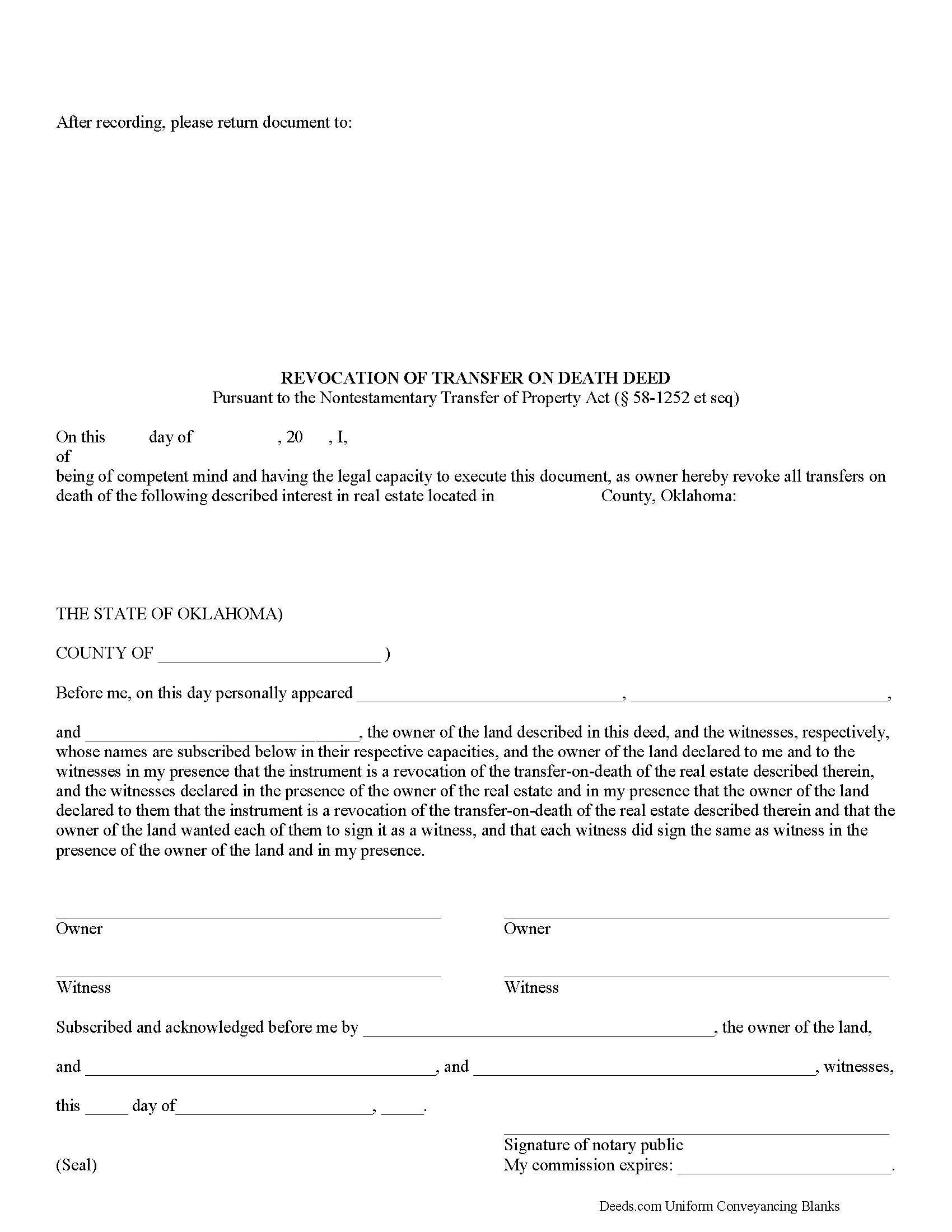
Pontotoc County Transfer on Death Revocation Form
Fill in the blank form formatted to comply with all recording and content requirements.
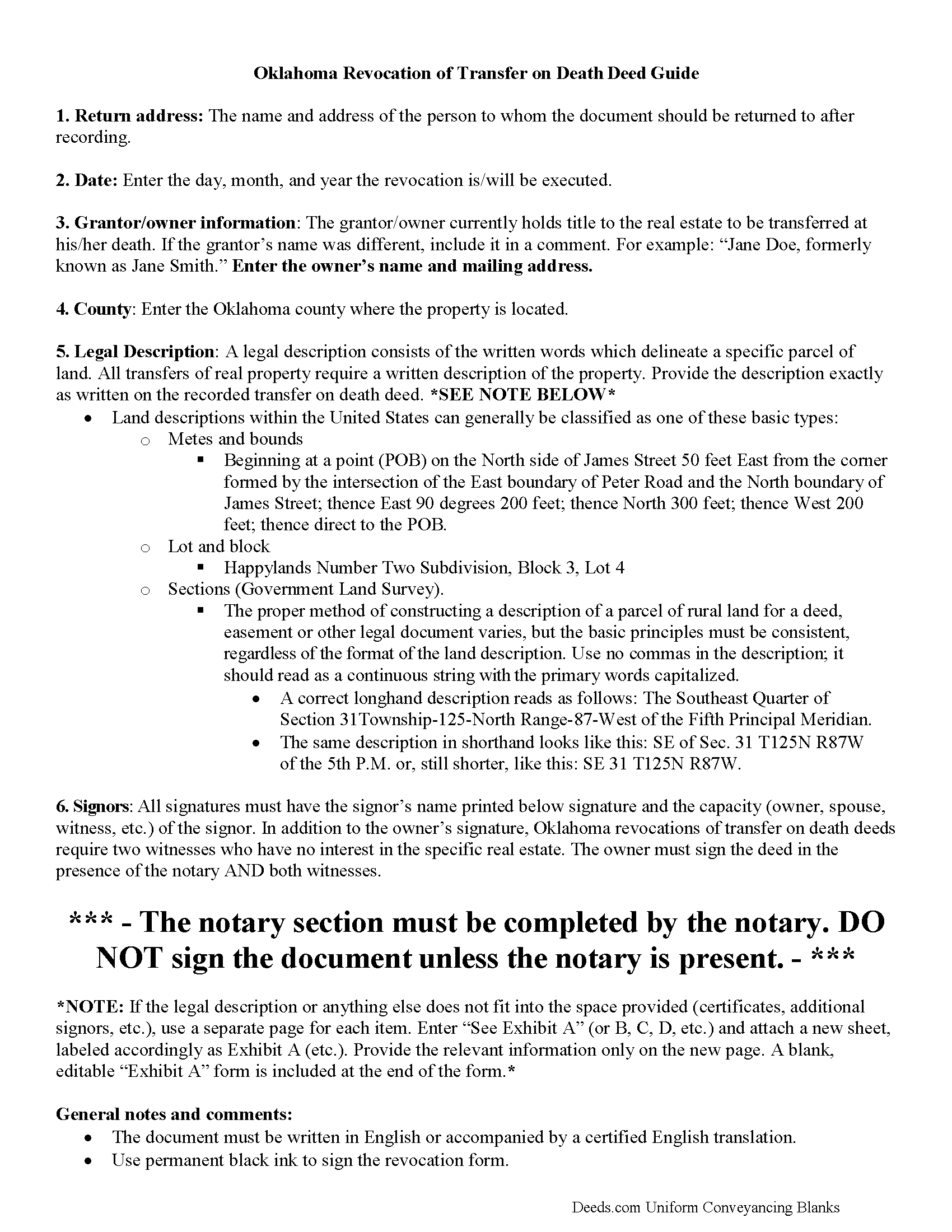
Pontotoc County Transfer on Death Revocation Guide
Line by line guide explaining every blank on the form.
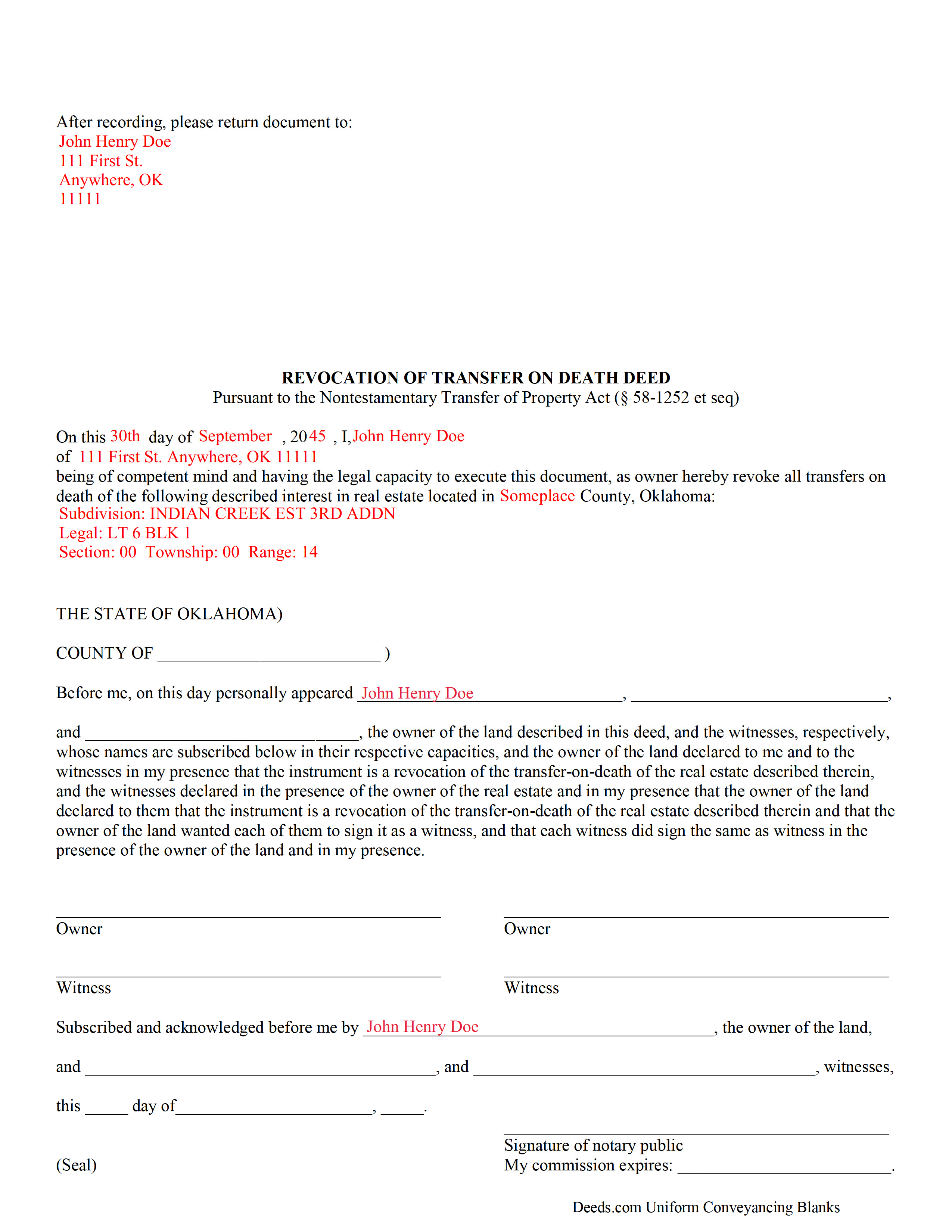
Pontotoc County Completed Example of the Transfer on Death Revocation Document
Example of a properly completed form for reference.
All 3 documents above included • One-time purchase • No recurring fees
Immediate Download • Secure Checkout
Additional Oklahoma and Pontotoc County documents included at no extra charge:
Where to Record Your Documents
Pontotoc County Clerk
Ada, Oklahoma 74820
Hours: 8:00 to 4:00 M-F
Phone: (580) 332-1425
Recording Tips for Pontotoc County:
- Bring your driver's license or state-issued photo ID
- Ensure all signatures are in blue or black ink
- White-out or correction fluid may cause rejection
- Ask about their eRecording option for future transactions
- Avoid the last business day of the month when possible
Cities and Jurisdictions in Pontotoc County
Properties in any of these areas use Pontotoc County forms:
- Ada
- Allen
- Fittstown
- Fitzhugh
- Francis
- Roff
- Stonewall
Hours, fees, requirements, and more for Pontotoc County
How do I get my forms?
Forms are available for immediate download after payment. The Pontotoc County forms will be in your account ready to download to your computer. An account is created for you during checkout if you don't have one. Forms are NOT emailed.
Are these forms guaranteed to be recordable in Pontotoc County?
Yes. Our form blanks are guaranteed to meet or exceed the applicable formatting requirements used for recording in Pontotoc County, including margin requirements, font requirements, and other layout standards. This guarantee applies to formatting, not to the legal sufficiency of information entered by the user or the suitability of a form for a particular transaction.
Can I reuse these forms?
Yes. You can reuse the forms for your personal use. For example, if you have multiple properties in Pontotoc County you only need to order once.
What do I need to use these forms?
The forms are PDFs that you fill out on your computer. The free Adobe Acrobat Reader is recommended, and most PDF apps also work. You do NOT enter your property information online - you download the blank forms and complete them privately on your own computer.
Are there any recurring fees?
No. This is a one-time purchase. Nothing to cancel, no memberships, no recurring fees.
How much does it cost to record in Pontotoc County?
Recording fees in Pontotoc County vary. Contact the recorder's office at (580) 332-1425 for current fees.
Questions answered? Let's get started!
Transfer on death deeds (TODDs) in Oklahoma are governed by the Nontestamentary Transfer of Property Act (Title 58 O.S. 1251-1258), enacted in 2008.
Unlike standard deeds, which convey an irrevocable interest in real property, transfer on death deeds may be changed or cancelled, provided that any modifications to the recorded TODD are filed, during the owner's life, for recording with the same office that accepted the TODD. The Oklahoma Statutes do not provide a specific form for this purpose, but they define the requirements for lawful revocation at 58-1254.
Basically, there are two ways to revoke a transfer on death deed in Oklahoma. The owner can execute and record a new TODD, conveying the potential future interest to someone else, effectively cancelling the earlier transfer (58-1254(B)). The other method involves executing and recording an instrument of revocation (58-1254(A)). Just as with TODDs, this instrument must be recorded during the owner's life. Revocation instruments are useful because they serve as a clear statement of the transferor's intent. TODDs may not be revoked by a will (58-1254(C)).
(Oklahoma TOD Revocation Package includes form, guidelines, and completed example)
Important: Your property must be located in Pontotoc County to use these forms. Documents should be recorded at the county recording office listed above.
This Transfer on Death Revocation meets all recording requirements specific to Pontotoc County.
Our Promise
The documents you receive here are guaranteed to meet or exceed the applicable Pontotoc County recording format requirements. If there is a rejection caused by our formatting, we will correct the issue or refund your payment. This guarantee applies to document formatting only and does not extend to information entered by the user, the selection of the form, or the legal effect of the completed document.
Save Time and Money
Get your Pontotoc County Transfer on Death Revocation form done right the first time with Deeds.com Uniform Conveyancing Blanks. At Deeds.com, we understand that your time and money are valuable resources, and we don't want you to face a penalty fee or rejection imposed by a county recorder for submitting nonstandard documents. We constantly review and update our forms to meet rapidly changing state and county recording requirements for roughly 3,500 counties and local jurisdictions.
4.8 out of 5 - ( 4,847 Reviews )
Tiffany Dawn J. 3 out of 5 stars
Would be nice to have a better description on how to complete the forms if it is separated couple and one is signing the deed over to the other. I am still unsure how it should be worded. Disappointed that the guide didn't have better explanations.
Thank you for your feedback. We really appreciate it. Have a great day!
Edward B. 5 out of 5 stars
Thank you for the rapid response. I shall persevere in my search using other public records. I shall keep your website handy for other such searches in the future.
Thank you!
Jack B. 5 out of 5 stars
All worked out well.
Thank you!
Mike M. 5 out of 5 stars
Get Rid of the places to initial each page on the Trust Deed. The Co. Recorder (Davis) does not require that each page be initialled... If I and the "borrower" had initialed each page, then I would have to use US Mail to get the form from AZ to UT because scans of initials are not acceptable, but only a notarized signature from the borrower is...
Thank you for your feedback. We really appreciate it. Have a great day!
Jesse K. 5 out of 5 stars
Very simple to use website for remote recording of documents. I will definately use this platform for future recordings.
Thank you for your feedback. We really appreciate it. Have a great day!
Jane N. 5 out of 5 stars
This worked. Saved me a trip to get a copy of a deed. Cost less than the parking fee. Very convenient.
Thank you for your feedback. We really appreciate it. Have a great day!
James J. 4 out of 5 stars
The form itself was very good and easy to use. The only problem I had was the Sample they provided. Using a different name in every spot doesnt help determine what goes where. Using "Theodore Rockafeller" as Lien Claimant in one spot and Jebediah Finklestein in another then Harvey Johnson in the last spot is confusing if you really need a helpful sample.
Thank you for your feedback James. We will have staff review the completed example to see if we can make it more helpful. Have a great day!
Melody P. 5 out of 5 stars
Great service continues! Thanks again!
Thank you!
Harry C. 3 out of 5 stars
Sign up was rocky. Tried to access documents and msg. said did not recognize my email (even though it had sent me an email). Contacted support and it was resolved. House transfer affidavit straight forward and easy to fill out.
Thank you for your feedback. We really appreciate it. Have a great day!
David W. 5 out of 5 stars
Outstanding. I will definitely recommend your company.
We appreciate your business and value your feedback. Thank you. Have a wonderful day!
Stacey S. 4 out of 5 stars
The system was easy to use and download my documents but the way the packages are set up it was confusing and I wish there was a way to delete an item from a package if you make a mistake.
Thank you for your feedback. We really appreciate it. Have a great day!
Patricia U. 5 out of 5 stars
Quick and easy document recording from home! Wish I knew about this before!
Thank you for your feedback. We really appreciate it. Have a great day!
Van S. 5 out of 5 stars
Easy to use...very informative...ttook care of exactly what I was looking for.
Thank you for your feedback. We really appreciate it. Have a great day!
Mayte S. 5 out of 5 stars
I am pleasantly suprised at the service. Fair rates and speedy process. No complaints! Happy to use this service again and recommend to anyone. Thank you very much for all your help!
Thank you!
Scott A. 5 out of 5 stars
Good site. Saved me a trip to one or two courthouses.
Thank you for your feedback. We really appreciate it. Have a great day!