Columbia County Correction Deed Form
Last validated September 22, 2026 by our Forms Development TeamFormatted for recording in Columbia County, for property anywhere in the county: rural and unincorporated areas as well as Clatskanie, Columbia City, Deer Island, Rainier, Saint Helens, Scappoose, Vernonia, Warren.
- 3 documents included
- Immediate PDF download
- Formatting guarantee
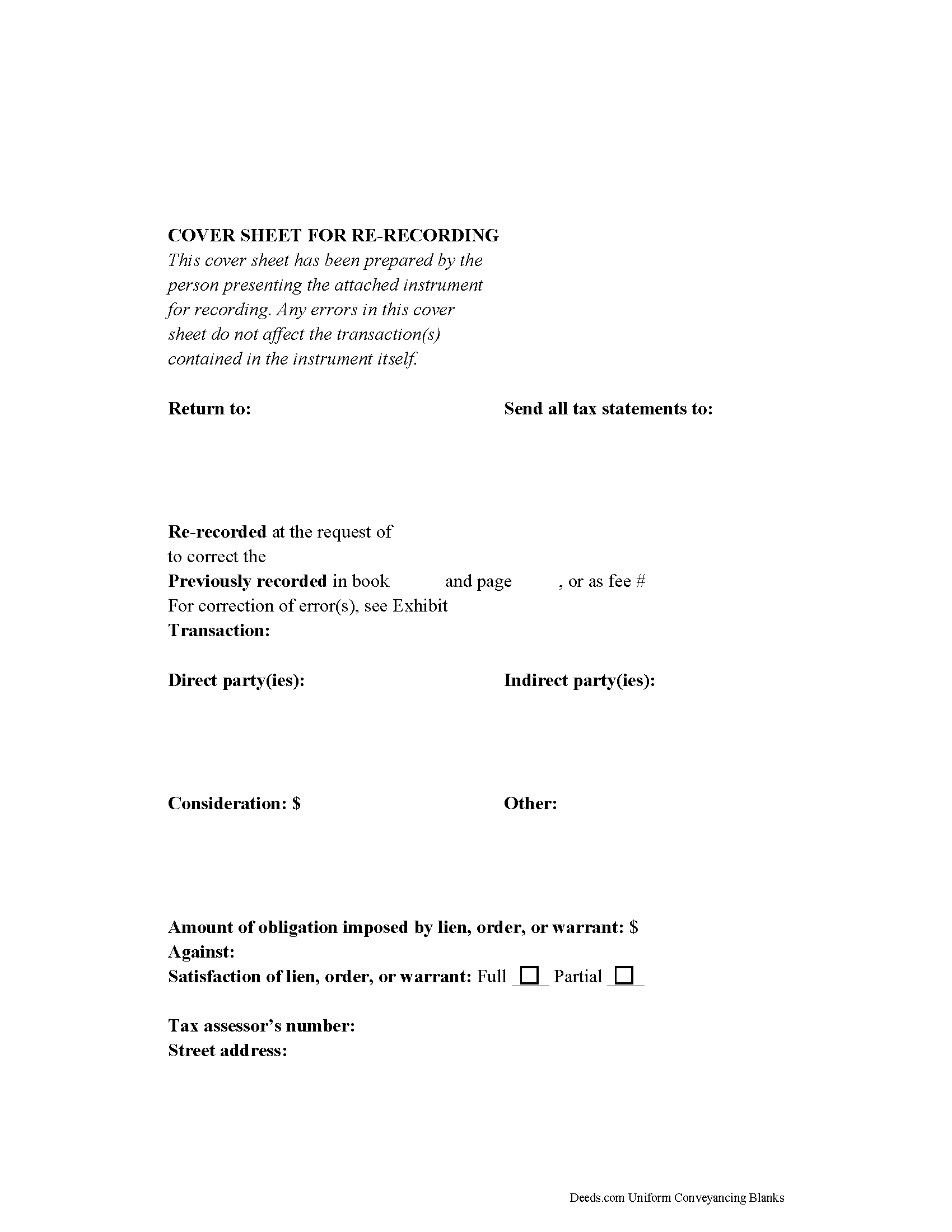
Columbia County Correction Deed Form
Fill in the blank form formatted to comply with all recording and content requirements.
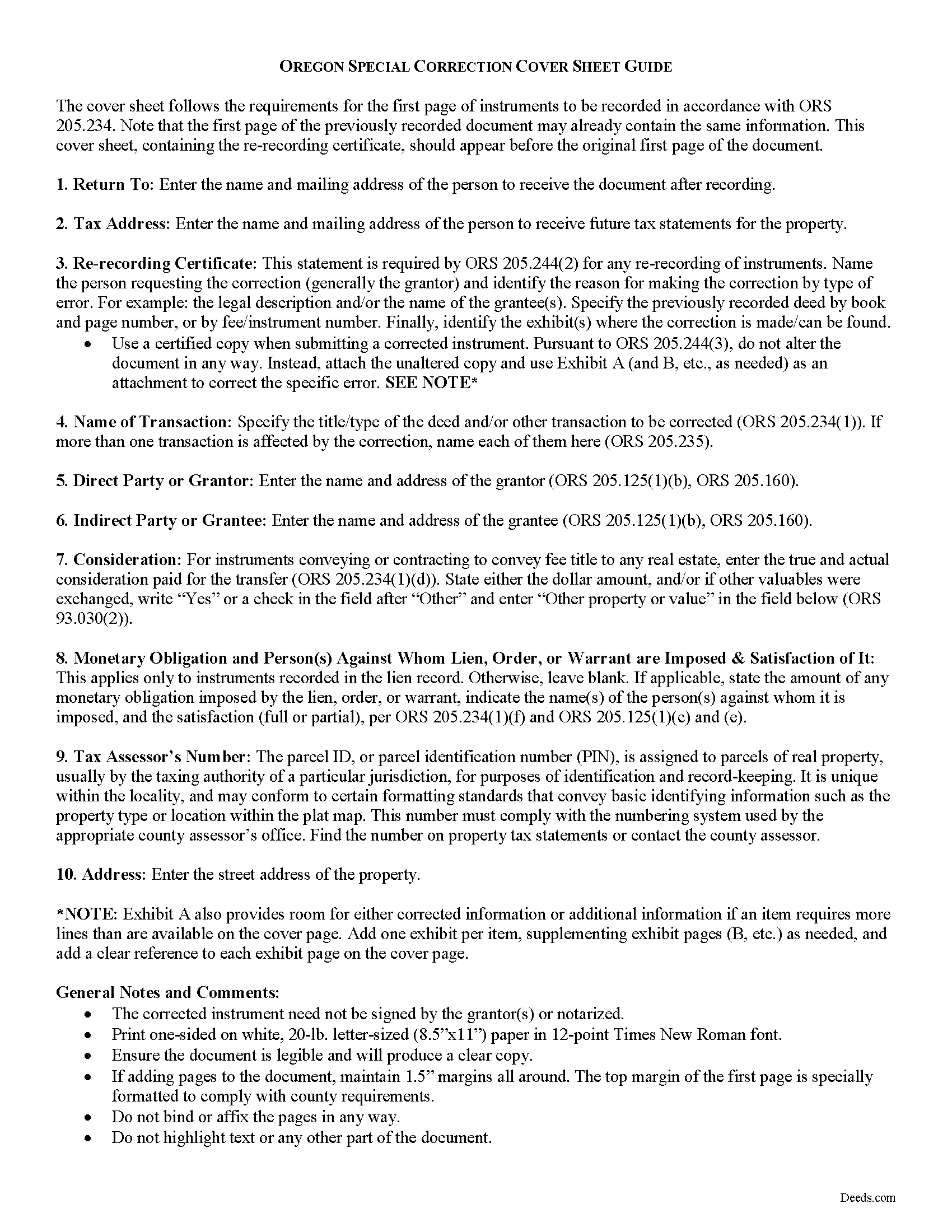
Columbia County Correction Deed Guide
Line by line guide explaining every blank on the form.
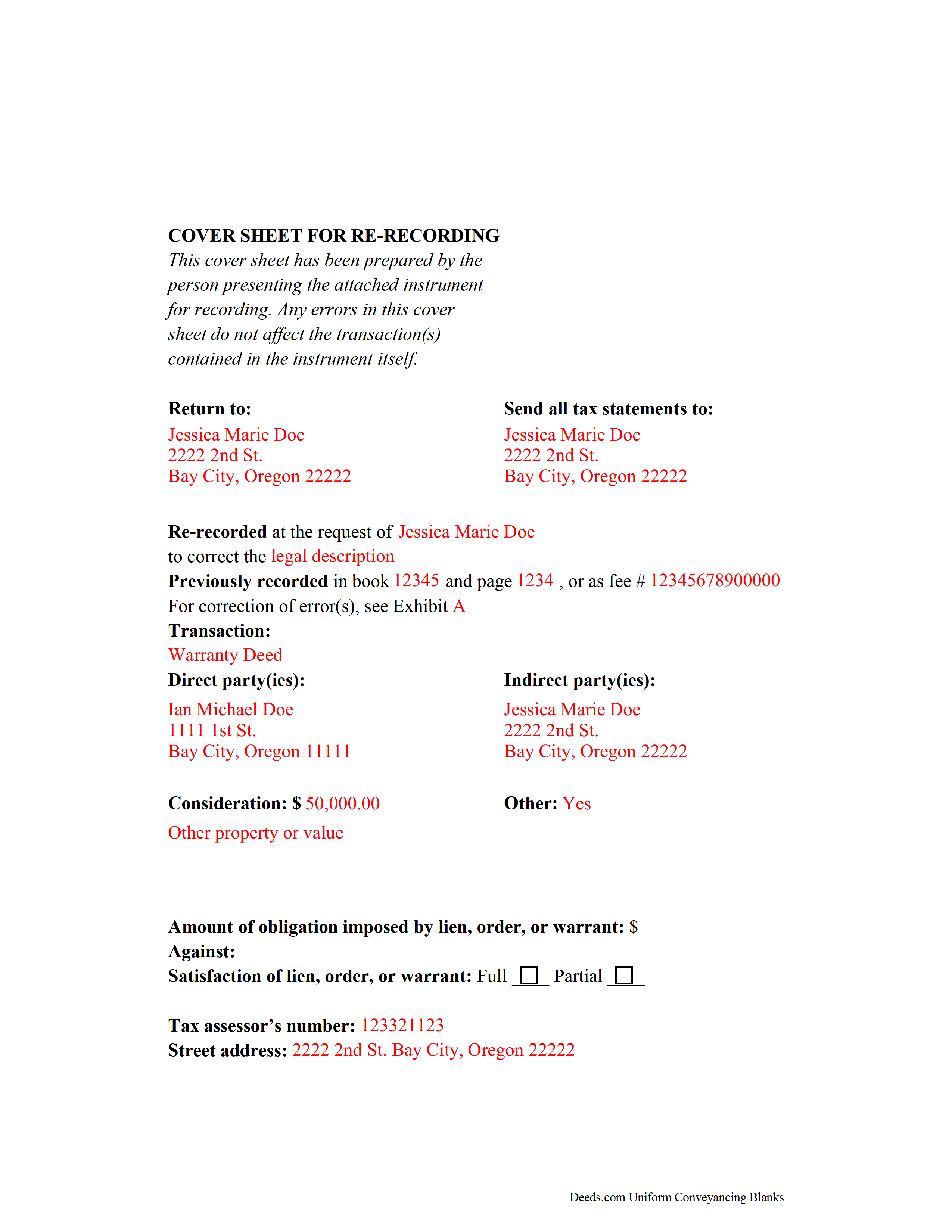
Columbia County Completed Example of the Correction Deed Document
Example of a properly completed form for reference.
All 3 documents above included • One-time purchase • No recurring fees
Immediate Download • Secure Checkout
Additional Oregon and Columbia County documents included at no extra charge:
Where to Record Your Documents
Columbia County Clerk
St. Helens, Oregon 97051
Hours: Mon-Fri 8:30 to 5:00 / Recording: 9:00 to 4:00
Phone: (503) 397-3796
Recording Tips for Columbia County:
- Bring your driver's license or state-issued photo ID
- Ensure all signatures are in blue or black ink
- Recording fees may differ from what's posted online - verify current rates
- Request a receipt showing your recording numbers
- Ask about accepted payment methods when you call ahead
Cities and Jurisdictions in Columbia County
Properties in any of these areas use Columbia County forms:
- Clatskanie
- Columbia City
- Deer Island
- Rainier
- Saint Helens
- Scappoose
- Vernonia
- Warren
Hours, fees, requirements, and more for Columbia County
How do I get my forms?
Forms are available for immediate download after payment. The Columbia County forms will be in your account ready to download to your computer. An account is created for you during checkout if you don't have one. Forms are NOT emailed.
Are these forms guaranteed to be recordable in Columbia County?
Yes. Our form blanks are guaranteed to meet or exceed the applicable formatting requirements used for recording in Columbia County, including margin requirements, font requirements, and other layout standards. This guarantee applies to formatting, not to the legal sufficiency of information entered by the user or the suitability of a form for a particular transaction.
Can I reuse these forms?
Yes. You can reuse the forms for your personal use. For example, if you have multiple properties in Columbia County you only need to order once.
What do I need to use these forms?
The forms are PDFs that you fill out on your computer. The free Adobe Acrobat Reader is recommended, and most PDF apps also work. You do NOT enter your property information online - you download the blank forms and complete them privately on your own computer.
Are there any recurring fees?
No. This is a one-time purchase. Nothing to cancel, no memberships, no recurring fees.
How much does it cost to record in Columbia County?
Recording fees in Columbia County vary. Contact the recorder's office at (503) 397-3796 for current fees.
Questions answered? Let's get started!
Correcting Recorded Documents in Oregon with a Re-recording Certificate
If an instrument is recorded and later found to have missing, incomplete, or incorrect information, Oregon law requires that a statutory statement referencing the prior deed -- called a re-recording certificate -- appear either on the first page of the original document or on an attached cover sheet of a re-recorded instrument (ORS 205.244). The re-recording certificate must identify the person requesting the re-recording, the specific error corrected by the re-recording, and the location where the original deed was recorded (ORS 205.244(2)).
If the re-recording certificate appears on a newly generated cover sheet, the cover sheet must meet first-page requirements under ORS 205.234(2), which include the return address, name of transaction, grantor and grantee information, the true and actual consideration for the transfer, and, if applicable, the lien amount and satisfaction.
When re-recording a certified copy of a previously recorded instrument, no alterations may be made to correct the document (ORS 205.244(3)). Instead, make the necessary correction on an attachment and include it, along with the unaltered copy and the cover sheet, and identify these attachments on the cover sheet.
Oregon does not require reacknowledgement of the deed (ORS 205.244(2)). Contact the local county clerk's office with questions related to re-recording a specific document. Re-record the deed in the same office where the original deed was recorded.
This article is provided for informational purposes only and is not a substitute for legal advice. Contact an Oregon lawyer with any questions related to correction deeds and cover sheets.
(Oregon CD Package includes form, guidelines, and completed example)
Important: Your property must be located in Columbia County to use these forms. Documents should be recorded at the county recording office listed above.
This Correction Deed meets all recording requirements specific to Columbia County.
Our Promise
The documents you receive here are guaranteed to meet or exceed the applicable Columbia County recording format requirements. If there is a rejection caused by our formatting, we will correct the issue or refund your payment. This guarantee applies to document formatting only and does not extend to information entered by the user, the selection of the form, or the legal effect of the completed document.
Save Time and Money
Get your Columbia County Correction Deed form done right the first time with Deeds.com Uniform Conveyancing Blanks. At Deeds.com, we understand that your time and money are valuable resources, and we don't want you to face a penalty fee or rejection imposed by a county recorder for submitting nonstandard documents. We constantly review and update our forms to meet rapidly changing state and county recording requirements for roughly 3,500 counties and local jurisdictions.
4.8 out of 5 - ( 4,832 Reviews )
Rebecca C. 5 out of 5 stars
Was sort of complicated for this phone illiterate 70 year old 😂. Asked my daughter for help. She breezed right through it with no problem whatsoever!! Thank you!!
Thank you, Rebecca! Glad your daughter could lend a hand. We appreciate the review.
FRANK O. 4 out of 5 stars
Easy to download and use the forms, however two forms needed for my county recording were not included.
Thank you for your feedback Frank. We'll look into finding and including the additional supplemental documents. Sometimes supplemental documents have to be generated by the county's system, specific to the transaction.
Patricia C. 3 out of 5 stars
Only source I could find. Wasn't sure if I needed same certificate from each state and site had me checkout separately for each. Good way to keep you customer paying up. Just hope what I received is acceptable.
Thank you!
Gerry V. 5 out of 5 stars
Easy to use, fast and reliable. love deeds.com
We appreciate your business and value your feedback. Thank you. Have a wonderful day!
Kerrin S. 5 out of 5 stars
This was so efficient. Thank you for offering this service!
Thank you for your feedback. We really appreciate it. Have a great day!
EUGENE S. 5 out of 5 stars
SIMPLE EASY TO UNDERSTAND PROCESS
We appreciate your business and value your feedback. Thank you. Have a wonderful day!
Thomas W. 5 out of 5 stars
The serevice was fast and accurate. I would highly recommend Deeds.com to my friends and associates.
Thank you!
MARIA P. 5 out of 5 stars
I finally was able to download the forms. Thank you and I know I will be able to use your service anytime I may need a legal document. Thanks again!
Thank you!
Karelia W. 5 out of 5 stars
Was a bit skeptical because I'd never heard of it, but just got something submitted and confirmed recorded in less than 24 hrs. UI could use some work but other than that, straightforward and works!
Your feedback is greatly appreciated. Thank you for taking the time to share your experience!
David S. 3 out of 5 stars
I downloaded the quit claim deed form and saved it on my computer. I opened it with Adobe and filled it out. The space for the legal description was too small (2 lines only) which did not allow enough room for the long property description that I had.
Thank you for your feedback. We really appreciate it. Have a great day!
Thomas G. 1 out of 5 stars
Wasn’t what I expected
Sorry to hear that your expectations were missed. Your order has been canceled. We do hope that you find something more suitable to your expectations elsewhere. Do keep in mind that purchasing legal forms should not be an exploratory endeavor.
Chrisona S. 5 out of 5 stars
Received the forms as promised. Very satisfied.
Thank you!
Steven H. 5 out of 5 stars
Great Product!!! Used the more commonly known websites before, but never again. It was easy, great examples to follow so that I was sure and confident that I completed the document correctly. Thank You!
Thank you for your feedback. We really appreciate it. Have a great day!
Joanne H. 5 out of 5 stars
easy to download and use. this document. thank you
Thank you!
Stacie L. 5 out of 5 stars
The deed is great. However, I do not believe your Statement of Full Consideration is up to date as it does not give the reference for an exemption on the Transfer on Death Deed.
Thank you Stacie. We'll take a look at those supplemental forms. Have a great day!