Malheur County Quitclaim Deed (Reserving Life Estate) Form
Last validated October 9, 2026 by our Forms Development TeamFormatted for recording in Malheur County, for property anywhere in the county: rural and unincorporated areas as well as Adrian, Arock, Brogan, Harper, Ironside, Jamieson, Jordan Valley, Juntura and 5 more.
- 3 documents included
- Immediate PDF download
- Formatting guarantee
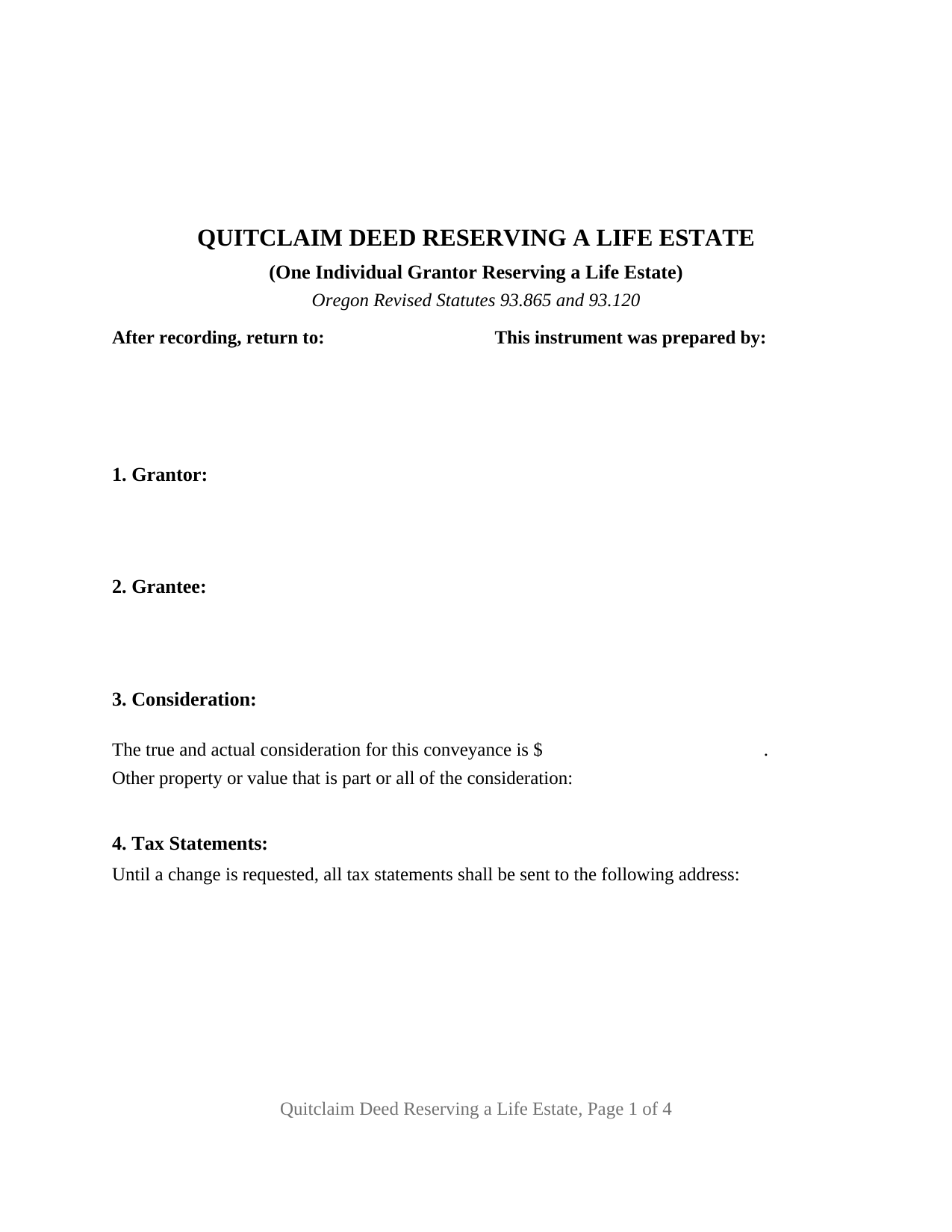
Malheur County Quitclaim Deed (Reserving Life Estate) Form
Fill in the blank Quitclaim Deed (Reserving Life Estate) form formatted to comply with all Oregon recording and content requirements.
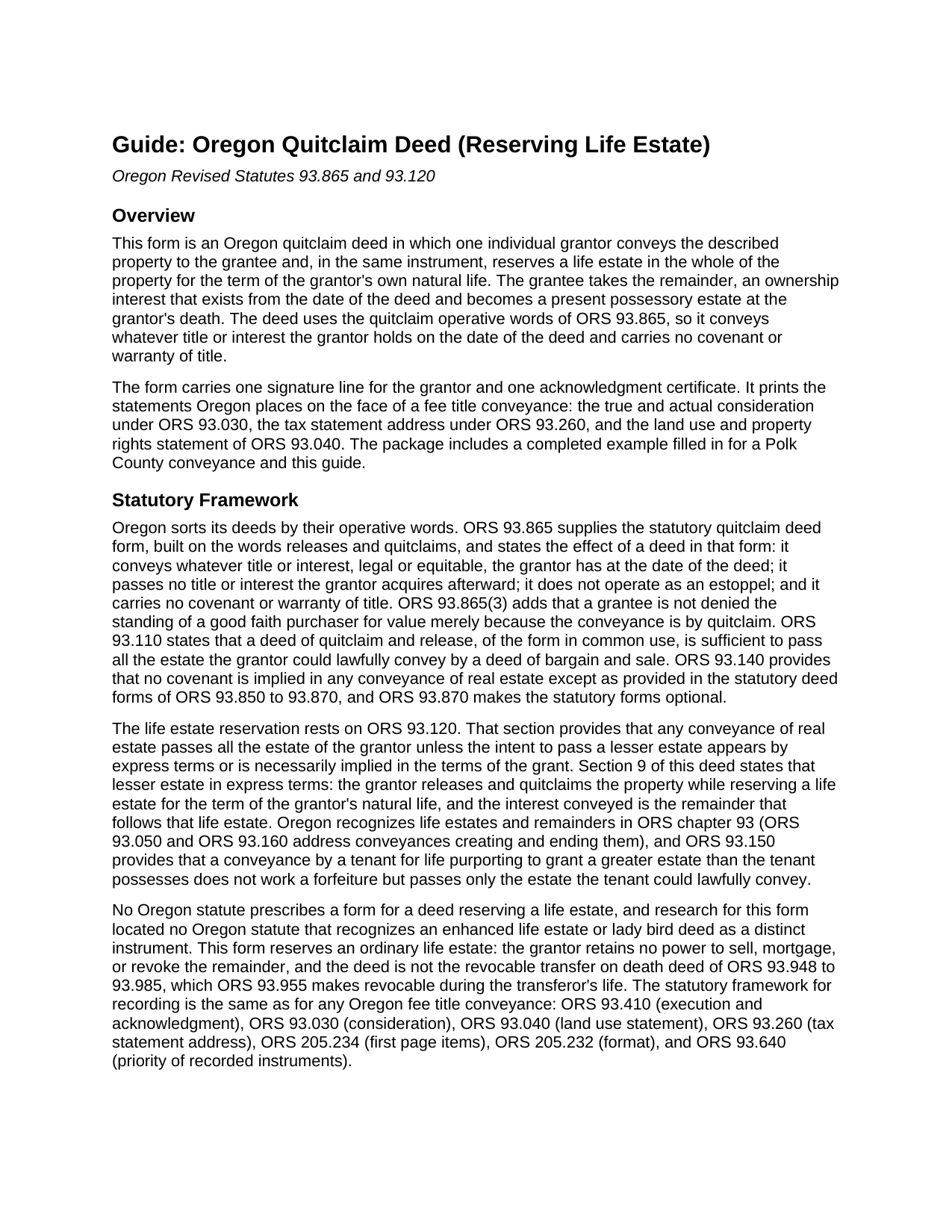
Malheur County Quitclaim Deed (Reserving Life Estate) Guide
Line by line guide explaining every blank on the Quitclaim Deed (Reserving Life Estate) form.
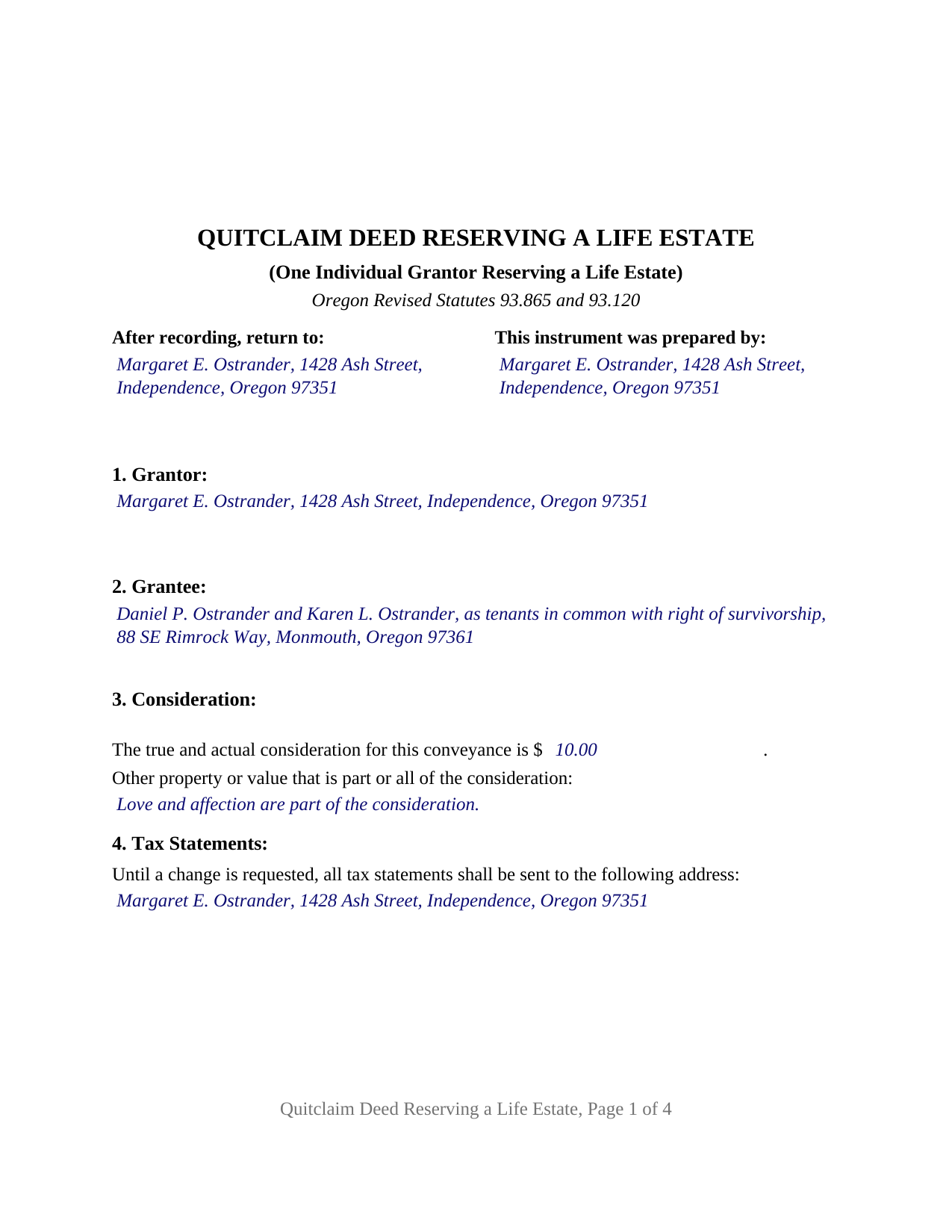
Malheur County Completed Example of the Quitclaim Deed (Reserving Life Estate) Document
Example of a properly completed Oregon Quitclaim Deed (Reserving Life Estate) document for reference.
All 3 documents above included • One-time purchase • No recurring fees
Immediate Download • Secure Checkout
Additional Oregon and Malheur County documents included at no extra charge:
Where to Record Your Documents
Malheur County Clerk
Vale, Oregon 97918
Hours: 8:30 to 5:00 M-F
Phone: (541) 473-5151
Recording Tips for Malheur County:
- Bring your driver's license or state-issued photo ID
- Ensure all signatures are in blue or black ink
- Request a receipt showing your recording numbers
- Ask about accepted payment methods when you call ahead
- Ask for certified copies if you need them for other transactions
Cities and Jurisdictions in Malheur County
Properties in any of these areas use Malheur County forms:
- Adrian
- Arock
- Brogan
- Harper
- Ironside
- Jamieson
- Jordan Valley
- Juntura
- Nyssa
- Ontario
- Riverside
- Vale
- Westfall
Hours, fees, requirements, and more for Malheur County
How do I get my forms?
Forms are available for immediate download after payment. The Malheur County forms will be in your account ready to download to your computer. An account is created for you during checkout if you don't have one. Forms are NOT emailed.
Are these forms guaranteed to be recordable in Malheur County?
Yes. Our form blanks are guaranteed to meet or exceed the applicable formatting requirements used for recording in Malheur County, including margin requirements, font requirements, and other layout standards. This guarantee applies to formatting, not to the legal sufficiency of information entered by the user or the suitability of a form for a particular transaction.
Can I reuse these forms?
Yes. You can reuse the forms for your personal use. For example, if you have multiple properties in Malheur County you only need to order once.
What do I need to use these forms?
The forms are PDFs that you fill out on your computer. The free Adobe Acrobat Reader is recommended, and most PDF apps also work. You do NOT enter your property information online - you download the blank forms and complete them privately on your own computer.
Are there any recurring fees?
No. This is a one-time purchase. Nothing to cancel, no memberships, no recurring fees.
How much does it cost to record in Malheur County?
Recording fees in Malheur County vary. Contact the recorder's office at (541) 473-5151 for current fees.
Questions answered? Let's get started!
A life estate reserved in an Oregon quitclaim deed does two things in one sentence: the grantee's ownership begins immediately and shows in the county record, while the grantor keeps the right to occupy the property, rent it, and take its income for life. The form draws that instrument for a single individual grantor under ORS 93.865.
Two estates out of one, on the day the deed is delivered
ORS 93.120 supplies the baseline an Oregon deed works against: any conveyance of real estate passes all the estate of the grantor, unless the intent to pass a lesser estate appears by express terms or is necessarily implied in the terms of the grant. The express reservation in Section 9 is that lesser estate term. What crosses to the grantee is the remainder, an interest owned now whose possession waits; what stays behind is the life estate, measured by the grantor's own life. At the grantor's death the remainder ripens into possession under the deed already of record. Nor can the grantor undo it alone, the remainder having vested on delivery: under ORS 93.150 a later deed from a life tenant passes only the estate that tenant could lawfully convey.
How far the quitclaim words reach
Whatever title or interest, legal or equitable, the grantor holds on the date of the deed is what the reservation carves and the remainder carries; nothing acquired afterward follows it, no estoppel arises, and no title covenant is given, since ORS 93.140 rules out implied covenants outside the statutory deed forms. The split into two estates disturbs no encumbrance: a trust deed, a judgment lien, a recorded easement, and the note the grantor signed all survive it.
The reserved life estate configuration
Section 1 names one individual grantor, signing personally. Section 2 names the grantee or grantees who take the remainder, with room for the co-ownership among them, since ORS 93.180(1)(a) makes a conveyance to two or more persons a tenancy in common unless the deed clearly and expressly declares a right of survivorship. Section 9 performs the release and states the reservation for the term of the grantor's natural life. Section 10 allocates the burdens ahead: taxes, insurance premiums, ordinary maintenance and repair; ORS 105.805 supplies an action for waste against a life tenant but allocates nothing in advance. One signature line, one printed name and date, and one ORS 194.285 short form acknowledgment certificate close the deed. A parent keeping the right to live in the family home while the remainder moves to an adult child, an owner passing the remainder in acreage to the neighbor who farms it, and an owner settling the future of a rental while still collecting its rents present the pattern this deed recites. The form recites one individual grantor reserving a life estate for that grantor's own life; a trustee, personal representative, attorney in fact, or entity officer states a different capacity, and two owners conveying together follow a different signature pattern.
Face statements, then the recording counter
Oregon writes three things onto a deed that transfers fee title, and this one carries them all: the ORS 93.030 consideration in dollars, plus a second line for the statutory notation about other property or value that a family conveyance often uses; the ORS 93.260 sentence routing the annual tax statement until a change is requested, which here frequently names the life tenant; and the ORS 93.040 land use and property rights statement in capital letters, in wording that reflects Oregon Laws 2025 chapter 209. Page one answers the ORS 205.234 list beneath a two inch strip left blank for the county label, and the sheet prints letter size at twelve point inside the limits ORS 205.232 sets.
The signed deed is taken to the clerk of the county where the land sits, and the trip matters: under ORS 93.640 a conveyance that stays off the record gives way to a later good faith purchaser for value whose deed is filed first. Charges are county figures, and a number of Oregon counties moved theirs on July 1, 2026, when Oregon Laws 2025 chapter 98 lifted the ceiling on the Public Land Corner Preservation fee.
Three items make up the download: the fillable life estate quitclaim deed, a completed example prepared for a Polk County conveyance subject to a reserved life estate, and a guide covering each section, the certificate wording, and the recording counter. The materials describe Oregon law in general terms and are not legal advice.
Important: Your property must be located in Malheur County to use these forms. Documents should be recorded at the county recording office listed above.
This Quitclaim Deed (Reserving Life Estate) meets all recording requirements specific to Malheur County.
Our Promise
The documents you receive here are guaranteed to meet or exceed the applicable Malheur County recording format requirements. If there is a rejection caused by our formatting, we will correct the issue or refund your payment. This guarantee applies to document formatting only and does not extend to information entered by the user, the selection of the form, or the legal effect of the completed document.
Save Time and Money
Get your Malheur County Quitclaim Deed (Reserving Life Estate) form done right the first time with Deeds.com Uniform Conveyancing Blanks. At Deeds.com, we understand that your time and money are valuable resources, and we don't want you to face a penalty fee or rejection imposed by a county recorder for submitting nonstandard documents. We constantly review and update our forms to meet rapidly changing state and county recording requirements for roughly 3,500 counties and local jurisdictions.
4.8 out of 5 - ( 4,832 Reviews )
Charles C. 5 out of 5 stars
Using an I pad and cannot type on form that was downloaded. I do not have a computer Charles
Thank you for your feedback Charles. You might want to make sure you have the Adobe app on your Ipad: https://itunes.apple.com/us/app/adobe-fill-sign/id950099951?mt=8
James C. 4 out of 5 stars
Worked well.
Thank you!
Sandra P. 5 out of 5 stars
Thank so much! It' was pretty easy with the help of my Brother in-law .
Thank you for your feedback. We really appreciate it. Have a great day!
LAWRENCE S. 5 out of 5 stars
I am mostly satisfied with my Deeds.Com experience. Not sure if you can do anything about this, but since it is fairly common, I thought the Quit Claim Form would have a section specifically for adding spouse to a deed.
Thank you for your feedback. We really appreciate it. Have a great day!
Keith L. 5 out of 5 stars
Great to have a downloadable form, rather than a cloud solution that gives no guarantee of privacy. Appreciated the sample.......but all of that still left me with open issues about how to tweak the form to serve my particular needs......for example: how to ensure that survivor rights were properly characterized; how far back I should go with the "Source" section + how I should layer my own additions to the chain of ownership, etc. Nonetheless, an overall happy experience. Thank you for your help
Thank you for your feedback. We really appreciate it. Have a great day!
ALFRED B. 5 out of 5 stars
The product was just what I needed. Not being the sharpest computer user I stumbled a little but after reading more carefully I navigated the process and I am very satisfied with my experience. deeds certainly saved me a lot of time.
Thank you!
Gina I. 5 out of 5 stars
Found the forms I needed with no problem and easy to fill out thanks to the guide that is with it. Big help!
Thank you for your feedback. We really appreciate it. Have a great day!
Teresa H. 4 out of 5 stars
I loved that there was a sample with the downloads. It made it much easier to fill out the document correctly.
Thank you Teresa, have a great day!
Viola G. 4 out of 5 stars
no as easy as anticipated but convenient.
We are grateful for your feedback and looking forward to serving you again. Thank you!
Charlotte K. 5 out of 5 stars
Really a simple, quick, professional experience!
Thank you!
Jorge O. 5 out of 5 stars
Everything work excellent. Don't think any update is needed at this time. Thank you
Thank you!
Thomas H. 1 out of 5 stars
Absolute crap. I would give it 0 stars for user-friendliness.
Sorry to hear that we failed you Thomas. We do hope that you found something more suitable to your needs elsewhere.
Laura R. 4 out of 5 stars
Afficavit worked kind of pricey
Thank you for your feedback. We really appreciate it. Have a great day!
Mack H. 5 out of 5 stars
I got what I was looking for! Turned out well and like I thought it would.
Thank you!
JOSE E. 5 out of 5 stars
Thanks
Thank you!