Allegheny County Certificate of Trust Form
Last validated October 9, 2026 by our Forms Development TeamFormatted for recording in Allegheny County, for property anywhere in the county: rural and unincorporated areas as well as Allison Park, Bairdford, Bakerstown, Bethel Park, Brackenridge, Braddock, Bradfordwoods, Bridgeville and 52 more.
- 2 documents included
- Immediate PDF download
- Formatting guarantee
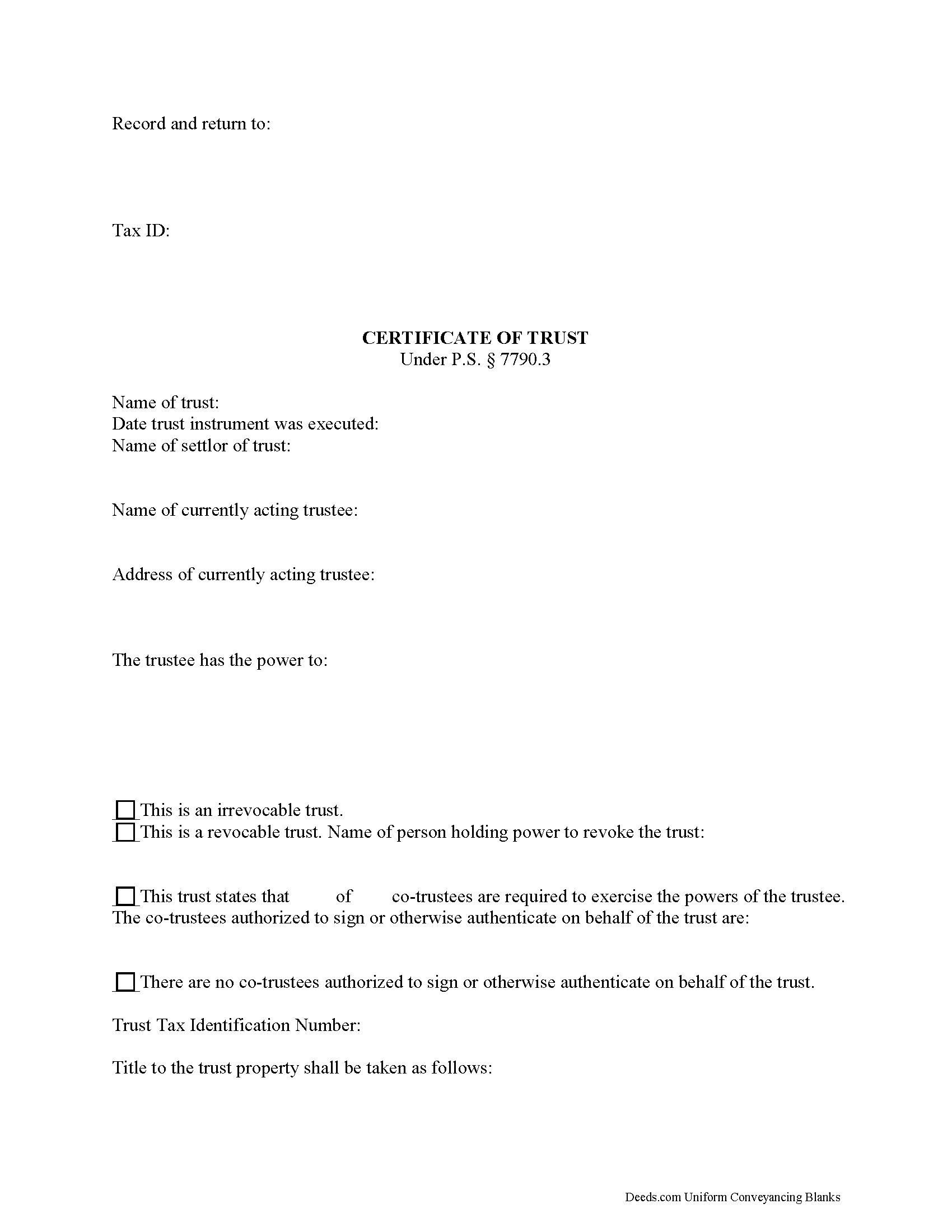
Allegheny County Certificate of Trust Form
Fill in the blank form formatted to comply with all recording and content requirements.
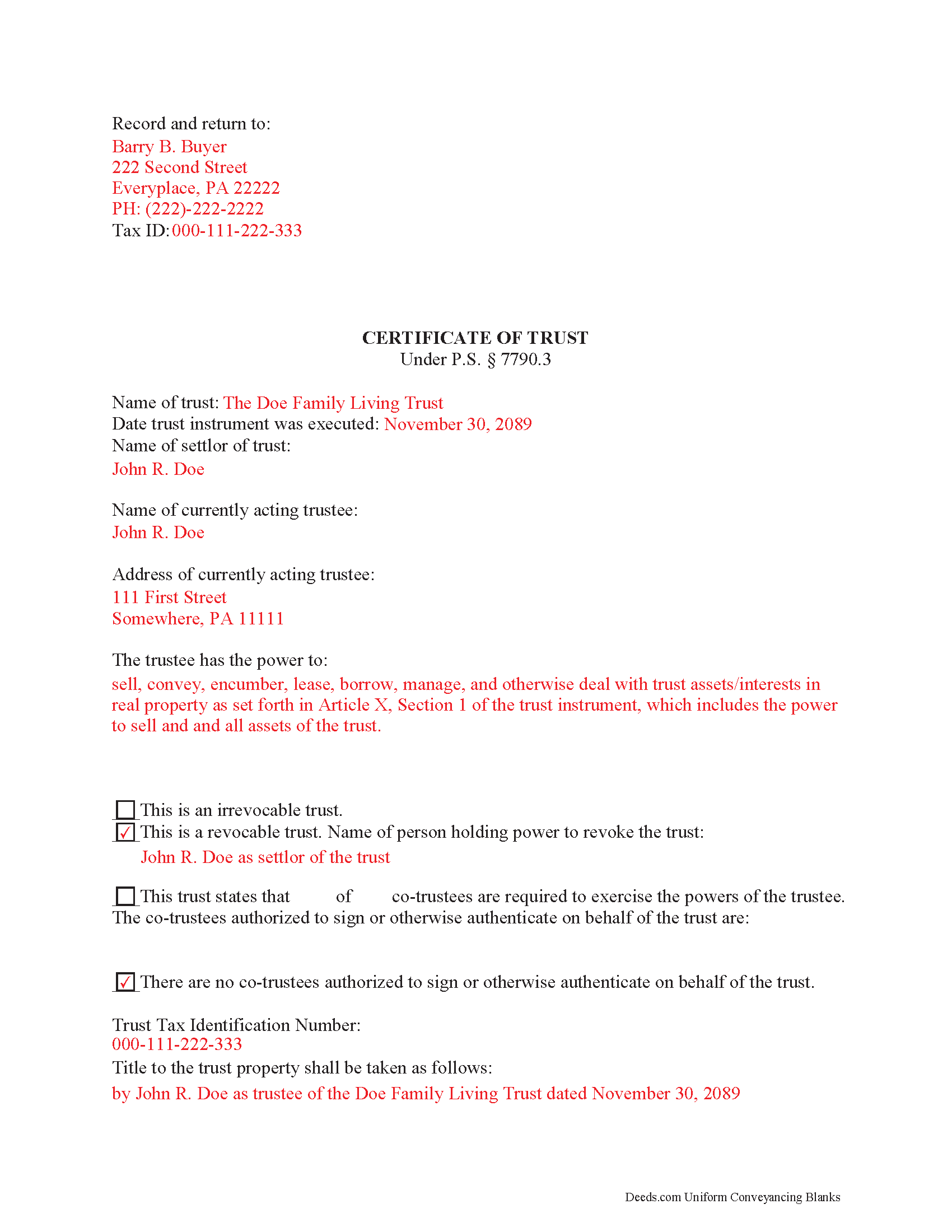
Allegheny County Completed Example of the Certificate of Trust Document
Example of a properly completed form for reference.
All 2 documents above included • One-time purchase • No recurring fees
Immediate Download • Secure Checkout
Additional Pennsylvania and Allegheny County documents included at no extra charge:
Where to Record Your Documents
Department of Real Estate - County Office Building
Pittsburgh, Pennsylvania 15219
Hours: 8:30 to 4:30 M-F
Phone: (412) 350-4226
Recording Tips for Allegheny County:
- Bring your driver's license or state-issued photo ID
- Ensure all signatures are in blue or black ink
- Ask for certified copies if you need them for other transactions
- Ask if they accept credit cards - many offices are cash/check only
- Check that your notary's commission hasn't expired
Cities and Jurisdictions in Allegheny County
Properties in any of these areas use Allegheny County forms:
- Allison Park
- Bairdford
- Bakerstown
- Bethel Park
- Brackenridge
- Braddock
- Bradfordwoods
- Bridgeville
- Buena Vista
- Bunola
- Carnegie
- Cheswick
- Clairton
- Coraopolis
- Coulters
- Creighton
- Crescent
- Cuddy
- Curtisville
- Dravosburg
- Duquesne
- East Mc Keesport
- East Pittsburgh
- Elizabeth
- Gibsonia
- Glassport
- Glenshaw
- Greenock
- Harwick
- Homestead
- Imperial
- Indianola
- Ingomar
- Leetsdale
- Mc Kees Rocks
- Mckeesport
- Monroeville
- Morgan
- Natrona Heights
- North Versailles
- Oakdale
- Oakmont
- Pitcairn
- Pittsburgh
- Presto
- Rural Ridge
- Russellton
- Sewickley
- South Park
- Springdale
- Sturgeon
- Tarentum
- Turtle Creek
- Verona
- Warrendale
- West Elizabeth
- West Mifflin
- Wexford
- Wildwood
- Wilmerding
Hours, fees, requirements, and more for Allegheny County
How do I get my forms?
Forms are available for immediate download after payment. The Allegheny County forms will be in your account ready to download to your computer. An account is created for you during checkout if you don't have one. Forms are NOT emailed.
Are these forms guaranteed to be recordable in Allegheny County?
Yes. Our form blanks are guaranteed to meet or exceed the applicable formatting requirements used for recording in Allegheny County, including margin requirements, font requirements, and other layout standards. This guarantee applies to formatting, not to the legal sufficiency of information entered by the user or the suitability of a form for a particular transaction.
Can I reuse these forms?
Yes. You can reuse the forms for your personal use. For example, if you have multiple properties in Allegheny County you only need to order once.
What do I need to use these forms?
The forms are PDFs that you fill out on your computer. The free Adobe Acrobat Reader is recommended, and most PDF apps also work. You do NOT enter your property information online - you download the blank forms and complete them privately on your own computer.
Are there any recurring fees?
No. This is a one-time purchase. Nothing to cancel, no memberships, no recurring fees.
How much does it cost to record in Allegheny County?
Recording fees in Allegheny County vary. Contact the recorder's office at (412) 350-4226 for current fees.
Questions answered? Let's get started!
Find the laws regarding certificates of trust at section 7790.3 of the Pennsylvania Statutes.
A trustee is a person or entity who holds title to a trust's assets on behalf of a settlor. Trustees use an official document called a certificate of trust to validate the trust's existence and confirm their authority to act on its behalf.
In order to facilitate transactions dealing with real property in a trust, lenders may require the trustee to furnish a certificate of trust. Third parties may also request a certificate to confirm the trustee has the authority, for example, to transfer real property out of the trust and to them.
The certificate presents essential information about the (unrecorded) full trust instrument, while protecting the confidentiality of its specific details. A recipient of a certificate may still request copies of certain sections of the trust instrument, particularly those establishing the appointment of a trustee and the trustee's powers, as well as amendments to the trust, but the request opens up certain liabilities, as enumerated in P.S. 7790.3(e),(h).
Section 7790.3 governs the contents and effect of the certificate. Requirements of the certificate include basic information such as the name of the settlor of the trust, the type of trust, the taxpayer identification number assigned to the trust, the acting trustee's name, and the relevant powers of the trustee. The trustee executes and signs the certificate and submits it for recording in the county in which the real property with which the trust is concerned is located.
(Pennsylvania COT Package includes form, guidelines, and completed example)
Important: Your property must be located in Allegheny County to use these forms. Documents should be recorded at the county recording office listed above.
This Certificate of Trust meets all recording requirements specific to Allegheny County.
Our Promise
The documents you receive here are guaranteed to meet or exceed the applicable Allegheny County recording format requirements. If there is a rejection caused by our formatting, we will correct the issue or refund your payment. This guarantee applies to document formatting only and does not extend to information entered by the user, the selection of the form, or the legal effect of the completed document.
Save Time and Money
Get your Allegheny County Certificate of Trust form done right the first time with Deeds.com Uniform Conveyancing Blanks. At Deeds.com, we understand that your time and money are valuable resources, and we don't want you to face a penalty fee or rejection imposed by a county recorder for submitting nonstandard documents. We constantly review and update our forms to meet rapidly changing state and county recording requirements for roughly 3,500 counties and local jurisdictions.
4.8 out of 5 - ( 4,825 Reviews )
Sawnie A. 3 out of 5 stars
the deeds and related materials themselves are excellent but the PDF application is awful plus there is no way to customize the documents for specific purposes, so I had to type them from scratch in each instance.
Thank you for your feedback. We really appreciate it. Have a great day!
Linda M. 5 out of 5 stars
Quick easy
Thank you!
Robert J D. 5 out of 5 stars
No feedback
Thank you for your feedback. We really appreciate it. Have a great day!
Carol M. 5 out of 5 stars
Very user friendly. Glad I found your site.
Thank you!
Gary O. 5 out of 5 stars
Easy to use,makes things easier,Thanks! Great Idea!
We appreciate your business and value your feedback. Thank you. Have a wonderful day!
George W. 5 out of 5 stars
The process was easy and the forms were a very complete package. FAST AND EASY DOWNLOAD
Thank you George.
Johnette E. 5 out of 5 stars
Easy and quick to use!!
Thank you!
Ismael R. 5 out of 5 stars
Very informative and acess was instant and precise.
Great to hear — thank you for taking the time to write a review.
LETICIA N. 5 out of 5 stars
I AM VERY PLEASED WITH YOUR WEBSITE. EASY AND I WAS GIVEN A SAMPLE OF THE FORM AND INSTRUCTIONS. I AM VERY PLEASED.
We appreciate your business and value your feedback. Thank you. Have a wonderful day!
Gary R. 5 out of 5 stars
Very prompt response to my questions.
Thank you!
Dorothy B. 5 out of 5 stars
Love your deed service. Simple and easy.
Thank you!
Evelia G. 5 out of 5 stars
I love this guide. Thank you for having this available.
Thanks so much for your feedback Evelia, have a fantastic day!
Trent D. 5 out of 5 stars
You Guys are Fantastic and the service you all provide. Is PRICELESS!
We appreciate your business and value your feedback. Thank you. Have a wonderful day!
bill h. 5 out of 5 stars
so far getting what i needed was easy the site is well done thank you
We appreciate your business and value your feedback. Thank you. Have a wonderful day!
Ken D. 5 out of 5 stars
The service was easy, fast, and worked well. I will be back.
We appreciate your business and value your feedback. Thank you. Have a wonderful day!