Luzerne County Correction Deed Form
Last validated October 20, 2026 by our Forms Development TeamFormatted for recording in Luzerne County, for property anywhere in the county: rural and unincorporated areas as well as Beach Haven, Bear Creek, Cambra, Conyngham, Dallas, Drifton, Drums, Duryea and 31 more.
- 3 documents included
- Immediate PDF download
- Formatting guarantee
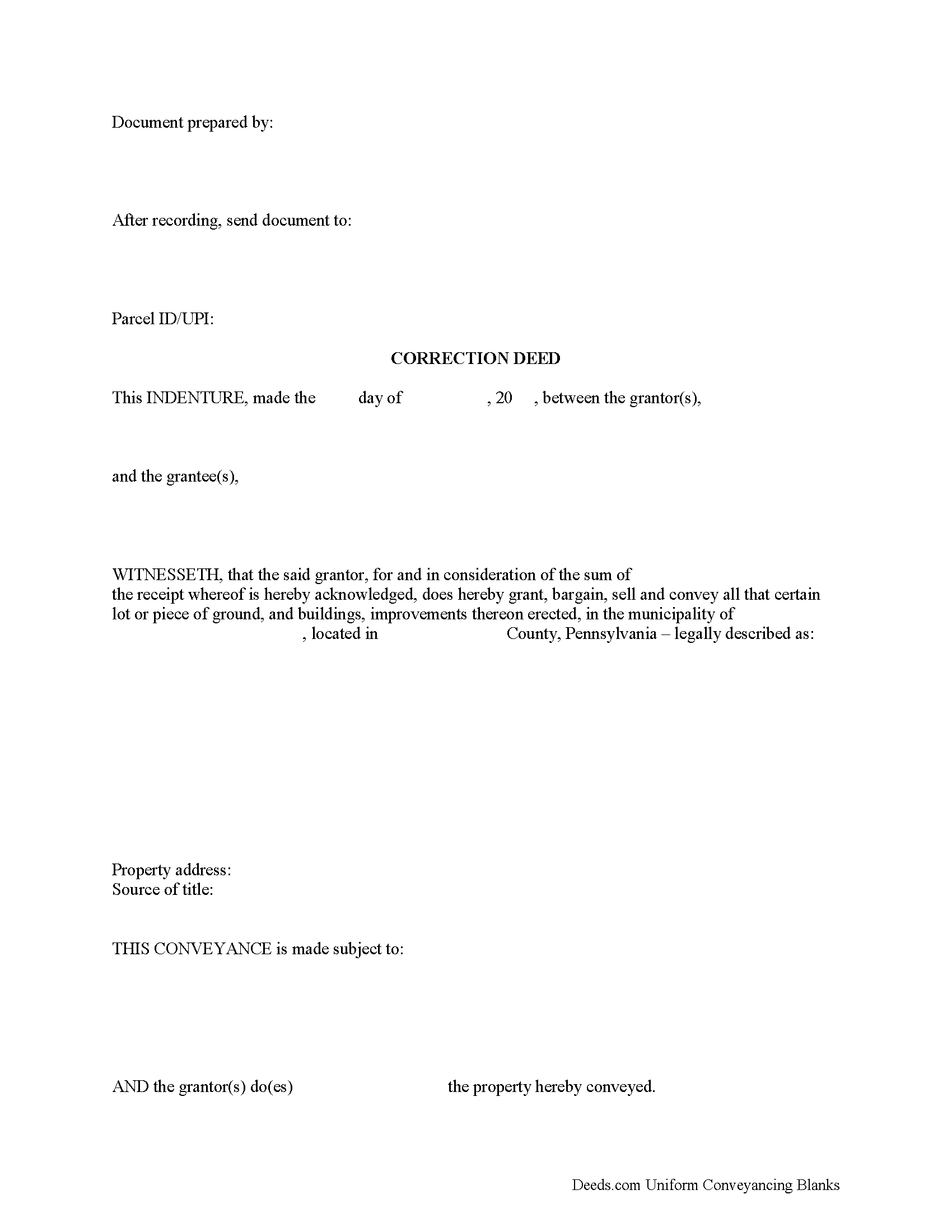
Luzerne County Correction Deed Form
Fill in the blank form formatted to comply with all recording and content requirements.
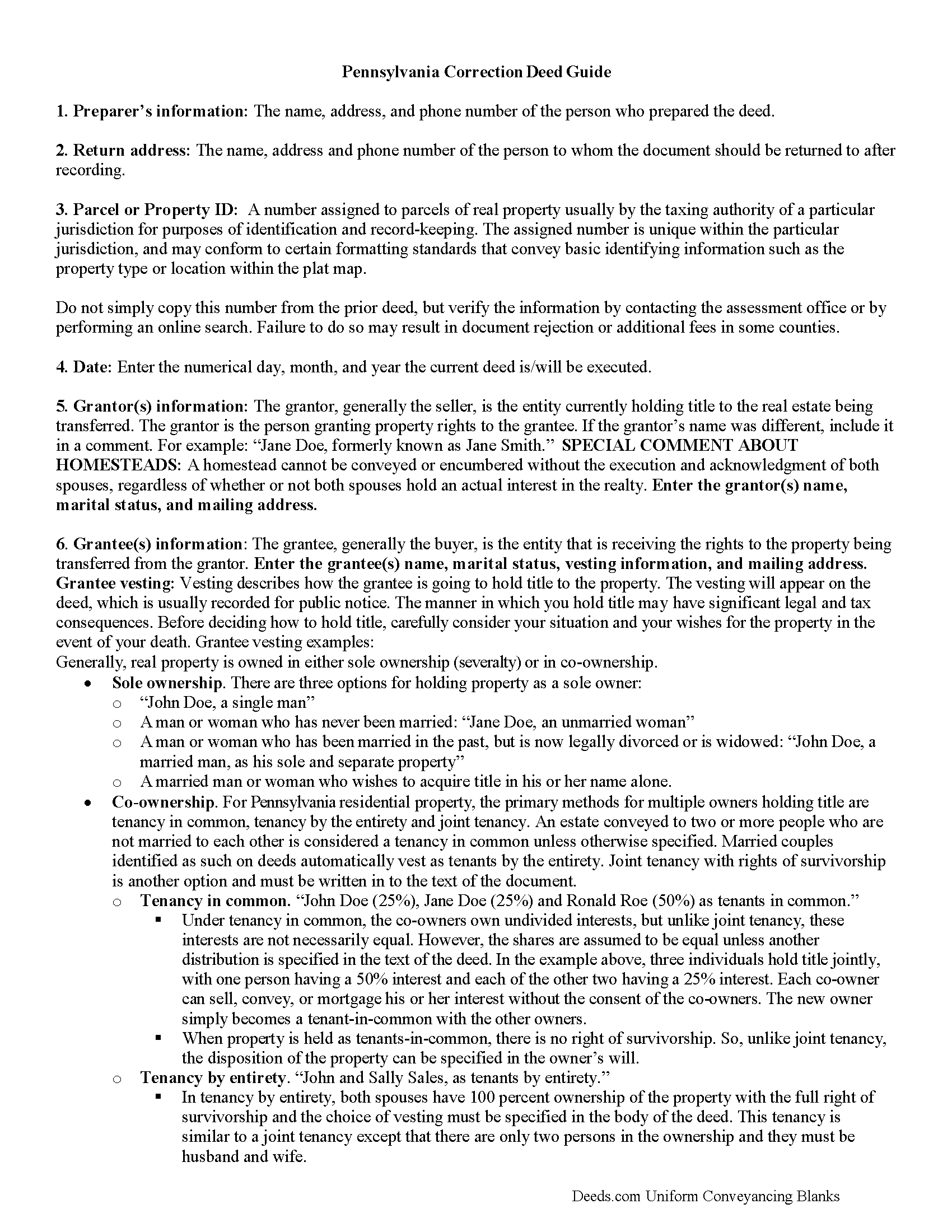
Luzerne County Correction Deed Guide
Line by line guide explaining every blank on the form.
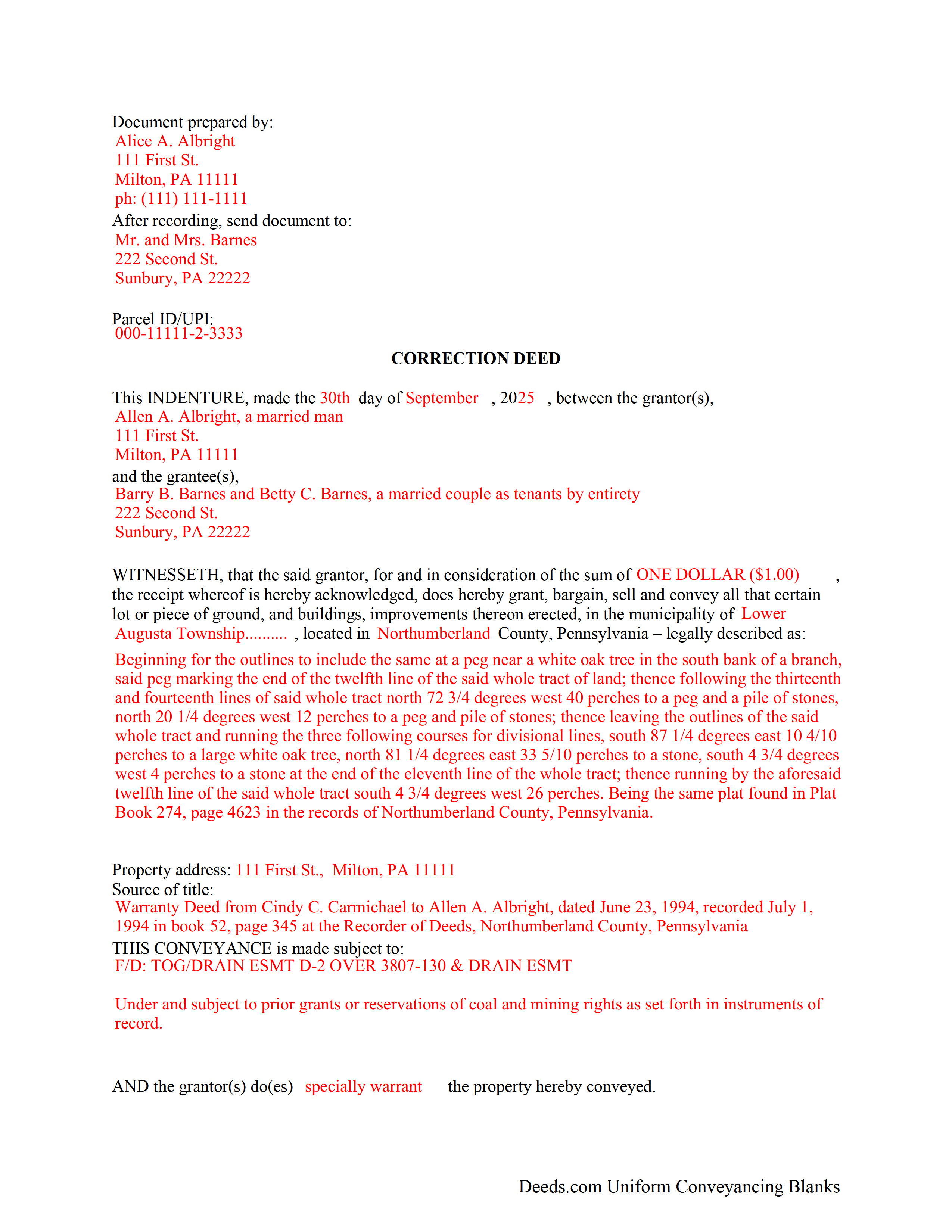
Luzerne County Completed Example of the Correction Deed Document
Example of a properly completed form for reference.
All 3 documents above included • One-time purchase • No recurring fees
Immediate Download • Secure Checkout
Additional Pennsylvania and Luzerne County documents included at no extra charge:
Where to Record Your Documents
Recorder of Deeds - County Courthouse
Wilkes Barre, Pennsylvania 18711
Hours: 9:00am to 4:20 pm Monday through Friday
Phone: (570) 825-1641
Recording Tips for Luzerne County:
- Bring your driver's license or state-issued photo ID
- Ensure all signatures are in blue or black ink
- Documents must be on 8.5 x 11 inch white paper
- Double-check legal descriptions match your existing deed
- Verify all names are spelled correctly before recording
Cities and Jurisdictions in Luzerne County
Properties in any of these areas use Luzerne County forms:
- Beach Haven
- Bear Creek
- Cambra
- Conyngham
- Dallas
- Drifton
- Drums
- Duryea
- Ebervale
- Freeland
- Glen Lyon
- Harleigh
- Harveys Lake
- Hazleton
- Hunlock Creek
- Huntington Mills
- Kingston
- Lattimer Mines
- Lehman
- Luzerne
- Milnesville
- Mountain Top
- Nanticoke
- Nescopeck
- Pittston
- Plymouth
- Rock Glen
- Saint Johns
- Shavertown
- Shawanese
- Shickshinny
- Sugarloaf
- Sweet Valley
- Sybertsville
- Wapwallopen
- Weston
- White Haven
- Wilkes Barre
- Wyoming
Hours, fees, requirements, and more for Luzerne County
How do I get my forms?
Forms are available for immediate download after payment. The Luzerne County forms will be in your account ready to download to your computer. An account is created for you during checkout if you don't have one. Forms are NOT emailed.
Are these forms guaranteed to be recordable in Luzerne County?
Yes. Our form blanks are guaranteed to meet or exceed the applicable formatting requirements used for recording in Luzerne County, including margin requirements, font requirements, and other layout standards. This guarantee applies to formatting, not to the legal sufficiency of information entered by the user or the suitability of a form for a particular transaction.
Can I reuse these forms?
Yes. You can reuse the forms for your personal use. For example, if you have multiple properties in Luzerne County you only need to order once.
What do I need to use these forms?
The forms are PDFs that you fill out on your computer. The free Adobe Acrobat Reader is recommended, and most PDF apps also work. You do NOT enter your property information online - you download the blank forms and complete them privately on your own computer.
Are there any recurring fees?
No. This is a one-time purchase. Nothing to cancel, no memberships, no recurring fees.
How much does it cost to record in Luzerne County?
Recording fees in Luzerne County vary. Contact the recorder's office at (570) 825-1641 for current fees.
Questions answered? Let's get started!
Correct common errors in a deed, such as typographical mistakes or omissions in various sections of the original deed, by using a corrective deed, which must be signed by the grantor or the grantee and re-acknowledged.
When correcting a deed in Pennsylvania, there are options: re-record the same document with corrections or record a corrective/confirmative deed. However, some counties insist on a new correction deed, others at least prefer one option over the other. So check with the local recorder to be sure. In either case, whether re-recording or recording, new recording fees are due.
In Pennsylvania, the new correction deed can also be issued from the grantee to him- or herself, who after all is the current title holder for the property. This may be more convenient and is especially advisable in the case of a minor error. However, if the correction affects the legal description of the property, have the grantor re-acknowledge the new deed. Some counties require the grantor's signature regardless of the mistake in question. So check with the local office before issuing the correction deed.
Whether re-recording the old deed or recording a new correction instrument, both are required to make specific reference to the first recording by date as well as by book/page number or by instrument number and identify the reason for the correction, e.g., error in the grantee's name. Re-recorded documents need to be re-signed and re-acknowledged with a current date and the reason for the correction, which can be stated on the signature/notary page.
Generally, the Statement of Value (SOV), in duplicate, must accompany all deeds that do not state the full and complete value of the conveyed property, except in the case of a family exemption, which needs to be identified in the document. Include common level ratio factors, which change every July 1st. State the reason for the correction on the SOV form as well.
(Pennsylvania CD Package includes form, guidelines, and completed example)
Important: Your property must be located in Luzerne County to use these forms. Documents should be recorded at the county recording office listed above.
This Correction Deed meets all recording requirements specific to Luzerne County.
Our Promise
The documents you receive here are guaranteed to meet or exceed the applicable Luzerne County recording format requirements. If there is a rejection caused by our formatting, we will correct the issue or refund your payment. This guarantee applies to document formatting only and does not extend to information entered by the user, the selection of the form, or the legal effect of the completed document.
Save Time and Money
Get your Luzerne County Correction Deed form done right the first time with Deeds.com Uniform Conveyancing Blanks. At Deeds.com, we understand that your time and money are valuable resources, and we don't want you to face a penalty fee or rejection imposed by a county recorder for submitting nonstandard documents. We constantly review and update our forms to meet rapidly changing state and county recording requirements for roughly 3,500 counties and local jurisdictions.
4.8 out of 5 - ( 4,843 Reviews )
Rick F. 5 out of 5 stars
Your website was very easy to navigate and I accomplished my single task successfully. It was accomplished with zero issues and in a timely fashion. When or if the need arises, I will definitely use your service again. Thank you!
Thank you for your feedback. We really appreciate it. Have a great day!
Thomas C. 5 out of 5 stars
Customer service was excellent!
We appreciate your business and value your feedback. Thank you. Have a wonderful day!
Dretha W. 5 out of 5 stars
Ordered the fill in the blank form for a deed. Very professional looking but more importantly, correct for my recording office. It was recorded with no question. The guide was a big help in completed the deed.
Great to hear Dretha. We appreciate you taking the time to leave your feedback. Have a wonderful day!
Anthony F. 5 out of 5 stars
quick, easy and simple. Also thank you for having the e-submission area particularly with the Covid-19 /Shelter in place things happening.
Thank you for your feedback. We really appreciate it. Have a great day!
ALAN C. 5 out of 5 stars
Everything was as advertised, and easily downloaded.
We appreciate your business and value your feedback. Thank you. Have a wonderful day!
Rob F. 5 out of 5 stars
They are fantastic. I am a little technically challenged, but very helpful and respectful. Highly recommended. Thank you
We appreciate your business and value your feedback. Thank you. Have a wonderful day!
PAUL D. 5 out of 5 stars
Got what I needed and it all was good according to the County Recorder.
We’re glad to hear things went well. Thank you for the review.
Raecita H. 5 out of 5 stars
This was the first time I had ever had to fill out a Warranty Deed, so if it was not for your example form on how to fill one out, I would be still be here completely lost. I had originally gone to another site for a Warranty Deed & they wanted double the amount of your price & their website had no examples forms. I am so happy with your site & service. Thank you for giving us the opportunity to be able to download the forms as much as we need to because as many mistakes I made,I had to print quite a few to be able to get it done right.
We appreciate your business and value your feedback. Thank you. Have a wonderful day!
Shelby D. 1 out of 5 stars
Not very helpful since I am married and the example provided is for single person. Nevada homestead requires spouse to sign off on quit claim deed but no guidance provided as to where this acknowledgment is placed on template form. There should be example for married person as well. Had to use another service. Waste of $21.
Thank you for your feedback. We really appreciate it. Have a great day!
Lucinda E. 5 out of 5 stars
I thought this form was great and easy to complete but the instructions were unclear as to whether the grantee- beneficiaries needed to sign and notarize their signatures as well. It did not appear to be the case but it would be helpful if the instructions spelled this out better.
Thank you for your feedback. We really appreciate it. Have a great day!
Jennifer A. 5 out of 5 stars
All I needed to do was changed from my previously married name to my now maiden name and a Quit Claim Deed was all I needed. I loved that they offered a sample along with very detailed directions. Great site! Thank you!
We appreciate your business and value your feedback. Thank you. Have a wonderful day!
Yunyan B. 5 out of 5 stars
Great website, fraction of the price if doing title research elsewhere
Thank you for your feedback. We really appreciate it. Have a great day!
Jerry W. 5 out of 5 stars
Great program and easy to follow instructions.
Thank you for your feedback. We really appreciate it. Have a great day!
Amy R. 4 out of 5 stars
Great personal support via messaging. Website confusing and broken links in emails.
Thank you!
Sharom B. 5 out of 5 stars
Easy to navigate site and download forms to PC!
We appreciate your business and value your feedback. Thank you. Have a wonderful day!