Lycoming County Correction Deed Form
Last validated October 12, 2026 by our Forms Development TeamFormatted for recording in Lycoming County, for property anywhere in the county: rural and unincorporated areas as well as Antes Fort, Cammal, Cedar Run, Cogan Station, Hughesville, Jersey Mills, Jersey Shore, Lairdsville and 11 more.
- 3 documents included
- Immediate PDF download
- Formatting guarantee
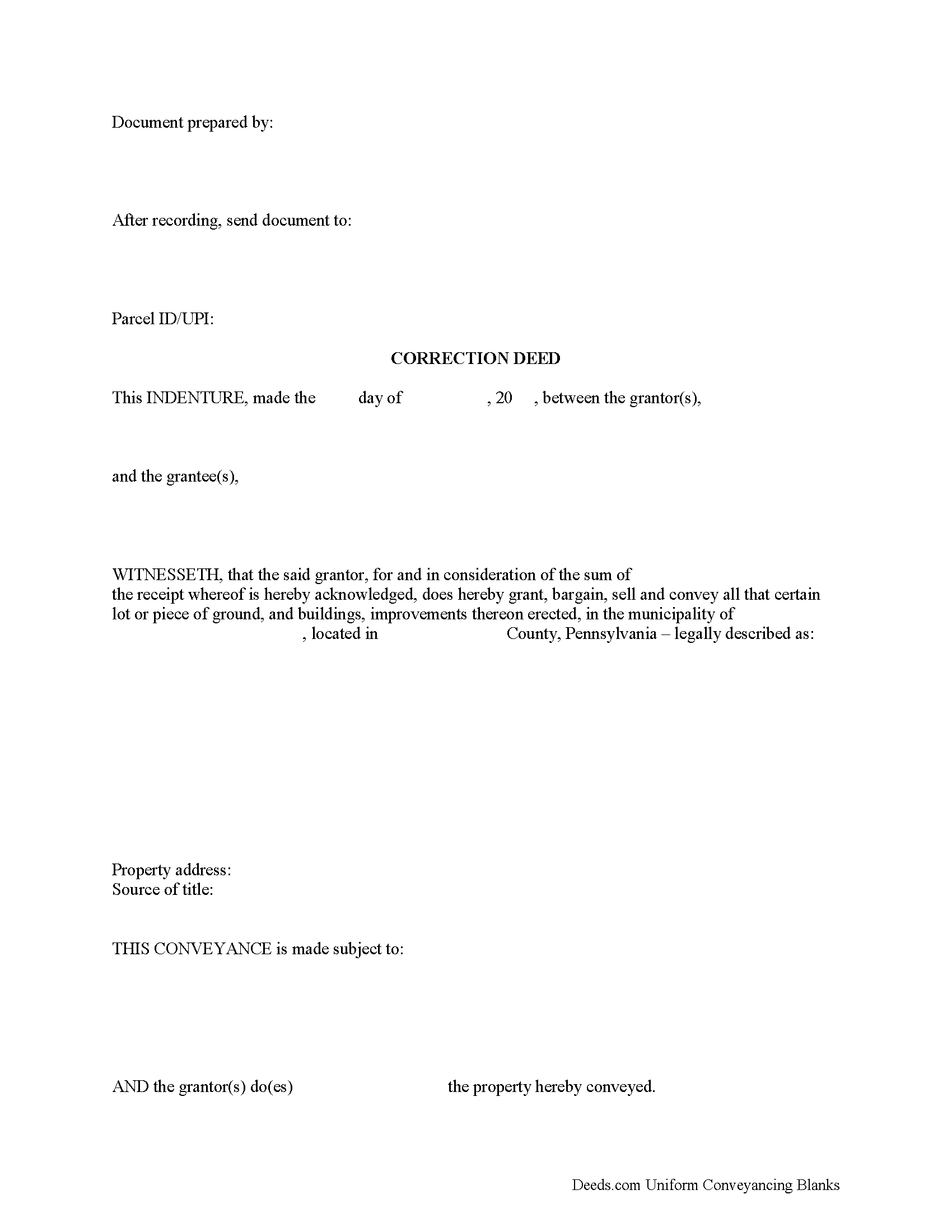
Lycoming County Correction Deed Form
Fill in the blank form formatted to comply with all recording and content requirements.
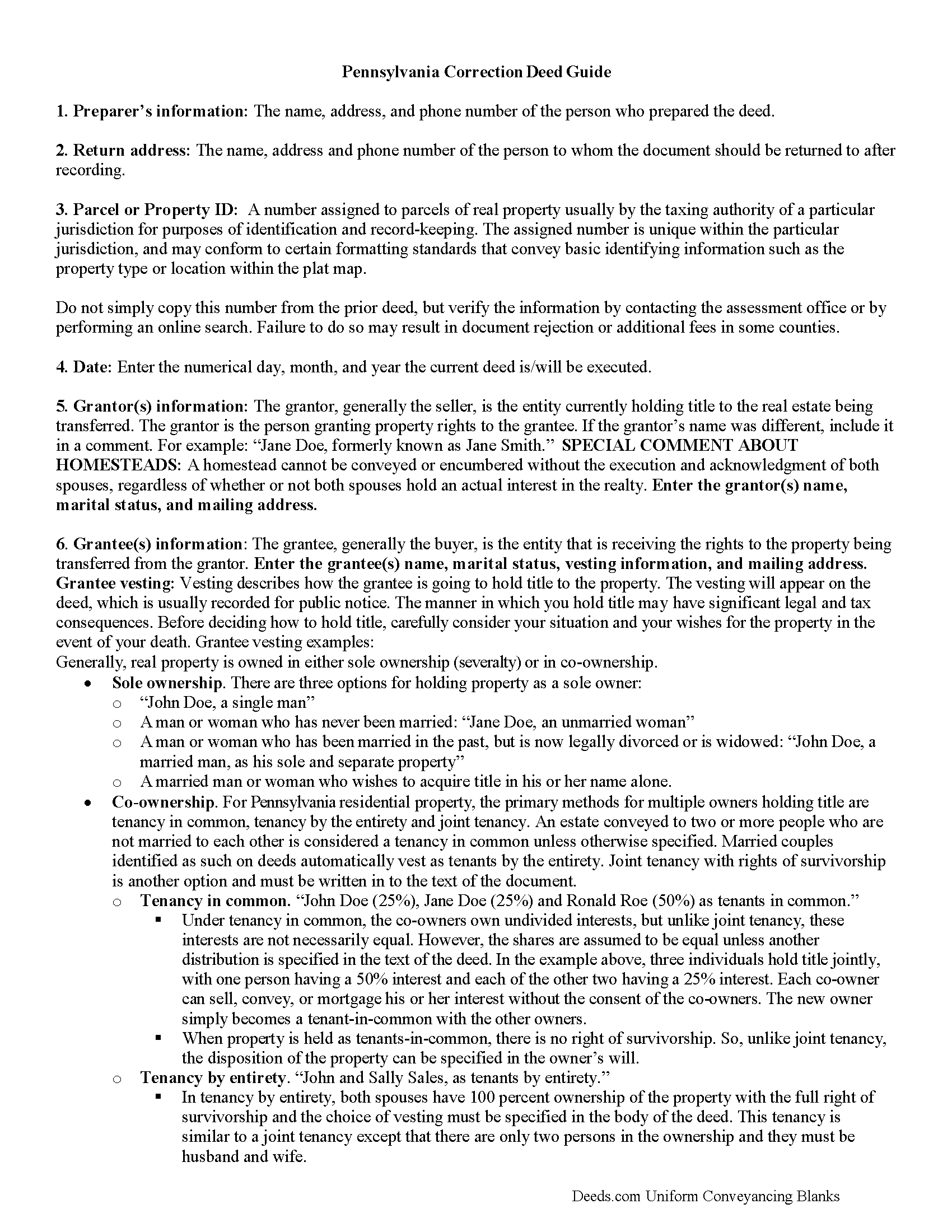
Lycoming County Correction Deed Guide
Line by line guide explaining every blank on the form.
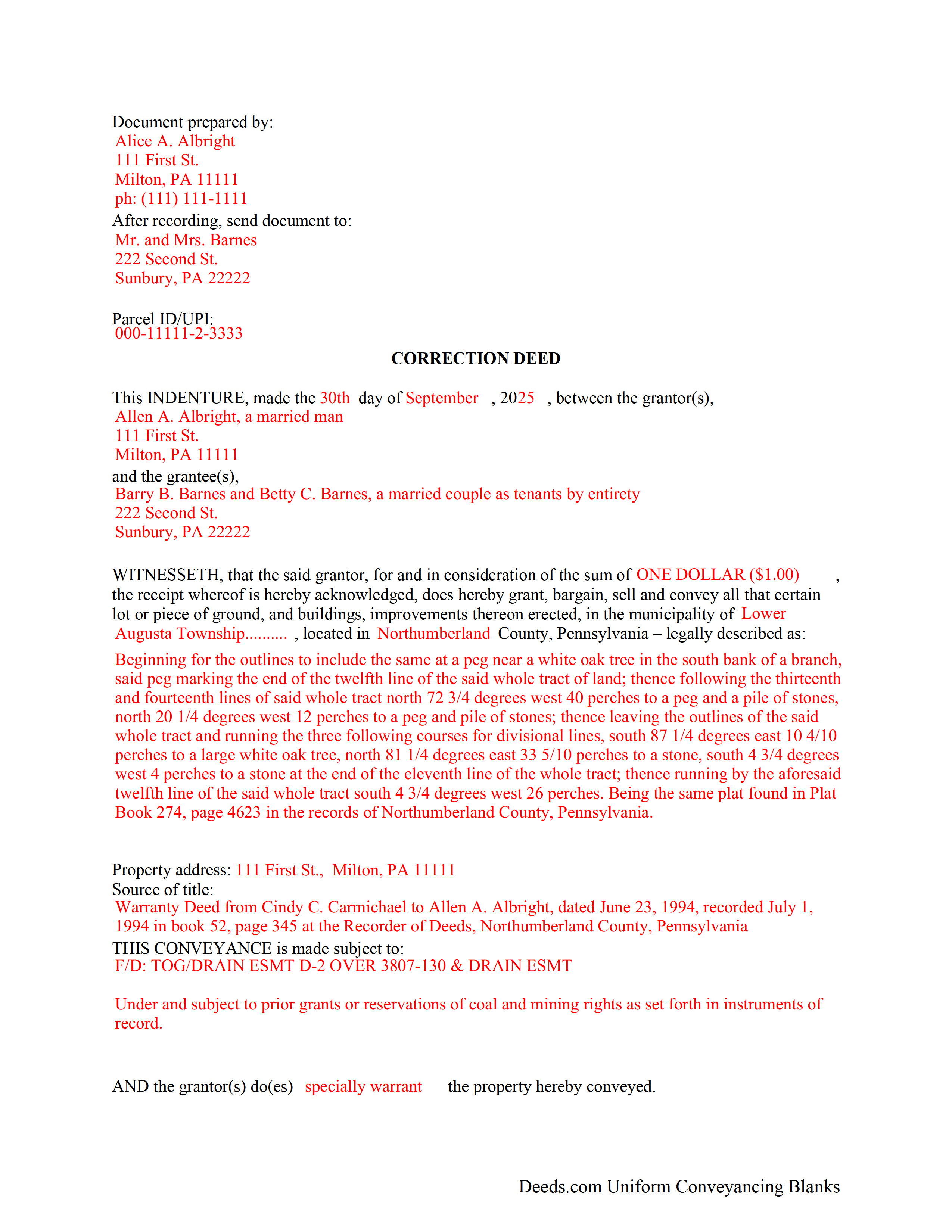
Lycoming County Completed Example of the Correction Deed Document
Example of a properly completed form for reference.
All 3 documents above included • One-time purchase • No recurring fees
Immediate Download • Secure Checkout
Additional Pennsylvania and Lycoming County documents included at no extra charge:
Where to Record Your Documents
Register and Recorder - County Courthouse
Williamsport, Pennsylvania 17701
Hours: 8:30am-5:00pm Monday through Friday
Phone: (570) 327-2263
Recording Tips for Lycoming County:
- Bring your driver's license or state-issued photo ID
- Ensure all signatures are in blue or black ink
- Recording fees may differ from what's posted online - verify current rates
- Request a receipt showing your recording numbers
- Ask about accepted payment methods when you call ahead
Cities and Jurisdictions in Lycoming County
Properties in any of these areas use Lycoming County forms:
- Antes Fort
- Cammal
- Cedar Run
- Cogan Station
- Hughesville
- Jersey Mills
- Jersey Shore
- Lairdsville
- Linden
- Montgomery
- Montoursville
- Muncy
- Picture Rocks
- Ralston
- Slate Run
- Trout Run
- Unityville
- Waterville
- Williamsport
Hours, fees, requirements, and more for Lycoming County
How do I get my forms?
Forms are available for immediate download after payment. The Lycoming County forms will be in your account ready to download to your computer. An account is created for you during checkout if you don't have one. Forms are NOT emailed.
Are these forms guaranteed to be recordable in Lycoming County?
Yes. Our form blanks are guaranteed to meet or exceed the applicable formatting requirements used for recording in Lycoming County, including margin requirements, font requirements, and other layout standards. This guarantee applies to formatting, not to the legal sufficiency of information entered by the user or the suitability of a form for a particular transaction.
Can I reuse these forms?
Yes. You can reuse the forms for your personal use. For example, if you have multiple properties in Lycoming County you only need to order once.
What do I need to use these forms?
The forms are PDFs that you fill out on your computer. The free Adobe Acrobat Reader is recommended, and most PDF apps also work. You do NOT enter your property information online - you download the blank forms and complete them privately on your own computer.
Are there any recurring fees?
No. This is a one-time purchase. Nothing to cancel, no memberships, no recurring fees.
How much does it cost to record in Lycoming County?
Recording fees in Lycoming County vary. Contact the recorder's office at (570) 327-2263 for current fees.
Questions answered? Let's get started!
Correct common errors in a deed, such as typographical mistakes or omissions in various sections of the original deed, by using a corrective deed, which must be signed by the grantor or the grantee and re-acknowledged.
When correcting a deed in Pennsylvania, there are options: re-record the same document with corrections or record a corrective/confirmative deed. However, some counties insist on a new correction deed, others at least prefer one option over the other. So check with the local recorder to be sure. In either case, whether re-recording or recording, new recording fees are due.
In Pennsylvania, the new correction deed can also be issued from the grantee to him- or herself, who after all is the current title holder for the property. This may be more convenient and is especially advisable in the case of a minor error. However, if the correction affects the legal description of the property, have the grantor re-acknowledge the new deed. Some counties require the grantor's signature regardless of the mistake in question. So check with the local office before issuing the correction deed.
Whether re-recording the old deed or recording a new correction instrument, both are required to make specific reference to the first recording by date as well as by book/page number or by instrument number and identify the reason for the correction, e.g., error in the grantee's name. Re-recorded documents need to be re-signed and re-acknowledged with a current date and the reason for the correction, which can be stated on the signature/notary page.
Generally, the Statement of Value (SOV), in duplicate, must accompany all deeds that do not state the full and complete value of the conveyed property, except in the case of a family exemption, which needs to be identified in the document. Include common level ratio factors, which change every July 1st. State the reason for the correction on the SOV form as well.
(Pennsylvania CD Package includes form, guidelines, and completed example)
Important: Your property must be located in Lycoming County to use these forms. Documents should be recorded at the county recording office listed above.
This Correction Deed meets all recording requirements specific to Lycoming County.
Our Promise
The documents you receive here are guaranteed to meet or exceed the applicable Lycoming County recording format requirements. If there is a rejection caused by our formatting, we will correct the issue or refund your payment. This guarantee applies to document formatting only and does not extend to information entered by the user, the selection of the form, or the legal effect of the completed document.
Save Time and Money
Get your Lycoming County Correction Deed form done right the first time with Deeds.com Uniform Conveyancing Blanks. At Deeds.com, we understand that your time and money are valuable resources, and we don't want you to face a penalty fee or rejection imposed by a county recorder for submitting nonstandard documents. We constantly review and update our forms to meet rapidly changing state and county recording requirements for roughly 3,500 counties and local jurisdictions.
4.8 out of 5 - ( 4,827 Reviews )
Sandra H. 1 out of 5 stars
I did not receive the information in a timely fashion as stated on the website. I would not recommend this service.
Thank you for your feedback Sandra. In reviewing your order I see that it did take our staff 11 minutes to respond to your order. That is significantly longer than the 10 minute average listed on our website. Even in these unprecedented times of quarantines and staff shortages our failure is unacceptable. We have fully refunded your account and we do hope that you found something more suitable to your needs elsewhere.
Sylvia H. 5 out of 5 stars
Deeds.com really made the process of completing and submitting the Lien application easy. Thank you, and I will be using you whenever I need a real estate document that you carry.
We appreciate your business and value your feedback. Thank you. Have a wonderful day!
Donna B. 5 out of 5 stars
Got exactly what I was looking for and for one price! Accessing the documents was super easy! Love this site and will definitely recommend to family and friends!
Thank you!
Raymond M. 5 out of 5 stars
It would be really nice if you had an example of the document full size that can be examined/read before having to pay. I was gambling that it was the exact document that I needed when I paid my fee. Fortunately, it was, and I commend you for that.
Thank you for your feedback. We really appreciate it. Have a great day!
Linda W. 3 out of 5 stars
The Quitclaim deed form was fine. Unfortunately, all I wanted to accomplish was to transfer property held in my name into my trust, but I could not any wording on the information you provided on how to accomplish this. It was not a sale, just a transfer from me to me as trustee.
Thank you for your feedback. We really appreciate it. Have a great day!
ROBERT H. 5 out of 5 stars
Quick and easy. A very good value even without COVID complications. Since we DO have COVID complications this is perfect.
Thank you for your feedback. We really appreciate it. Have a great day!
yasin a. 5 out of 5 stars
good service
Thank you!
Lajeanne F. 5 out of 5 stars
Your service was as you promoted and I was able to get a copy of my deed and find the information on it I needed. Thank you.
Thank you for your feedback. We really appreciate it. Have a great day!
Jason James H. 5 out of 5 stars
Th forms were correct, exactly what I needed.
Thanks Jason, we appreciate the feedback.
Kathy L. 3 out of 5 stars
Review: There are 10 PDFs in this warranty deed package. I don't even know what to do with them all. I don't think the directions are clear enough on how to put it all together. I probably won't use it, and feel I have wasted my money.
Sorry to hear that the volume of documents required to complete your task was more than you anticipated. It is rare that we get complaints about providing everything needed. We certainly don't want you to be overwhelmed or feel like you have wasted your money. Your order and payment has been canceled and we do hope that you find something more suitable to your needs elsewhere. Have a wonderful day.
Charles C. 5 out of 5 stars
Using an I pad and cannot type on form that was downloaded. I do not have a computer Charles
Thank you for your feedback Charles. You might want to make sure you have the Adobe app on your Ipad: https://itunes.apple.com/us/app/adobe-fill-sign/id950099951?mt=8
Sander G. 4 out of 5 stars
Good but knocked off a star because the download file names are mostly numbers instead of recognizable names of the file contents (e.g., Promissory_Note_blank.pdf). Renaming would be a great help!
Thank you for your feedback. We really appreciate it. Have a great day!
Michael G. 5 out of 5 stars
Very helpful and easy to use
Your appreciative words mean the world to us. Thank you.
Scott R. 5 out of 5 stars
Thanks that was great.
Thank you for your feedback. We really appreciate it. Have a great day!
Brenda H. 1 out of 5 stars
I purchased this thinking I would be able to complete the QuitClaim Deed myself because an example was provided, but you still need to be a lawyer to figure all the wording out. It was not worth the price I paid for it.
Thank you for your feedback. We really appreciate it. Have a great day!