Fayette County Termination of Easement Form
Last validated November 19, 2026 by our Forms Development TeamFormatted for recording in Fayette County, for property anywhere in the county: rural and unincorporated areas as well as Adah, Allison, Belle Vernon, Brier Hill, Brownfield, Brownsville, Cardale, Chalk Hill and 53 more.
- 3 documents included
- Immediate PDF download
- Formatting guarantee
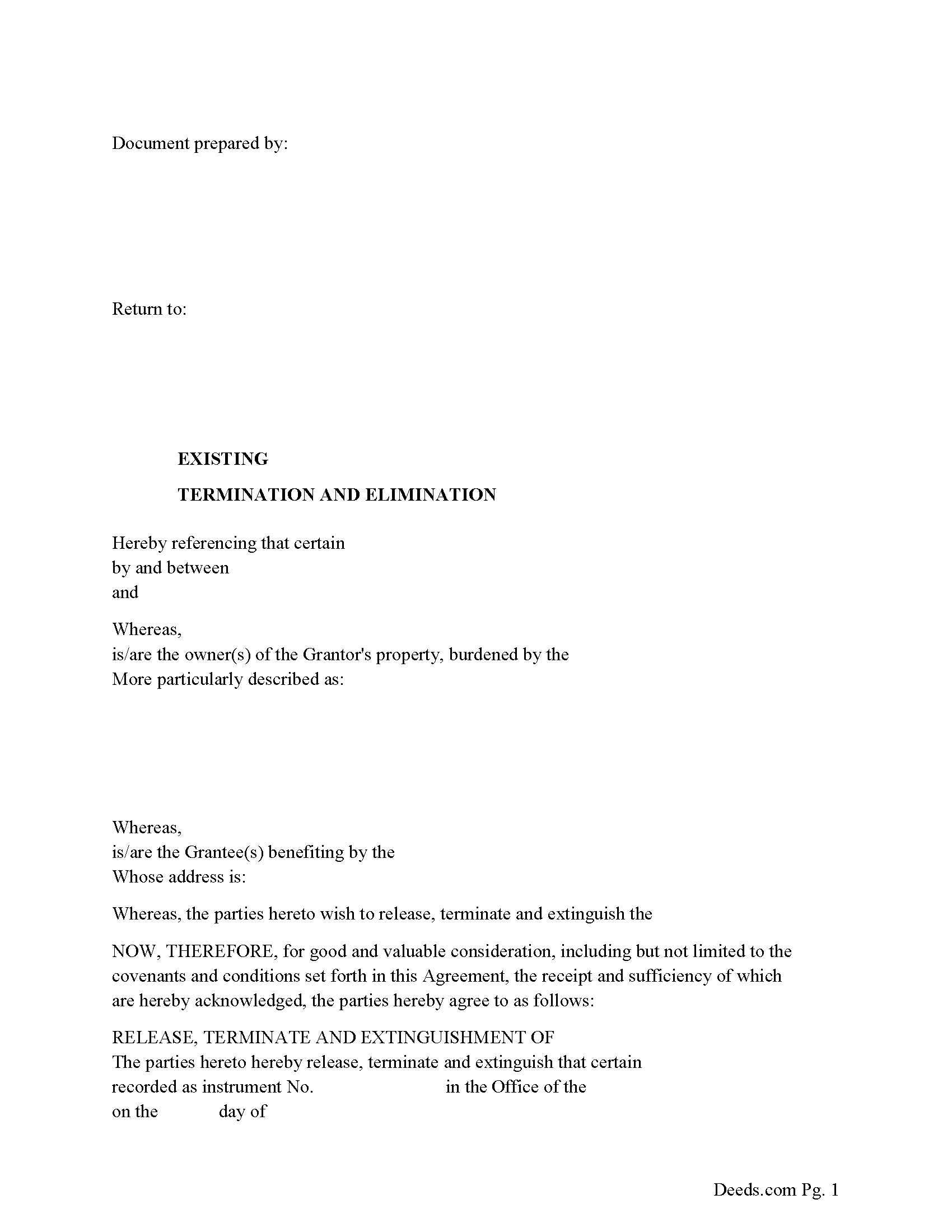
Fayette County Release of Easement, Right of Way Form
Fill in the blank form formatted to comply with all recording and content requirements
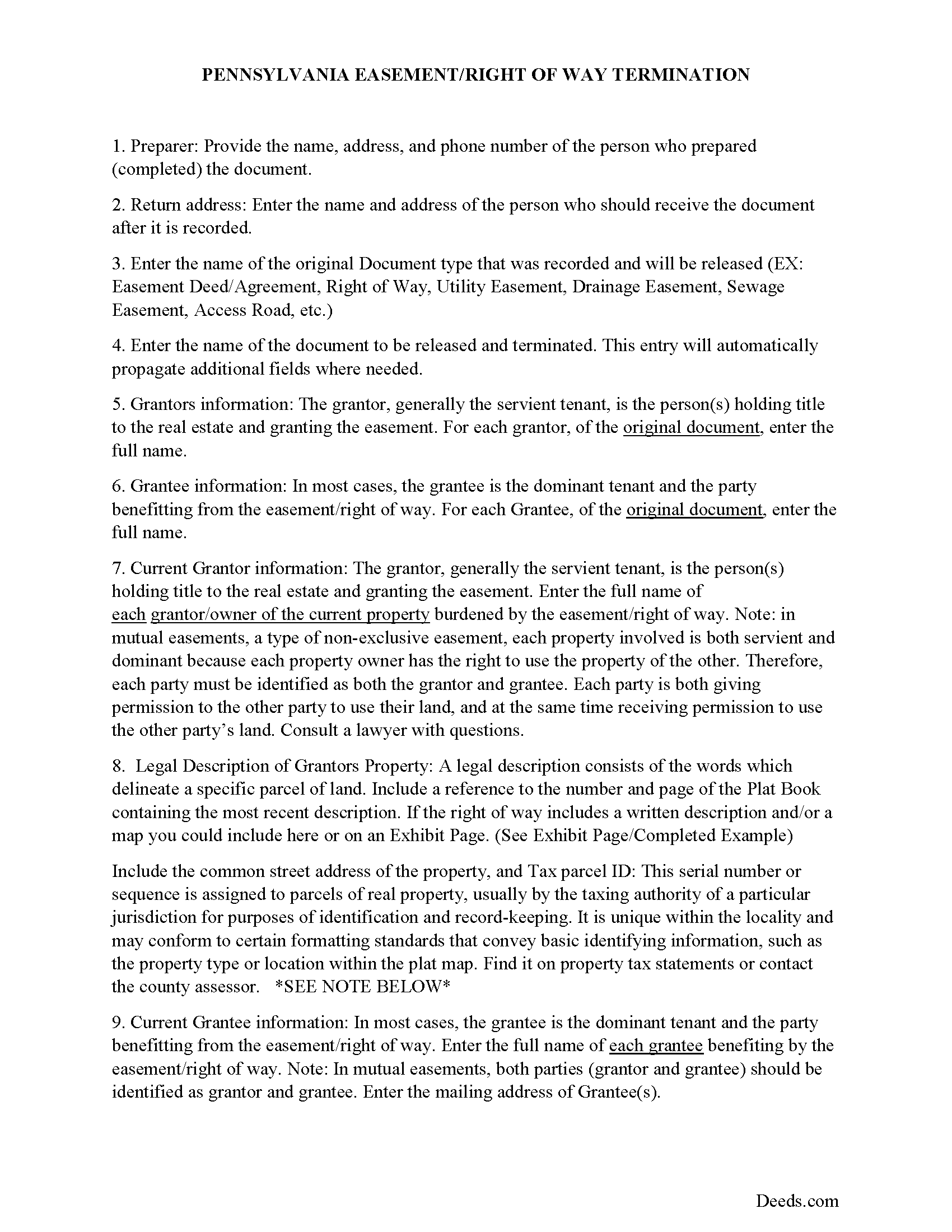
Fayette County Guidelines for Release of Easement
Line by line guide explaining every blank on the form.
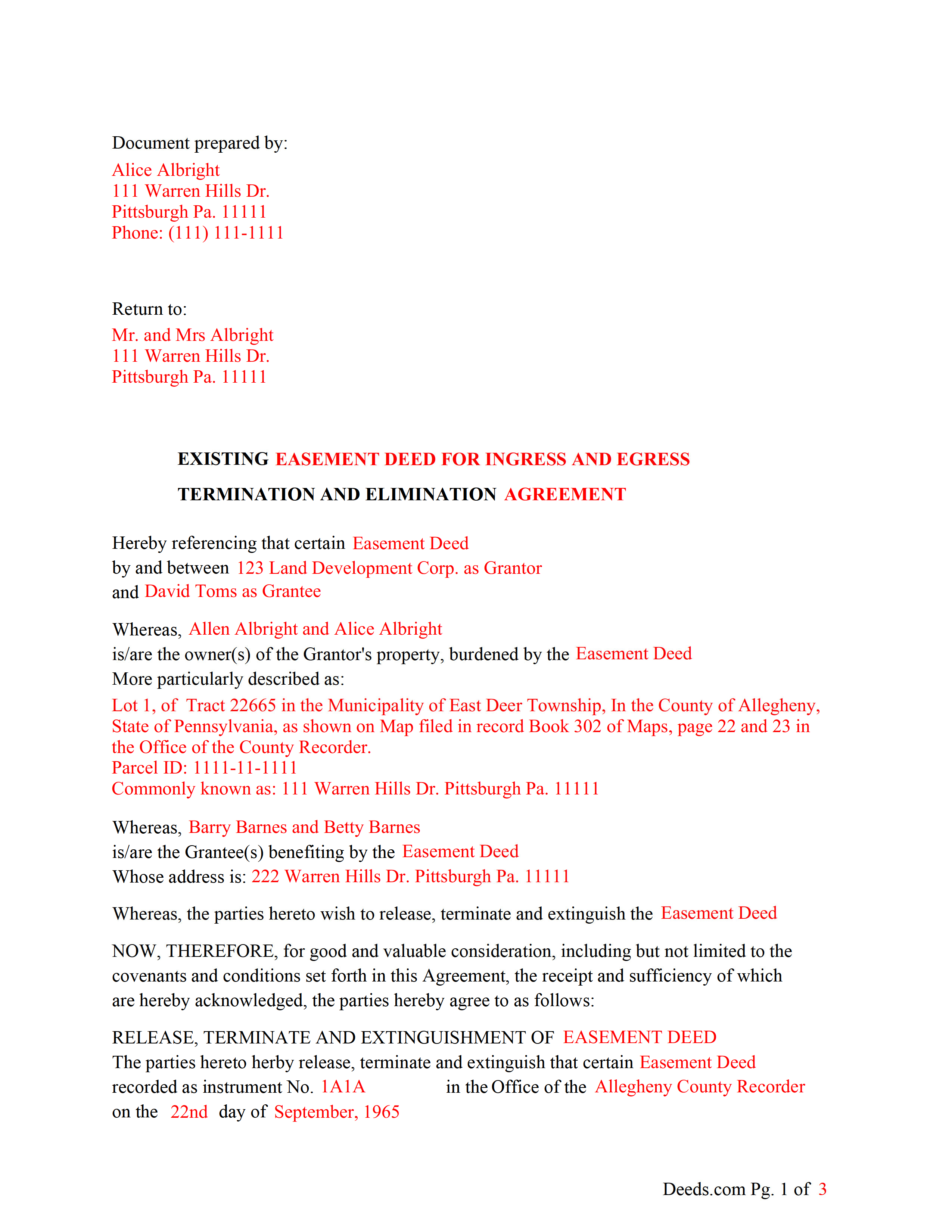
Fayette County Completed Example of the Release of Easement Form
Example of a properly completed form for reference.
All 3 documents above included • One-time purchase • No recurring fees
Immediate Download • Secure Checkout
Additional Pennsylvania and Fayette County documents included at no extra charge:
Where to Record Your Documents
Recorder of Deeds - County Courthouse
Uniontown, Pennsylvania 15401
Hours: 8:00am - 12:00 & 1:00 - 4:00pm
Phone: 724-430-1238
Recording Tips for Fayette County:
- Bring your driver's license or state-issued photo ID
- Ensure all signatures are in blue or black ink
- Documents must be on 8.5 x 11 inch white paper
- Double-check legal descriptions match your existing deed
- Verify all names are spelled correctly before recording
Cities and Jurisdictions in Fayette County
Properties in any of these areas use Fayette County forms:
- Adah
- Allison
- Belle Vernon
- Brier Hill
- Brownfield
- Brownsville
- Cardale
- Chalk Hill
- Chestnut Ridge
- Connellsville
- Dawson
- Dickerson Run
- Dunbar
- East Millsboro
- Everson
- Fairbank
- Fairchance
- Farmington
- Fayette City
- Gans
- Gibbon Glade
- Grindstone
- Hibbs
- Hiller
- Hopwood
- Indian Head
- Isabella
- Keisterville
- La Belle
- Lake Lynn
- Leckrone
- Leisenring
- Lemont Furnace
- Markleysburg
- Martin
- Masontown
- Mc Clellandtown
- Melcroft
- Merrittstown
- Mill Run
- Mount Braddock
- New Geneva
- New Salem
- Newell
- Normalville
- Ohiopyle
- Oliver
- Perryopolis
- Point Marion
- Republic
- Ronco
- Smithfield
- Smock
- Star Junction
- Uledi
- Uniontown
- Vanderbilt
- Waltersburg
- West Leisenring
- White
- Wickhaven
Hours, fees, requirements, and more for Fayette County
How do I get my forms?
Forms are available for immediate download after payment. The Fayette County forms will be in your account ready to download to your computer. An account is created for you during checkout if you don't have one. Forms are NOT emailed.
Are these forms guaranteed to be recordable in Fayette County?
Yes. Our form blanks are guaranteed to meet or exceed the applicable formatting requirements used for recording in Fayette County, including margin requirements, font requirements, and other layout standards. This guarantee applies to formatting, not to the legal sufficiency of information entered by the user or the suitability of a form for a particular transaction.
Can I reuse these forms?
Yes. You can reuse the forms for your personal use. For example, if you have multiple properties in Fayette County you only need to order once.
What do I need to use these forms?
The forms are PDFs that you fill out on your computer. The free Adobe Acrobat Reader is recommended, and most PDF apps also work. You do NOT enter your property information online - you download the blank forms and complete them privately on your own computer.
Are there any recurring fees?
No. This is a one-time purchase. Nothing to cancel, no memberships, no recurring fees.
How much does it cost to record in Fayette County?
Recording fees in Fayette County vary. Contact the recorder's office at 724-430-1238 for current fees.
Questions answered? Let's get started!
Use this form to release, terminate, extinguish a previously recorded document that involves access to and from a property.
Documents such as:
1. Easement Deeds or Agreements (An easement is a non-possessory interest in land, granting the right to use someone else's property for a specific purpose, like a driveway or utility line)
2. Access Roads
3. Right of Ways
4. Utility Easements (Power, Gas, Water, Sewer, Etc.)
5. Drainage Easements
This document allows the owner of the land, burdened by the access and the party that benefits from the access, to sign an agreement releasing the property from such access, under the premises the benefiting party no longer needs access. Once the easement is successfully terminated and the release is recorded, it should be reflected in the title records for the property, effectively removing the easement from the property's title.
(PA Termination of Easement Package includes form, guidelines, and completed example)
Important: Your property must be located in Fayette County to use these forms. Documents should be recorded at the county recording office listed above.
This Termination of Easement meets all recording requirements specific to Fayette County.
Our Promise
The documents you receive here are guaranteed to meet or exceed the applicable Fayette County recording format requirements. If there is a rejection caused by our formatting, we will correct the issue or refund your payment. This guarantee applies to document formatting only and does not extend to information entered by the user, the selection of the form, or the legal effect of the completed document.
Save Time and Money
Get your Fayette County Termination of Easement form done right the first time with Deeds.com Uniform Conveyancing Blanks. At Deeds.com, we understand that your time and money are valuable resources, and we don't want you to face a penalty fee or rejection imposed by a county recorder for submitting nonstandard documents. We constantly review and update our forms to meet rapidly changing state and county recording requirements for roughly 3,500 counties and local jurisdictions.
4.8 out of 5 - ( 4,864 Reviews )
Kelly M. 5 out of 5 stars
Received exactly what you said I would get. Good Quick Service
Thank you, Kelly. We’re glad everything was as expected and that the service was quick.
Michael W. 5 out of 5 stars
Easy to use Website. Quick accurate data reporting. I will use the service in the future.
We appreciate your business and value your feedback. Thank you. Have a wonderful day!
Linda E. 5 out of 5 stars
Forms were perfect, guide was very helpful. Passed recording official's scrutiny with flying colors. Will be back should the need arise.
Thank you!
JEFFREY P. 5 out of 5 stars
You need to add some short-form mortgages and notes for those who don't want endless clauses which might scare the other party away.
Jeffrey, thank you for the feedback. It's worth noting that short-form mortgages generally incorporate the full provisions by reference to a master form or statute, so the underlying terms still apply even though they don't appear in the recorded document. That said, your point about simpler instruments for private and family lending is well taken, and we'll consider options that cover the essential terms more concisely. We appreciate you taking the time to share this.
Lloyd F. 5 out of 5 stars
We were very pleased at how quickly the forms showed up and the guide and copy of a sample filled in form was very helpful. We will defiantly use you again if the occasion arises, and will highly recommend your company to friends and family. Thank you
We appreciate your business and value your feedback. Thank you. Have a wonderful day!
Robby T. 4 out of 5 stars
Most people coming to this sight will not have the knowledge for deeds. Therefore, I wish there were more instructions on when the Grantor signs and when the Grantee signs and the process steps to making the transaction final. I would give it 4 out of 5 starts
Thank you for your feedback. We really appreciate it. Have a great day!
Vernon A L. 3 out of 5 stars
They are forms....no magic there. I still have to round up the details.
We appreciate your business and value your feedback. Thank you. Have a wonderful day!
donald h. 5 out of 5 stars
very informative and thank everyone involved,my deed needed to be changed and will adjusted.
Thank you!
Randall M. 5 out of 5 stars
These forms worked fantastic!
We appreciate your business and value your feedback. Thank you. Have a wonderful day!
Ronald C. 5 out of 5 stars
Easy to navigate and very concise
Thank you!
Evelynne H. 5 out of 5 stars
The service was quick and easy to use. Which is something I really appreciate.
We appreciate your business and value your feedback. Thank you. Have a wonderful day!
Herbert R. 5 out of 5 stars
Your website was very helpful. Hopefully, I will have it completed correctly prior to use.
Thank you for your feedback. We really appreciate it. Have a great day!
Shari N. 5 out of 5 stars
Super easy to order and save a document!
We appreciate your business and value your feedback. Thank you. Have a wonderful day!
Toni M. 5 out of 5 stars
I liked having the forms. Some may need to know they can look at the legal Description from online county records, then type up in Word document line by line, the degree sign in Word program is achieved by using alt and 248 on number pad. Then on the form page one write SEE Exibit A and title your Word program description as Exibit A. Goes without saying the legal description should be looked over many times and it is easier to do so if you format your Word the same lineage as the legal description online which is usually not text which is why you have to retype it.
Thank you for your feedback. We really appreciate it. Have a great day!
Carlos M. 5 out of 5 stars
so far so good. thanks
Thank you!