Mifflin County Termination of Easement Form
Last validated October 29, 2026 by our Forms Development TeamFormatted for recording in Mifflin County, for property anywhere in the county: rural and unincorporated areas as well as Allensville, Belleville, Burnham, Granville, Lewistown, Mattawana, Mc Clure, Mc Veytown and 4 more.
- 3 documents included
- Immediate PDF download
- Formatting guarantee
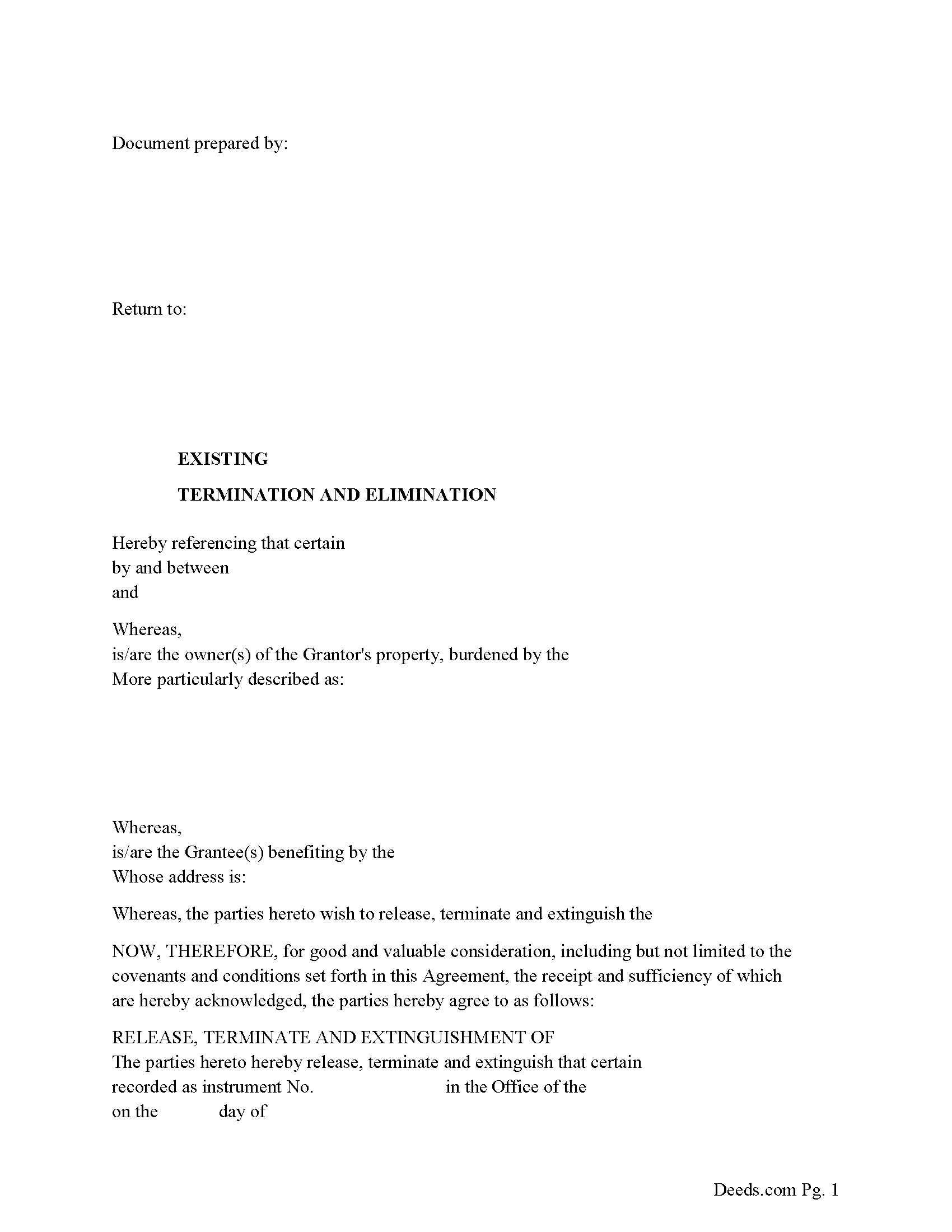
Mifflin County Release of Easement, Right of Way Form
Fill in the blank form formatted to comply with all recording and content requirements
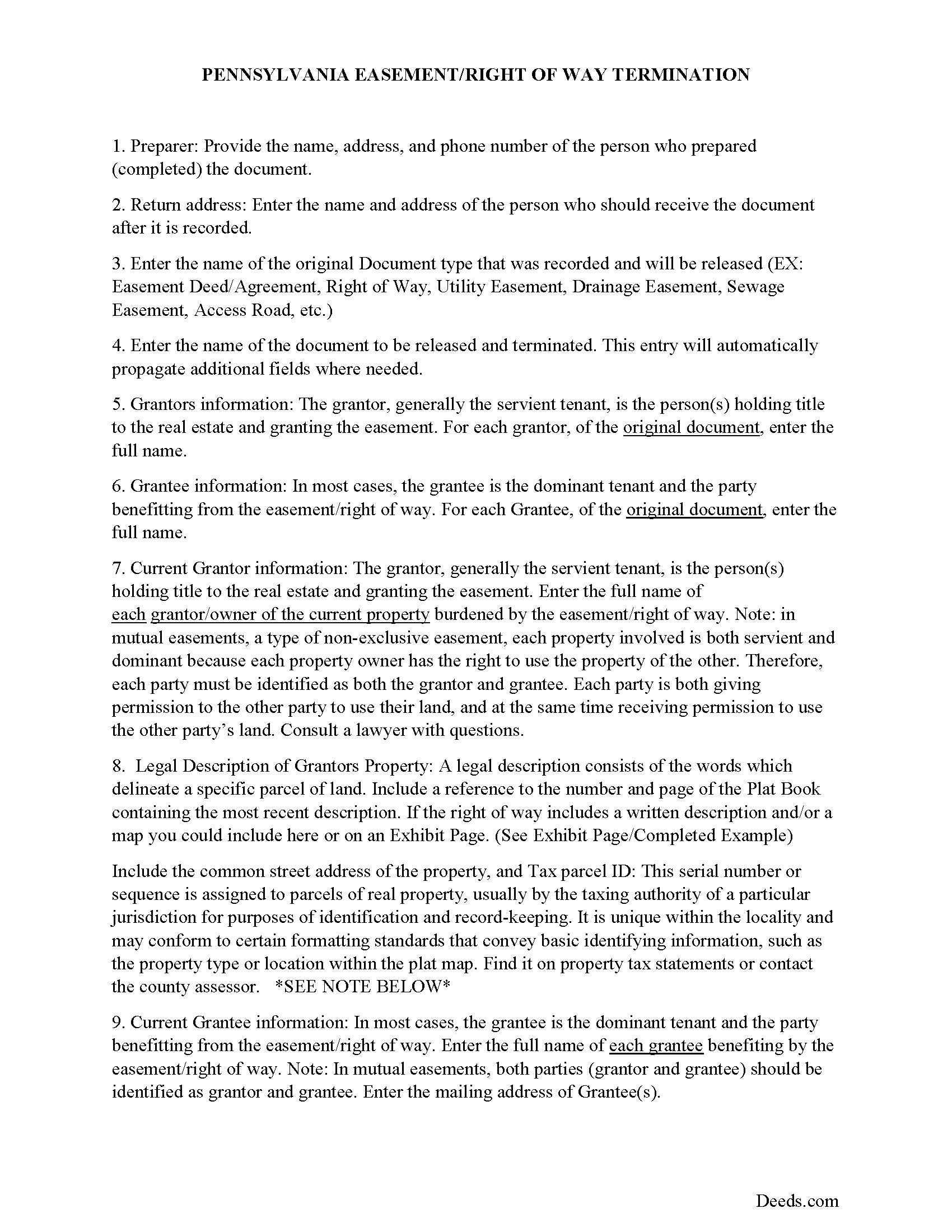
Mifflin County Guidelines for Release of Easement
Line by line guide explaining every blank on the form.
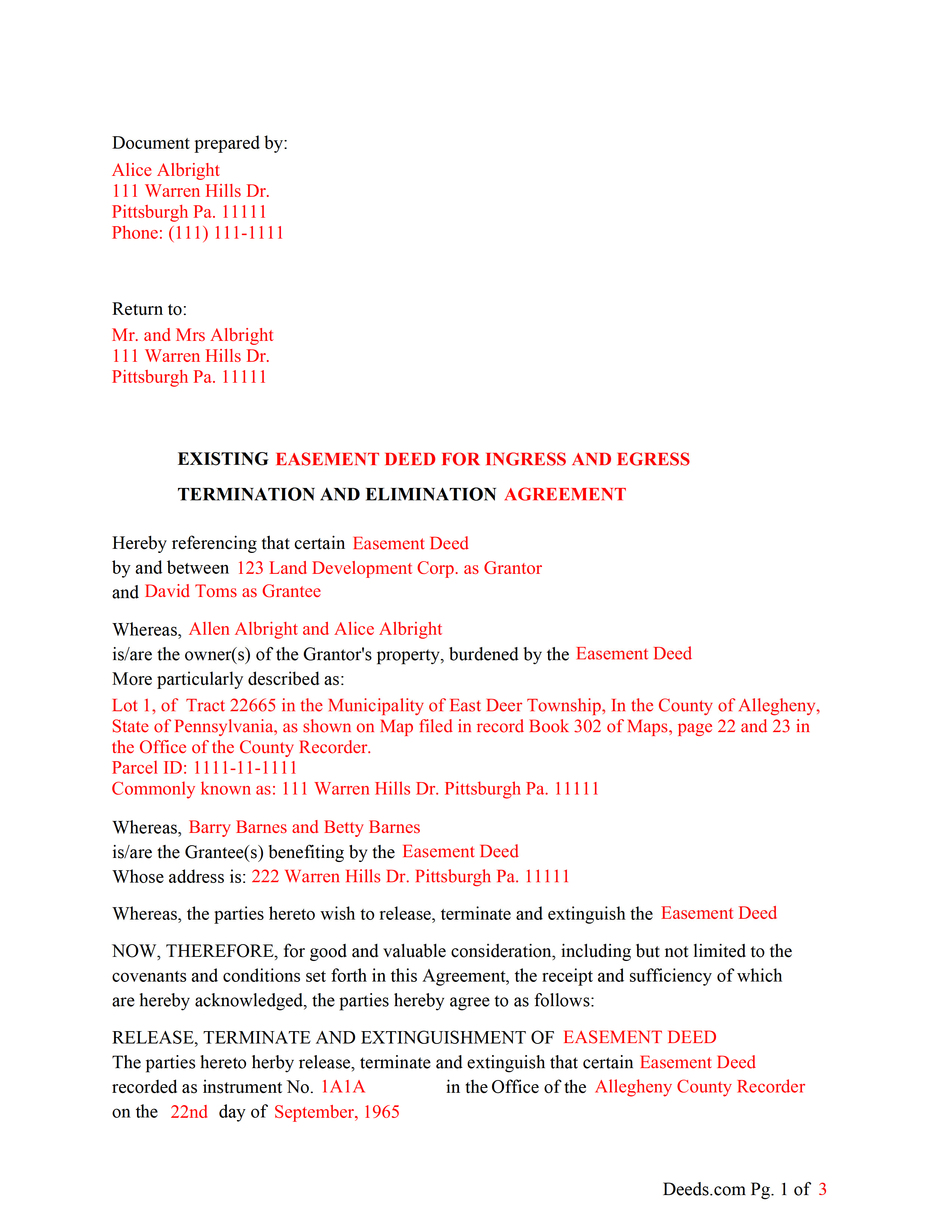
Mifflin County Completed Example of the Release of Easement Form
Example of a properly completed form for reference.
All 3 documents above included • One-time purchase • No recurring fees
Immediate Download • Secure Checkout
Additional Pennsylvania and Mifflin County documents included at no extra charge:
Where to Record Your Documents
Recorder of Deeds/Register of Wills - Courthouse
Lewistown, Pennsylvania 17044
Hours: 8:00am to 4:30pm Monday through Friday
Phone: (717) 242-1449
Recording Tips for Mifflin County:
- Bring your driver's license or state-issued photo ID
- Ensure all signatures are in blue or black ink
- Avoid the last business day of the month when possible
- Both spouses typically need to sign if property is jointly owned
- Bring extra funds - fees can vary by document type and page count
Cities and Jurisdictions in Mifflin County
Properties in any of these areas use Mifflin County forms:
- Allensville
- Belleville
- Burnham
- Granville
- Lewistown
- Mattawana
- Mc Clure
- Mc Veytown
- Milroy
- Newton Hamilton
- Reedsville
- Yeagertown
Hours, fees, requirements, and more for Mifflin County
How do I get my forms?
Forms are available for immediate download after payment. The Mifflin County forms will be in your account ready to download to your computer. An account is created for you during checkout if you don't have one. Forms are NOT emailed.
Are these forms guaranteed to be recordable in Mifflin County?
Yes. Our form blanks are guaranteed to meet or exceed the applicable formatting requirements used for recording in Mifflin County, including margin requirements, font requirements, and other layout standards. This guarantee applies to formatting, not to the legal sufficiency of information entered by the user or the suitability of a form for a particular transaction.
Can I reuse these forms?
Yes. You can reuse the forms for your personal use. For example, if you have multiple properties in Mifflin County you only need to order once.
What do I need to use these forms?
The forms are PDFs that you fill out on your computer. The free Adobe Acrobat Reader is recommended, and most PDF apps also work. You do NOT enter your property information online - you download the blank forms and complete them privately on your own computer.
Are there any recurring fees?
No. This is a one-time purchase. Nothing to cancel, no memberships, no recurring fees.
How much does it cost to record in Mifflin County?
Recording fees in Mifflin County vary. Contact the recorder's office at (717) 242-1449 for current fees.
Questions answered? Let's get started!
Use this form to release, terminate, extinguish a previously recorded document that involves access to and from a property.
Documents such as:
1. Easement Deeds or Agreements (An easement is a non-possessory interest in land, granting the right to use someone else's property for a specific purpose, like a driveway or utility line)
2. Access Roads
3. Right of Ways
4. Utility Easements (Power, Gas, Water, Sewer, Etc.)
5. Drainage Easements
This document allows the owner of the land, burdened by the access and the party that benefits from the access, to sign an agreement releasing the property from such access, under the premises the benefiting party no longer needs access. Once the easement is successfully terminated and the release is recorded, it should be reflected in the title records for the property, effectively removing the easement from the property's title.
(PA Termination of Easement Package includes form, guidelines, and completed example)
Important: Your property must be located in Mifflin County to use these forms. Documents should be recorded at the county recording office listed above.
This Termination of Easement meets all recording requirements specific to Mifflin County.
Our Promise
The documents you receive here are guaranteed to meet or exceed the applicable Mifflin County recording format requirements. If there is a rejection caused by our formatting, we will correct the issue or refund your payment. This guarantee applies to document formatting only and does not extend to information entered by the user, the selection of the form, or the legal effect of the completed document.
Save Time and Money
Get your Mifflin County Termination of Easement form done right the first time with Deeds.com Uniform Conveyancing Blanks. At Deeds.com, we understand that your time and money are valuable resources, and we don't want you to face a penalty fee or rejection imposed by a county recorder for submitting nonstandard documents. We constantly review and update our forms to meet rapidly changing state and county recording requirements for roughly 3,500 counties and local jurisdictions.
4.8 out of 5 - ( 4,845 Reviews )
charles g. 5 out of 5 stars
very good forms. they covered everything i needed.
Thanks Charles, we really appreciate your feedback. Have a great day!
Ernest S. 5 out of 5 stars
Took it to the Courthouse and the Register of Deeds said,"well Done" Thanks you so much.
We appreciate your business and value your feedback. Thank you. Have a wonderful day!
Phuoc M. 5 out of 5 stars
Deeds.com is helpful to help me finish my forms and submit my forms to the County successfully. Very nice to do business with your company! Thanks!
We’re glad to hear things went well. Thank you for the review.
Juanita B. 5 out of 5 stars
Very easy and fast transaction. Thank you for complete set of forms needed for property transfer.
Thank you for your feedback. We really appreciate it. Have a great day!
Benjamin D. 5 out of 5 stars
THANK YOU. Your materials are excellent and provided the information and guidance requested and needed.
Thank you!
kathy d. 5 out of 5 stars
very easy make sense instructions. Thank you.
Thank you for your feedback Kathy. Have an amazing day!
Dean L. 3 out of 5 stars
The template isn't that easy to work with, with you have to type out large amounts of text. Also copy and paste doesn't seem to work. Furthermore, the code listed on the guide is out of date. However, the DQC is decent in that it has all the required fields you need.
Thank you for your feedback. We really appreciate it. Have a great day!
Patricia E. 5 out of 5 stars
Easy to understand and download!
Thank you!
Sherry F. 5 out of 5 stars
Good product and service.
Thank you!
Maxine P. 5 out of 5 stars
This is so amazing and I truly thank you for what I needed for my documents. This is a great company and will take care of what you needs.
Thank you for your feedback. We really appreciate it. Have a great day!
PETER A. 5 out of 5 stars
Got the forms I needed after getting forms for the wrong county and paying twice. My bad!
Thanks for your feedback! Just to clarify—when an order is placed for the wrong county, we’re happy to help. In this case, we canceled the original order and refunded the payment so there was no duplicate charge. Glad you got the correct forms in the end!
Sheila P. 5 out of 5 stars
My first time using Deeds.com. Loved the process. It was quick, easy and Deeds.com provided timely responses. Definitely appreciate not having to make a trip to the recorder of deeds.
Thank you for your feedback. We really appreciate it. Have a great day!
Peter F. 5 out of 5 stars
It was outstanding, seriously, I had 3 e mail correspondences asking for information and providing feedback within 2 hours and was ready for submission at that point. I paid the invoice online and by the end of the day I had electronic verification that Registry of Deeds had processed my documents. That work is good stuff ! Pete
Glad we could be of assistance Peter, thank you for the kinds words. Have an amazing day!
Tracy M. 3 out of 5 stars
The form is easy to use. However, the quit claim deed form seems to be for parcel of land, because the word "real property" is not in the form.
Thank you for your feedback. We really appreciate it. Have a great day!
Agnes I H. 5 out of 5 stars
Good knowing the price right up front...and not a FREE one you pay at the end....
We appreciate your business and value your feedback. Thank you. Have a wonderful day!