Wayne County Trustee Deed Form
Last validated August 10, 2026 by our Forms Development TeamFormatted for recording in Wayne County, for property anywhere in the county: rural and unincorporated areas as well as Beach Lake, Damascus, Equinunk, Gouldsboro, Hamlin, Honesdale, Lake Ariel, Lake Como and 17 more.
- 3 documents included
- Immediate PDF download
- Formatting guarantee
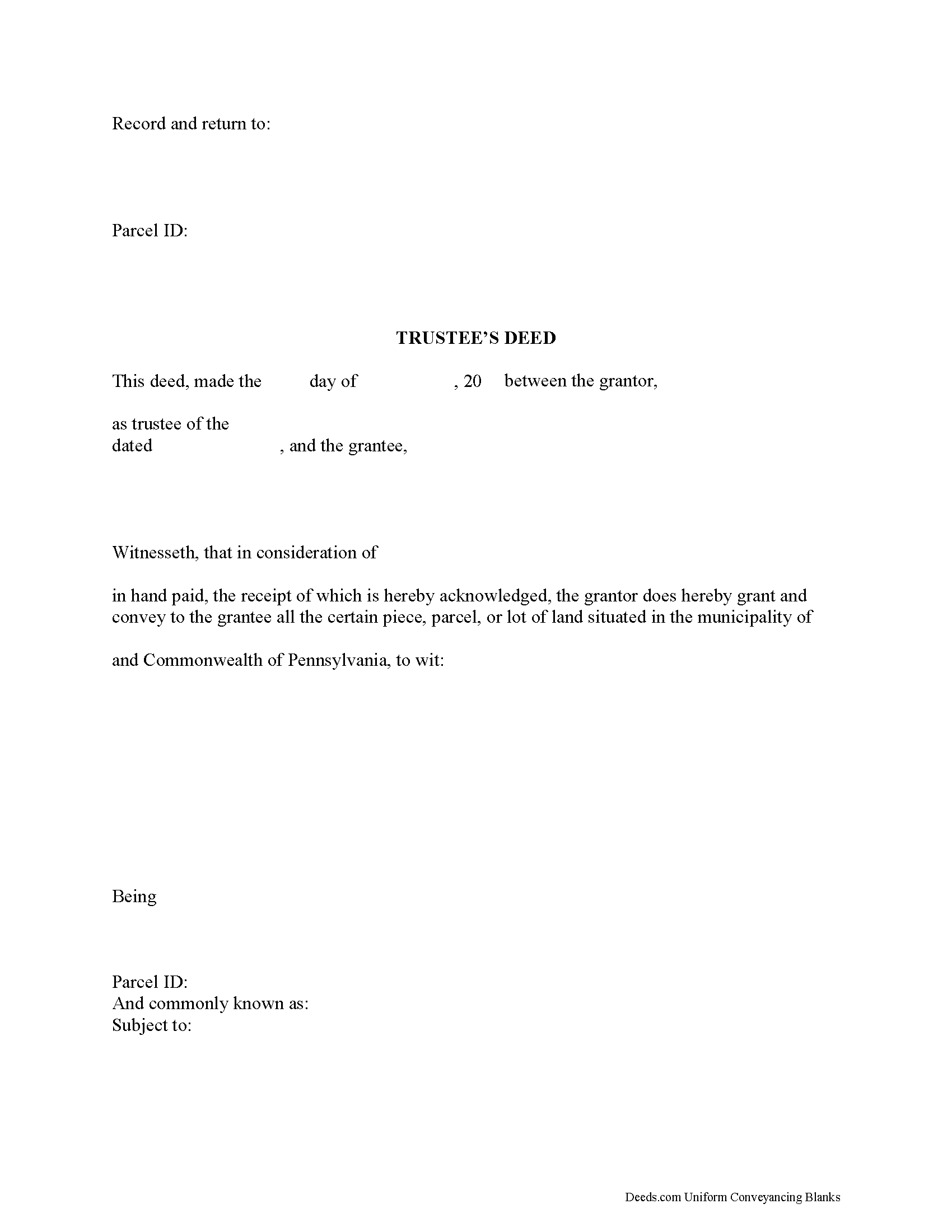
Wayne County Trustee Deed Form
Fill in the blank form formatted to comply with all recording and content requirements.
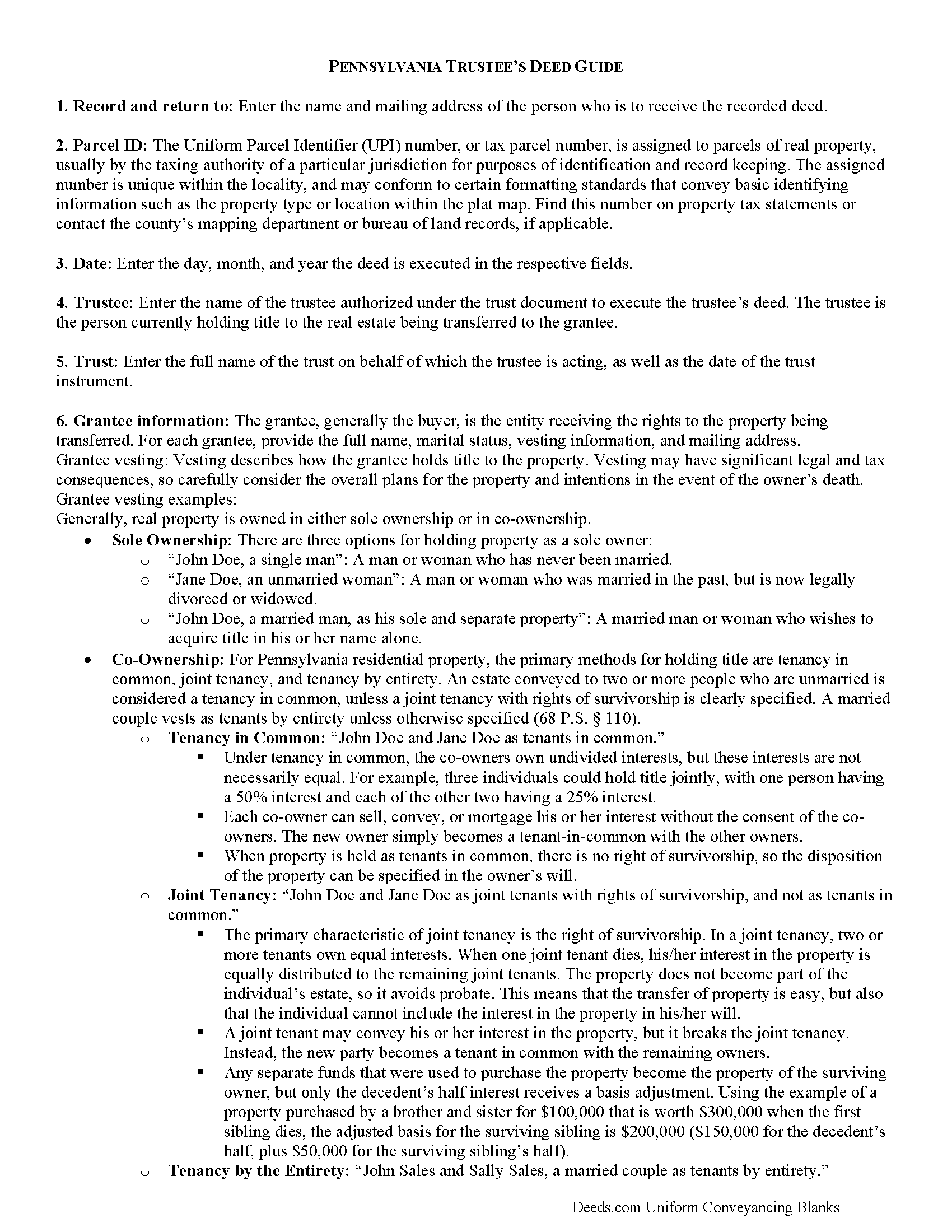
Wayne County Trustee Deed Guide
Line by line guide explaining every blank on the form.
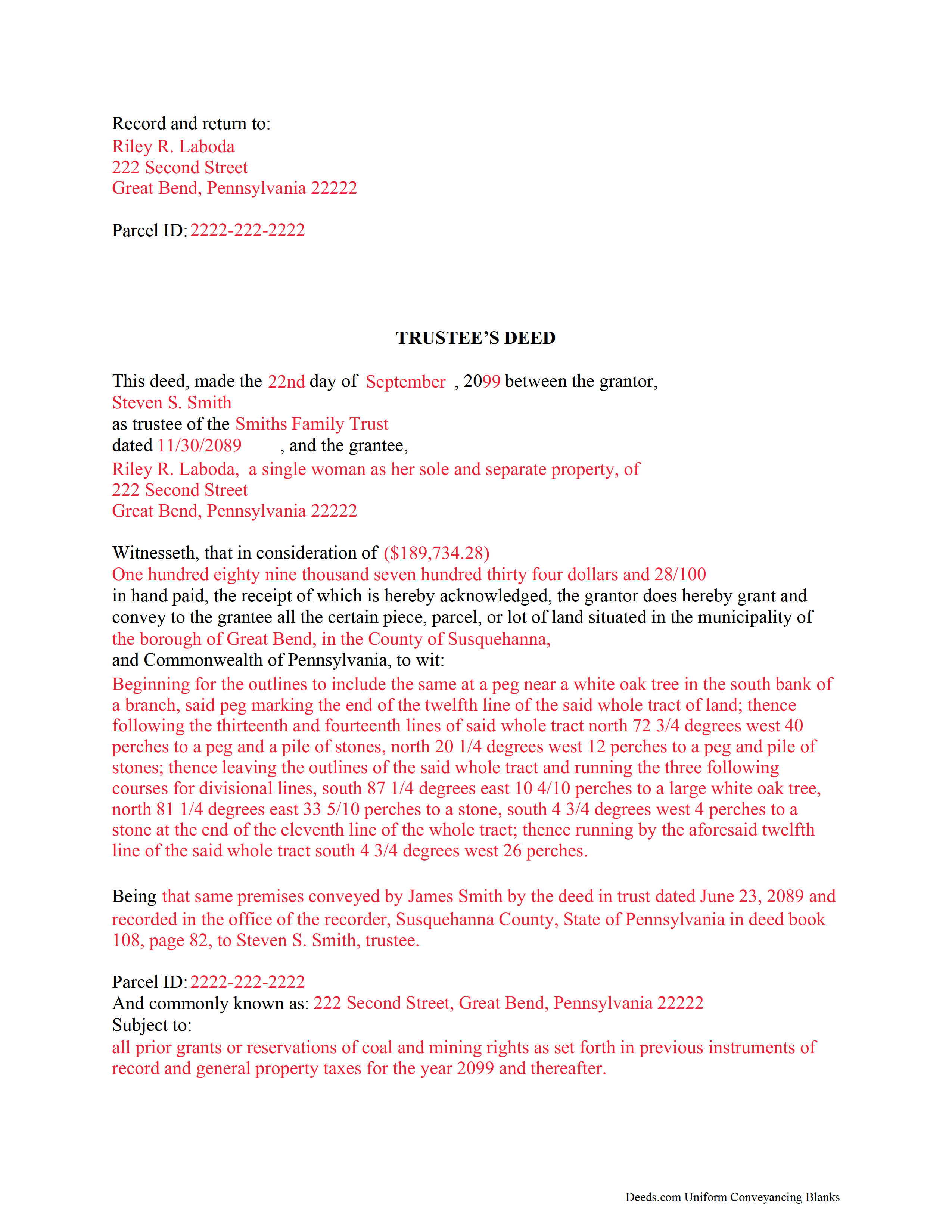
Wayne County Completed Example of the Trustee Deed Document
Example of a properly completed form for reference.
All 3 documents above included • One-time purchase • No recurring fees
Immediate Download • Secure Checkout
Additional Pennsylvania and Wayne County documents included at no extra charge:
Where to Record Your Documents
Wayne County Recorder of Deeds
Honesdale, Pennsylvania 18431
Hours: 8:30 to 4:30 Monday through Friday, however no papers will be accepted for recording after 4:00 PM.
Phone: (570) 253-5970 Ext. 4040
Recording Tips for Wayne County:
- Bring your driver's license or state-issued photo ID
- Ensure all signatures are in blue or black ink
- Request a receipt showing your recording numbers
- Ask about accepted payment methods when you call ahead
- Ask for certified copies if you need them for other transactions
Cities and Jurisdictions in Wayne County
Properties in any of these areas use Wayne County forms:
- Beach Lake
- Damascus
- Equinunk
- Gouldsboro
- Hamlin
- Honesdale
- Lake Ariel
- Lake Como
- Lakeville
- Lakewood
- Milanville
- Newfoundland
- Orson
- Pleasant Mount
- Poyntelle
- Preston Park
- Prompton
- South Canaan
- South Sterling
- Starlight
- Starrucca
- Sterling
- Tyler Hill
- Waymart
- White Mills
Hours, fees, requirements, and more for Wayne County
How do I get my forms?
Forms are available for immediate download after payment. The Wayne County forms will be in your account ready to download to your computer. An account is created for you during checkout if you don't have one. Forms are NOT emailed.
Are these forms guaranteed to be recordable in Wayne County?
Yes. Our form blanks are guaranteed to meet or exceed the applicable formatting requirements used for recording in Wayne County, including margin requirements, font requirements, and other layout standards. This guarantee applies to formatting, not to the legal sufficiency of information entered by the user or the suitability of a form for a particular transaction.
Can I reuse these forms?
Yes. You can reuse the forms for your personal use. For example, if you have multiple properties in Wayne County you only need to order once.
What do I need to use these forms?
The forms are PDFs that you fill out on your computer. The free Adobe Acrobat Reader is recommended, and most PDF apps also work. You do NOT enter your property information online - you download the blank forms and complete them privately on your own computer.
Are there any recurring fees?
No. This is a one-time purchase. Nothing to cancel, no memberships, no recurring fees.
How much does it cost to record in Wayne County?
Recording fees in Wayne County vary. Contact the recorder's office at (570) 253-5970 Ext. 4040 for current fees.
Questions answered? Let's get started!
Title 20, Chapter 77 of the Pennsylvania Statutes governs trusts in the State of Pennsylvania.
A trust is a wealth management tool commonly used in estate planning. There are three main parties to a trust: the settlor, who funds the trust by conveying assets into it; the trustee, who administers the trust and controls its assets; and the beneficiary, who has a present or future interest in the trust (P.S. 7703). Note that a sole trustee cannot also be the sole beneficiary (P.S. 7732(a)(5)).
Under a trust, the acting trustee manages the trust as directed by the settlor. This arrangement works, in part, because the trustee holds what amounts to a proxy title to the trust's assets. If the trust contains real property that the settlor wishes to sell, the trustee executes and records a document called a trustee's deed to transfer the title to the grantee/buyer -- the settlor is not identified in the transaction.
In most cases, trustee's deeds are modified quitclaim or special warranty deeds. Quitclaim deeds contain no warranties of title, and special warranty deeds only offer the grantee protection against title claims originating while grantor controlled the property. Generally, a trustee uses a quitclaim deed if the settlor and grantee are close relatives (spouses, parent to child, etc.). A trustee of a living trust might also use a quitclaim deed to transfer property out of the trust and to himself as an individual. Third-party purchasers might require a special warranty deed in order to obtain a mortgage or title insurance.
Besides fulfilling the requirements for all instruments affecting real property in the State of Pennsylvania (tax parcel number, legal description, prior deed information, certificate of residence, and so on), the trustee's deed names the trustee as the grantor and gives the date and the name of the trust under which the trustee is acting. A certificate of trust is sometimes included to verify the trust's existence and the trustee's authority to act on behalf of the trust. As with other instruments, the deed must be signed and acknowledged in the presence of a notary, then recorded in the county where the property is situated.
Trust law can be thorny, and each situation is unique. Consult an attorney with specific questions or for complicated circumstances.
(Pennsylvania TD Package includes form, guidelines, and completed example)
Important: Your property must be located in Wayne County to use these forms. Documents should be recorded at the county recording office listed above.
This Trustee Deed meets all recording requirements specific to Wayne County.
Our Promise
The documents you receive here are guaranteed to meet or exceed the applicable Wayne County recording format requirements. If there is a rejection caused by our formatting, we will correct the issue or refund your payment. This guarantee applies to document formatting only and does not extend to information entered by the user, the selection of the form, or the legal effect of the completed document.
Save Time and Money
Get your Wayne County Trustee Deed form done right the first time with Deeds.com Uniform Conveyancing Blanks. At Deeds.com, we understand that your time and money are valuable resources, and we don't want you to face a penalty fee or rejection imposed by a county recorder for submitting nonstandard documents. We constantly review and update our forms to meet rapidly changing state and county recording requirements for roughly 3,500 counties and local jurisdictions.
4.8 out of 5 - ( 4,844 Reviews )
Noelle V. 5 out of 5 stars
I requested a copy of some documents and within the hour, they were waiting for me in PDF form. It was easy and helped a great deal to have this service available.
Your feedback is valuable to us and helps us improve. Thank you for sharing your thoughts!
dean s. 5 out of 5 stars
Excellent work. Berry happy!
Thank you!
Cedric W. 5 out of 5 stars
This process was very easy to go through, from beginning to end. It was fast, precise and got the job done without me having to leave my computer. If opportunities arise, I will definitely use deeds.com again.
Thank you for your feedback. We really appreciate it. Have a great day!
April L. 5 out of 5 stars
It was easy and I will use it again.
We appreciate your business and value your feedback. Thank you. Have a wonderful day!
Anthony N. 3 out of 5 stars
The site was not easy to navigate. Maybe putting the different things offered at the heading instead of searching for it.
Thank you for your feedback. We really appreciate it. Have a great day!
Nicole D. 5 out of 5 stars
Very pleased with Deed.com. Quick response with instructions. Great service and will use again.
Thank you for your feedback. We really appreciate it. Have a great day!
Mike S. 3 out of 5 stars
Overpriced
Thanks Mike. We get it, $27.97 isn't cheap for a lot of people right now. Your Nevada package includes a recorder-ready affidavit, a completed sample, and step-by-step instructions for the state. Expensive, yes. Overpriced, not even close.
Kevin M. 5 out of 5 stars
All I can say is WOW. They were so fast and professional. I received my copy of my deed that same day I requested it. There was some confusion on my part but within minutes it was explained.
We appreciate your business and value your feedback. Thank you. Have a wonderful day!
Lorna D. 4 out of 5 stars
Haven't used the form yet. But hopefully it's the correct one.
Thank you!
ANA I p. 5 out of 5 stars
Wow this was nice that I could used the service . Love it
We appreciate your business and value your feedback. Thank you. Have a wonderful day!
Dee S. 5 out of 5 stars
This was easy and much cheaper than getting a lawyer. Thanks! - From alabama
We appreciate your business and value your feedback. Thank you. Have a wonderful day!
Richard P. 5 out of 5 stars
Excellent source and easy to use site.
Thank you!
Priscilla M. 5 out of 5 stars
Instructions are easy to follow which make filling out the forms easy and simple. I would definitely recommend Deeds.com.
Thank you!
Gloria B. 5 out of 5 stars
Super easy and efficient. One time charge for the form with no commitment to a recurring charge for monthly membership. *****
Thank you for your feedback. We really appreciate it. Have a great day!
Anne B. 5 out of 5 stars
Great experience! It was so easy and quick. We will definitely use the service again.
We appreciate your business and value your feedback. Thank you. Have a wonderful day!