Horry County Mortgage Secured by Promissory Note Form
Last validated October 2, 2026 by our Forms Development TeamFormatted for recording in Horry County, for property anywhere in the county: rural and unincorporated areas as well as Aynor, Conway, Galivants Ferry, Green Sea, Little River, Longs, Loris, Murrells Inlet and 3 more.
- 7 documents included
- Immediate PDF download
- Formatting guarantee
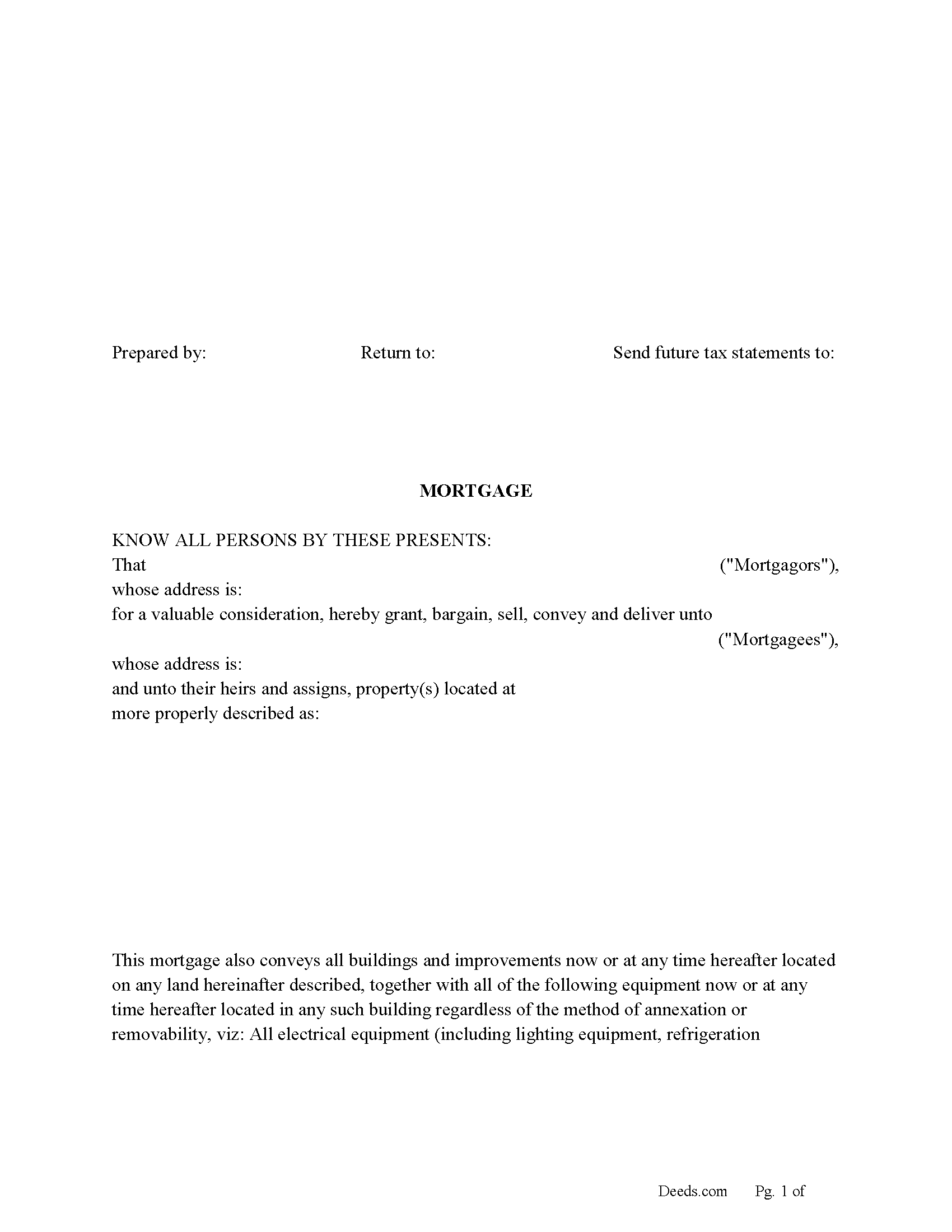
Horry County Mortgage Form
Fill in the blank form formatted to comply with all recording and content requirements.
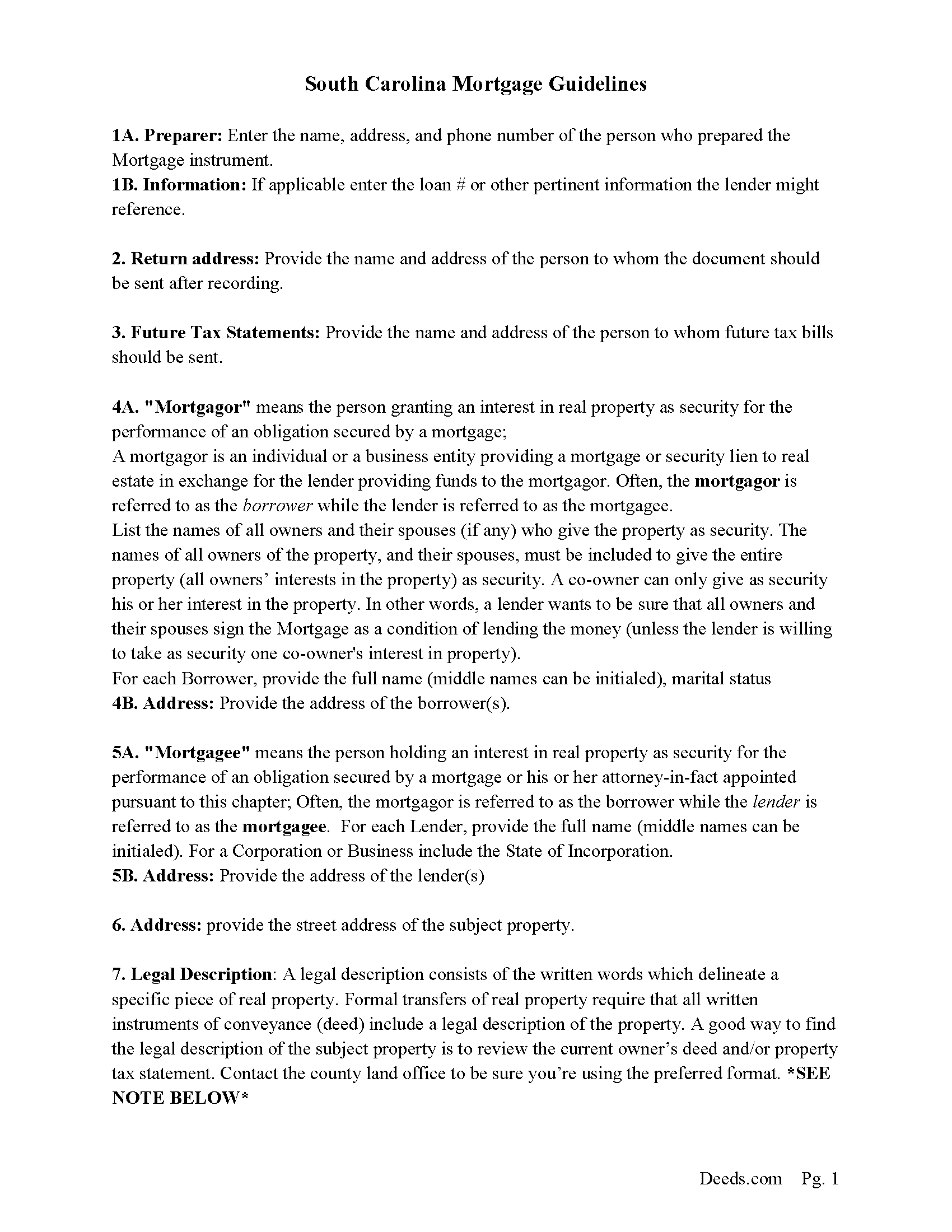
Horry County Mortgage Guidelines
Line by line guide explaining every blank on the form.
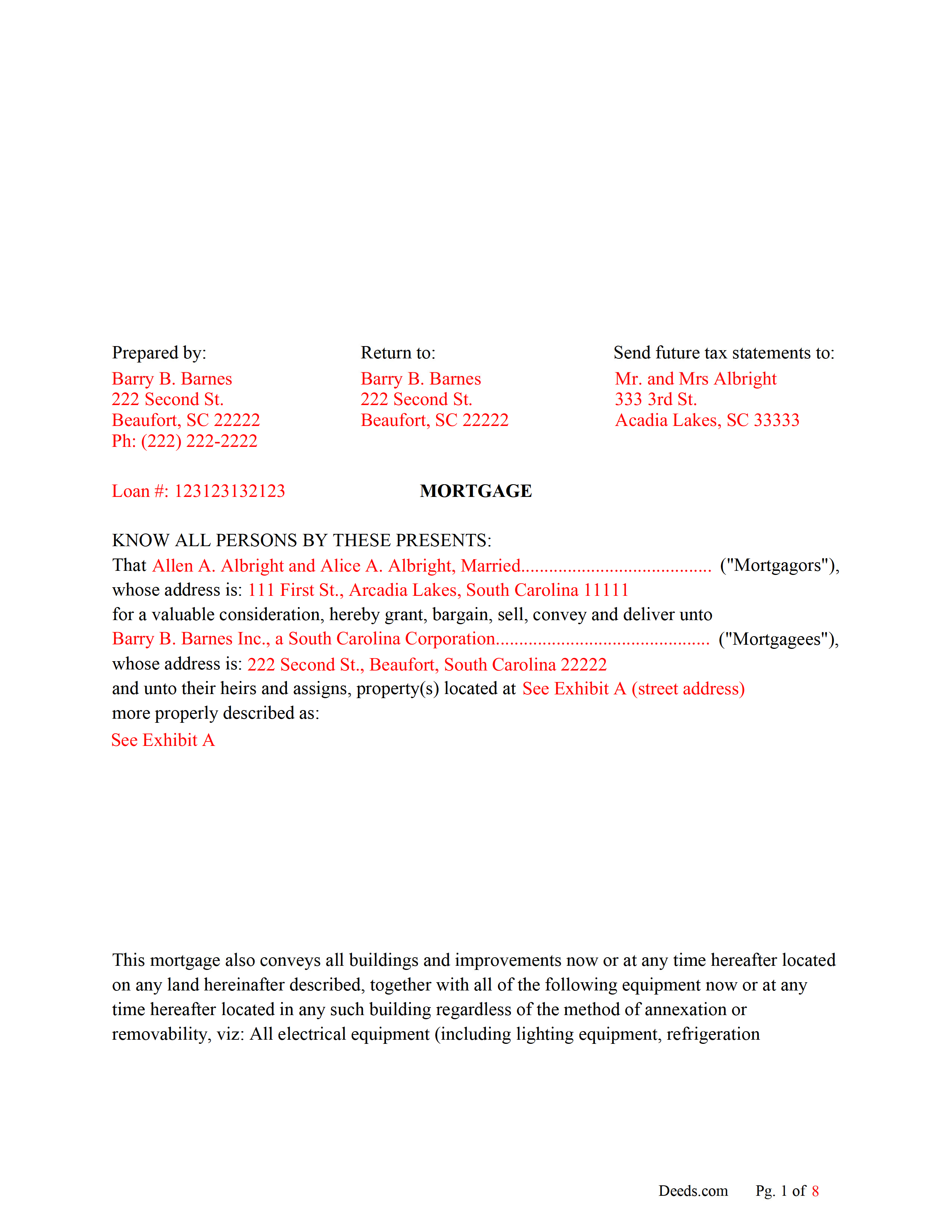
Horry County Completed Example of the Mortgage Document
Line by line guide explaining every blank on the form.
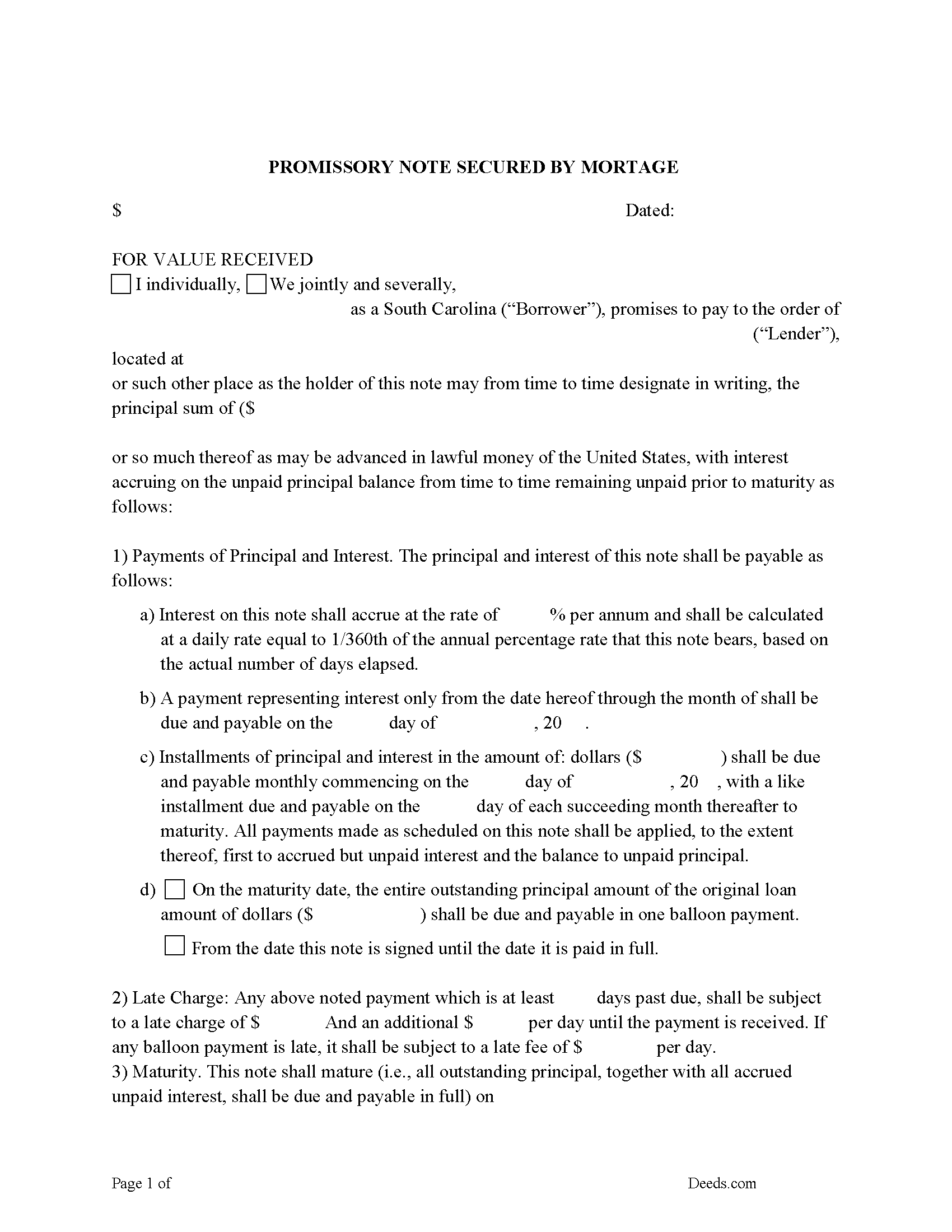
Horry County Promissory Note Form
P/N can be used for installment or balloon payment(s).
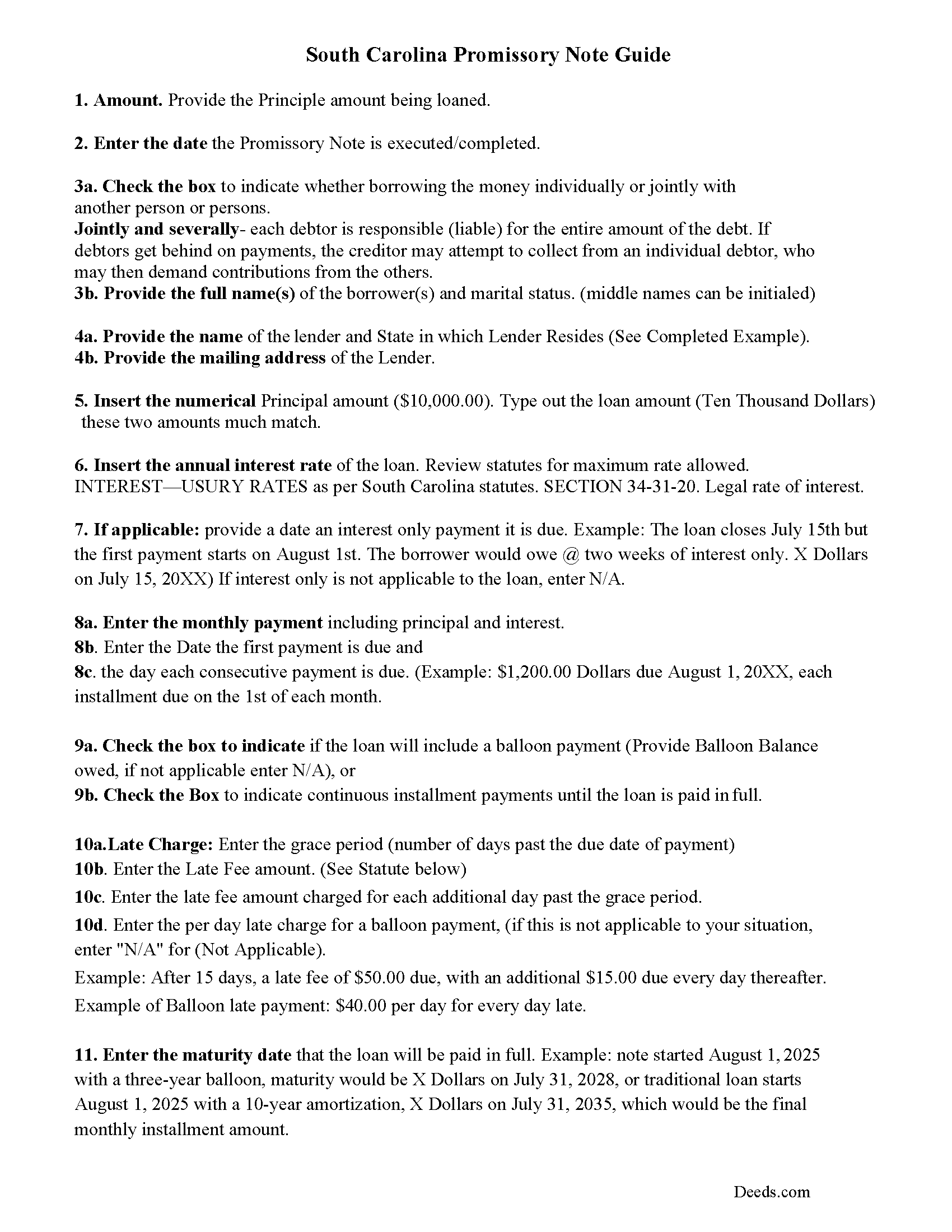
Horry County Promissory Note Guidelines
Line by line guide explaining every blank on the form.
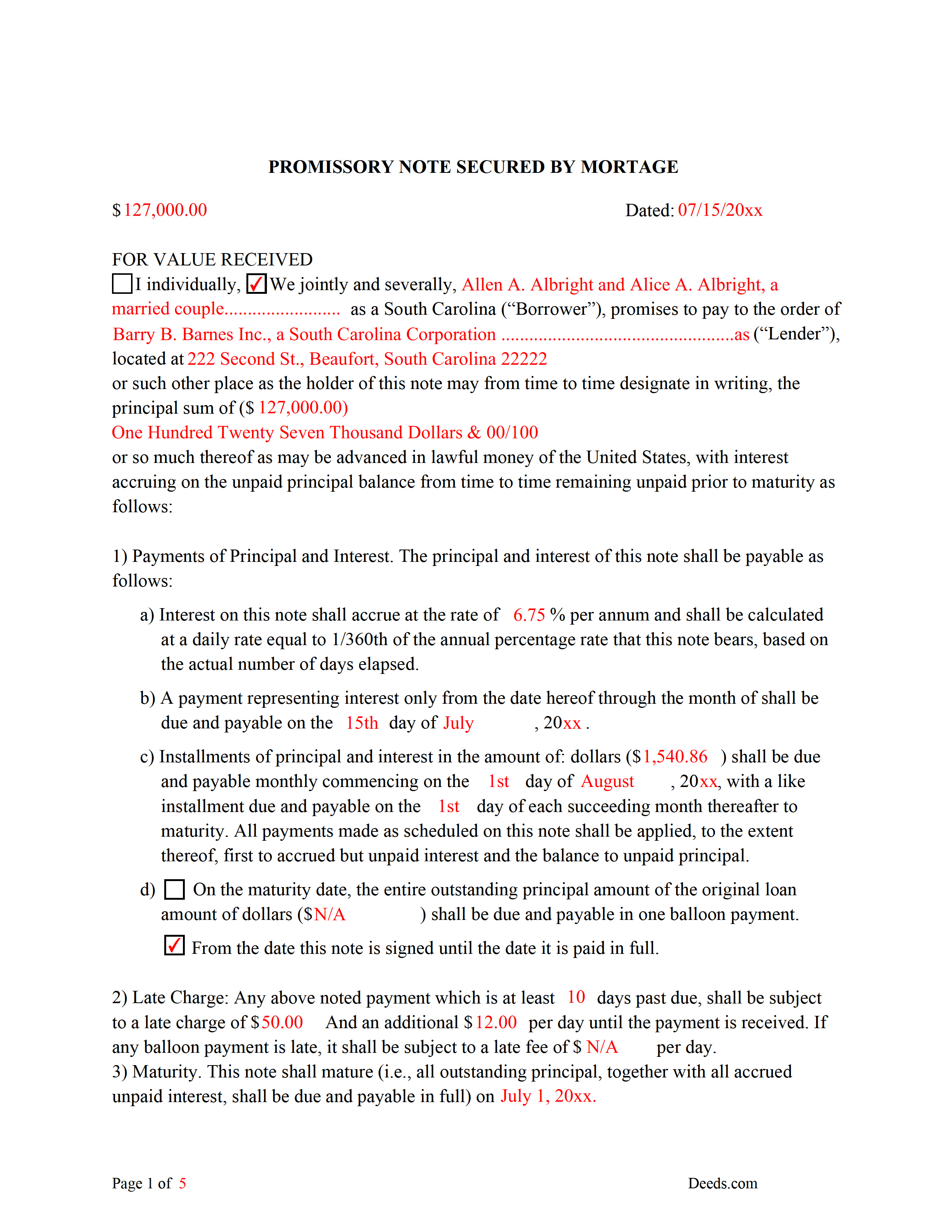
Horry County Completed Example of the Promissory Note Document
This Promissory Note is filled in and highlighted, showing how the guideline information, can be interpreted into the document.
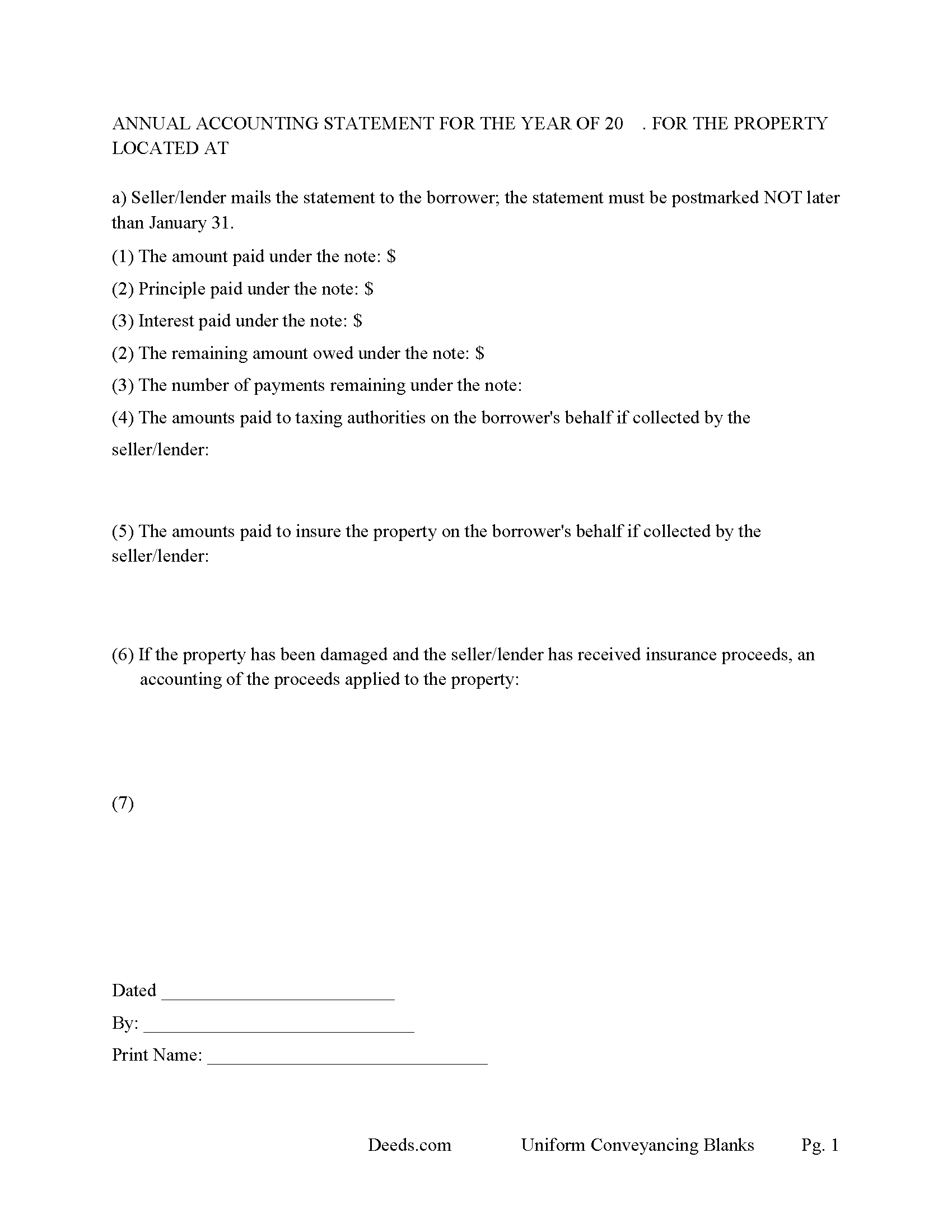
Horry County Annual Accounting Statement Form
Mail to borrower for fiscal year reporting.
All 7 documents above included • One-time purchase • No recurring fees
Immediate Download • Secure Checkout
Additional South Carolina and Horry County documents included at no extra charge:
Where to Record Your Documents
Horry County Register of Deeds
Conway, South Carolina 29526 / 29528
Hours: 8:00am to 5:00pm Monday through Friday / Recording until 4:45pm
Phone: (843) 915-5430
Recording Tips for Horry County:
- Bring your driver's license or state-issued photo ID
- Ensure all signatures are in blue or black ink
- Avoid the last business day of the month when possible
- Both spouses typically need to sign if property is jointly owned
- Bring extra funds - fees can vary by document type and page count
Cities and Jurisdictions in Horry County
Properties in any of these areas use Horry County forms:
- Aynor
- Conway
- Galivants Ferry
- Green Sea
- Little River
- Longs
- Loris
- Murrells Inlet
- Myrtle Beach
- Nichols
- North Myrtle Beach
Hours, fees, requirements, and more for Horry County
How do I get my forms?
Forms are available for immediate download after payment. The Horry County forms will be in your account ready to download to your computer. An account is created for you during checkout if you don't have one. Forms are NOT emailed.
Are these forms guaranteed to be recordable in Horry County?
Yes. Our form blanks are guaranteed to meet or exceed the applicable formatting requirements used for recording in Horry County, including margin requirements, font requirements, and other layout standards. This guarantee applies to formatting, not to the legal sufficiency of information entered by the user or the suitability of a form for a particular transaction.
Can I reuse these forms?
Yes. You can reuse the forms for your personal use. For example, if you have multiple properties in Horry County you only need to order once.
What do I need to use these forms?
The forms are PDFs that you fill out on your computer. The free Adobe Acrobat Reader is recommended, and most PDF apps also work. You do NOT enter your property information online - you download the blank forms and complete them privately on your own computer.
Are there any recurring fees?
No. This is a one-time purchase. Nothing to cancel, no memberships, no recurring fees.
How much does it cost to record in Horry County?
Recording fees in Horry County vary. Contact the recorder's office at (843) 915-5430 for current fees.
Questions answered? Let's get started!
Use this form to mortgage residential property, rental property (up to 4 units), small commercial, condominiums and planned unit developments. A mortgagor is often referred to as the borrower and the mortgagee as the lender. (The mortgagor shall be deemed the owner of the land and the mortgagee as owner of the money lent or due and the mortgagee shall be entitled to recover satisfaction for such money out of the land by foreclosure and sale according to law. But notwithstanding the foregoing provision all releases of the equity of redemption shall be binding and effectual in law.) (SECTION 29-3-10. Rights and title of mortgagor and mortgagee.) This form meets recording requirements for a South Carolina Mortgage:
- Signature of mortgagor (borrower)
- Name and address of mortgagee (lender)
- Two witnesses
- SC Probate or Acknowledgement
- Property description
- Derivation Clause
A mortgage and promissory note with stringent default terms can be advantageous to the lender in the case of a default. Compatible with investor/owner financing.
(South Carolina Mortgage Package includes forms, guidelines, and completed examples) For use in South Carolina only.
Important: Your property must be located in Horry County to use these forms. Documents should be recorded at the county recording office listed above.
This Mortgage Secured by Promissory Note meets all recording requirements specific to Horry County.
Our Promise
The documents you receive here are guaranteed to meet or exceed the applicable Horry County recording format requirements. If there is a rejection caused by our formatting, we will correct the issue or refund your payment. This guarantee applies to document formatting only and does not extend to information entered by the user, the selection of the form, or the legal effect of the completed document.
Save Time and Money
Get your Horry County Mortgage Secured by Promissory Note form done right the first time with Deeds.com Uniform Conveyancing Blanks. At Deeds.com, we understand that your time and money are valuable resources, and we don't want you to face a penalty fee or rejection imposed by a county recorder for submitting nonstandard documents. We constantly review and update our forms to meet rapidly changing state and county recording requirements for roughly 3,500 counties and local jurisdictions.
4.8 out of 5 - ( 4,828 Reviews )
Angela T. 5 out of 5 stars
I love this website .. it has been very helpful in so many ways.. thank you so much..
Thank you!
Andre W. 5 out of 5 stars
I was very please with their professionalism and dedication. The young lady that was working with me was AWESOME. i could not thank her enough.
Thank you!
Chad S. 5 out of 5 stars
GREAT SERVICE. A MUST HAVE FOR EVERY REAL ESTATE TRANSACTION!!THANK YOU FOR PROVIDING SUCH A CONVIENIENT EASY TO UNDERSTAND SERVICE.
We appreciate your business and value your feedback. Thank you. Have a wonderful day!
Carol C. 5 out of 5 stars
Thanks. So easy to navigate. Also very useful. I recommend.
We appreciate your business and value your feedback. Thank you. Have a wonderful day!
Danelle S. 5 out of 5 stars
So easy and fast that even I could do it, and I'm technologically challenged! Thank you Deeds.com for taking care of the technical stuff so I can live and play. Definitely speedy delivery!
Thank you!
Clifford K. 5 out of 5 stars
got the forms we needed, and ones we did not even know we needed!
Your feedback is greatly appreciated. Thank you for taking the time to share your experience!
John R. 5 out of 5 stars
5stars for prompt and fast! Website needs work. Hard to navigate for first time users and hard to find where to pay. Emails are more clear than the "message center". Not sure what happened to my other documents, lol
Thank you for your feedback. We really appreciate it. Have a great day!
Krissyn S. 5 out of 5 stars
It was so easy to find, download, and use the form I needed. Literally took about 5 minutes and I was ready to go. I loved that the download included a sample form and a guide to help fill out the form properly.
Thank you for your feedback. We really appreciate it. Have a great day!
Kelli B. 5 out of 5 stars
Amazingly simple and fast. A great service.
Thank you!
Ryan P. 5 out of 5 stars
It was a pleasant surprise to find out how easy the site was to use! Clear directions! very user friendly!
Thank you!
Michael L. 5 out of 5 stars
Quick and Easy. Much appreciated!
Thank you for your feedback. We really appreciate it. Have a great day!
Joshua M. 5 out of 5 stars
Fast service, very responsive. Thank you!
We appreciate your business and value your feedback. Thank you. Have a wonderful day!
Ronald S. 5 out of 5 stars
fantastic forms, great service!
Thank you for your feedback. We really appreciate it. Have a great day!
Jamie F. 4 out of 5 stars
I purchased he Alabama Correction Warranty Deed Form to correct a mistake in the legal description. However, this form says it must be signed by all who previously signed the deed. One of these people is now deceased. Can I use this form? How would it be different? I would give you 5 stars but wish this issue had been addressed. Thanks.
Thank you for your feedback. From the product description: All parties who signed the prior deed must sign the correction deed in the presence of a notary.
Donna T. 5 out of 5 stars
Very clear instructions. All documents were easy to download and print.
Thank you for your feedback. We really appreciate it. Have a great day!