Pickens County Quitclaim Deed (Individual Grantor by Attorney-in-Fact) Form
Last validated October 13, 2026 by our Forms Development TeamFormatted for recording in Pickens County, for property anywhere in the county: rural and unincorporated areas as well as Central, Clemson, Easley, Liberty, Norris, Pickens, Six Mile, Sunset.
- 3 documents included
- Immediate PDF download
- Formatting guarantee
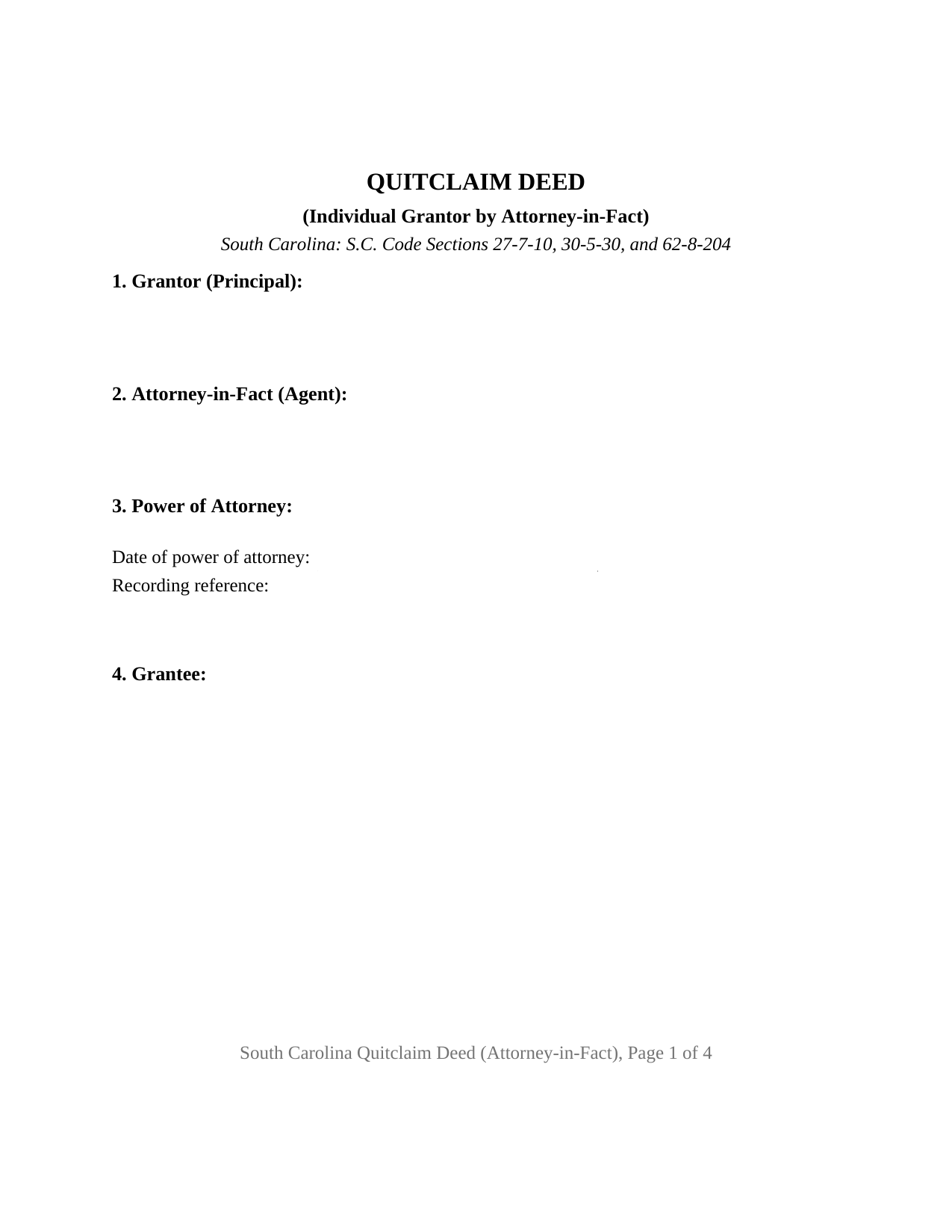
Pickens County Quitclaim Deed (Individual Grantor by Attorney-in-Fact) Form
Fill in the blank Quitclaim Deed (Individual Grantor by Attorney-in-Fact) form formatted to comply with all South Carolina recording and content requirements.
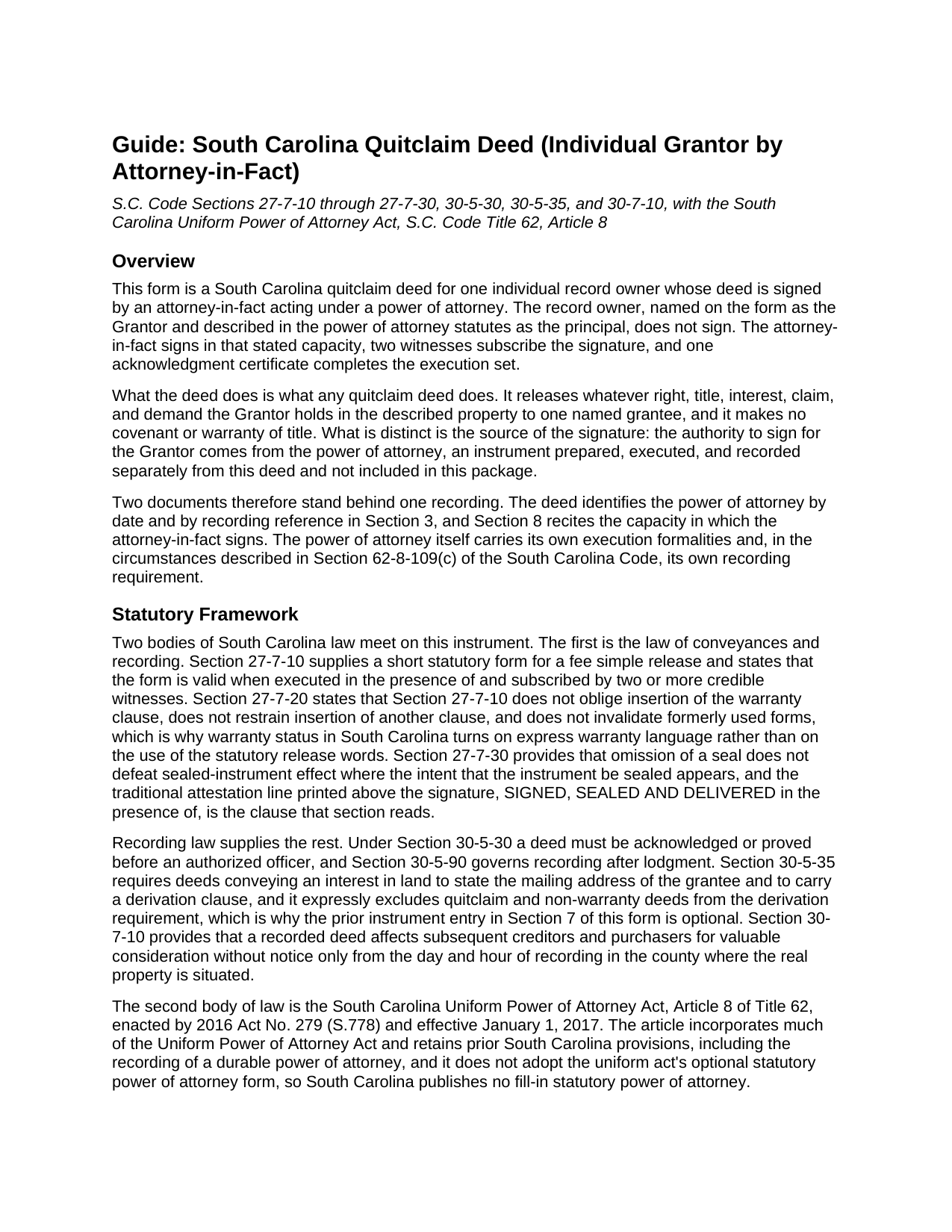
Pickens County Quitclaim Deed (Individual Grantor by Attorney-in-Fact) Guide
Line by line guide explaining every blank on the Quitclaim Deed (Individual Grantor by Attorney-in-Fact) form.
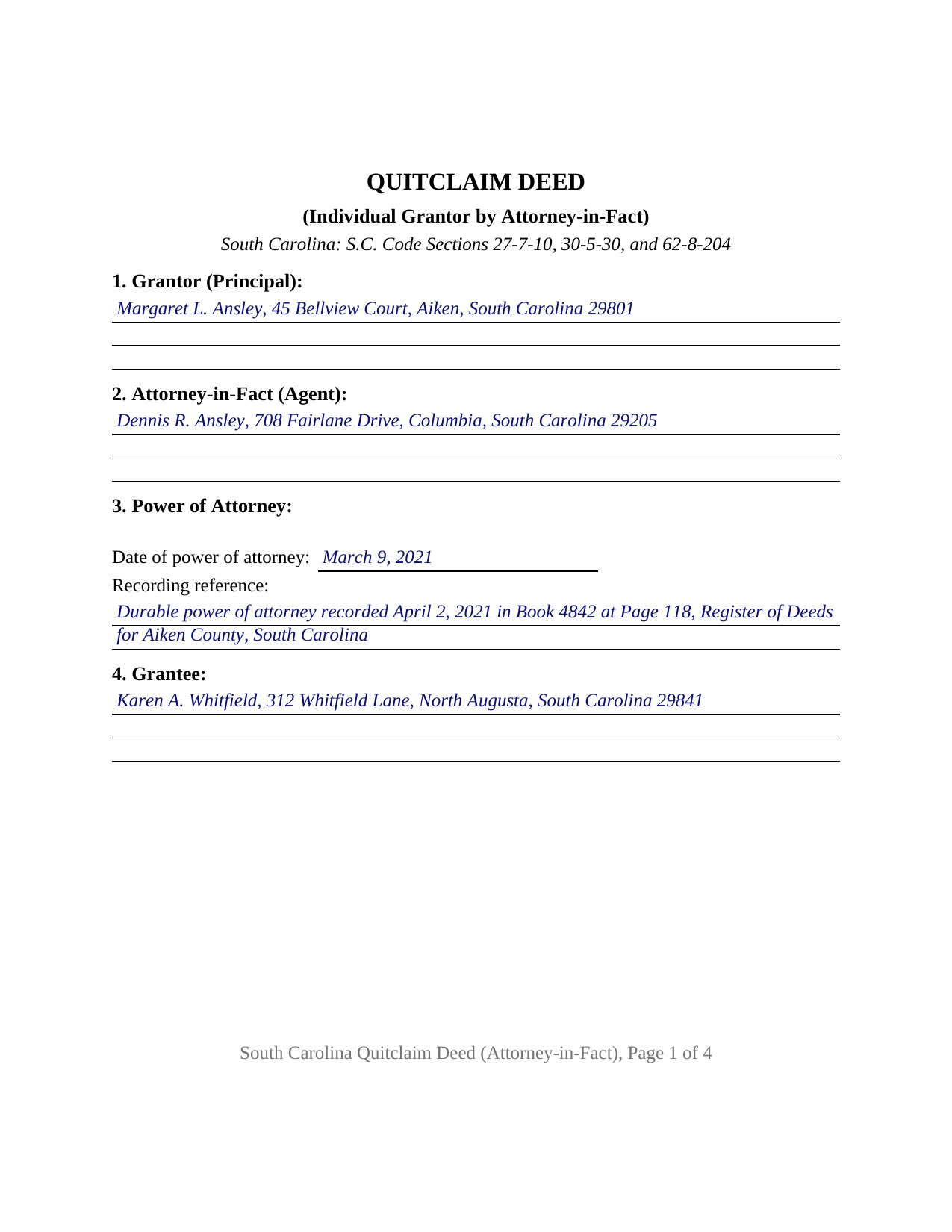
Pickens County Completed Example of the Quitclaim Deed (Individual Grantor by Attorney-in-Fact) Document
Example of a properly completed South Carolina Quitclaim Deed (Individual Grantor by Attorney-in-Fact) document for reference.
All 3 documents above included • One-time purchase • No recurring fees
Immediate Download • Secure Checkout
Additional South Carolina and Pickens County documents included at no extra charge:
Where to Record Your Documents
Pickens County Register of Deeds
Pickens, South Carolina 29671
Hours: 8:00 to 5:00 M-F / Recording until 4:30
Phone: (864) 898-5868
Recording Tips for Pickens County:
- Bring your driver's license or state-issued photo ID
- Ensure all signatures are in blue or black ink
- Request a receipt showing your recording numbers
- Ask about accepted payment methods when you call ahead
- Ask for certified copies if you need them for other transactions
Cities and Jurisdictions in Pickens County
Properties in any of these areas use Pickens County forms:
- Central
- Clemson
- Easley
- Liberty
- Norris
- Pickens
- Six Mile
- Sunset
Hours, fees, requirements, and more for Pickens County
How do I get my forms?
Forms are available for immediate download after payment. The Pickens County forms will be in your account ready to download to your computer. An account is created for you during checkout if you don't have one. Forms are NOT emailed.
Are these forms guaranteed to be recordable in Pickens County?
Yes. Our form blanks are guaranteed to meet or exceed the applicable formatting requirements used for recording in Pickens County, including margin requirements, font requirements, and other layout standards. This guarantee applies to formatting, not to the legal sufficiency of information entered by the user or the suitability of a form for a particular transaction.
Can I reuse these forms?
Yes. You can reuse the forms for your personal use. For example, if you have multiple properties in Pickens County you only need to order once.
What do I need to use these forms?
The forms are PDFs that you fill out on your computer. The free Adobe Acrobat Reader is recommended, and most PDF apps also work. You do NOT enter your property information online - you download the blank forms and complete them privately on your own computer.
Are there any recurring fees?
No. This is a one-time purchase. Nothing to cancel, no memberships, no recurring fees.
How much does it cost to record in Pickens County?
Recording fees in Pickens County vary. Contact the recorder's office at (864) 898-5868 for current fees.
Questions answered? Let's get started!
The signature on this South Carolina quitclaim deed belongs to someone who owns nothing. One individual record owner is named as Grantor, and an attorney-in-fact signs for that owner under a power of attorney the deed identifies by date and recording reference. The release is ordinary: whatever interest the owner holds passes to one named grantee, without covenant or warranty of title. The authority behind the pen is what this form is built to carry.
A statute that names this deed's own verb
South Carolina answers the authority question inside the Uniform Power of Attorney Act, Article 8 of Title 62, effective in 2017. Section 62-8-204 provides that, unless the document provides otherwise, language granting general authority as to real property lets the agent sell, exchange, convey with or without covenants, quitclaim, release, surrender, and encumber. The act this deed performs sits on that list by name. Section 62-8-201 then draws boundaries: an express grant is required before an agent may make a gift or create or change rights of survivorship, so a release for no consideration, or a grantee line carrying survivorship words, raises a question about the document's terms. Subsection (b) adds that only an ancestor, spouse, or descendant of the principal may create an interest in the agent, absent contrary terms.
Recording the authority, not only the deed
Two instruments reach the counter here, priced separately by Section 8-21-310: fifteen dollars for the deed, twenty five for the power of attorney. Section 62-8-109(c) explains why the second is there. After the principal's incapacity, an agent may exercise the granted authority only if the power of attorney has been recorded like a deed in the county where the principal then resides, or, for a principal living outside the State, in a county holding the principal's property. Until then the authority cannot be exercised. Section 62-8-105 gives that document formalities mirroring the deed's own: the principal's signature, attestation with the same formality and witnesses as a will, which Section 62-2-502 sets at two, and acknowledgment under Section 30-5-30.
The attorney-in-fact configuration
Sections 1 and 2 name the record owner and the agent with their mailing addresses, and Section 3 collects the power of attorney's date and its book, page, and county of recording. Section 8 performs the release, then recites the capacity: the attorney-in-fact signs solely in that office and not individually, the power of attorney reaches real property, the Grantor is alive, and neither the document nor the authority under it has been revoked. Section 9 carries one signature line whose printed name entry holds the signer's name and capacity, two witness blocks answering Sections 27-7-10 and 30-5-30(B), and one acknowledgment certificate. An owner who has moved out of state and cannot appear at a South Carolina closing, and an owner whose recorded durable document lets an agent act after incapacity, present the pattern this deed recites. The form recites one record owner and one agent signing for that owner; an owner signing personally, two co-owners together, a corporate officer, and a trust fiduciary each follow a different pattern.
When the authority ends
Section 62-8-110 lists the principal's death first among the events that end a power of attorney, a limit on this deed no recital can move, while sheltering anyone who acts in good faith without actual knowledge of a termination. Section 62-8-119 lets a party asked to accept an acknowledged power of attorney rely on it and request the agent's certification under penalty of perjury, on an optional statutory form prepared separately and not part of this package.
An exemption that points the other way
Deed stamps, which Section 12-24-10 measures at one dollar and eighty five cents per five hundred dollars of value, do not step aside because an agent signs. Section 12-24-40 exempts a deed running from an agent to that agent's principal where a notarized writing documents the agency, the reverse of the direction this deed travels. The example works that arithmetic on a stated eighteen thousand five hundred dollars.
A quitclaim deed, also searched as a quit claim deed or non-warranty deed, makes no promise about title, and Section 30-5-35 keeps such deeds outside its derivation clause while still calling for the grantee's mailing address. The purchase delivers three files: the blank fillable deed, an Aiken County completed example, and a plain language guide covering the nine sections, the power of attorney entries, the signing mechanics, and recording. Nothing here is legal advice; it describes South Carolina law in general terms.
Important: Your property must be located in Pickens County to use these forms. Documents should be recorded at the county recording office listed above.
This Quitclaim Deed (Individual Grantor by Attorney-in-Fact) meets all recording requirements specific to Pickens County.
Our Promise
The documents you receive here are guaranteed to meet or exceed the applicable Pickens County recording format requirements. If there is a rejection caused by our formatting, we will correct the issue or refund your payment. This guarantee applies to document formatting only and does not extend to information entered by the user, the selection of the form, or the legal effect of the completed document.
Save Time and Money
Get your Pickens County Quitclaim Deed (Individual Grantor by Attorney-in-Fact) form done right the first time with Deeds.com Uniform Conveyancing Blanks. At Deeds.com, we understand that your time and money are valuable resources, and we don't want you to face a penalty fee or rejection imposed by a county recorder for submitting nonstandard documents. We constantly review and update our forms to meet rapidly changing state and county recording requirements for roughly 3,500 counties and local jurisdictions.
4.8 out of 5 - ( 4,832 Reviews )
Leo b. 5 out of 5 stars
Awesome site great paperwork EZ Forms great.
Thank you Leo.
Lindsey W. 3 out of 5 stars
The service was great but after I did all my work and uploaded the documents they canceled my stuff because the county they had on the list doesnt take/or have set up e-recording yet. It was a bit disappointing because thats the only reason I was on here is because it brought me here from that countys sight.
Thank you for your feedback, sorry we were not able to provide the service for you. Hope you have a great day.
Darrell J. 5 out of 5 stars
Easy to use, rapid response, excellent service.
Thank you for your feedback. We really appreciate it. Have a great day!
Charles C. 5 out of 5 stars
Easy to use, fast!
Thank you!
Rhonda P. 5 out of 5 stars
Very quick and easy! Didn't even have to leave the house and I didn't have to send via USPS which is nice since we are in a pandemic. The convenience of this site is worth the extra money. Would definitely use this site again.
We appreciate your business and value your feedback. Thank you. Have a wonderful day!
sharon s. 5 out of 5 stars
great site for downloading forms
Thank you!
Sinh L. 5 out of 5 stars
Deeds.com did such a wonderful job that I had to leave a positive review. I did a deed retrieval and ran across some hiccups. Deeds.com was able to help me get my deed and even went beyond to help me have a more in depth understanding of it's title history. They responded quickly to all my messages. Great customer service. Definitely recommend! Thank you Deeds.com and thank you KVH.
We appreciate your business and value your feedback. Thank you. Have a wonderful day!
Mary S. 5 out of 5 stars
Wonderful!! So easy to locate the file you need and printing is a snap!! Thank you so much for this service! I will definitely be sharing your site!!
We appreciate your business and value your feedback. Thank you. Have a wonderful day!
Roger W. 5 out of 5 stars
worked very good or me
Thank you Roger, have a great day!
Jaime H. 5 out of 5 stars
quick and easy
Thank you!
Mica M. 5 out of 5 stars
Best Way EVER to record a warranty deed! It was nice to not have to drive anywhere and find the facility closed or "unable to process due to covid19 and buildings being closed". The correspondence between me and deeds.com was very timely in our back and forth email correspondence, and the processing was all finished in a timely manner. Totally worth the extra $15 that I paid in addition to the recording fee. I would use this again and again. My time and the efficiency of the job completed is worth the money.
We appreciate your business and value your feedback. Thank you. Have a wonderful day!
Charlotte A. 4 out of 5 stars
This information gave me enough to complete a quit claim deed yesterday
Thank you for your positive words! We’re thrilled to hear about your experience.
Mike H. 5 out of 5 stars
Great
Thank you!
Pamela S. 5 out of 5 stars
I love the convenience and professionalism!
Your satisfaction with our services is of utmost importance to us. Thank you for letting us know how we did!
Helen M. 5 out of 5 stars
I was quite pleased with Deeds.com. I got the information I requested instantly.
We appreciate your business and value your feedback. Thank you. Have a wonderful day!