Florence County Quitclaim Deed (Married Couple as Grantors) Form
Last validated October 19, 2026 by our Forms Development TeamFormatted for recording in Florence County, for property anywhere in the county: rural and unincorporated areas as well as Coward, Effingham, Florence, Johnsonville, Lake City, Olanta, Pamplico, Scranton and 1 more.
- 3 documents included
- Immediate PDF download
- Formatting guarantee
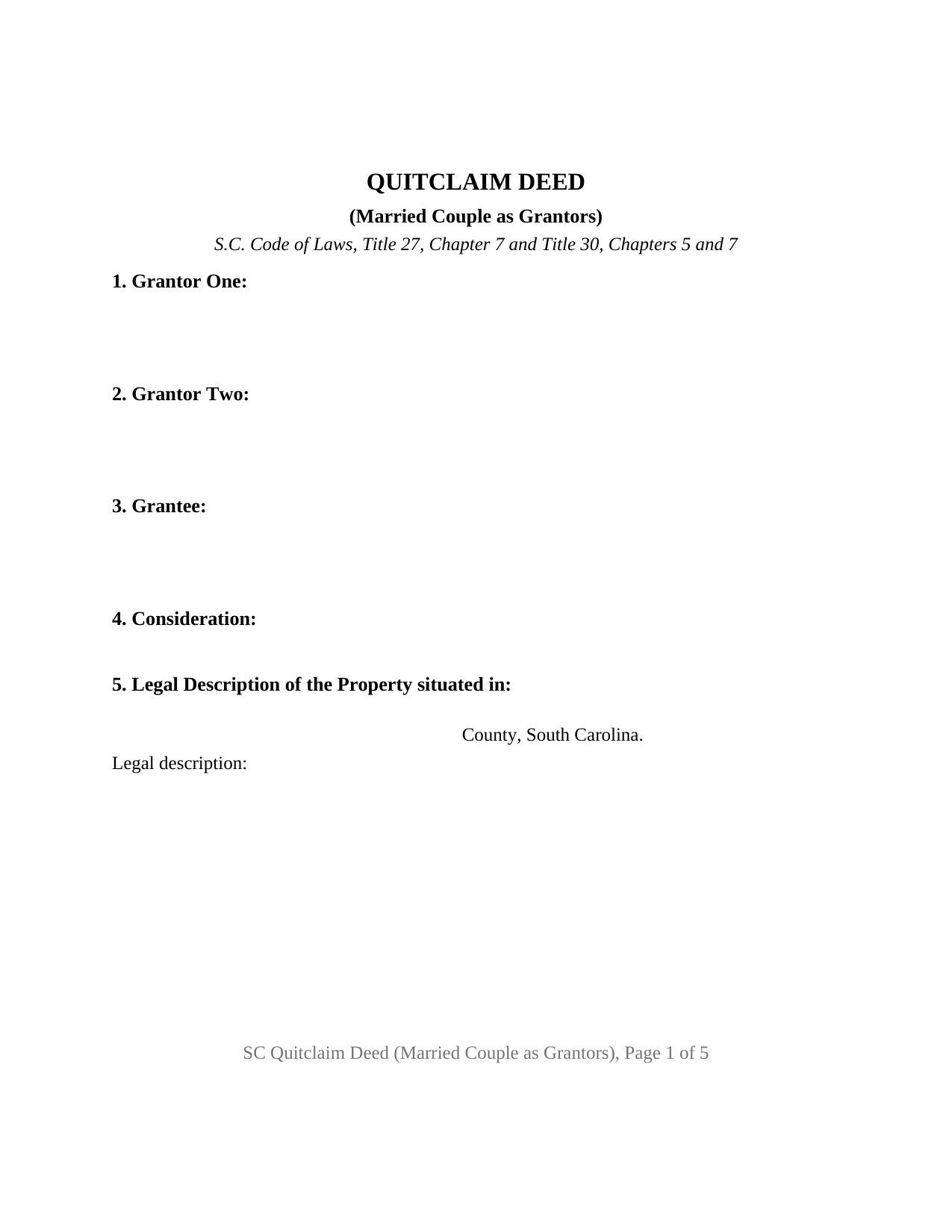
Florence County Quitclaim Deed (Married Couple as Grantors) Form
Fill in the blank Quitclaim Deed (Married Couple as Grantors) form formatted to comply with all South Carolina recording and content requirements.
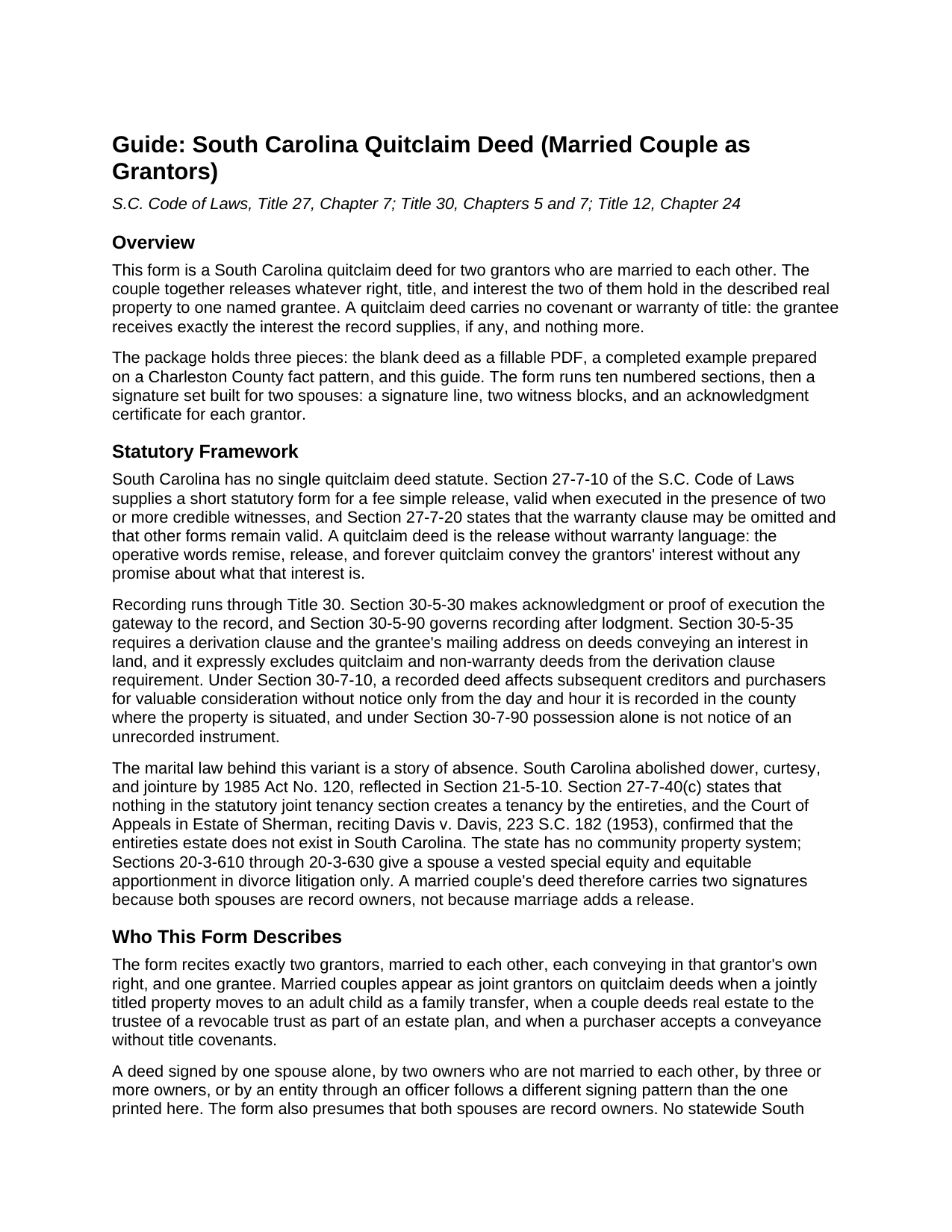
Florence County Quitclaim Deed (Married Couple as Grantors) Guide
Line by line guide explaining every blank on the Quitclaim Deed (Married Couple as Grantors) form.
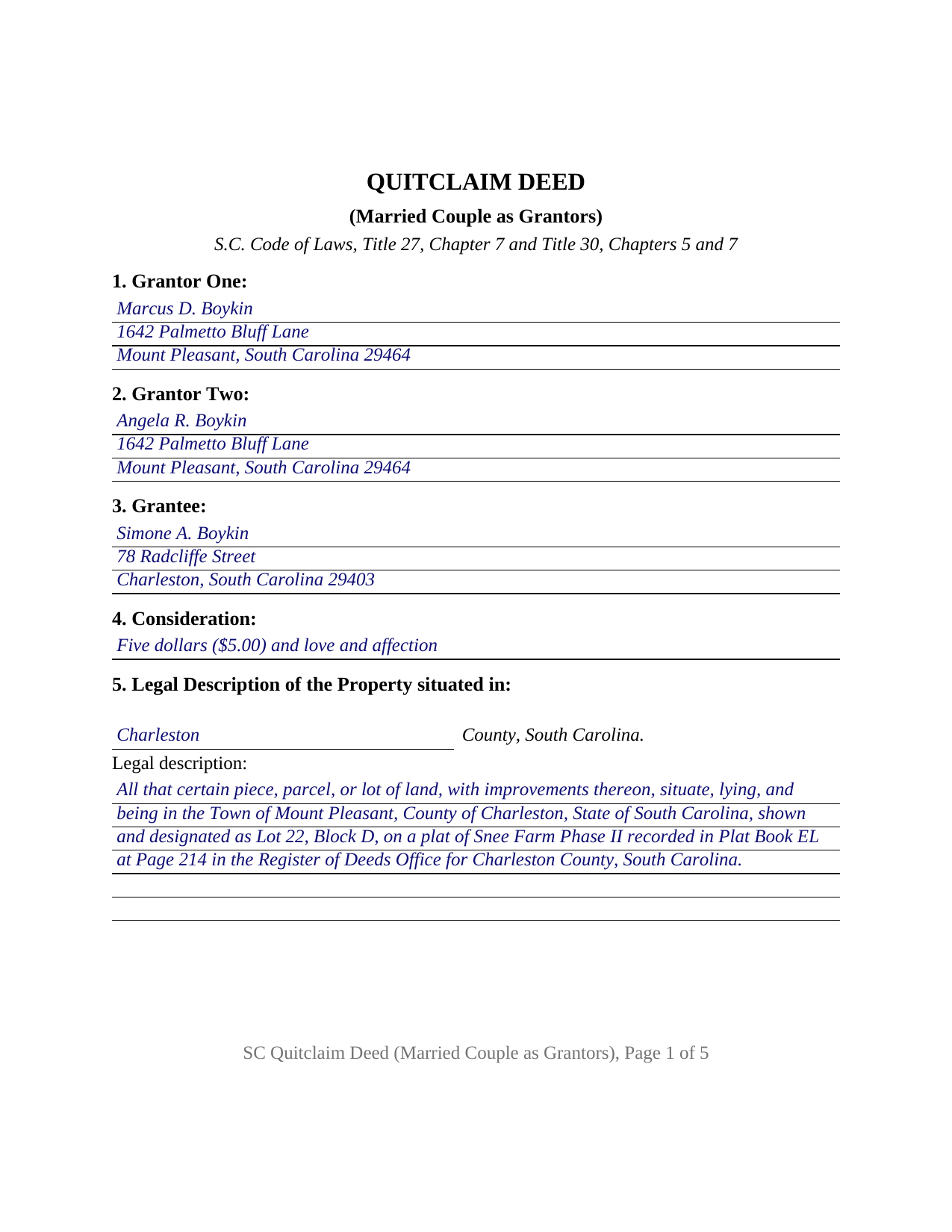
Florence County Completed Example of the Quitclaim Deed (Married Couple as Grantors) Document
Example of a properly completed South Carolina Quitclaim Deed (Married Couple as Grantors) document for reference.
All 3 documents above included • One-time purchase • No recurring fees
Immediate Download • Secure Checkout
Additional South Carolina and Florence County documents included at no extra charge:
Where to Record Your Documents
Florence County Clerk of Court
St. Florence, South Carolina 29501
Hours: 8:30am to 5:00pm Monday through Friday
Phone: (843) 665-3031
Recording Tips for Florence County:
- Bring your driver's license or state-issued photo ID
- Ensure all signatures are in blue or black ink
- Recorded documents become public record - avoid including SSNs
- Recording fees may differ from what's posted online - verify current rates
- Request a receipt showing your recording numbers
Cities and Jurisdictions in Florence County
Properties in any of these areas use Florence County forms:
- Coward
- Effingham
- Florence
- Johnsonville
- Lake City
- Olanta
- Pamplico
- Scranton
- Timmonsville
Hours, fees, requirements, and more for Florence County
How do I get my forms?
Forms are available for immediate download after payment. The Florence County forms will be in your account ready to download to your computer. An account is created for you during checkout if you don't have one. Forms are NOT emailed.
Are these forms guaranteed to be recordable in Florence County?
Yes. Our form blanks are guaranteed to meet or exceed the applicable formatting requirements used for recording in Florence County, including margin requirements, font requirements, and other layout standards. This guarantee applies to formatting, not to the legal sufficiency of information entered by the user or the suitability of a form for a particular transaction.
Can I reuse these forms?
Yes. You can reuse the forms for your personal use. For example, if you have multiple properties in Florence County you only need to order once.
What do I need to use these forms?
The forms are PDFs that you fill out on your computer. The free Adobe Acrobat Reader is recommended, and most PDF apps also work. You do NOT enter your property information online - you download the blank forms and complete them privately on your own computer.
Are there any recurring fees?
No. This is a one-time purchase. Nothing to cancel, no memberships, no recurring fees.
How much does it cost to record in Florence County?
Recording fees in Florence County vary. Contact the recorder's office at (843) 665-3031 for current fees.
Questions answered? Let's get started!
South Carolina puts a name on a deed's signature line for one reason: record ownership. Marriage, by itself, adds nothing, and this quitclaim deed form is arranged around that fact, joining a married couple who both hold record title to South Carolina real property as the two grantors of a single release to one named grantee.
Both spouses sign as owners, not because they are married
South Carolina abolished dower, curtesy, and jointure in 1985, recognizes no community property, and, under S.C. Code Section 27-7-40(c), does not recognize tenancy by the entirety between spouses. So there is no marital-rights machinery to print: no dower waiver block, no joinder line for a spouse who is off the title. What the record does show is couples who took title together, as tenants in common or as statutory joint tenants, and a conveyance of the whole parcel therefore carries both owners' signatures. This form supplies exactly that execution set, along with a short recital that the two grantors are married to each other; the recital describes the signers, while the deed draws its force from their ownership.
The married-couple configuration
Sections 1 and 2 of the form identify the spouses by name and mailing address, and the operative section joins them in one release using the traditional quitclaim words, each spouse conveying in that spouse's own right. The execution set doubles what the state expects of a signing: a signature line for each spouse, a pair of witness blocks attached to each spouse's execution, and an acknowledgment certificate for each spouse, so the couple can sign at one sitting before a single notary or complete the two executions apart when work or travel separates them. A married couple moving a jointly titled house to an adult child, and spouses retitling real estate into the trustee of their revocable living trust, present the ownership pattern this deed recites. The form recites two grantors who are married to each other and one grantee; a sole owner's release, a conveyance by co-owners who are not spouses, and an entity's deed each follow a signing pattern different from the one printed here.
What the release does and does not say
A quitclaim deed, sometimes written as quit claim deed and also called a non-warranty deed, conveys the grantors' right, title, and interest, if any, with no covenant about what that interest is. South Carolina's recording law treats the instrument accordingly: the derivation clause required of warranty deeds does not apply, while the grantee's mailing address, the parcel's tax map number, and acknowledgment before an officer remain part of an ordinary recording package. The deed binds the parties when delivered; placing it on record with the county register of deeds gives it effect against later creditors and purchasers for value without notice from the day and hour of recording.
Deed stamps when spouses convey together
South Carolina's deed recording fee runs with the deed, not with the number of grantors, and a married couple's family transfer often records under one of the statutory exemptions, with the accompanying value affidavit stating the reason in place of a computed amount. The guide walks the fee arithmetic, the exemption categories, and the flat statewide recording charge, and the completed example shows the whole pattern end to end: a Charleston County couple releasing their jointly titled Mount Pleasant lot to their daughter, every field filled, both executions witnessed and acknowledged.
The download contains the fillable married-couple quitclaim deed, the Charleston County completed example, and a plain language guide covering every numbered section, the witness and two-certificate signing mechanics, and the recording and deed stamp sequence. These materials describe South Carolina law in general terms; they are not legal advice.
Important: Your property must be located in Florence County to use these forms. Documents should be recorded at the county recording office listed above.
This Quitclaim Deed (Married Couple as Grantors) meets all recording requirements specific to Florence County.
Our Promise
The documents you receive here are guaranteed to meet or exceed the applicable Florence County recording format requirements. If there is a rejection caused by our formatting, we will correct the issue or refund your payment. This guarantee applies to document formatting only and does not extend to information entered by the user, the selection of the form, or the legal effect of the completed document.
Save Time and Money
Get your Florence County Quitclaim Deed (Married Couple as Grantors) form done right the first time with Deeds.com Uniform Conveyancing Blanks. At Deeds.com, we understand that your time and money are valuable resources, and we don't want you to face a penalty fee or rejection imposed by a county recorder for submitting nonstandard documents. We constantly review and update our forms to meet rapidly changing state and county recording requirements for roughly 3,500 counties and local jurisdictions.
4.8 out of 5 - ( 4,836 Reviews )
WILLIAM M. 5 out of 5 stars
After a long search this site is the best all inclusive service. Contacting Customer Service received an timely reply. Highly recommened.
We appreciate your business and value your feedback. Thank you. Have a wonderful day!
Michael K. 5 out of 5 stars
I haven't used them yet. So far so good.
Thank you!
Darius M. 5 out of 5 stars
I receive the specific legal forms that I needed as well as a guide on how to fill out the form. Very pleased. I saved $300.00 in lawyers fees by filling out the Quickclaim deed myself.
Thank you for your feedback. We really appreciate it. Have a great day!
Jim W. 5 out of 5 stars
ALL I CAN SAY IS WOW. I AM SO GLAD THAT SOMEONE THOUGHT OF THIS OPROCESS FOR NON-TITLE COMPANIES, SMALL COMPANIES, ETC. I REALLY APPRECIATED THE SERVICE WHEN I RECORDED MY FIRST SET OF DOCS HERE. THEY WERE A MESS AND I HAD A LOT OF QUESTIONS. AGAIN THANK YOU!
Thank you for your feedback. We really appreciate it. Have a great day!
Samuel J M. 5 out of 5 stars
I needed to prepare a Correction Warranty Deed and have not done so in years. I ordered your form and modified it to fit my situation. Saved me a lot of time. Thanks.
Thank you for your feedback. We really appreciate it. Have a great day!
Ronald W. 5 out of 5 stars
Outstanding website, very refreshing to use. Thank you
We’re glad to hear things went well. Thank you for the review.
Maree W. 5 out of 5 stars
I am so impress with the forms that is needed for your state. It makes your task so easy and no worries. This was a big help in taking care of business. Thank you so much.
We appreciate your business and value your feedback. Thank you. Have a wonderful day!
Dan B. 5 out of 5 stars
Excellent service even faster then I expected. Very pleased and a reasonable priced document. I encourage people too use Deeds.Com
Thank you for your feedback. We really appreciate it. Have a great day!
Garrison T. 5 out of 5 stars
Excellent service & very easy to use.
Thank you!
Rebecca K. 5 out of 5 stars
I was able to find EXACTLY what I was looking for in just a couple minutes, plus a helpful guide, all for less than $30. I was very impressed.
We appreciate your business and value your feedback. Thank you. Have a wonderful day!
Janna V. 4 out of 5 stars
Very easy process!
Thank you!
Scott W. 5 out of 5 stars
Finding and downloading necessary forms, and especially the example forms, were tremendously easy and trouble free, and the fact the forms were updated recently was a big selling point. If other forms are needed, this is were I'm coming.
We appreciate your business and value your feedback. Thank you. Have a wonderful day!
ARNOLD E. 5 out of 5 stars
SO FAR SO GOOD! I AM STILL COMPLETING THE QUIT CLAIM DEED. THANKS....ARNIE
Thank you Arnold, we really appreciate your feedback.
Rosie M. 5 out of 5 stars
I found exactly what I was looking for, and the documents are a complete package. Great service!
Thank you, Rosie! We're so glad you found exactly what you needed and that the documents met your expectations. We appreciate your kind words and your support! If you ever need anything else, we're here to help.
Kim B. 5 out of 5 stars
The package was extremely helpful and provided everything I needed to complete this for my mom- I highly recommend their service!
Your feedback is greatly appreciated. Thank you for taking the time to share your experience!