Mccormick County Quitclaim Deed (Married Grantor with Non-Owner Spouse Joinder) Form
Last validated September 22, 2026 by our Forms Development TeamFormatted for recording in Mccormick County, for property anywhere in the county: rural and unincorporated areas as well as Clarks Hill, Mc Cormick, Modoc, Mount Carmel, Parksville, Plum Branch.
- 3 documents included
- Immediate PDF download
- Formatting guarantee
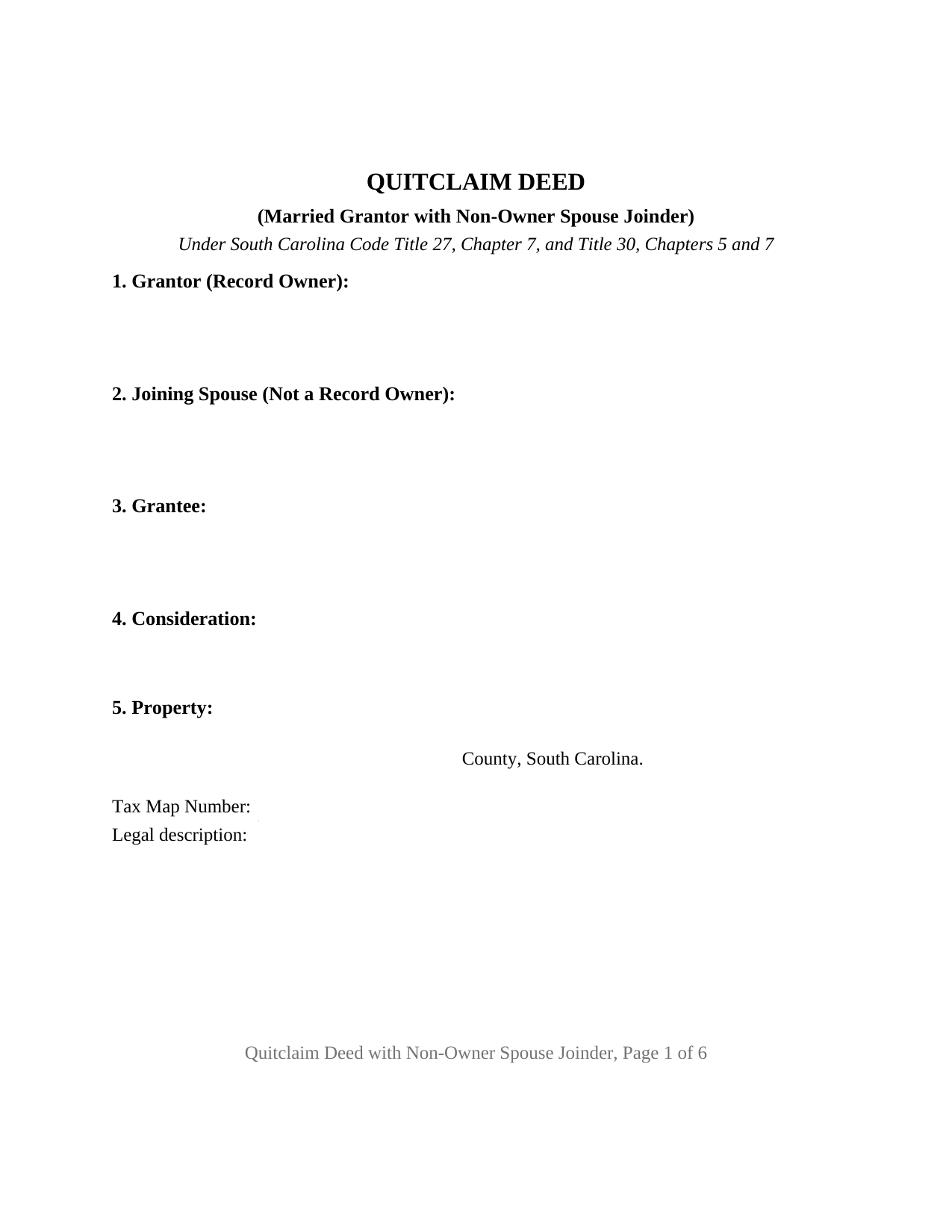
Mccormick County Quitclaim Deed (Married Grantor with Non-Owner Spouse Joinder) Form
Fill in the blank Quitclaim Deed (Married Grantor with Non-Owner Spouse Joinder) form formatted to comply with all South Carolina recording and content requirements.
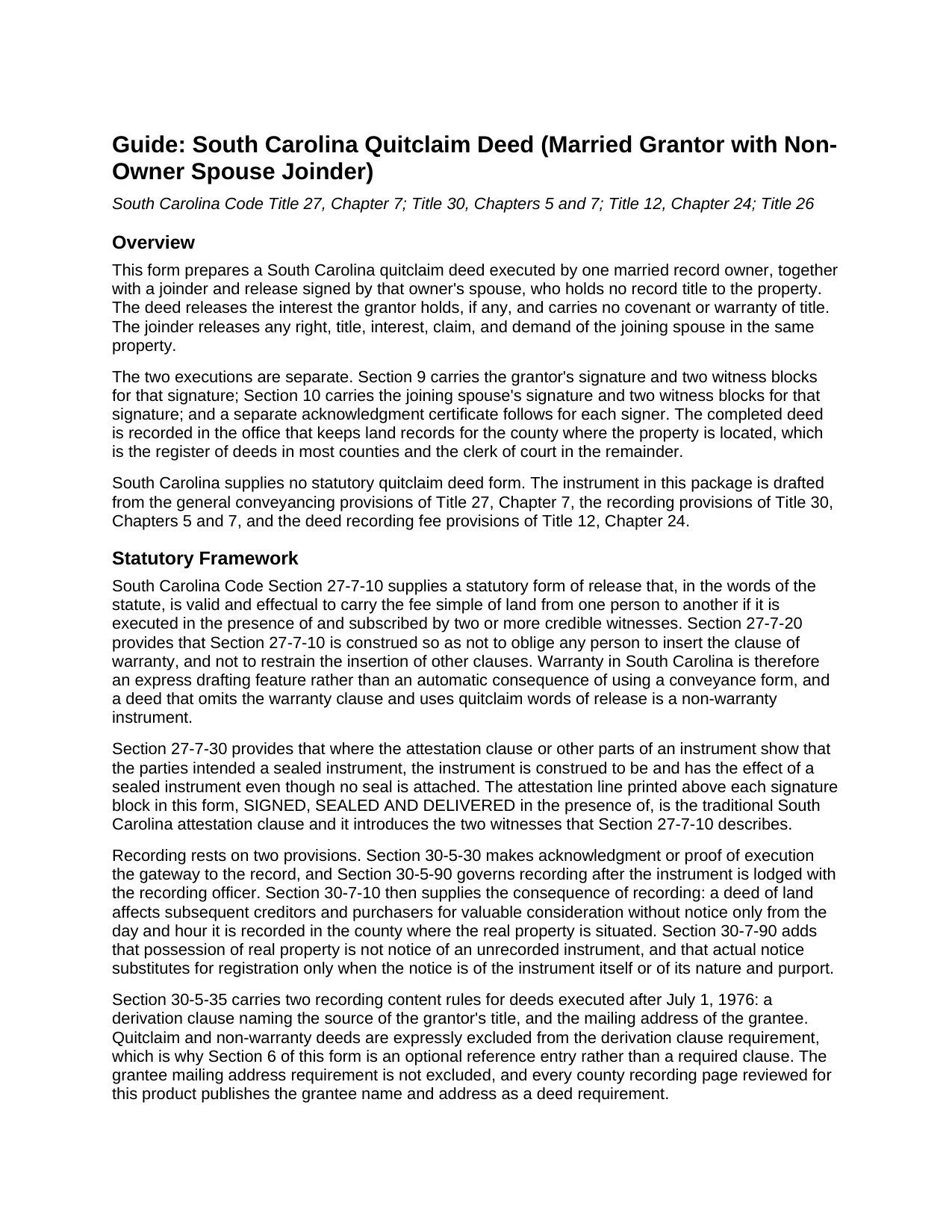
Mccormick County Quitclaim Deed (Married Grantor with Non-Owner Spouse Joinder) Guide
Line by line guide explaining every blank on the Quitclaim Deed (Married Grantor with Non-Owner Spouse Joinder) form.
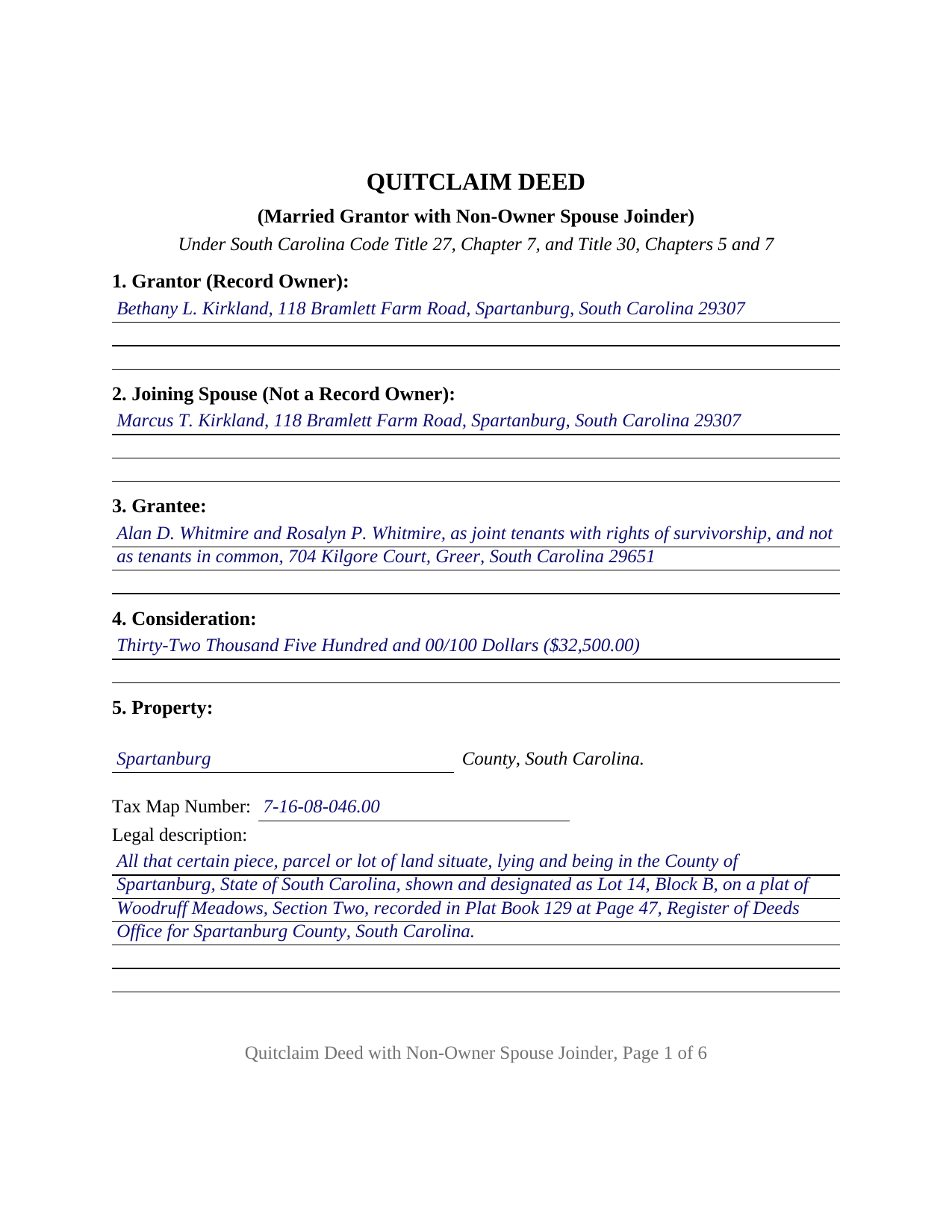
Mccormick County Completed Example of the Quitclaim Deed (Married Grantor with Non-Owner Spouse Joinder) Document
Example of a properly completed South Carolina Quitclaim Deed (Married Grantor with Non-Owner Spouse Joinder) document for reference.
All 3 documents above included • One-time purchase • No recurring fees
Immediate Download • Secure Checkout
Additional South Carolina and Mccormick County documents included at no extra charge:
Where to Record Your Documents
McCormick County Clerk of Court
McCormick, South Carolina 29835
Hours: 9:00am to 5:00pm Monday through Friday
Phone: (864) 852-2195
Recording Tips for Mccormick County:
- Bring your driver's license or state-issued photo ID
- Ensure all signatures are in blue or black ink
- Recording fees may differ from what's posted online - verify current rates
- Request a receipt showing your recording numbers
- Ask about accepted payment methods when you call ahead
Cities and Jurisdictions in Mccormick County
Properties in any of these areas use Mccormick County forms:
- Clarks Hill
- Mc Cormick
- Modoc
- Mount Carmel
- Parksville
- Plum Branch
Hours, fees, requirements, and more for Mccormick County
How do I get my forms?
Forms are available for immediate download after payment. The Mccormick County forms will be in your account ready to download to your computer. An account is created for you during checkout if you don't have one. Forms are NOT emailed.
Are these forms guaranteed to be recordable in Mccormick County?
Yes. Our form blanks are guaranteed to meet or exceed the applicable formatting requirements used for recording in Mccormick County, including margin requirements, font requirements, and other layout standards. This guarantee applies to formatting, not to the legal sufficiency of information entered by the user or the suitability of a form for a particular transaction.
Can I reuse these forms?
Yes. You can reuse the forms for your personal use. For example, if you have multiple properties in Mccormick County you only need to order once.
What do I need to use these forms?
The forms are PDFs that you fill out on your computer. The free Adobe Acrobat Reader is recommended, and most PDF apps also work. You do NOT enter your property information online - you download the blank forms and complete them privately on your own computer.
Are there any recurring fees?
No. This is a one-time purchase. Nothing to cancel, no memberships, no recurring fees.
How much does it cost to record in Mccormick County?
Recording fees in Mccormick County vary. Contact the recorder's office at (864) 852-2195 for current fees.
Questions answered? Let's get started!
A South Carolina deed sometimes carries a signature the recording statutes never ask for. This quitclaim deed is built around that signature: one married record owner releases an interest in South Carolina real property, and the owner's spouse, who holds no record title to it, signs a joinder releasing any claim of that spouse in the same land. Each signer has a full execution set, and the deed states in its own text what the joining signature reaches.
What the joining signature is doing
The marital estates that once made this signature mandatory are gone: 1985 Act No. 120 abolished tenancy by curtesy, dower, and jointure, and no current South Carolina statute requires a spouse who holds no record title to join an ordinary lifetime deed of the other spouse. What survives sits outside the recording chapters. Under S.C. Code Sections 20-3-610 through 20-3-630 a spouse holds a vested special equity in marital property that a family court apportions in marital litigation, and a purchaser, a lender, or a title examiner reading a deed from a married sole owner can look for the other spouse's release of that kind of claim. Separation agreements and family court orders call for it by their own terms, and the joinder on this form is that release, collected by the deed and bounded by it.
One owner, one joining spouse, two executions
The configuration is the product. Section 1 names the individual who holds record title and Section 2 names the spouse who does not. Section 7 carries the quitclaim by the owner, remising, releasing, and forever quitclaiming whatever interest the owner holds to the grantee named in Section 3. Section 8 carries the spouse's release of all right, title, interest, claim, and demand in the property, whether arising by marriage, by operation of law, or otherwise, and then draws its own boundaries: the joinder reaches interests in the property only, it is not a waiver under Section 62-2-204 of the elective share, homestead allowance, or exempt property, and it conveys nothing of the owner's beyond what Section 7 releases. Sections 9 and 10 give each signer a signature line, a printed name and date, and two witness blocks, and one acknowledgment certificate follows each signature, so the two signings can happen weeks and miles apart. A married owner who took title alone selling a vacant parcel to a buyer who wants the spousal claim closed out, and a release given under a separation agreement, present the pattern this deed recites. The form recites exactly one record owner and one non-owner spouse; a release by two record owners, or by a sole owner with no joinder at all, follows a different signing pattern than the one printed here.
Witnesses, twice over
Because this deed carries two separate acts, it pairs two witness blocks with each signature rather than one pair for the page, so an execution completed on its own day arrives at the counter with its own attesting witnesses. Section 27-7-10 describes a release subscribed by two or more credible witnesses, and Section 30-5-30(B) describes acknowledgment in the presence of two witnesses. Above each signature stands the traditional attestation line, SIGNED, SEALED AND DELIVERED in the presence of, which is the clause Section 27-7-30 reads for sealed-instrument effect.
Deed stamps when a price is stated
A quitclaim deed, also written as a quit claim deed and known as a non-warranty deed, carries the ordinary deed recording fee when consideration changes hands. Section 12-24-10 sets it at one dollar and eighty five cents for each five hundred dollars, or fractional part of five hundred dollars, of the value of the realty, and Section 12-24-20 makes the grantor primarily liable. The completed example works the arithmetic on a stated price of thirty two thousand five hundred dollars: sixty five increments of five hundred dollars, one hundred twenty dollars and twenty five cents, beside the flat fifteen dollar charge Section 8-21-310 sets for recording any deed in the state. The value affidavit that Section 12-24-70 calls for is prepared and recorded separately and is not part of this package.
The download is three files: the blank deed as a fillable PDF, a completed example filled in on a Spartanburg County fact pattern, and a plain language guide covering each numbered section, the two-execution witness and notary mechanics, the co-ownership words South Carolina recognizes on the grantee line, and the recording sequence. These materials describe South Carolina law in general terms and are not legal advice.
Important: Your property must be located in Mccormick County to use these forms. Documents should be recorded at the county recording office listed above.
This Quitclaim Deed (Married Grantor with Non-Owner Spouse Joinder) meets all recording requirements specific to Mccormick County.
Our Promise
The documents you receive here are guaranteed to meet or exceed the applicable Mccormick County recording format requirements. If there is a rejection caused by our formatting, we will correct the issue or refund your payment. This guarantee applies to document formatting only and does not extend to information entered by the user, the selection of the form, or the legal effect of the completed document.
Save Time and Money
Get your Mccormick County Quitclaim Deed (Married Grantor with Non-Owner Spouse Joinder) form done right the first time with Deeds.com Uniform Conveyancing Blanks. At Deeds.com, we understand that your time and money are valuable resources, and we don't want you to face a penalty fee or rejection imposed by a county recorder for submitting nonstandard documents. We constantly review and update our forms to meet rapidly changing state and county recording requirements for roughly 3,500 counties and local jurisdictions.
4.8 out of 5 - ( 4,828 Reviews )
Jeff R. 5 out of 5 stars
Easy process to receive service. thank you
Thank you!
SHARON D. 5 out of 5 stars
This is one of the easiest sites to purchase and download needed forms. I would highly recommend this site.
Thank you Sharon. We really appreciate you. Enjoy your holidays.
Laverne C. 5 out of 5 stars
Great service. The issue I had was uploading the file of several pages. Once I learned, everything became clear and easier. The support group have been extremely prompt and helpful, I would surely use the service again and recommend the serivce.
Thank you!
Joe B. 5 out of 5 stars
Fantastic service -- very clear
We appreciate your business and value your feedback. Thank you. Have a wonderful day!
James C. 5 out of 5 stars
An excellent resource for users.
Thank you!
Reida S. 5 out of 5 stars
Have used two times. Smooth transaction both times. Fast, simple and easy to use system. Would use them again in the future.
Thank you for your feedback. We really appreciate it. Have a great day!
April C. 5 out of 5 stars
Spot on forms and process. YMMV but way more efficient and cost effective than contacting an ambulance... attorney.
Thank you!
GARY S. 5 out of 5 stars
sweet & easy
Thank you!
LINDA C. 5 out of 5 stars
EASY, FAST, AND CONVENIENT.
Thank you!
Todd B. 5 out of 5 stars
very quick and easy
Thank you!
Jamal . 5 out of 5 stars
So far so good!
Thank you!
DONNA F. 5 out of 5 stars
very easy and fast thank you would recommend
We appreciate your business and value your feedback. Thank you. Have a wonderful day!
Erik G. 5 out of 5 stars
Great...
Thank you!
Vicki C. 5 out of 5 stars
I purchased a Deed on Death for Washington State. Very user friendly site. Thank you 5star
Thank you for your feedback. We really appreciate it. Have a great day!
Biagio V. 5 out of 5 stars
Process was quick , through and completed with no problems. Excellent service for the price involved.
We appreciate your business and value your feedback. Thank you. Have a wonderful day!