Saluda County Quitclaim Deed (Two Grantors) Form
Last validated October 29, 2026 by our Forms Development TeamFormatted for recording in Saluda County, for property anywhere in the county: rural and unincorporated areas as well as Ridge Spring, Saluda, Ward.
- 3 documents included
- Immediate PDF download
- Formatting guarantee
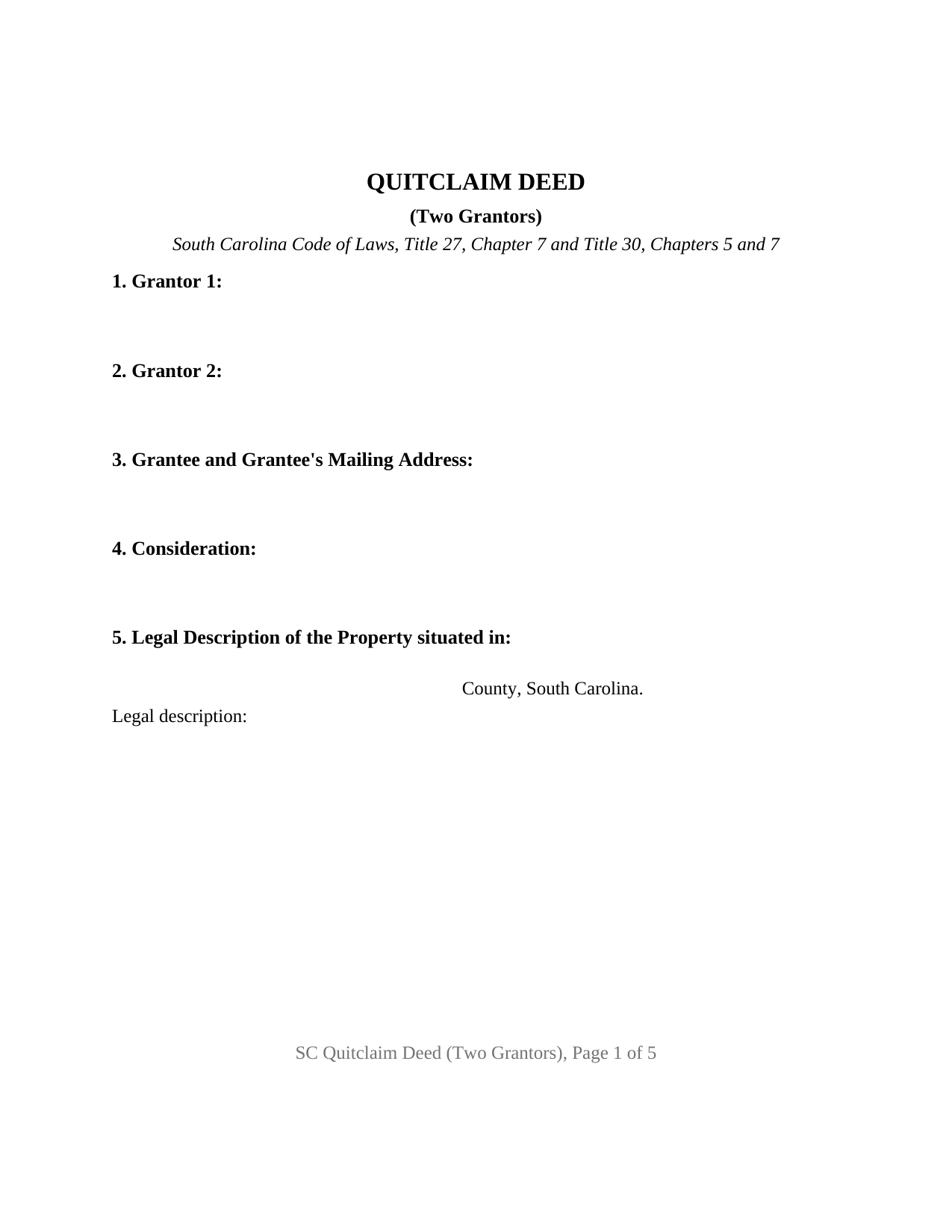
Saluda County Quitclaim Deed (Two Grantors) Form
Fill in the blank Quitclaim Deed (Two Grantors) form formatted to comply with all South Carolina recording and content requirements.
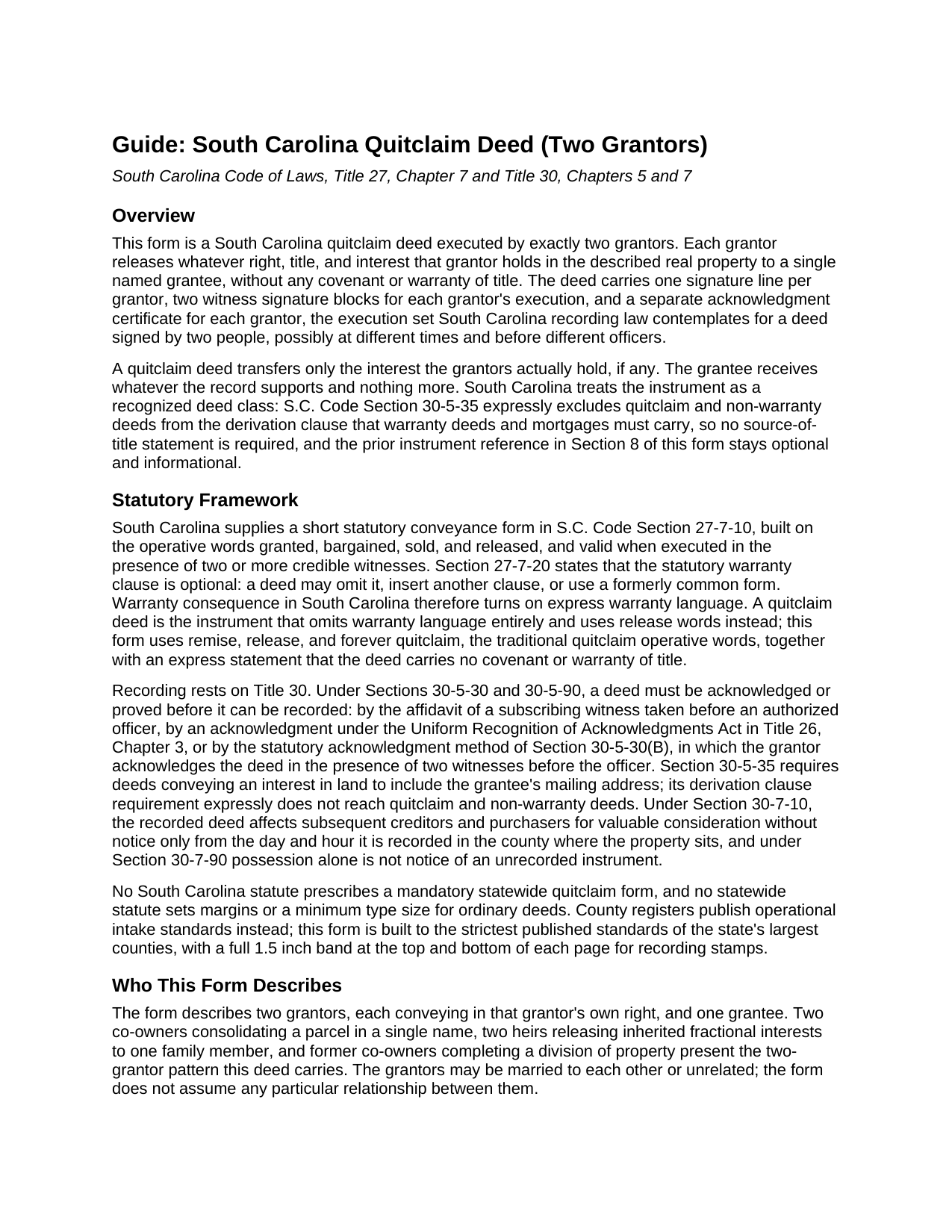
Saluda County Quitclaim Deed (Two Grantors) Guide
Line by line guide explaining every blank on the Quitclaim Deed (Two Grantors) form.
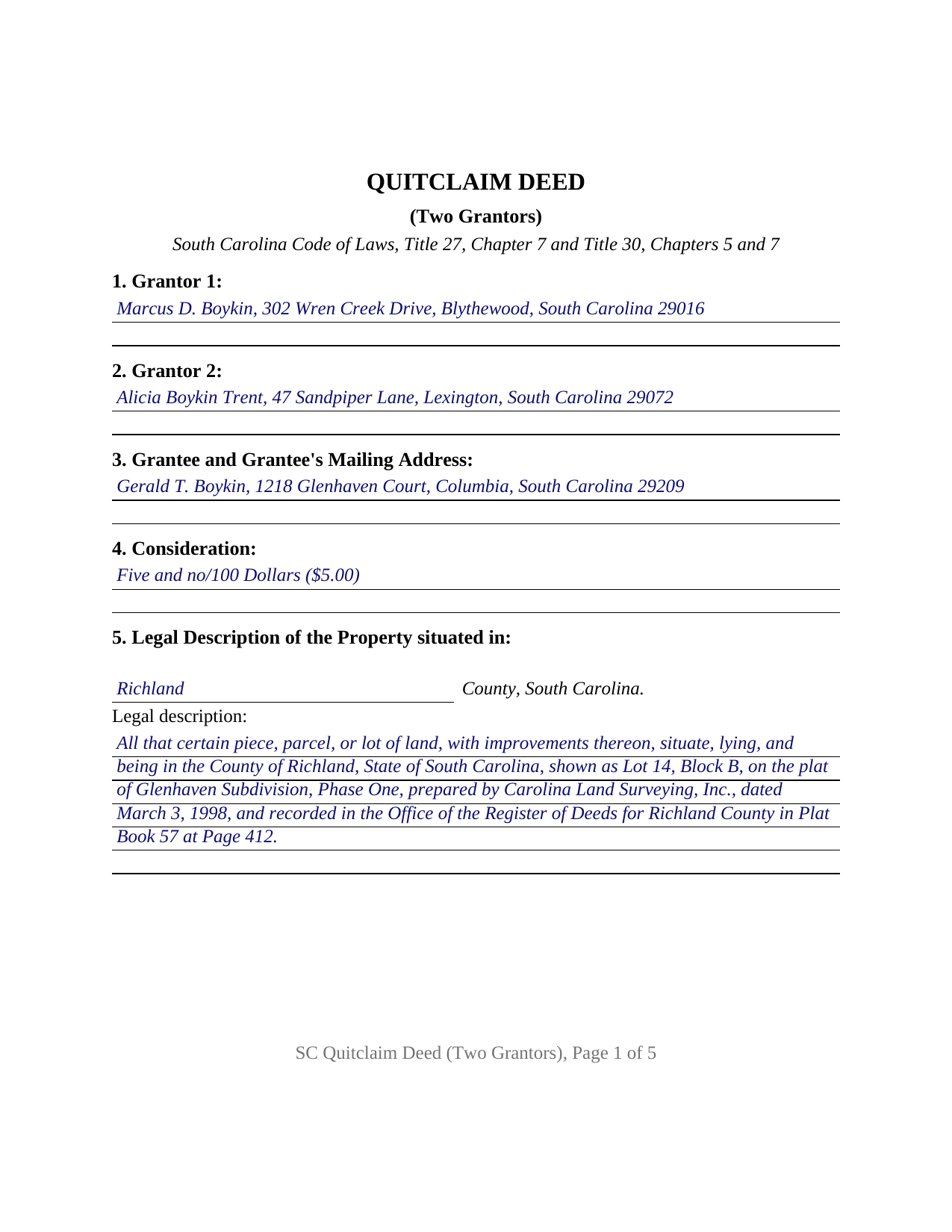
Saluda County Completed Example of the Quitclaim Deed (Two Grantors) Document
Example of a properly completed South Carolina Quitclaim Deed (Two Grantors) document for reference.
All 3 documents above included • One-time purchase • No recurring fees
Immediate Download • Secure Checkout
Additional South Carolina and Saluda County documents included at no extra charge:
Where to Record Your Documents
Saluda County Clerk of Court
Saluda, South Carolina 29138
Hours: 8:30am - 5:00pm M-F
Phone: (864) 445-4500 Ext 2216
Recording Tips for Saluda County:
- Bring your driver's license or state-issued photo ID
- Ensure all signatures are in blue or black ink
- Request a receipt showing your recording numbers
- Ask about accepted payment methods when you call ahead
- Ask for certified copies if you need them for other transactions
Cities and Jurisdictions in Saluda County
Properties in any of these areas use Saluda County forms:
- Ridge Spring
- Saluda
- Ward
Hours, fees, requirements, and more for Saluda County
How do I get my forms?
Forms are available for immediate download after payment. The Saluda County forms will be in your account ready to download to your computer. An account is created for you during checkout if you don't have one. Forms are NOT emailed.
Are these forms guaranteed to be recordable in Saluda County?
Yes. Our form blanks are guaranteed to meet or exceed the applicable formatting requirements used for recording in Saluda County, including margin requirements, font requirements, and other layout standards. This guarantee applies to formatting, not to the legal sufficiency of information entered by the user or the suitability of a form for a particular transaction.
Can I reuse these forms?
Yes. You can reuse the forms for your personal use. For example, if you have multiple properties in Saluda County you only need to order once.
What do I need to use these forms?
The forms are PDFs that you fill out on your computer. The free Adobe Acrobat Reader is recommended, and most PDF apps also work. You do NOT enter your property information online - you download the blank forms and complete them privately on your own computer.
Are there any recurring fees?
No. This is a one-time purchase. Nothing to cancel, no memberships, no recurring fees.
How much does it cost to record in Saluda County?
Recording fees in Saluda County vary. Contact the recorder's office at (864) 445-4500 Ext 2216 for current fees.
Questions answered? Let's get started!
This South Carolina quitclaim deed is configured for two grantors: two record owners of the same parcel who each give up their right, title, and interest to one named grantee on a single instrument. The form carries a signature line for each grantor, two witness signature blocks for each grantor's execution, and its own acknowledgment certificate for each grantor, so the pair can sign together in one ceremony or complete their signings on different dates, in different counties, before different notaries.
Two owners, one deed
The two-grantor configuration is the architecture of this form. Sections 1 and 2 identify the two owners by name and mailing address, the operative section joins them in a single release using the traditional words remise, release, and forever quitclaim, and the habendum runs to one grantee and that grantee's heirs, successors, and assigns. Two heirs releasing inherited fractional shares to a single family member, and co-owners consolidating a jointly held parcel under one name, present the pattern this configuration serves. The form recites exactly two individual grantors conveying in their own right; a deed executed by a sole owner, by three or more owners, or by an entity officer, trustee, or attorney-in-fact follows a different signing pattern than the one printed here.
Executions that can travel
South Carolina deed execution runs on witnesses as well as a notary. Each grantor signs before two witnesses, and county recording offices across the state publish that the notary may stand as one of the two, so each signing needs only the grantor, one additional witness, and the officer. The witness blocks on this form are paired with each grantor, and the two acknowledgment certificates let each execution be proved on its own: South Carolina law does not require a separate certificate for each signer, but the two-certificate layout means a grantor in Columbia and a grantor in Charlotte never have to appear in the same room. Acknowledgment or proof of execution remains the gateway to the record under S.C. Code Section 30-5-30, whichever way the signings happen.
Lighter intake for a non-warranty deed
A quitclaim deed, also searched as a quit claim deed or non-warranty deed, promises nothing about title, and South Carolina's recording statute reflects that posture: Section 30-5-35 leaves quitclaim and non-warranty deeds outside its derivation clause, so the source-of-title reference on this form is optional and informational. The statute still calls for the grantee's mailing address, which the grantee section collects, and county intake lists add the parcel's tax map number, which has its own numbered section. Both stamp bands, at the top and bottom of the first page, stay clear at a full one and one half inches so the register's recording information has a place to land.
One value affidavit covers both grantors
South Carolina's deed recording fee, the charge counties call deed stamps, attaches to the deed rather than to each signer, so a two-grantor release records with a single affidavit of value under Title 12, Chapter 24, signed by one responsible person connected with the transaction. Family releases of the kind that arrive on two-grantor quitclaim deeds frequently qualify for a statutory exemption, and the affidavit then states the exemption reason in place of a value; the guide walks through the fee calculation, the exemption categories, and the statewide fifteen dollar recording charge that applies either way.
The purchase delivers three pieces: the fillable two-grantor quitclaim deed, a completed example prepared on a Richland County family-transfer fact pattern showing every section filled in, and a plain language guide covering each numbered entry, the witness and acknowledgment mechanics for two signers, and the recording and deed stamp steps. The materials describe South Carolina law in general terms and are not legal advice.
Important: Your property must be located in Saluda County to use these forms. Documents should be recorded at the county recording office listed above.
This Quitclaim Deed (Two Grantors) meets all recording requirements specific to Saluda County.
Our Promise
The documents you receive here are guaranteed to meet or exceed the applicable Saluda County recording format requirements. If there is a rejection caused by our formatting, we will correct the issue or refund your payment. This guarantee applies to document formatting only and does not extend to information entered by the user, the selection of the form, or the legal effect of the completed document.
Save Time and Money
Get your Saluda County Quitclaim Deed (Two Grantors) form done right the first time with Deeds.com Uniform Conveyancing Blanks. At Deeds.com, we understand that your time and money are valuable resources, and we don't want you to face a penalty fee or rejection imposed by a county recorder for submitting nonstandard documents. We constantly review and update our forms to meet rapidly changing state and county recording requirements for roughly 3,500 counties and local jurisdictions.
4.8 out of 5 - ( 4,845 Reviews )
Michael W. 5 out of 5 stars
Appreciate the help with DC's non-intuitive forms. Superb service.
Thank you!
Virginia M. 5 out of 5 stars
This was the easiest web page ive ever navigated .Found just what i needed fast !
Thank you!
Patricia J. 5 out of 5 stars
Easy quick process to download at a reasonable price. Some good info provided.
We appreciate your business and value your feedback. Thank you. Have a wonderful day!
Dennis H. 5 out of 5 stars
Thank you for this program. It will help in the future. Dennis Holt
Thank you!
Lori S. 5 out of 5 stars
The documents I created on deeds com turned out beautiful and very professional looking. The example they gave along with the instruction booklet made it very easy t create a professional looking document for our land Sale. I was very pleased with how easy it was and would recommend it to anyone needing professional documents without having to go thru an attorney or title company. I was very impressed!
We appreciate your business and value your feedback. Thank you. Have a wonderful day!
Tammy B. 5 out of 5 stars
I am so happy that I was able to get these forms. So simple to get and seems like will be easy to fill out . Thank you
We appreciate your business and value your feedback. Thank you. Have a wonderful day!
Karen M. 5 out of 5 stars
This was a very easy and organized system to use.
Thank you for your feedback. We really appreciate it. Have a great day!
William S. 5 out of 5 stars
The forms worked well for entering information. I have finished without much trouble. Since the forms are Adobe PDF files you need the free app to use them but you can't edit unless you have the paid Adobe program. And, it was a reasonable price.
Thank you for your feedback. We really appreciate it. Have a great day!
Pamela B. 5 out of 5 stars
Fantastic system, so easy to use even for a simpleton like me.
Thank you!
Dakota H. 5 out of 5 stars
Brilliant idea. Beats working with an attorney who charges $250+ per hour. Thanks.
Thank you!
Cecil S. 5 out of 5 stars
EXCELLENT SERVICE DONE WELL AND QUICKLY
We appreciate your business and value your feedback. Thank you. Have a wonderful day!
Dianna P. 5 out of 5 stars
Awesome service and so easy to use. I was amazed at how fast the process worked.
We appreciate your business and value your feedback. Thank you. Have a wonderful day!
David W. 5 out of 5 stars
Excellent and customer friendly as well...ty
Thank you for your feedback. We really appreciate it. Have a great day!
James S. 5 out of 5 stars
I was incredibly pleased with deeds.com—they handled my filing quickly and professionally, with both speed and quality that exceeded my expectations. The service was easy to use, the price was very reasonable for the value provided, and I would absolutely recommend them to anyone dealing with real estate documents.
Thank you so much for your wonderful review, James! We're thrilled to hear that our service exceeded your expectations in both speed and quality. Your recommendation means the world to us, and we're grateful you found our platform easy to use and a good value. We look forward to helping you with any future real estate document needs!
Dean L. 3 out of 5 stars
The template isn't that easy to work with, with you have to type out large amounts of text. Also copy and paste doesn't seem to work. Furthermore, the code listed on the guide is out of date. However, the DQC is decent in that it has all the required fields you need.
Thank you for your feedback. We really appreciate it. Have a great day!