Kershaw County Quitclaim Deed Form
Last validated September 25, 2026 by our Forms Development TeamFormatted for recording in Kershaw County, for property anywhere in the county: rural and unincorporated areas as well as Bethune, Camden, Cassatt, Elgin, Liberty Hill, Lugoff, Westville.
- 3 documents included
- Immediate PDF download
- Formatting guarantee
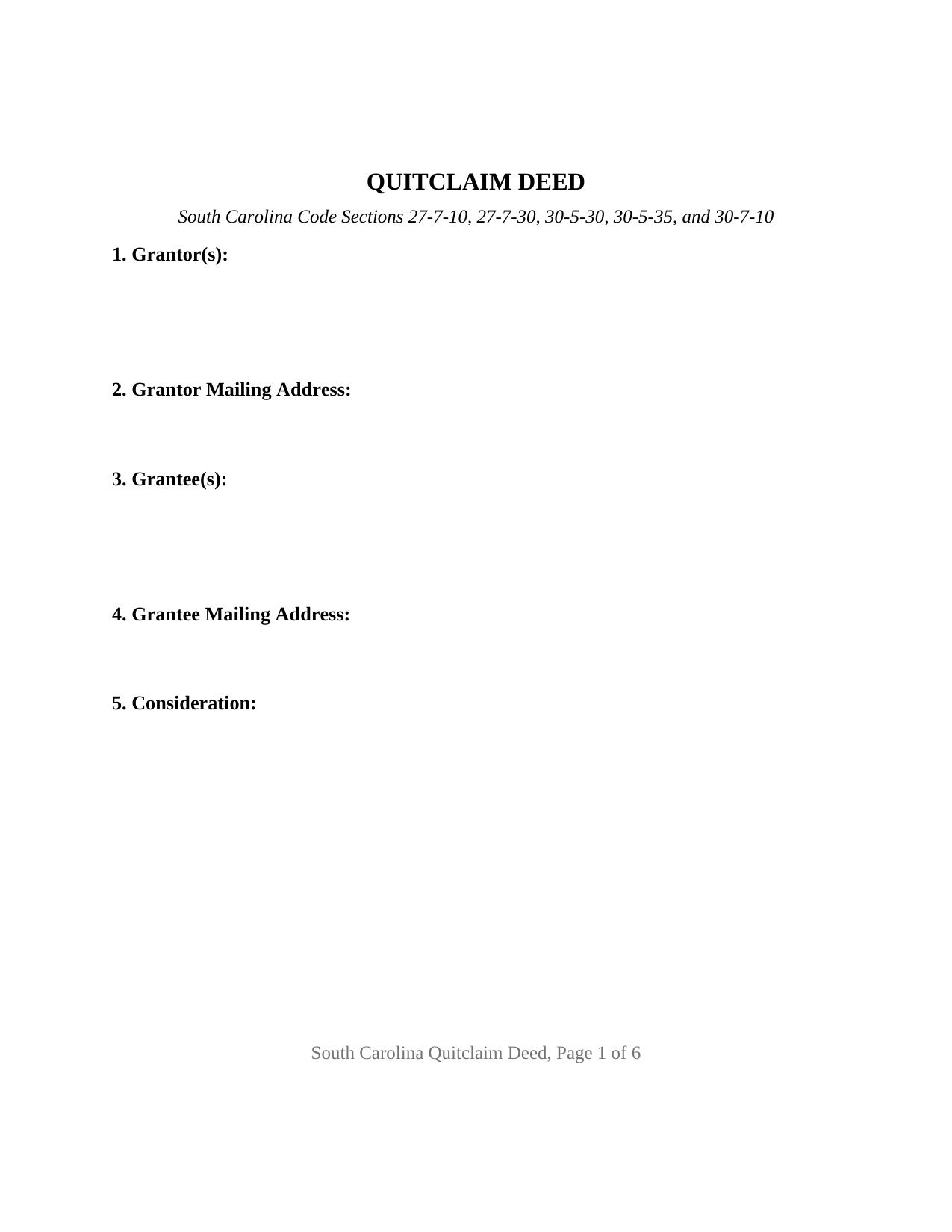
Kershaw County Quitclaim Deed Form
Fill in the blank Quitclaim Deed form formatted to comply with all South Carolina recording and content requirements.
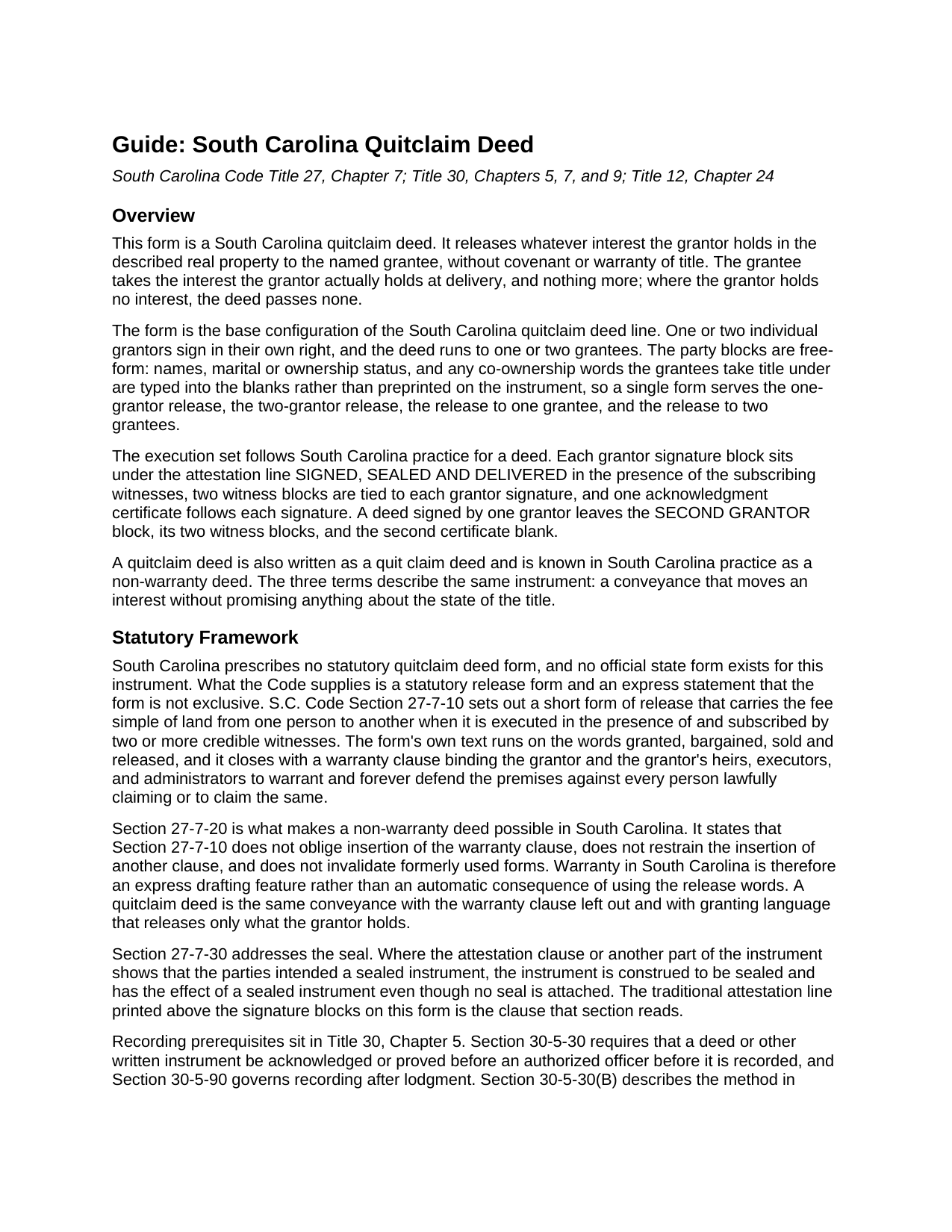
Kershaw County Quitclaim Deed Guide
Line by line guide explaining every blank on the Quitclaim Deed form.
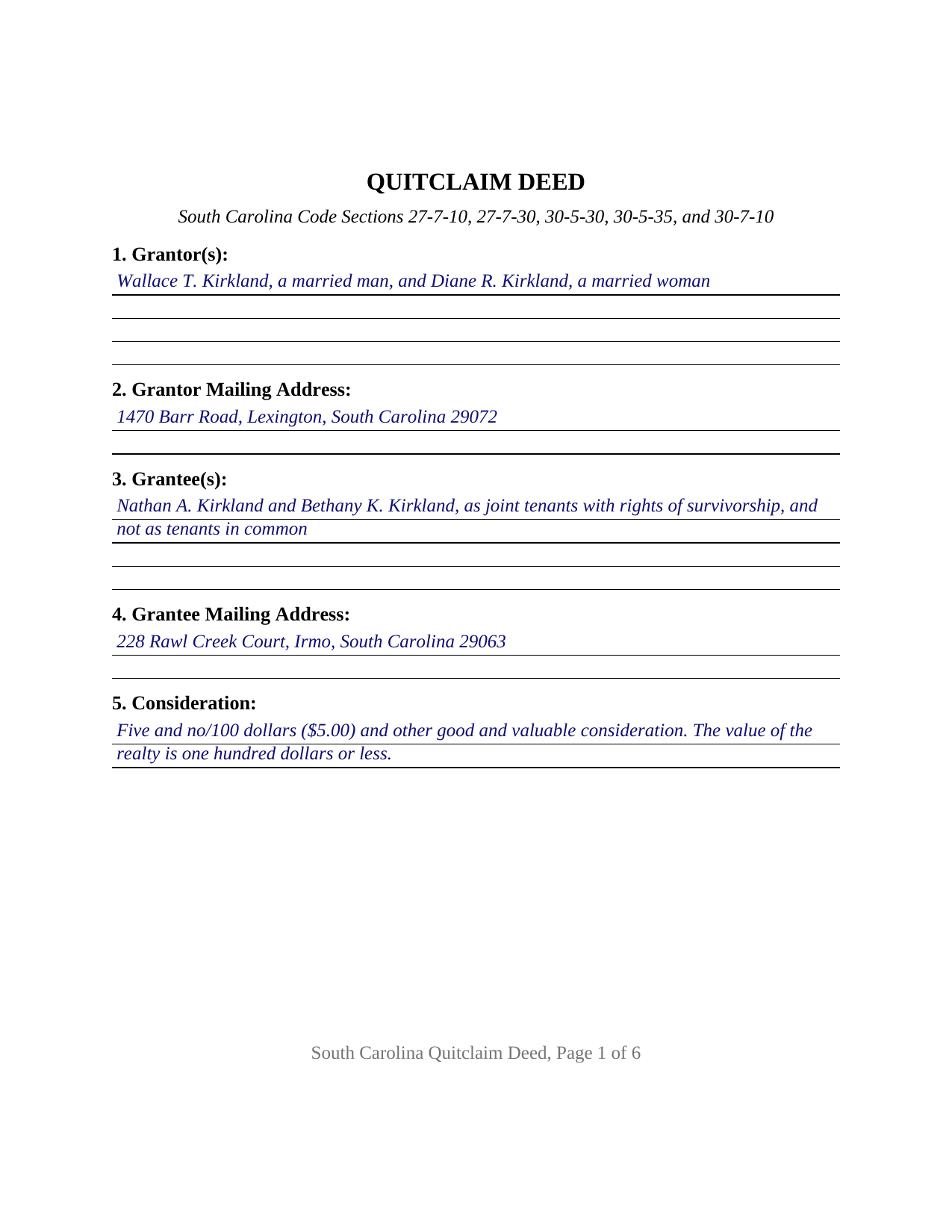
Kershaw County Completed Example of the Quitclaim Deed Document
Example of a properly completed South Carolina Quitclaim Deed document for reference.
All 3 documents above included • One-time purchase • No recurring fees
Immediate Download • Secure Checkout
Additional South Carolina and Kershaw County documents included at no extra charge:
Where to Record Your Documents
Kershaw County Register of Deeds
Camden, South Carolina 29020
Hours: 8:30am - 5:00pm Monday - Friday
Phone: (803) 425-7235
Recording Tips for Kershaw County:
- Bring your driver's license or state-issued photo ID
- Ensure all signatures are in blue or black ink
- Ask for certified copies if you need them for other transactions
- Ask if they accept credit cards - many offices are cash/check only
- Check that your notary's commission hasn't expired
Cities and Jurisdictions in Kershaw County
Properties in any of these areas use Kershaw County forms:
- Bethune
- Camden
- Cassatt
- Elgin
- Liberty Hill
- Lugoff
- Westville
Hours, fees, requirements, and more for Kershaw County
How do I get my forms?
Forms are available for immediate download after payment. The Kershaw County forms will be in your account ready to download to your computer. An account is created for you during checkout if you don't have one. Forms are NOT emailed.
Are these forms guaranteed to be recordable in Kershaw County?
Yes. Our form blanks are guaranteed to meet or exceed the applicable formatting requirements used for recording in Kershaw County, including margin requirements, font requirements, and other layout standards. This guarantee applies to formatting, not to the legal sufficiency of information entered by the user or the suitability of a form for a particular transaction.
Can I reuse these forms?
Yes. You can reuse the forms for your personal use. For example, if you have multiple properties in Kershaw County you only need to order once.
What do I need to use these forms?
The forms are PDFs that you fill out on your computer. The free Adobe Acrobat Reader is recommended, and most PDF apps also work. You do NOT enter your property information online - you download the blank forms and complete them privately on your own computer.
Are there any recurring fees?
No. This is a one-time purchase. Nothing to cancel, no memberships, no recurring fees.
How much does it cost to record in Kershaw County?
Recording fees in Kershaw County vary. Contact the recorder's office at (803) 425-7235 for current fees.
Questions answered? Let's get started!
South Carolina never wrote a quitclaim deed form into its Code. What the Code wrote is a release, and a sentence letting the promise come off it. This fillable quitclaim deed is that instrument for South Carolina real property: one or two individual owners release whatever interest they hold to one or two named grantees, with no covenant or warranty of title anywhere in it.
A warranty the statute makes optional
Section 27-7-10 of the South Carolina Code prints a short form of release that carries the fee simple of land when two or more credible witnesses subscribe it, and the form ends with a warranty clause binding the grantor to defend the premises. Section 27-7-20 is the hinge: the release section neither obliges insertion of that clause nor restrains the insertion of another, and older forms stay good. Warranty here is something a deed says rather than something a conveyance carries by default, so a non-warranty deed is the same release with the clause left out and granting words reaching only what the grantor holds. Section 27-7-30 adds the last piece of the old form. Where the attestation clause shows the parties meant a sealed instrument, the deed takes that effect with no seal attached, which is why SIGNED, SEALED AND DELIVERED stands above the signature lines.
One form, one or two people on each side
The party blocks are deliberately empty of preprinting. Section 1 takes one or two grantor names with the status each states, Section 3 takes one or two grantee names followed by whatever co-ownership words the grantees take under, and no vesting or capacity language is fixed on the instrument. Section 9 performs the release in the traditional words, remising, releasing, and forever quitclaiming the grantor's right, title, and interest, if any, and holding the conveyance to what the grantor owns at delivery. The execution set answers both counts: two signature blocks, four witness blocks paired two to a signature so executions completed on separate days each carry their own attesting witnesses, and one acknowledgment certificate per signer. A sole owner clearing a doubtful interest, and two owners moving a jointly held parcel into one name, present the counts this deed recites. It is not set up as a deed executed for a corporation, a company, or a partnership, as a deed signed in a fiduciary office or by an agent under a power of attorney, or as a release by three or more owners on either side.
Two witnesses and a notary at one table
A South Carolina signing seats more people than most. Section 30-5-30 makes acknowledgment or proof before an authorized officer the prerequisite to recording, and subsection (B) describes the grantor acknowledging in the presence of two witnesses, the pair Section 27-7-10 also wants on the deed itself. Registers of deeds in the largest counties publish that rule among their intake items, and Horry County publishes that the notary may serve as one of the two.
What the counter collects
Fifteen dollars records a deed under the uniform schedule in Section 8-21-310. Deed stamps run under Section 12-24-10 at $1.85 for each $500, or part of $500, of the realty's value, and Section 12-24-40 lifts them from several transfers that arrive on this instrument: a deed whose value is one hundred dollars or less, a transfer recognizing no gain or loss under Internal Revenue Code Section 1041, a partition deed, and a quitclaim confirming title already vested where nothing is paid. The value affidavit Section 12-24-70 calls for is its own recorded document. One requirement reaches past the deed to the envelope: Section 30-9-30 wants a return address on any document submitted for filing and lets the office refuse one that lacks it, which the return block at the end of the form answers.
Also searched as a quit claim deed, and called a non-warranty deed in South Carolina practice, this is the low-assurance workhorse of the land records, and Section 30-5-35 keeps deeds of the class outside the derivation clause while still asking for the grantee's mailing address. Three files come with the purchase: the blank deed as a fillable PDF, a completed Lexington County example filled at two grantors and two grantees, and a plain language guide covering the eleven sections, the ownership forms the grantee line can carry, and the trip to the register. The material is general information about South Carolina law and is not legal advice.
Important: Your property must be located in Kershaw County to use these forms. Documents should be recorded at the county recording office listed above.
This Quitclaim Deed meets all recording requirements specific to Kershaw County.
Our Promise
The documents you receive here are guaranteed to meet or exceed the applicable Kershaw County recording format requirements. If there is a rejection caused by our formatting, we will correct the issue or refund your payment. This guarantee applies to document formatting only and does not extend to information entered by the user, the selection of the form, or the legal effect of the completed document.
Save Time and Money
Get your Kershaw County Quitclaim Deed form done right the first time with Deeds.com Uniform Conveyancing Blanks. At Deeds.com, we understand that your time and money are valuable resources, and we don't want you to face a penalty fee or rejection imposed by a county recorder for submitting nonstandard documents. We constantly review and update our forms to meet rapidly changing state and county recording requirements for roughly 3,500 counties and local jurisdictions.
4.8 out of 5 - ( 4,825 Reviews )
Filomena G. 5 out of 5 stars
very helpful
Thank you!
Missie R. 5 out of 5 stars
Very fast and professionally handled.
Thank you!
CHRISTINE M. 5 out of 5 stars
It was all I needed and guided me to fill it out.
Thank you!
Sofia H. 5 out of 5 stars
Where has this site been my entire career? Very helpful. This site made what would normally take three days with a runner, a snap. Five Stars.
Thank you for your feedback. We really appreciate it. Have a great day!
stephanie h. 5 out of 5 stars
Very satisfied. In the middle of COVID19 I was able to complete important paperwork even though I wasn't completely sure what I was doing on my own. Quick and easy. Thank you. It means a lot to me.
Thank you for your feedback. We really appreciate it. Have a great day!
David H. 5 out of 5 stars
It was great
Thank you!
John U. 4 out of 5 stars
It's too early for me to tell because I just uploaded the document today and it hasn't been recorded yet. However, I will say that the website is very user friendly so assuming that everything goes as planned, this is a great service.
Thank you!
Jamie B. 5 out of 5 stars
Deeds.com made the recording of our Deed in a county where we do not reside, VERY easy! Customer service was great with all my questions answered immediately via my account portal. Very user friendly service! I wish the available documents were a little less pricey, but all in all, to get the job done right, I'll probably utilize the document downloads in the future.
Thank you for your feedback. We really appreciate it. Have a great day!
Patricia M. 5 out of 5 stars
Very easy site to navigate and very helpful information
We appreciate your business and value your feedback. Thank you. Have a wonderful day!
RICHARD A. 5 out of 5 stars
Smooth, simple, and complete. A great forms service.
We appreciate your business and value your feedback. Thank you. Have a wonderful day!
Mark M. 5 out of 5 stars
So nice to find the forms I was looking for. Great site!! Thanks
Thank you for your feedback. We really appreciate it. Have a great day!
Melanie N. 5 out of 5 stars
I'm happy with the forms, thank you.
Thank you!
Sheryl G. 5 out of 5 stars
Simple way to complete documents with very detailed instructions. And to be able to e-file them is great too.
We appreciate your business and value your feedback. Thank you. Have a wonderful day!
Danelle S. 5 out of 5 stars
So easy and fast that even I could do it, and I'm technologically challenged! Thank you Deeds.com for taking care of the technical stuff so I can live and play. Definitely speedy delivery!
Thank you!
Desiree R. 5 out of 5 stars
very easy to use
We are delighted to have been of service. Thank you for the positive review!