Douglas County Easement Deed Form
Last validated October 9, 2026 by our Forms Development TeamFormatted for recording in Douglas County, for property anywhere in the county: rural and unincorporated areas as well as Armour, Corsica, Delmont, Harrison, New Holland.
- 4 documents included
- Immediate PDF download
- Formatting guarantee
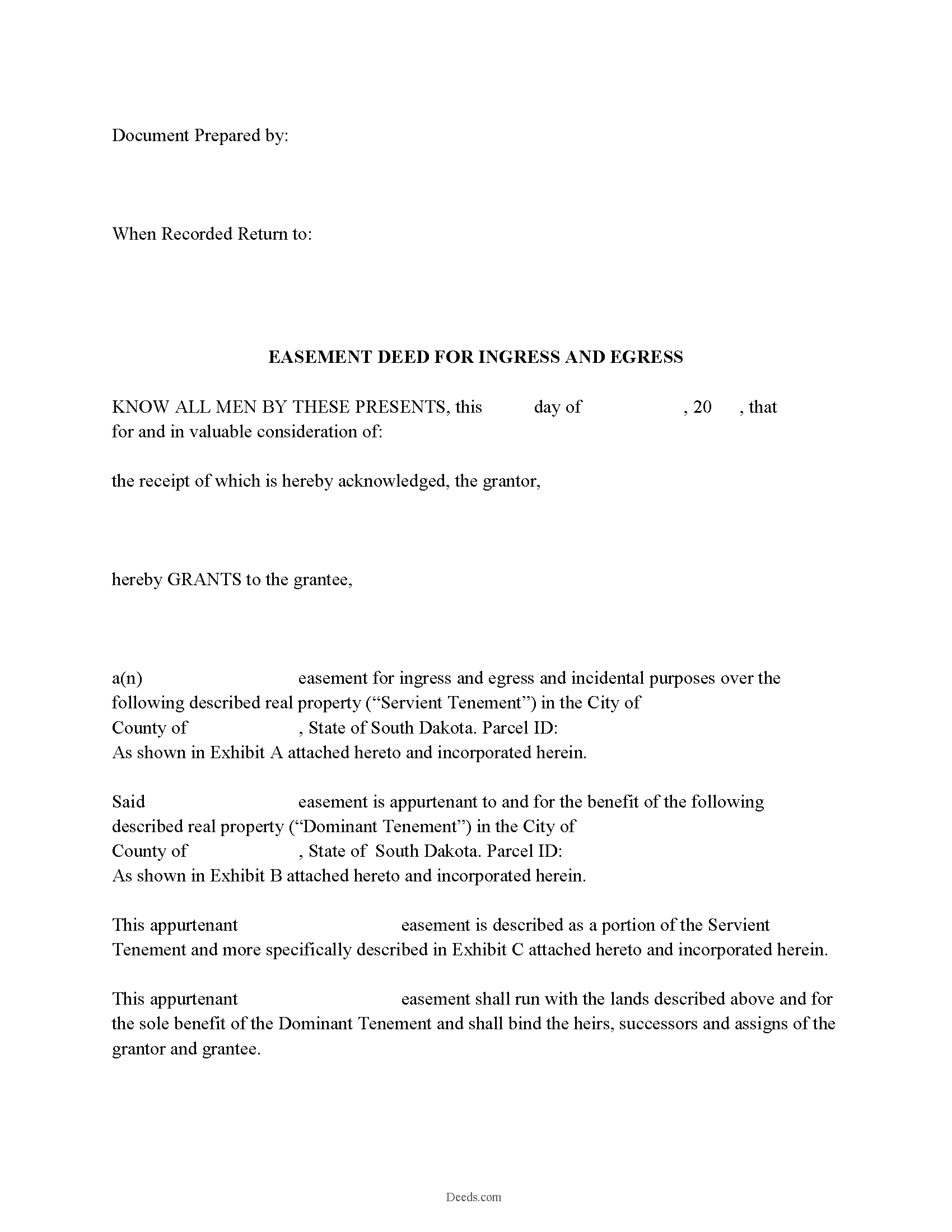
Douglas County Easement Deed Form
Fill in the blank form formatted to comply with all recording and content requirements.
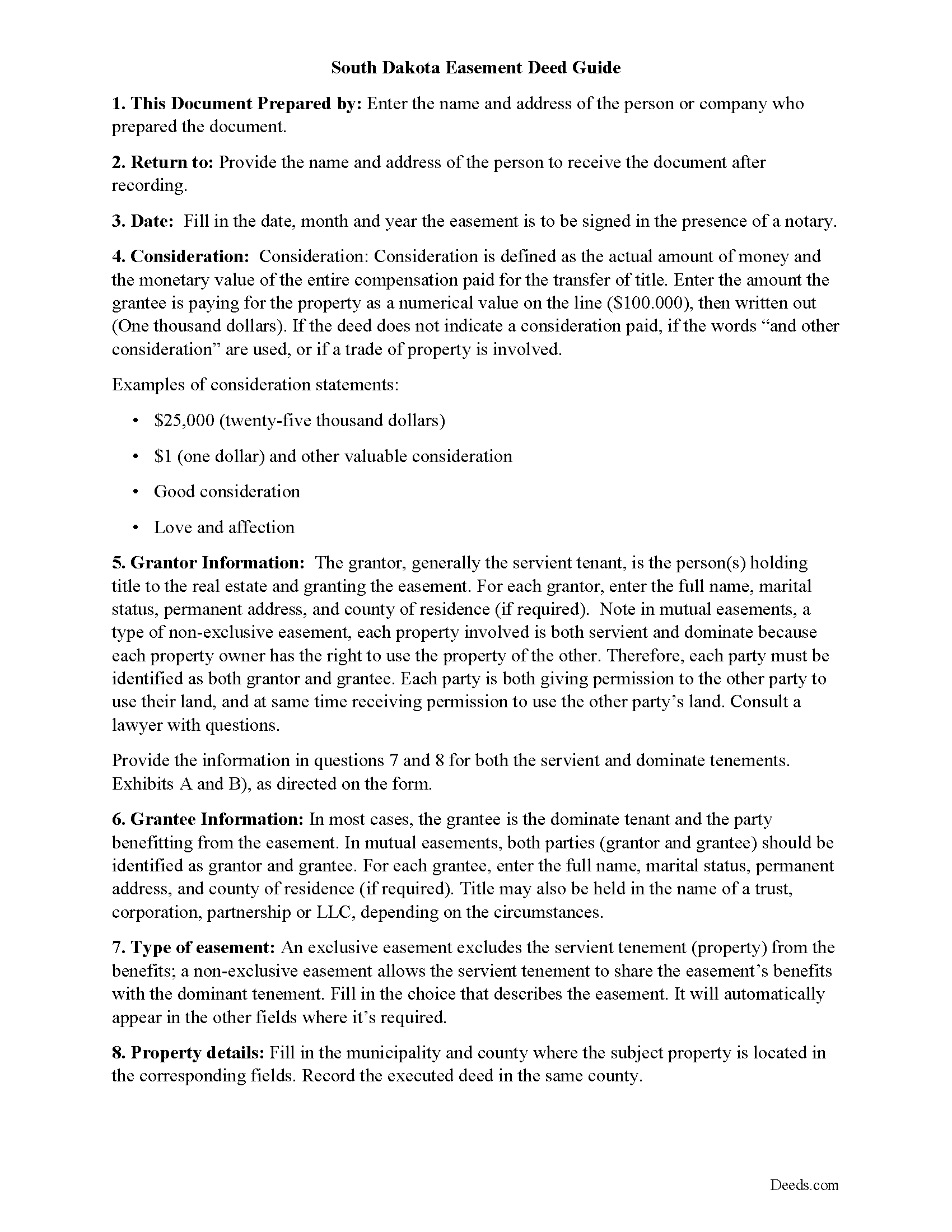
Douglas County Easement Deed Guide
Line by line guide explaining every blank on the form.
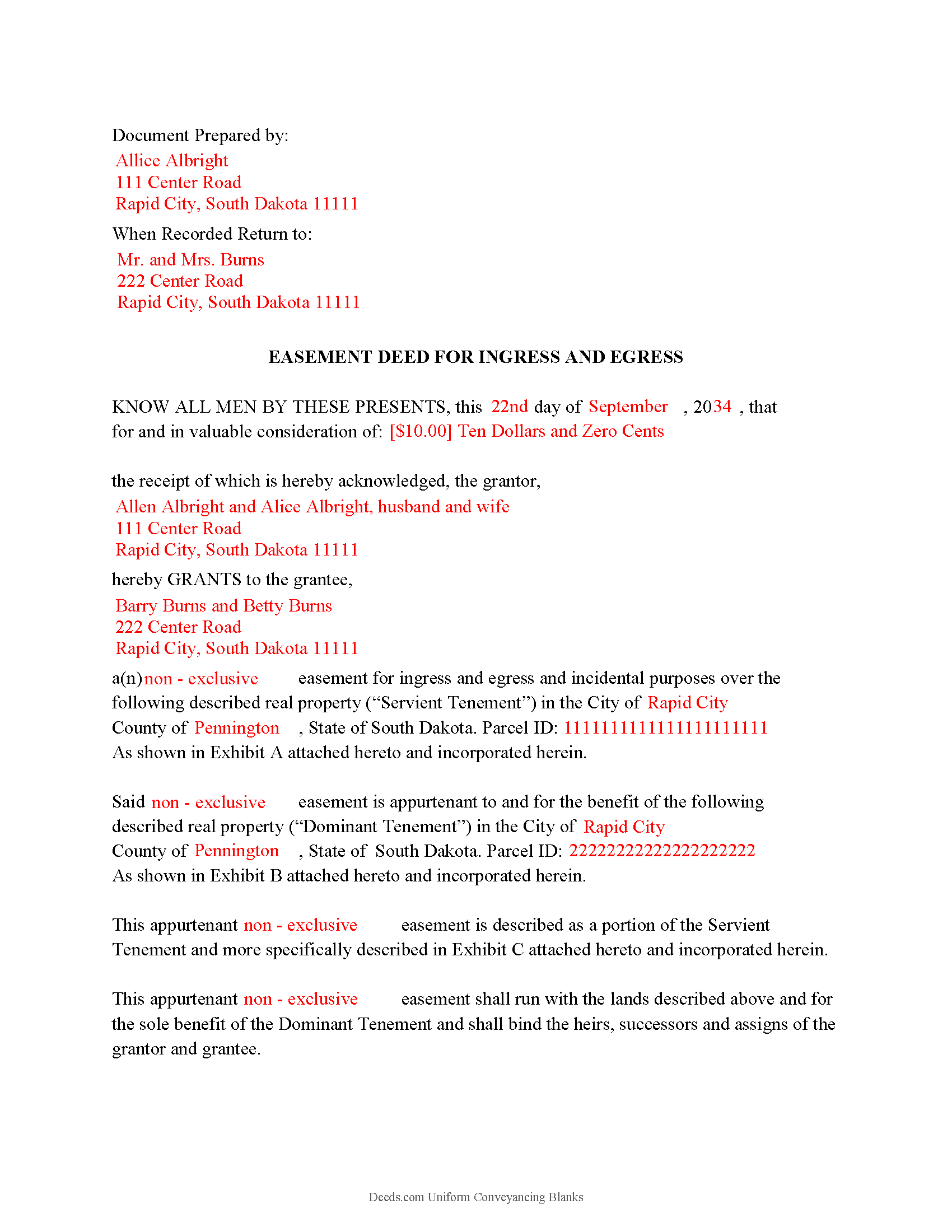
Douglas County Completed Example of Easement Deed
Example of a properly completed form for reference.
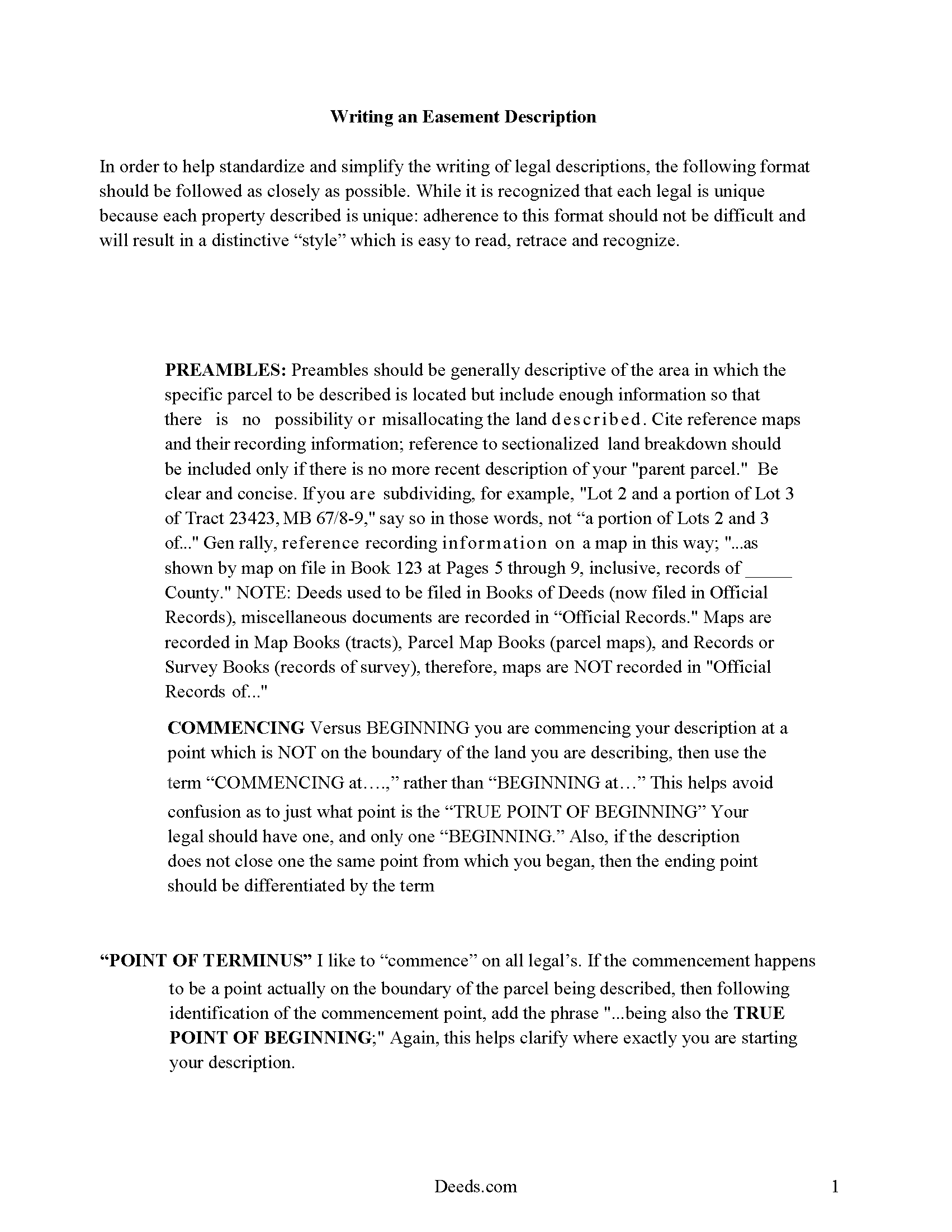
Douglas County Guide to writing an Easement Description
A Description of the Easement will be required. This will show how to write an acceptable description for a Right of Way Easement, which gives access, to and from - point A to point B.
All 4 documents above included • One-time purchase • No recurring fees
Immediate Download • Secure Checkout
Additional South Dakota and Douglas County documents included at no extra charge:
Where to Record Your Documents
Douglas County Register of Deeds
Armour, South Dakota 57313-0267
Hours: 8:30 to 4:30 M-F
Phone: (605) 724-2204
Recording Tips for Douglas County:
- Bring your driver's license or state-issued photo ID
- Ensure all signatures are in blue or black ink
- Request a receipt showing your recording numbers
- Ask about accepted payment methods when you call ahead
- Ask for certified copies if you need them for other transactions
Cities and Jurisdictions in Douglas County
Properties in any of these areas use Douglas County forms:
- Armour
- Corsica
- Delmont
- Harrison
- New Holland
Hours, fees, requirements, and more for Douglas County
How do I get my forms?
Forms are available for immediate download after payment. The Douglas County forms will be in your account ready to download to your computer. An account is created for you during checkout if you don't have one. Forms are NOT emailed.
Are these forms guaranteed to be recordable in Douglas County?
Yes. Our form blanks are guaranteed to meet or exceed the applicable formatting requirements used for recording in Douglas County, including margin requirements, font requirements, and other layout standards. This guarantee applies to formatting, not to the legal sufficiency of information entered by the user or the suitability of a form for a particular transaction.
Can I reuse these forms?
Yes. You can reuse the forms for your personal use. For example, if you have multiple properties in Douglas County you only need to order once.
What do I need to use these forms?
The forms are PDFs that you fill out on your computer. The free Adobe Acrobat Reader is recommended, and most PDF apps also work. You do NOT enter your property information online - you download the blank forms and complete them privately on your own computer.
Are there any recurring fees?
No. This is a one-time purchase. Nothing to cancel, no memberships, no recurring fees.
How much does it cost to record in Douglas County?
Recording fees in Douglas County vary. Contact the recorder's office at (605) 724-2204 for current fees.
Questions answered? Let's get started!
An easement is a land burden or servitude upon land that may be attached to other land as incidents or appurtenances (43-13-2). The land that an easement is attached to is called the dominant estate, while the land upon which a burden or servitude is laid is called the servient tenement (43-13-3). A servitude in South Dakota can be created only by someone who has a vested estate in the servient tenement (43-13-4). The extent of the easement will be determined by the terms of the grant or by the nature of the enjoyment by which it was required (43-13-5). Specific rules apply to the creation of certain easements in South Dakota, such as with wind easements, which can be granted in the same manner and with the same effect as other easements but must contain additional statutorily required information (43-13-17). A transfer of real property in this state will pass all the easements attached to the property (43-25-30).
In order to present an easement deed for recording, it must be signed and acknowledged or proved by the grantor. If the deed is not acknowledged, it can be proved by a subscribing witness (43-25-26). An easement deed can be proved or acknowledged at any place within the state by a justice or clerk of the Supreme Court or by a notary public. Additional officers are authorized to prove or acknowledge deeds within their own circuit, county, or municipality in the state (18-4-2). In accordance with the Uniform Acknowledgments Law, section 18-5, deeds acknowledged or proved out of state will be valid in South Dakota.
Any instrument that is entitled to be recorded in this state, such as an easement deed, must be recorded in the register of deeds office in the county where the property is located. If an easement deed is not recorded, it will be valid between the parties to it and those who have actual notice thereof (43-28-14). However, the act of recording a duly acknowledged or proved easement deed will allow it to serve as constructive notice to all purchasers and encumbrancers (43-28-15). Every instrument in South Dakota, such as an easement deed, that may affect the title to real property is void as against a subsequent purchaser or encumbrancer of the same property, or any part thereof, in good faith and for a valuable consideration whose conveyance is first duly recorded (43-28-17).
(South Dakota ED Package includes form, guidelines, and completed example)
Important: Your property must be located in Douglas County to use these forms. Documents should be recorded at the county recording office listed above.
This Easement Deed meets all recording requirements specific to Douglas County.
Our Promise
The documents you receive here are guaranteed to meet or exceed the applicable Douglas County recording format requirements. If there is a rejection caused by our formatting, we will correct the issue or refund your payment. This guarantee applies to document formatting only and does not extend to information entered by the user, the selection of the form, or the legal effect of the completed document.
Save Time and Money
Get your Douglas County Easement Deed form done right the first time with Deeds.com Uniform Conveyancing Blanks. At Deeds.com, we understand that your time and money are valuable resources, and we don't want you to face a penalty fee or rejection imposed by a county recorder for submitting nonstandard documents. We constantly review and update our forms to meet rapidly changing state and county recording requirements for roughly 3,500 counties and local jurisdictions.
4.8 out of 5 - ( 4,823 Reviews )
Maria D. 5 out of 5 stars
Deeds.com has done a great job. I really recommend to everyone who needs this service, fast & reliable. Thank you
We appreciate your business and value your feedback. Thank you. Have a wonderful day!
Alexandra M. 5 out of 5 stars
Needed a Limited Power of Attorney form for a real estate transaction in another state. Proper form came up immediately and was fairly easy to complete. I think the sample completed form should have been more completely explained in layman's language instead of legalese (such as person granting permission instead of grantor or something like your name and address and the person who will be signing on your behalf) but since the form was one price no matter how many ways it was printed out, it was fine. I just filled it out several ways and had it notarized and sent it to my sister. Whichever combination is appropriate she and the lawyer will have. I found the site easy to navigate
We appreciate your business and value your feedback. Thank you. Have a wonderful day!
Shannon y. 5 out of 5 stars
Awesome , easy-to-use and find exactly what I was needing and saved me alot of headache and money. Will definitely recommend to anyone
Your review means a lot to us. Thank you for taking the time.
Patricia H. 5 out of 5 stars
The process was so easy and result was excellent and expedient. I will definitely recommend your company for future recording needs.
Thank you!
JACK G. 5 out of 5 stars
Worked out good can the forms be filled out on the computer and printed off.
Thank you for your feedback. We really appreciate it. Have a great day!
marion v. 5 out of 5 stars
Phenomenal website !
Thank you!
Calida S. 5 out of 5 stars
I was so happy I found a way to register my deed electronically! The county I live in only does e-file through vendors who service law firms and large volume documents. I had everything done electronically only to hit a brick wall doing warp speed when it came to this last part. So far everything is going super smooth and very easy. The price is worth it to be able to get this deed done because I'm doing a life estate deed to my late boyfriends daughter. She's getting married soon and this is my gift to her since her daddy can't be here. Thanks Deeds.com This means a lot, and I plan on bringing my business back provided everything finishes well. I will definitely follow up soon!
Thank you, Calida. We’re glad we could help make the electronic recording step easier, especially for something so meaningful. We appreciate your trust in Deeds.com and look forward to helping whenever you need us again.
Sam A. 5 out of 5 stars
User friendly website and deeds are very easy to maneuver. I'm very happy with everything Deeds.com has to offer. It truly helped me with the business that I had to take care of.
Thank you!
Marolyn V. 3 out of 5 stars
The booklet is too wordy. Not concise enough for someone who is inexperienced at filling out your form. It would be nice to have a picture example of what you are talking about. When we got to the Registars office we found out they do not have a notary. Would have been nice to know before we went. The form asks for page and book which is no longer needed. So why have it on there?
Thank you, Marolyn, this is useful feedback. A completed sample is actually included with the form, and your note tells us we should make it easier to find and tie it more directly to the instructions, so we'll do that. We'll also add a "before you begin" checklist and a clearer note that the document needs to be notarized in advance, since recording offices don't provide notary service. On the book and page: that reference is required by the Utah statute this affidavit is filed under (§ 57-1-5.1) and still applies to older deeds recorded before counties moved to entry-number-only indexing around 2000. You enter whichever reference appears on your recorded deed and leave the rest blank. Appreciate you taking the time to write in.
Lisa B. 5 out of 5 stars
Awesome service. User friendly, simple, easy and quick to fill out with instructions and sample copy and print.
Thank you Lisa, we appreciate your feedback.
Robert H. 5 out of 5 stars
Excellent service and site. Easy to use. Finding the required forms was easy.
We appreciate your business and value your feedback. Thank you. Have a wonderful day!
Jeffrey L. 5 out of 5 stars
I like using Deeds.com for all of our out-of-state deeds because they make the process almost completely hassle free for us and our clients. I am confident that the service they provide for us is the absolute best anywhere. Because of Deeds.com, we look great to our clients and our people enjoy a level of trust that other firms do not offer them.
Thank you for your feedback. We really appreciate it. Have a great day!
Jean W. 5 out of 5 stars
helpful if there was a space so one could type in the exemption # on the blank form before printing
Thank you for your feedback. We really appreciate it. Have a great day!
John W. 5 out of 5 stars
Wow, I wish that I would have found Deeds.com before! Great service!
Thank you!
Mark M. 5 out of 5 stars
Deeds was easy to use and worked as specified; they got the recording I needed done finished in one day!
Thank you for your feedback. We really appreciate it. Have a great day!