Greene County Assignment of Deed of Trust Form
Last validated October 6, 2026 by our Forms Development TeamFormatted for recording in Greene County, for property anywhere in the county: rural and unincorporated areas as well as Afton, Chuckey, Greeneville, Midway, Mohawk, Mosheim.
- 6 documents included
- Immediate PDF download
- Formatting guarantee
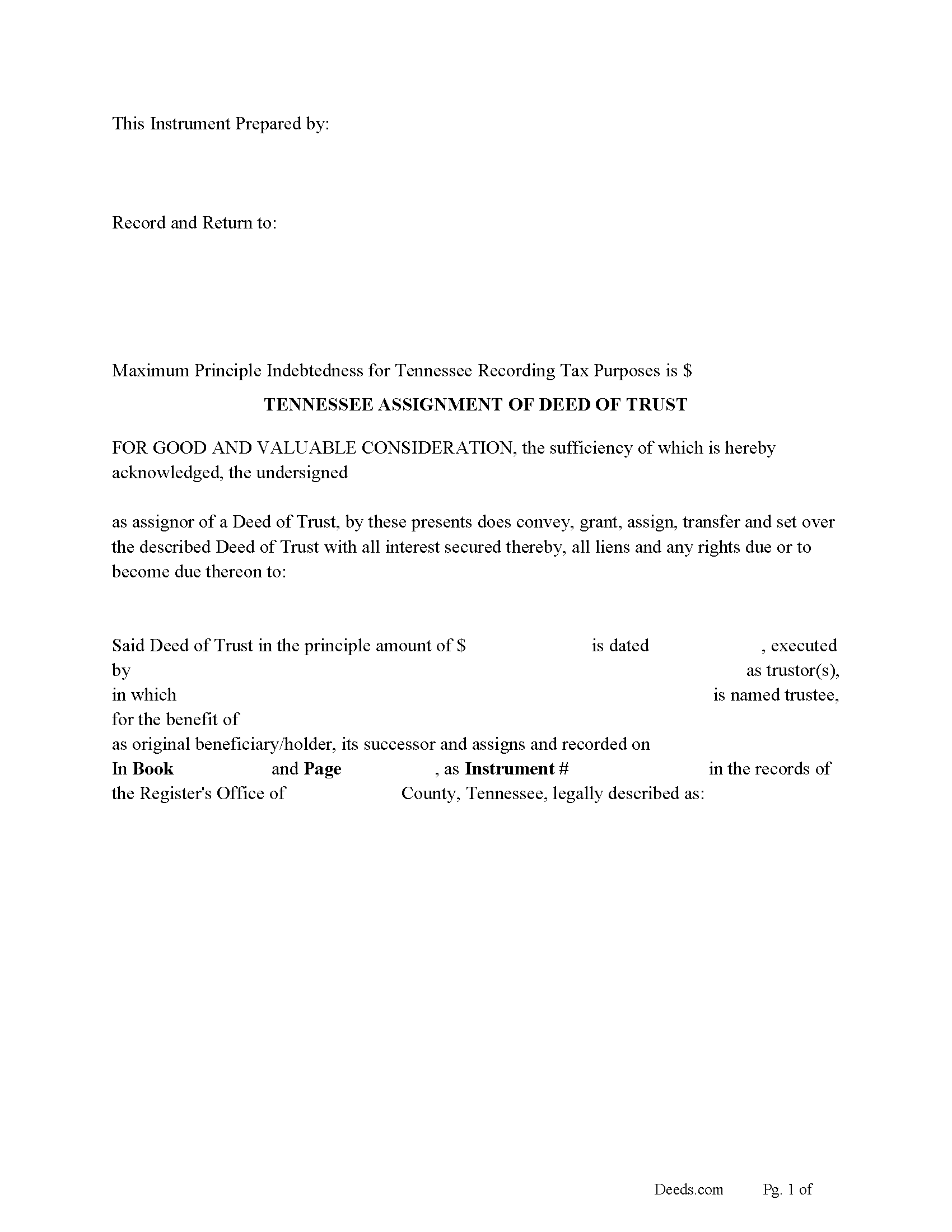
Greene County Assignment of Deed of Trust Form
Fill in the blank form formatted to comply with all recording and content requirements.
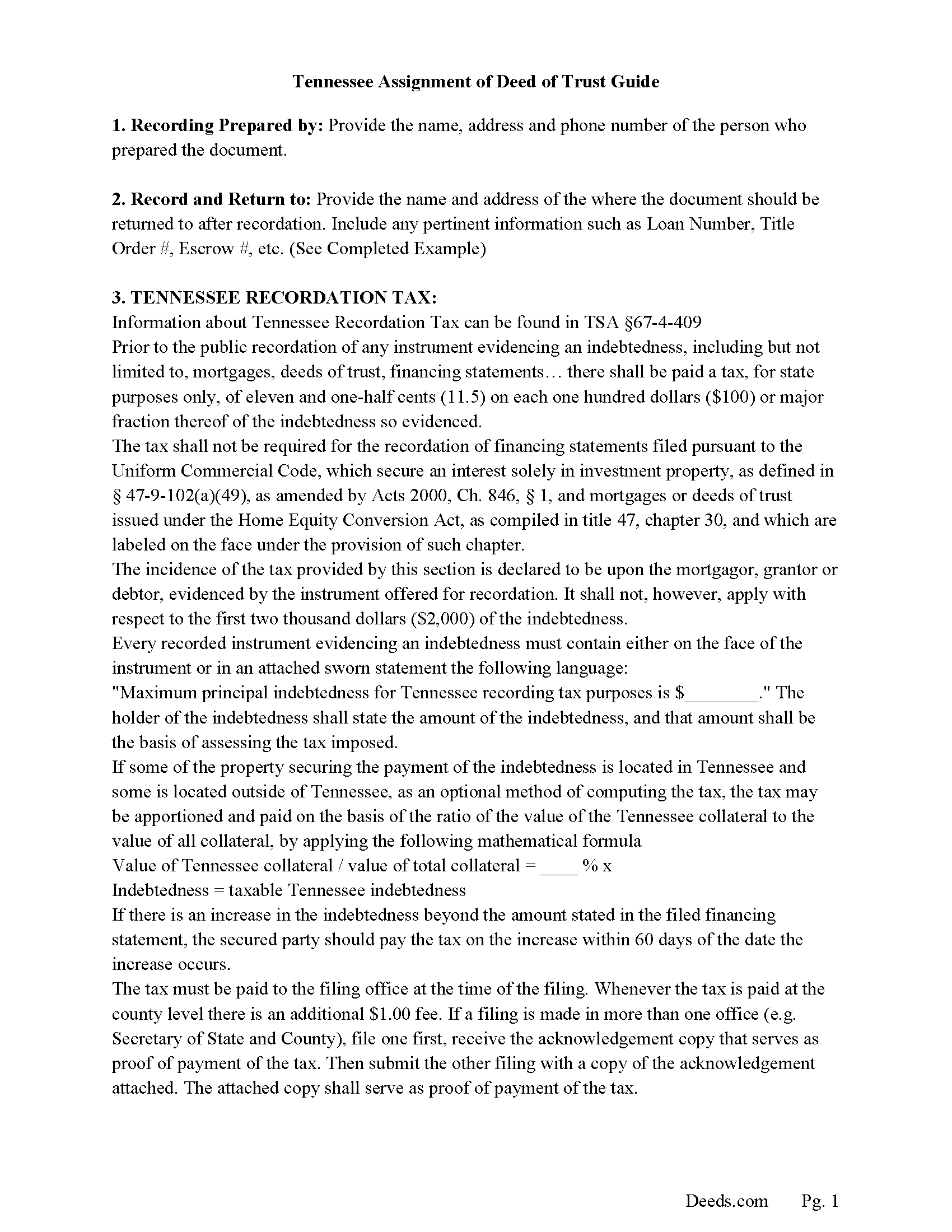
Greene County Guidelines for Assignment of Deed of Trust
Line by line guide explaining every blank on the form.
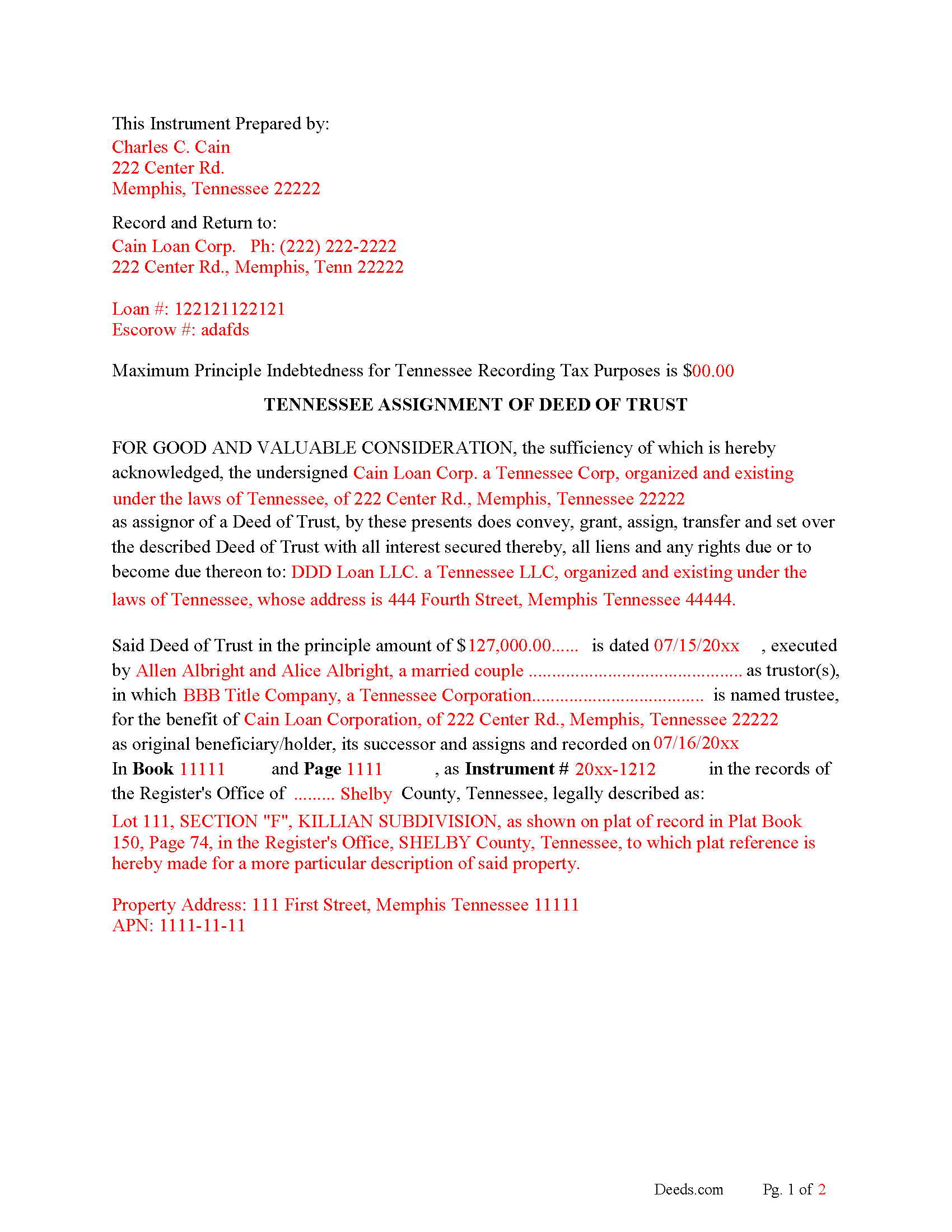
Greene County Completed Example of the Assignment of Deed of Trust Document
Example of a properly completed form for reference.
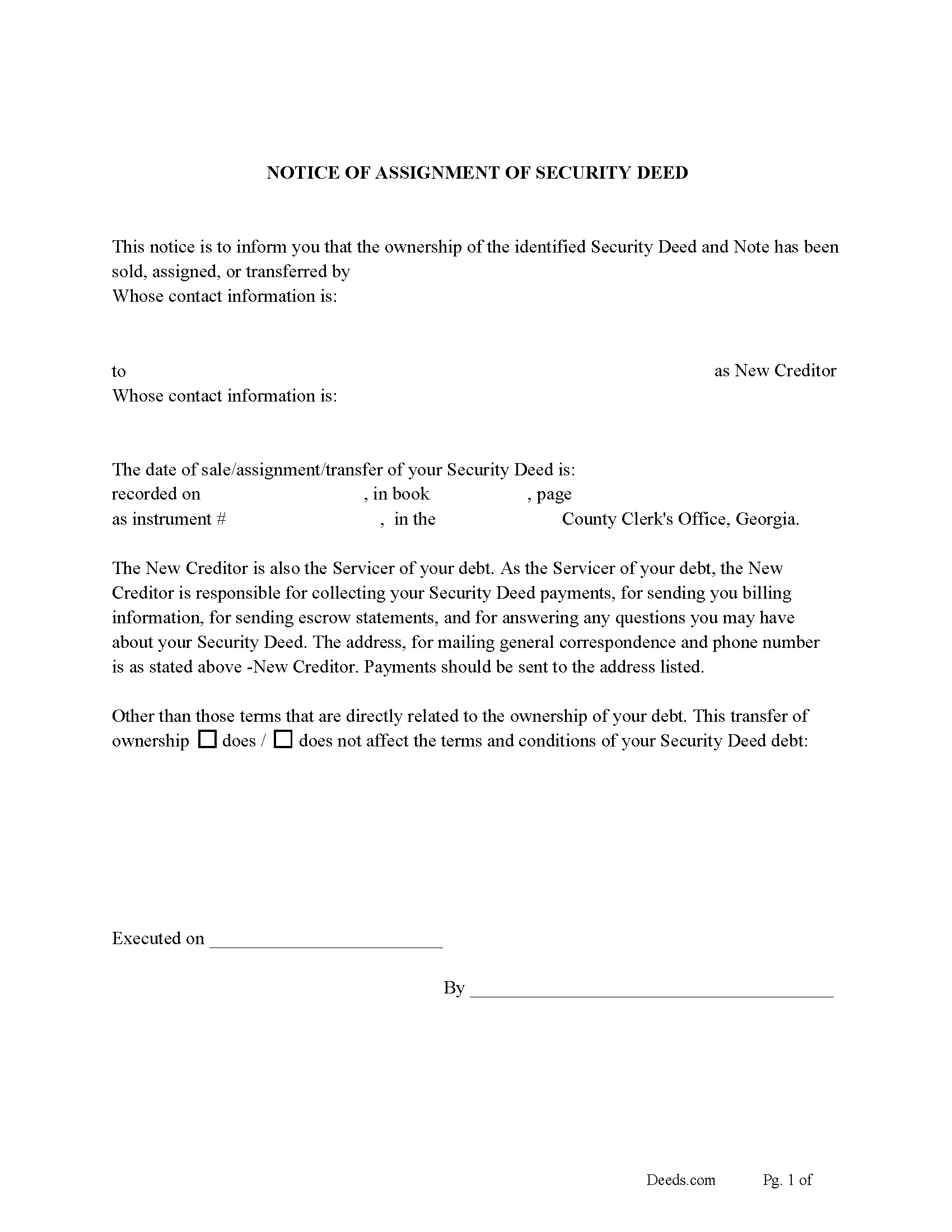
Greene County Notice of Assignment of Deed of Trust Form
Fill in the blank form formatted to comply with content requirements.
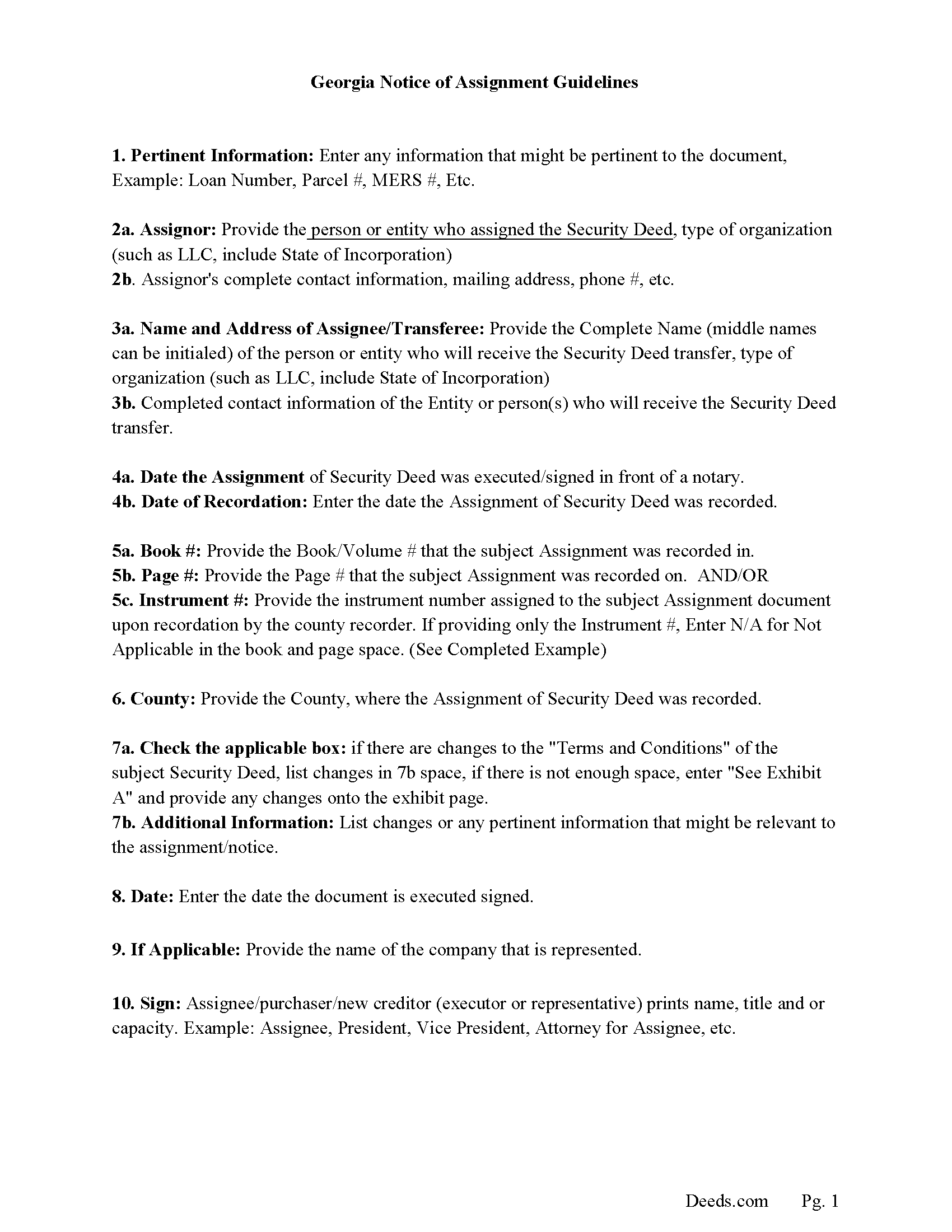
Greene County Notice of Assignment Guidelines
Line by line guide explaining every blank on the form.
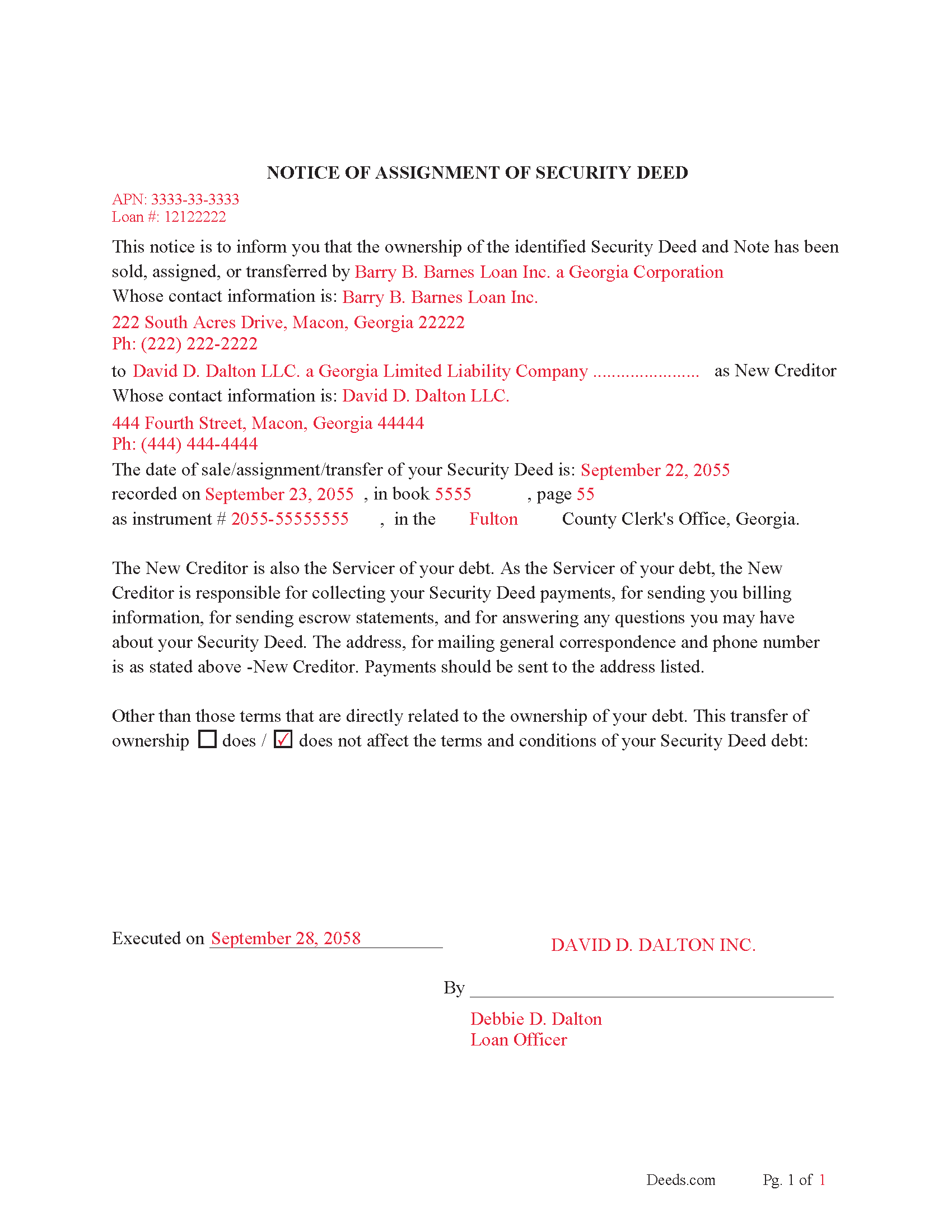
Greene County Completed Example of Notice of Assignment Document
Example of a properly completed form for reference.
All 6 documents above included • One-time purchase • No recurring fees
Immediate Download • Secure Checkout
Additional Tennessee and Greene County documents included at no extra charge:
Where to Record Your Documents
Greene County Register of Deeds
Greenville, Tennessee 37745
Hours: 8:00 to 4:30 M-F
Phone: (423) 798-1726
Recording Tips for Greene County:
- Bring your driver's license or state-issued photo ID
- Ensure all signatures are in blue or black ink
- Request a receipt showing your recording numbers
- Ask about accepted payment methods when you call ahead
- Ask for certified copies if you need them for other transactions
Cities and Jurisdictions in Greene County
Properties in any of these areas use Greene County forms:
- Afton
- Chuckey
- Greeneville
- Midway
- Mohawk
- Mosheim
Hours, fees, requirements, and more for Greene County
How do I get my forms?
Forms are available for immediate download after payment. The Greene County forms will be in your account ready to download to your computer. An account is created for you during checkout if you don't have one. Forms are NOT emailed.
Are these forms guaranteed to be recordable in Greene County?
Yes. Our form blanks are guaranteed to meet or exceed the applicable formatting requirements used for recording in Greene County, including margin requirements, font requirements, and other layout standards. This guarantee applies to formatting, not to the legal sufficiency of information entered by the user or the suitability of a form for a particular transaction.
Can I reuse these forms?
Yes. You can reuse the forms for your personal use. For example, if you have multiple properties in Greene County you only need to order once.
What do I need to use these forms?
The forms are PDFs that you fill out on your computer. The free Adobe Acrobat Reader is recommended, and most PDF apps also work. You do NOT enter your property information online - you download the blank forms and complete them privately on your own computer.
Are there any recurring fees?
No. This is a one-time purchase. Nothing to cancel, no memberships, no recurring fees.
How much does it cost to record in Greene County?
Recording fees in Greene County vary. Contact the recorder's office at (423) 798-1726 for current fees.
Questions answered? Let's get started!
This form is used by the current lender/beneficiary to Assign/transfer a Deed of Trust and Promissory Note to another party, this is usually done when a note has been sold.
Recording requirements include:
- Assignor & assignee
- Debtor's name
- Reference original Volume & Page of assigned document
- Maximum Principal Indebtedness for Tennessee Recording Tax Purposes is $0 (If amount is listed taxes must be paid)
Current Borrowers must be notified of the assignment. Notification consists of contact information of the new creditor, recording dates, recording instrument numbers, changes in loan, etc. Included are "Notice of Assignment of Deed of Trust" forms.
The Truth and lending act requires that borrowers be notified when their Deed of Trust debt has been sold, transferred, or assigned to a new creditor. Generally, within 30 days to avoid up to $2,000.00 in statutory damages, plus reasonable attorney's fees. Systematic violations can reach up $500,000.00.
(Tennessee Assignment of DOT Package includes form, guidelines, and completed example) For use in Tennessee only.
Important: Your property must be located in Greene County to use these forms. Documents should be recorded at the county recording office listed above.
This Assignment of Deed of Trust meets all recording requirements specific to Greene County.
Our Promise
The documents you receive here are guaranteed to meet or exceed the applicable Greene County recording format requirements. If there is a rejection caused by our formatting, we will correct the issue or refund your payment. This guarantee applies to document formatting only and does not extend to information entered by the user, the selection of the form, or the legal effect of the completed document.
Save Time and Money
Get your Greene County Assignment of Deed of Trust form done right the first time with Deeds.com Uniform Conveyancing Blanks. At Deeds.com, we understand that your time and money are valuable resources, and we don't want you to face a penalty fee or rejection imposed by a county recorder for submitting nonstandard documents. We constantly review and update our forms to meet rapidly changing state and county recording requirements for roughly 3,500 counties and local jurisdictions.
4.8 out of 5 - ( 4,828 Reviews )
Joan P. 5 out of 5 stars
Thank you for combining all necessary documents in one simple location.
Thank you!
Mary D. 5 out of 5 stars
So far, understanding the process involved to get these forms was simple. I would like to have known or received some information as to charges for filing these documents. Or, be directed to a place that lists charges.
Thank you for your feedback. We really appreciate it. Have a great day!
Anita M W. 5 out of 5 stars
This process is outstanding, and it saved the hassle of going downtown and dealing with traffic.
Thank you for the kinds words Anita. Glad we could be of assistance. Have an amazing day!
Anthony G. 5 out of 5 stars
I have only used the service on one occasion but so far it has been great. Extremely simple to use.
We appreciate your business and value your feedback. Thank you. Have a wonderful day!
Beverly J. A. 5 out of 5 stars
Thank you for the paperwork. It was so much easier to do at home than go out and have to have people miss work.
Thank you!
David M. 5 out of 5 stars
A real boon to those of us who are not attorneys but wish to protect our assets and avoid probate court issues. Thank you for a great service.
We appreciate your business and value your feedback. Thank you. Have a wonderful day!
Michael T. 5 out of 5 stars
This site was recommended to me. The deed worked just fine for recording a property transfer (Warranty Deed). What I like is that there is a 1 time fee, not a subscription. I would highly recommend. It saved us $2000 in closing costs and fees.
Thank you!
Douglas S. 5 out of 5 stars
Nice site, easy to maneuver around, and walks you thru completing forms. However, at the end, the forms listed poorly explained. It would be helpful to have better explanations of the forms so people know which forms they really need to download.
Thank you for your feedback. We really appreciate it. Have a great day!
Kevin A. 5 out of 5 stars
I LOVE THIS SITE KEEP UP THE GREAT WORK YOUR DOING THNKS KEVIN
Thank you!
William G. 5 out of 5 stars
Exactly what I needed and saved me a bundle by not having to hire an attorney. My county clerk said it was exactly correct.
We appreciate your business and value your feedback. Thank you. Have a wonderful day!
Matilde A. 5 out of 5 stars
Very easy to navigate... will be back to use!
Thank you for your feedback. We really appreciate it. Have a great day!
Andrew T. 5 out of 5 stars
I was pleasantly surprised with the experience. Cost was better than other sites I checked. Questions about my submittal were asked within an hour. Document was recorded by next day.
Thanks for the review, Andrew. Glad we could get your document recorded quickly — that's the standard we hold ourselves to. We appreciate your business.
Rose C. 5 out of 5 stars
easy breezy *****
We appreciate your business and value your feedback. Thank you. Have a wonderful day!
William L. 5 out of 5 stars
This is an initial review of Deeds.Com and the ordering process for their Quit Claim package for Virginia. The ordering process was very easy and the price seems reasonable for what you get. I have reviewed and downloaded all my forms, but have not used them yet. Thus far I am pleased with the product and the process. E-Recording service is also offered, but I have not used that yet either. At this writing, I can whole-heartedly recommend Deeds.Com.
Thank you for your feedback. We really appreciate it. Have a great day!
Pauletta C. 5 out of 5 stars
worked like a charm
Thank you!