Greene County Partial Lien Waivers Form
Last validated October 9, 2026 by our Forms Development TeamFormatted for recording in Greene County, for property anywhere in the county: rural and unincorporated areas as well as Afton, Chuckey, Greeneville, Midway, Mohawk, Mosheim.
- 3 documents included
- Immediate PDF download
- Formatting guarantee
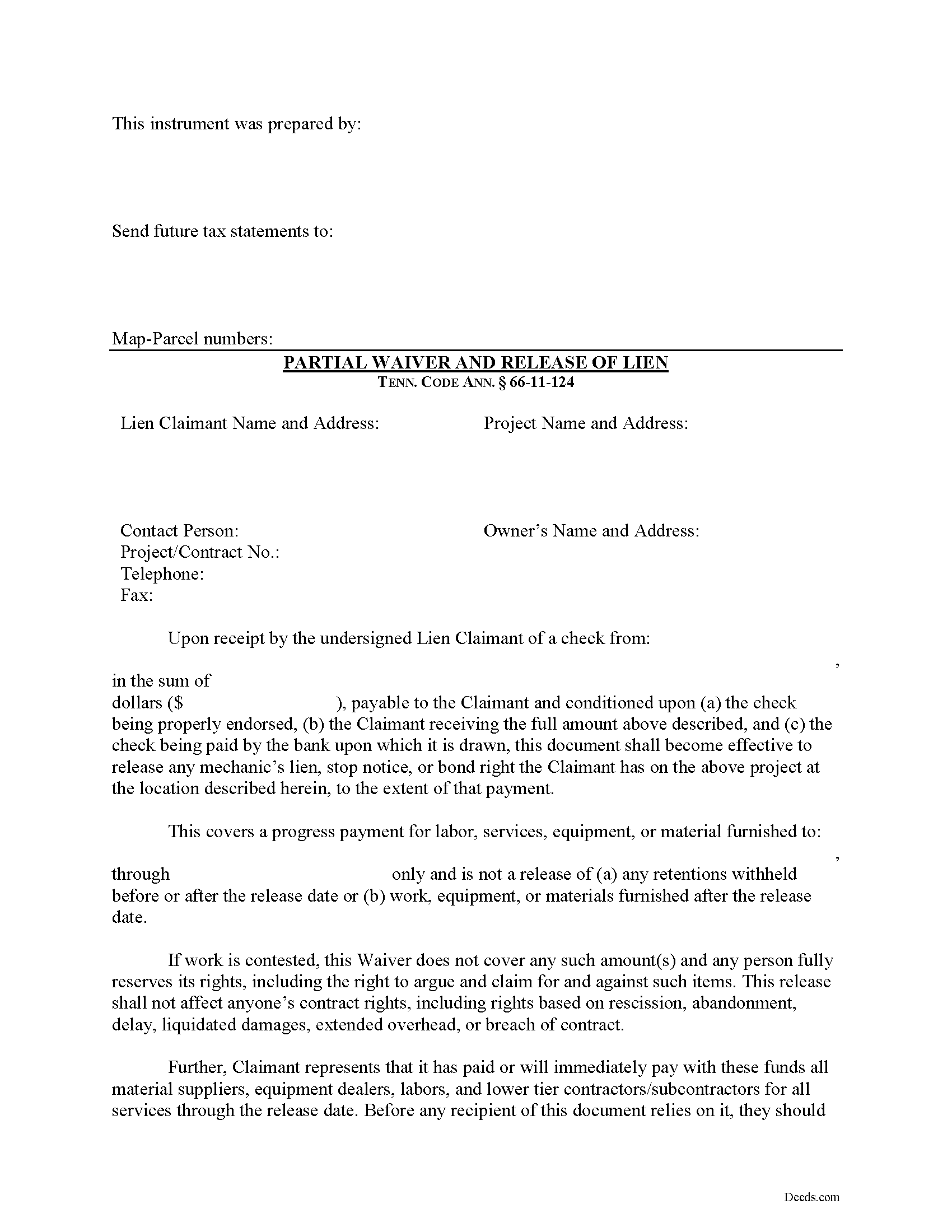
Greene County Partial Lien Waivers Form
Fill in the blank Partial Lien Waivers form formatted to comply with all Tennessee recording and content requirements.
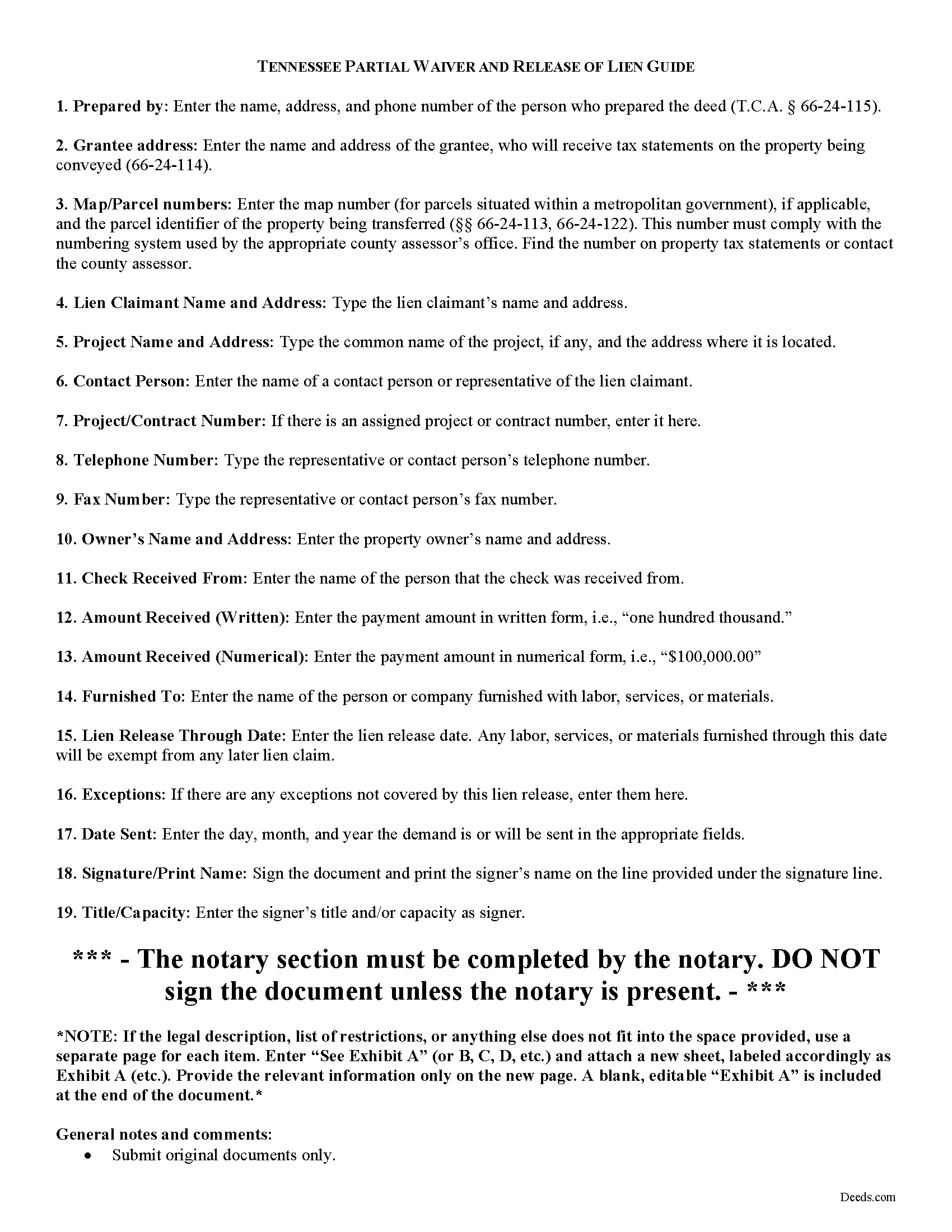
Greene County Partial Lien Waiver Guide
Line by line guide explaining every blank on the form.
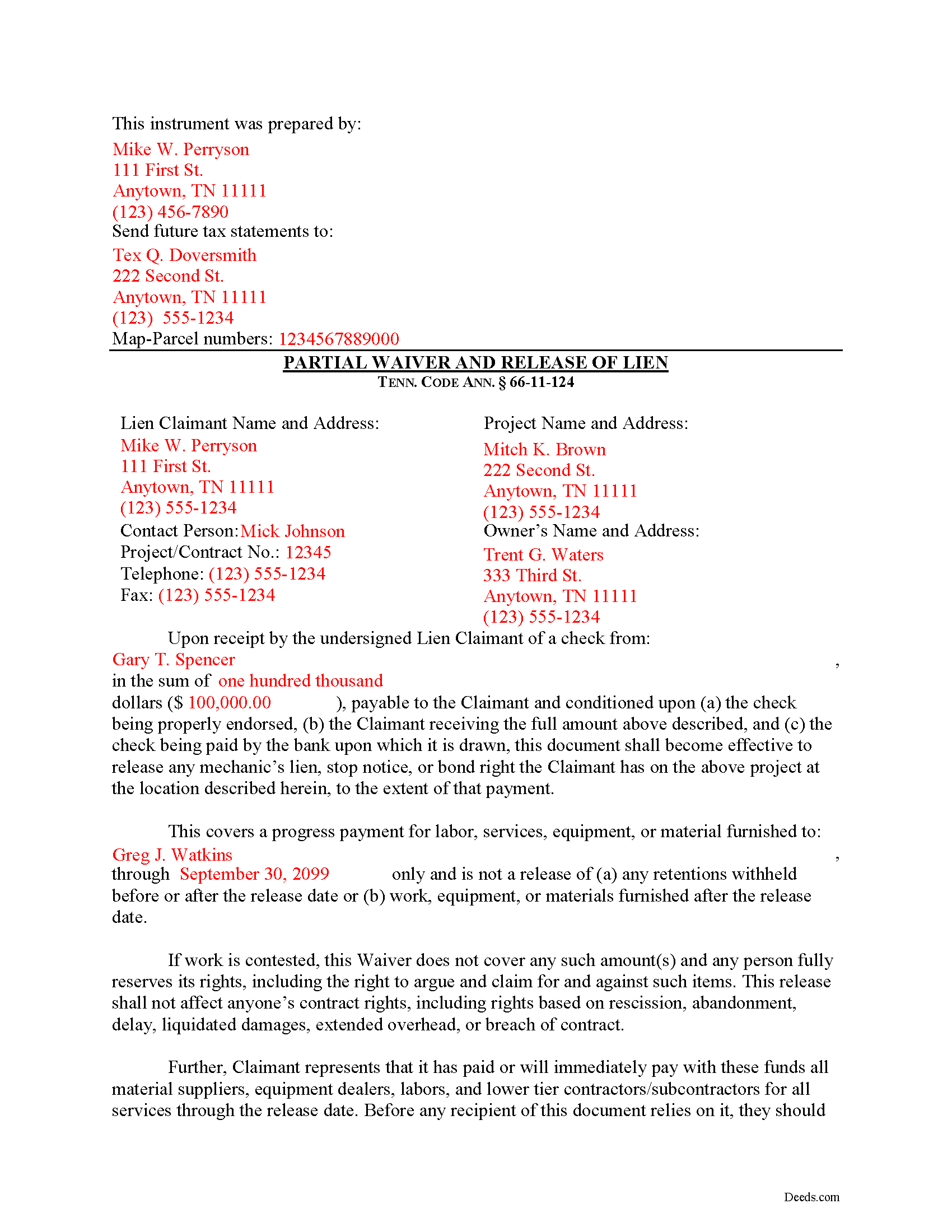
Greene County Completed Example of the Partial Lien Waiver Document
Example of a properly completed form for reference.
All 3 documents above included • One-time purchase • No recurring fees
Immediate Download • Secure Checkout
Additional Tennessee and Greene County documents included at no extra charge:
Where to Record Your Documents
Greene County Register of Deeds
Greenville, Tennessee 37745
Hours: 8:00 to 4:30 M-F
Phone: (423) 798-1726
Recording Tips for Greene County:
- Bring your driver's license or state-issued photo ID
- Ensure all signatures are in blue or black ink
- Ask about accepted payment methods when you call ahead
- Ask for certified copies if you need them for other transactions
- Ask if they accept credit cards - many offices are cash/check only
Cities and Jurisdictions in Greene County
Properties in any of these areas use Greene County forms:
- Afton
- Chuckey
- Greeneville
- Midway
- Mohawk
- Mosheim
Hours, fees, requirements, and more for Greene County
How do I get my forms?
Forms are available for immediate download after payment. The Greene County forms will be in your account ready to download to your computer. An account is created for you during checkout if you don't have one. Forms are NOT emailed.
Are these forms guaranteed to be recordable in Greene County?
Yes. Our form blanks are guaranteed to meet or exceed the applicable formatting requirements used for recording in Greene County, including margin requirements, font requirements, and other layout standards. This guarantee applies to formatting, not to the legal sufficiency of information entered by the user or the suitability of a form for a particular transaction.
Can I reuse these forms?
Yes. You can reuse the forms for your personal use. For example, if you have multiple properties in Greene County you only need to order once.
What do I need to use these forms?
The forms are PDFs that you fill out on your computer. The free Adobe Acrobat Reader is recommended, and most PDF apps also work. You do NOT enter your property information online - you download the blank forms and complete them privately on your own computer.
Are there any recurring fees?
No. This is a one-time purchase. Nothing to cancel, no memberships, no recurring fees.
How much does it cost to record in Greene County?
Recording fees in Greene County vary. Contact the recorder's office at (423) 798-1726 for current fees.
Questions answered? Let's get started!
"Waiver" is a legal term which means giving up a right. A waiver can be written or oral. It can also be expressed by a formal agreement or implied through conduct of the parties. When discussing mechanic's liens, a waiver refers to a written document granted by a lien claimant to a property owner. This document usually confirms a partial or final payment and states that the lien claimant is waiving a right to claim a lien for the partial or full amount. Waivers help ease feelings of distrust between parties dealing at arms-length and give peace of mind for the laborer that he or she will get paid and for the property owner that his or her property won't be burdened by any mechanic's liens.
In Tennessee, lien waivers are governed under 66-11-124 of the Tennessee Property Code. Lien waivers in Tennessee must be explicit and are never implied. The acceptance by the lienor of a note or notes for all or any part of the amount of the lienor's claim shall not constitute a waiver of the lienor's lien, unless expressly so agreed in writing, nor shall it in any way affect the period for serving or recording the notice of lien under this chapter. Tenn. Prop. Code 66-11-124(a). Further, any contract term that purports to waive any right of lien under this chapter is void and unenforceable as against the public policy of the state. Tenn. Prop. Code 66-11-124(b). In fact, if a contractor solicits any person to sign a contract requiring the person to waive a right of lien, the person shall notify the state board for licensing contractors of that fact. Tenn. Prop. Code 66-11-124(b)(2)(A). Upon receiving the information, the executive director of the board shall notify the contractor within a reasonable time after receiving the information that the contract is against the public policy of this state and in violation of this section.
Use a partial lien waiver when a progress payment is made in exchange for the release of a portion of the contractor's lien rights. For instance, it the entire contract is for $100,000 and the owner makes a $10,000 progress payment, a partial waiver is appropriate. This allows the responsible party pay down an outstanding balance while the contractor retains some protection on the remainder.
A valid waiver is in the form of an affidavit (sworn statement). It identifies the parties, the location of the work, relevant dates and amounts paid, and any other information necessary for the specific situation. Record the completed and notarized document in the records of the county where the property is situated.
This article is provided for informational purposes only and should not be considered legal advice or relied upon as any substitute for speaking with an attorney. Please consult a Tennessee attorney familiar with construction law for any issues regarding mechanic's liens.
Important: Your property must be located in Greene County to use these forms. Documents should be recorded at the county recording office listed above.
This Partial Lien Waivers meets all recording requirements specific to Greene County.
Our Promise
The documents you receive here are guaranteed to meet or exceed the applicable Greene County recording format requirements. If there is a rejection caused by our formatting, we will correct the issue or refund your payment. This guarantee applies to document formatting only and does not extend to information entered by the user, the selection of the form, or the legal effect of the completed document.
Save Time and Money
Get your Greene County Partial Lien Waivers form done right the first time with Deeds.com Uniform Conveyancing Blanks. At Deeds.com, we understand that your time and money are valuable resources, and we don't want you to face a penalty fee or rejection imposed by a county recorder for submitting nonstandard documents. We constantly review and update our forms to meet rapidly changing state and county recording requirements for roughly 3,500 counties and local jurisdictions.
4.8 out of 5 - ( 4,828 Reviews )
michael o. 5 out of 5 stars
After trying to get help locally I found your website. Very easy
Thank you for your feedback. We really appreciate it. Have a great day!
Walter C. 5 out of 5 stars
Awesome everything you would ever need
Thank you!
Denise B. 5 out of 5 stars
I highly recommend Deeds.com to be your go-to search website. I was able to get the information that I needed.
We appreciate your business and value your feedback. Thank you. Have a wonderful day!
Gene L S. 5 out of 5 stars
Exactly what I needed, at a reasonable cost.
Thank you Gene.
Vallerie M. 5 out of 5 stars
Amazing! Great prompt service and follow up. I couldn’t be happier
We are grateful for your engagement and feedback, which help us to serve you better. Thank you for being an integral part of our community.
Ernest E. 5 out of 5 stars
No problem whatsoever navigating the forms. I hope the filing is this easy.
Thanks, Ernest! We’re glad the forms were easy to navigate. Recording in Virginia Beach City is typically straightforward, but it’s always a good idea to confirm any local requirements with the clerk before filing.
James R. 5 out of 5 stars
Super website. Easy to use and stuff is well organized.
We appreciate your business and value your feedback. Thank you. Have a wonderful day!
Pamela W. 5 out of 5 stars
This was so easy! Doing it this way saved me a bundle. I used the example form to make sure mine was correct. I would highly recommend this to anyone.
Thanks Pamela. We're glad the completed example was helpful.
Sandra B. 5 out of 5 stars
Easy and fast. Was able to find the documents needed and saved so much money!!
We appreciate your business and value your feedback. Thank you. Have a wonderful day!
Rebecca M. 5 out of 5 stars
This was pretty easy to fill out. The directions on all of the forms was very good. This should make life much easier at the County Recorder. Thank you!
We appreciate your business and value your feedback. Thank you. Have a wonderful day!
Lois S. 5 out of 5 stars
This website made it easy to quickly research what was recorded/released on the title of my home.
Thank you for your feedback. We really appreciate it. Have a great day!
Brenda B. 2 out of 5 stars
Disappointed. Did not get the information requested.
Sorry we were unable to pull the documents you requested. We do hope that you found what you were looking for elsewhere. Have a wonderful day.
AKILAH S. 4 out of 5 stars
It was a little challenging and I had to call to speak to someone a few time but I got it done and and over with so I'm happy.
It was a pleasure serving you. Thank you for the positive feedback!
Christopher B. 5 out of 5 stars
Record retrieval by staff is very prompt!!! Great customer service for sure!
Thank you for your feedback. We really appreciate it. Have a great day!
Ronald C. 5 out of 5 stars
My goal was to find the Covenant, Conditions, and Restrictions for my HOA. From what I can read, these documents should be attached to our Deed (single family, patio home in New Hanover County). I am not sure if I have a copy of my Deed. I would need to check my Safe Deposit Box. Unfortunately, I was not successful at finding these documents from your Website. If you can help me find them, I would appreciate that.
It is most common to obtain a copy of CC&Rs directly from the HOA. Alternatively, they are also usually a matter of public record recorded with the local recorder and you can obtain a copy there.