Greene County Easement Deed Form
Last validated October 13, 2026 by our Forms Development TeamFormatted for recording in Greene County, for property anywhere in the county: rural and unincorporated areas as well as Afton, Chuckey, Greeneville, Midway, Mohawk, Mosheim.
- 4 documents included
- Immediate PDF download
- Formatting guarantee
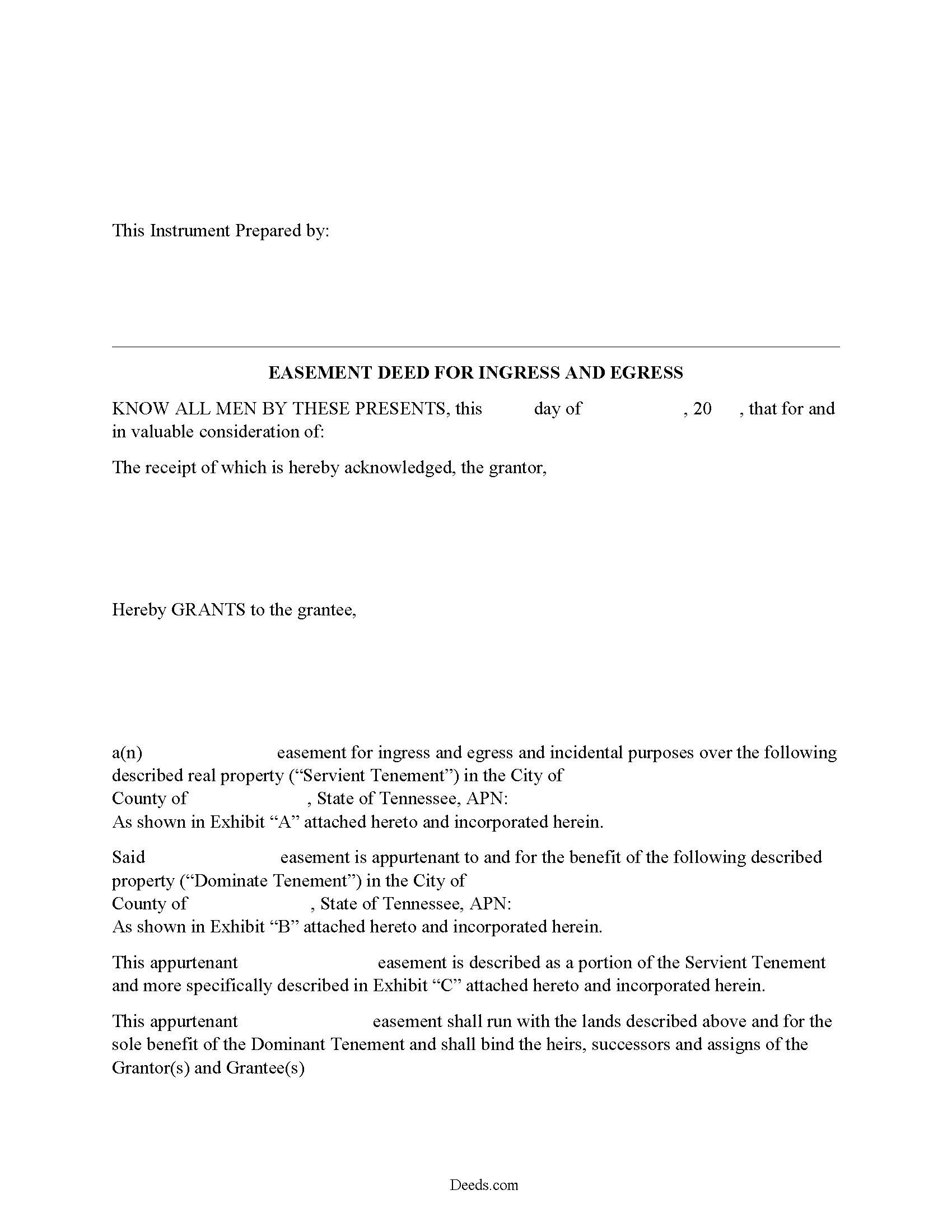
Greene County Easement Deed Form
Fill in the blank form formatted to comply with all recording and content requirements.
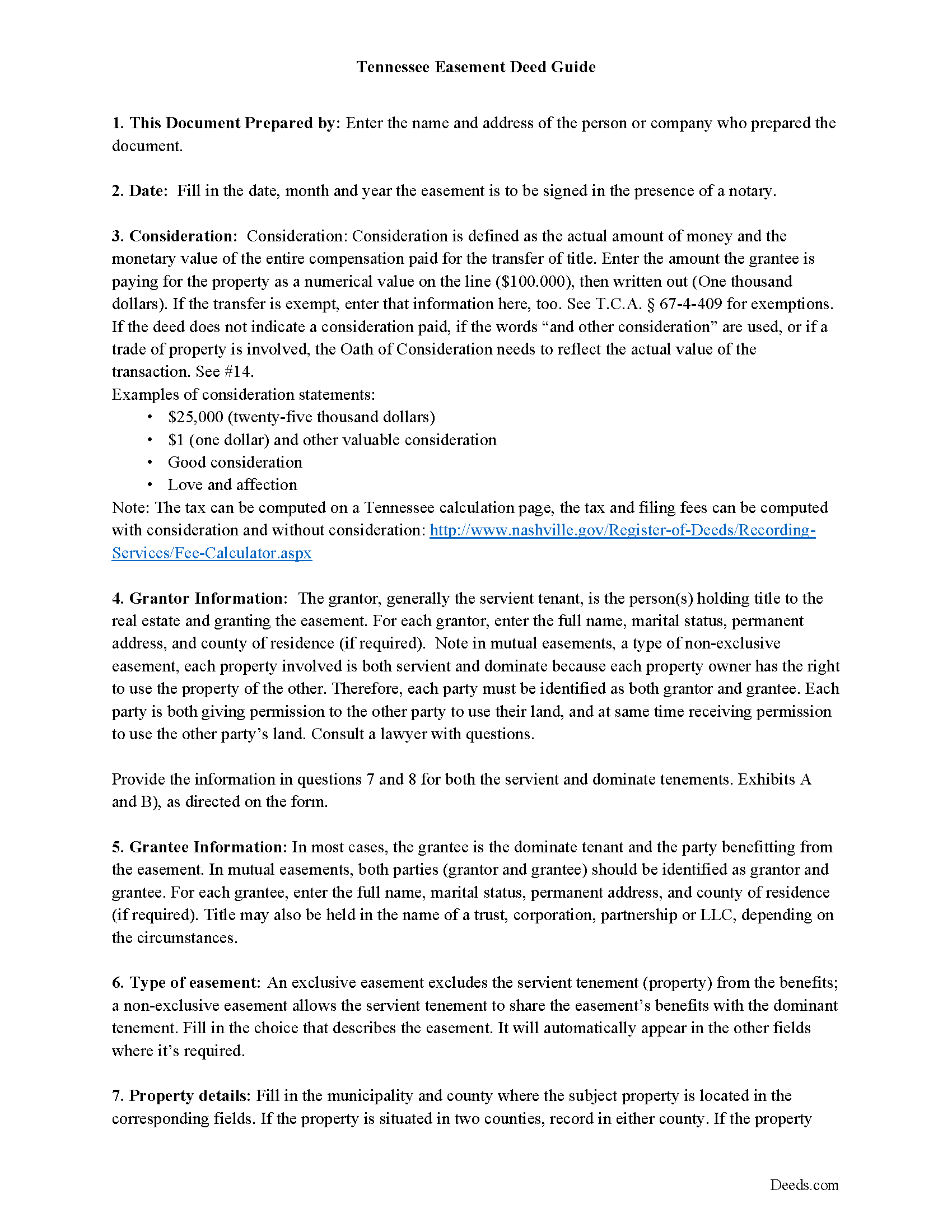
Greene County Easement Deed Guide
Line by line guide explaining every blank on the form.
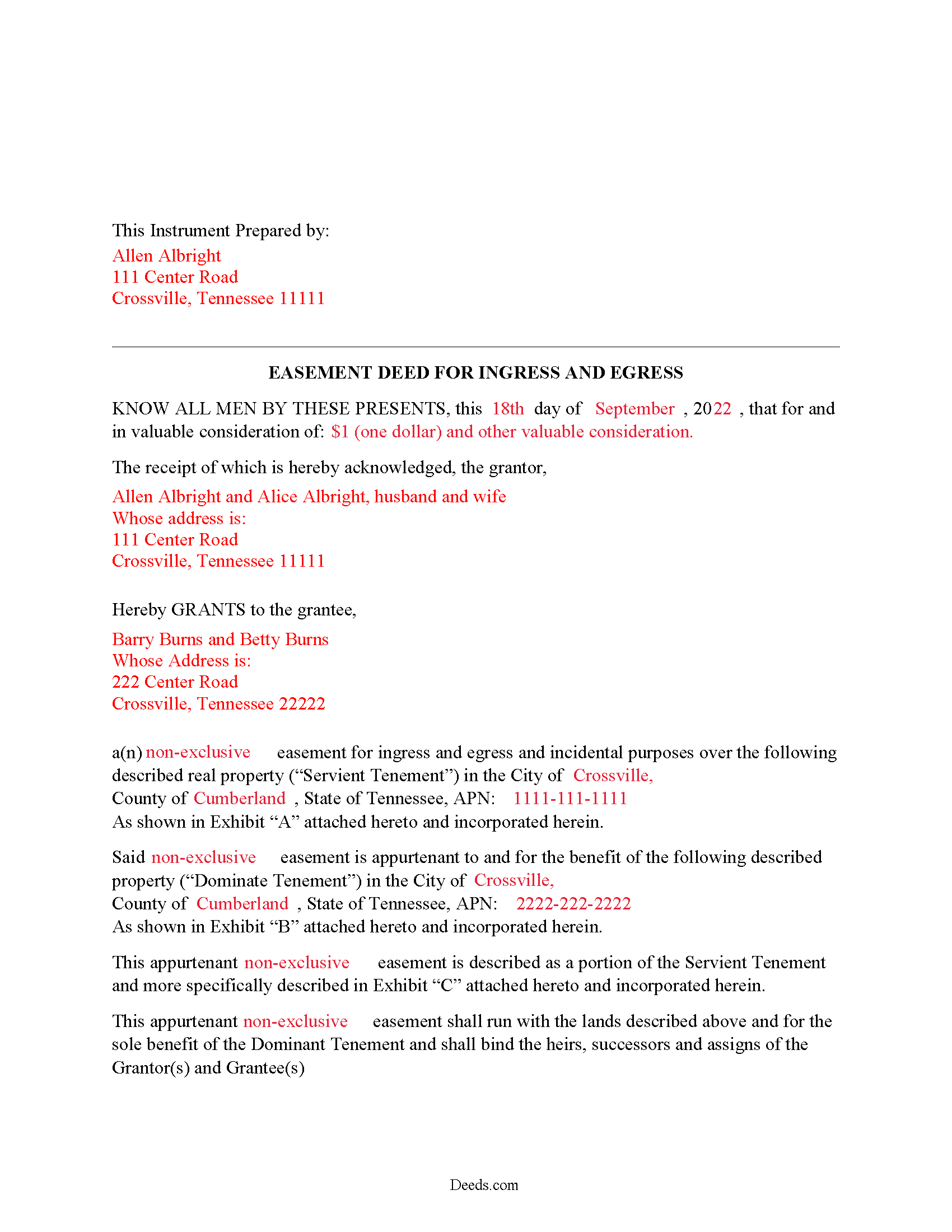
Greene County Completed Example of the Easement Deed Document
Example of a properly completed form for reference.
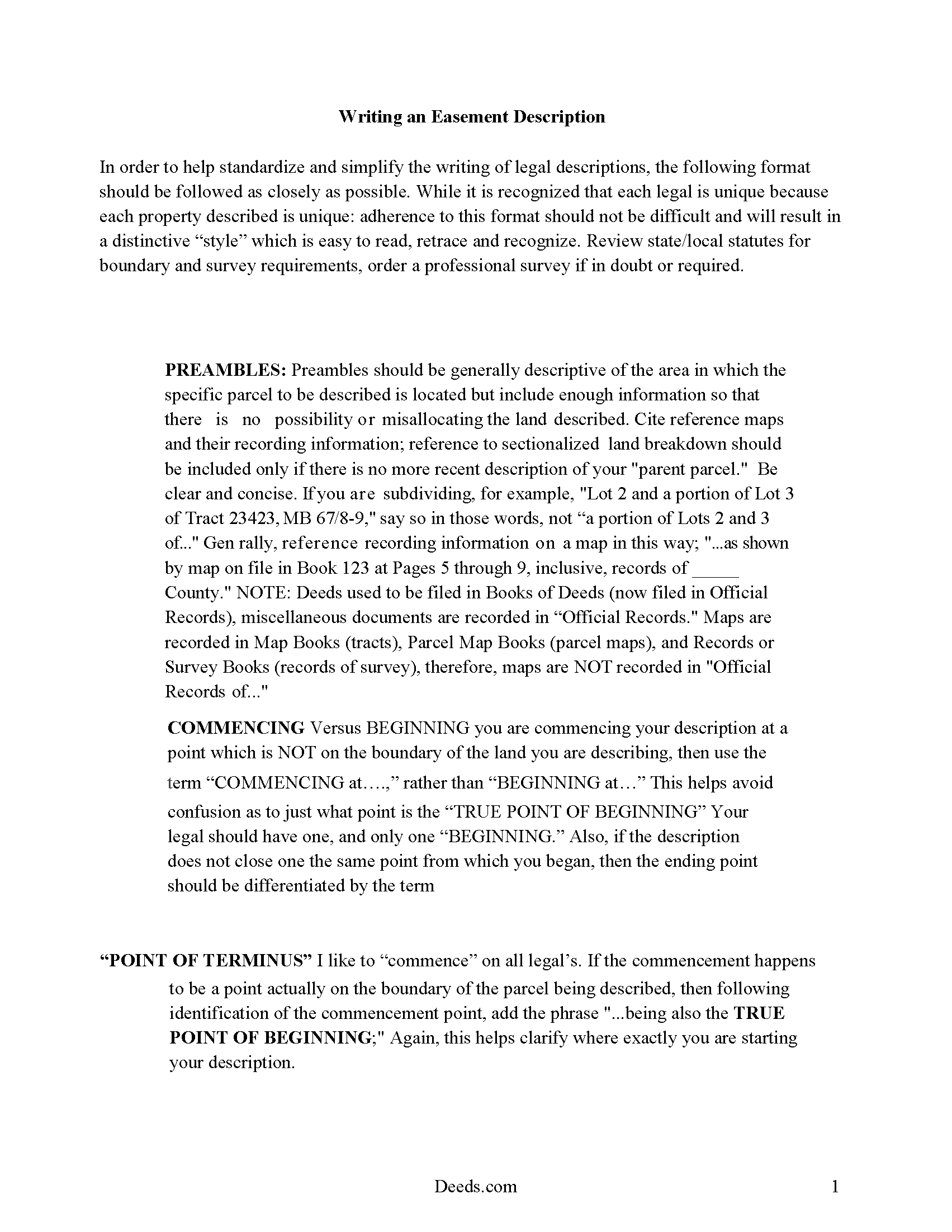
Greene County Guide to writing an Easement Description
A Description of the Easement will be required. This will show how to write an acceptable description for a Right of Way Easement, which gives access, to and from - point A to point B.
All 4 documents above included • One-time purchase • No recurring fees
Immediate Download • Secure Checkout
Additional Tennessee and Greene County documents included at no extra charge:
Where to Record Your Documents
Greene County Register of Deeds
Greenville, Tennessee 37745
Hours: 8:00 to 4:30 M-F
Phone: (423) 798-1726
Recording Tips for Greene County:
- Bring your driver's license or state-issued photo ID
- Ensure all signatures are in blue or black ink
- White-out or correction fluid may cause rejection
- Ask about their eRecording option for future transactions
- Avoid the last business day of the month when possible
Cities and Jurisdictions in Greene County
Properties in any of these areas use Greene County forms:
- Afton
- Chuckey
- Greeneville
- Midway
- Mohawk
- Mosheim
Hours, fees, requirements, and more for Greene County
How do I get my forms?
Forms are available for immediate download after payment. The Greene County forms will be in your account ready to download to your computer. An account is created for you during checkout if you don't have one. Forms are NOT emailed.
Are these forms guaranteed to be recordable in Greene County?
Yes. Our form blanks are guaranteed to meet or exceed the applicable formatting requirements used for recording in Greene County, including margin requirements, font requirements, and other layout standards. This guarantee applies to formatting, not to the legal sufficiency of information entered by the user or the suitability of a form for a particular transaction.
Can I reuse these forms?
Yes. You can reuse the forms for your personal use. For example, if you have multiple properties in Greene County you only need to order once.
What do I need to use these forms?
The forms are PDFs that you fill out on your computer. The free Adobe Acrobat Reader is recommended, and most PDF apps also work. You do NOT enter your property information online - you download the blank forms and complete them privately on your own computer.
Are there any recurring fees?
No. This is a one-time purchase. Nothing to cancel, no memberships, no recurring fees.
How much does it cost to record in Greene County?
Recording fees in Greene County vary. Contact the recorder's office at (423) 798-1726 for current fees.
Questions answered? Let's get started!
An easement is an interest in real property that grants the easement holder a legally enforceable right to use another's property for a specific purpose. This type of interest in land can be created in various ways in Tennessee: by an express grant, by reservation, or by implication. An express easement is a grant of an interest in land and must comply with the Tennessee Code Annotated Statute of Frauds, which states that no charge may be brought against a contract for the sale of lands, tenements, or hereditaments unless the promise or agreement upon which such action shall be brought is in writing and signed by the party to be charged therewith (29-2-101). An express easement by grant is created by a deed in writing that contains plain and direct language evidencing the grantor's intent to create an easement. The scope and duration of the easement is set forth in express terms in the granting document. When the owner of a dominant tenement transfers title in Tennessee, he transfers to the grantee all rights in and to the property, including all appurtenant and necessary easements attached to the property.
A solar energy easement can be created according to the provisions outlined in 66-9-204 of the Tennessee Code Annotated. This type of easement is presumed to run with the benefitted and burdened land and is deemed to pass with the property when the title is transferred, unless the parties to the easement provide otherwise in writing (66-9-205).
A county recorder in Tennessee can refuse to record an easement deed unless it has been authenticated. A deed is considered authenticated when it has been signed and acknowledged by the grantor or proved by two subscribing witnesses (66-22-101). Acknowledgements made within the state can be made before the county clerk, a legally appointed deputy county clerk, a clerk and master of a chancery court of a county in the state, or before a notary public within the state (66-22-102). An easement deed acknowledged out of state will be valid in Tennessee if it has been executed and acknowledged according to the laws of such state. Out-of-state acknowledgments can be taken before any of the officers listed in 66-22-103. A certificate of acknowledgment should be attached to or endorsed on a deed executed in Tennessee or in another state (66-22-107).
The act of recording an easement deed will provide notice to the general public of the existence of the deed from the time it is recorded, and the deed will take effect from the time it is recorded (66-26-102). An easement deed that has not been recorded as required will not be effective as to other persons not having notice of the deed. Unrecorded easements will be effective between the parties to the deed and their heirs and representatives (66-26-101). The priority of instruments is determined as follows: A deed that is registered first or noted for registration first will have priority over a deed of an earlier date but is noted for registration afterwards, unless it is proved in a court of equity, according to the rules of the court, that the party claiming under the subsequent instrument had full notice of the previous instrument (66-26-105). Easement deeds and other real property instruments in Tennessee are required to be recorded in the register of deeds office in the county where the property is located. If property is located partly in two or more counties, the deed may be recorded in either county; and if there are several tracts of land lying in different counties, the deed should be recorded in each of the counties where any of the tracts lie (66-24-103).
(Tennessee ED Package includes form, guidelines, and completed example)
Important: Your property must be located in Greene County to use these forms. Documents should be recorded at the county recording office listed above.
This Easement Deed meets all recording requirements specific to Greene County.
Our Promise
The documents you receive here are guaranteed to meet or exceed the applicable Greene County recording format requirements. If there is a rejection caused by our formatting, we will correct the issue or refund your payment. This guarantee applies to document formatting only and does not extend to information entered by the user, the selection of the form, or the legal effect of the completed document.
Save Time and Money
Get your Greene County Easement Deed form done right the first time with Deeds.com Uniform Conveyancing Blanks. At Deeds.com, we understand that your time and money are valuable resources, and we don't want you to face a penalty fee or rejection imposed by a county recorder for submitting nonstandard documents. We constantly review and update our forms to meet rapidly changing state and county recording requirements for roughly 3,500 counties and local jurisdictions.
4.8 out of 5 - ( 4,828 Reviews )
David S. 3 out of 5 stars
I downloaded the quit claim deed form and saved it on my computer. I opened it with Adobe and filled it out. The space for the legal description was too small (2 lines only) which did not allow enough room for the long property description that I had.
Thank you for your feedback. We really appreciate it. Have a great day!
Wes C. 5 out of 5 stars
The forms are easy to use and the examples and guidance are easy to understand and follow.
Thank you for your feedback. We really appreciate it. Have a great day!
Jessica B. 5 out of 5 stars
Amazing service. Immediate responses at all hours of the day and prevent late in the evening! Patient and friendly. I will say that Adobe scan did not work well for me. Notes app for IOS has a scan feature and that seemed to work best.
Thank you for your feedback. We really appreciate it. Have a great day!
Kenneth D. 5 out of 5 stars
I was very pleased with the service and the product. All the extras were a nice addition to my order. With the example and instructions, I was able to fill out my correction deed correctly. I filed it and it was accepted with zero reservations by my clerk and recorder's office. The expected result (which was to remove a name from the current deed) happened almost immediately. I definitely recommend deeds.com .
We appreciate your business and value your feedback. Thank you. Have a wonderful day!
Jane E. 5 out of 5 stars
The form was incompatible with my son's new computer. I do not have a printer. We did use your form to type a copy into "word" so he could print it.
Thank you!
Herbert L. 5 out of 5 stars
Creating my enhanced lifde estate deed was rather easy but I am not happy. After buying the 3 form package for about $29 and crating my legal form... was not happy with your disclaimer than you cannot guarantee the form will meet required legal standards. I was convinced you all knew what you're doing since the forms are supposedly specific to Polk county, Florida.
Herbert, thank you for your feedback.
Our deed forms are prepared to meet the statutory and recording requirements for the state listed, including common formatting and content requirements used by county recorders.
The disclaimer exists because we are not acting as your attorney and cannot evaluate each customer’s specific facts, property history, or intended use of the document. For that reason, we cannot guarantee that a document will meet every possible legal need or circumstance.
Many customers successfully prepare and record their deeds using these materials, but anyone needing legal advice about their particular situation should consult a licensed attorney.
Paula M. 5 out of 5 stars
So far it seems good. I am still trying to send information to this company so they can help me with the deed.
Thank you for your feedback. We really appreciate it. Have a great day!
David B. 5 out of 5 stars
I found the information very helpful. Had problems producing a professional looking document due to the limited active fields on the PDF form. Finally I just typed it.
Thank you!
James R. 5 out of 5 stars
Super website. Easy to use and stuff is well organized.
We appreciate your business and value your feedback. Thank you. Have a wonderful day!
Melody P. 5 out of 5 stars
Thank you for always providing great service!
We appreciate your business and value your feedback. Thank you. Have a wonderful day!
john o. 5 out of 5 stars
very simple to use
Thank you!
MATUS C. 5 out of 5 stars
Quick, easy way to get the forms I needed
Thank you for your feedback. We really appreciate it. Have a great day!
JAMES S. 5 out of 5 stars
Saved me 1-2 hours' time dictating. Will use again.
Thank you!
Kirk G. 5 out of 5 stars
Excellent! I will be back!
Thank you!
Ralph E. 5 out of 5 stars
I wish I had found this site earlier!!! Not only was it helpful and just what I needed but I got my information so fast AND on the weekend. I would recommend this site to everyone. I plan on using it more. Its cheap and I can get my information while sitting at home. Very impressed!
Thank you for the kinds words Ralph. Have a great day!