Putnam County Assignment of Deed of Trust Form
Last validated October 6, 2026 by our Forms Development TeamFormatted for recording in Putnam County, for property anywhere in the county: rural and unincorporated areas as well as Baxter, Bloomington Springs, Buffalo Valley, Cookeville, Monterey, Silver Point.
- 6 documents included
- Immediate PDF download
- Formatting guarantee
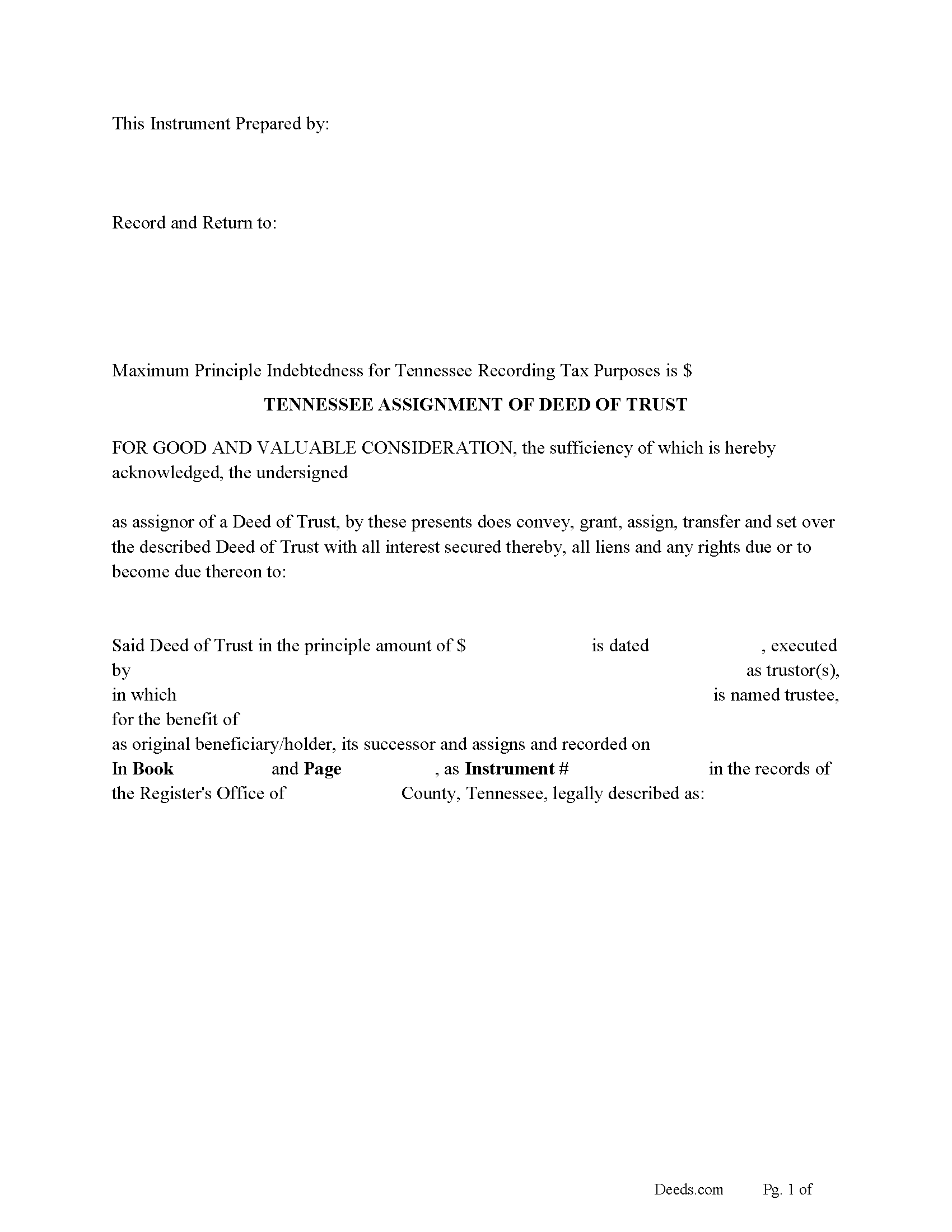
Putnam County Assignment of Deed of Trust Form
Fill in the blank form formatted to comply with all recording and content requirements.
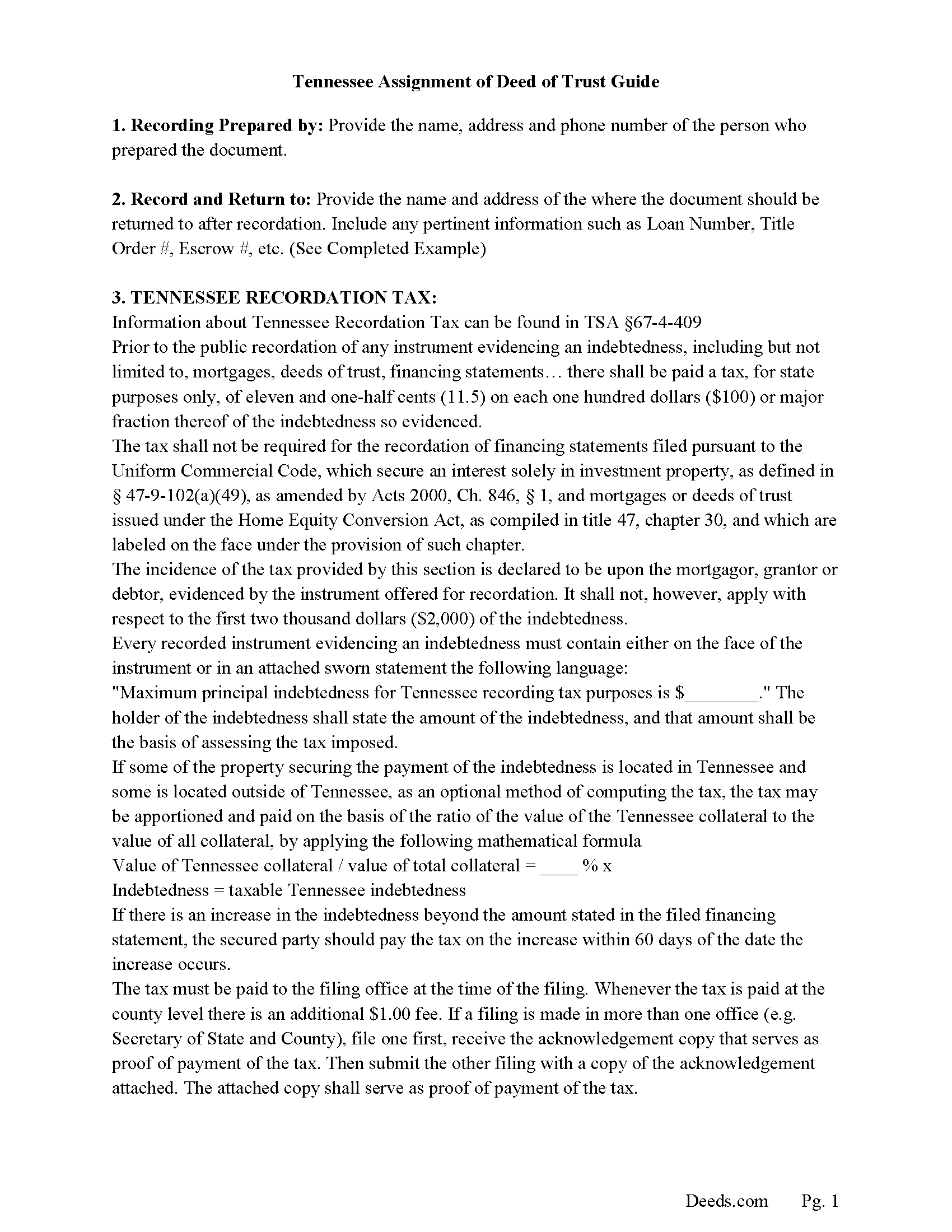
Putnam County Guidelines for Assignment of Deed of Trust
Line by line guide explaining every blank on the form.
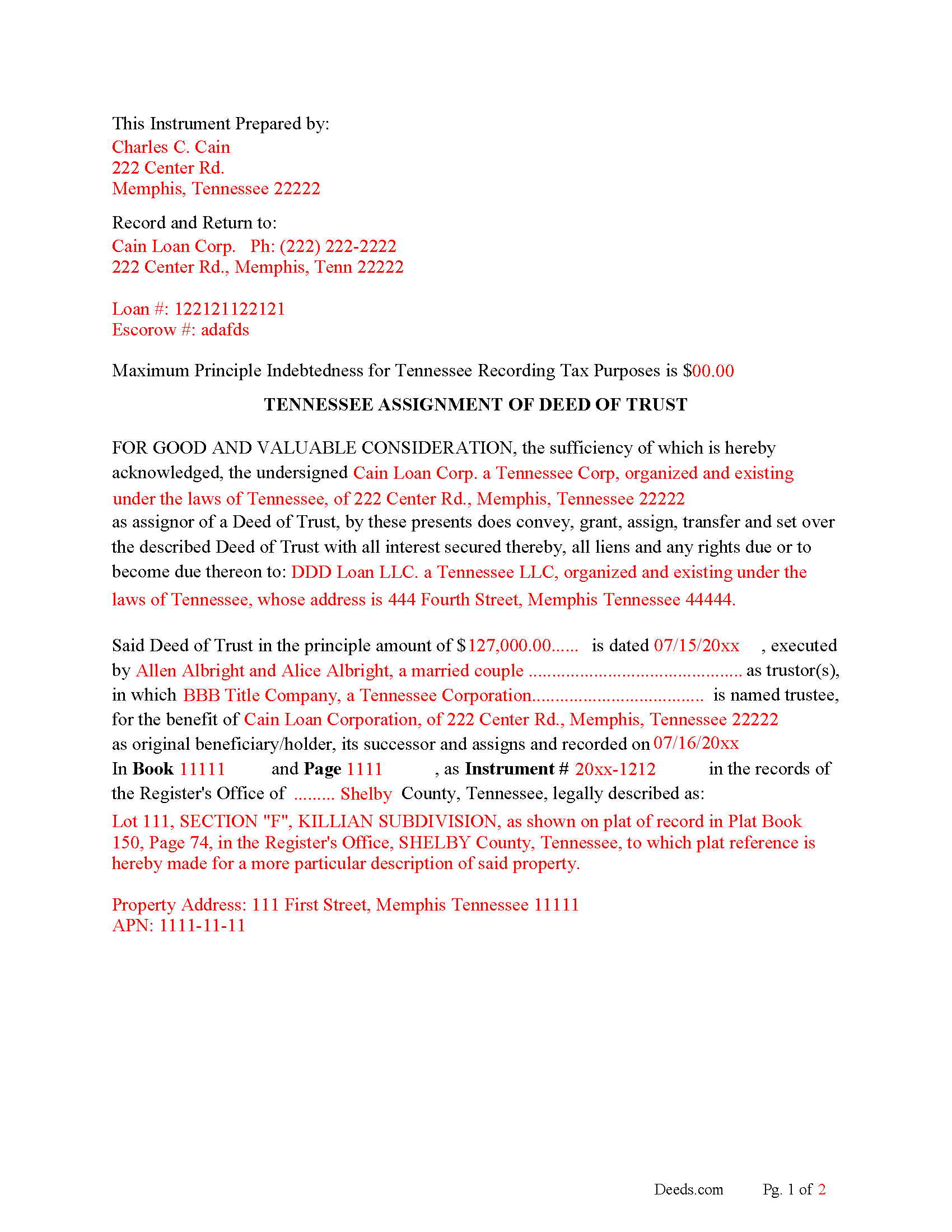
Putnam County Completed Example of the Assignment of Deed of Trust Document
Example of a properly completed form for reference.
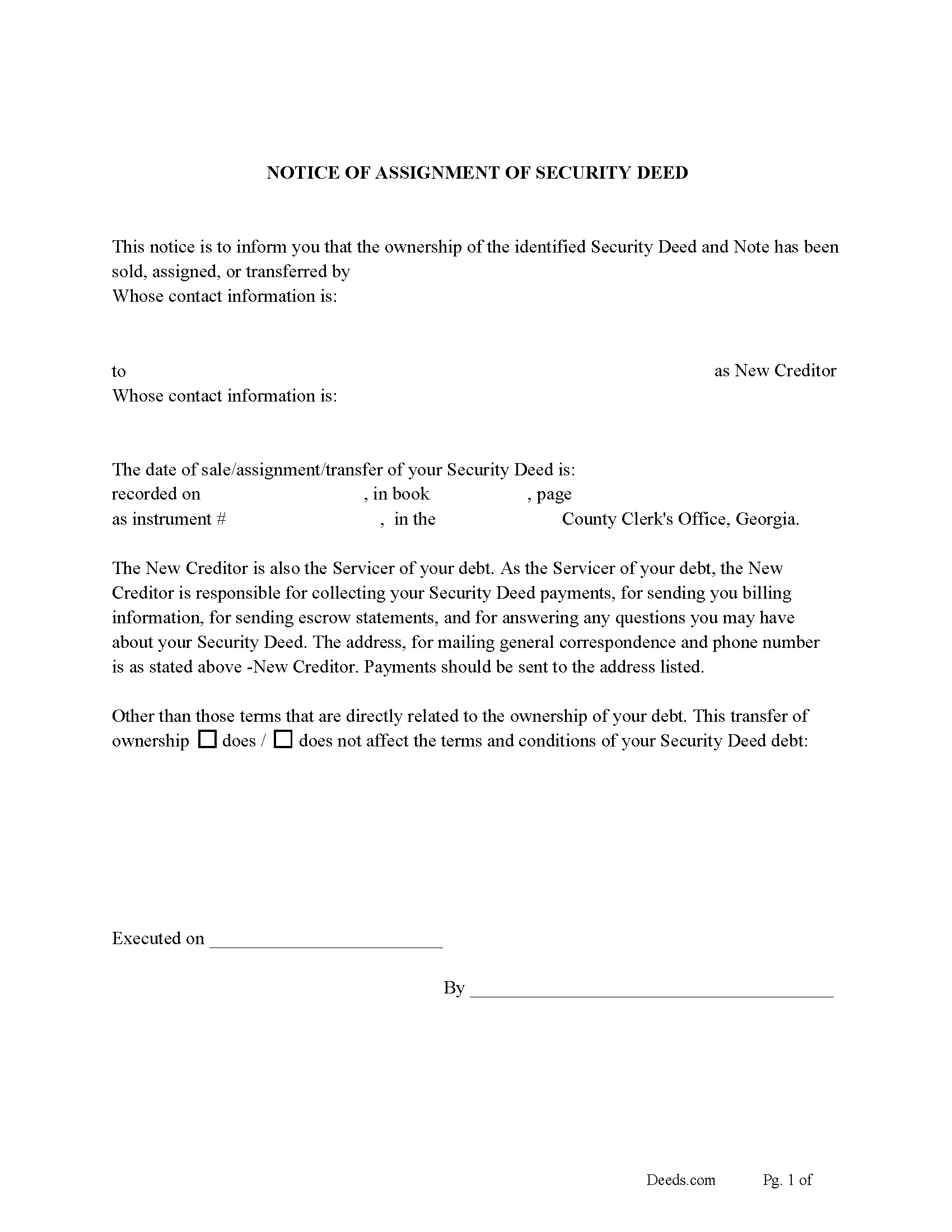
Putnam County Notice of Assignment of Deed of Trust Form
Fill in the blank form formatted to comply with content requirements.
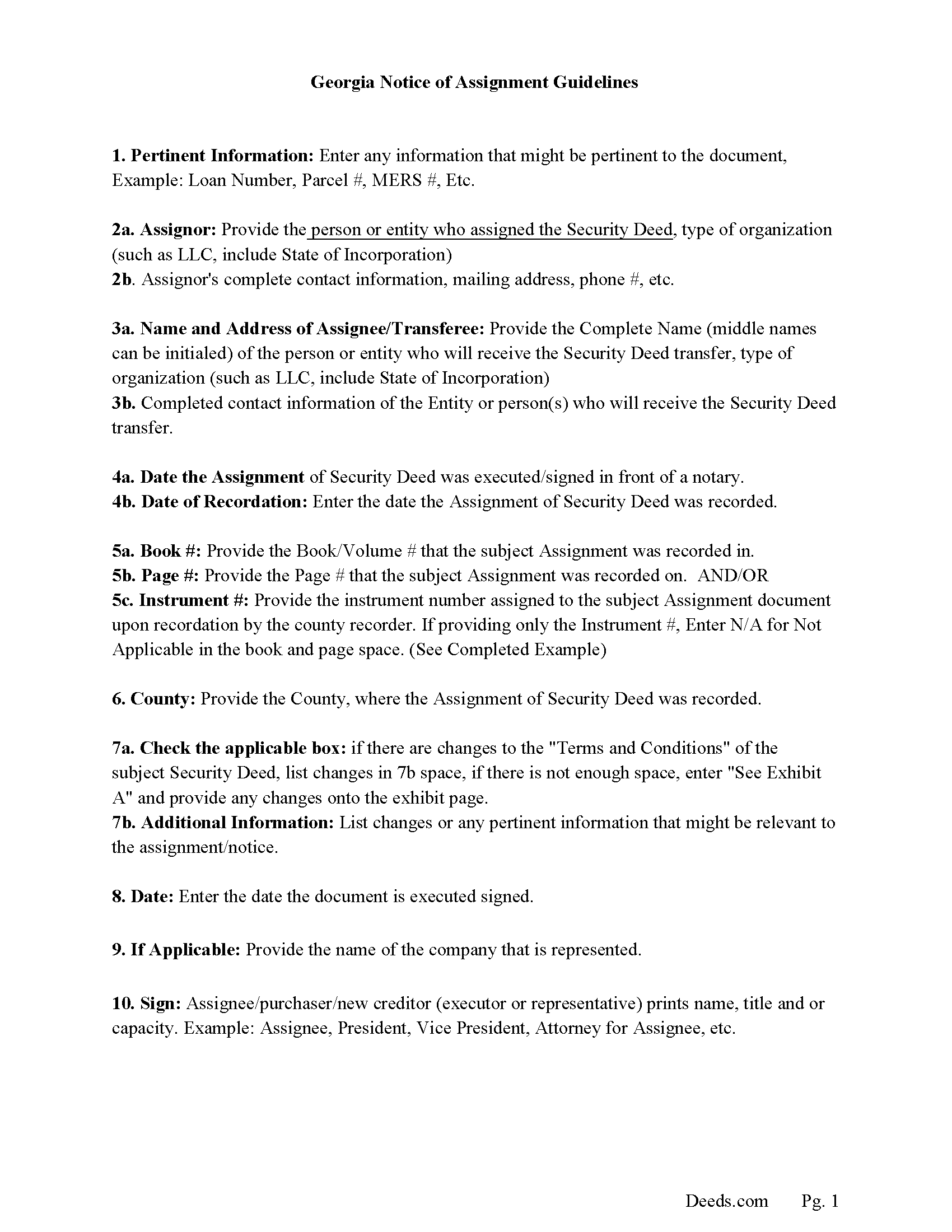
Putnam County Notice of Assignment Guidelines
Line by line guide explaining every blank on the form.
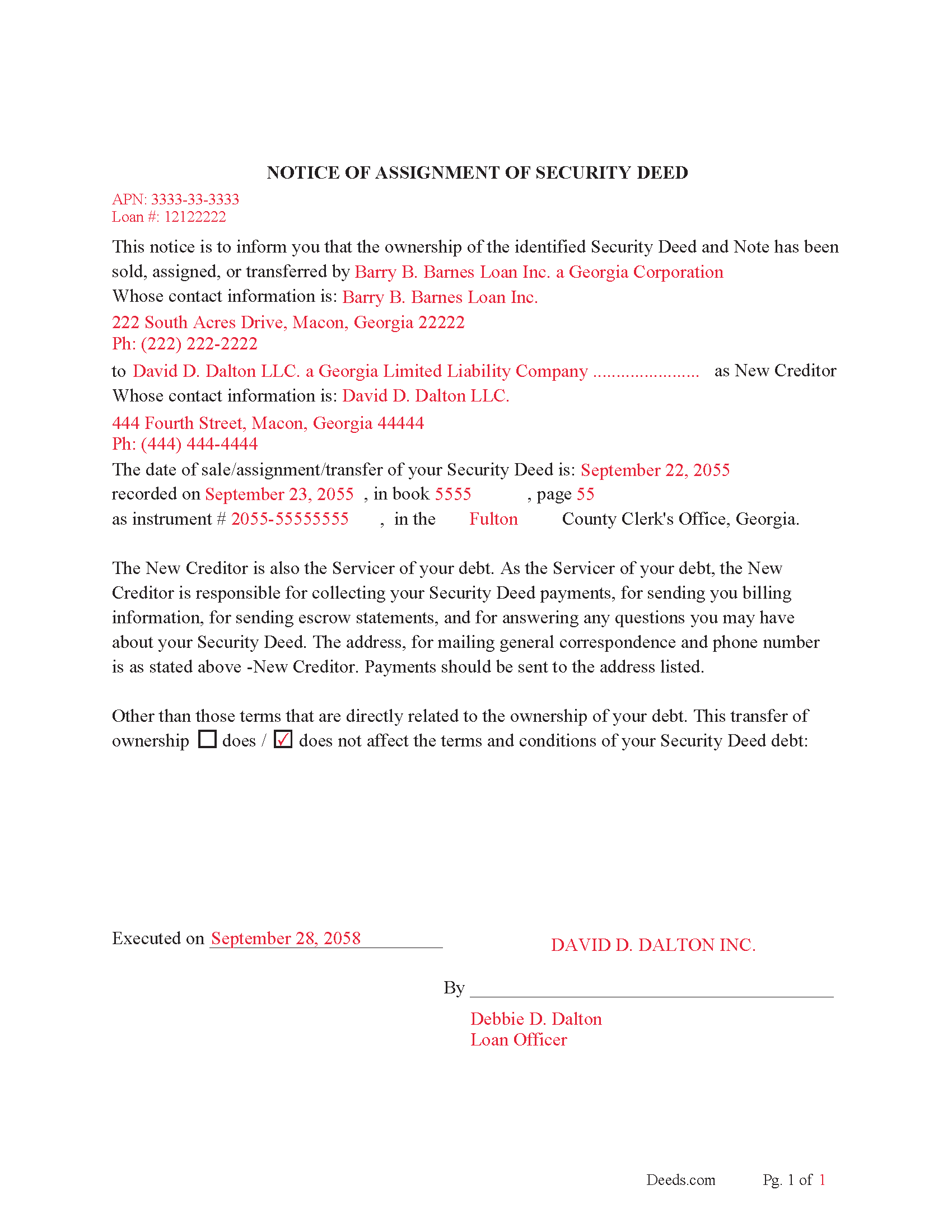
Putnam County Completed Example of Notice of Assignment Document
Example of a properly completed form for reference.
All 6 documents above included • One-time purchase • No recurring fees
Immediate Download • Secure Checkout
Additional Tennessee and Putnam County documents included at no extra charge:
Where to Record Your Documents
Putnam County Register of Deeds
Cookeville, Tennessee 38503
Hours: 8:00 to 4:00 M-F
Phone: (931) 526-7101
Recording Tips for Putnam County:
- Bring your driver's license or state-issued photo ID
- Ensure all signatures are in blue or black ink
- Leave recording info boxes blank - the office fills these
- Make copies of your documents before recording - keep originals safe
- Recorded documents become public record - avoid including SSNs
Cities and Jurisdictions in Putnam County
Properties in any of these areas use Putnam County forms:
- Baxter
- Bloomington Springs
- Buffalo Valley
- Cookeville
- Monterey
- Silver Point
Hours, fees, requirements, and more for Putnam County
How do I get my forms?
Forms are available for immediate download after payment. The Putnam County forms will be in your account ready to download to your computer. An account is created for you during checkout if you don't have one. Forms are NOT emailed.
Are these forms guaranteed to be recordable in Putnam County?
Yes. Our form blanks are guaranteed to meet or exceed the applicable formatting requirements used for recording in Putnam County, including margin requirements, font requirements, and other layout standards. This guarantee applies to formatting, not to the legal sufficiency of information entered by the user or the suitability of a form for a particular transaction.
Can I reuse these forms?
Yes. You can reuse the forms for your personal use. For example, if you have multiple properties in Putnam County you only need to order once.
What do I need to use these forms?
The forms are PDFs that you fill out on your computer. The free Adobe Acrobat Reader is recommended, and most PDF apps also work. You do NOT enter your property information online - you download the blank forms and complete them privately on your own computer.
Are there any recurring fees?
No. This is a one-time purchase. Nothing to cancel, no memberships, no recurring fees.
How much does it cost to record in Putnam County?
Recording fees in Putnam County vary. Contact the recorder's office at (931) 526-7101 for current fees.
Questions answered? Let's get started!
This form is used by the current lender/beneficiary to Assign/transfer a Deed of Trust and Promissory Note to another party, this is usually done when a note has been sold.
Recording requirements include:
- Assignor & assignee
- Debtor's name
- Reference original Volume & Page of assigned document
- Maximum Principal Indebtedness for Tennessee Recording Tax Purposes is $0 (If amount is listed taxes must be paid)
Current Borrowers must be notified of the assignment. Notification consists of contact information of the new creditor, recording dates, recording instrument numbers, changes in loan, etc. Included are "Notice of Assignment of Deed of Trust" forms.
The Truth and lending act requires that borrowers be notified when their Deed of Trust debt has been sold, transferred, or assigned to a new creditor. Generally, within 30 days to avoid up to $2,000.00 in statutory damages, plus reasonable attorney's fees. Systematic violations can reach up $500,000.00.
(Tennessee Assignment of DOT Package includes form, guidelines, and completed example) For use in Tennessee only.
Important: Your property must be located in Putnam County to use these forms. Documents should be recorded at the county recording office listed above.
This Assignment of Deed of Trust meets all recording requirements specific to Putnam County.
Our Promise
The documents you receive here are guaranteed to meet or exceed the applicable Putnam County recording format requirements. If there is a rejection caused by our formatting, we will correct the issue or refund your payment. This guarantee applies to document formatting only and does not extend to information entered by the user, the selection of the form, or the legal effect of the completed document.
Save Time and Money
Get your Putnam County Assignment of Deed of Trust form done right the first time with Deeds.com Uniform Conveyancing Blanks. At Deeds.com, we understand that your time and money are valuable resources, and we don't want you to face a penalty fee or rejection imposed by a county recorder for submitting nonstandard documents. We constantly review and update our forms to meet rapidly changing state and county recording requirements for roughly 3,500 counties and local jurisdictions.
4.8 out of 5 - ( 4,818 Reviews )
Tamara H. 5 out of 5 stars
Absolutely awesome! Quick, easy and efficient. I will definitely be using again!
Thank you Tamara. We really appreciate you taking the time to leave your comments. Have an amazing day!
Alison L. 5 out of 5 stars
Wonderful and easy to use platform. I was using a more complicated platform that wouldn't load half the time. Makes for filing deeds in the pandemic quick and easy.
We appreciate your business and value your feedback. Thank you. Have a wonderful day!
LORIN C. 5 out of 5 stars
This site and service is the best and most easily navigated that I've seen; I'm 80.....and I need...EASY!
Thank you for your feedback. We really appreciate it. Have a great day!
Donald C. 5 out of 5 stars
No review provided.
Thank you!
Don R. 3 out of 5 stars
From Pennsylvania here. Documents are great and easy to fill out however you are lacking a couple of things. You only provide the option for a Grant Deed when you purchase by your county which is Mercer County for me. Why not give the ability to get a Warranty Deed that better protects the Grantee? Also, being from Pennsylvania and in a county that mined Buituminous Coal we are required to include the Coal Severance Notice and Bituminous Mine Subsidence and Land Conservation Act Notice. You can check the box on your Deed form that they are required and attached but you do not provide the verbiage or form for this. You state that you know what each county requires and include everything required but you do not include these two required Notices. This has been a requirement for years and the wording never changes. I had to look for these Notices and hand type this information and include it on another seperate page after the Notary section on the Deed. The Grantor has to sign the Coal Severance Notice and be witnessed by a Notary so I had to add another place for the Notary and will have to pay twice for witnessed signatures when it could have been included in your document. My Deed from 2003 was done that way and then the Notary statement after that so it was only one notarized witness of signature.
Thank you for your feedback. We really appreciate it. Have a great day!
Walton A. 5 out of 5 stars
Thanks ..this was very helpful and easy!
Thank you!
Candace K. 5 out of 5 stars
I was able to find the Certificate of Trust after a little searching. Once found, the remainder of the process was easy. My task was done in no time. It's a great site.
Thank you for your feedback. We really appreciate it. Have a great day!
Jose S. 5 out of 5 stars
Thank you so very much I live in Texas but I Owned a home in Indiana with your help I could never get those paper that I need to change the ownership in Indiana. You have a great site.
Thank you!
Melody P. 5 out of 5 stars
Thank you for getting our docs recorded so quickly and efficiently! Great and dependable service, as always!
We appreciate your business and value your feedback. Thank you. Have a wonderful day!
Barbara A. 5 out of 5 stars
Much easier than going to the courthouse!
Thank you for your feedback. We really appreciate it. Have a great day!
Chrisona S. 5 out of 5 stars
Received the forms as promised. Very satisfied.
Thank you!
john t. 5 out of 5 stars
it worked well and printed out well.
Thank you!
Judith F. 5 out of 5 stars
The form I needed was perfect!
Thank you!
rich b. 3 out of 5 stars
Had pretty much everything I needed. Had to slice and dice a bit.
Thank you!
James B. 5 out of 5 stars
Your website is very easy to use. No problem downloading the forms.
Thank you!