Maury County Certificate of Trust Form
Last validated October 27, 2026 by our Forms Development TeamFormatted for recording in Maury County, for property anywhere in the county: rural and unincorporated areas as well as Columbia, Culleoka, Hampshire, Mount Pleasant, Santa Fe, Spring Hill, Williamsport.
- 3 documents included
- Immediate PDF download
- Formatting guarantee
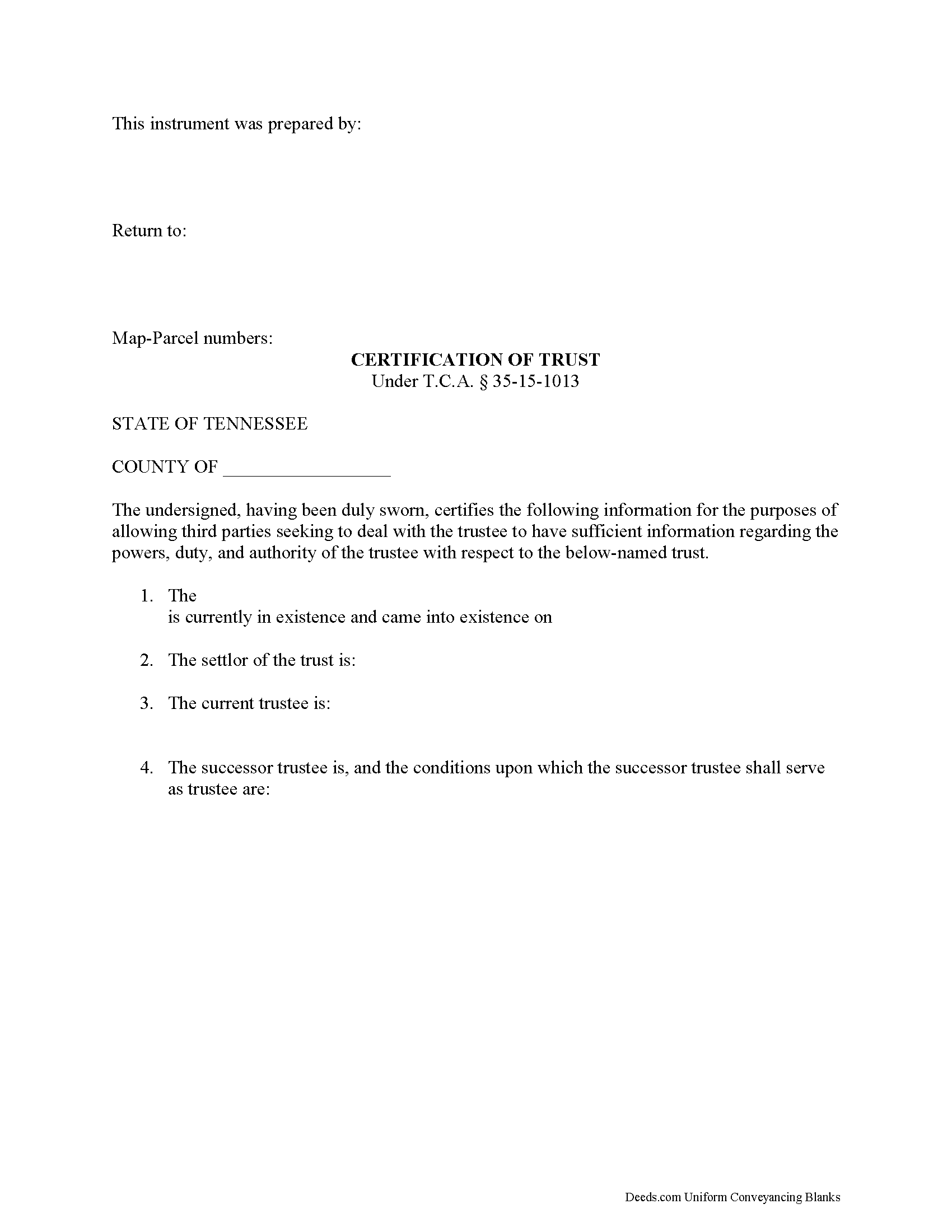
Maury County Certificate of Trust Form
Fill in the blank form formatted to comply with all recording and content requirements.
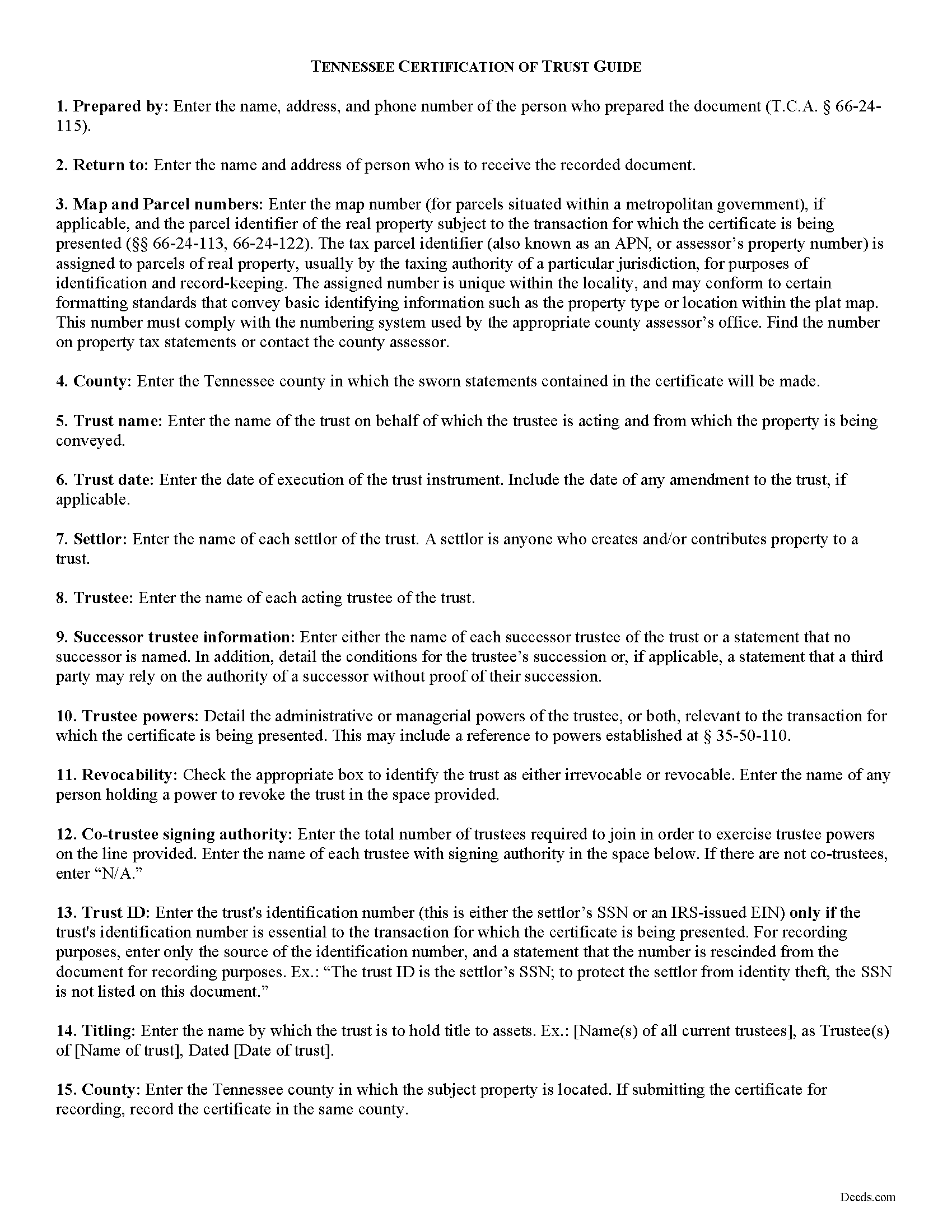
Maury County Certificate of Trust Guide
Line by line guide explaining every blank on the form.
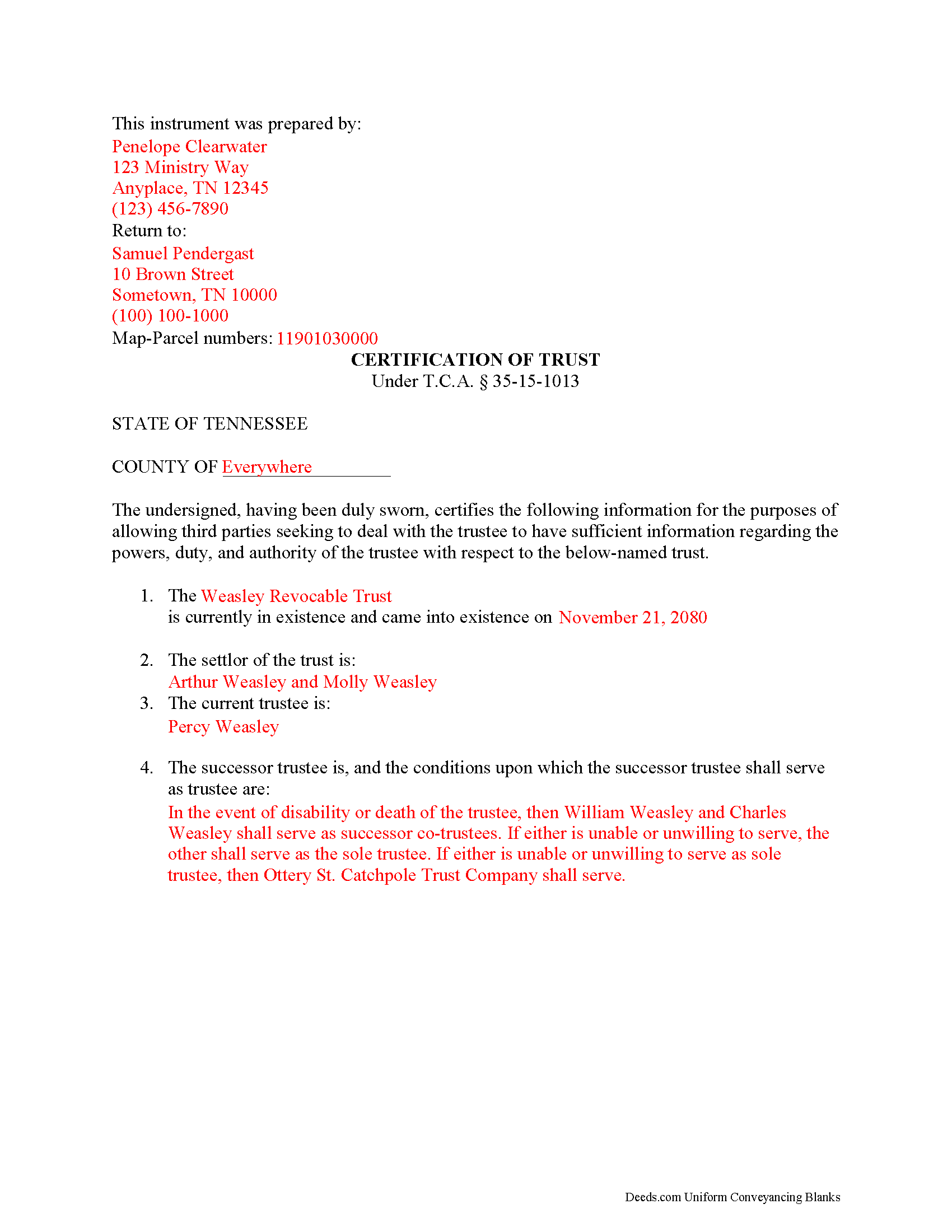
Maury County Completed Example of the Certificate of Trust Document
Example of a properly completed form for reference.
All 3 documents above included • One-time purchase • No recurring fees
Immediate Download • Secure Checkout
Additional Tennessee and Maury County documents included at no extra charge:
Where to Record Your Documents
Maury County Register of Deeds
Columbia, Tennessee 38401 / 38402-0769
Hours: 8:00am and 4:00pm M-F
Phone: (931) 375-2101
Recording Tips for Maury County:
- Bring your driver's license or state-issued photo ID
- Ensure all signatures are in blue or black ink
- Recording fees may differ from what's posted online - verify current rates
- Request a receipt showing your recording numbers
- Ask about accepted payment methods when you call ahead
Cities and Jurisdictions in Maury County
Properties in any of these areas use Maury County forms:
- Columbia
- Culleoka
- Hampshire
- Mount Pleasant
- Santa Fe
- Spring Hill
- Williamsport
Hours, fees, requirements, and more for Maury County
How do I get my forms?
Forms are available for immediate download after payment. The Maury County forms will be in your account ready to download to your computer. An account is created for you during checkout if you don't have one. Forms are NOT emailed.
Are these forms guaranteed to be recordable in Maury County?
Yes. Our form blanks are guaranteed to meet or exceed the applicable formatting requirements used for recording in Maury County, including margin requirements, font requirements, and other layout standards. This guarantee applies to formatting, not to the legal sufficiency of information entered by the user or the suitability of a form for a particular transaction.
Can I reuse these forms?
Yes. You can reuse the forms for your personal use. For example, if you have multiple properties in Maury County you only need to order once.
What do I need to use these forms?
The forms are PDFs that you fill out on your computer. The free Adobe Acrobat Reader is recommended, and most PDF apps also work. You do NOT enter your property information online - you download the blank forms and complete them privately on your own computer.
Are there any recurring fees?
No. This is a one-time purchase. Nothing to cancel, no memberships, no recurring fees.
How much does it cost to record in Maury County?
Recording fees in Maury County vary. Contact the recorder's office at (931) 375-2101 for current fees.
Questions answered? Let's get started!
The certificate of trust is codified at T.C.A. 35-15-1013 as part of the Tennessee Uniform Trust Code. The purpose of the certificate is "to evidence the existence and validity of the trust" (35-15-1013(a)). The document contains sworn statements made "by the trustee or trustees having signatory authority as identified" within the document (35-15-1013(a)). The recipient of a certificate of trust may rely on the statements made within as factual without additional inquiry (35-15-1013(d)).
Instead of furnishing the trust document, a trustee may present a certificate of trust to third parties when doing business on behalf of the trust. The certificate is a condensed summary of the trust and its provisions, and allows the settlor's estate plans, including the identities of trust beneficiaries, to remain private.
A certificate of trust contains statements that the trust exists and that it "has not been revoked, modified or amended in any manner that would cause" the information in the certificate to be incorrect. The document recites the name and date of trust, the settlor, trustee, and relevant powers of the trustee to conduct the business for which the certificate is presented.
If there is a successor trustee, the document details the conditions of their succession. Certificates for trusts with multiple trustees define how many trustees are required to jointly act to conduct trustee powers. If the trust is revocable, the form includes the name of anyone with a power to revoke the trust. Finally, it presents the name by which the trust holds title to assets and, if necessary for the transaction for which the certificate is given, the trust's identification number.
If recorded to facilitate acquisitions or transfers of real property, a certificate of trust should include the legal description of the property subject to the transfer. The document must meet requirements for recording in Tennessee before submitted in the register of deeds in the appropriate county.
The protections under 35-15-1013 for persons dealing with trustees are not dependent on receipt of a certificate.
Contact a lawyer for questions about preparing a certificate of trust or any other matters involving trusts in Tennessee.
(Tennessee COT Package includes form, guidelines, and completed example)
Important: Your property must be located in Maury County to use these forms. Documents should be recorded at the county recording office listed above.
This Certificate of Trust meets all recording requirements specific to Maury County.
Our Promise
The documents you receive here are guaranteed to meet or exceed the applicable Maury County recording format requirements. If there is a rejection caused by our formatting, we will correct the issue or refund your payment. This guarantee applies to document formatting only and does not extend to information entered by the user, the selection of the form, or the legal effect of the completed document.
Save Time and Money
Get your Maury County Certificate of Trust form done right the first time with Deeds.com Uniform Conveyancing Blanks. At Deeds.com, we understand that your time and money are valuable resources, and we don't want you to face a penalty fee or rejection imposed by a county recorder for submitting nonstandard documents. We constantly review and update our forms to meet rapidly changing state and county recording requirements for roughly 3,500 counties and local jurisdictions.
4.8 out of 5 - ( 4,842 Reviews )
Robert B. 5 out of 5 stars
Fast and easy and Jefferson County Colorado excepted the forms.
Thank you!
Vertina B. 5 out of 5 stars
The website is well established and easy to use. I got everything I was supposed to get. I had no problem downloading the forms. All of the forms printed well.
We appreciate your business and value your feedback. Thank you. Have a wonderful day!
Matilda B. 5 out of 5 stars
This was a good experience. I easily found the document I needed and easily downloaded it and its companion pages. I especially liked the explanations page and the sample document. Thanks!
Thank you for the kind review Matilda! We're glad you found the right document quickly and that the guide and sample document were helpful. They're there to make the process as clear as possible. We appreciate you choosing Deeds.com.
Amie S. 5 out of 5 stars
The forms that I downloaded from Deeds were perfect for what I needed. I even checked with a lawyer to see if the papers would work and she said yes.
Thanks Amie, have a great day!
Mark W. 5 out of 5 stars
Easy, simple and fast. I am familiar with deeds in my state and these looked correct. The common missed document of TRANSFER OF REAL ESTATE VALUE document was also included. Kudos on being complete.
Thanks Mark, we really appreciate your feedback.
Carolyn L. 5 out of 5 stars
Easy and quick and reasonable!
Thank you for your feedback. We really appreciate it. Have a great day!
Robert H. 5 out of 5 stars
Just what I needed to file in Orange County. East to use and reasonably priced. Will use again if needed.
We appreciate your business and value your feedback. Thank you. Have a wonderful day!
Clayton M. 5 out of 5 stars
Five stars from me. this is a very useful service with great results.
We appreciate your business and value your feedback. Thank you. Have a wonderful day!
Joseph R. 5 out of 5 stars
So easy to use. I like the way they kept me informed to the progress being made on my filing. If the occasion occurs I'll definitely use them again.
We appreciate your business and value your feedback. Thank you. Have a wonderful day!
April K. 5 out of 5 stars
Thank you so much! Quick and easy. Received it in under 5 minutes.
We appreciate your business and value your feedback. Thank you. Have a wonderful day!
Vicki J. 5 out of 5 stars
Reasonably priced and Extremely easy to use.
We appreciate your business and value your feedback. Thank you. Have a wonderful day!
Tamara H. 5 out of 5 stars
Absolutely awesome, all the information and forms I needed Thanks Tamie Hamilton
We appreciate your business and value your feedback. Thank you. Have a wonderful day!
Joseph S. 5 out of 5 stars
The best solution in creating deeds.
Thank you!
Susan B. 5 out of 5 stars
This package of documents from Deeds.com has been extremely helpful, particularly for one who has never needed this kind of service before and is unfamiliar with legal documents in general. It is well worth the price; I would recommend this company to anyone needing help with legal documents and information.
We appreciate your business and value your feedback. Thank you. Have a wonderful day!
Kris S. 5 out of 5 stars
Being a real estate agent I know just enough about legal documents to get in trouble. Thankfully the pros here know what they are doing.
Thank you for your feedback. We really appreciate it. Have a great day!