Sevier County Correction Deed Form
Last validated November 4, 2026 by our Forms Development TeamFormatted for recording in Sevier County, for property anywhere in the county: rural and unincorporated areas as well as Gatlinburg, Kodak, Pigeon Forge, Sevierville, Seymour.
- 3 documents included
- Immediate PDF download
- Formatting guarantee
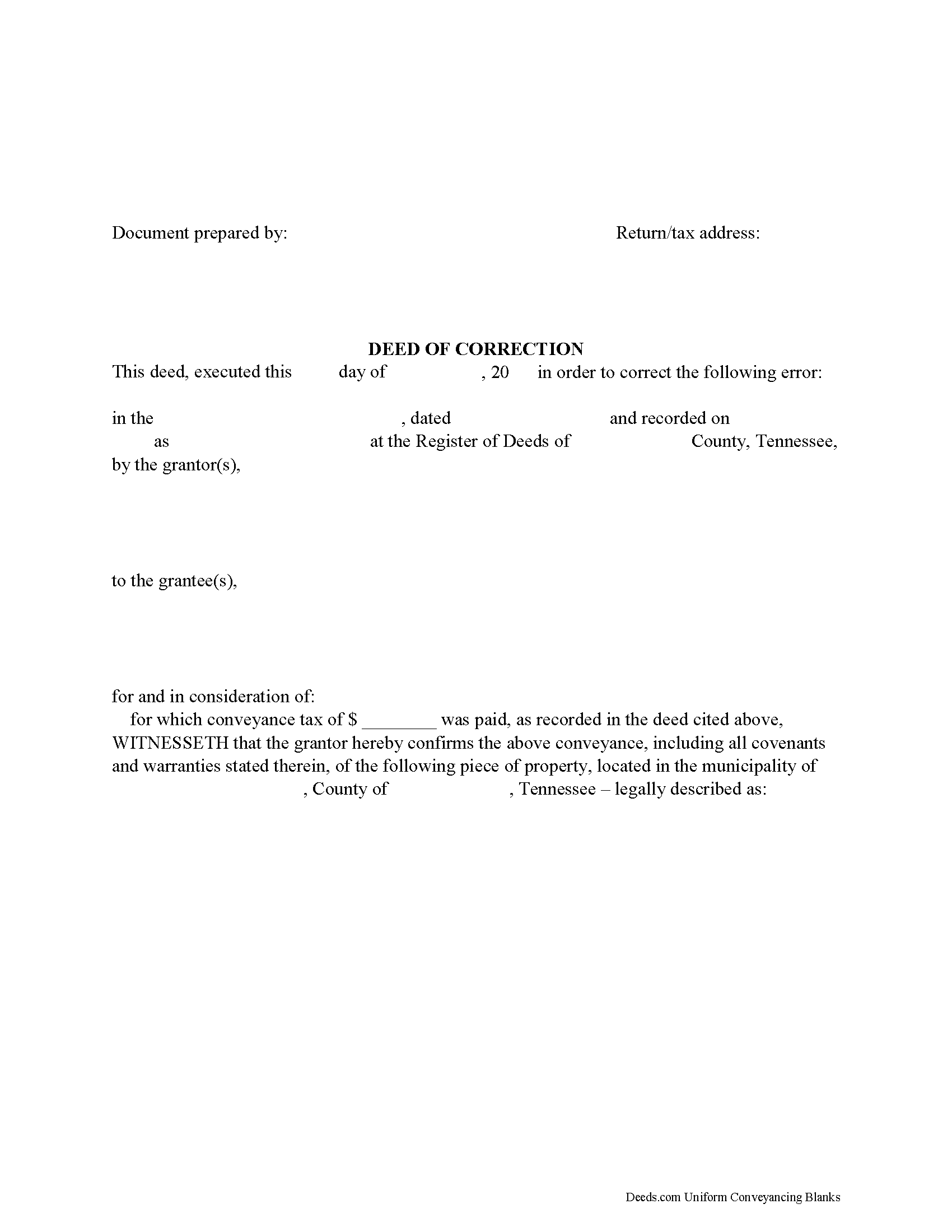
Sevier County Correction Deed Form
Fill in the blank form formatted to comply with all recording and content requirements.
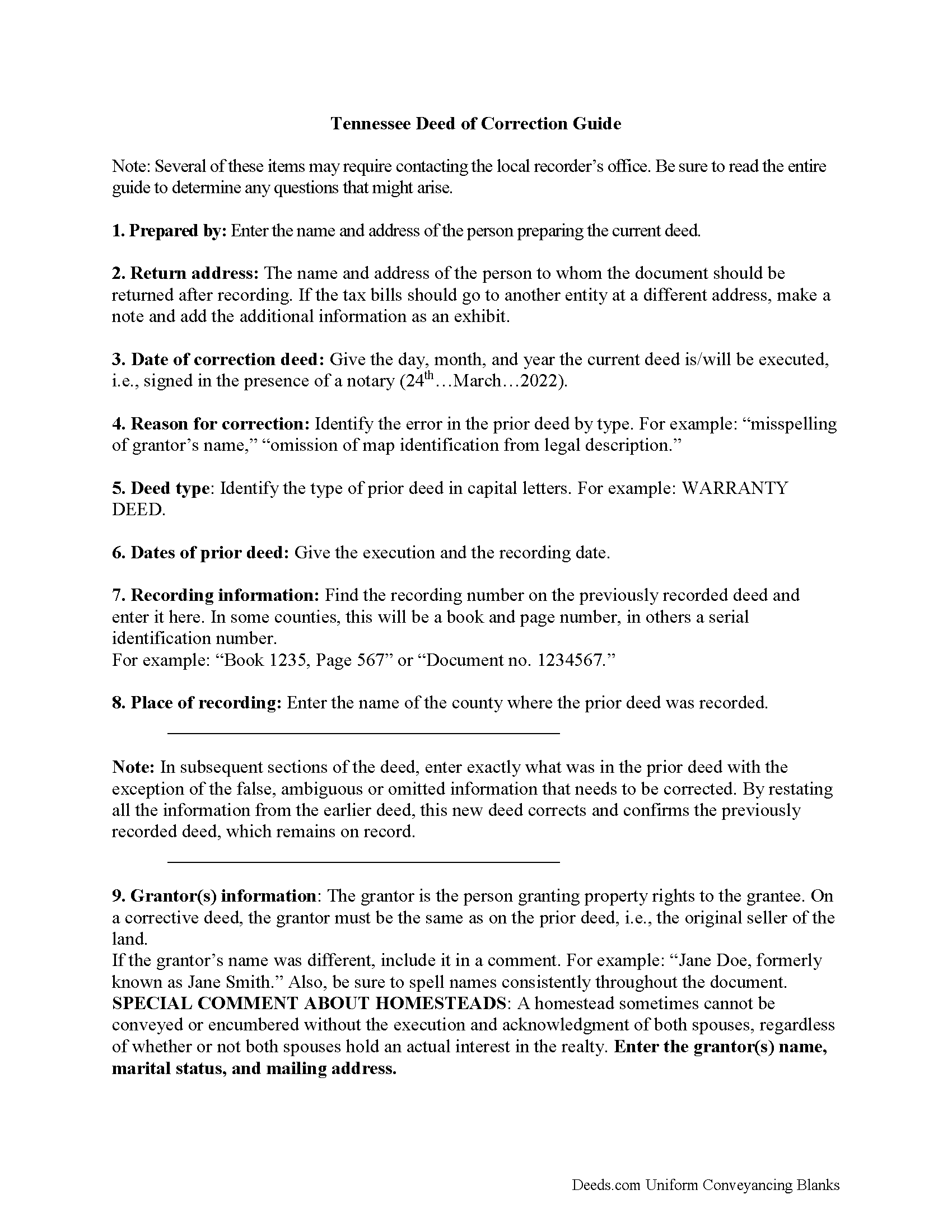
Sevier County Correction Deed Guide
Line by line guide explaining every blank on the form.
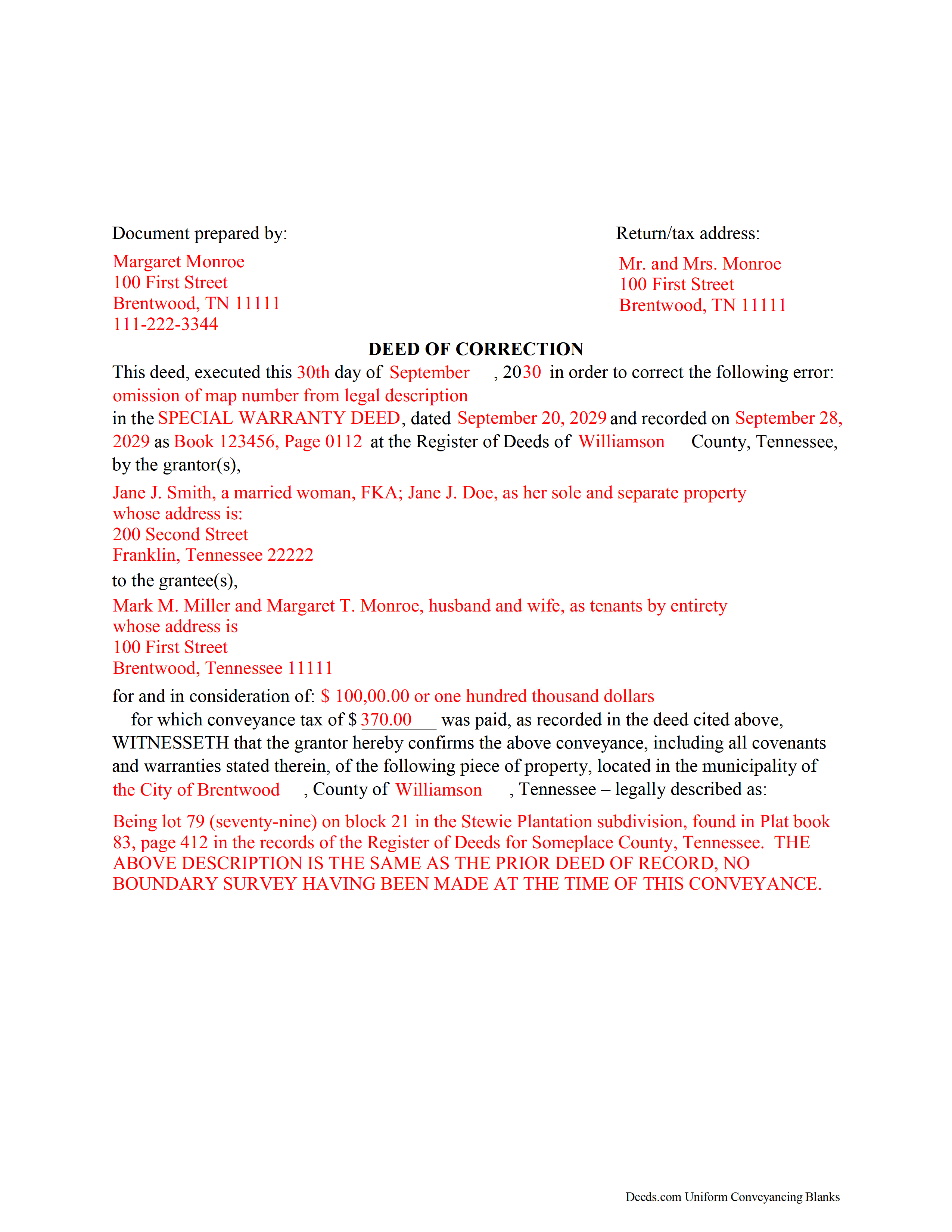
Sevier County Completed Example of a Correction Deed Document
Example of a properly completed form for reference.
All 3 documents above included • One-time purchase • No recurring fees
Immediate Download • Secure Checkout
Additional Tennessee and Sevier County documents included at no extra charge:
Where to Record Your Documents
Sevier County Register of Deeds
Sevierville, Tennessee 37862
Hours: 8:00 to 4:30 M-Th; 8:00 to 5:00 Fri
Phone: (865) 453-2758
Recording Tips for Sevier County:
- Bring your driver's license or state-issued photo ID
- Ensure all signatures are in blue or black ink
- White-out or correction fluid may cause rejection
- Ask about their eRecording option for future transactions
- Avoid the last business day of the month when possible
Cities and Jurisdictions in Sevier County
Properties in any of these areas use Sevier County forms:
- Gatlinburg
- Kodak
- Pigeon Forge
- Sevierville
- Seymour
Hours, fees, requirements, and more for Sevier County
How do I get my forms?
Forms are available for immediate download after payment. The Sevier County forms will be in your account ready to download to your computer. An account is created for you during checkout if you don't have one. Forms are NOT emailed.
Are these forms guaranteed to be recordable in Sevier County?
Yes. Our form blanks are guaranteed to meet or exceed the applicable formatting requirements used for recording in Sevier County, including margin requirements, font requirements, and other layout standards. This guarantee applies to formatting, not to the legal sufficiency of information entered by the user or the suitability of a form for a particular transaction.
Can I reuse these forms?
Yes. You can reuse the forms for your personal use. For example, if you have multiple properties in Sevier County you only need to order once.
What do I need to use these forms?
The forms are PDFs that you fill out on your computer. The free Adobe Acrobat Reader is recommended, and most PDF apps also work. You do NOT enter your property information online - you download the blank forms and complete them privately on your own computer.
Are there any recurring fees?
No. This is a one-time purchase. Nothing to cancel, no memberships, no recurring fees.
How much does it cost to record in Sevier County?
Recording fees in Sevier County vary. Contact the recorder's office at (865) 453-2758 for current fees.
Questions answered? Let's get started!
Use the correction deed to correct errors in a warranty, special warranty, or quitclaim deed in Tennessee.
The best option for correcting a deed in Tennessee is to record a correction deed. Other options, such as a scrivener's affidavit and re-recording the original deed, both have some drawbacks. The scrivener's affidavit can serve as a valid alternative when the original grantor is not available. Tennessee law provides that a corrected copy of the original document may be attached to the affidavit as an exhibit (T.C.A. 66-24-101(a)(27)). Such a copy, however, only carries the weight of an exhibit to an affidavit and not that of a recorded document.
Re-recording the original deed with corrections requires a new execution/signing and notary acknowledgement. The reason for correcting, the actual correction and cross-reference to the prior recording must be made on the existing copy or, depending on county requirements, on a title page. This will not only require fees for the additional page(s) when re-recording, but also creates potential problems during the recording if the added information does not stay within the required document margins.
The easiest and cleanest option for correcting a deed is to record a new correction deed, which makes reference to the original document by date and recording number and gives the reason for the correction by indicating the type of error. Except for the corrected or omitted information, it duplicates the text of the prior deed. The original parties must sign in the presence of a notary, who then acknowledges this new instrument prior to recording. In some Tennessee counties, a corrective deed must have a new oath of value, if the original deed is more than 6 months old.
(Tennessee CD Package includes form, guidelines, and completed example)
Important: Your property must be located in Sevier County to use these forms. Documents should be recorded at the county recording office listed above.
This Correction Deed meets all recording requirements specific to Sevier County.
Our Promise
The documents you receive here are guaranteed to meet or exceed the applicable Sevier County recording format requirements. If there is a rejection caused by our formatting, we will correct the issue or refund your payment. This guarantee applies to document formatting only and does not extend to information entered by the user, the selection of the form, or the legal effect of the completed document.
Save Time and Money
Get your Sevier County Correction Deed form done right the first time with Deeds.com Uniform Conveyancing Blanks. At Deeds.com, we understand that your time and money are valuable resources, and we don't want you to face a penalty fee or rejection imposed by a county recorder for submitting nonstandard documents. We constantly review and update our forms to meet rapidly changing state and county recording requirements for roughly 3,500 counties and local jurisdictions.
4.8 out of 5 - ( 4,845 Reviews )
Dean L. 3 out of 5 stars
The template isn't that easy to work with, with you have to type out large amounts of text. Also copy and paste doesn't seem to work. Furthermore, the code listed on the guide is out of date. However, the DQC is decent in that it has all the required fields you need.
Thank you for your feedback. We really appreciate it. Have a great day!
Susie k. 5 out of 5 stars
No complaints
Thank you!
Jane E. 5 out of 5 stars
The form was incompatible with my son's new computer. I do not have a printer. We did use your form to type a copy into "word" so he could print it.
Thank you!
Robert W. 5 out of 5 stars
The forms were as I expected them to be. The guide was very helpful. Overall very good.
Thanks Robert. We appreciate your feedback.
Derrell S. 5 out of 5 stars
I like the simplicity of your site and the reasonable charge for your services but for some reason you were unable to fulfill my order. Would appreciate knowing why. Derrell Sweem
Thank you for your feedback. We really appreciate it. Have a great day!
Jeffrey W. 5 out of 5 stars
One of the most user-friendly services I have used. HIGHLY reccomended.
Thank you!
mary c. 5 out of 5 stars
Really good product, included guide to filling out forms. Totally pleased with that part. Customer service however was terrible. Did not hear back after I sent two emails. The site signed me up but after I was accepted they would not allow me to download a form, with the notation my account was closed. Had to use another email. Had problems with that. Finally got off of site and went to a login site that allowed me to download the forms. If you can get past setting up your account, it is fantastic site. Nice price compared to alternatives. Also I recieved two validation codes. Have no idea why they were sent.
Thank you!
Linda R. 5 out of 5 stars
I was happy to have my payment cancelled when no information was found. And I was given a link to contact the deed office directly.
Thank you!
Bradley B. 5 out of 5 stars
This was a good way to find the owners of land located in the middle of some that I owned. The experience was fairly easy and the cost reasonable.
Thank you!
Tiffany W. 5 out of 5 stars
Exactly what I needed and with the help of ChatGPT who needs a damn lawyer for anything.
We’re glad to hear things went well. Thank you for the review.
Rosemary S. 5 out of 5 stars
It was quick and so very easy. Very detailed information. Love the app.
We appreciate your business and value your feedback. Thank you. Have a wonderful day!
Jesse C. 5 out of 5 stars
I had a little problem understanding how to copie and use.
Thank you for your feedback Jesse. If you are having any issues please contact us so our customer care department can help you out.
Kent B. 2 out of 5 stars
Disappointed on most recent order. Format did not permit changing the "boilerplate" language to change "grantor" to "grantors". In so restricting, could not use pre-printed form to make a joint party conveyance.
Sorry to hear of your disappointment. We've canceled your order and payment for the warranty deed document. Have a wonderful day.
Nancy J. 5 out of 5 stars
This is a great service recommended by CSC. I only had one document to e-file. I would recommend to anyone.
Thank you for your feedback. We really appreciate it. Have a great day!
Julie R. 5 out of 5 stars
Thank you. Your service is WONDERFUL and saved me a lot of time getting a deed filed in Schuylkill County, PA! I will certainly use this service again. Thank you! Julie Ricards, Paralegal
Hi Julie, thank you so much for the kind words — glad we could save you time on the Schuylkill County filing. We appreciate you taking the time to leave this, and we look forward to helping again on future deeds.