Mcminn County Partial Lien Waivers Form
Last validated October 20, 2026 by our Forms Development TeamFormatted for recording in Mcminn County, for property anywhere in the county: rural and unincorporated areas as well as Athens, Calhoun, Englewood, Etowah, Niota, Riceville.
- 3 documents included
- Immediate PDF download
- Formatting guarantee
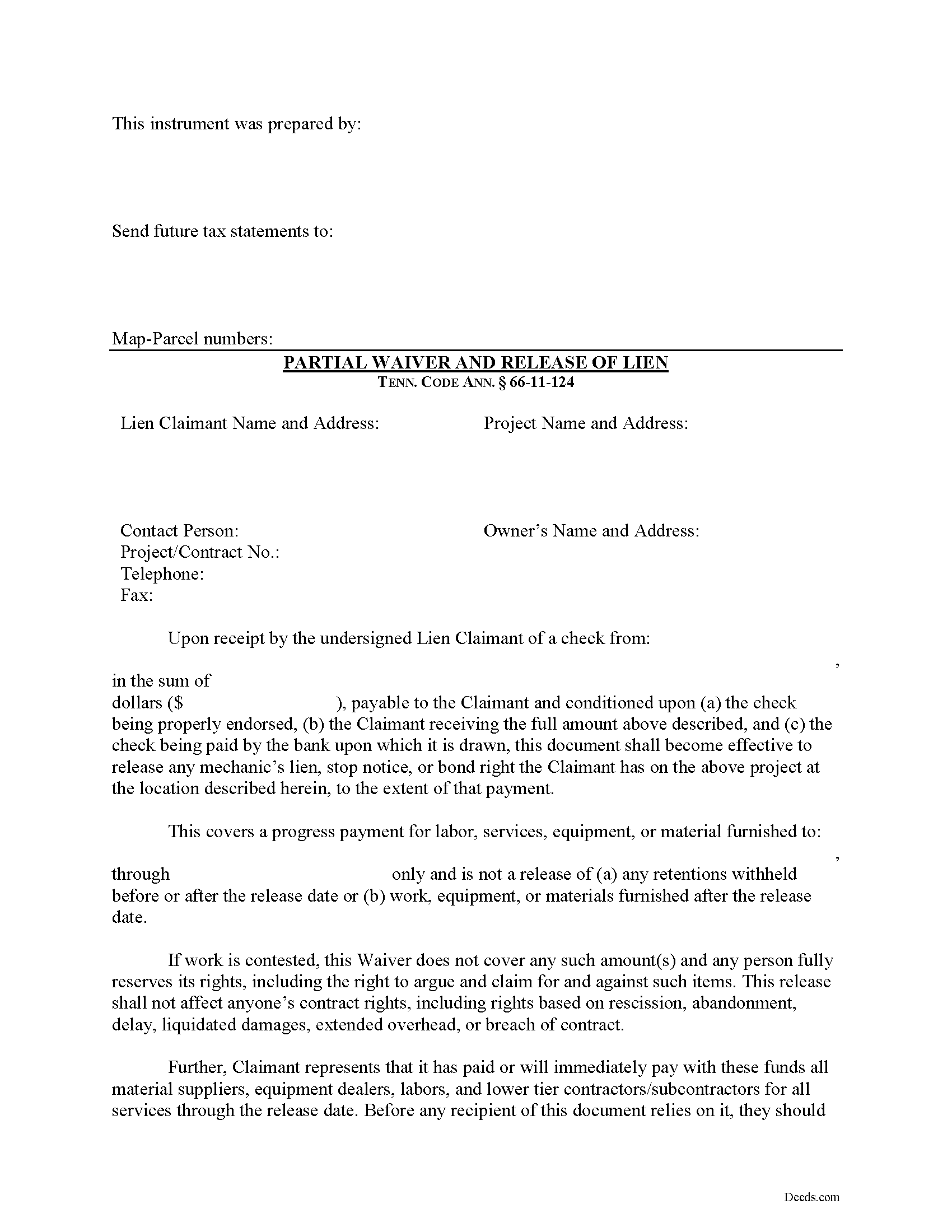
Mcminn County Partial Lien Waivers Form
Fill in the blank Partial Lien Waivers form formatted to comply with all Tennessee recording and content requirements.
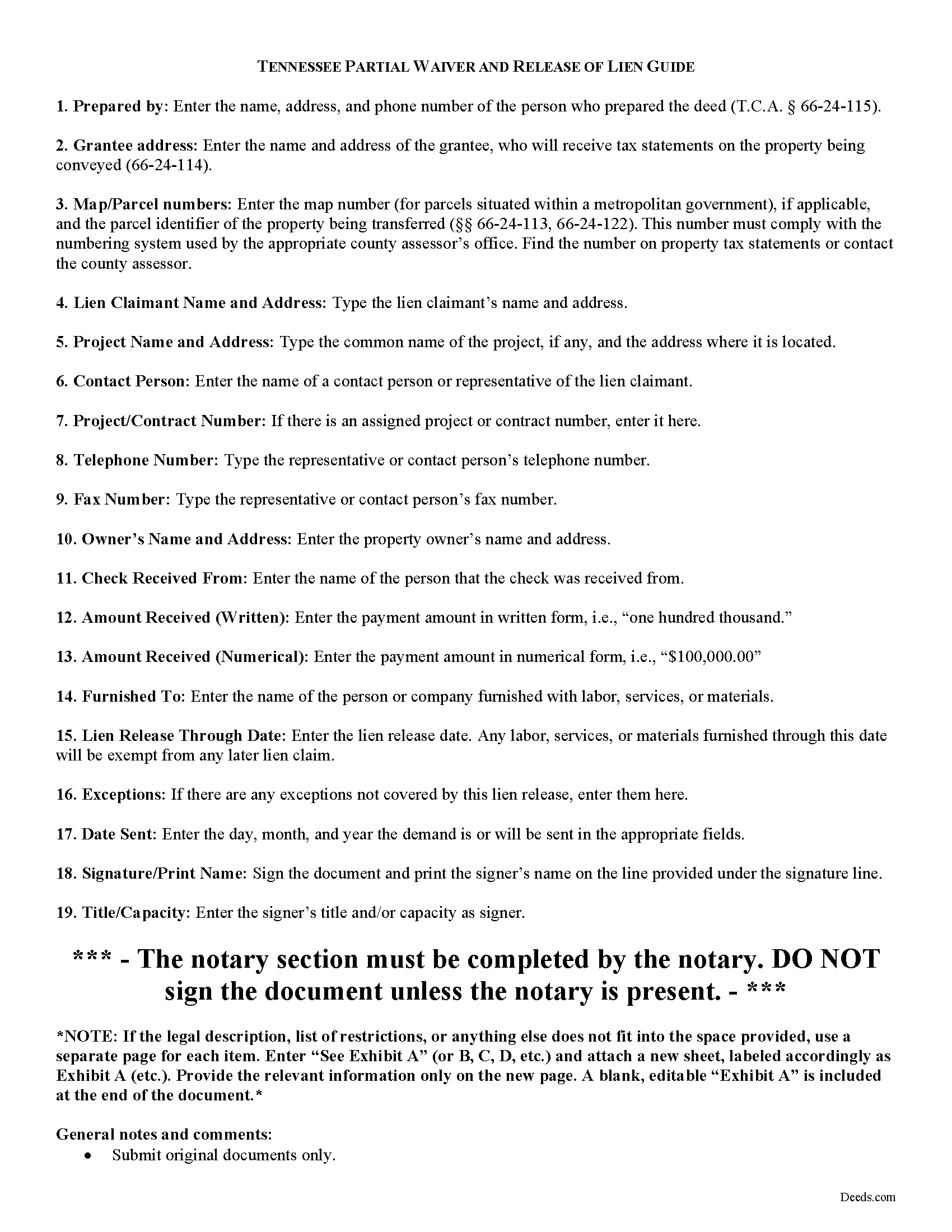
Mcminn County Partial Lien Waiver Guide
Line by line guide explaining every blank on the form.
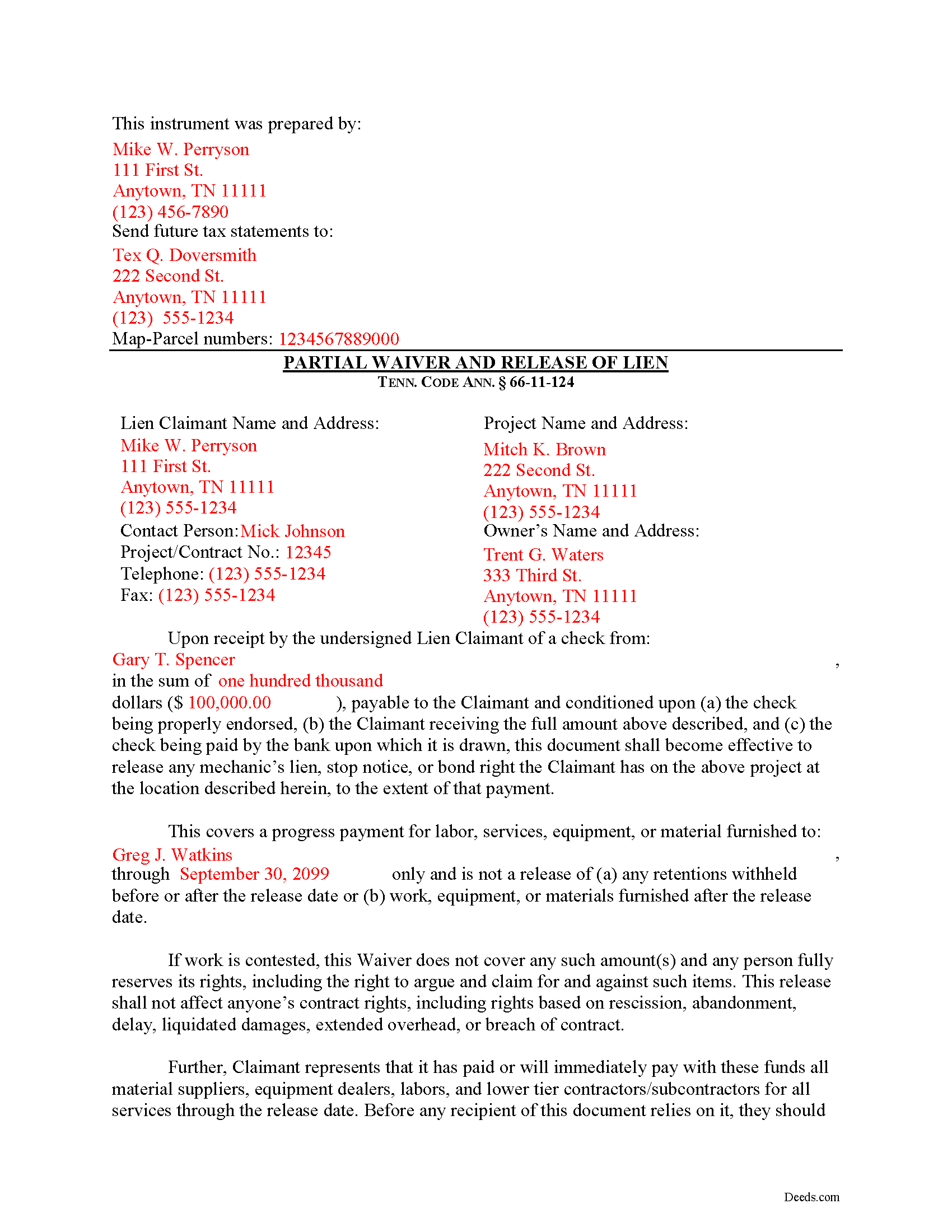
Mcminn County Completed Example of the Partial Lien Waiver Document
Example of a properly completed form for reference.
All 3 documents above included • One-time purchase • No recurring fees
Immediate Download • Secure Checkout
Additional Tennessee and Mcminn County documents included at no extra charge:
Where to Record Your Documents
McMinn County Register of Deeds
Athens, Tennessee 37303
Hours: 8:30 to 4:00 M-F
Phone: (423) 745-1232
Recording Tips for Mcminn County:
- Bring your driver's license or state-issued photo ID
- Ensure all signatures are in blue or black ink
- Recorded documents become public record - avoid including SSNs
- Recording fees may differ from what's posted online - verify current rates
- Request a receipt showing your recording numbers
Cities and Jurisdictions in Mcminn County
Properties in any of these areas use Mcminn County forms:
- Athens
- Calhoun
- Englewood
- Etowah
- Niota
- Riceville
Hours, fees, requirements, and more for Mcminn County
How do I get my forms?
Forms are available for immediate download after payment. The Mcminn County forms will be in your account ready to download to your computer. An account is created for you during checkout if you don't have one. Forms are NOT emailed.
Are these forms guaranteed to be recordable in Mcminn County?
Yes. Our form blanks are guaranteed to meet or exceed the applicable formatting requirements used for recording in Mcminn County, including margin requirements, font requirements, and other layout standards. This guarantee applies to formatting, not to the legal sufficiency of information entered by the user or the suitability of a form for a particular transaction.
Can I reuse these forms?
Yes. You can reuse the forms for your personal use. For example, if you have multiple properties in Mcminn County you only need to order once.
What do I need to use these forms?
The forms are PDFs that you fill out on your computer. The free Adobe Acrobat Reader is recommended, and most PDF apps also work. You do NOT enter your property information online - you download the blank forms and complete them privately on your own computer.
Are there any recurring fees?
No. This is a one-time purchase. Nothing to cancel, no memberships, no recurring fees.
How much does it cost to record in Mcminn County?
Recording fees in Mcminn County vary. Contact the recorder's office at (423) 745-1232 for current fees.
Questions answered? Let's get started!
"Waiver" is a legal term which means giving up a right. A waiver can be written or oral. It can also be expressed by a formal agreement or implied through conduct of the parties. When discussing mechanic's liens, a waiver refers to a written document granted by a lien claimant to a property owner. This document usually confirms a partial or final payment and states that the lien claimant is waiving a right to claim a lien for the partial or full amount. Waivers help ease feelings of distrust between parties dealing at arms-length and give peace of mind for the laborer that he or she will get paid and for the property owner that his or her property won't be burdened by any mechanic's liens.
In Tennessee, lien waivers are governed under 66-11-124 of the Tennessee Property Code. Lien waivers in Tennessee must be explicit and are never implied. The acceptance by the lienor of a note or notes for all or any part of the amount of the lienor's claim shall not constitute a waiver of the lienor's lien, unless expressly so agreed in writing, nor shall it in any way affect the period for serving or recording the notice of lien under this chapter. Tenn. Prop. Code 66-11-124(a). Further, any contract term that purports to waive any right of lien under this chapter is void and unenforceable as against the public policy of the state. Tenn. Prop. Code 66-11-124(b). In fact, if a contractor solicits any person to sign a contract requiring the person to waive a right of lien, the person shall notify the state board for licensing contractors of that fact. Tenn. Prop. Code 66-11-124(b)(2)(A). Upon receiving the information, the executive director of the board shall notify the contractor within a reasonable time after receiving the information that the contract is against the public policy of this state and in violation of this section.
Use a partial lien waiver when a progress payment is made in exchange for the release of a portion of the contractor's lien rights. For instance, it the entire contract is for $100,000 and the owner makes a $10,000 progress payment, a partial waiver is appropriate. This allows the responsible party pay down an outstanding balance while the contractor retains some protection on the remainder.
A valid waiver is in the form of an affidavit (sworn statement). It identifies the parties, the location of the work, relevant dates and amounts paid, and any other information necessary for the specific situation. Record the completed and notarized document in the records of the county where the property is situated.
This article is provided for informational purposes only and should not be considered legal advice or relied upon as any substitute for speaking with an attorney. Please consult a Tennessee attorney familiar with construction law for any issues regarding mechanic's liens.
Important: Your property must be located in Mcminn County to use these forms. Documents should be recorded at the county recording office listed above.
This Partial Lien Waivers meets all recording requirements specific to Mcminn County.
Our Promise
The documents you receive here are guaranteed to meet or exceed the applicable Mcminn County recording format requirements. If there is a rejection caused by our formatting, we will correct the issue or refund your payment. This guarantee applies to document formatting only and does not extend to information entered by the user, the selection of the form, or the legal effect of the completed document.
Save Time and Money
Get your Mcminn County Partial Lien Waivers form done right the first time with Deeds.com Uniform Conveyancing Blanks. At Deeds.com, we understand that your time and money are valuable resources, and we don't want you to face a penalty fee or rejection imposed by a county recorder for submitting nonstandard documents. We constantly review and update our forms to meet rapidly changing state and county recording requirements for roughly 3,500 counties and local jurisdictions.
4.8 out of 5 - ( 4,844 Reviews )
Toshimi M. 4 out of 5 stars
Sofar very good. Especially an example helps.
Thank you for your feedback. We really appreciate it. Have a great day!
Karl L. 5 out of 5 stars
Excellent Service Terrific Follow Up and Follow Throught
Your appreciative words mean the world to us. Thank you.
Rex M. 5 out of 5 stars
fulfilled all NC requirements
Thank you!
Meredith B. 5 out of 5 stars
Clean and easy process. Super attentive and helpful.
Thank you!
Richard W. 5 out of 5 stars
Very happy I tried your service/product. The quit deed forms were excepted by the register of deeds with no issue. Thank You
We appreciate your business and value your feedback. Thank you. Have a wonderful day!
Thomas R. 5 out of 5 stars
First time user. Was pleased with the easy of use and the step-by-step directions provided by the website.
We are motivated by your feedback to continue delivering excellence. Thank you!
rita t. 5 out of 5 stars
Thanks for asking, everything was fine. Forms worked as expected, no problems.
We appreciate your business and value your feedback. Thank you. Have a wonderful day!
Kim P. 5 out of 5 stars
I want to thank you so much. You made a stressful process easy. The customer service was amazing. There is no doubt I will use your service again.
Thank you!
Kevin R. 5 out of 5 stars
I have been using Deeds.com for the last 2 years and find them very easy to use and expedient on all my recordings. Highly recommend.
Thank you for the kind words Kevin. We appreciate you.
Bobette B. 5 out of 5 stars
Worked well with clear guide!
Thank you!
Jenifer L. 3 out of 5 stars
I'm an attorney. I see youve mixed up the terms "grantor" and "grantee" and their respective rights in this version. Anyone using it like this might have title troubles down the line.
Thank you for your feedback Jenifer, we have flagged the document for review.
Robert S B. 2 out of 5 stars
I would not have ordered this form had I realised how limited the fields are for details. There is no room for elaboration of terms. The language only allows one grantor and one grantee, and the gender and quantity default construction is a poor choice. Be basic, but leave room for more.
Thank you for your feedback. We really appreciate it. Have a great day!
Peter L. 3 out of 5 stars
Waiting for response to questions about TOD deed. Language doesn't accommodate more than one Grantor and user cannot edit language.
Peter, thank you for your feedback. We're sorry our form didn't meet your needs. We've issued a full refund for your order. Please note that our forms are designed for common transfer scenarios, and we're unable to provide legal advice or guidance on how to complete them. If your situation involves multiple grantors or other complexities, we'd recommend consulting with a local real estate attorney who can ensure your deed is properly drafted for your specific circumstances. We wish you the best.
Robert W. 5 out of 5 stars
Perfect timing. Everything was consistent and timely.
Thank you Robert, we appreciate your feedback.
Janepher M. 5 out of 5 stars
Easy and informative site. Helped me figure out what I was looking for.
Thank you Janepher, we appreciate your feedback!