Mcminn County Lien Lis Pendens Form
Last validated November 13, 2026 by our Forms Development TeamFormatted for recording in Mcminn County, for property anywhere in the county: rural and unincorporated areas as well as Athens, Calhoun, Englewood, Etowah, Niota, Riceville.
- 3 documents included
- Immediate PDF download
- Formatting guarantee
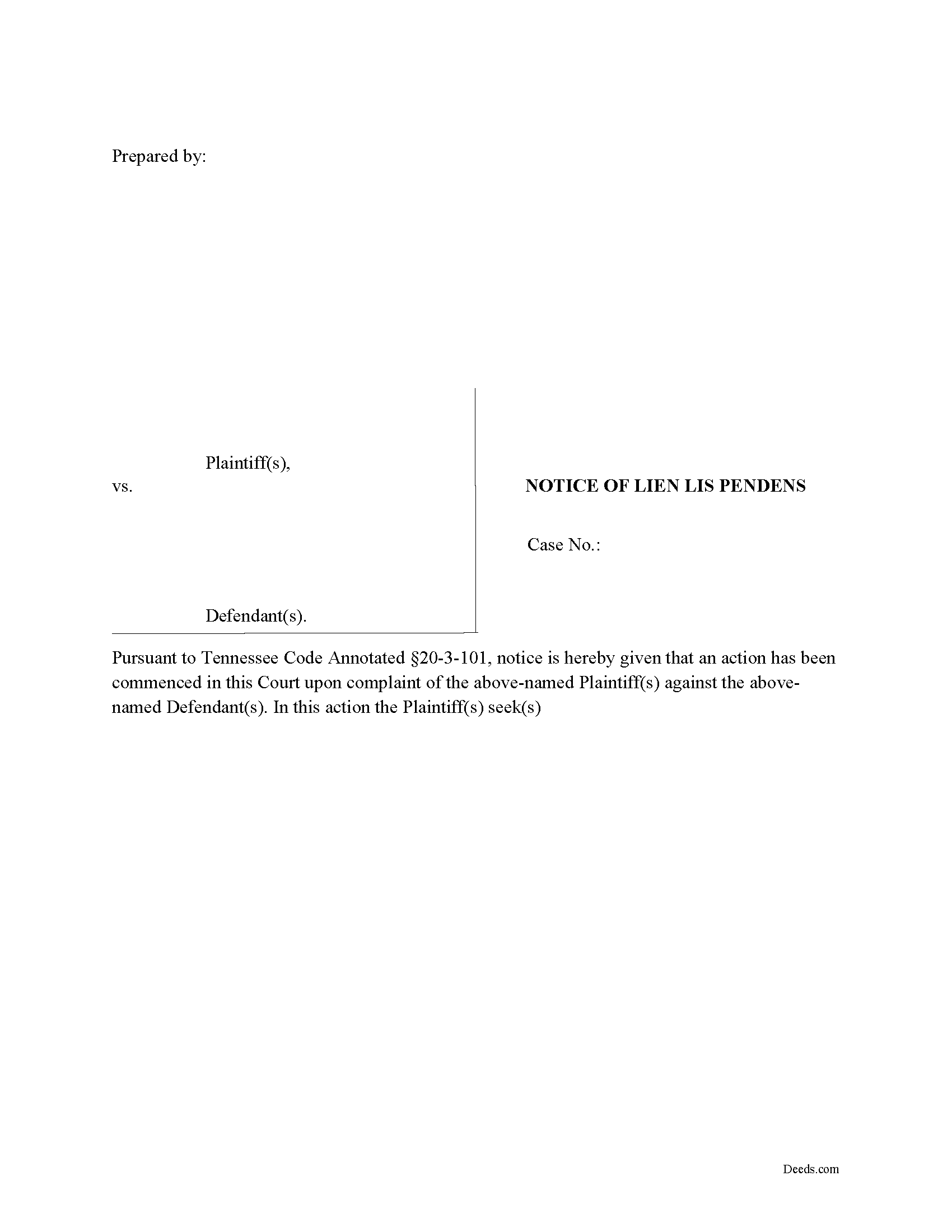
Mcminn County Lien Lis Pendens Form
Fill in the blank form formatted to comply with all recording and content requirements.
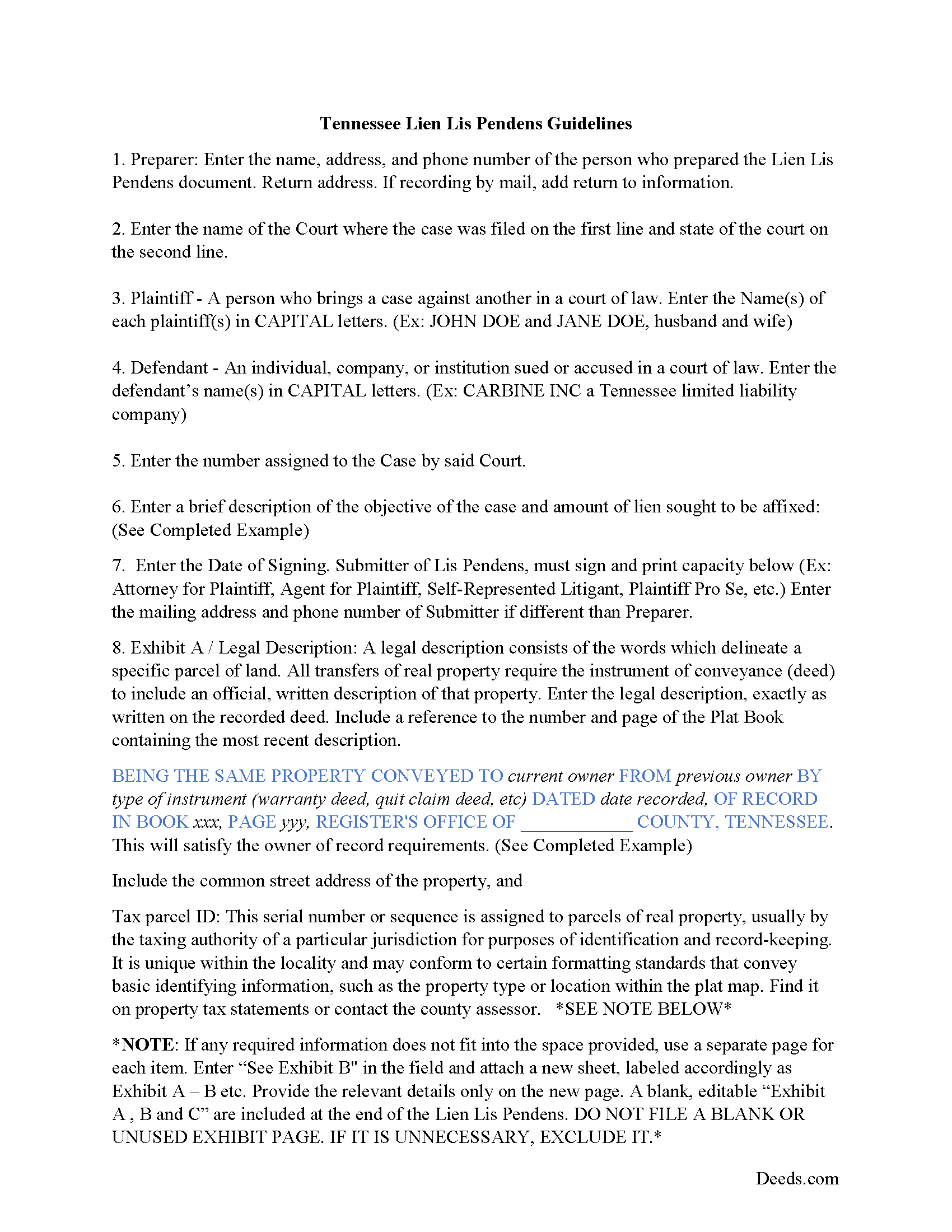
Mcminn County Lien Lis Pendens Guide
Line by line guide explaining every blank on the form.
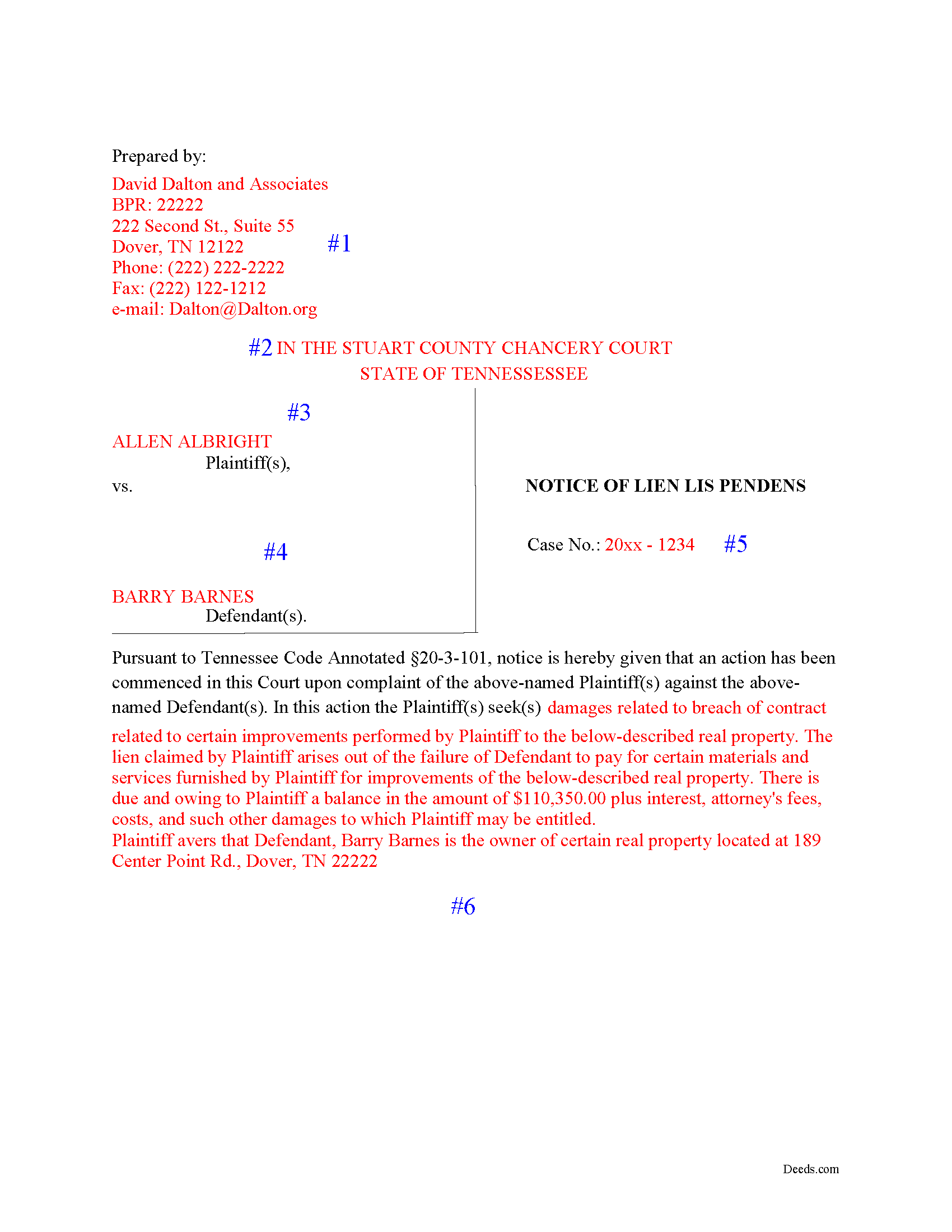
Mcminn County Completed Example Lien Lis Pendens
Example of a properly completed form for reference.
All 3 documents above included • One-time purchase • No recurring fees
Immediate Download • Secure Checkout
Additional Tennessee and Mcminn County documents included at no extra charge:
Where to Record Your Documents
McMinn County Register of Deeds
Athens, Tennessee 37303
Hours: 8:30 to 4:00 M-F
Phone: (423) 745-1232
Recording Tips for Mcminn County:
- Bring your driver's license or state-issued photo ID
- Ensure all signatures are in blue or black ink
- Bring extra funds - fees can vary by document type and page count
- Check margin requirements - usually 1-2 inches at top
- Leave recording info boxes blank - the office fills these
Cities and Jurisdictions in Mcminn County
Properties in any of these areas use Mcminn County forms:
- Athens
- Calhoun
- Englewood
- Etowah
- Niota
- Riceville
Hours, fees, requirements, and more for Mcminn County
How do I get my forms?
Forms are available for immediate download after payment. The Mcminn County forms will be in your account ready to download to your computer. An account is created for you during checkout if you don't have one. Forms are NOT emailed.
Are these forms guaranteed to be recordable in Mcminn County?
Yes. Our form blanks are guaranteed to meet or exceed the applicable formatting requirements used for recording in Mcminn County, including margin requirements, font requirements, and other layout standards. This guarantee applies to formatting, not to the legal sufficiency of information entered by the user or the suitability of a form for a particular transaction.
Can I reuse these forms?
Yes. You can reuse the forms for your personal use. For example, if you have multiple properties in Mcminn County you only need to order once.
What do I need to use these forms?
The forms are PDFs that you fill out on your computer. The free Adobe Acrobat Reader is recommended, and most PDF apps also work. You do NOT enter your property information online - you download the blank forms and complete them privately on your own computer.
Are there any recurring fees?
No. This is a one-time purchase. Nothing to cancel, no memberships, no recurring fees.
How much does it cost to record in Mcminn County?
Recording fees in Mcminn County vary. Contact the recorder's office at (423) 745-1232 for current fees.
Questions answered? Let's get started!
When a case that involves any interest in real estate a party to such case may seek to provide constructive notice to would be purchasers or encumbrancers by filing a Lien Lis Pendens. The Lien of Lis Pendens shall contain the (names of the parties to the suit, a description of the real estate affected, its ownership and a brief statement of the nature and amount of the lien sought to be fixed.) Such Lien Lis Pendens shall be certified by the clerk and recorded in the registers office of the county where the property lies. 20-3-101
RULE 69. EXECUTION ON JUDGMENTS Rule 69.07: Execution on Realty.
(1) Lien Lis Pendens. A lien lis pendens applies only to realty that is the subject matter of a lawsuit and described in the complaint. To affect the rights of bona fide purchasers and encumbrancers, an abstract must be registered in the register's office of the county where the realty is located. The abstract must identify the court and contain names of parties to the action and a description of the realty and its ownership.
(Tennessee Lien LP Package includes form, guidelines, and completed example)
Important: Your property must be located in Mcminn County to use these forms. Documents should be recorded at the county recording office listed above.
This Lien Lis Pendens meets all recording requirements specific to Mcminn County.
Our Promise
The documents you receive here are guaranteed to meet or exceed the applicable Mcminn County recording format requirements. If there is a rejection caused by our formatting, we will correct the issue or refund your payment. This guarantee applies to document formatting only and does not extend to information entered by the user, the selection of the form, or the legal effect of the completed document.
Save Time and Money
Get your Mcminn County Lien Lis Pendens form done right the first time with Deeds.com Uniform Conveyancing Blanks. At Deeds.com, we understand that your time and money are valuable resources, and we don't want you to face a penalty fee or rejection imposed by a county recorder for submitting nonstandard documents. We constantly review and update our forms to meet rapidly changing state and county recording requirements for roughly 3,500 counties and local jurisdictions.
4.8 out of 5 - ( 4,863 Reviews )
Larry P. 5 out of 5 stars
Love your site. I found just what I needed and it was so easy. Saved me countless time and effort. Worth every penny.
We appreciate your business and value your feedback. Thank you. Have a wonderful day!
janelle s. 5 out of 5 stars
Uncertain about use as I am new to online forms. Through use I am sure it will feel more comfortable. I like the storage of filled in info forms because I might be using I will be using them or the info in the future.
Thank you for your feedback. We really appreciate it. Have a great day!
Joseph W. 5 out of 5 stars
good place to get documents and it seems like a sound place to get forms. Self explainitory and helpful
Thank you!
Alexis B. 5 out of 5 stars
Highly Pleased- Strongly Recommend Deeds.com Long review... sorry:-) Originally I was very skeptical due to the enormous amount of the scams going on now days and the number of online sources that "claim" to provide you with deed forms for free or for a few. Nothing that you need and want done is free. There is always a cost. So luckily I came across deeds.com. This was the only site that appeared to be simple, to the point, and made no crazy promises. So before selecting this site, I did a little more checking around/price checking to ensure I am getting the best price for the product I needed. I even checked Staples and Amazon to find that they do indeed sell these forms but I do not think the products they provide are specific for my state and county. They claim their forms provided are for all states but my state is specific and I prefer to have forms provided by Deeds.com that is based on Indiana statute that Deed.com clearly identifies on each form. Deeds.com price of $20 seemed a little high at first but when I saw the products provided, the $20 cost is more than reasonable and fair. You not only get the deed form specific for my state and my specific "county" but also the other various/supplemental forms that may be required. Being familiar with my state and knowing how tedious and anal my state is on everything, I was pleasantly please to see the info and extra supplemental forms provided. For example, a person new to the State who recently had property deeded to them, would not necessarily know about the Homestead tax exemption provided if property is your primary residents, over 65 exemption etc. I would highly recommend this site for anyone needing these documents because Deeds.com has you covered on any and all forms/info you could ever need! A bonus is that there is one flat fee and not monthly cost that you have to worry about canceling later unless you superficially select a monthly package. I love the fact that Deeds.com is nothing fancy. There is not a bunch of elaborate graphics etc. They only provide what you need and what they provide is very accurate. Deeds.com has a customer for life.
Thank you so much Alexis. We appreciate you, have a fantastic day.
Donna M. 5 out of 5 stars
Very easy to use, found the forms I needed right away. Downloaded and paid for within minutes! Excellent!
Thank you!
Karen G. 5 out of 5 stars
easy to complete. directions and forms where great!!
Thank you for your feedback. We really appreciate it. Have a great day!
Terry W. 5 out of 5 stars
Loved it no recurring fees easy to use your app
Thank you!
Grace G. 3 out of 5 stars
I like the service, it is hard to see enough of the document to know you're choosing what you need.
Thank you for your feedback. Our previews are intended to show general format and layout. Because these are legal forms, customers should already know the type of document they need before purchasing.
Leonard S. 5 out of 5 stars
OK service
Thank you!
WILLIAM M. 5 out of 5 stars
After a long search this site is the best all inclusive service. Contacting Customer Service received an timely reply. Highly recommened.
We appreciate your business and value your feedback. Thank you. Have a wonderful day!
William B. 4 out of 5 stars
The forms, and other information, are all excellent. I would be giving a 5-star review if it were not for the fact that downloading a "bundle" about quitclaim deeds required I download every single file independently (15 files). I would far prefer a zip file, or one click to download the whole pile of independent files.
Your feedback is valuable to us and helps us improve. Thank you for sharing your thoughts!
John B. 5 out of 5 stars
I bought a Quitclaim Deed package for Fayette County, Kentucky, to transfer my house into a Living Trust that I had set up previously. Creating my Quitclaim Deed was pretty straightforward, using the form, the instructions, and the sample Quitclaim Deed. I signed my Quitclaim Deed at a nearby Notary Public, then took it to the Fayette County Clerk's office to be recorded. The clerk there asked me to make two small changes to the Quitclaim Deed, which she let me do in pen on the spot: * In the signature block for the receiver of the property, filled in "Capacity" as "Grantee as Trustee ______________________________ Living Trust". * In the notary's section, changed "were acknowledged before me" to "were acknowledged and sworn to before me".
Thank you for your feedback. We really appreciate it. Have a great day!
Betty B. 5 out of 5 stars
So easy and convenient.
Thank you for your feedback. We really appreciate it. Have a great day!
BRIAN M. 5 out of 5 stars
Excellent Service, Fast and efficient. Thank You!
Thank you!
Teri B. 5 out of 5 stars
Glad to have all of the helpful extra information, even though they don't answer all questions for all situations. So, I accessed public records and asked questions at the auditor's office. Also, on my Mac computer, filling out the actual deed form is a challenge because the screen jumps to the last page everytime I try to type a few letters or hit the return key, so I'm rollling back up to the first 2 pages after most keystrokes. A bit annoying. Overall, happy to have these form options are available! There is really no need to wait and pay for an attorney when all the information needed is available via public records. Fill in the blanks!
Thanks so much for the feedback Teri. There are known issues between Adobe and Mac, we try to work around them as much as possible. Have a wonderful day!