Wilson County Quitclaim Deed (Trustee Grantor) Form
Last validated September 22, 2026 by our Forms Development TeamFormatted for recording in Wilson County, for property anywhere in the county: rural and unincorporated areas as well as Gladeville, Lebanon, Mount Juliet, Norene, Watertown.
- 3 documents included
- Immediate PDF download
- Formatting guarantee
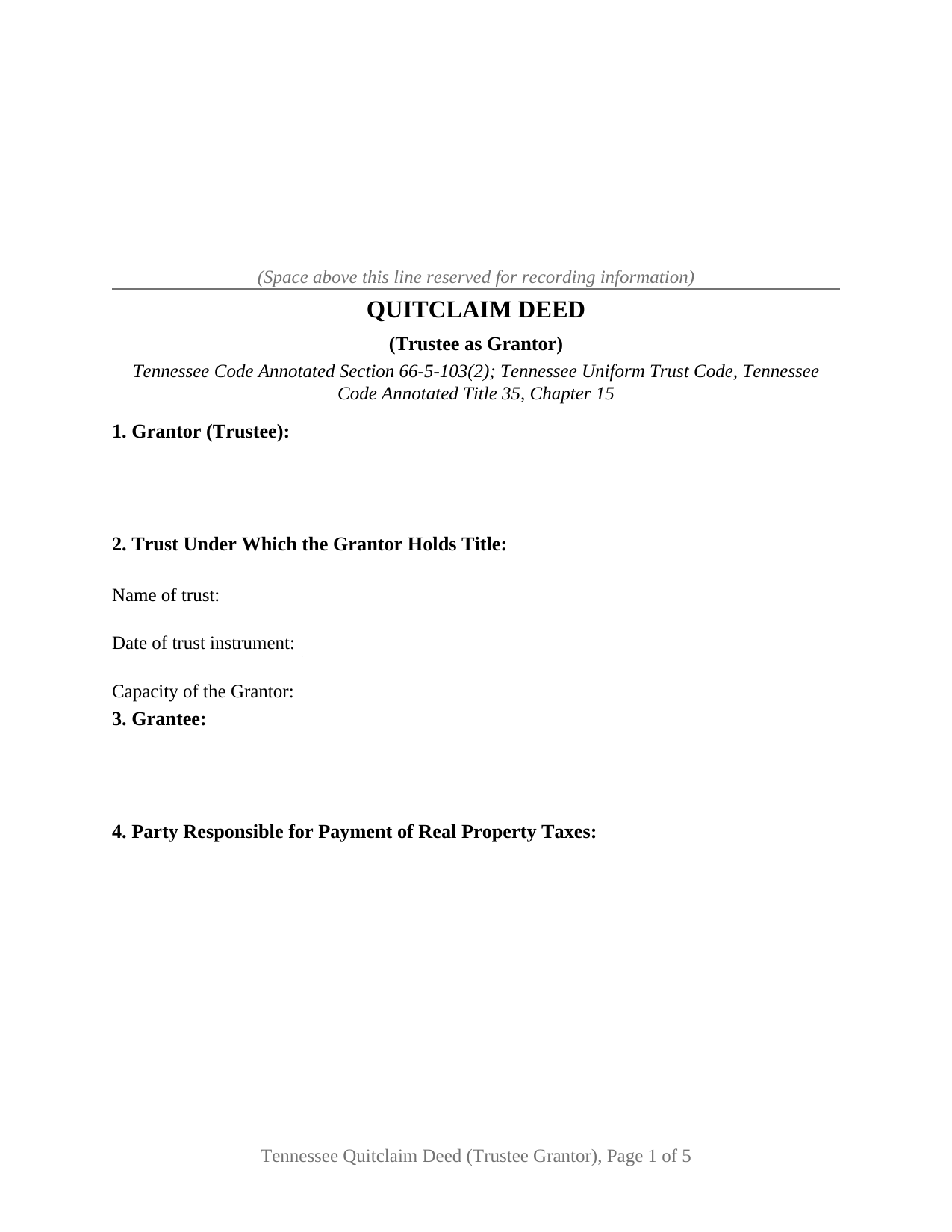
Wilson County Quitclaim Deed (Trustee Grantor) Form
Fill in the blank Quitclaim Deed (Trustee Grantor) form formatted to comply with all Tennessee recording and content requirements.
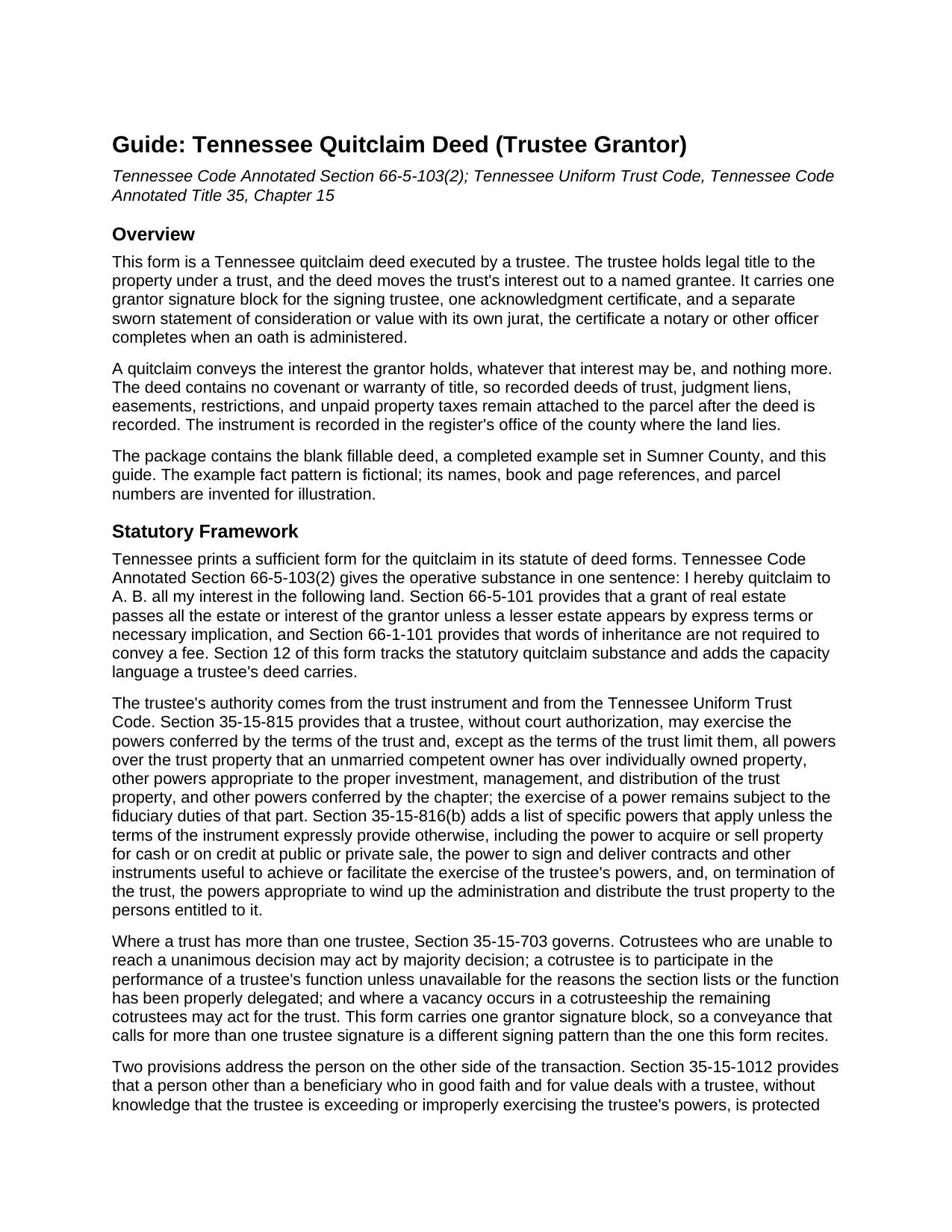
Wilson County Quitclaim Deed (Trustee Grantor) Guide
Line by line guide explaining every blank on the Quitclaim Deed (Trustee Grantor) form.
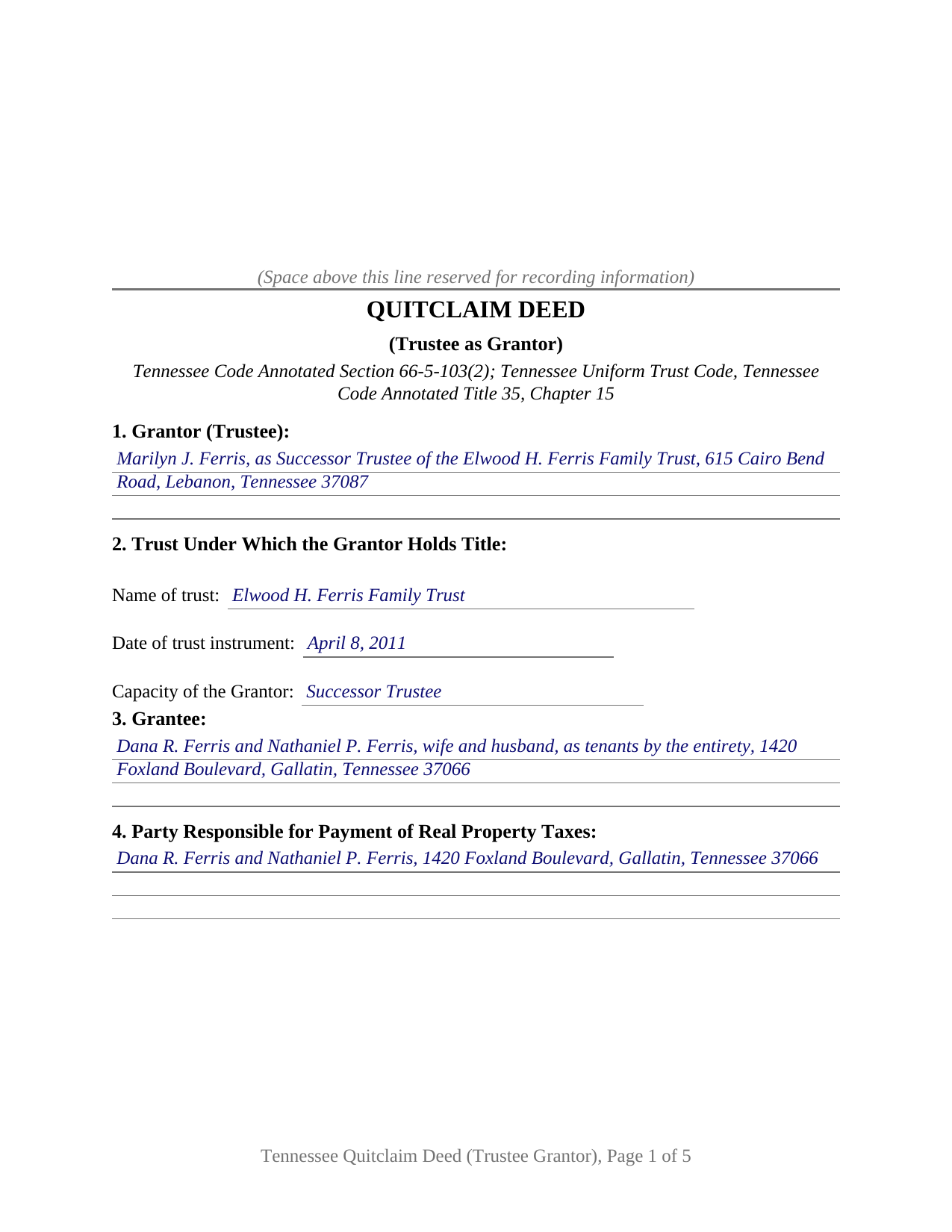
Wilson County Completed Example of the Quitclaim Deed (Trustee Grantor) Document
Example of a properly completed Tennessee Quitclaim Deed (Trustee Grantor) document for reference.
All 3 documents above included • One-time purchase • No recurring fees
Immediate Download • Secure Checkout
Additional Tennessee and Wilson County documents included at no extra charge:
Where to Record Your Documents
Wilson County Register of Deeds
Lebanon, Tennessee 37087
Hours: 8:00am to 4:00pm M-F
Phone: (615) 443-2611
Recording Tips for Wilson County:
- Bring your driver's license or state-issued photo ID
- Ensure all signatures are in blue or black ink
- Leave recording info boxes blank - the office fills these
- Make copies of your documents before recording - keep originals safe
- Recorded documents become public record - avoid including SSNs
Cities and Jurisdictions in Wilson County
Properties in any of these areas use Wilson County forms:
- Gladeville
- Lebanon
- Mount Juliet
- Norene
- Watertown
Hours, fees, requirements, and more for Wilson County
How do I get my forms?
Forms are available for immediate download after payment. The Wilson County forms will be in your account ready to download to your computer. An account is created for you during checkout if you don't have one. Forms are NOT emailed.
Are these forms guaranteed to be recordable in Wilson County?
Yes. Our form blanks are guaranteed to meet or exceed the applicable formatting requirements used for recording in Wilson County, including margin requirements, font requirements, and other layout standards. This guarantee applies to formatting, not to the legal sufficiency of information entered by the user or the suitability of a form for a particular transaction.
Can I reuse these forms?
Yes. You can reuse the forms for your personal use. For example, if you have multiple properties in Wilson County you only need to order once.
What do I need to use these forms?
The forms are PDFs that you fill out on your computer. The free Adobe Acrobat Reader is recommended, and most PDF apps also work. You do NOT enter your property information online - you download the blank forms and complete them privately on your own computer.
Are there any recurring fees?
No. This is a one-time purchase. Nothing to cancel, no memberships, no recurring fees.
How much does it cost to record in Wilson County?
Recording fees in Wilson County vary. Contact the recorder's office at (615) 443-2611 for current fees.
Questions answered? Let's get started!
Title stands in a trustee, and the trustee is the one who signs. This Tennessee quitclaim deed is built for that configuration: a trustee holding legal title under a trust releases the trust's interest in Tennessee real property, signing in the capacity the deed recites and not individually.
The office signs, and the deed says which office
Under the Tennessee Uniform Trust Code at Title 35, Chapter 15, trust land stands in the name of whoever occupies the office of trustee. The grantor block therefore asks for a person and an office, and Section 2 pins the office down: the trust name, the date of the trust instrument, and whether the signer acts as trustee, successor trustee, or cotrustee. Section 13 carries that capacity onto the signature line, and the acknowledgment blank takes it as well.
Powers the trust code supplies, proof it does not
Section 35-15-815 provides that a trustee may exercise the powers conferred by the terms of the trust and, except as those terms limit them, all powers over the trust property that an unmarried competent owner has over individually owned property. Section 35-15-816(b) adds specific powers, unless the trust instrument expressly provides otherwise, among them the power to acquire or sell property at public or private sale. Section 12 recites both. Section 35-15-1012 protects a person other than a beneficiary who deals with a trustee in good faith and for value, and relieves that person of any duty to inquire into the extent of a trustee's powers. What the deed cannot do is prove the office: the certification of trust of Section 35-15-1013 is prepared separately and is not included with this form.
The exemption menu Tennessee wrote for deeds leaving a trust
Every deed passes the register's tax counter at thirty seven cents per one hundred dollars of consideration or value, whichever is greater. Three subdivisions of Section 67-4-409(a)(1)(C) name deeds a trustee signs: a transfer by the trustee of a revocable living trust back to the same transferor or that transferor's spouse, under (vi); a deed by such a trustee implementing a testamentary devise by the trustor, under (vii); and a deed by the trustee of a testamentary or revocable living trust implementing distribution of the property to trust beneficiaries, under (viii). An exempt transaction calls for no oath of value at all. Not every trust appears on that list, and a taxable trustee's deed still takes the quitclaim measure, tax on actual consideration rather than appraised value, so Section 14 holds a line for the sworn amount and another for an exemption claimed instead.
One trustee, one certificate, one sworn figure
The form recites exactly one grantor, a trustee acting for one identified trust, and one grantee. It carries one signature block, one acknowledgment certificate in the substance of the statutory certificate at Section 66-22-107, and, below the oath section, a signature line and jurat for the person who swears the value. A successor trustee deeding a residence to the beneficiaries after the settlor's death, a trustee returning a parcel to the person who created the trust, and a trustee releasing trust land in a family settlement present the movements this deed recites. It is not set up for two cotrustees signing together, the pattern Section 35-15-703 addresses, for an individual conveying personally, or for a grantee taking in a fiduciary capacity.
Recitals a Tennessee register expects on a fiduciary deed
Buyers reach it as a trustee's quitclaim deed, a quit claim deed from a trust, or a deed transferring property out of a trust. Its numbered sections gather what the register reads at intake: the derivation of title recital of Section 66-24-110, which on a fiduciary deed points to the instrument that put title in the trustee's hands, plus the owner and tax party entries of Section 66-24-114, the parcel number of Section 66-24-122, the description source of Section 66-24-121, the improved property notation of Section 66-24-113, and the preparer statement of Section 66-24-115. What it does not carry is a promise: liens, easements, and unpaid taxes stay with the parcel, and no covenant of title stands behind the release.
The download holds the blank deed as a fillable PDF, a completed Sumner County example running from the trust identification through the jurat beneath the oath, and a plain language guide covering every numbered section, the capacity language, and recording with the register of deeds. It describes Tennessee law in general terms for information and is not legal advice.
Important: Your property must be located in Wilson County to use these forms. Documents should be recorded at the county recording office listed above.
This Quitclaim Deed (Trustee Grantor) meets all recording requirements specific to Wilson County.
Our Promise
The documents you receive here are guaranteed to meet or exceed the applicable Wilson County recording format requirements. If there is a rejection caused by our formatting, we will correct the issue or refund your payment. This guarantee applies to document formatting only and does not extend to information entered by the user, the selection of the form, or the legal effect of the completed document.
Save Time and Money
Get your Wilson County Quitclaim Deed (Trustee Grantor) form done right the first time with Deeds.com Uniform Conveyancing Blanks. At Deeds.com, we understand that your time and money are valuable resources, and we don't want you to face a penalty fee or rejection imposed by a county recorder for submitting nonstandard documents. We constantly review and update our forms to meet rapidly changing state and county recording requirements for roughly 3,500 counties and local jurisdictions.
4.8 out of 5 - ( 4,830 Reviews )
marion v. 5 out of 5 stars
Phenomenal website !
Thank you!
John S. 5 out of 5 stars
The website is very user-friendly. Easily to download forms.
Thank you!
Barbara L. 5 out of 5 stars
Look great and I thought my daughter wanted me to buy, but she had already bought the package so didn't need it.
Thanks for taking the time to leave your feedback Barbara, we appreciate it. We understand that it was an inconvenience for both you and your daughter to have unintentionally purchased the same item. Therefore, we have taken immediate action and canceled your order as well as processed the refund for your payment. Have a wonderful day.
Sierra S. 5 out of 5 stars
Thank you so much for making this process seemless. We are very pleased with the service.
Thank you!
Rachel C. 5 out of 5 stars
Excellent information, and form source.
Thank you!
Phyllis R Q. 5 out of 5 stars
So far so good, I did not know the convenience I would have from my seat to file a legal document! Awesome Service!
Thank you!
tamica l. 5 out of 5 stars
Excellent Service! Fast and friendly. Thank you will use again!
Thank you!
Dave M. 5 out of 5 stars
Service as needed. A bit expensive.
Thank you for your feedback. We really appreciate it. Have a great day!
heather i. 5 out of 5 stars
I don't pay very close attention to what I'm doing all the time which leads to mistakes. Deeds.com was helpful in correcting my error and getting me on my way.
Thank you!
Darrel V. 5 out of 5 stars
Pretty easy to use and timely, too!
We appreciate your business and value your feedback. Thank you. Have a wonderful day!
Tawnya P. 5 out of 5 stars
I can't believe I haven't found Deeds.com sooner. They made my job so much easier!! They make recording documents effortless. I'm so grateful.
Thank you for your feedback. We really appreciate it. Have a great day!
Larry S. 5 out of 5 stars
I think it needs to be easier to enlarge print to fit an 8"x12" sheet of paper. Printing off samples is difficult to read as it is too small
Thank you for your feedback. We really appreciate it. Have a great day!
Kelly M. 5 out of 5 stars
Deeds.com made it so easy and convenient to get my homestead document recorded. Thank you!
We appreciate your business and value your feedback. Thank you. Have a wonderful day!
Tamara H. 5 out of 5 stars
Absolutely awesome, all the information and forms I needed Thanks Tamie Hamilton
We appreciate your business and value your feedback. Thank you. Have a wonderful day!
Kimberly M. 5 out of 5 stars
Love Deeds.com. So easy to work with and quick as well.
Thank you again for your kind words! Have a fantastic day!