Knox County Quitclaim Deed Form
Last validated October 9, 2026 by our Forms Development TeamFormatted for recording in Knox County, for property anywhere in the county: rural and unincorporated areas as well as Corryton, Heiskell, Knoxville, Mascot, Powell.
- 3 documents included
- Immediate PDF download
- Formatting guarantee
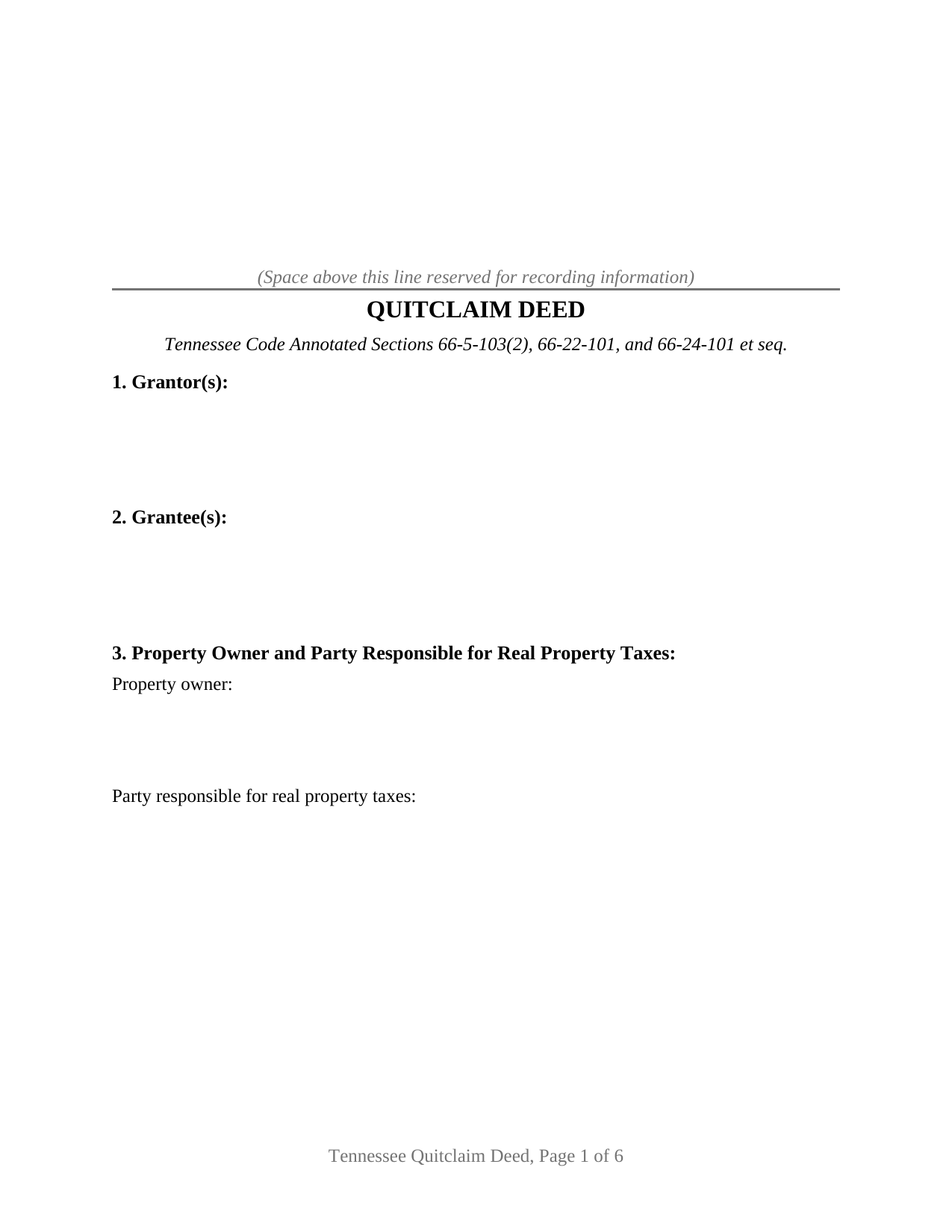
Knox County Quitclaim Deed Form
Fill in the blank Quitclaim Deed form formatted to comply with all Tennessee recording and content requirements.
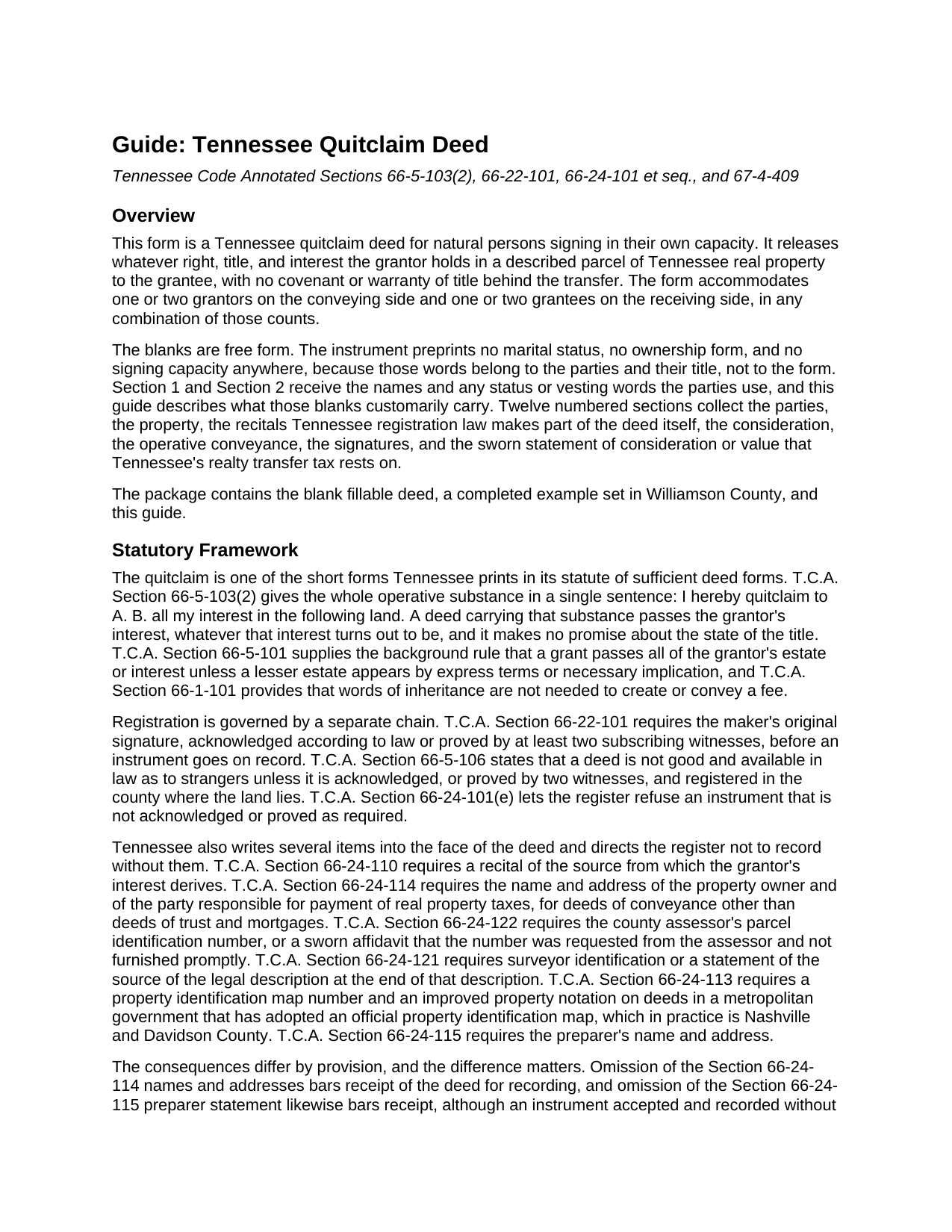
Knox County Quitclaim Deed Guide
Line by line guide explaining every blank on the Quitclaim Deed form.
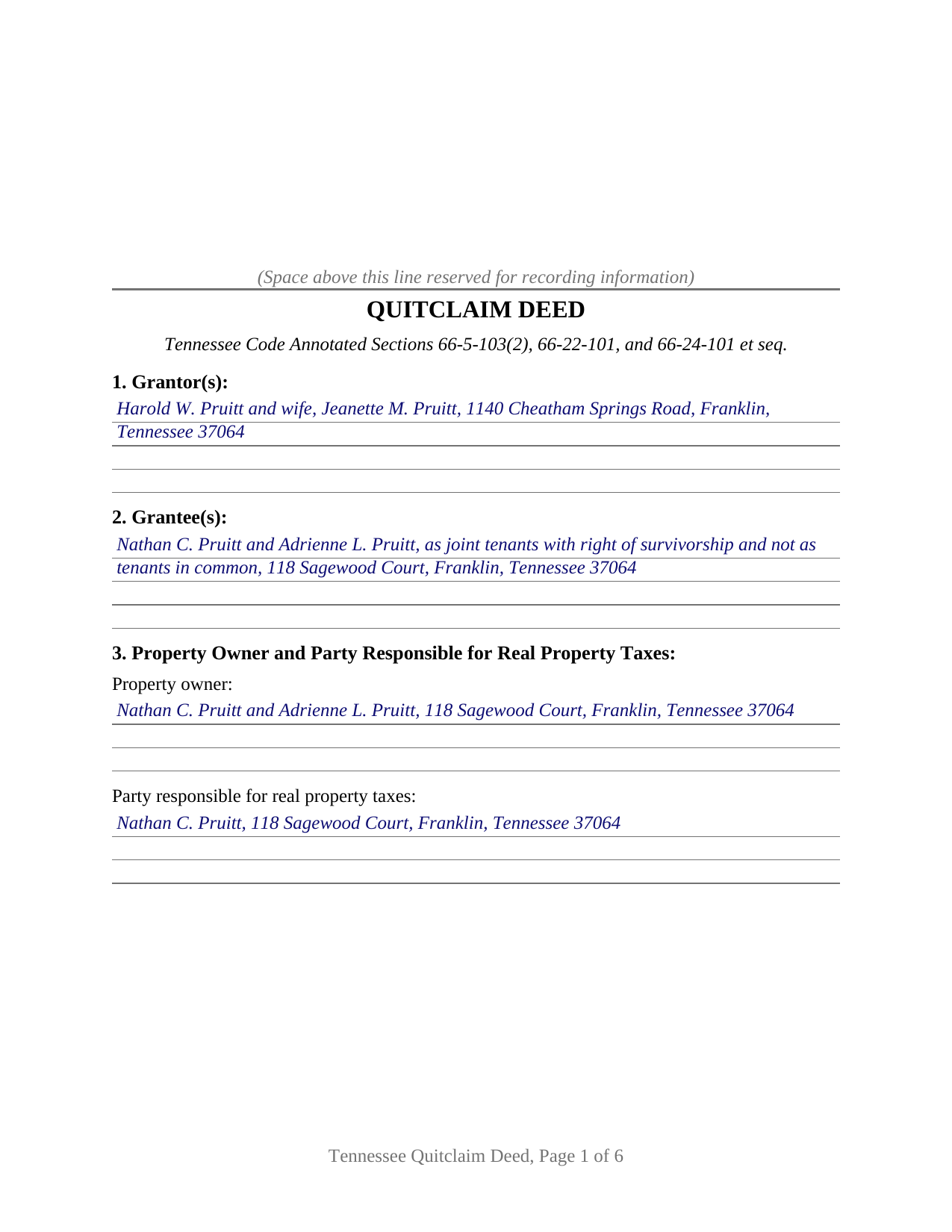
Knox County Completed Example of the Quitclaim Deed Document
Example of a properly completed Tennessee Quitclaim Deed document for reference.
All 3 documents above included • One-time purchase • No recurring fees
Immediate Download • Secure Checkout
Additional Tennessee and Knox County documents included at no extra charge:
Where to Record Your Documents
Knox County Register of Deeds
Knoxville, Tennessee 37902
Hours: 8:00 to 4:30 M-F
Phone: (865) 215-2330
Recording Tips for Knox County:
- Bring your driver's license or state-issued photo ID
- Ensure all signatures are in blue or black ink
- Make copies of your documents before recording - keep originals safe
- Recorded documents become public record - avoid including SSNs
- Recording fees may differ from what's posted online - verify current rates
Cities and Jurisdictions in Knox County
Properties in any of these areas use Knox County forms:
- Corryton
- Heiskell
- Knoxville
- Mascot
- Powell
Hours, fees, requirements, and more for Knox County
How do I get my forms?
Forms are available for immediate download after payment. The Knox County forms will be in your account ready to download to your computer. An account is created for you during checkout if you don't have one. Forms are NOT emailed.
Are these forms guaranteed to be recordable in Knox County?
Yes. Our form blanks are guaranteed to meet or exceed the applicable formatting requirements used for recording in Knox County, including margin requirements, font requirements, and other layout standards. This guarantee applies to formatting, not to the legal sufficiency of information entered by the user or the suitability of a form for a particular transaction.
Can I reuse these forms?
Yes. You can reuse the forms for your personal use. For example, if you have multiple properties in Knox County you only need to order once.
What do I need to use these forms?
The forms are PDFs that you fill out on your computer. The free Adobe Acrobat Reader is recommended, and most PDF apps also work. You do NOT enter your property information online - you download the blank forms and complete them privately on your own computer.
Are there any recurring fees?
No. This is a one-time purchase. Nothing to cancel, no memberships, no recurring fees.
How much does it cost to record in Knox County?
Recording fees in Knox County vary. Contact the recorder's office at (865) 215-2330 for current fees.
Questions answered? Let's get started!
This is the base Tennessee quitclaim deed: one or two people releasing whatever interest they hold in a described Tennessee parcel, to one or two people receiving it, with no covenant of title behind the transfer. The party blanks are deliberately empty of ownership words, because in Tennessee those words settle a question the statute leaves alone.
The survivorship Tennessee declines to supply
Most states hand co-owners a default. Tennessee took one away. Under T.C.A. Section 66-1-107, a deceased joint tenant's share descends to that tenant's heirs as in tenancy in common, which strips the common law survivorship the label once carried. Two grantees named with nothing more hold as tenants in common, and a share passes through an estate at death. Survivorship arrives only by express words, and even then it is not indestructible: Bryant v. Bryant, 522 S.W.3d 392 (Tenn. 2017), holds that an expressly created joint tenancy with right of survivorship can be severed by one cotenant's own conveyance. Spouses are the exception the abolition never reached, holding by the entirety. So Section 2 prints no ownership language and takes the grantees' own designation instead.
One statutory sentence does the conveying
T.C.A. Section 66-5-103(2) sets out the quitclaim in a single line, and Section 10 carries its substance: the grantor quitclaims all of the grantor's right, title, and interest in the land described above, without covenant or warranty. Keeping that wording is not decoration. Under T.C.A. Section 67-4-409(a)(4), a deed in the statutory quitclaim substance conveying only the grantor's interest is measured on what the grantee actually paid, while warranty style fee language is measured on consideration or value, whichever is larger. The register reads the operative words, not the caption.
One or two names on either side
The form recites free form Grantor and Grantee blocks sized for one or two natural persons apiece, each signing in that person's own capacity, and preprints no marital status, capacity, or vesting. Execution follows the same shape: two grantor signature blocks and two acknowledgment certificates in the substance of the natural person certificate at T.C.A. Section 66-22-107(b), so two people conveying may acknowledge on different days, before different notaries, in different states. A single grantor leaves the second block and its certificate blank. Two siblings dividing land they inherited jointly, a former co-owner releasing a fractional share to the one keeping the parcel, and a parent adding an adult child to a family lot, present the count patterns this deed accommodates. It is not set up for a signature made in another name, so an entity, a trustee, an executor, or an agent under a power of attorney signs through a different architecture, nor for three or more owners on a side.
Recitals the register reads before the stamp
Tennessee puts unusual weight on the face of the document. Section 8 collects the derivation of title recital of T.C.A. Section 66-24-110, naming the instrument the grantor's interest came from, with its book and page; four more sections gather the owner and tax party entries, the assessor's parcel number, the description source, and the metropolitan map and improved property notation. Their consequences differ, and the guide separates them: some bar receipt at the counter, while Section 66-24-121 says omission does not affect the validity of the registration. One newer rule reaches only fresh parcels, T.C.A. Section 66-5-105 as amended in 2026 by Public Chapter 996, which routes the description of land never before described of record to a registered land surveyor.
The figure the grantee swears to
Tennessee taxes the recording, and the number comes from an oath, not an appraisal. T.C.A. Section 67-4-409(a)(1)(F) puts the swearing on the grantee side: the grantee, an agent, or a trustee for the grantee states under oath the actual consideration or the value, whichever is greater. Section 12 carries that statement with its own signature line and a jurat, since an oath as to an amount and an acknowledgment of a signature are separate notarial acts, plus a line for an exemption. A false oath is punishable as perjury. Searchers reach this instrument as a quitclaim deed, a quit claim deed, or a quick claim deed.
Three files arrive with the purchase: the fillable deed, a Williamson County example worked at full two person capacity, and a plain language guide walking the twelve sections, the ownership forms Tennessee recognizes, both notarial acts, and the filing. These materials are informational, a description of Tennessee law rather than advice about a particular title.
Important: Your property must be located in Knox County to use these forms. Documents should be recorded at the county recording office listed above.
This Quitclaim Deed meets all recording requirements specific to Knox County.
Our Promise
The documents you receive here are guaranteed to meet or exceed the applicable Knox County recording format requirements. If there is a rejection caused by our formatting, we will correct the issue or refund your payment. This guarantee applies to document formatting only and does not extend to information entered by the user, the selection of the form, or the legal effect of the completed document.
Save Time and Money
Get your Knox County Quitclaim Deed form done right the first time with Deeds.com Uniform Conveyancing Blanks. At Deeds.com, we understand that your time and money are valuable resources, and we don't want you to face a penalty fee or rejection imposed by a county recorder for submitting nonstandard documents. We constantly review and update our forms to meet rapidly changing state and county recording requirements for roughly 3,500 counties and local jurisdictions.
4.8 out of 5 - ( 4,828 Reviews )
Taylor W. 5 out of 5 stars
This was the quickest NOC recording i have ever done. I will definitely be using deeds.com from here on out for recordings!
We appreciate your business and value your feedback. Thank you. Have a wonderful day!
Ginger C. 5 out of 5 stars
So far so good. Thank you for your prompt responses. Much appreciated.
Thank you!
Rick W. 1 out of 5 stars
Hi, I must have done something wrong. I need a QuitClaim North Carolina Dare County form. I don't need the Warranty Claim that appeared in my download list. Can I exchange forms?
As a one time courtesy we have canceled the order and payment you made for the warranty deed in error. Have a wonderful day.
Joseph S. 5 out of 5 stars
The website was very easy to use. I rate it a five star
Thank you for your feedback. We really appreciate it. Have a great day!
Teri A S. 5 out of 5 stars
Received the quit claim form as ordered. Seemed clear and concise, easy to follow instructions and the completed example was helpful.
Thank you Teri, have a great day!
Steve W. 5 out of 5 stars
Simple and easy transaction
Thank you for your feedback. We really appreciate it. Have a great day!
Dianne W. 5 out of 5 stars
Thank you for responding so quickly to my question. I was able to locate the form and get everything downloaded. Once I saw the icon, it was easy peasy!!
Thank you!
Cindy A. 5 out of 5 stars
Needed a deed and the form provided with example and guide were of the most help. Thank you
Thank you, Cindy! We’re so glad the form, example, and guide were helpful in getting your deed taken care of. We appreciate your feedback!
Cynthia E. 5 out of 5 stars
my experience with this company: very responsive, communicative and gets the job done. Thank you
Thank you, Cynthia. We appreciate your kind words and are glad we could help get the job done.
James D. 4 out of 5 stars
good product, but would prefer an editable document, such as word
Thanks for your feedback James.
James S. 5 out of 5 stars
easy to use
Thank you James.
Sandra S. 5 out of 5 stars
Very helpful, with blank and sample completed documents. The only thing I was confused about was the "legal description" of my property. The documents weren't too helpful on what that meant. Otherwise they were great. It saved me $200 to prepare these myself.
Thank you for your feedback. We really appreciate it. Have a great day!
Veronica S. 5 out of 5 stars
Very convenient and quick. I will definitely use it again.
Thank you!
William Q. 5 out of 5 stars
The website and information is fine. The proof in the pudding, of course, is whether the forms I used now will provide the results I want if the changes are challenged at some future date.
Thank you for your feedback. We really appreciate it. Have a great day!
Cecilia G. 5 out of 5 stars
This site is so easy to use. It is so convenient to have access to forms for all states. I’d recommend this site to anyone who needs to create any real estate documents.
Thank you for your feedback. We really appreciate it. Have a great day!