Kaufman County Mineral Deed (General Warranty) Form
Last validated October 6, 2026 by our Forms Development TeamFormatted for recording in Kaufman County, for property anywhere in the county: rural and unincorporated areas as well as Crandall, Elmo, Forney, Kaufman, Kemp, Mabank, Rosser, Scurry and 1 more.
- 3 documents included
- Immediate PDF download
- Formatting guarantee
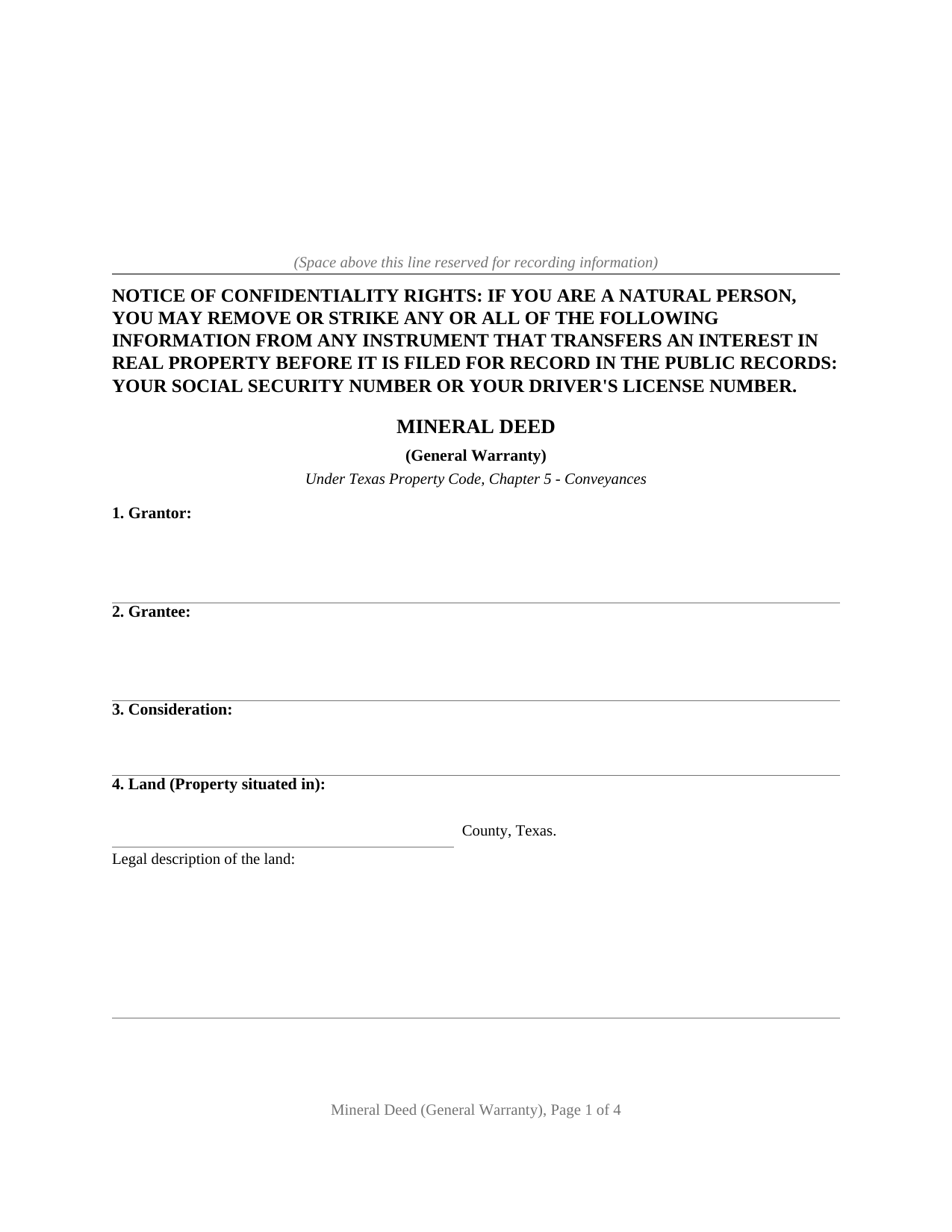
Kaufman County Mineral Deed (General Warranty) Form
Fill in the blank Mineral Deed (General Warranty) form formatted to comply with all Texas recording and content requirements.
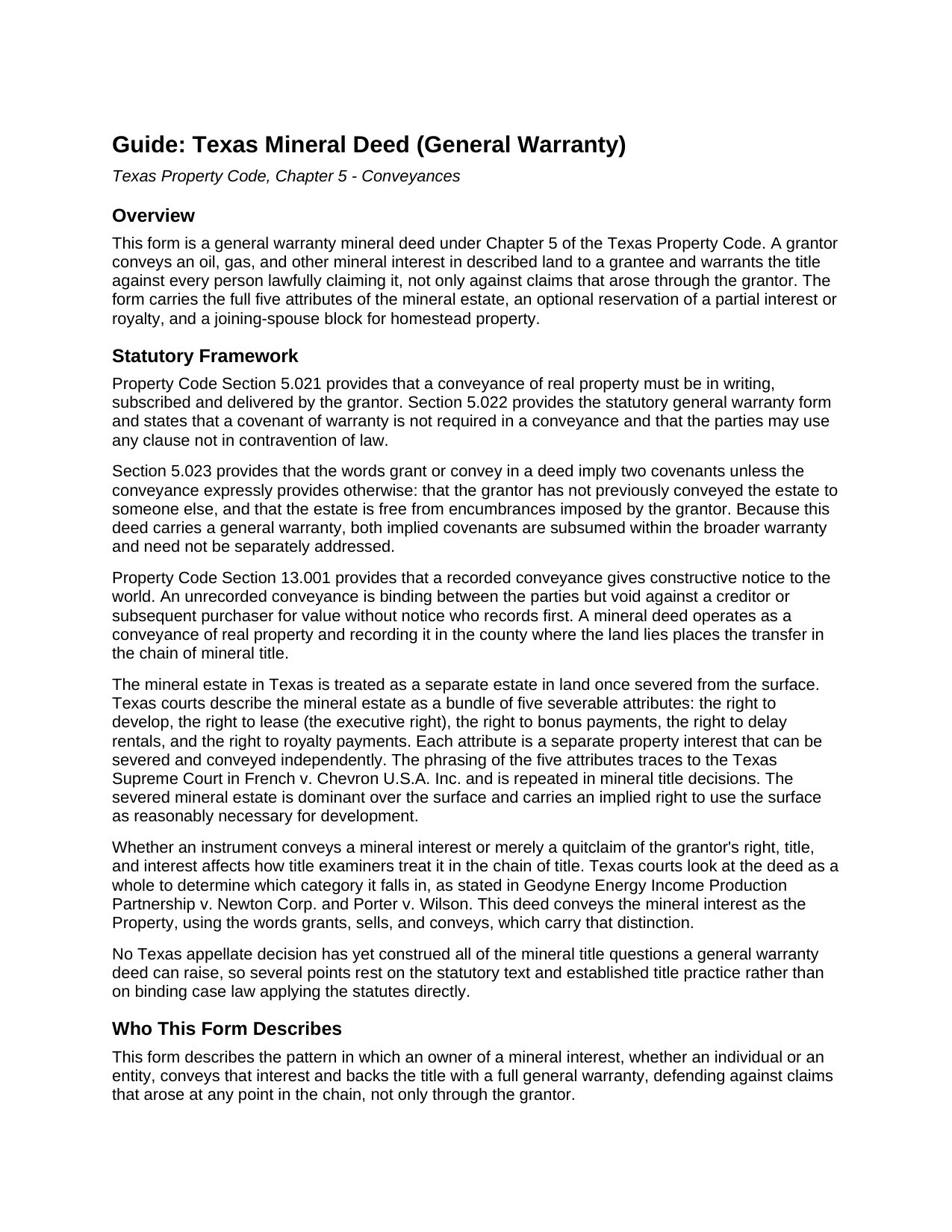
Kaufman County Mineral Deed (General Warranty) Guide
Line by line guide explaining every blank on the Mineral Deed (General Warranty) form.
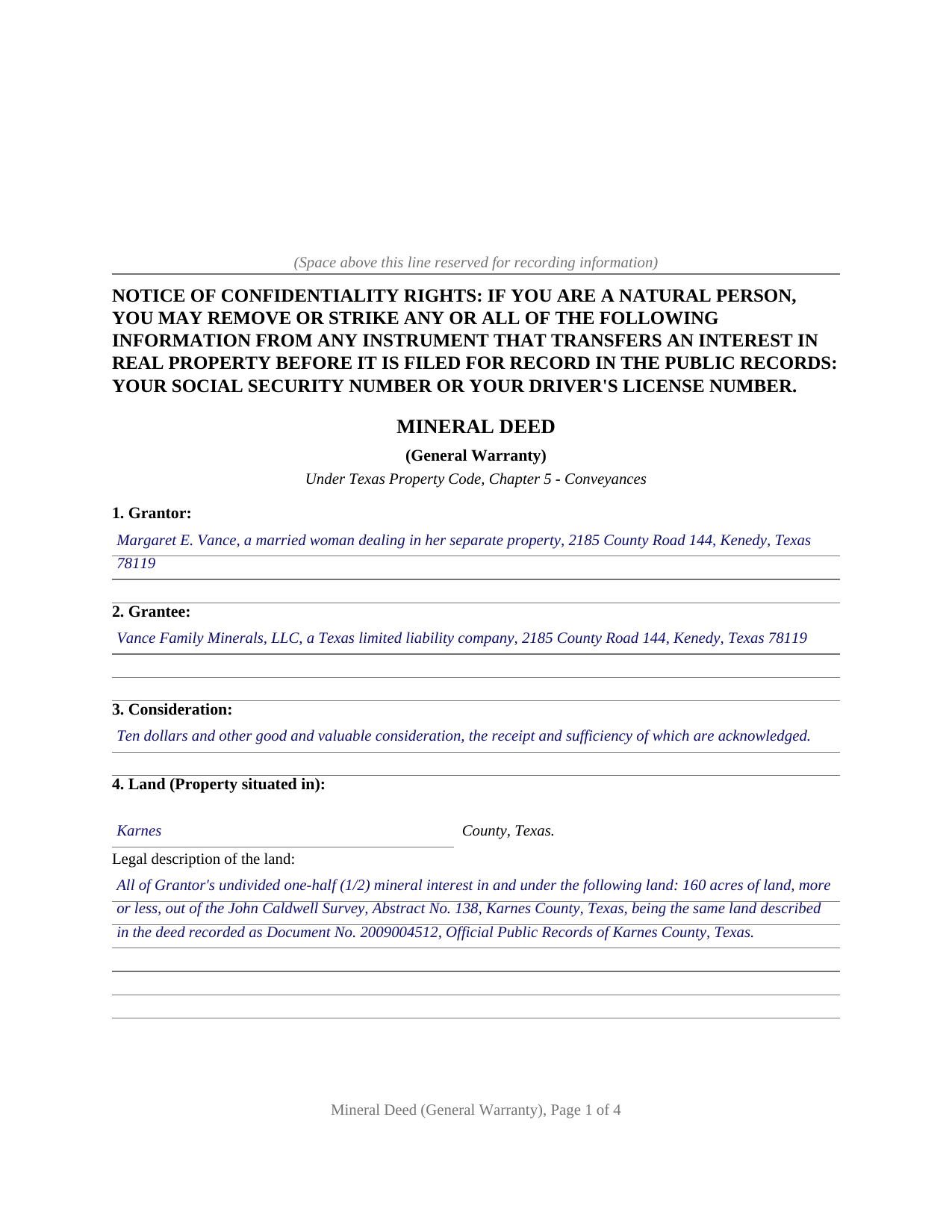
Kaufman County Completed Example of the Mineral Deed (General Warranty) Document
Example of a properly completed Texas Mineral Deed (General Warranty) document for reference.
All 3 documents above included • One-time purchase • No recurring fees
Immediate Download • Secure Checkout
Additional Texas and Kaufman County documents included at no extra charge:
Where to Record Your Documents
Kaufman County Clerk
Kaufman, Texas 75142
Hours: Monday - Friday 8:00am - 4:30pm
Phone: 972-932-4331 x1104
Recording Tips for Kaufman County:
- Bring your driver's license or state-issued photo ID
- Ensure all signatures are in blue or black ink
- Avoid the last business day of the month when possible
- Both spouses typically need to sign if property is jointly owned
- Bring extra funds - fees can vary by document type and page count
Cities and Jurisdictions in Kaufman County
Properties in any of these areas use Kaufman County forms:
- Crandall
- Elmo
- Forney
- Kaufman
- Kemp
- Mabank
- Rosser
- Scurry
- Terrell
Hours, fees, requirements, and more for Kaufman County
How do I get my forms?
Forms are available for immediate download after payment. The Kaufman County forms will be in your account ready to download to your computer. An account is created for you during checkout if you don't have one. Forms are NOT emailed.
Are these forms guaranteed to be recordable in Kaufman County?
Yes. Our form blanks are guaranteed to meet or exceed the applicable formatting requirements used for recording in Kaufman County, including margin requirements, font requirements, and other layout standards. This guarantee applies to formatting, not to the legal sufficiency of information entered by the user or the suitability of a form for a particular transaction.
Can I reuse these forms?
Yes. You can reuse the forms for your personal use. For example, if you have multiple properties in Kaufman County you only need to order once.
What do I need to use these forms?
The forms are PDFs that you fill out on your computer. The free Adobe Acrobat Reader is recommended, and most PDF apps also work. You do NOT enter your property information online - you download the blank forms and complete them privately on your own computer.
Are there any recurring fees?
No. This is a one-time purchase. Nothing to cancel, no memberships, no recurring fees.
How much does it cost to record in Kaufman County?
Recording fees in Kaufman County vary. Contact the recorder's office at 972-932-4331 x1104 for current fees.
Questions answered? Let's get started!
Beneath a Texas tract are two estates, not one. The oil, gas, and other minerals can be owned, taxed, and transferred apart from the dirt on top, and a mineral deed is the instrument that makes that separation or carries a severed mineral interest from one owner to the next. This form prepares a general warranty mineral deed under Chapter 5 of the Texas Property Code, by which a grantor conveys a mineral interest and stands behind the title.
The Five Rights Inside a Mineral Estate
Texas courts describe a severed mineral estate as a bundle of five severable attributes: the right to develop, the right to lease (the executive right), the right to bonus payments, the right to delay rentals, and the right to royalty payments. The phrasing traces to the Texas Supreme Court in French v. Chevron U.S.A. Inc. and is repeated in mineral decisions to this day. A grantor does not have to convey all five: the deed can pass the whole estate, or convey the development and leasing rights while the grantor keeps a royalty, because each attribute is its own property interest.
Conveying the Whole, or Reserving a Piece
When a mineral estate is conveyed, every interest in it transfers unless the grantor specifically reserves something, which makes the reservation section the heart of the form. A grantor who reserves nothing conveys the entire mineral interest owned in the land; a grantor who reserves a one-fourth nonparticipating royalty keeps a share of production while handing over the rights to develop and lease. The completed example shows that reservation, and the guide explains how reservation wording can decide whether a reserved royalty is fixed or floating years later.
A Warranty That Reaches the Whole Chain
This is a general warranty deed. The grantor binds heirs, successors, and assigns to warrant and defend the interest conveyed against every person lawfully claiming it, not merely against claims arising through the grantor. That separates this instrument from a quitclaim, which warrants nothing, and from a deed without warranty, which conveys the property but adds no covenants. Stated exceptions, such as existing leases and prior reservations, are carved out of the warranty.
Signing, Homestead, and Recording
The grantor signs before a notary, and because a mineral deed conveys a present interest during life, marriage matters in a way it does not for a transfer that takes effect at death. Where the land is homestead, Texas Family Code Section 5.001 requires the grantor's spouse to join in the conveyance, so the form carries a joining-spouse signature block and a second notary certificate. Recording then protects the grantee against later purchasers, and a mineral interest underlying land in more than one county is recorded in each county where the land lies. The package includes the fillable deed, a completed example on a realistic Karnes County fact pattern, and a guide that walks every blank. The materials are informational and are not legal advice.
Important: Your property must be located in Kaufman County to use these forms. Documents should be recorded at the county recording office listed above.
This Mineral Deed (General Warranty) meets all recording requirements specific to Kaufman County.
Our Promise
The documents you receive here are guaranteed to meet or exceed the applicable Kaufman County recording format requirements. If there is a rejection caused by our formatting, we will correct the issue or refund your payment. This guarantee applies to document formatting only and does not extend to information entered by the user, the selection of the form, or the legal effect of the completed document.
Save Time and Money
Get your Kaufman County Mineral Deed (General Warranty) form done right the first time with Deeds.com Uniform Conveyancing Blanks. At Deeds.com, we understand that your time and money are valuable resources, and we don't want you to face a penalty fee or rejection imposed by a county recorder for submitting nonstandard documents. We constantly review and update our forms to meet rapidly changing state and county recording requirements for roughly 3,500 counties and local jurisdictions.
4.8 out of 5 - ( 4,837 Reviews )
Martine S. 5 out of 5 stars
Very easy process and was recorded in a prompt manner. We will be using your services again in the future for sure.
We appreciate your business and value your feedback. Thank you. Have a wonderful day!
Harry S. 5 out of 5 stars
This is my first time using the service. Wow! How efficient and effortless! Keep up the good work!
Thank you!
Gerald S. 5 out of 5 stars
The paperwork for our transfer on death deed was easy to fill out and the county has excepted it for recording Very satisfied.
We appreciate your business and value your feedback. Thank you. Have a wonderful day!
Rahul P. 5 out of 5 stars
Excellent Site for recording documents to respective county Recorder Office. Excellent customer service, very well informed and experienced staff who responds promptly and guide customers throughout recording process. My recording was suspended But KVH (Staff) gave me proper timely advise and guided me for the procedure till recording was done by county office. I would like to give 6 stars or more to the site as per my experience with this site. Highly recommended site
Thank you for your feedback. We really appreciate it. Have a great day!
Nancy H. 5 out of 5 stars
Site was excellent and saved a trip to the County office to pick up forms.
Thank you Nancy. Glad we could help. Have a great day!
Jolene K. 5 out of 5 stars
The forms were easy to download and use. I'm satisfied with it. The sample and the instructions were very helpful.
Thank you!
John G. 5 out of 5 stars
Very straightforward ordering process to obtain the forms I needed. Thank you.
Thank you!
Kevin & Kim S. 5 out of 5 stars
So very easy to use and we're so glad we could do everything from our home office.
We appreciate your business and value your feedback. Thank you. Have a wonderful day!
Todd W. 2 out of 5 stars
Communication is hard. The reps need to be empowered and encouraged to call the customers when necessary. They encourage 300 dpi resolution and under 2 MB PDF file, which is not even possible with our scanner. They made a vague comment about a legal description looking abbreviated but did not explain. They refused to call me. They said the county said "Image is light please darken", but the image looked fine to me. Maybe not their fault, but they refused to help work with the county on that for me. I followed their suggestion though and re-scanned at 300 dpi, but they misunderstood me and did not re-submit it right away. Over 48 hours later, it's still not recorded yet. I hope it will be today.
Thank you for your feedback Todd.
Bertha V. G. 5 out of 5 stars
Great information and very easy to understand.
Thank you for your feedback. We really appreciate it. Have a great day!
Charles C. 5 out of 5 stars
Easy to use, fast!
Thank you!
Nancy J. 5 out of 5 stars
It is helpful that an example of filled out form is included.
We appreciate your business and value your feedback. Thank you. Have a wonderful day!
Judy H. 5 out of 5 stars
great response to my question.
We are delighted to have been of service. Thank you for the positive review!
leslie w. 5 out of 5 stars
Easy to use! Thanks for saving the time and expense of an attorney!
Thank you for your feedback. We really appreciate it. Have a great day!
Russell L. 5 out of 5 stars
Your Personal Representative's Deed and example for the state of PA were extremely helpful. Exactly what I needed! Two feedback comments: 1. Valuation Factors/Short List in my download is an outdated table dated July 2020. The PA Dept of Revenue website has a more current table dated June 2021. (Maybe same for Valuation Factors/Long List, which I didn't use.) 2. Notarization section on deed page 3 has a gender-related input needed, which confused the Notary Public representative where I live in the state of CO. Notary input the word she to apply to my wife, but wasn't clear to him if the gender input applied to the Grantor or the Notary. He assumed Grantor. Also in our non-binary world, some might find that wording offensive. Thanks again for your documents. Russ Lewis
Thank you!