Jim Hogg County Release of Easement Form
Last validated September 21, 2026 by our Forms Development TeamFormatted for recording in Jim Hogg County, for property anywhere in the county: rural and unincorporated areas as well as Guerra, Hebbronville.
- 3 documents included
- Immediate PDF download
- Formatting guarantee
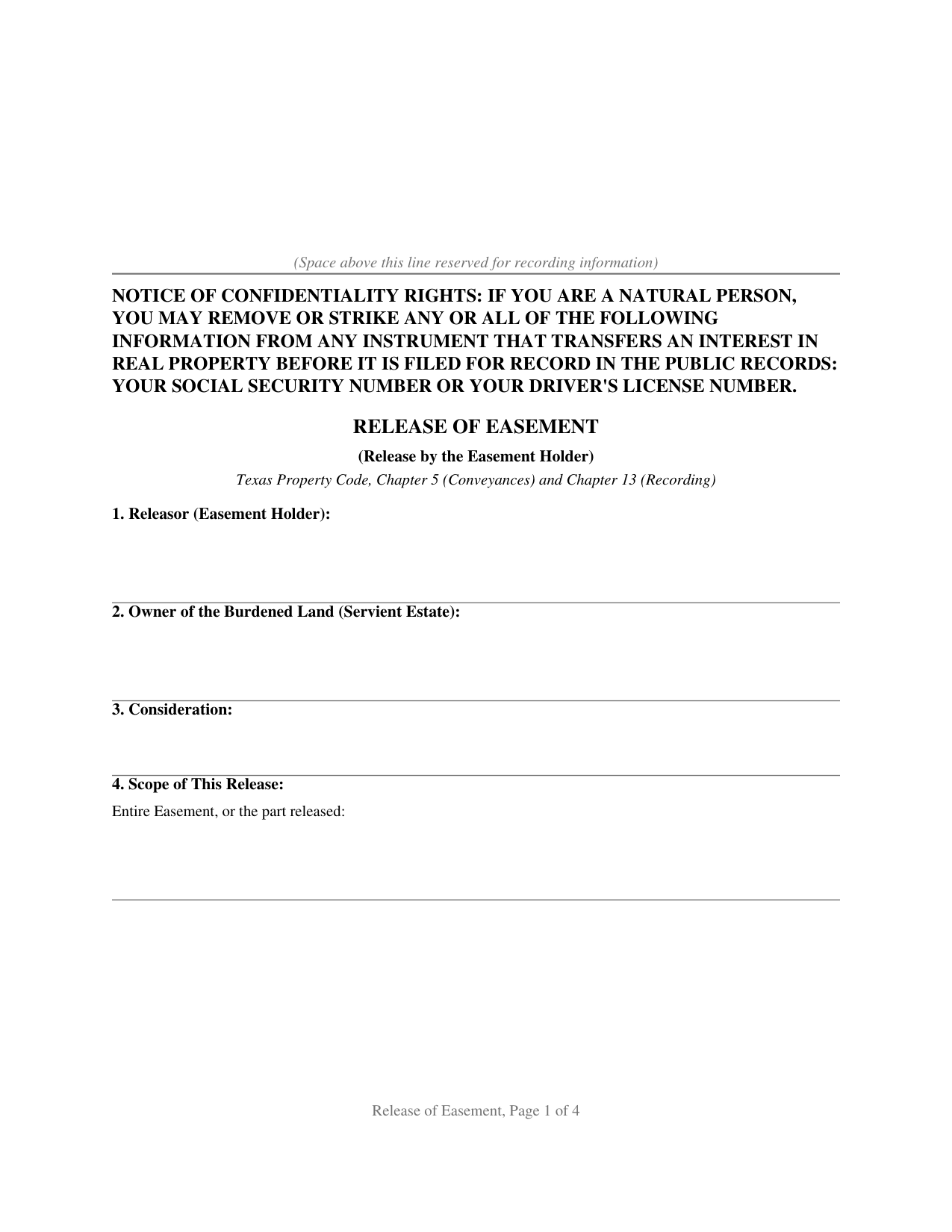
Jim Hogg County Release of Easement Form
Fill in the blank Release of Easement form formatted to comply with all Texas recording and content requirements.
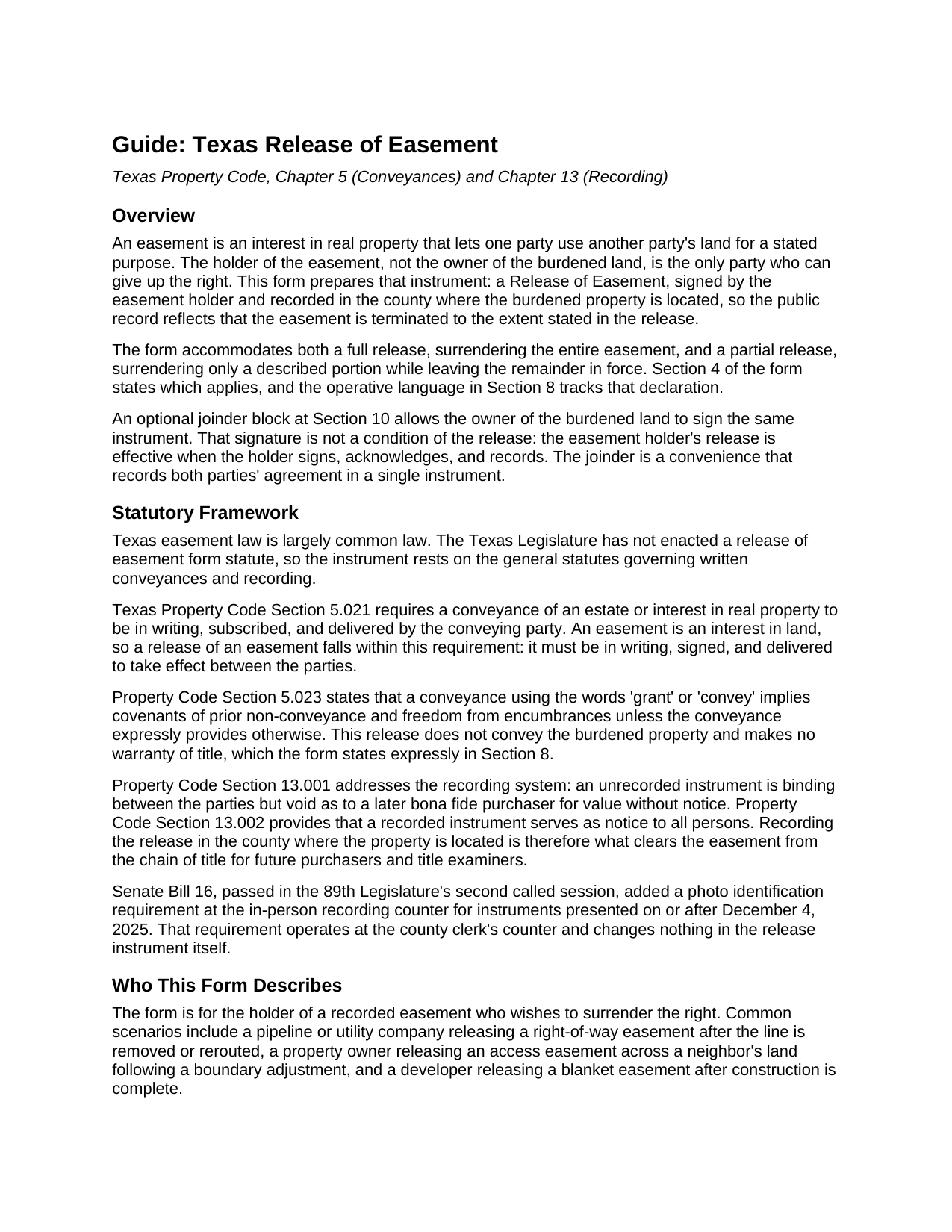
Jim Hogg County Release of Easement Guide
Line by line guide explaining every blank on the Release of Easement form.
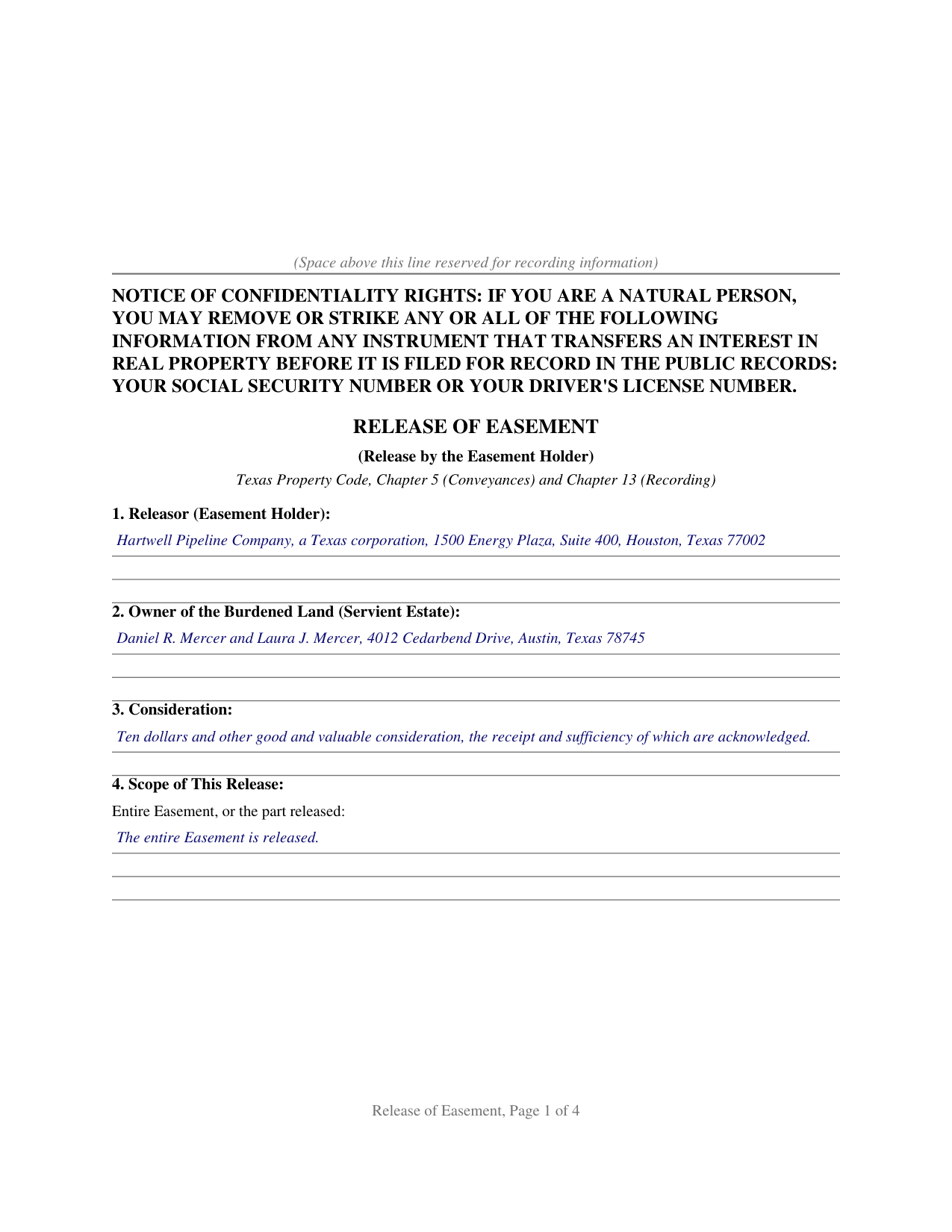
Jim Hogg County Completed Example of the Release of Easement Document
Example of a properly completed Texas Release of Easement document for reference.
All 3 documents above included • One-time purchase • No recurring fees
Immediate Download • Secure Checkout
Additional Texas and Jim Hogg County documents included at no extra charge:
Where to Record Your Documents
County and District Clerk
Hebbronville, Texas 78361-3509
Hours: Monday-Friday 9:00am - 5:00pm
Phone: (361) 527-5825
Recording Tips for Jim Hogg County:
- Bring your driver's license or state-issued photo ID
- Ensure all signatures are in blue or black ink
- Avoid the last business day of the month when possible
- Both spouses typically need to sign if property is jointly owned
- Bring extra funds - fees can vary by document type and page count
Cities and Jurisdictions in Jim Hogg County
Properties in any of these areas use Jim Hogg County forms:
- Guerra
- Hebbronville
Hours, fees, requirements, and more for Jim Hogg County
How do I get my forms?
Forms are available for immediate download after payment. The Jim Hogg County forms will be in your account ready to download to your computer. An account is created for you during checkout if you don't have one. Forms are NOT emailed.
Are these forms guaranteed to be recordable in Jim Hogg County?
Yes. Our form blanks are guaranteed to meet or exceed the applicable formatting requirements used for recording in Jim Hogg County, including margin requirements, font requirements, and other layout standards. This guarantee applies to formatting, not to the legal sufficiency of information entered by the user or the suitability of a form for a particular transaction.
Can I reuse these forms?
Yes. You can reuse the forms for your personal use. For example, if you have multiple properties in Jim Hogg County you only need to order once.
What do I need to use these forms?
The forms are PDFs that you fill out on your computer. The free Adobe Acrobat Reader is recommended, and most PDF apps also work. You do NOT enter your property information online - you download the blank forms and complete them privately on your own computer.
Are there any recurring fees?
No. This is a one-time purchase. Nothing to cancel, no memberships, no recurring fees.
How much does it cost to record in Jim Hogg County?
Recording fees in Jim Hogg County vary. Contact the recorder's office at (361) 527-5825 for current fees.
Questions answered? Let's get started!
An easement is an interest in someone else's land, and the cleanest way to take one off a Texas title is for the party who holds it to give it up in writing. This form prepares that instrument: a Release of Easement, signed by the easement holder and recorded where the burdened land sits, so the public record matches the fact that the easement is gone.
Only the Holder Can Release It
A release works because of who signs it. The holder, the owner of the land an easement appurtenant benefits, or the company named in a utility or pipeline easement in gross, is the one party who can let the right go; the owner of the burdened land cannot erase an easement that runs in someone else's favor. On this form the holder is the releasor and the signer, and the operative language has the holder release, relinquish, and quitclaim the easement so that, to the extent stated, it is terminated, extinguished, and of no further force or effect.
No Statute, So the Drafting Carries the Weight
Texas easement law is largely common law. The Legislature never wrote a release of easement form, so the instrument rests on the general rules for written conveyances and recording. Because an easement is an interest in land, Property Code Section 5.021 requires the release to be in writing, subscribed, and delivered by the holder. With no statute supplying boilerplate, the words on the page do the work: the form ties the release to the recording reference of the instrument that created the easement, describes the burdened land, names the parties, and states how much of the easement is being released.
Full Release or Partial Release
Some releases give up the whole easement; others surrender only a strip or a stated portion while the rest stays in place. The form handles both. A scope section states whether the entire easement is released or describes the part released, and the operative section keeps every portion not described as released in full force.
Why Recording Is the Point
A signed and delivered release is effective between the parties right away, but recording does something just as important: under Property Code Section 13.002 a recorded instrument is notice to all persons, and under Section 13.001 an unrecorded release is void as to a later purchaser for value without notice. Until the release reaches the county records, a title examiner still sees a live easement, so recording in the county where the property is located is what clears it from the chain of title. Senate Bill 16 added a photo identification requirement at the recording counter for instruments filed in person on or after December 4, 2025, a step that happens at the counter and changes nothing in the release itself.
An optional joinder block lets the owner of the burdened land sign the same release, recording the agreement of both sides in one document, though that signature is a convenience rather than a condition. The package includes the fillable PDF, a completed example built on a realistic Texas pipeline easement release, and a plain language guide that walks through every section and explains how the release interacts with the homestead joinder rule and the recording statutes. The materials are informational and are not legal advice.
Important: Your property must be located in Jim Hogg County to use these forms. Documents should be recorded at the county recording office listed above.
This Release of Easement meets all recording requirements specific to Jim Hogg County.
Our Promise
The documents you receive here are guaranteed to meet or exceed the applicable Jim Hogg County recording format requirements. If there is a rejection caused by our formatting, we will correct the issue or refund your payment. This guarantee applies to document formatting only and does not extend to information entered by the user, the selection of the form, or the legal effect of the completed document.
Save Time and Money
Get your Jim Hogg County Release of Easement form done right the first time with Deeds.com Uniform Conveyancing Blanks. At Deeds.com, we understand that your time and money are valuable resources, and we don't want you to face a penalty fee or rejection imposed by a county recorder for submitting nonstandard documents. We constantly review and update our forms to meet rapidly changing state and county recording requirements for roughly 3,500 counties and local jurisdictions.
4.8 out of 5 - ( 4,836 Reviews )
Teresa T. 5 out of 5 stars
amazingly fast! Thank you!
We appreciate your business and value your feedback. Thank you. Have a wonderful day!
jon m. 5 out of 5 stars
Great last minute forms saved me a critical time when I had no access to my own resources. Five Star Customer service.
We appreciate your business and value your feedback. Thank you. Have a wonderful day!
Deborah G. 5 out of 5 stars
Great website and very easy to use
Thank you for your feedback Deborah, we really appreciate it. Have a great day!
Chris D. 5 out of 5 stars
Easy and affordable. I would recommend deeds.com
Thank you!
Willard V. 3 out of 5 stars
While it's nice to get all the forms and info in one package for a reasonable cost, the fixed format of the form does not allow for a lengthy meet and bounds property description for real property. Also, the Cover Sheet has big fillable sections with no instructions about what's supposed to go there. I tried the "Contact Us" link, but all it does is spin saying it's trying verify the security of my connection. Looks like I;m going to have to create my own deed in MS Word instead of just filling in the blacks of the PDF file that I downloaded. Bummer!
Your feedback is a crucial part of our dedication to ongoing improvement. Thank you for your insightful comments.
David M. 5 out of 5 stars
Very easy to use and modify if necessary. Spot on with each county requirement for recording and Notarizing
Thank you for your feedback. We really appreciate it. Have a great day!
Kevin B. 5 out of 5 stars
Easy to use and very helpful
Thank you for taking the time to give us your feedback Kevin. Hope you have an amazing day.
Stephanie P. 5 out of 5 stars
So far Deeds.com has done everything they say they'll do and very promptly.
Thank you for your feedback. We really appreciate it. Have a great day!
Bill S. 5 out of 5 stars
Very convenient and reasonably priced service. Excellent. A++
Thank you for your feedback. We really appreciate it. Have a great day!
Lynn T. 5 out of 5 stars
great service, thank you
Thank you!
Eric F. 5 out of 5 stars
Thank You deeds.com, your site helped me accomplish a difficult mission.
We appreciate your business and value your feedback. Thank you. Have a wonderful day!
Terri E. 5 out of 5 stars
Quick Accurate experience will recommend this service to my friends
We appreciate your business and value your feedback. Thank you. Have a wonderful day!
Heleena C. 5 out of 5 stars
The free additional forms that came with the form I ordered were invaluable as well. Worth every penny!
We appreciate your business and value your feedback. Thank you. Have a wonderful day!
Barbara G. 5 out of 5 stars
High rating, great site and forms were exactly what I needed. Thanks for being there for me.
We appreciate your business and value your feedback. Thank you. Have a wonderful day!
Robert H. 5 out of 5 stars
Great service, easy way to get accurate documents
Thanks, Robert! We're glad you found the service easy to use and the documents accurate—just what we aim for. Appreciate you taking the time to share your experience!