Dallam County Special Warranty Deed (Trustee Grantor) Form
Last validated November 2, 2026 by our Forms Development TeamFormatted for recording in Dallam County, for property anywhere in the county: rural and unincorporated areas as well as Dalhart, Kerrick, Texline.
- 3 documents included
- Immediate PDF download
- Formatting guarantee
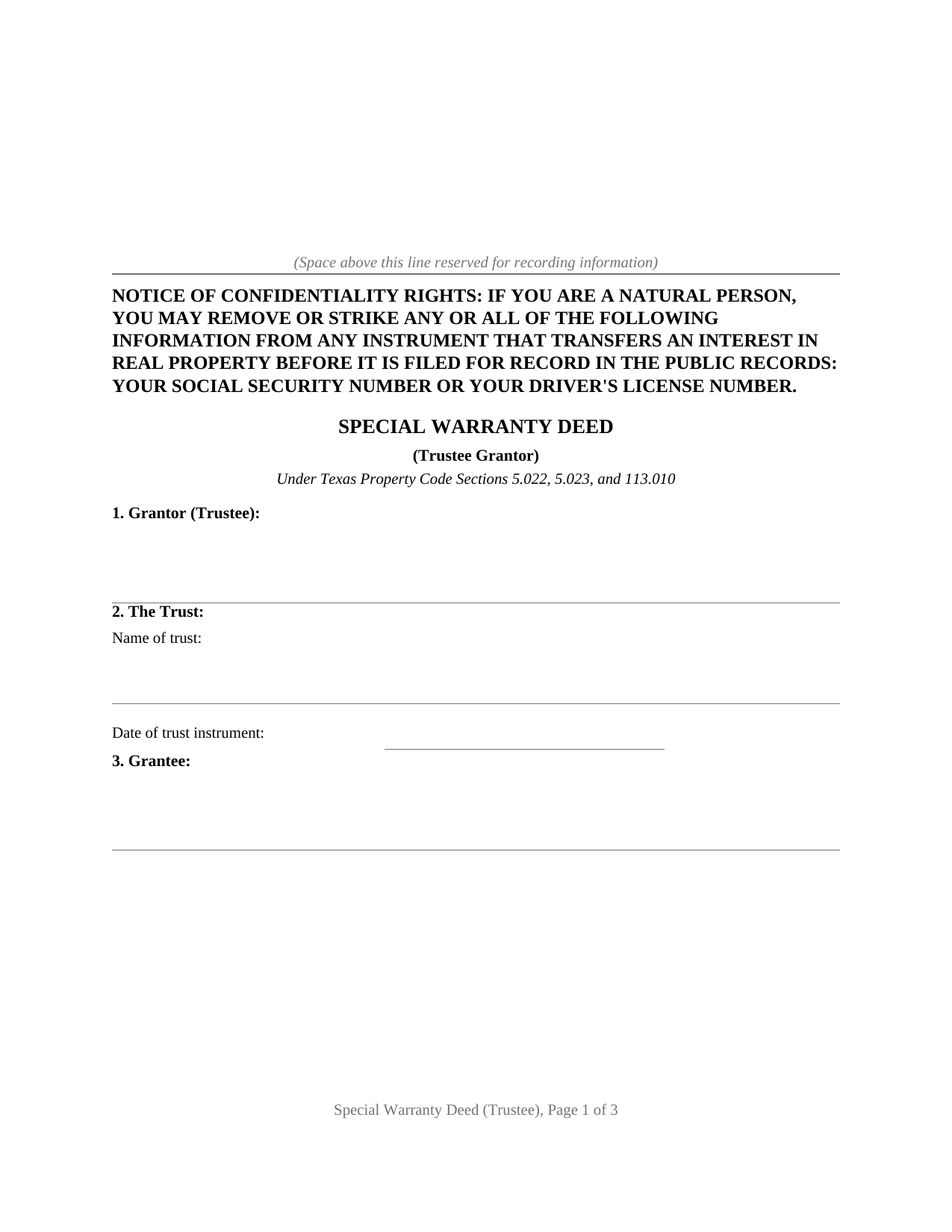
Dallam County Special Warranty Deed (Trustee Grantor) Form
Fill in the blank Special Warranty Deed (Trustee Grantor) form formatted to comply with all Texas recording and content requirements.
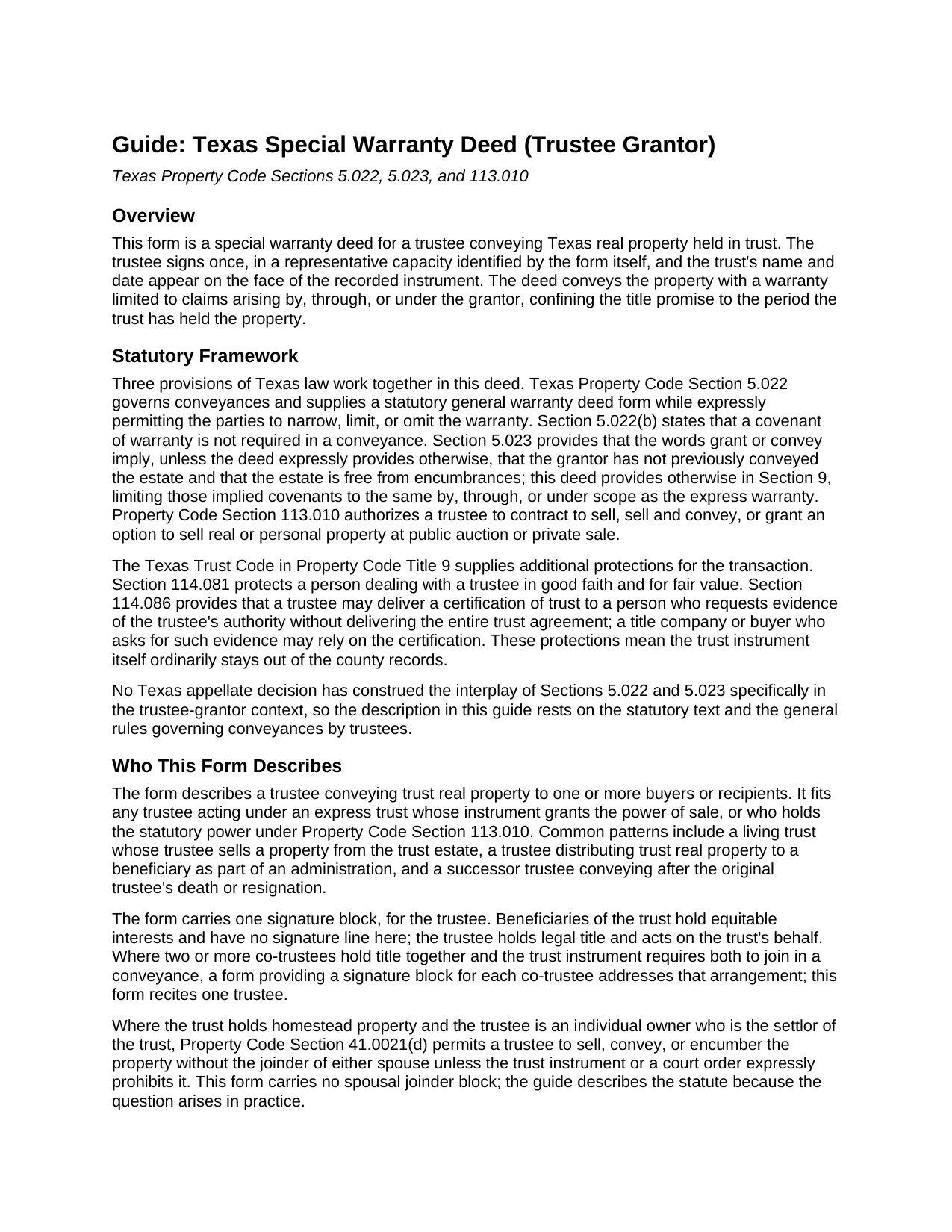
Dallam County Special Warranty Deed (Trustee Grantor) Guide
Line by line guide explaining every blank on the Special Warranty Deed (Trustee Grantor) form.
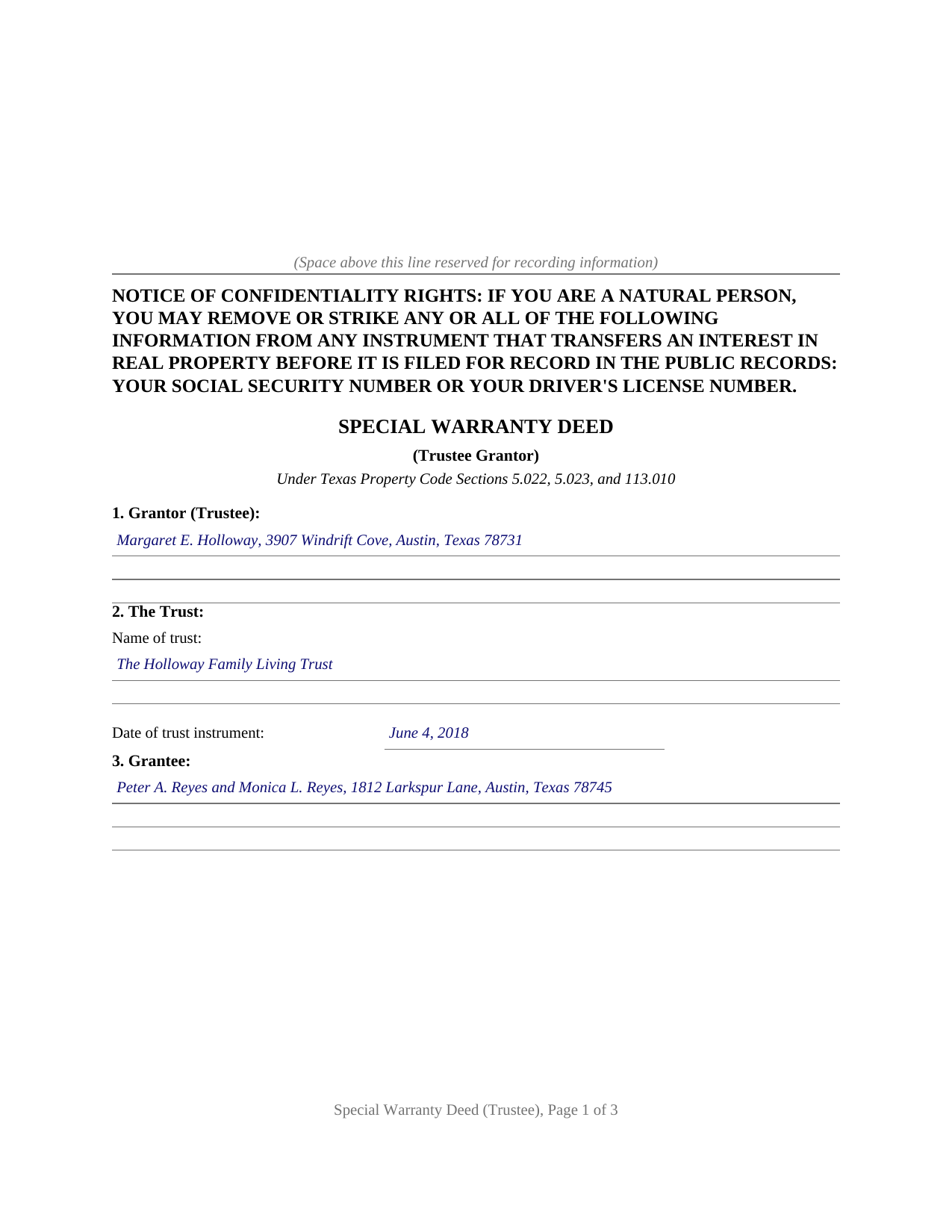
Dallam County Completed Example of the Special Warranty Deed (Trustee Grantor) Document
Example of a properly completed Texas Special Warranty Deed (Trustee Grantor) document for reference.
All 3 documents above included • One-time purchase • No recurring fees
Immediate Download • Secure Checkout
Additional Texas and Dallam County documents included at no extra charge:
Where to Record Your Documents
Dallam County Clerk
Dalhart, Texas 79022
Hours: Monday - Friday 8:30 am - 5:00 pm
Phone: (806) 244-4751
Recording Tips for Dallam County:
- Bring your driver's license or state-issued photo ID
- Ensure all signatures are in blue or black ink
- Leave recording info boxes blank - the office fills these
- Make copies of your documents before recording - keep originals safe
- Recorded documents become public record - avoid including SSNs
Cities and Jurisdictions in Dallam County
Properties in any of these areas use Dallam County forms:
- Dalhart
- Kerrick
- Texline
Hours, fees, requirements, and more for Dallam County
How do I get my forms?
Forms are available for immediate download after payment. The Dallam County forms will be in your account ready to download to your computer. An account is created for you during checkout if you don't have one. Forms are NOT emailed.
Are these forms guaranteed to be recordable in Dallam County?
Yes. Our form blanks are guaranteed to meet or exceed the applicable formatting requirements used for recording in Dallam County, including margin requirements, font requirements, and other layout standards. This guarantee applies to formatting, not to the legal sufficiency of information entered by the user or the suitability of a form for a particular transaction.
Can I reuse these forms?
Yes. You can reuse the forms for your personal use. For example, if you have multiple properties in Dallam County you only need to order once.
What do I need to use these forms?
The forms are PDFs that you fill out on your computer. The free Adobe Acrobat Reader is recommended, and most PDF apps also work. You do NOT enter your property information online - you download the blank forms and complete them privately on your own computer.
Are there any recurring fees?
No. This is a one-time purchase. Nothing to cancel, no memberships, no recurring fees.
How much does it cost to record in Dallam County?
Recording fees in Dallam County vary. Contact the recorder's office at (806) 244-4751 for current fees.
Questions answered? Let's get started!
A deed out of a Texas trust is signed by a grantor acting in a capacity: the trustee, who holds legal title to the trust's real property and conveys it under the Texas Trust Code. This special warranty deed prepares that conveyance, with the trustee identified in a representative capacity, the trust named and dated on the face of the deed, and a warranty calibrated to the period the trustee can answer for.
A warranty measured by the trust's own ownership
The deed conveys with the statutory words grants, sells, and conveys from Property Code Section 5.022, then binds the grantor to warrant and defend title only against claims arising by, through, or under the grantor, but not otherwise. Defects that predate the trust's ownership fall outside the warranty and are left to the state of the record and to title insurance, while anything arising during the trustee's ownership, a lien granted by the trustee or a second conveyance of the same land, stays covered. Because the deed conveys the property itself rather than releasing bare right, title, and interest, it operates as a true conveyance under the Texas Supreme Court's characterization cases, not a quitclaim.
Authority recited, trust kept private
The operative section recites the trustee's power of sale under the trust instrument and Property Code Section 113.010, which authorizes a trustee to sell and convey real property at public auction or private sale. The trust agreement itself never enters the county records: the deed names the trust and its date, and Texas supplies the certification of trust under Section 114.086 for a title company or purchaser who asks for evidence of the trustee's powers. The Trust Code rounds out the picture on the other side of the closing table: Section 114.081 protects a person dealing with a trustee in good faith and for fair value, and the covenants in this deed bind the trust estate rather than the trustee personally.
One trustee, signing alone
The form carries one signature block and one notary certificate, completed in representative capacity style: the trustee's name followed by the trust, on behalf of the trust. Beneficiaries hold equitable interests and have no signature line. For homestead property held in a qualifying trust under Property Code Section 41.0021, the spousal joinder question was addressed when the property entered the trust; the statute permits the trustee to convey without the joinder of either spouse unless the trust instrument expressly prohibits it, and the guide walks through that provision.
What arrives in the package
The download includes the blank deed as a fillable PDF formatted for Texas recording standards, with the confidentiality notice required by Property Code Section 11.008 at the top of the first page and space reserved for the clerk's stamp; a completed example showing a trustee conveyance from a living trust filled in start to finish; and a plain language guide covering every numbered section, the signing formalities, and recording with the county clerk of the county where the property is located. The materials are informational and are not legal advice; a Texas attorney can apply these statutes to a particular trust and title.
Important: Your property must be located in Dallam County to use these forms. Documents should be recorded at the county recording office listed above.
This Special Warranty Deed (Trustee Grantor) meets all recording requirements specific to Dallam County.
Our Promise
The documents you receive here are guaranteed to meet or exceed the applicable Dallam County recording format requirements. If there is a rejection caused by our formatting, we will correct the issue or refund your payment. This guarantee applies to document formatting only and does not extend to information entered by the user, the selection of the form, or the legal effect of the completed document.
Save Time and Money
Get your Dallam County Special Warranty Deed (Trustee Grantor) form done right the first time with Deeds.com Uniform Conveyancing Blanks. At Deeds.com, we understand that your time and money are valuable resources, and we don't want you to face a penalty fee or rejection imposed by a county recorder for submitting nonstandard documents. We constantly review and update our forms to meet rapidly changing state and county recording requirements for roughly 3,500 counties and local jurisdictions.
4.8 out of 5 - ( 4,847 Reviews )
David K. 5 out of 5 stars
My 1st trip to your site. I give it a full 5-star rating! Thank you. I'll be back.
Thank you for your feedback. We really appreciate it. Have a great day!
Lutz P. 5 out of 5 stars
Your forms are great but I couldn’t use them with my computer and acrobats reader didn’t work. And then my thermal printer would only print 1/3 size pages with no way to fix it. I ordered a new color printer and we’ll see what happens.
Thank you, Lutz. We're glad you like the forms, and we're sorry getting them working turned into such a hassle. That shrunken page is typical of thermal printers: most use narrow receipt or label paper, so a full page gets scaled down to fit, and no setting can change that. Thermal paper also fades over time, which you don't want on a document you're recording, so the new printer is the right call. When it arrives, print on plain white paper with “Actual size” selected in the print settings so the page comes out full size with its margins intact. If Acrobat Reader gives you trouble again, save the form to your computer first and open the saved file in Acrobat Reader rather than in your web browser. Still stuck? Contact our support team and we'll walk you through it.
Joy Lynn W. 5 out of 5 stars
Timely response and helpful....good job!
Thank you!
Brenda R. 5 out of 5 stars
Excellent!! Site VERY easy/simple to navigate.
Happy we could assist. Thank you for sharing your experience.
Pierre M. 5 out of 5 stars
The form was very easy to fill out. The instructions were clear. Overall, a very user friendly product that made my job easier. Thanks you.
Thank you!
Theodore K. 2 out of 5 stars
This does the job but we are not able to save this in our account and if you don't pay for Adobe and only have Adobe reader, I cannot save any information on the form online in my account. I do understand why they do this because they would lose money. A huge issue is that when I got to the end of the document and was adding an Exhibit A, as I typed, the page kept jumping back up the to top and I couldn't see what I was typing. I had to type a little then scroll back down and when I would type more, it would jump up again. This was a real problem.
Thank you for your feedback. We really appreciate it. Have a great day!
Marck G. 5 out of 5 stars
This is an excellent service..thank you
Thank you!
Lynda D S. 5 out of 5 stars
Sorry, I did not see that I was in the wrong review and just sent a review of a "product" I ordered online. As for Deeds.com I was very happy with the process and speed of getting the forms. I have used this site before. Highly recommend.
We appreciate your business and value your feedback. Thank you. Have a wonderful day!
Wendy S. 4 out of 5 stars
Good template that met my needs. Much better than another draft template that I found on another site. Would have been helpful if the template had been provided in a Word format instead of PDF so that I could remove the sections that are not applicable.
We appreciate your business and value your feedback. Thank you. Have a wonderful day!
Samantha Ann F. 5 out of 5 stars
I needed more knowledge to feel comfortable for using this form. I am sure it will work great for some people...for me I needed to contact an Estate Manager.
We understand that not every situation is a good fit for a do-it-yourself form package, especially when estate matters are involved. We’re glad you recognized when additional guidance would make you more comfortable, and we appreciate you giving our forms a try. Best wishes moving forward with your estate matter.
Geoffrey M. 5 out of 5 stars
Very convenient online document recording with great and quick service. Thank you!
Thank you!
Royce S. 5 out of 5 stars
Excellent forms! Good guides to completing them!
Your satisfaction is important to us. Thank you for the feedback.
Jane D. 5 out of 5 stars
Very easy to navigate and we get exactly what we need, when we need it! Also, they keep Tra k of previous purchases, so you don't have to repurchase! It's great!
We appreciate your business and value your feedback. Thank you. Have a wonderful day!
Jayne C. 5 out of 5 stars
It was very easy to navigate and find what I needed. Very happy with the app.
Thank you for your feedback. We really appreciate it. Have a great day!
Mary B. 5 out of 5 stars
Thank you for making these forms available at affordable prices and with lots of information.
Thank you for your positive words! We’re thrilled to hear about your experience.