Maverick County Warranty Deed (Trustee Grantor) Form
Last validated October 19, 2026 by our Forms Development TeamFormatted for recording in Maverick County, for property anywhere in the county: rural and unincorporated areas as well as Eagle Pass, El Indio, Quemado.
- 3 documents included
- Immediate PDF download
- Formatting guarantee
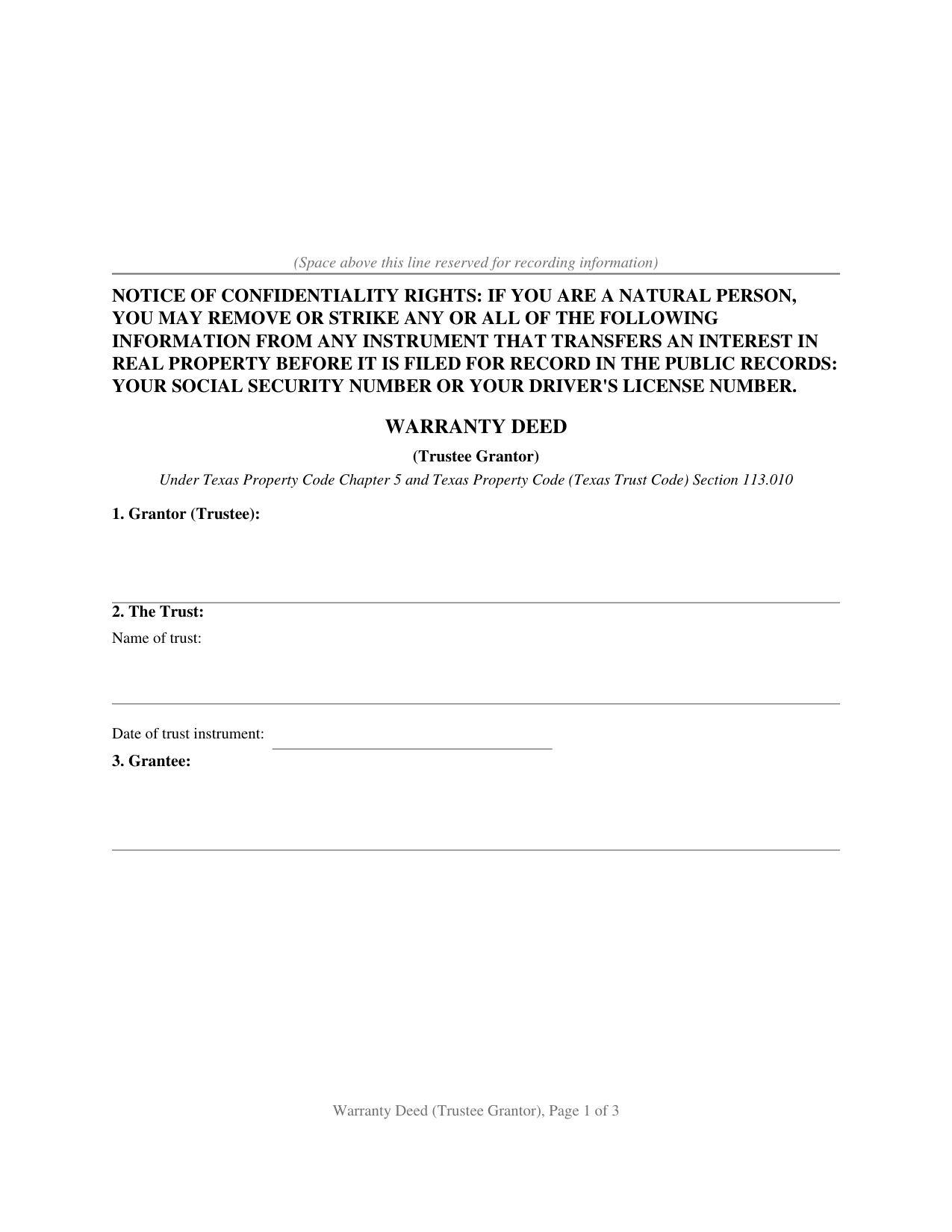
Maverick County Warranty Deed (Trustee Grantor) Form
Fill in the blank Warranty Deed (Trustee Grantor) form formatted to comply with all Texas recording and content requirements.
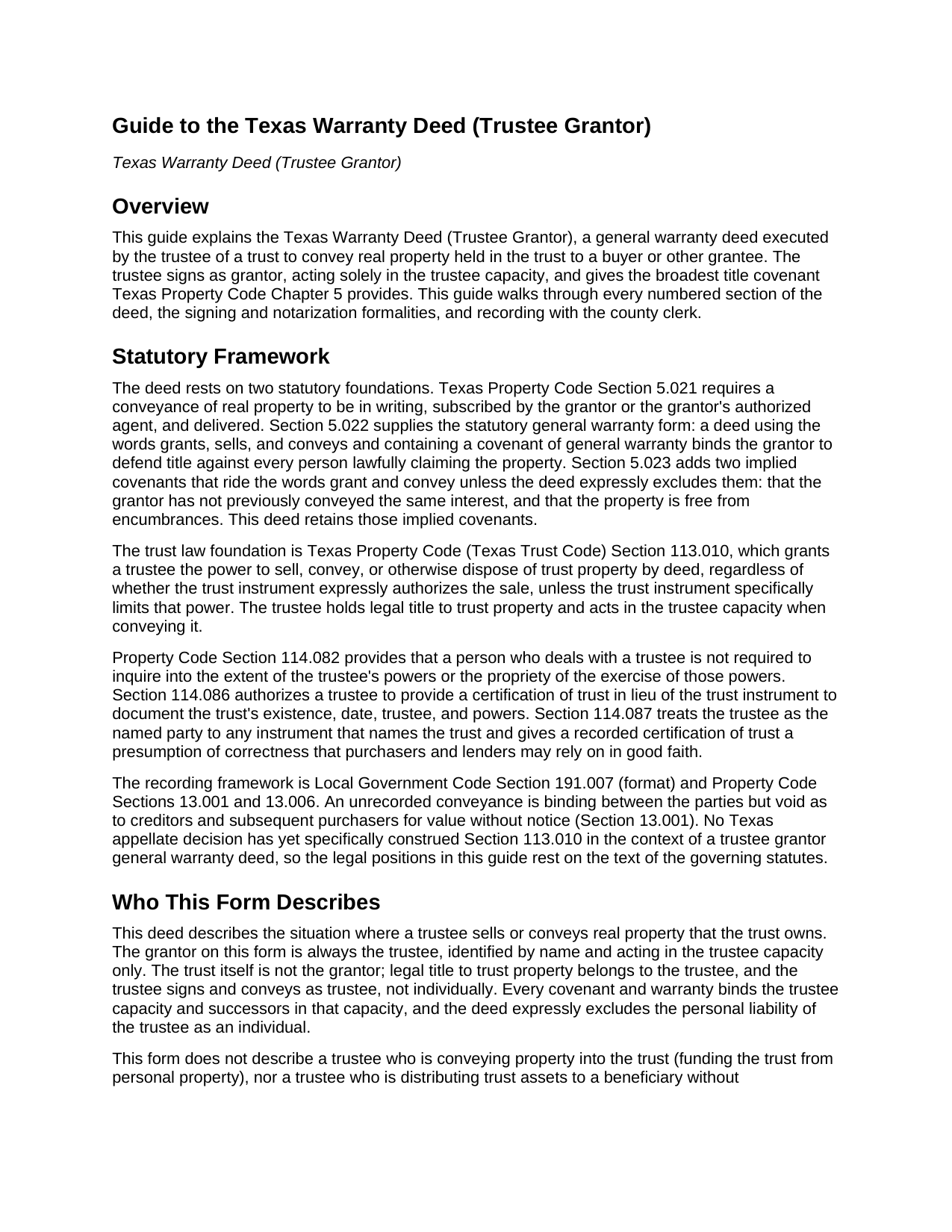
Maverick County Warranty Deed (Trustee Grantor) Guide
Line by line guide explaining every blank on the Warranty Deed (Trustee Grantor) form.
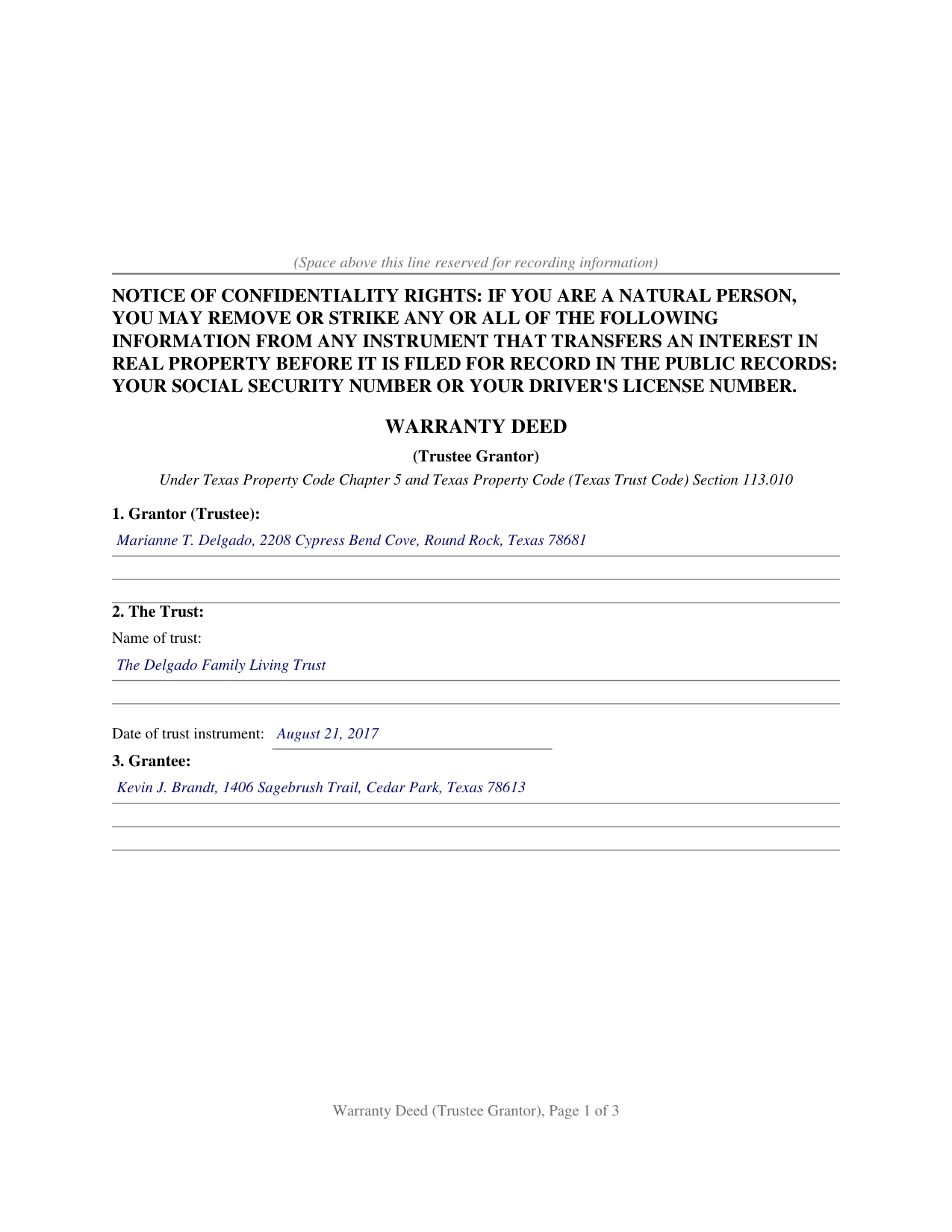
Maverick County Completed Example of the Warranty Deed (Trustee Grantor) Document
Example of a properly completed Texas Warranty Deed (Trustee Grantor) document for reference.
All 3 documents above included • One-time purchase • No recurring fees
Immediate Download • Secure Checkout
Additional Texas and Maverick County documents included at no extra charge:
Where to Record Your Documents
Maverick County Clerk Office
Eagle Pass, Texas 78852
Hours: Monday - Friday 8:00am - 4:30pm
Phone: (830) 773-2829
Recording Tips for Maverick County:
- Bring your driver's license or state-issued photo ID
- Ensure all signatures are in blue or black ink
- Recorded documents become public record - avoid including SSNs
- Recording fees may differ from what's posted online - verify current rates
- Request a receipt showing your recording numbers
Cities and Jurisdictions in Maverick County
Properties in any of these areas use Maverick County forms:
- Eagle Pass
- El Indio
- Quemado
Hours, fees, requirements, and more for Maverick County
How do I get my forms?
Forms are available for immediate download after payment. The Maverick County forms will be in your account ready to download to your computer. An account is created for you during checkout if you don't have one. Forms are NOT emailed.
Are these forms guaranteed to be recordable in Maverick County?
Yes. Our form blanks are guaranteed to meet or exceed the applicable formatting requirements used for recording in Maverick County, including margin requirements, font requirements, and other layout standards. This guarantee applies to formatting, not to the legal sufficiency of information entered by the user or the suitability of a form for a particular transaction.
Can I reuse these forms?
Yes. You can reuse the forms for your personal use. For example, if you have multiple properties in Maverick County you only need to order once.
What do I need to use these forms?
The forms are PDFs that you fill out on your computer. The free Adobe Acrobat Reader is recommended, and most PDF apps also work. You do NOT enter your property information online - you download the blank forms and complete them privately on your own computer.
Are there any recurring fees?
No. This is a one-time purchase. Nothing to cancel, no memberships, no recurring fees.
How much does it cost to record in Maverick County?
Recording fees in Maverick County vary. Contact the recorder's office at (830) 773-2829 for current fees.
Questions answered? Let's get started!
When the grantor on a Texas real estate sale is a trustee, the deed carries a layer that an individual-owner conveyance does not: the trustee acts in a capacity, not as an individual, and every covenant the deed makes binds that capacity and successors in it. This Texas general warranty deed is built for exactly that configuration, where the trustee of a trust conveys real property out of the trust with the broadest title covenant Property Code Chapter 5 provides.
A Warranty in a Fiduciary Frame
Property Code Section 5.022 supplies the general warranty form: the words grant, sell, and convey, joined to a covenant binding the grantor to warrant and forever defend the property against every person lawfully claiming it. What distinguishes this deed from a warranty deed made by an individual is the capacity structure wrapped around that covenant. Section 9 of this form recites that the grantor holds title as trustee of an identified trust, acts under the trust instrument and the statutory power of sale in Trust Code Section 113.010, and makes every covenant solely in the trustee capacity. The deed then states expressly that no covenant is made by the trustee individually and that the trustee's personal liability is excluded. The Section 5.023 implied covenants, prior nonconveyance and freedom from encumbrances, are retained, not disclaimed, so the general warranty reaches the full scope of Chapter 5.
Trust Identity in the Record
Trust instruments are rarely recorded, and Texas law is designed to protect that privacy while keeping the public record useful. This deed identifies the trust by its full name and the date of the trust instrument, two data points a title examiner can match against the prior vesting instrument without seeing the agreement itself. Alongside the deed, title practice routinely uses a certification of trust under Property Code Section 114.086, a signed summary of the trust's existence, date, trustee, and powers that stands in for the trust agreement, with good-faith reliance protection under Section 114.082 for a person who deals with the trustee. Property Code Section 114.087, effective 2023, reinforces that framework by treating the trustee as the named party to any instrument that names the trust and giving a recorded certification of trust a presumption of correctness.
One Signer, One Certificate
The deed is built around a single trustee who signs and acknowledges in the trustee capacity. The acknowledgment certificate identifies the signer by name and representative capacity, following the Civil Practice and Remedies Code Chapter 121 short form for acknowledgment by a representative signer. Texas law does not require a separate acknowledgment certificate per signer; Section 121.008(b) expressly permits one certificate to name every signer who appeared before the officer. This form carries one certificate for the one trustee. Homestead joinder analysis under Property Code Section 41.0021(d): once real property is held in a qualifying trust, the trustee may convey it without joinder of either spouse unless the trust instrument expressly prohibits the conveyance, so the form carries a single signature block and the guide describes the statutory analysis with citations.
Inside the Package
The blank deed is a fillable PDF with numbered sections for the trustee, the trust, the grantee, the consideration, the property description, the exceptions to warranty, and the operative conveyance and warranty language, followed by a trustee signature block and a notary acknowledgment. A completed example shows the entire deed filled in for a Williamson County sale, and the guide documents every section, the signing formalities, and recording with the county clerk, including the Notice of Confidentiality Rights that Property Code Section 11.008 places at the top of page one and the photo-ID requirement at the in-person filing counter effective December 4, 2025. The materials describe Texas law in general terms and are not legal advice.
Important: Your property must be located in Maverick County to use these forms. Documents should be recorded at the county recording office listed above.
This Warranty Deed (Trustee Grantor) meets all recording requirements specific to Maverick County.
Our Promise
The documents you receive here are guaranteed to meet or exceed the applicable Maverick County recording format requirements. If there is a rejection caused by our formatting, we will correct the issue or refund your payment. This guarantee applies to document formatting only and does not extend to information entered by the user, the selection of the form, or the legal effect of the completed document.
Save Time and Money
Get your Maverick County Warranty Deed (Trustee Grantor) form done right the first time with Deeds.com Uniform Conveyancing Blanks. At Deeds.com, we understand that your time and money are valuable resources, and we don't want you to face a penalty fee or rejection imposed by a county recorder for submitting nonstandard documents. We constantly review and update our forms to meet rapidly changing state and county recording requirements for roughly 3,500 counties and local jurisdictions.
4.8 out of 5 - ( 4,845 Reviews )
Stephen M. 5 out of 5 stars
The process to record took five minutes of my time, and within 45 minutes, my document was recorded! Simple, efficient and affordable! Thanks!
Thank you for your feedback. We really appreciate it. Have a great day!
Nawal F. 5 out of 5 stars
Friendly user
Thank you!
CLIVE R. 4 out of 5 stars
The instructions were really clear and the site user friendly
We appreciate your comments and your trust in us. Thank you.
Roberta L. 2 out of 5 stars
Costs WAAAAY too much for a stupid FORM!!! F' U!!!
We’ve processed a full cancellation and refund for the order you placed. We wish you the best in finding an option that better fits your needs.
Deborah G. 5 out of 5 stars
Absolutely wonderful customer service. I am very pleased with the service I received and highly recommend this to everyone.
We appreciate your business and value your feedback. Thank you. Have a wonderful day!
John A. 5 out of 5 stars
Very easy to use. Would recommend to anyone
We appreciate your business and value your feedback. Thank you. Have a wonderful day!
Frank T. 5 out of 5 stars
Site was very helpful in getting the form needed to file a Quitclaim and the procedures to complete the task
We appreciate your business and value your feedback. Thank you. Have a wonderful day!
Juanita G. 5 out of 5 stars
Easy and efficient service. The communication is on point. Thank you!
Thank you for your positive words! We’re thrilled to hear about your experience.
RONALD L W. 5 out of 5 stars
Easy access of downloadable forms for use by Pennsylvania, Allegheny County residents.
Thank you for your feedback. We really appreciate it. Have a great day!
Pamela W. 5 out of 5 stars
Signing up was easy and the form was amazing. The ability to type on it (I am on a MAC) was beyond my expectations, the ability to save a blank, save my two documents, save the instructions and sample was excellent. The documents are in the mail and we are hopefully they will be approved. Blessings,
Thank you for your feedback. We really appreciate it. Have a great day!
Steve B. 5 out of 5 stars
Awesome. Last time I needed to f Ile a document it cost $300.00 gor a lawyer. This time $53.00.
Thank you!
Linda B. 5 out of 5 stars
the forms are easy to understand. How do I go about getting the deed recorded and is there a charge.
Thank you for your feedback. We really appreciate it. Have a great day!
John F. 5 out of 5 stars
The document I purchased was perfect for what I needed done. Very easy to obtain the document. Website very easy to navigate. Would use again and would recommend to anyone who needs the documents.
Thank you for your feedback. We really appreciate it. Have a great day!
Kenneth M. 5 out of 5 stars
It was adequate to serve my current need, however turned out to be more expensive than I cared for.
Thank you for your feedback. We really appreciate it. Have a great day!
Rita T. 5 out of 5 stars
This is the first time I use this site, and it was very easy and user friendly. I was able to fill out what i needed with the help of their example. quick download. like it. The price was reasonable. Definitely will use again. Highly recommend!
We appreciate your business and value your feedback. Thank you. Have a wonderful day!