Wayne County Complaint for Amount Owed Form
Last validated September 9, 2026 by our Forms Development TeamFormatted for recording in Wayne County, for property anywhere in the county: rural and unincorporated areas as well as Bicknell, Hanksville, Loa, Lyman, Teasdale, Torrey.
- 3 documents included
- Immediate PDF download
- Formatting guarantee
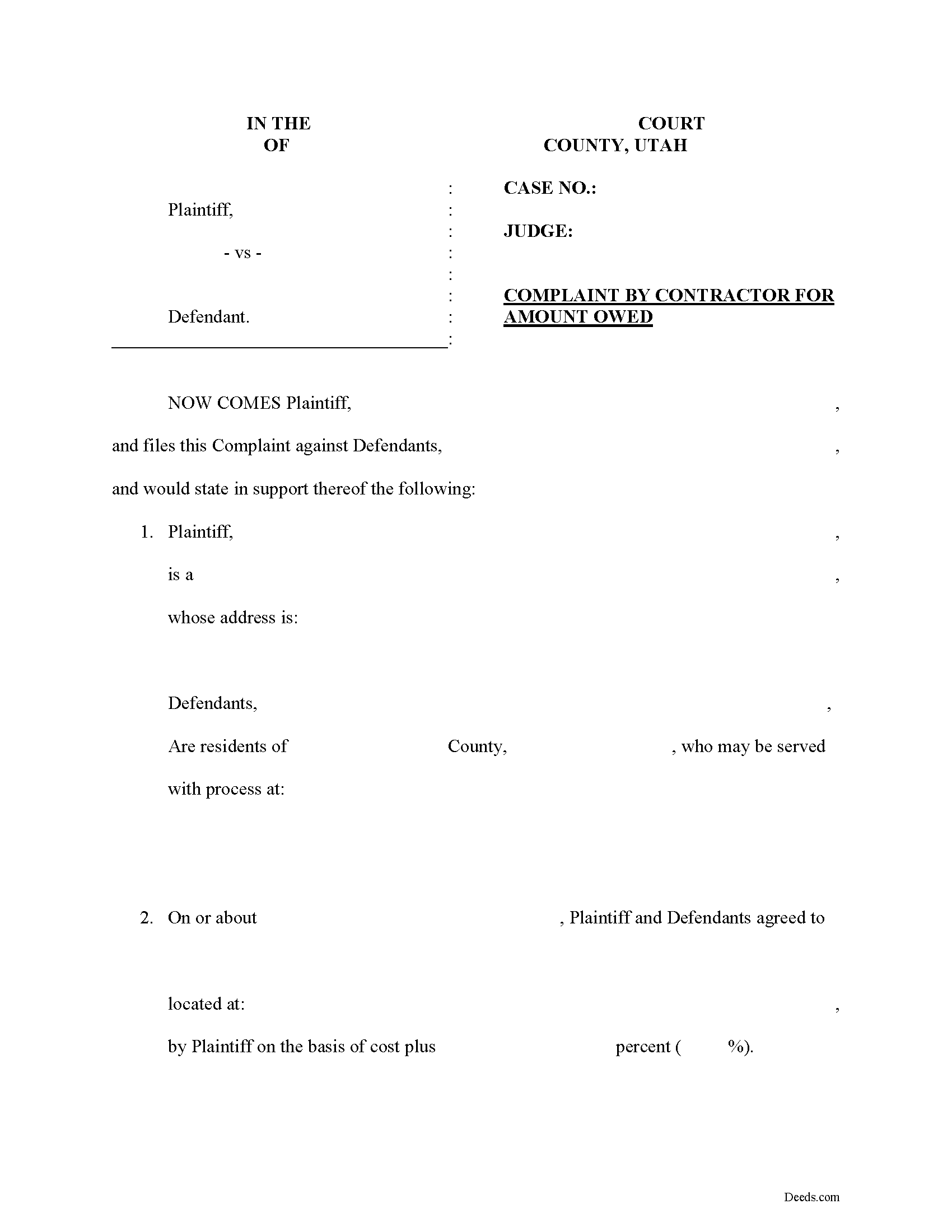
Wayne County Complaint for Amount Owed Form
Fill in the blank Complaint for Amount Owed form formatted to comply with all Utah recording and content requirements.
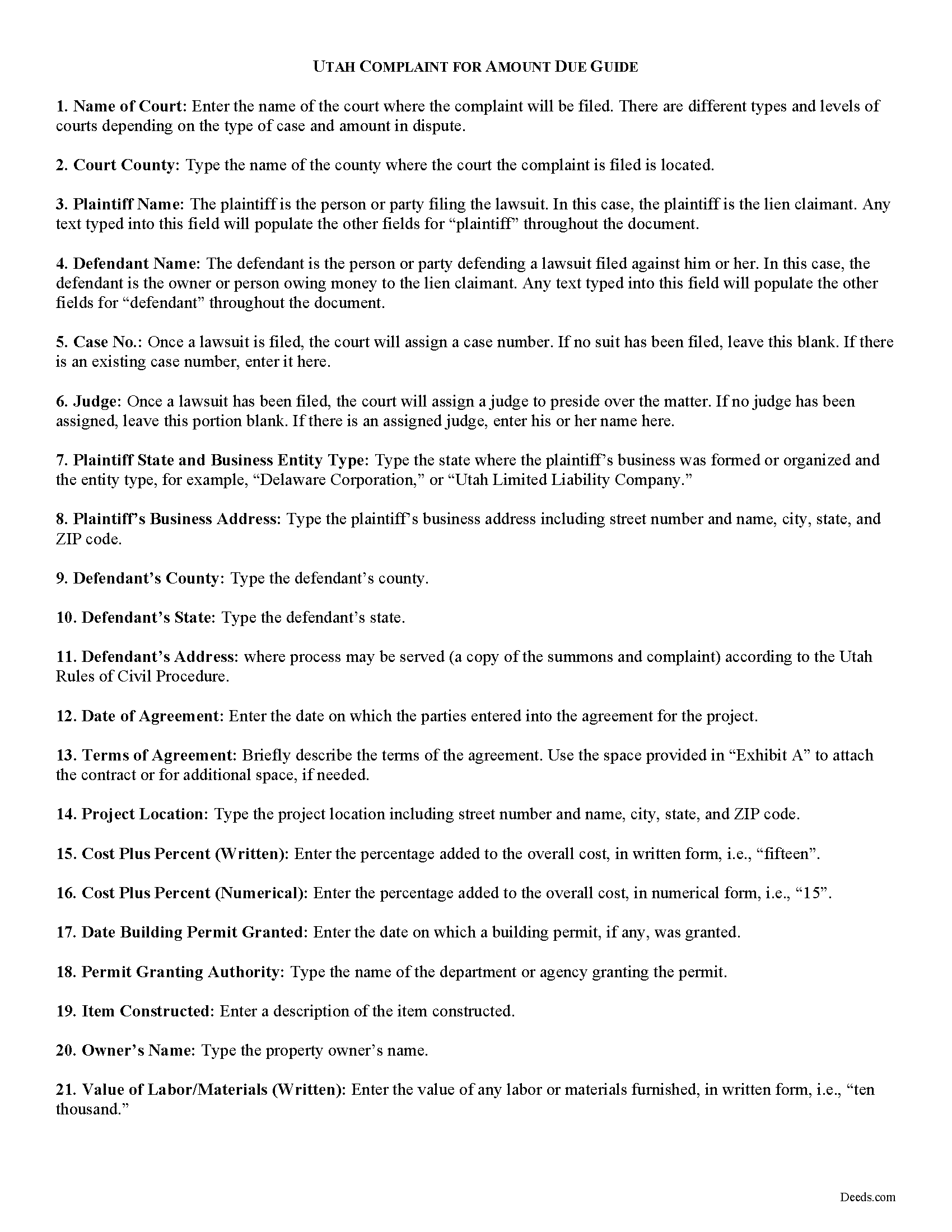
Wayne County Complaint for Amount Owed Guide
Line by line guide explaining every blank on the form.
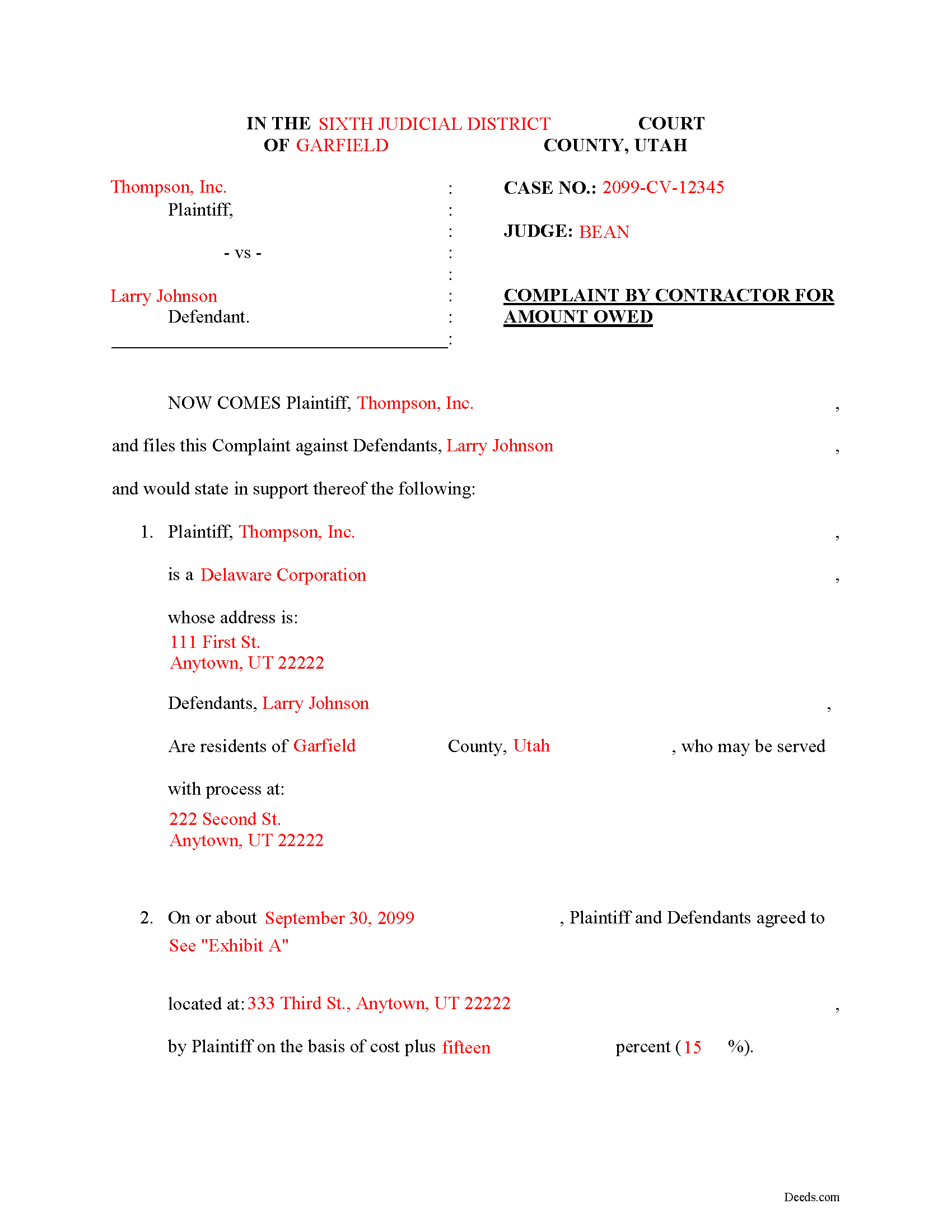
Wayne County Completed Example of the Complaint for Amount Owed Document
Example of a properly completed form for reference.
All 3 documents above included • One-time purchase • No recurring fees
Immediate Download • Secure Checkout
Additional Utah and Wayne County documents included at no extra charge:
Where to Record Your Documents
Wayne County Treasurer/Recorder
Loa, Utah 84747
Hours: 9:00 to 5:00 M-F
Phone: (435) 836-1303
Recording Tips for Wayne County:
- Bring your driver's license or state-issued photo ID
- Ensure all signatures are in blue or black ink
- Double-check legal descriptions match your existing deed
- Verify all names are spelled correctly before recording
- White-out or correction fluid may cause rejection
Cities and Jurisdictions in Wayne County
Properties in any of these areas use Wayne County forms:
- Bicknell
- Hanksville
- Loa
- Lyman
- Teasdale
- Torrey
Hours, fees, requirements, and more for Wayne County
How do I get my forms?
Forms are available for immediate download after payment. The Wayne County forms will be in your account ready to download to your computer. An account is created for you during checkout if you don't have one. Forms are NOT emailed.
Are these forms guaranteed to be recordable in Wayne County?
Yes. Our form blanks are guaranteed to meet or exceed the applicable formatting requirements used for recording in Wayne County, including margin requirements, font requirements, and other layout standards. This guarantee applies to formatting, not to the legal sufficiency of information entered by the user or the suitability of a form for a particular transaction.
Can I reuse these forms?
Yes. You can reuse the forms for your personal use. For example, if you have multiple properties in Wayne County you only need to order once.
What do I need to use these forms?
The forms are PDFs that you fill out on your computer. The free Adobe Acrobat Reader is recommended, and most PDF apps also work. You do NOT enter your property information online - you download the blank forms and complete them privately on your own computer.
Are there any recurring fees?
No. This is a one-time purchase. Nothing to cancel, no memberships, no recurring fees.
How much does it cost to record in Wayne County?
Recording fees in Wayne County vary. Contact the recorder's office at (435) 836-1303 for current fees.
Questions answered? Let's get started!
Suing to Enforce a Utah Construction Lien
In Utah, mechanic's liens are governed under Title 38, Chapter 1A of the Utah Code.
Once a construction lien is in place, lien claimants must sue to foreclose on the lien in order liquidate any assets (turn them into cash). The lawsuit is a last resort, used after the claimant has exhausted all other options to induce payment or action on the contract.
Lawsuits are started by filing a complaint. A complaint sets forth the cause of action and specific allegations by way of a short and plain statement outlining the facts that make up the claim (such as a breach of contract, use of services without payment, etc.). It identifies the parties; the location and nature of the work or improvement; relevant dates, fees, and payments; and any other information necessary for the specific case. The complaint also asks the court for the type of relief (usually money but other grounds such as cancelling a contract because the other party failed to live up to their part are acceptable remedies).
Contact an attorney before filing a complaint. View this as money well spent, because lawsuits involve multiple steps, and mistakes could be fatal to the case and reduce any potential recovery.
File the complaint in the court of the county where the property is located (and where the lien was originally filed). Ensure all applicable costs are paid and any other forms such as a summons are properly completed as well.
This article is provided for informational purposes only and should not be relied upon as a substitute for advice from an attorney. Please contact a Utah attorney with any questions regarding construction liens or suing to enforce a lien.
Important: Your property must be located in Wayne County to use these forms. Documents should be recorded at the county recording office listed above.
This Complaint for Amount Owed meets all recording requirements specific to Wayne County.
Our Promise
The documents you receive here are guaranteed to meet or exceed the applicable Wayne County recording format requirements. If there is a rejection caused by our formatting, we will correct the issue or refund your payment. This guarantee applies to document formatting only and does not extend to information entered by the user, the selection of the form, or the legal effect of the completed document.
Save Time and Money
Get your Wayne County Complaint for Amount Owed form done right the first time with Deeds.com Uniform Conveyancing Blanks. At Deeds.com, we understand that your time and money are valuable resources, and we don't want you to face a penalty fee or rejection imposed by a county recorder for submitting nonstandard documents. We constantly review and update our forms to meet rapidly changing state and county recording requirements for roughly 3,500 counties and local jurisdictions.
4.8 out of 5 - ( 4,830 Reviews )
Martin L. 5 out of 5 stars
Deeds.com is a lifesaver! They are fast and not too expensive. I highly recommend them!
Recognizing the value of your feedback helps us to enhance our services continually. Thank you for sharing your experience with us.
Doris M G. 5 out of 5 stars
Excellent. Everything has gone well and the deed guide has helped so much. Thank you.
Thank you for your feedback. We really appreciate it. Have a great day!
CYNTHIA Z. 5 out of 5 stars
So easy to use and fast.
Thank you!
James B. 5 out of 5 stars
Does everything I expected it to do. Very helpful. It is in compliance with applicable Nevada State regulations
Thank you for your feedback. We really appreciate it. Have a great day!
Margaret F. 3 out of 5 stars
They were very responsive although not able to find the document I was requesting. Will be checking to make sure they refunded the fee on my credit card
Thank you for your feedback. We really appreciate it. Have a great day!
Michael L. 5 out of 5 stars
Easy and quick. I will always use this efficient service even if the recorders office opens again!
We appreciate your business and value your feedback. Thank you. Have a wonderful day!
Tajsha N. 5 out of 5 stars
I would absolutely use this service again. It was very convenient and I was pleasantly surprised at how responsive the staff was letting me know updates to my recording package. Also, my documents recorded immediately. I did have trouble uploading my document in the beginning because I didn't realize it had to be a pdf file. Once I figured that out, it was immediately accepted. Great service!
We appreciate your business and value your feedback. Thank you. Have a wonderful day!
Howard K. 5 out of 5 stars
Great products, quick downloads, the "guides" are extremely helpful. Overall 5 stars!
Thank you!
Marie B. 5 out of 5 stars
Easily found what I needed. Very helpful. Downloaded the documents, saved to my computer and printed what I needed.
We appreciate your business and value your feedback. Thank you. Have a wonderful day!
CHRISTIN P. 3 out of 5 stars
Did not use site; too expensive.
Thank you for your feedback. We really appreciate it. Have a great day!
Jennifer L L. 5 out of 5 stars
So far this has been a great experience. Very easy to use the deeds.com website and download the forms. Very nice that they give example forms and guides to help you fill out the forms. I just have to wait to make sure that the forms are accepted and recorded with no issues.
Your insights are invaluable to us and help us strive for better service. Thank you for taking the time to share your thoughts.
Norman K. 2 out of 5 stars
It wasn't really what I needed I read and read and read and read and I thought I was to do with for filing for probate or probate executor but instead it was for the property if you are executor and but it wasn't very clear on that so it didn't work for me so I was kind of wasted money
Sorry to hear that Norman. We've gone ahead and canceled your order and payment.
Alain L. 5 out of 5 stars
deeds.com was able to turnaround my document in a matter of hours. I was also surprised at how easy their website was to navigate, considering other websites that offered the same service were so convoluted. Thank you again for the quick turnaround.
Thank you!
Casey W. 5 out of 5 stars
Excellent service, quick and right to the point, without a monthly subscription! Perfect for filers of single documents! Thanks!
Thank you for your feedback. We really appreciate it. Have a great day!
Jacque G. 5 out of 5 stars
Very helpful and easy to access.
Thank you!