Norfolk City Deed of Trust and Promissory Note Form
Last validated October 14, 2026 by our Forms Development TeamFormatted for recording in Norfolk City, for property anywhere in the county or independent city: rural and unincorporated areas as well as Norfolk.
- 8 documents included
- Immediate PDF download
- Formatting guarantee
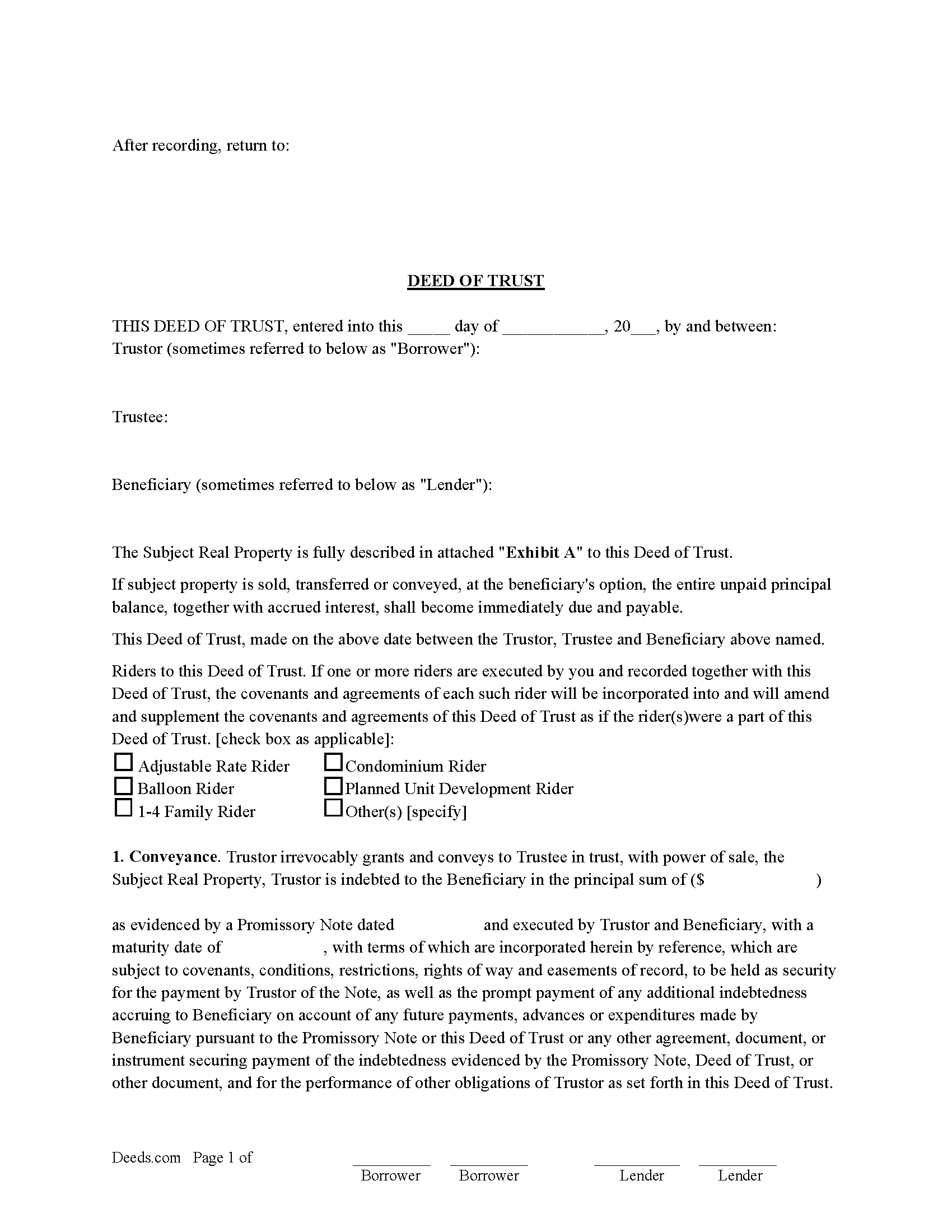
Norfolk City Deed of Trust Form
Fill in the blank form formatted to comply with all recording and content requirements.
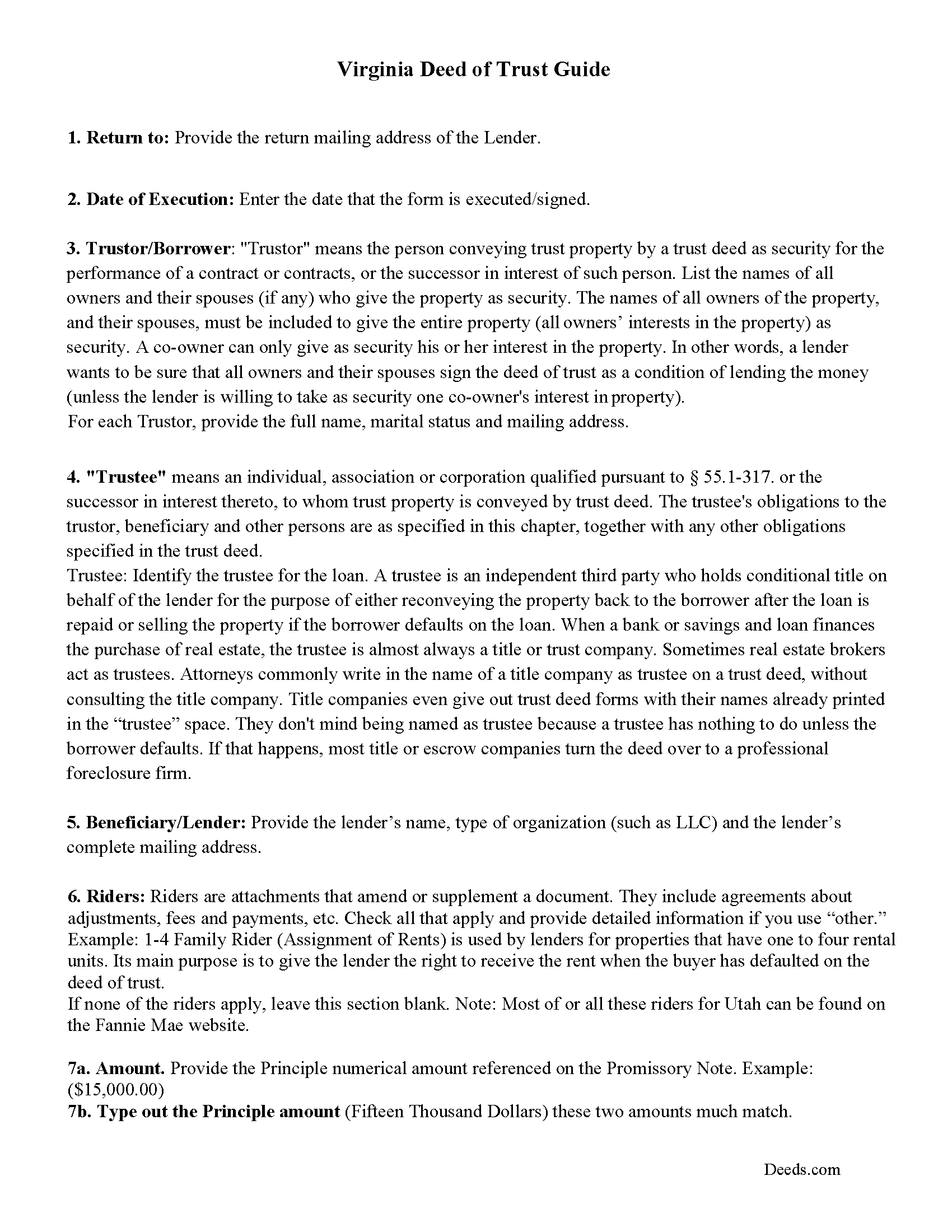
Norfolk City Deed of Trust Guidelines
Line by line guide explaining every blank on the form.
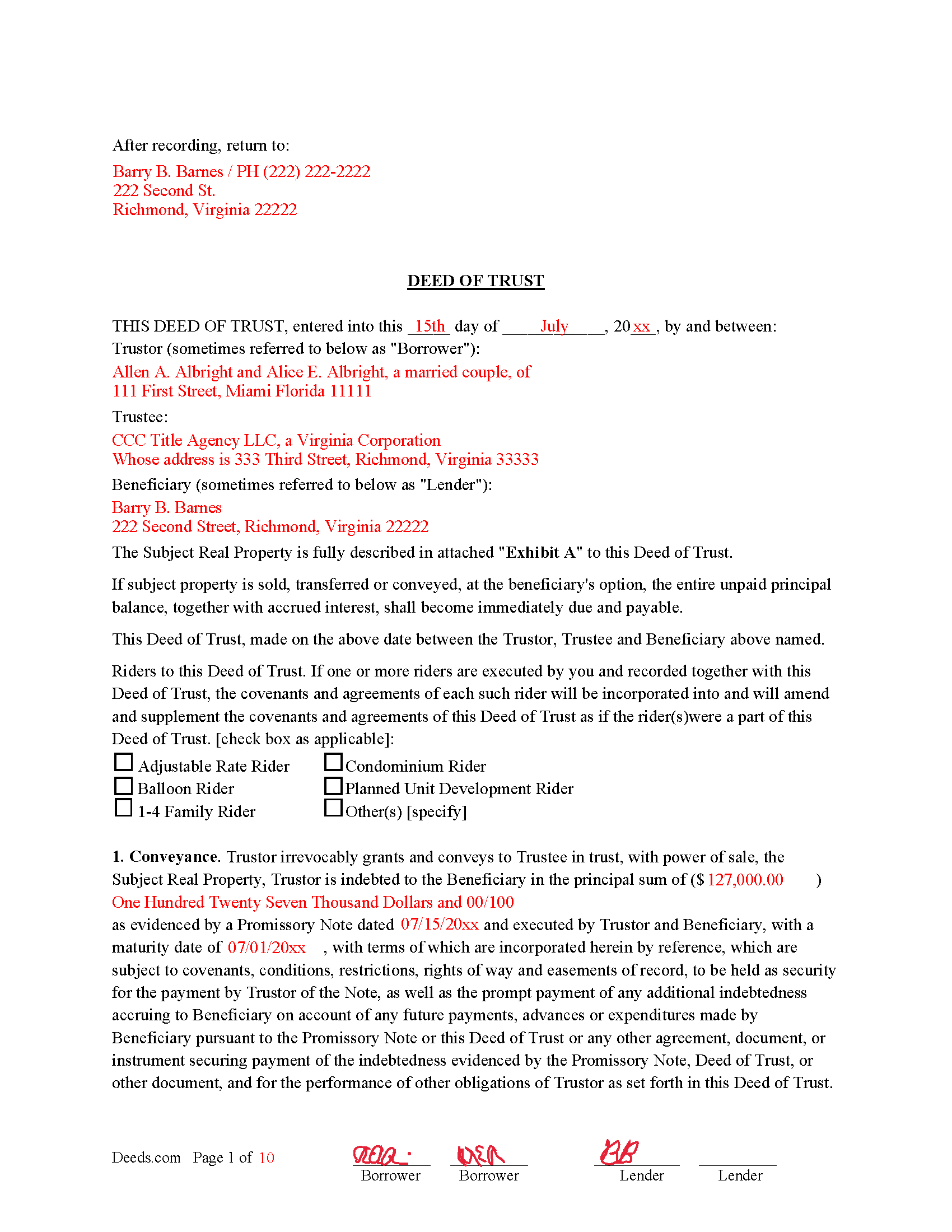
Norfolk City Completed Example of the Deed of Trust
Example of a properly completed form for reference.
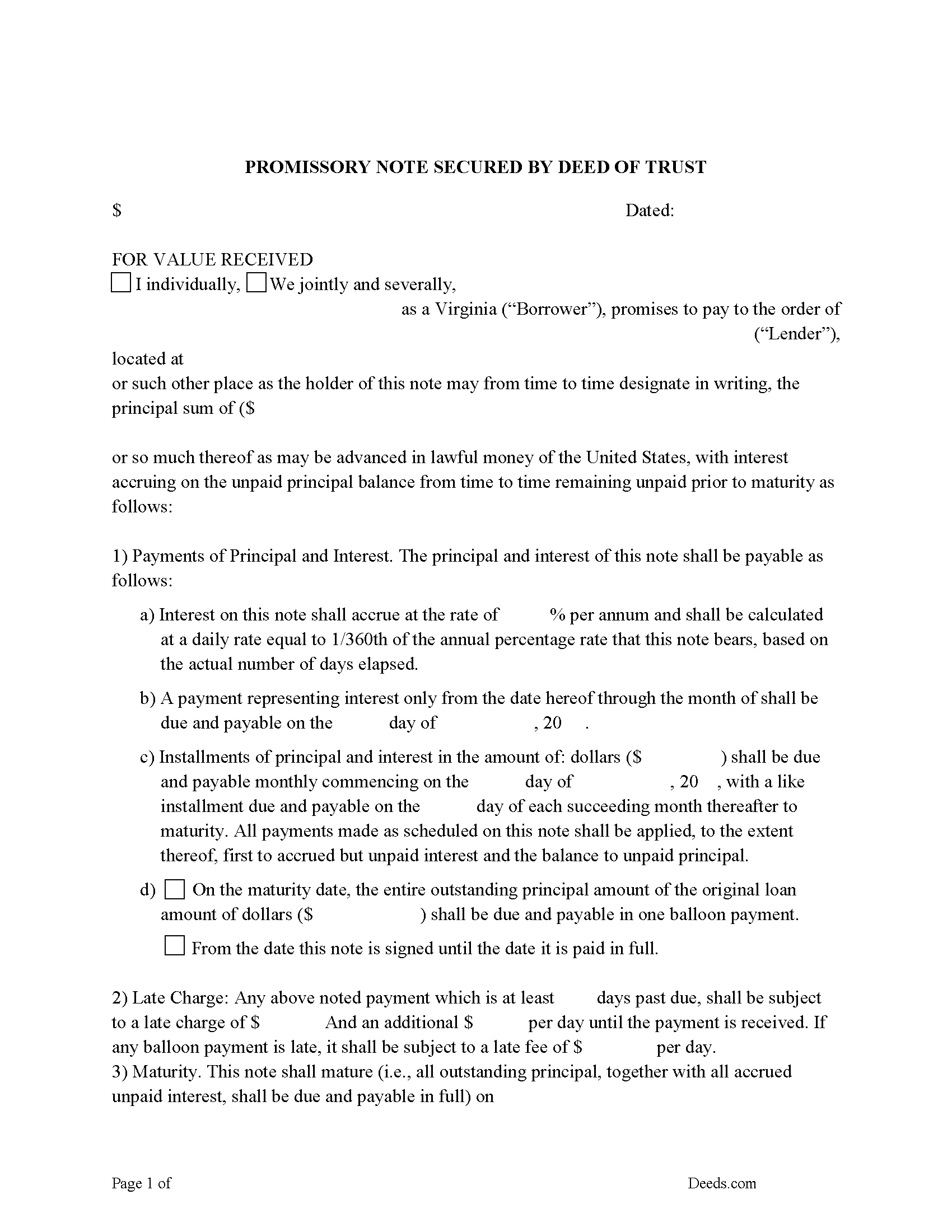
Norfolk City Promissory Note Form
Note that is secured by the Deed of Trust.
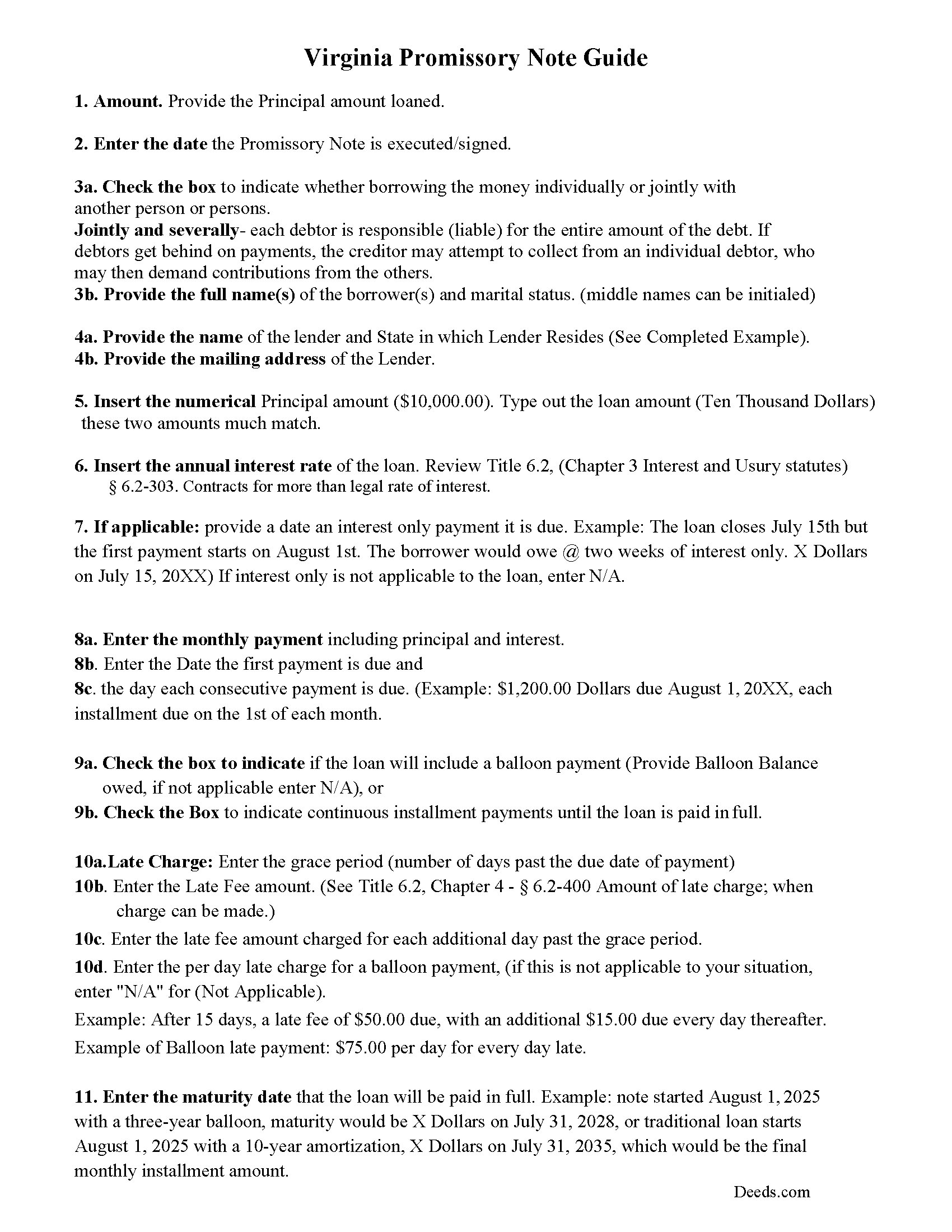
Norfolk City Promissory Note Guidelines
Line by line guide explaining every blank on the form.
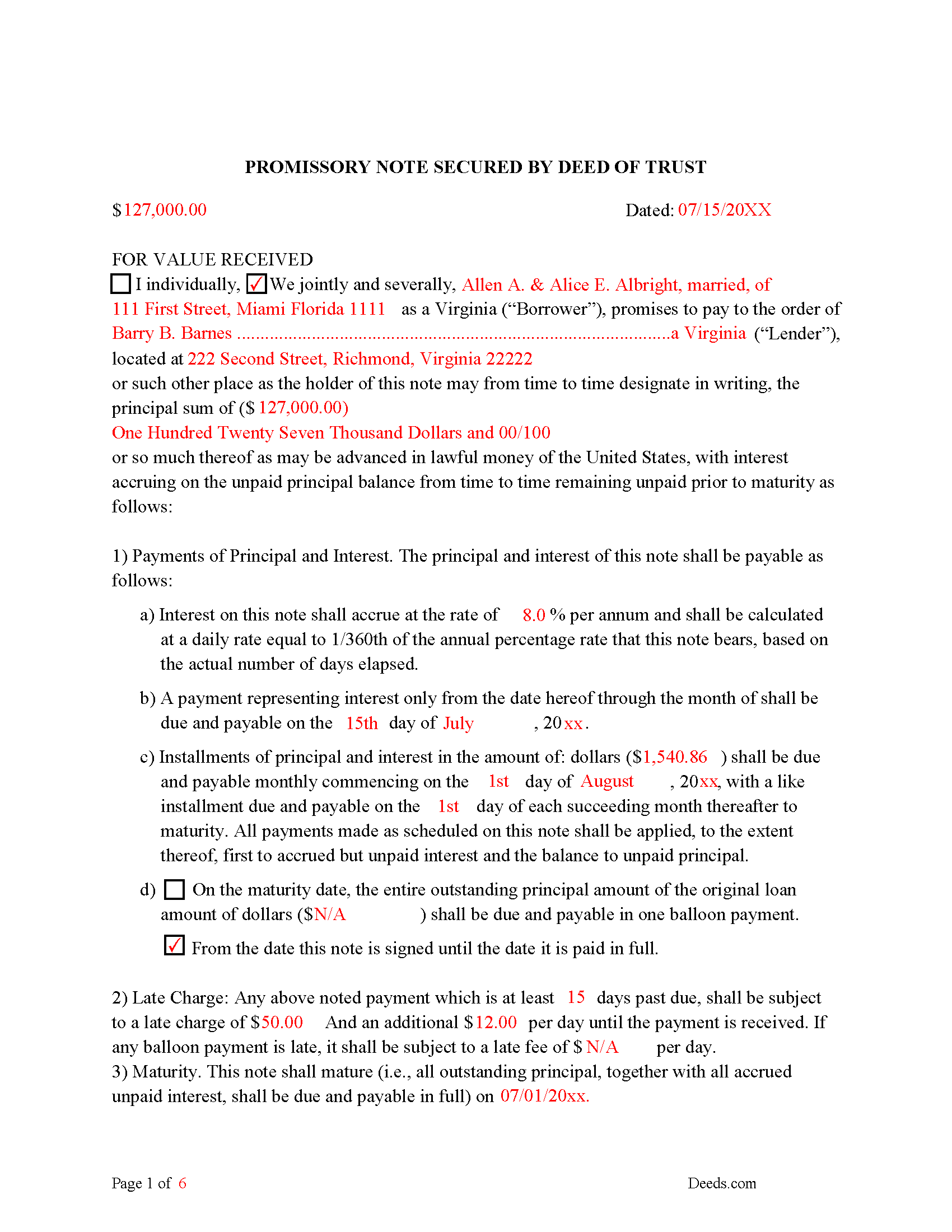
Norfolk City Completed Example of the Promissory Note Document
Example of a properly completed form for reference.
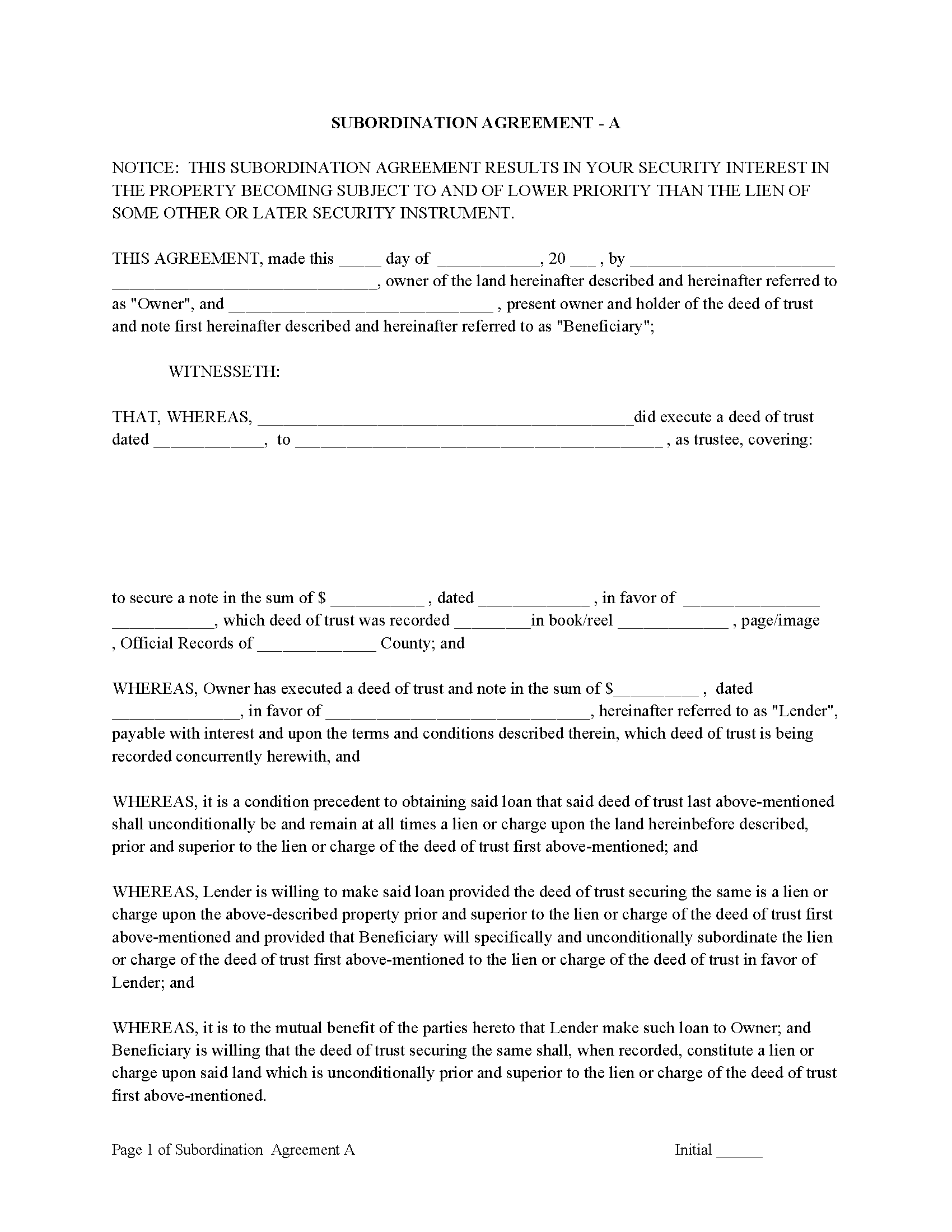
Norfolk City Subordination Agreements
Used to place priority on claim of debt. Included are 4 clauses for unique situations. If needed, add to Deed of Trust as an addendum or rider.
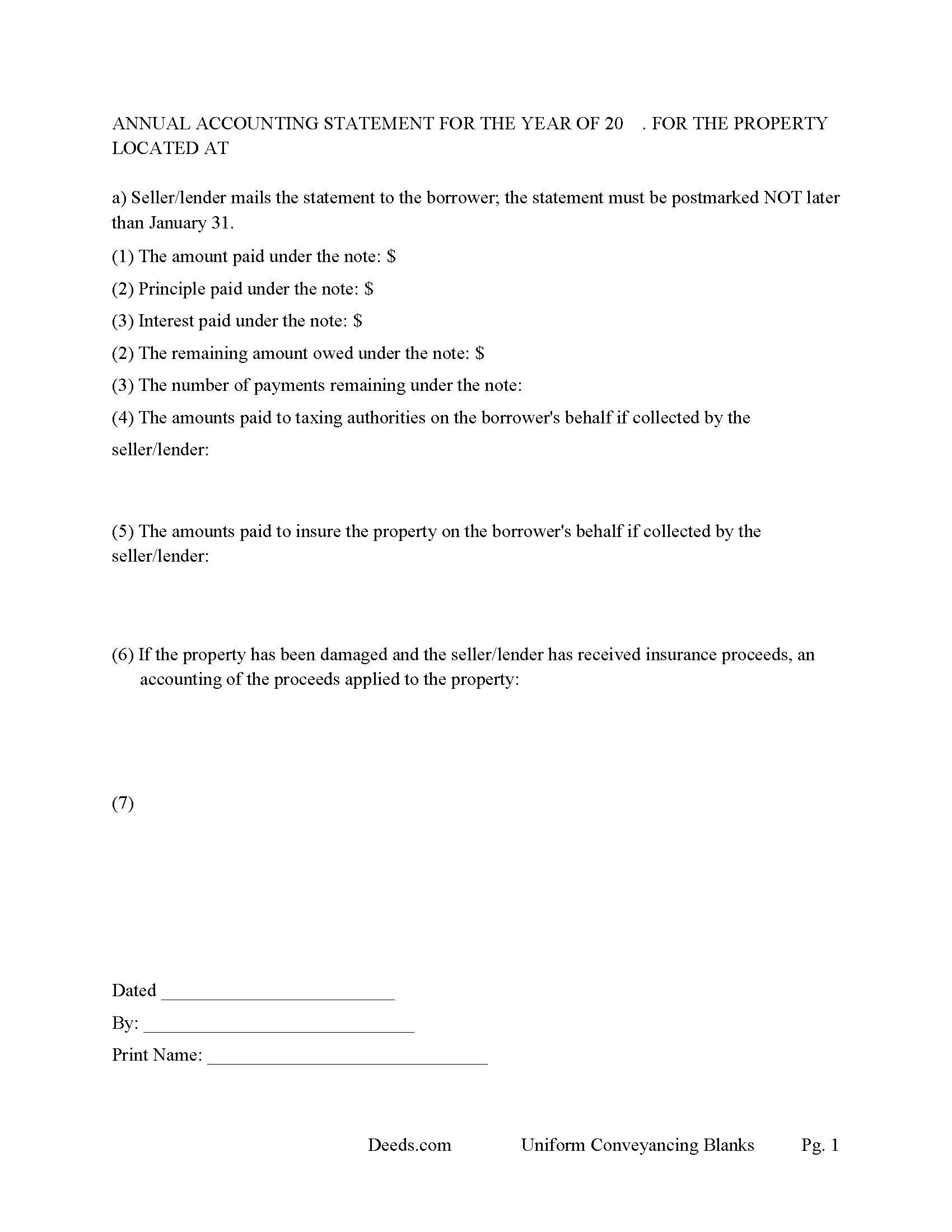
Norfolk City Annual Accounting Statement
Mail to borrower for fiscal year reporting. (A request for payoff information under this section may be made one time within a 12-month period without charge) (6.2-418)
All 8 documents above included • One-time purchase • No recurring fees
Immediate Download • Secure Checkout
Additional Virginia and Norfolk City documents included at no extra charge:
Where to Record Your Documents
Norfolk City Circuit Court Clerk
Norfolk, Virginia 23510-2773
Hours: 8:45am to 4:45pm Monday through Friday
Phone: (757) 664-7387 or 664-4580
Recording Tips for Norfolk City:
- Bring your driver's license or state-issued photo ID
- Ensure all signatures are in blue or black ink
- Make copies of your documents before recording - keep originals safe
- Recorded documents become public record - avoid including SSNs
- Recording fees may differ from what's posted online - verify current rates
Cities and Jurisdictions in Norfolk City
Properties in any of these areas use Norfolk City forms:
- Norfolk
Hours, fees, requirements, and more for Norfolk City
How do I get my forms?
Forms are available for immediate download after payment. The Norfolk City forms will be in your account ready to download to your computer. An account is created for you during checkout if you don't have one. Forms are NOT emailed.
Are these forms guaranteed to be recordable in Norfolk City?
Yes. Our form blanks are guaranteed to meet or exceed the applicable formatting requirements used for recording in Norfolk City, including margin requirements, font requirements, and other layout standards. This guarantee applies to formatting, not to the legal sufficiency of information entered by the user or the suitability of a form for a particular transaction.
Can I reuse these forms?
Yes. You can reuse the forms for your personal use. For example, if you have multiple properties in Norfolk City you only need to order once.
What do I need to use these forms?
The forms are PDFs that you fill out on your computer. The free Adobe Acrobat Reader is recommended, and most PDF apps also work. You do NOT enter your property information online - you download the blank forms and complete them privately on your own computer.
Are there any recurring fees?
No. This is a one-time purchase. Nothing to cancel, no memberships, no recurring fees.
How much does it cost to record in Norfolk City?
Recording fees in Norfolk City vary. Contact the recorder's office at (757) 664-7387 or 664-4580 for current fees.
Questions answered? Let's get started!
A Deed of Trust (DOT), is a document that conveys title to real property to a trustee as security for a loan until the grantor (borrower) repays the lender according to terms defined in an attached promissory note. It's similar to a mortgage but differs in that mortgages only include two parties (borrower and lender).
In the Commonwealth of Virginia, a Deed of Trust is the most commonly used instrument to secure a loan. Foreclosure can be done non-judicially, saving time and expense. This process is called a Trustee Sale.
There are three parties in this Deed of Trust:
1- The Grantor (Borrower)
2- Beneficiary (Lender) and a
3- Trustee (Neutral Third Party) (Our guidelines will show how to choose a Trustee at little to no cost)
Basic Concept. The Trustor (Borrower) conveys property title to a Trustee (Neutral Party). A Trustee or beneficiary/Lender can take an action against any person for damages.
Due on Sale Clause: It allows the lender to call or modify the loan if the borrower conveys/sells the property. ("Notice - The debt secured hereby is subject to call in full or the terms thereof being modified in the event of sale or conveyance of the property conveyed.") Required format where (any loan is secured by a mortgage or deed of trust on real property comprised of one- to four-family residential dwelling units.) (VA. Revised Statutes 6.2-417)
These forms are flexible, they can be used for financing residential property, agricultural property, rental property, condominiums, and or small office buildings, with or without existing liens and encumbrances.
A "Special Provisions" section is included for any information specific to your transaction.
The Promissory Note offers options of financing, conventional installments, or installments combined with a balloon payment, common with Owner Financing transactions. Late Charges and Default rates are set within.
(Any lender or seller may impose a late charge for failure to make timely payment of any installment due on a debt, whether installment or single maturity, provided that such late charge does not exceed five percent of the amount of such installment payment and that the charge is specified in the contract between the lender or seller and the debtor.) (6.2-400 (B))
In addition to any other remedies available to Lender if this Note is not paid in full at the Maturity Date, Borrowers shall pay to Lender an Overdue Loan Fee, which fee shall be due at the time this Note is otherwise paid in full. The "Overdue Loan Fee" shall be determined based upon the outstanding principal balance of this Note as of the Maturity Date and shall be:
(a) one percent (1.0%) Of such principal balance if the Note is paid in full on or after thirty (30) days after the Maturity Date but less than sixty (60) days after the Maturity Date, or
(b) two percent (2.0%) of such principal balance if the Note is paid in full on or after sixty (60) days after the Maturity Date.
A Deed of Trust secured by a Promissory Note that includes stringent default terms, can be advantageous to the Lender and favorable to Owner Financing.
(Virginia DOT Package includes forms, guidelines, and completed examples) For use in the Commonwealth of Virginia only.
Important: Your property must be located in Norfolk City to use these forms. Documents should be recorded at the county or independent city recording office listed above.
This Deed of Trust and Promissory Note meets all recording requirements specific to Norfolk City.
Our Promise
The documents you receive here are guaranteed to meet or exceed the applicable Norfolk City recording format requirements. If there is a rejection caused by our formatting, we will correct the issue or refund your payment. This guarantee applies to document formatting only and does not extend to information entered by the user, the selection of the form, or the legal effect of the completed document.
Save Time and Money
Get your Norfolk City Deed of Trust and Promissory Note form done right the first time with Deeds.com Uniform Conveyancing Blanks. At Deeds.com, we understand that your time and money are valuable resources, and we don't want you to face a penalty fee or rejection imposed by a county recorder for submitting nonstandard documents. We constantly review and update our forms to meet rapidly changing state and county recording requirements for roughly 3,500 counties and local jurisdictions.
4.8 out of 5 - ( 4,828 Reviews )
Barbara G. 5 out of 5 stars
Easy to use. I especially am thankful for the guide.
Your feedback is greatly appreciated. Thank you for taking the time to share your experience!
Terriana H. 5 out of 5 stars
Order processed and fulfilled in the same day!
Thank you!
Robert K. 5 out of 5 stars
I used your TOD document to deed my home to my daughter. Your sample document was very helpful. I had to do it a few times but finally got it right. I didn't check but It was surely cheaper than a lawyer fee.
Thank you for your feedback. We really appreciate it. Have a great day!
Robert C. 2 out of 5 stars
Not easy to navigate as a first time user. I printed the first page but lost the link to the second page.
Thank you for taking the time to provide us with your valuable feedback. I'm sorry to hear that you've encountered difficulties with our website's navigation, particularly as a first-time user.
Furthermore, your comments about the website's navigation have been taken into account. We continually strive to improve our website and make it as intuitive and user-friendly as possible. Your feedback is crucial for us in achieving this goal.
Thank you again for your feedback. If you have any other suggestions or need further assistance, please don't hesitate to contact us.
David P. 5 out of 5 stars
Easy to use, all the information I wanted. Took about a minute to get it.
Thank you for your feedback. We really appreciate it. Have a great day!
Michael A. 5 out of 5 stars
Pleasant experiences. Look forward to future contacts
Thank you!
Robert B. 5 out of 5 stars
Excellent Service I was looking for a copy of deeds on a few properties. Researched online and ended up at Deeds.com. I signed up for a new account, entered the pertinent information, paid a nominal fee and received all deeds within 40 minutes. Seamless and very impressed! Bob
Thank you!
Debra R. 5 out of 5 stars
So easy to follow when preparing a deed. The example places given helped to know how to correctly fill out the form! Very easy! I will use deeds.com again! Thank you!
Thank you!
THOMAS C. 5 out of 5 stars
Very fast service
We appreciate your business and value your feedback. Thank you. Have a wonderful day!
Amanda W. 5 out of 5 stars
Very helpful.
Thank you!
Stephenie A. 5 out of 5 stars
No review provided.
Thank you!
Chris M. 5 out of 5 stars
always helpful always informative always awesome
Your feedback is greatly appreciated. Thank you for taking the time to share your experience!
Edwina L. 5 out of 5 stars
Awesomeness a true life saver I'm very appreciative.
Thank you!
Susan T. 5 out of 5 stars
This was perfect for my county I will be recommending your forms to all my clients thank you.
Thank you Susan, have a great day!
Estelle R. 5 out of 5 stars
Easy to download. Hopefully easy to fill in. Just wish there was wording for a Beneficiary Deed for moving real estate property owned by a married couple to their Trust upon death of last Trustee.
We appreciate your business and value your feedback. Thank you. Have a wonderful day!