Isle Of Wight County Easement Deed Form
Last validated November 20, 2026 by our Forms Development TeamFormatted for recording in Isle Of Wight County, for property anywhere in the county or independent city: rural and unincorporated areas as well as Battery Park, Carrollton, Carrsville, Isle Of Wight, Rescue, Smithfield, Windsor, Zuni.
- 4 documents included
- Immediate PDF download
- Formatting guarantee
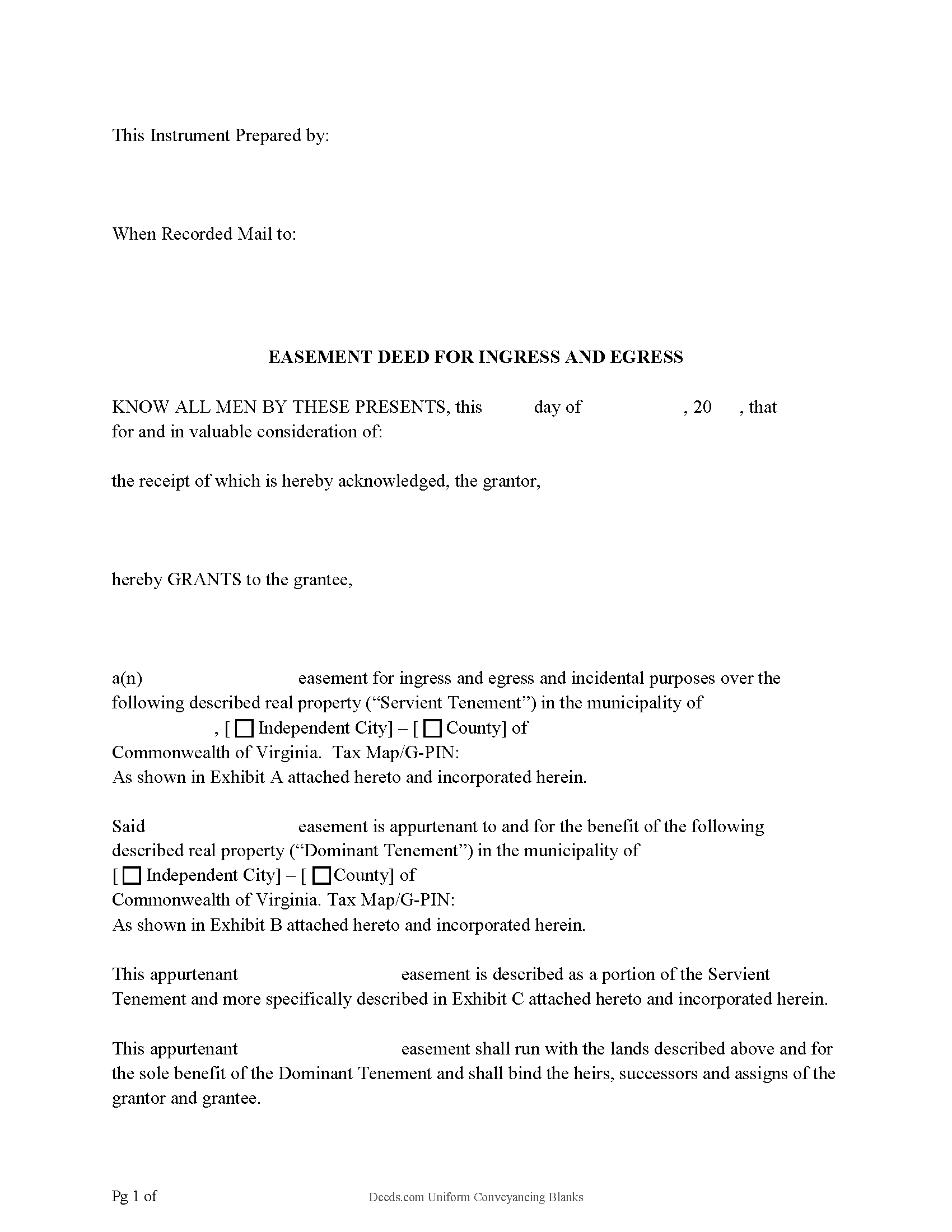
Isle Of Wight County Easement Deed Form
Fill in the blank form formatted to comply with all recording and content requirements.
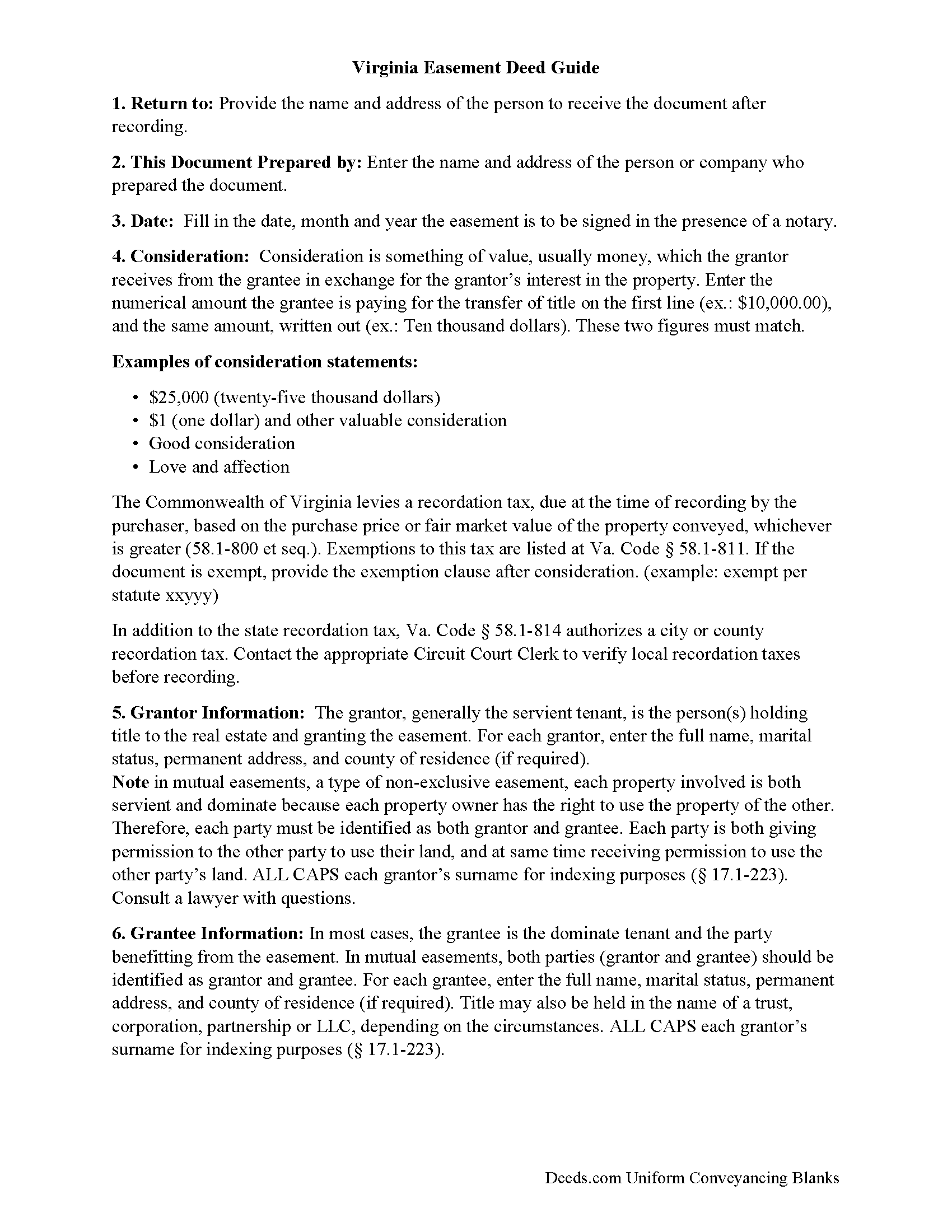
Isle Of Wight County Easement Deed Guide
Line by line guide explaining every blank on the form.
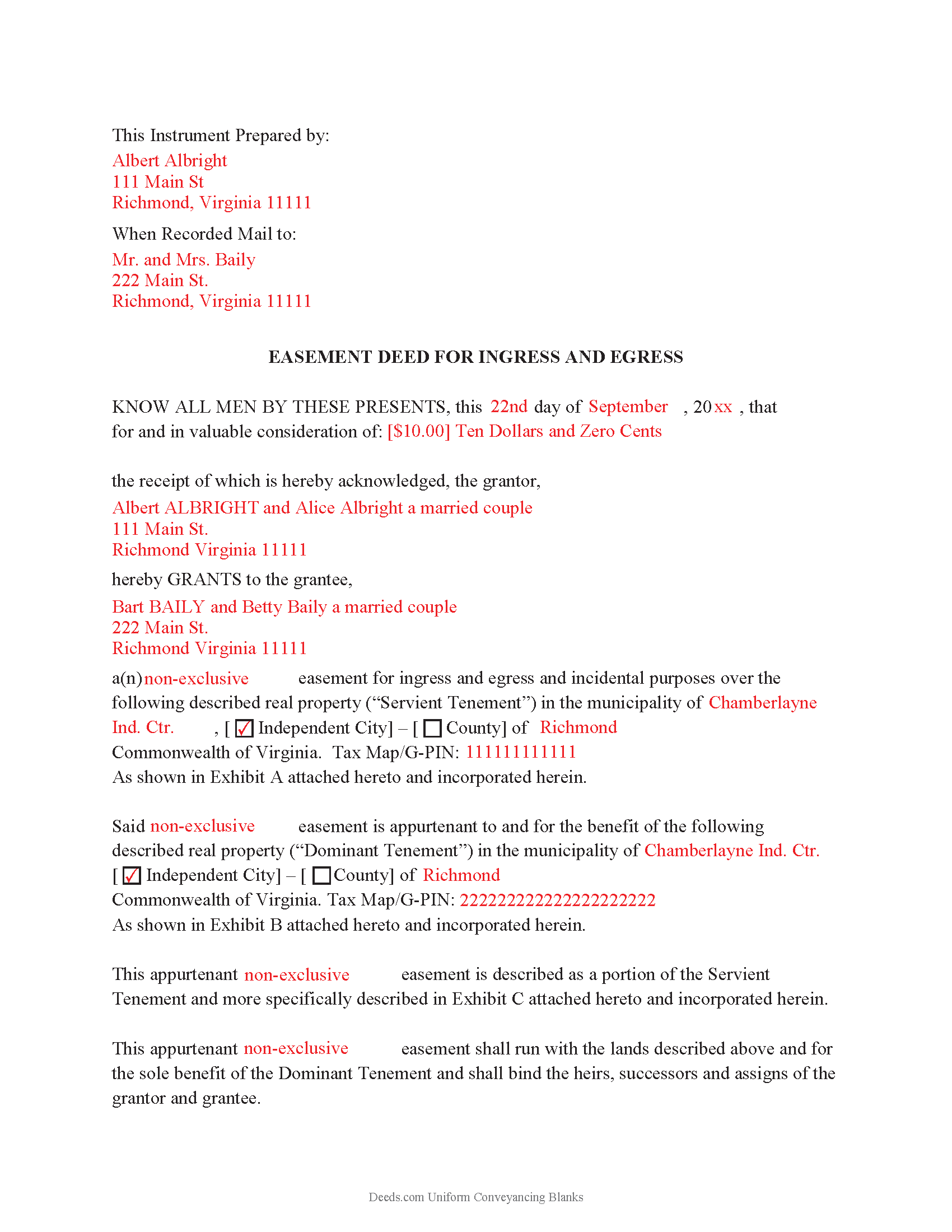
Isle Of Wight County Completed Example of the Easement Deed Document
Example of a properly completed form for reference.
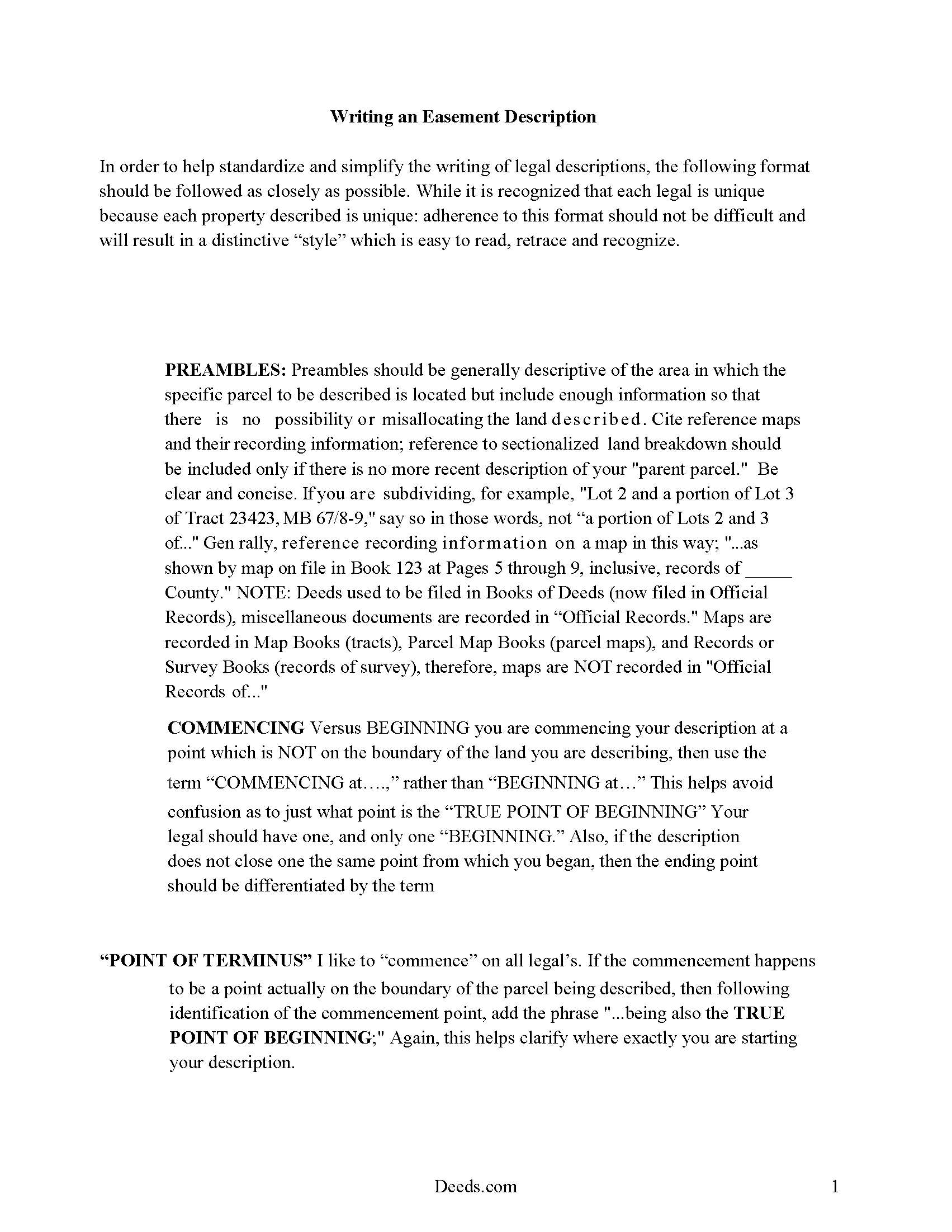
Isle Of Wight County Guide to writing an Easement Description
A Description of the Easement will be required. This will show how to write an acceptable description for a Right of Way Easement, which gives access, to and from - point A to point B.
All 4 documents above included • One-time purchase • No recurring fees
Immediate Download • Secure Checkout
Additional Virginia and Isle Of Wight County documents included at no extra charge:
Where to Record Your Documents
Clerk of Circuit Court
Isle of Wight, Virginia 23397-0110
Hours: Mon-Fri 9:00am - 5:00pm
Phone: (757) 365-6233
Recording Tips for Isle Of Wight County:
- Bring your driver's license or state-issued photo ID
- Ensure all signatures are in blue or black ink
- Recorded documents become public record - avoid including SSNs
- Recording fees may differ from what's posted online - verify current rates
- Request a receipt showing your recording numbers
Cities and Jurisdictions in Isle Of Wight County
Properties in any of these areas use Isle Of Wight County forms:
- Battery Park
- Carrollton
- Carrsville
- Isle Of Wight
- Rescue
- Smithfield
- Windsor
- Zuni
Hours, fees, requirements, and more for Isle Of Wight County
How do I get my forms?
Forms are available for immediate download after payment. The Isle Of Wight County forms will be in your account ready to download to your computer. An account is created for you during checkout if you don't have one. Forms are NOT emailed.
Are these forms guaranteed to be recordable in Isle Of Wight County?
Yes. Our form blanks are guaranteed to meet or exceed the applicable formatting requirements used for recording in Isle Of Wight County, including margin requirements, font requirements, and other layout standards. This guarantee applies to formatting, not to the legal sufficiency of information entered by the user or the suitability of a form for a particular transaction.
Can I reuse these forms?
Yes. You can reuse the forms for your personal use. For example, if you have multiple properties in Isle Of Wight County you only need to order once.
What do I need to use these forms?
The forms are PDFs that you fill out on your computer. The free Adobe Acrobat Reader is recommended, and most PDF apps also work. You do NOT enter your property information online - you download the blank forms and complete them privately on your own computer.
Are there any recurring fees?
No. This is a one-time purchase. Nothing to cancel, no memberships, no recurring fees.
How much does it cost to record in Isle Of Wight County?
Recording fees in Isle Of Wight County vary. Contact the recorder's office at (757) 365-6233 for current fees.
Questions answered? Let's get started!
An easement gives a person the right to use another's real property for a specific purpose. This is a non-possessory interest and can relate to solar rights, utility easements, and other types of appurtenant or easements in gross. In Virginia, unless the terms of an easement deed provide otherwise, the owner of a dominant estate cannot use an easement in a way that is inconsistent with the uses allowed by the grant of the easement. Further, the owner of the servient estate cannot engage in an activity or cause any objects to be present upon or adjacent to the burdened land which would unreasonably interfere with the enjoyment of the easement by the owner of the dominant estate ( 55-50.1). The owner of land that is subject to an easement for the purpose of ingress and egress may relocate the easement, on the servient estate, by recording a written agreement evidencing the consent of all affected persons and setting forth the location of the easement. This agreement is to be recorded in the office of the clerk of the circuit court in the county or city where the easement is located ( 55-50). An easement deed should be in writing and should contain the terms of the agreement, the duration and scope of the easement, and a description.
Before it can be admitted to record, an easement deed must contain the grantor's original signature, which must be acknowledged by him or proved by two witnesses. A certificate of acknowledgment evidencing such acknowledgment should be attached to the deed ( 55-113). Notarial acts can be performed within this state or out of state. Out-of-state acknowledgments will have the same effect as acknowledgments performed by a notary public in Virginia and such acts may be performed by any officer who is authorized to perform notarial acts in the place where the act is performed ( 55-118.1). Acknowledgments taken in another state must conform to the rules contained in 55-118.2 of the Virginia Code. The official seal of the person performing the notarial act, whether or not it is in this state, should be affixed to the document ( 55-118.2).
An easement deed in Virginia must be recorded in the city or county where the property subject to the easement is located in order to provide constructive notice of the instrument. Until the deed is recorded, it will be void to all purchasers for a valuable consideration without notice who are not parties to the deed and will also be void as to lien creditors ( 55-96). This is a race-notice recording act, which means that a later buyer who pays fair value and records a deed first without having notice of any earlier conflicting interests will have priority over later recordings.
(Virginia ED Package includes form, guidelines, and completed example)
Important: Your property must be located in Isle Of Wight County to use these forms. Documents should be recorded at the county or independent city recording office listed above.
This Easement Deed meets all recording requirements specific to Isle Of Wight County.
Our Promise
The documents you receive here are guaranteed to meet or exceed the applicable Isle Of Wight County recording format requirements. If there is a rejection caused by our formatting, we will correct the issue or refund your payment. This guarantee applies to document formatting only and does not extend to information entered by the user, the selection of the form, or the legal effect of the completed document.
Save Time and Money
Get your Isle Of Wight County Easement Deed form done right the first time with Deeds.com Uniform Conveyancing Blanks. At Deeds.com, we understand that your time and money are valuable resources, and we don't want you to face a penalty fee or rejection imposed by a county recorder for submitting nonstandard documents. We constantly review and update our forms to meet rapidly changing state and county recording requirements for roughly 3,500 counties and local jurisdictions.
4.8 out of 5 - ( 4,863 Reviews )
Theodore K. 2 out of 5 stars
This does the job but we are not able to save this in our account and if you don't pay for Adobe and only have Adobe reader, I cannot save any information on the form online in my account. I do understand why they do this because they would lose money. A huge issue is that when I got to the end of the document and was adding an Exhibit A, as I typed, the page kept jumping back up the to top and I couldn't see what I was typing. I had to type a little then scroll back down and when I would type more, it would jump up again. This was a real problem.
Thank you for your feedback. We really appreciate it. Have a great day!
Dennis M. 1 out of 5 stars
Of little use to me. I did not feel this really help me to do a Quick Claim Deed here in Minnesota on my own. All it showed me is what a complex mess it is to fill out this deed. That, unfortunately, I am going to have to hire a professional to make sure it is done right.
Glad to hear that you are seeking assistance Dennis, that's always best when one is not completely sure of what they are doing. Have a wonderful day.
Luwana C. 5 out of 5 stars
I think the Website takes out a lot of leg work, Makes it easier to take care of paperwork 10 times faster.
We appreciate your business and value your feedback. Thank you. Have a wonderful day!
Patricia W. 5 out of 5 stars
I am working with the document to complete it. It's taking me some time but I'll get it.
Thank you for your feedback. We really appreciate it. Have a great day!
Dorothea H. 5 out of 5 stars
I am so glad I chose Deeds.com for my forms! The directions were clear and comprehensive, and the form allowed for customization far beyond the free forms I had looked at before. I highly recommend this site!
Thank you for your feedback. We really appreciate it. Have a great day!
Lew B. 3 out of 5 stars
The forms look great, but I received an Error message when downloading.
We are sincerely grateful for your feedback and are committed to providing the highest quality service. Thank you for your trust in us.
Jessica H. 5 out of 5 stars
As a first time user I was a little skeptical of the service. But Deeds.com put all my worries aside. Their service is quick and easy. I will definitely be using it again.
We appreciate your business and value your feedback. Thank you. Have a wonderful day!
John E. 5 out of 5 stars
This process exceeded my expectations. A great customer experience!
We appreciate your business and value your feedback. Thank you. Have a wonderful day!
Karelia W. 5 out of 5 stars
Was a bit skeptical because I'd never heard of it, but just got something submitted and confirmed recorded in less than 24 hrs. UI could use some work but other than that, straightforward and works!
Your feedback is greatly appreciated. Thank you for taking the time to share your experience!
Shirley T. 4 out of 5 stars
Quit Claim deed for North Carolina did not include all of the information I needed (two separate notary sections), but I was able to re-create another notary section in Word, and then insert it in the appropriate place after printing both documents. Otherwise, the document worked as described.
Thank you for your feedback. We really appreciate it. Have a great day!
Dave M. 5 out of 5 stars
Service as needed. A bit expensive.
Thank you for your feedback. We really appreciate it. Have a great day!
Sandra P. 5 out of 5 stars
Thank so much! It' was pretty easy with the help of my Brother in-law .
Thank you for your feedback. We really appreciate it. Have a great day!
Gary A. 5 out of 5 stars
I believe this is the way to go without the need of a lawyer. Fast downloads, very informative, Now the work starts
Thank you Gary.
Jonny C. 5 out of 5 stars
Easy and fast
Thank you!
Malissa B. 5 out of 5 stars
Fast response and quick delivery love it!
It was a pleasure serving you. Thank you for the positive feedback!