Fauquier County General Contractor Memorandum for Mechanics Lien Form
Last validated September 23, 2026 by our Forms Development TeamFormatted for recording in Fauquier County, for property anywhere in the county or independent city: rural and unincorporated areas as well as Bealeton, Broad Run, Calverton, Casanova, Catlett, Delaplane, Goldvein, Hume and 11 more.
- 3 documents included
- Immediate PDF download
- Formatting guarantee
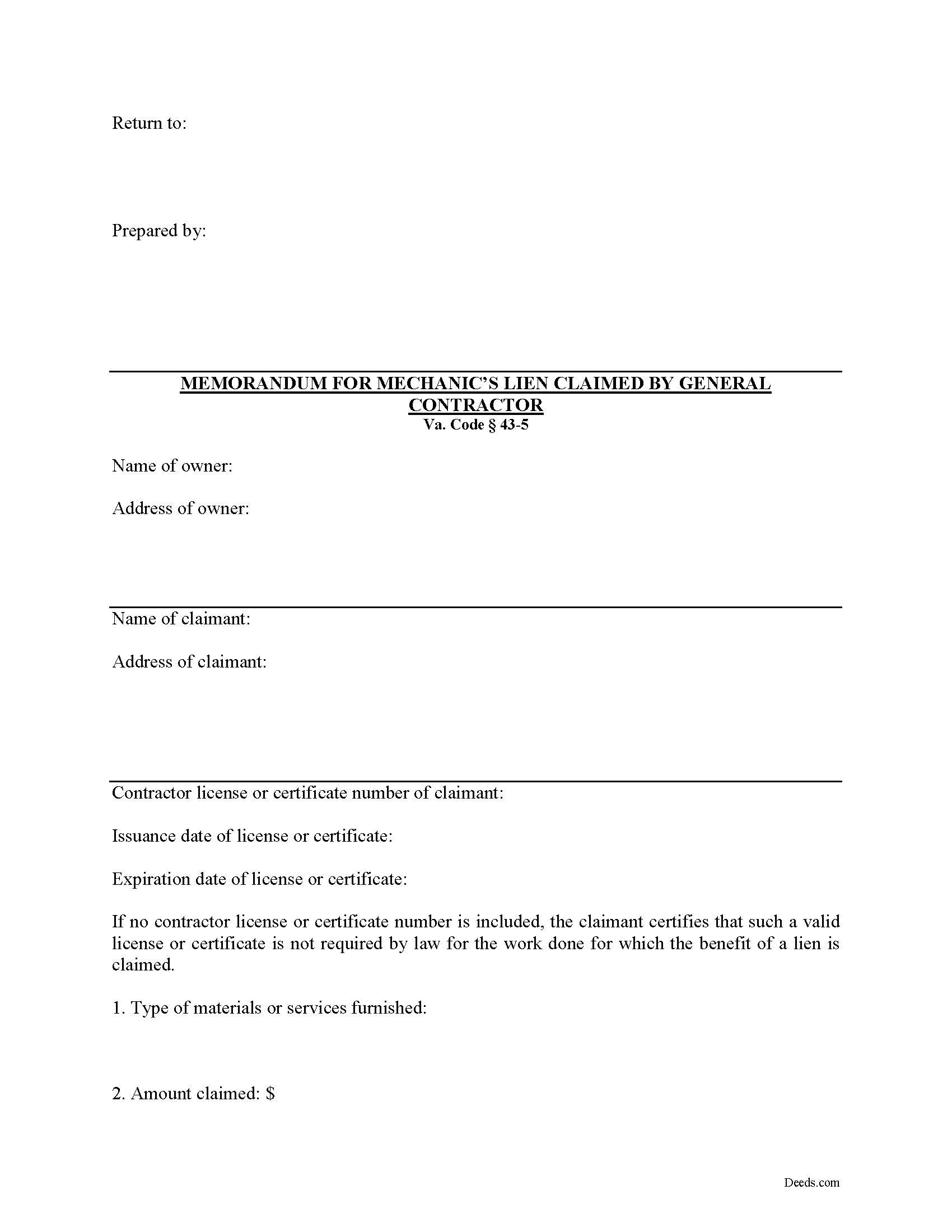
Fauquier County General Contractor Memorandum for Mechanics Lien Form
Fill in the blank General Contractor Memorandum for Mechanics Lien form formatted to comply with all Virginia recording and content requirements.
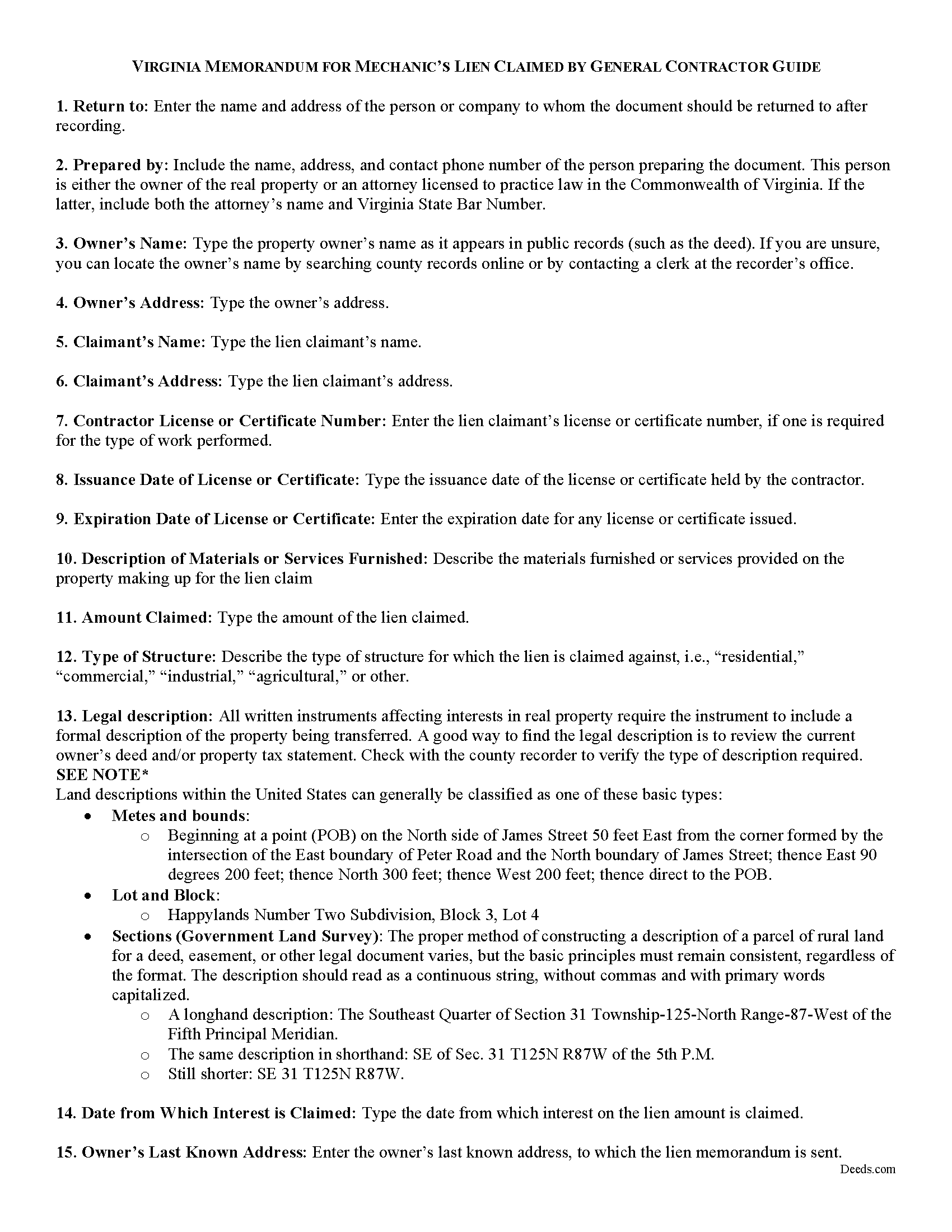
Fauquier County Memorandum for Mechanics Lien Guide
Line by line guide explaining every blank on the form.
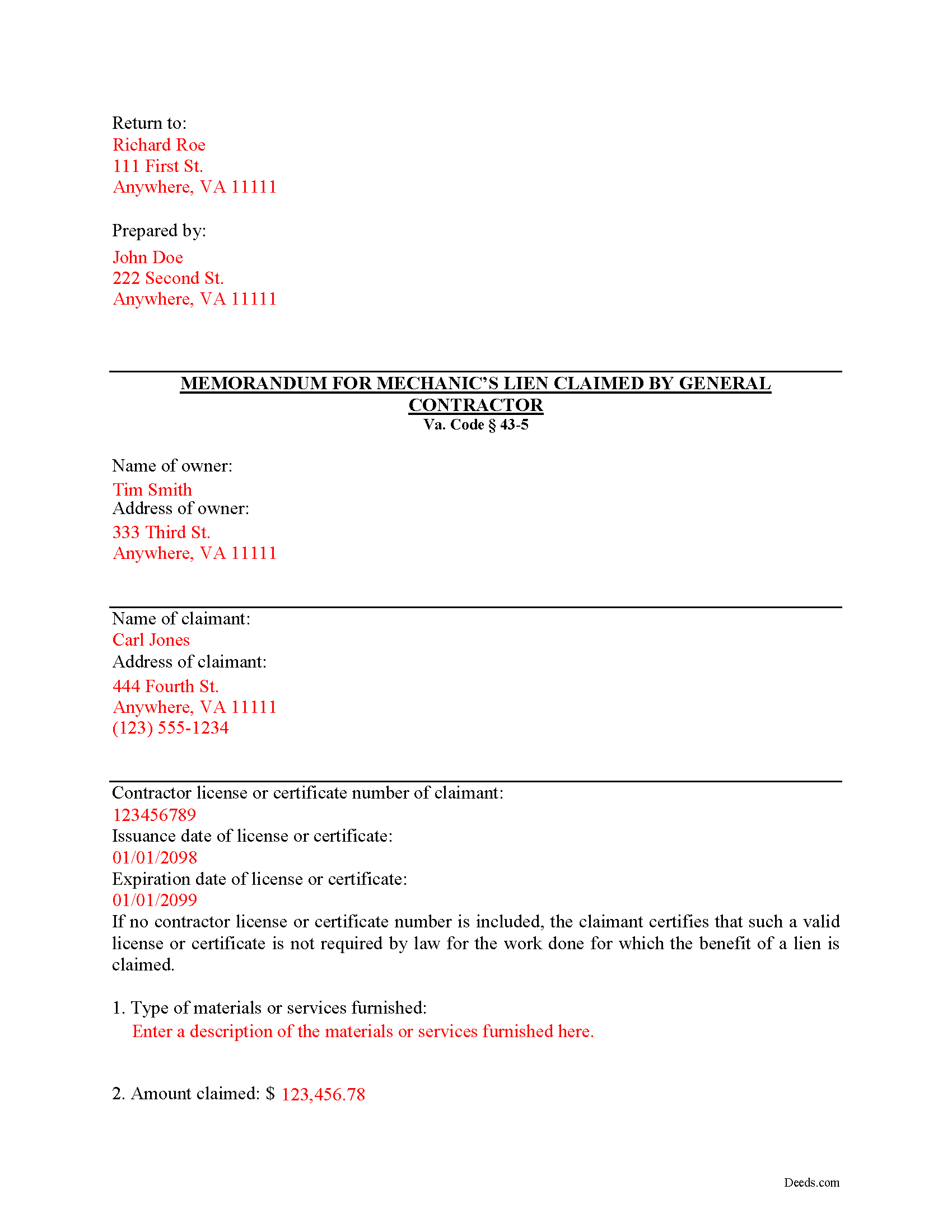
Fauquier County Completed Example of the Memorandum for Mechanics Lien Document
Example of a properly completed form for reference.
All 3 documents above included • One-time purchase • No recurring fees
Immediate Download • Secure Checkout
Additional Virginia and Fauquier County documents included at no extra charge:
Where to Record Your Documents
Clerk of Circuit Court: Recording Desk
Warrenton, Virginia 20186-3202
Hours: Monday - Friday 8:00 am - 4:30 pm
Phone: (540) 422-8100 or 422-8087
Recording Tips for Fauquier County:
- Bring your driver's license or state-issued photo ID
- Ensure all signatures are in blue or black ink
- Ask if they accept credit cards - many offices are cash/check only
- Check that your notary's commission hasn't expired
- Documents must be on 8.5 x 11 inch white paper
Cities and Jurisdictions in Fauquier County
Properties in any of these areas use Fauquier County forms:
- Bealeton
- Broad Run
- Calverton
- Casanova
- Catlett
- Delaplane
- Goldvein
- Hume
- Markham
- Marshall
- Midland
- Orlean
- Rectortown
- Remington
- Somerville
- Sumerduck
- The Plains
- Upperville
- Warrenton
Hours, fees, requirements, and more for Fauquier County
How do I get my forms?
Forms are available for immediate download after payment. The Fauquier County forms will be in your account ready to download to your computer. An account is created for you during checkout if you don't have one. Forms are NOT emailed.
Are these forms guaranteed to be recordable in Fauquier County?
Yes. Our form blanks are guaranteed to meet or exceed the applicable formatting requirements used for recording in Fauquier County, including margin requirements, font requirements, and other layout standards. This guarantee applies to formatting, not to the legal sufficiency of information entered by the user or the suitability of a form for a particular transaction.
Can I reuse these forms?
Yes. You can reuse the forms for your personal use. For example, if you have multiple properties in Fauquier County you only need to order once.
What do I need to use these forms?
The forms are PDFs that you fill out on your computer. The free Adobe Acrobat Reader is recommended, and most PDF apps also work. You do NOT enter your property information online - you download the blank forms and complete them privately on your own computer.
Are there any recurring fees?
No. This is a one-time purchase. Nothing to cancel, no memberships, no recurring fees.
How much does it cost to record in Fauquier County?
Recording fees in Fauquier County vary. Contact the recorder's office at (540) 422-8100 or 422-8087 for current fees.
Questions answered? Let's get started!
Virginia Mechanic's Lien by a General Contractor
In Virginia, a lien claimant may make a claim for a mechanic's lien by completing and recording a "Memorandum for Mechanic's Lien" document. There are separate versions of the Memorandum depending on whether the claimant is a contractor, subcontractor, or sub-subcontractor.
In general, a mechanic's lien claim becomes available when a property owner or other person in the chain has not paid the contractor or others owed payment. The lien works as a security device by placing an encumbrance on the property, which in turn prompts the property's owner to pay in order to remove the lien. Liens can also be sought against payment funds, for example, by preventing a contractor from being paid by the owner until the subcontractors are paid.
A general contractor must file a memorandum of lien at any time after the work is commenced or material furnished, but not later than 90 days from the last day of the month in which he last performs labor or furnishes material, and no later than 90 days from the time the project is completed or the work ends. Va. Code 43-4. The memorandum is then filed in the clerk's office in the county or city in which the building, structure or railroad, or any part thereof is located. Id.
The memorandum must show: (1) the name of the owner of the property, (2) the claimant of the lien, (3) the amount and consideration of the claim, (4) the time or times when the claim is or will be due and payable, (5) a verification by the oath of the claimant, or his agent, including a statement declaring his intention to claim the benefit of the lien, and (6) a brief description of the property. Id. In addition, it contains the claimant's license or certificate number issued by the Board for Contractors, if any, and the date such license or certificate was issued as well as the date such license or certificate expires. Id.
A general contractor lien claimant must include a certification of mailing of a copy of the memorandum of lien to the property owner at the owner's last known address, when recording the memorandum of lien. Id. The verification must be completed and signed while in the presence of a licensed notary.
In conclusion, a mechanic's lien is a powerful tool when used properly. By keeping track of key dates and parties in each construction job, contractors can protect their rights.
This article is provided for informational purposes only and should not be relied upon as a substitute for the advice of an attorney. Please contact an attorney with any questions about filing a Memorandum for a Mechanic's Lien in Virginia.
Important: Your property must be located in Fauquier County to use these forms. Documents should be recorded at the county or independent city recording office listed above.
This General Contractor Memorandum for Mechanics Lien meets all recording requirements specific to Fauquier County.
Our Promise
The documents you receive here are guaranteed to meet or exceed the applicable Fauquier County recording format requirements. If there is a rejection caused by our formatting, we will correct the issue or refund your payment. This guarantee applies to document formatting only and does not extend to information entered by the user, the selection of the form, or the legal effect of the completed document.
Save Time and Money
Get your Fauquier County General Contractor Memorandum for Mechanics Lien form done right the first time with Deeds.com Uniform Conveyancing Blanks. At Deeds.com, we understand that your time and money are valuable resources, and we don't want you to face a penalty fee or rejection imposed by a county recorder for submitting nonstandard documents. We constantly review and update our forms to meet rapidly changing state and county recording requirements for roughly 3,500 counties and local jurisdictions.
4.8 out of 5 - ( 4,828 Reviews )
Connie P. 5 out of 5 stars
Easy, fast, responsive. My document was filed and posted in just a matter of days.
Your feedback is valuable to us and helps us improve. Thank you for sharing your thoughts!
Patricia D. 5 out of 5 stars
It worked great- I had a little trouble at first with the site, figuring out where to do what, but the form was much better than the one we purchased at Staples, loved being able to fill out with the computer. We did need the other form as per the screen prior to ordering but couldn't figure out which one. The ladies at the recorders were great too.
We appreciate your business and value your feedback. Thank you. Have a wonderful day!
Pietrina P. 5 out of 5 stars
Recording with Deeds.com was a seamless experience. Communications were timely, clear and professional. When I had a question, I received a prompt email reply. Overall an excellent experience
We appreciate your business and value your feedback. Thank you. Have a wonderful day!
Deborah C. 5 out of 5 stars
I would recommend these forms to others.
Thank you!
Tressa P. 5 out of 5 stars
This online service was very easy to use. I highly recommend Deeds.com. The quick response from the representative upon submitting your document is quick. If something needed to be adjusted they will send you message and you can in turn respond right away with a message. The pricing of this service is very reasonable.
Thank you!
shaun s. 5 out of 5 stars
Pretty quick and accurate, thank you
Thank you for your feedback. We really appreciate it. Have a great day!
Mary D. 5 out of 5 stars
Gift Deed is exactly what was required. Thank you!
Thank you for your feedback. We really appreciate it. Have a great day!
Teresa R. 5 out of 5 stars
Zero problems, ended up with quality documents. Will use again.
We appreciate your business and value your feedback. Thank you. Have a wonderful day!
Johnna G. 5 out of 5 stars
Fantastic experience. Deeds.com worked with me on any corrections required by the county. Filing was super easy.
We appreciate your business and value your feedback. Thank you. Have a wonderful day!
Kathrine v. 5 out of 5 stars
i like this service! so convenient! 10 out of the 10
We appreciate your business and value your feedback. Thank you. Have a wonderful day!
Stefan L. 5 out of 5 stars
Great templates and very efficient
We appreciate your business and value your feedback. Thank you. Have a wonderful day!
John Y. 5 out of 5 stars
Too much money for a form!
Thank you!
DAVID H. 5 out of 5 stars
perfect. follow examples. no problem at court house. good deed layout.
Thank you for your feedback. We really appreciate it. Have a great day!
Tony R. 5 out of 5 stars
As advertised. Thanks.
We appreciate your business and value your feedback. Thank you. Have a wonderful day!
Missy J. 5 out of 5 stars
as always, perfect!
Thank you!